Free Arabic To English Image Translator Online

Upload a picture with Arabic script, run OCR, and translate Arabic to English image overlays in your browser — signs, labels, and document scans included.

Loading image translator…

How to Translate Arabic to English in a Picture

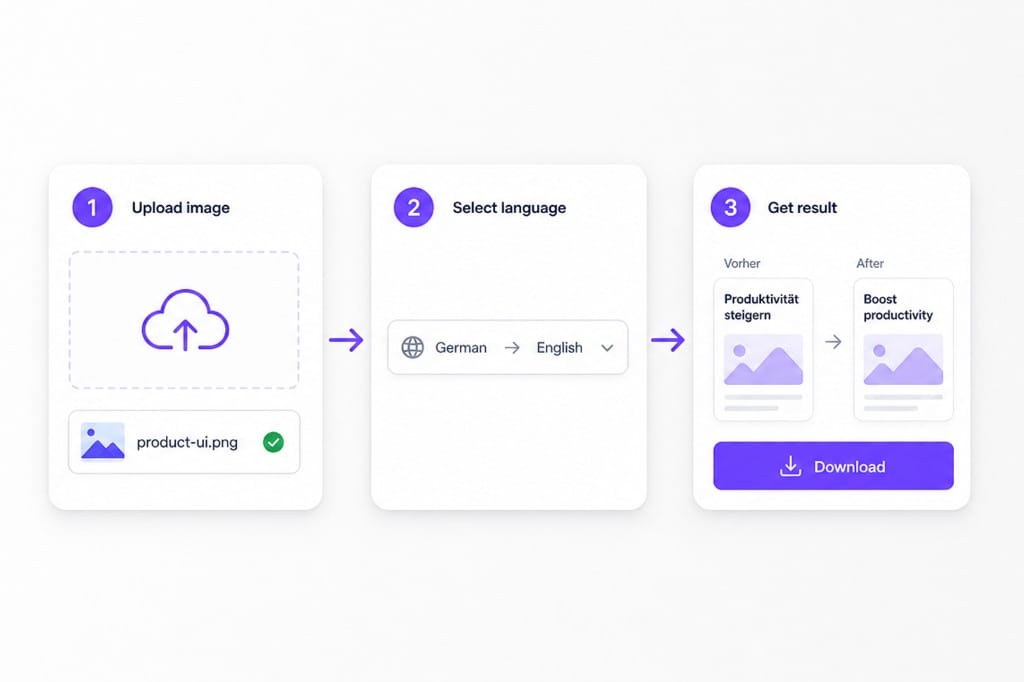
  1. 01Upload your Arabic picture

    Upload an image containing Arabic text to VMEG AI. The tool detects Arabic characters, including connected scripts, paragraphs, and text inside photos or scanned files.

  2. 02Set Arabic and English

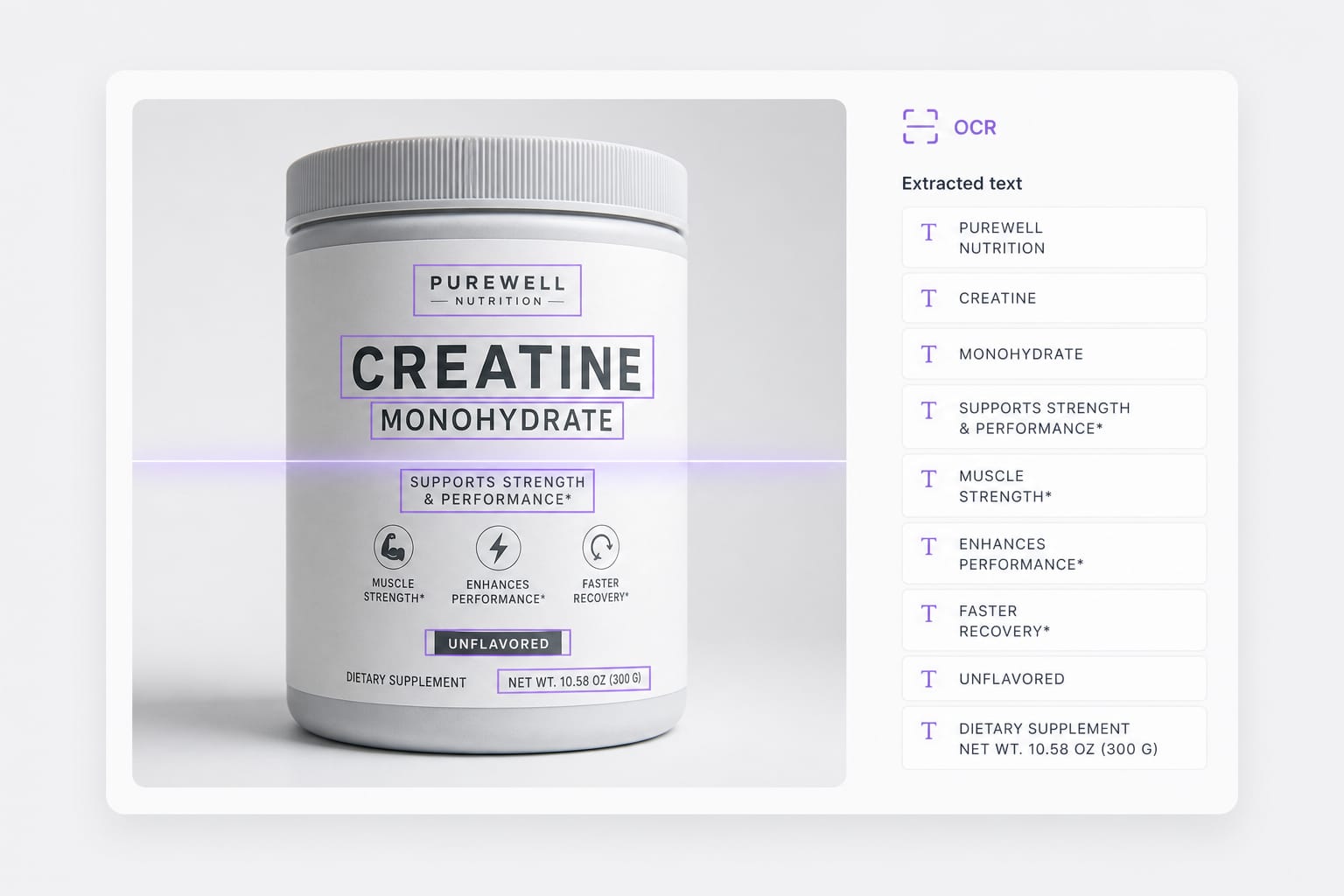
    VMEG AI uses OCR technology to identify Arabic writing from the image before translation. The system recognizes the text structure and processes the content based on its meaning.

  3. 03Download the English PNG

    After processing, check the translated English result and use it for reading, communication, research, or business tasks.

How to translate Arabic to English in a picture: upload Arabic image, choose English target, download

Why Use This Arabic To English Image Translator

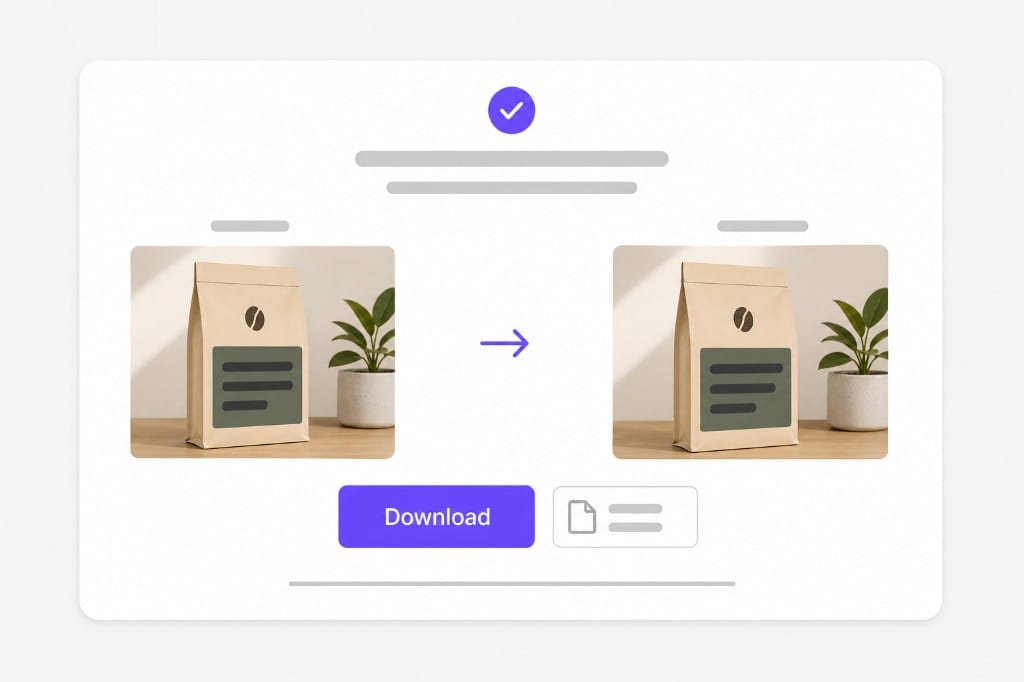
When Arabic print lives inside a photo — signage, packaging, or scanned pages — not selectable text in a PDF. Upload, preview English overlays, then sign in to download.

Handle Arabic Script Recognition More Effectively

Arabic text has unique characteristics, including connected letters and right-to-left writing direction. Many basic OCR tools struggle with complex layouts or unclear images. VMEG AI is designed to recognize Arabic image text more accurately and prepare it for reliable English translation.

Upload an Arabic photo
Arabic OCR on sign photo before arabic to english image translation

Support Real-World Arabic Translation Scenarios

Users encounter Arabic images in many situations, from travel and shopping to education and international business. Switching between different tools for each task creates unnecessary work. VMEG AI provides one workflow for translating Arabic images into English across different types of content.

Try it free
Arabic image to english translation workflow with English overlay preview

Browser workflow, honest limits

PNG, JPG, and WebP up to 10 MB per upload. Handwriting, decorative calligraphy, and low-contrast print often fail OCR — use sharp, well-lit photos for reliable arabic image to english translation.

Start translating
Upload limits for arabic to english image translator

FAQs about Arabic To English Image Translator

How do I translate arabic image to english online?

Upload a PNG, JPG, or WebP picture with Arabic print, set English as the target, then preview English overlays. This arabic to english image translator OCRs each region, translates the line, and redraws English before download.

Does this handle right-to-left Arabic text?

Yes. OCR detects Arabic script in photos regardless of layout direction. Clear printed text on signs, labels, and scans works best for arabic to english image translation.

Which formats are supported?

PNG, JPG, and WebP up to 10 MB per file. Exported results download as PNG after arabic image to english translation.

Can I translate a photo of an Arabic document?

Yes when text is sharp enough for OCR. For selectable PDF text, use our PDF translator for better layout preservation.

Is this arabic to english image translator free to try?

You can upload, preview English overlays, and review OCR boxes for free. Sign in when you download the translated PNG.
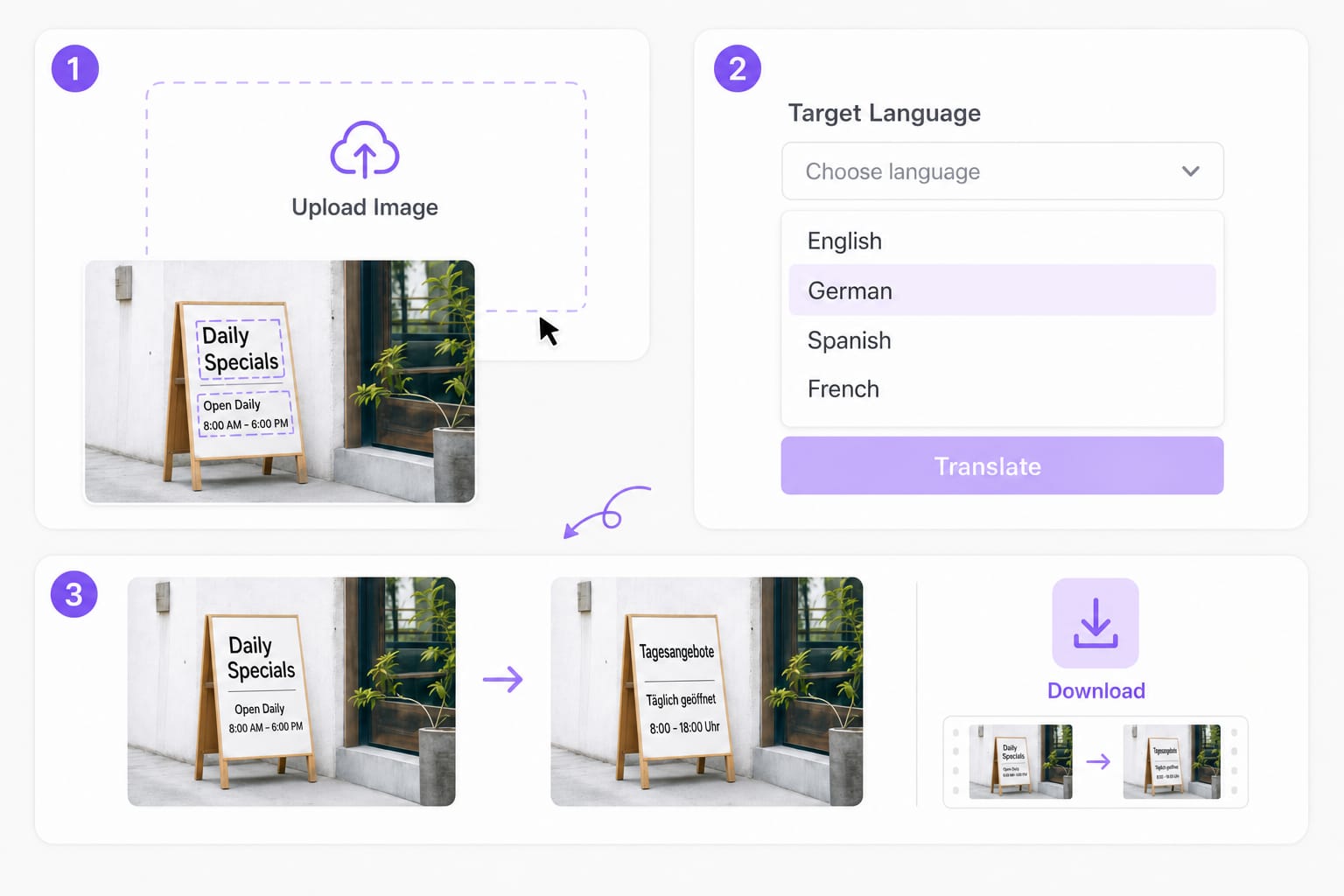
Translate videos into 170+ languages online

Upload MP4 or MOV, or paste a link — VMEG handles AI dubbing, lip sync, and subtitles in one browser workflow.