English
EN

Free Audio Extractor Online

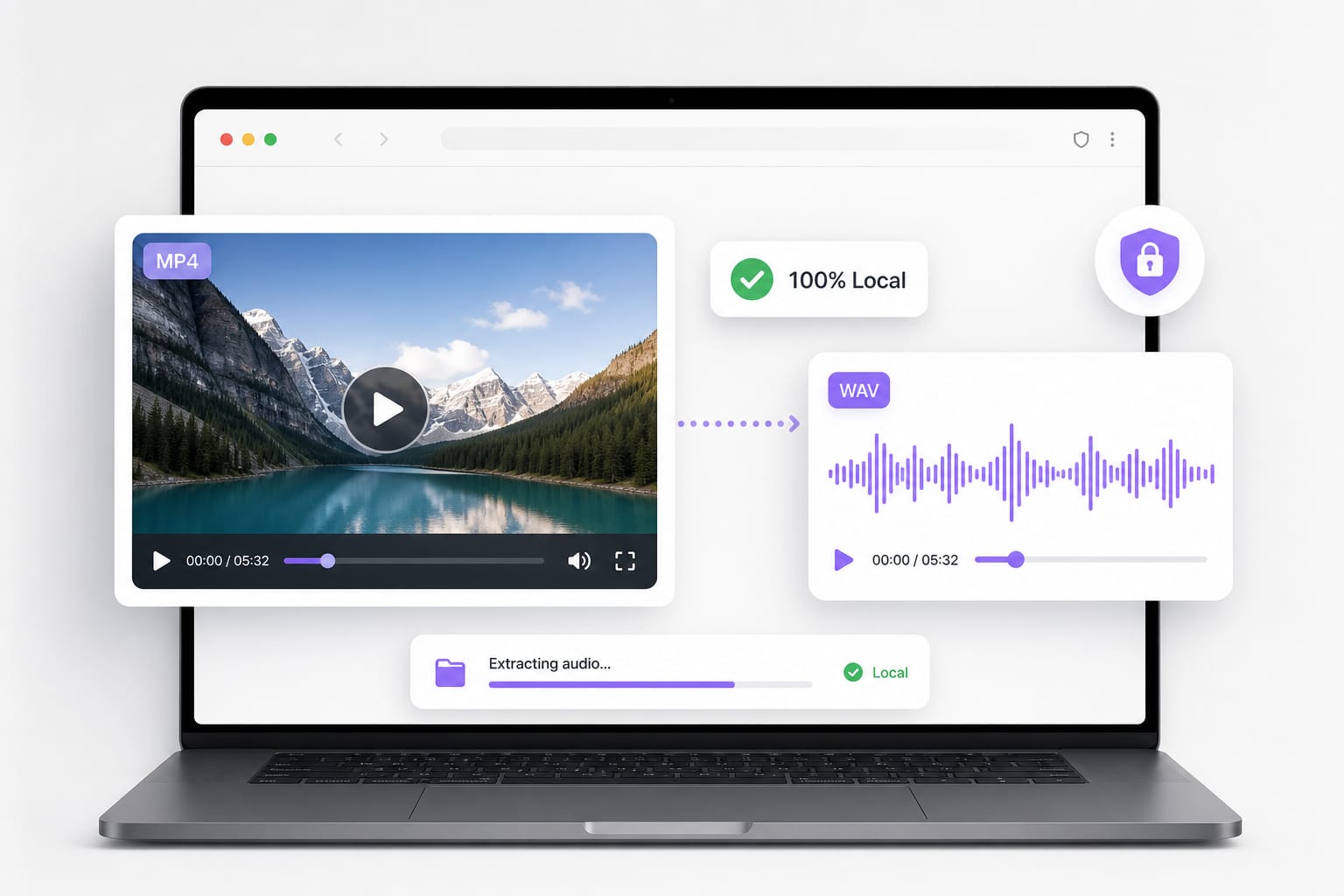
Pull audio from MP4, MOV, WebM, and other videos in seconds. Choose WAV or WebM, preview before you download. No software to install.

Loading audio extractor…

How to Extract Audio from Video Online

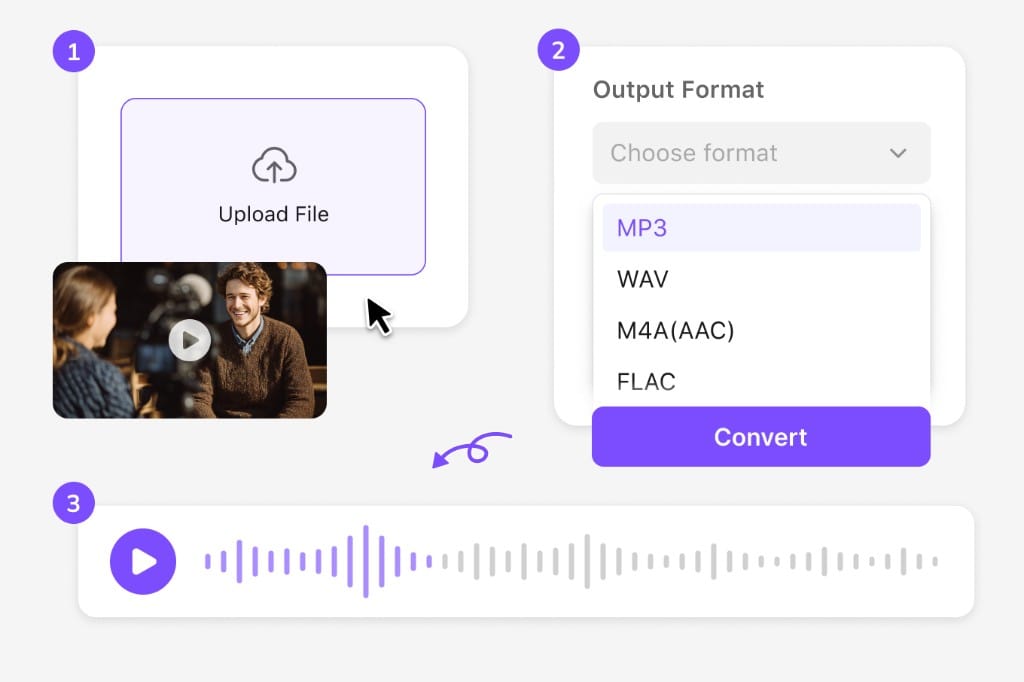
  1. 01Upload your video file

    Drop an MP4, MOV, WebM, or other common video format (up to 100 MB). Extraction starts right away.

  2. 02Choose an output format

    Pick WebM or WAV for instant export. MP3 and M4A options are shown for reference; use WebM or WAV here, or VMEG online tools when you need more formats.

  3. 03Extract, preview, and download

    The tool plays through your video once to capture the audio track. Preview the result, then download after signing in.

Video file converting to audio waveform illustration

Why Use Our Free Audio Extractor Online

Capture the audio track from everyday video files and export editor-ready WAV or lightweight WebM — preview on the page before you download.

WAV for timelines, WebM for quick shares

Export lossless WAV when you are handing audio to Audacity, Premiere, or DaVinci. Pick WebM for a smaller file you can drop into a slide deck or internal review. MP3 and M4A routes are available through VMEG online tools when you need compressed delivery.
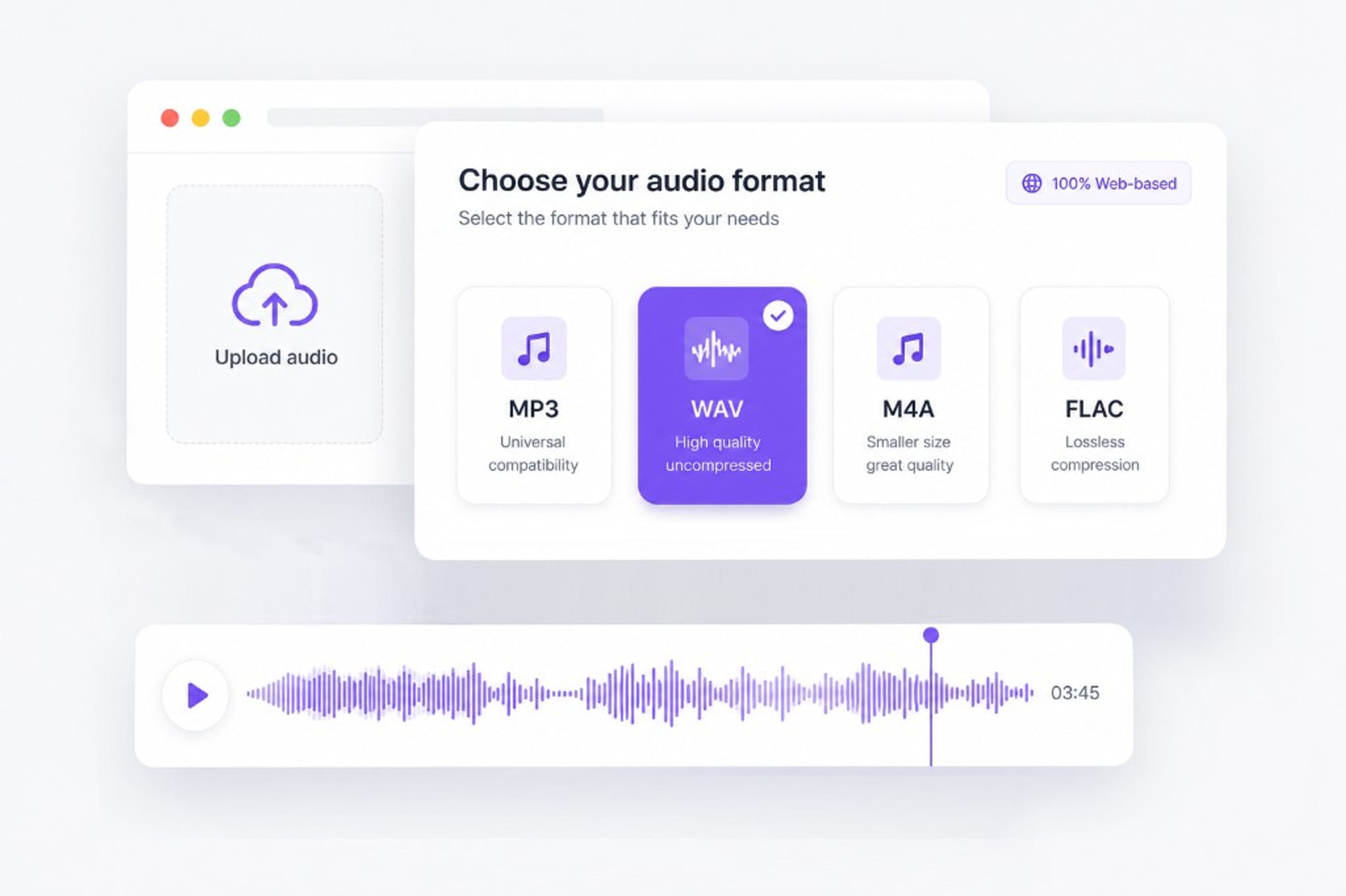
Choose MP3, WAV, M4A, or FLAC audio format

Captures audio while the clip plays once

The extractor records the soundtrack in real time as your video plays — no separate demux step on your machine. That keeps the workflow predictable for clips up to 100 MB.

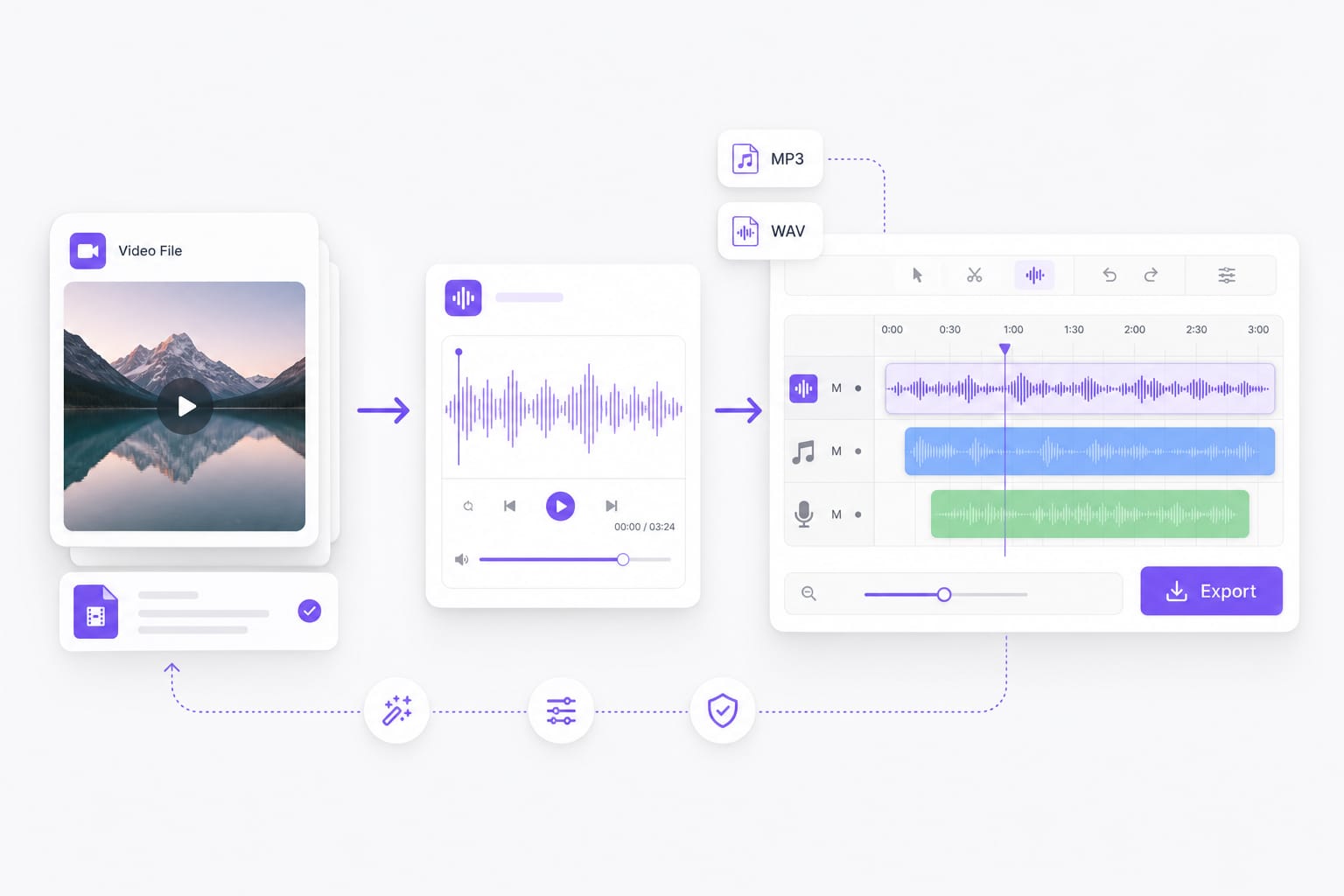
Audio waveform flowing into video editing timeline

Preview on the page, download after sign-in

Listen to the extracted track before you save it. Preview is free without an account; sign in when you are ready to download and continue in other VMEG tools.

Audio extraction workflow with waveform preview

FAQs about Audio Extractor

Is my video uploaded to VMEG?

Preview is free without an account. Sign in to download your file.

Why does extraction take as long as the video?

The tool plays your video once at normal speed to pull out the audio.

Which formats can I download?

WebM and WAV are fully supported here. MP3 and M4A are available through VMEG online tools on the main site.

Why do I need to sign in to download?

Preview is free without an account. Download helps us reduce abuse and lets you access more tools on VMEG after signing in.

Discover more on VMEG

Extract Audio from VideoMP4 to MP3 ConverterVideo to Audio ConverterVideo to MP3 ConverterMKV to MP3 ConverterMOV to MP3 ConverterWebM to MP3 Converter

Need AI dubbing or translation?

Turn extracted audio into multilingual voiceovers with VMEG’s video translation suite.