Free Japanese To English Image Translator Online

Upload a picture with Japanese print — kanji, hiragana, or katakana — run OCR, and translate Japanese to English image overlays in your browser.

Loading image translator…

How to Translate Japanese to English in a Picture

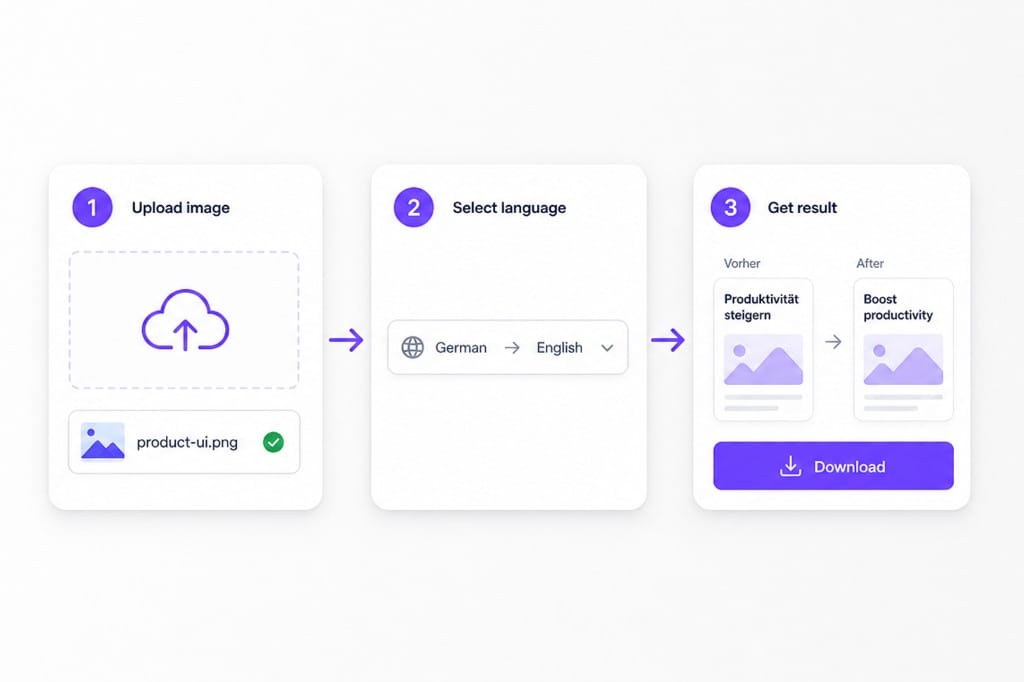
  1. 01Upload your Japanese picture

    Upload an image containing Japanese text to VMEG AI. The tool detects Japanese characters from the image, including printed text, screenshots, and scanned documents. Clear images help improve text recognition and translation accuracy.

  2. 02Set Japanese and English

    English is pre-selected as the target language. Use auto detect for Japanese source text or lock Japanese when every line uses kanji or kana, then run OCR before overlay translation.

  3. 03Review Your English Image Translation

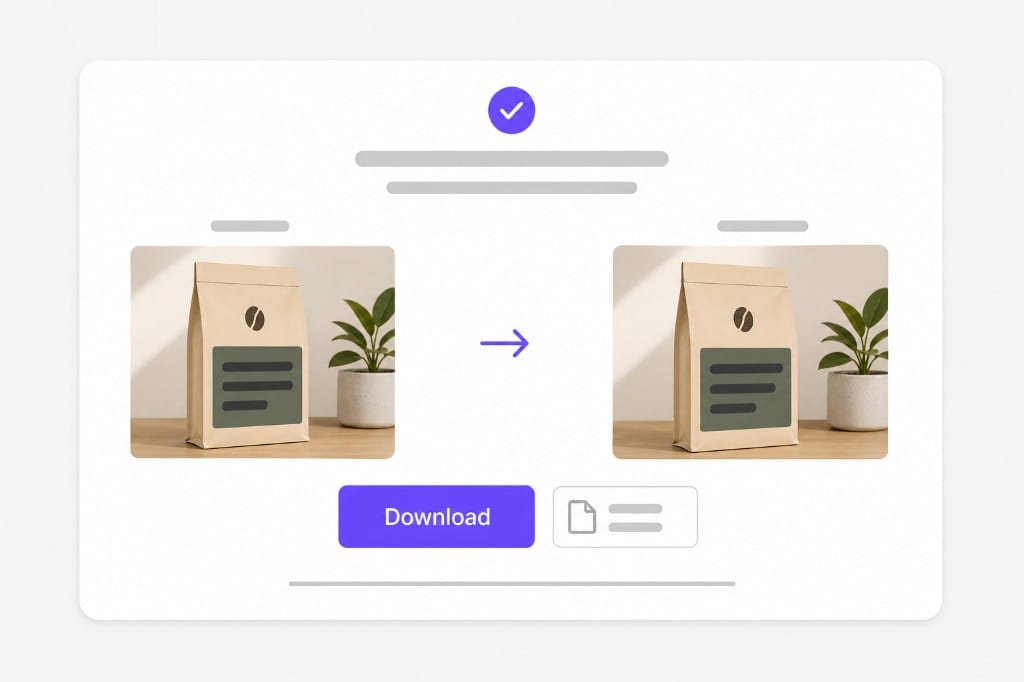
    Preview English text redrawn on the photo, then save a PNG for reviews, support tickets, or localization handoffs — a quick way to translate japanese to english image copy from a still image.

How to translate Japanese to English in a picture: upload Japanese image, choose English target, download

Why Use This Japanese To English Image Translator

When Japanese print lives inside a photo — menus, manga exports, packaging labels, or UI screenshots — not a selectable PDF. Upload, preview English overlays in place, then sign in to download.

Translate Japanese Images Without Manual Text Input

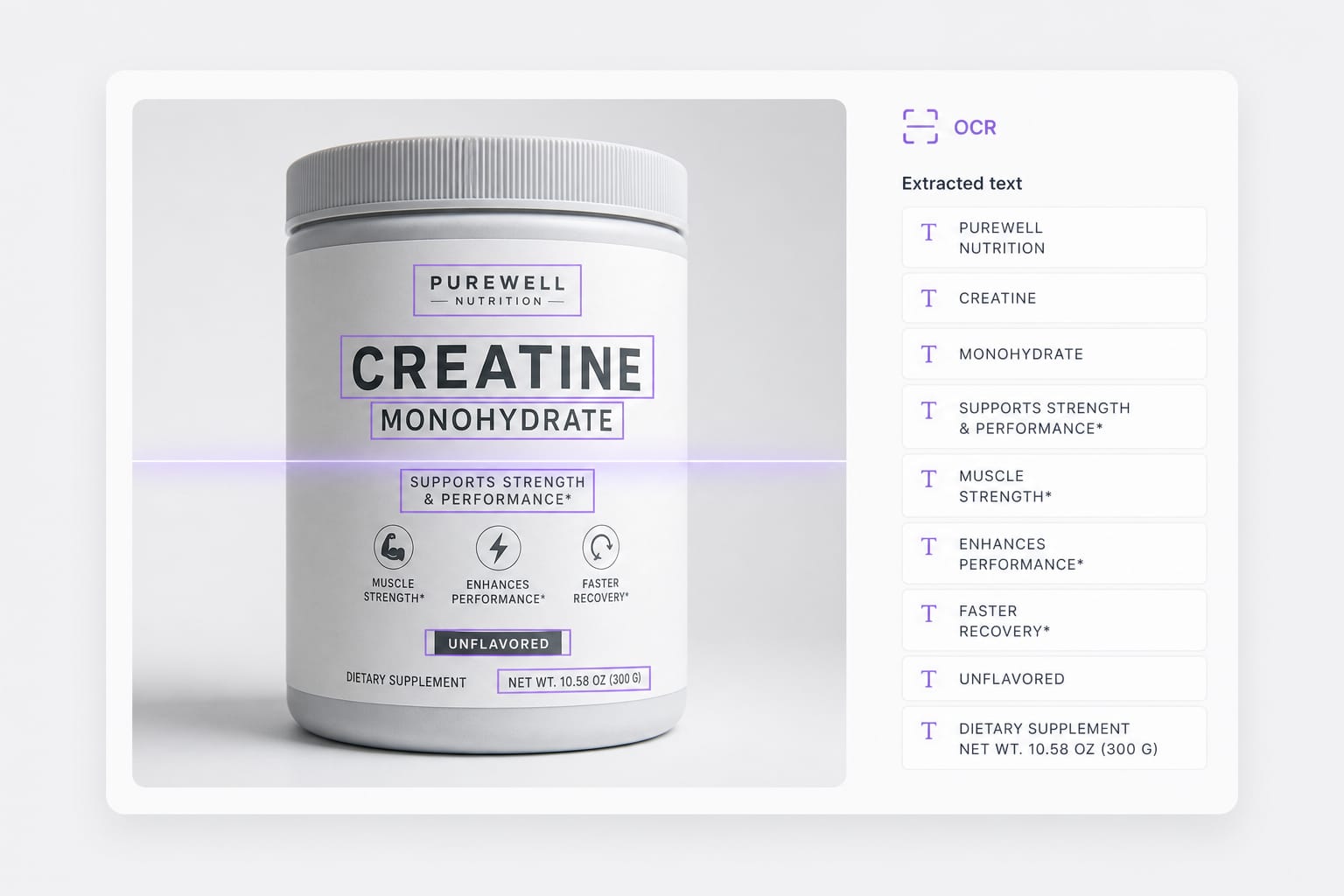
Japanese images often contain information that cannot be copied directly. Users usually need to type Japanese characters manually before translation, which is slow and difficult. VMEG AI extracts Japanese text directly from images and translates it into English automatically. This removes the need for manual input and simplifies the translation process.

Upload a Japanese photo
Japanese OCR on menu photo before translate japanese to english image

Understand Japanese Context Beyond Direct Translation

Japanese language often depends on context, sentence structure, and expressions that do not translate well word by word. Simple image translators may produce unnatural English results. VMEG AI uses AI language understanding to analyze the meaning behind Japanese text and provide clearer English translations.

Try it free
Translate japanese to english image workflow with English overlay preview

Translate Japanese Images Faster for Daily Tasks

Reading Japanese content manually can slow down users who need quick information. Searching each word separately is inefficient when dealing with large amounts of image text. VMEG AI provides a simple workflow to translate Japanese images quickly, helping users save time when studying, traveling, shopping, or working.

Start translating
PNG JPG WebP limits for japanese to english image translator uploads

FAQs about Japanese To English Image Translator

How do I translate japanese to english image text online?

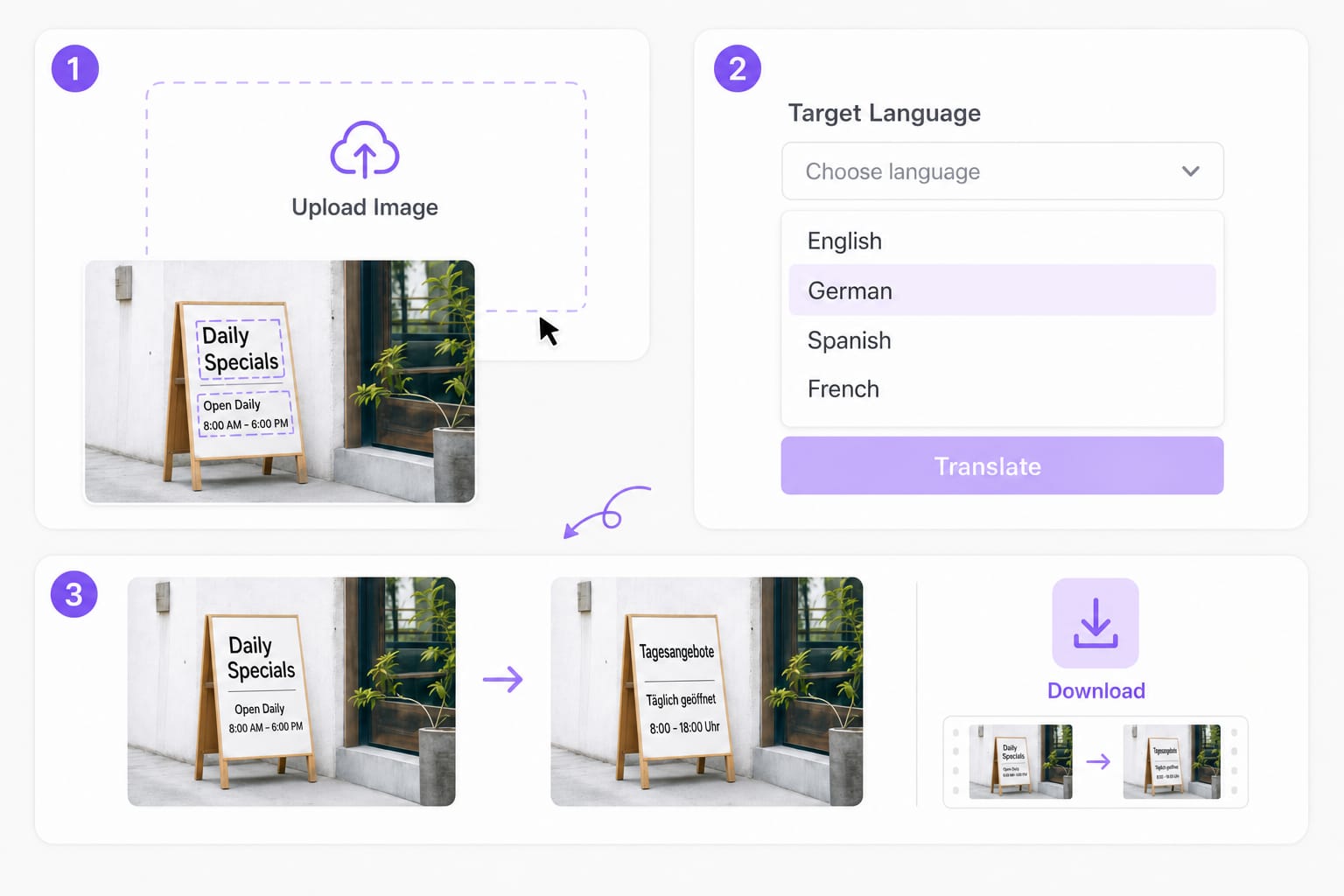
Upload a PNG, JPG, or WebP picture with Japanese print, set English as the target, then preview English overlays in your browser. This japanese to english image translator OCRs each text region, translates the line, and redraws English before you download a PNG.

Does this work on manga and comic panels?

Yes for clear printed dialogue in PNG or JPG exports. Stylized lettering and low-resolution scans may fail OCR — export a sharp panel image when you translate japanese to english image text from manga pages.

Which formats work for translate japanese to english image uploads?

PNG, JPG, and WebP up to 10 MB per file. Transparent PNGs are supported; exported results download as PNG.

Can I translate a screenshot of Japanese UI?

Yes. App and web UI captures with horizontal Japanese text work well. Upload the screenshot, keep English as the target, and download the translated PNG after preview.

Is this japanese to english image translator free to try?

You can upload, preview English overlays, and review OCR boxes for free in your browser. Sign in when you download the translated PNG.
Dub films and long videos for global audiences

Handle feature-length movies and series with AI translation, voice replacement, and subtitle tracks in one place.