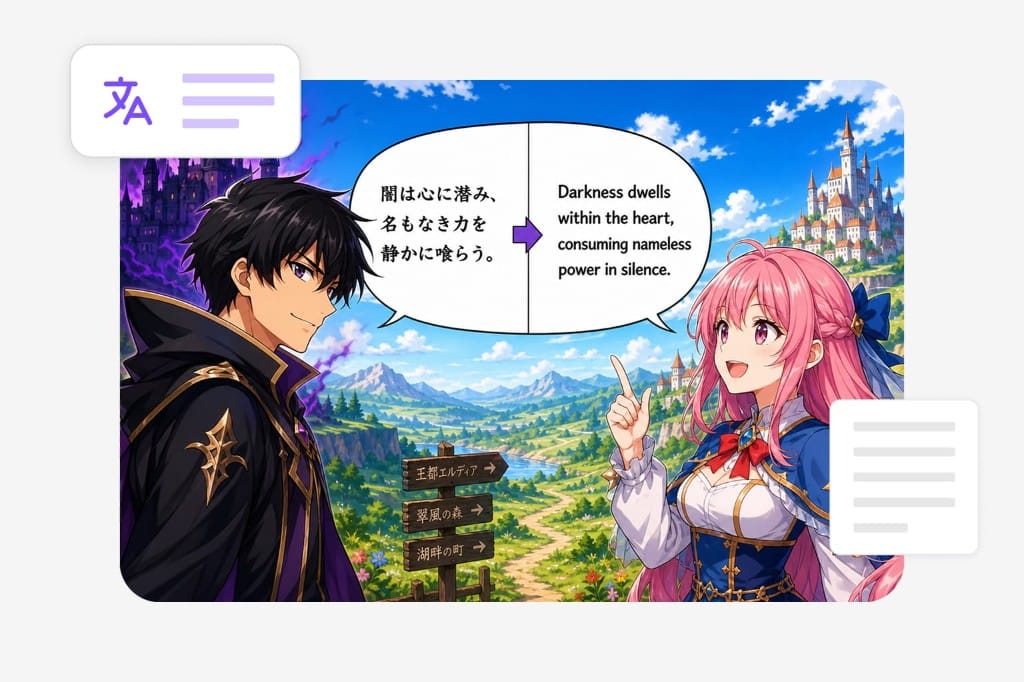
Translate Manga with AI Online

With AI-powered text recognition and translation, you can understand manga content without manually typing speech bubbles or captions.

Loading image translator…

How to Translate Manga

Three steps for manga translation in your browser — export a page as PNG, upload it to this manga translator, pick a target language, and download the translated panel image.

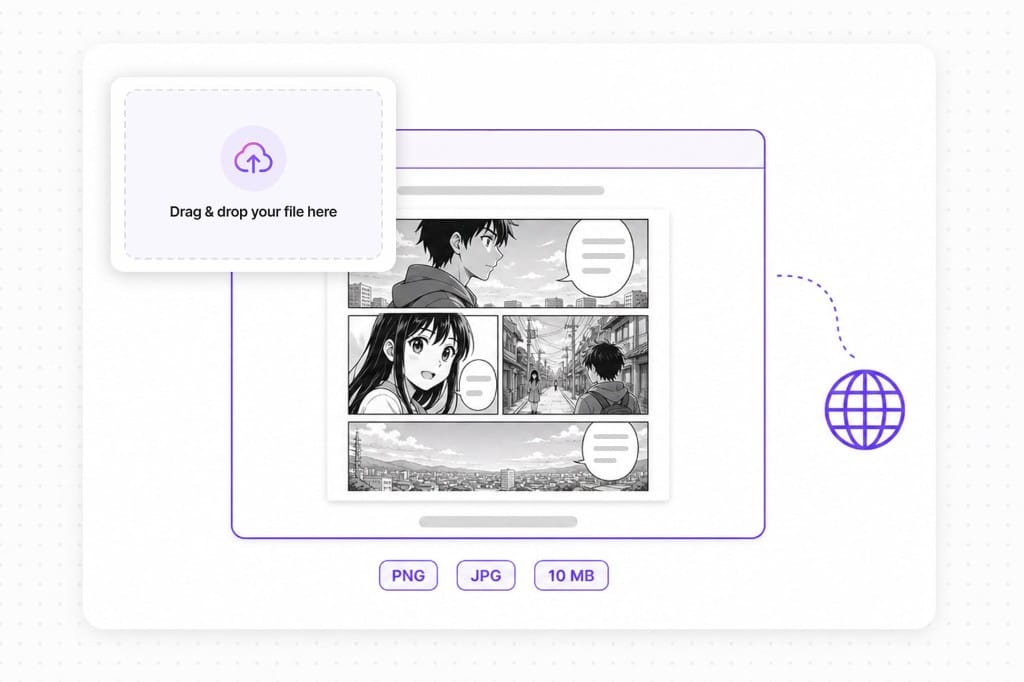
  1. 1.Upload your manga page

    Add a PNG, JPG, or WebP up to 10 MB — single-page exports, spread screenshots, or fan scan crops with readable bubble and caption text to translate manga panels.

  2. 2.Choose languages

    Leave source on auto detect for mixed Japanese, Korean, or Chinese bubbles, or lock the original script, then pick English or another target for this manga translator overlay.

  3. 3.Download the result

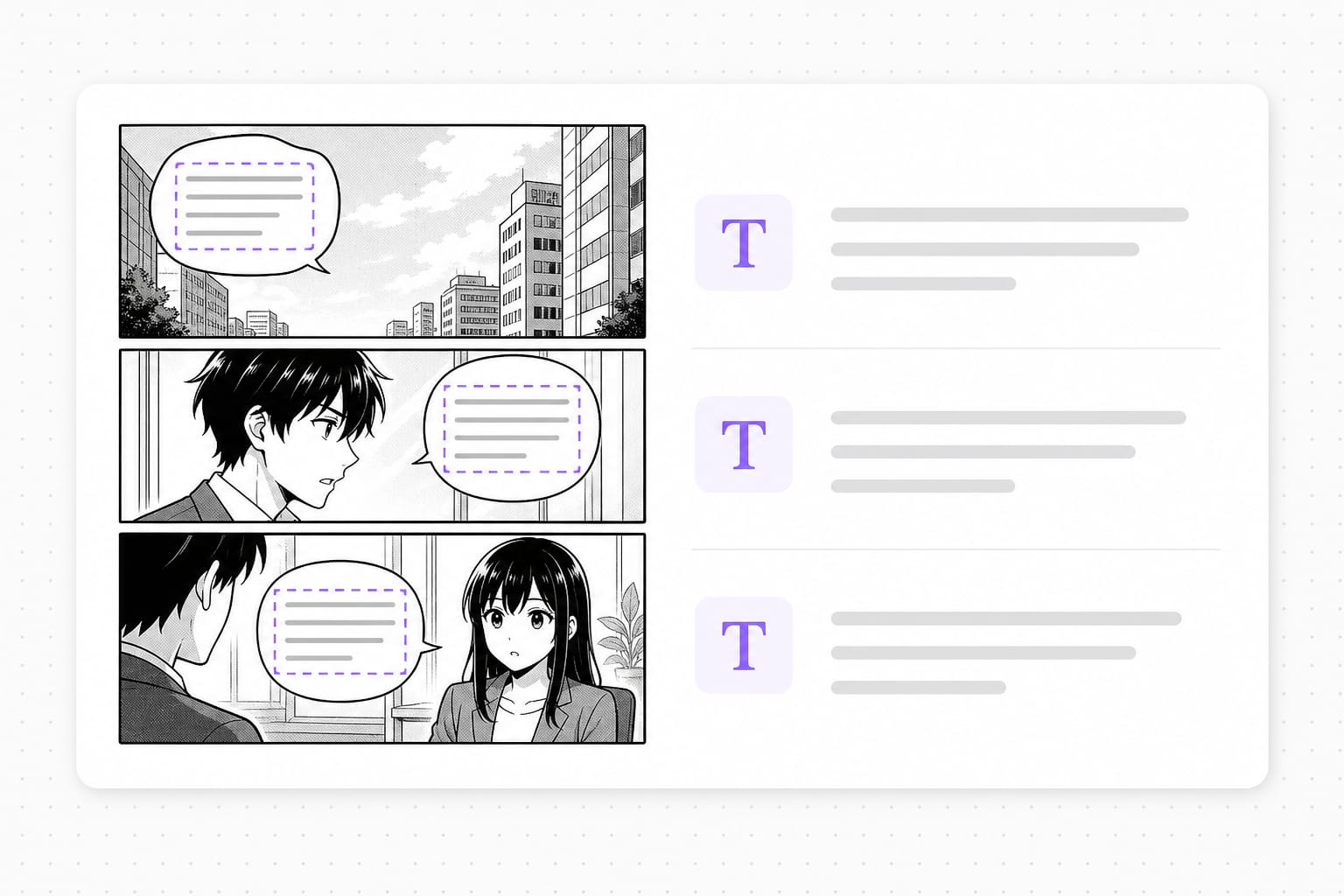
    This AI manga translator detects bubble text, runs manga translation on each line, redraws the target language inside the panel, and lets you save a PNG for draft reads or sharebacks.

Why Use This Manga Translator

For page exports and fan scans when you need AI manga translation plus translated overlays in the browser — not a full desktop typesetting project. Upload a screenshot, comic panel, or photo with text, choose a target language, preview overlays in place, then sign in to download from this free online Manga Translator workspace.

Detect manga bubble text

Manga often contains small text, stylized fonts, and handwritten expressions that can be difficult to understand. Manually looking up each word interrupts the reading experience. VMEG AI extracts text directly from manga images and translates the content, allowing readers to focus on the story instead of searching for individual meanings.

Upload a manga page

Overlay translated speech

Manga translation redraws each translated line inside the bubble so the original panel art stays visible — useful for draft reads, notes, and quick sharebacks when you translate manga pages online, not a substitute for professional lettering and sfx cleanup.

Try it free

Save Time When Reading Scanned Manga

Many manga files are available as scanned images, which makes traditional copy-and-translate methods inconvenient. Users often need to manually type text before searching for meanings. VMEG AI simplifies this process by extracting text directly from manga images and providing translated results in a shorter workflow.

Start translating

FAQs about Manga Translator

How to translate manga pages online?

Export a page as PNG or JPG, upload it to this manga translator, choose source and target languages, then preview translated bubble overlays in your browser. This AI manga translator OCRs each text region, runs manga translation on the line, and redraws the target language before you download a PNG.

What is an AI manga translator?

An AI manga translator combines OCR and machine translation for comic page images — you translate manga bubble text from pixels instead of retyping dialogue manually. This free online manga translator works on page exports, spread screenshots, and fan scan crops up to 10 MB.

Does manga translation keep the original art?

Translated lines redraw inside detected bubble boxes so panel art stays visible. Long manga translation strings may wrap or shrink to fit the bubble — common when you translate manga from Japanese into English.

Which image formats does this manga translator support?

PNG, JPG, and WebP up to 10 MB per file for manga translation uploads. Transparent PNGs are supported; downloads export as PNG. Check the upload chip on this page for the full list of supported containers; matching those formats avoids failed imports.

Is this manga translator free to try?

You can upload, preview manga translation overlays, and review bubbles for free. Sign in when you download the translated PNG from this AI manga translator.
Dub films and long videos for global audiences

Handle feature-length movies and series with AI translation, voice replacement, and subtitle tracks in one place.