English
EN

Free Document Translator Online

Upload a PDF, Word, PowerPoint, Excel, TXT, or SRT file, pick languages, and download a translated copy in the same format. Parsing stays in your browser; only text strings go through the translation API.

Loading document translator…

How to Translate a Document Online

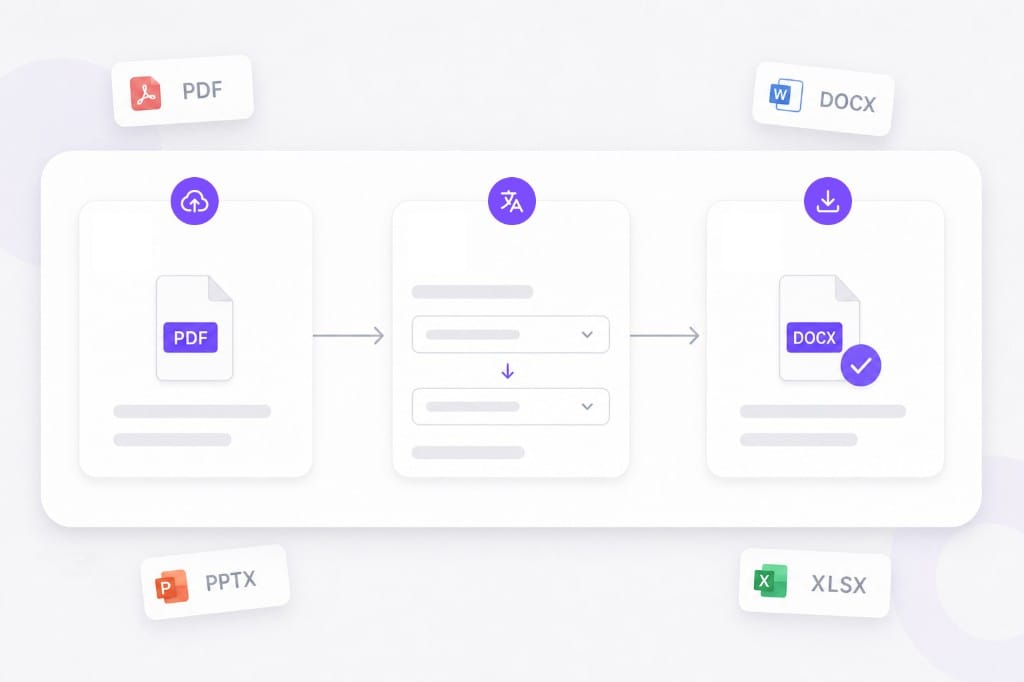
  1. 01Upload any supported file

    Drop a PDF, DOCX, PPTX, XLSX, TXT, or SRT up to 20 MB. This hub page accepts all six formats.

  2. 02Choose source and target languages

    Set the source language (or auto detect) and the language you want for the download.

  3. 03Translate and download

    We parse the file in your browser, send text strings for translation, rebuild the document, then you download it.

Upload PDF Word PPT Excel TXT or SRT and translate online illustration

Why Use This Free Document Translator Online

One hub when the file type changes from day to day and you still want the same download extension. Upload your file, pick languages, preview translated text in the browser, then download the finished Document Translator output without desktop software.

Six office formats, one upload box

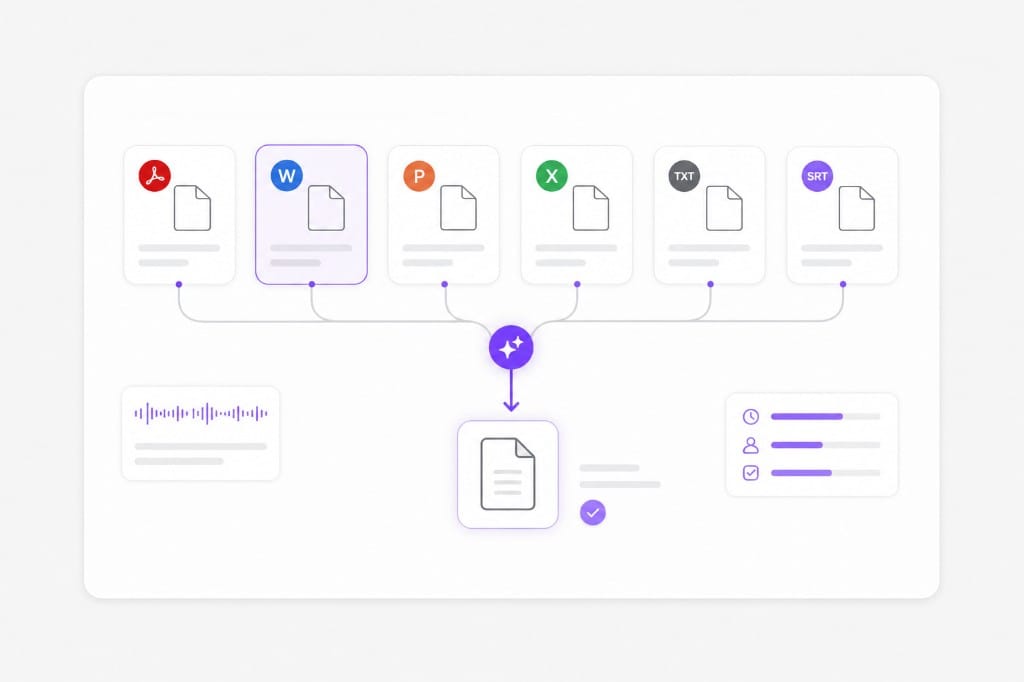
Switch between PDF, Word, PowerPoint, Excel, plain text, and SRT without opening a different site. Each download keeps the extension you uploaded. The download keeps your original file type where possible so you can open it in Word, Excel, or your usual editor after Document Translator finishes.

Supported PDF DOCX PPTX XLSX TXT SRT formats illustration

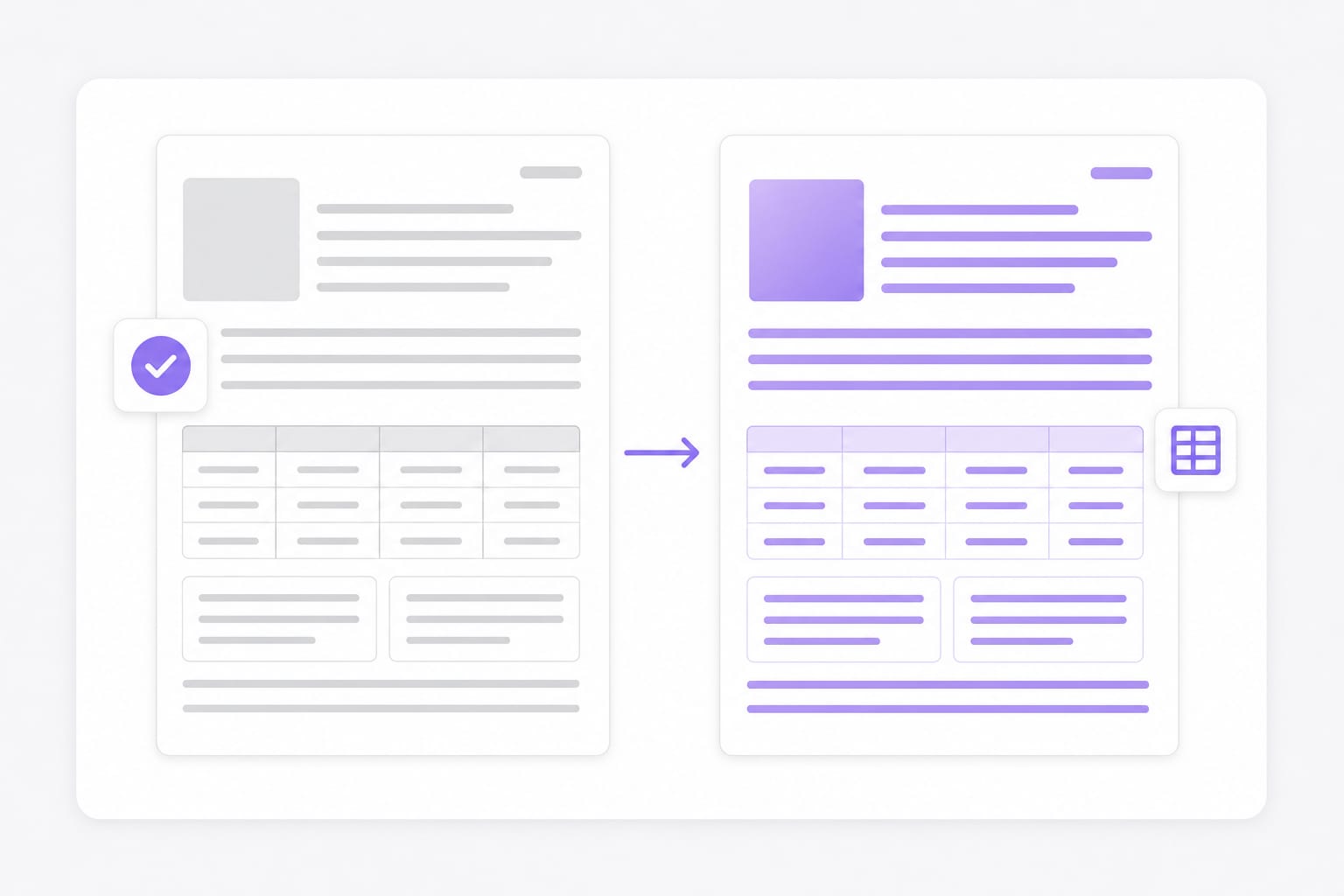
Structure rebuilt after translation

Paragraphs, slide shapes, and spreadsheet cells are updated in place where the pipeline allows, so you spend less time pasting text back into a blank file. Dense slides or merged cells may need a quick visual check after translation — open the download locally if a label wraps unexpectedly.

In-browser document parse and translate workflow

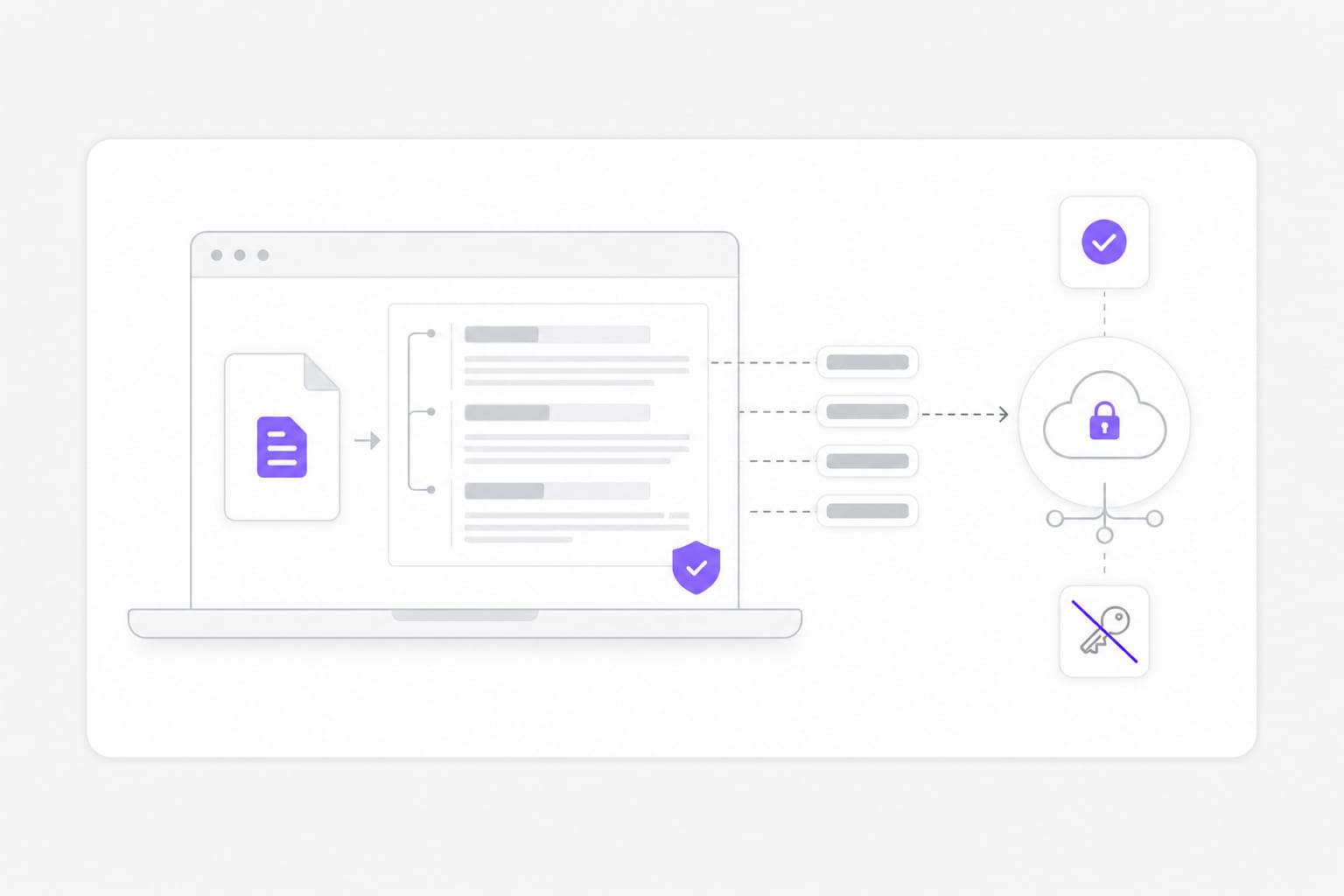
Parse locally, send text only

Document structure is read on your device. Only the extracted strings go through our translation API. No desktop CAT tool required: preview, adjust language pair, and export from the same free online Document Translator workspace.

Local document parsing with secure translation API

Frequently Asked Questions about Document Translator

Which file types can I translate here?

PDF with a usable text layer, Word (.docx), PowerPoint (.pptx), Excel (.xlsx), plain text (.txt), and subtitles (.srt). Older .doc files need to be saved as .docx first.

Does the layout stay the same after translation?

We keep structure as much as we can. Long translations or dense styling can still shift a little after download. Dense slides or narrow columns may wrap after translation; open the download and adjust styling locally if a label overflows.

Can you translate scanned PDFs?

Not in this version. Upload a text-based PDF you can select in a reader, or run OCR elsewhere and export a text-layer PDF first. For scanned PDFs or photos of text, run OCR first so the file has a selectable text layer, then upload it to Document Translator.

Is there a file size limit?

Yes. Each upload can be up to 20 MB. If a deck or spreadsheet exceeds the cap, split it into smaller files or export a lighter PDF, then run Document Translator again on each part.

Do Excel formulas get translated?

No. We skip formula cells and pure numbers, and only translate plain text cells. Review the translated workbook before sharing — merged cells and hidden sheets may need a quick visual check after Document Translator finishes.

Do I need an account to translate documents?

You can upload and translate without signing in for this MVP. Sign-in rules may tighten later with usage limits. You can usually upload and preview without an account; sign in unlocks download and helps prevent automated abuse of Document Translator.
Translate videos into 170+ languages online

Upload MP4 or MOV, or paste a link — VMEG handles AI dubbing, lip sync, and subtitles in one browser workflow.