Karaoke and cover practice
Remove the lead vocal so singers can perform over the original arrangement. Upload MP3, WAV, or video on this Vocal Remover page, preview the instrumental stem, then export after sign-in.
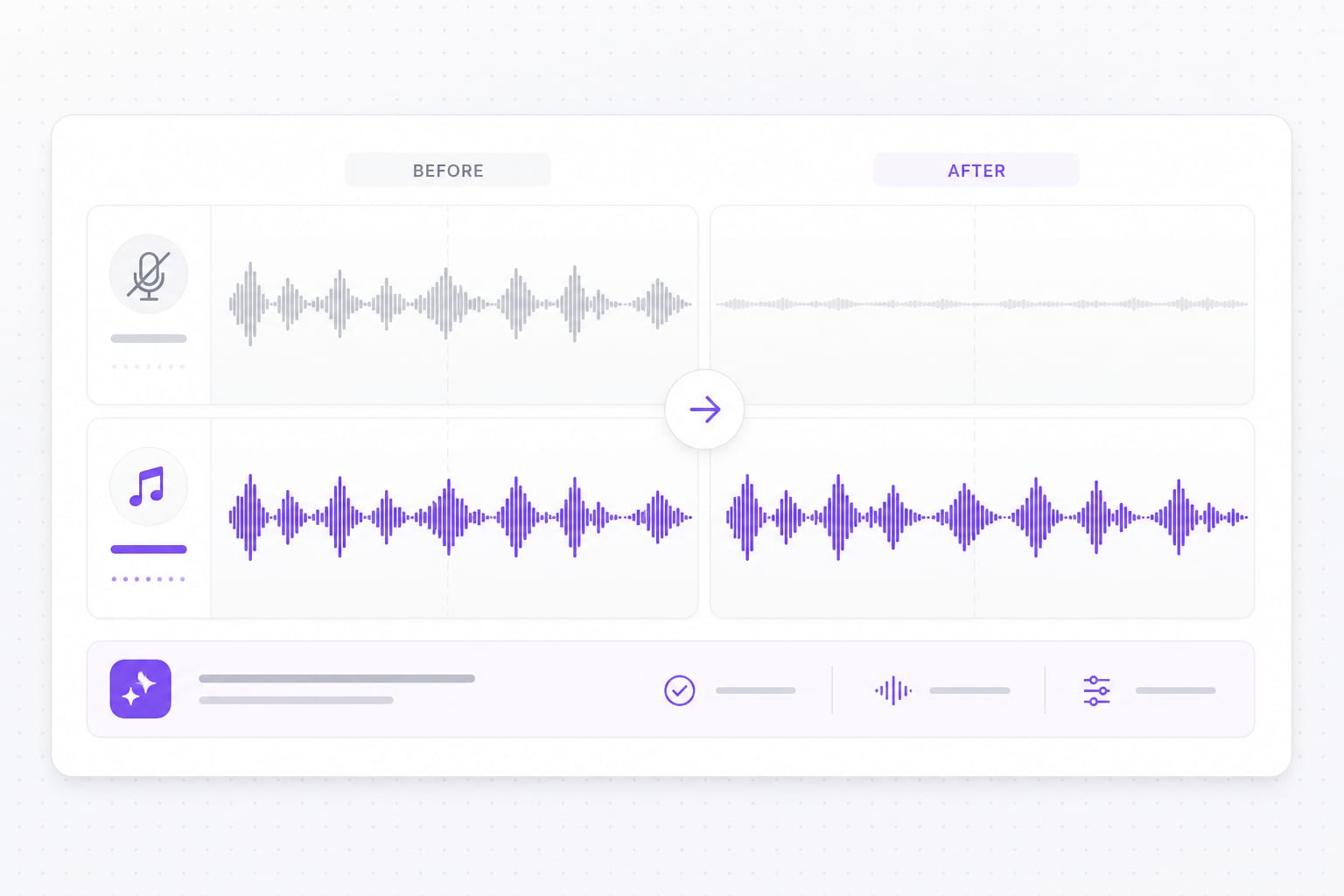
Free vocal remover online. Upload an MP3, WAV, or video file, strip the lead vocal, and export an instrumental for karaoke, practice, and remixes.
Compare a full song mix with an instrumental after the lead vocal is stripped.
Create backing tracks for practice nights, cover uploads, and sing-along sessions.
Start mashups from an instrumental stem when you cannot get the label files.
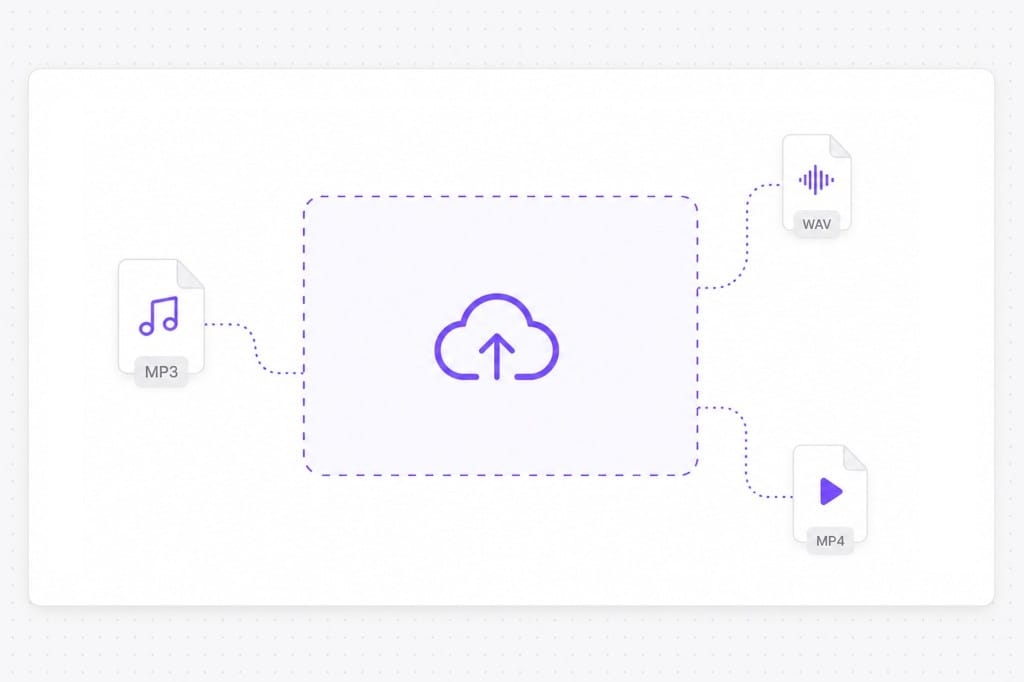
Drop MP3, WAV, M4A, or MP4 from your device. If you have a YouTube link, use YouTube Vocal Remover at /online-tools/youtube-vocal-remover/ instead.
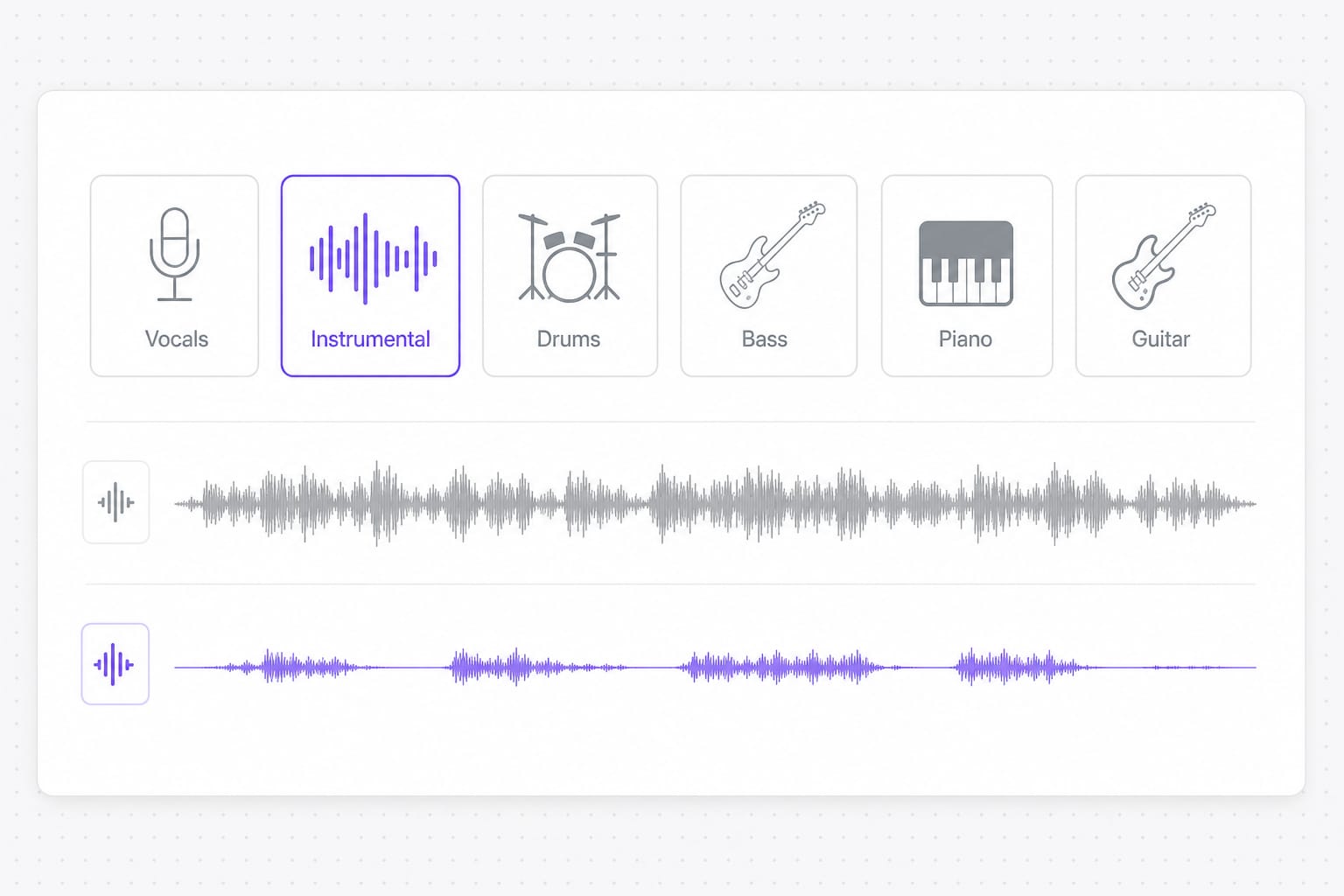
Select the Instrumental stem to download a karaoke-style backing track.
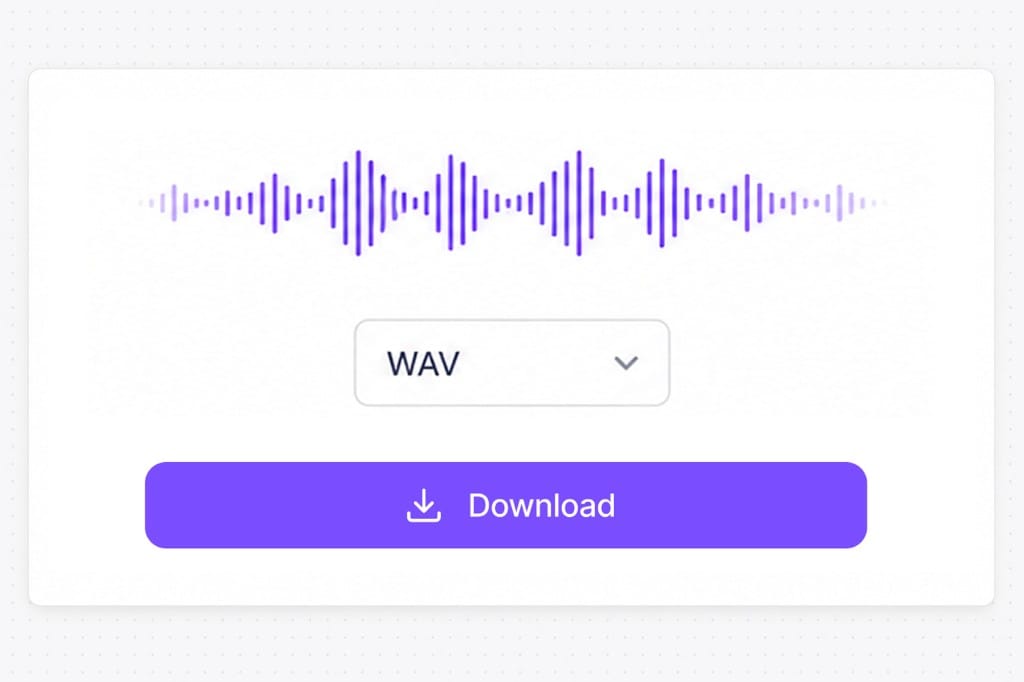
Preview the instrumental and sign in to save your file.
Make practice tracks and karaoke versions without hunting for official instrumentals. Upload an audio or video file, preview separated stems on the page, and export the vocal or instrumental after sign-in.
Remove the lead vocal so singers can perform over the original arrangement. Upload MP3, WAV, or video on this Vocal Remover page, preview the instrumental stem, then export after sign-in.
Pull an instrumental stem when you do not have the label stems. Preview and stem selection stay free in the browser; sign in only when you download.
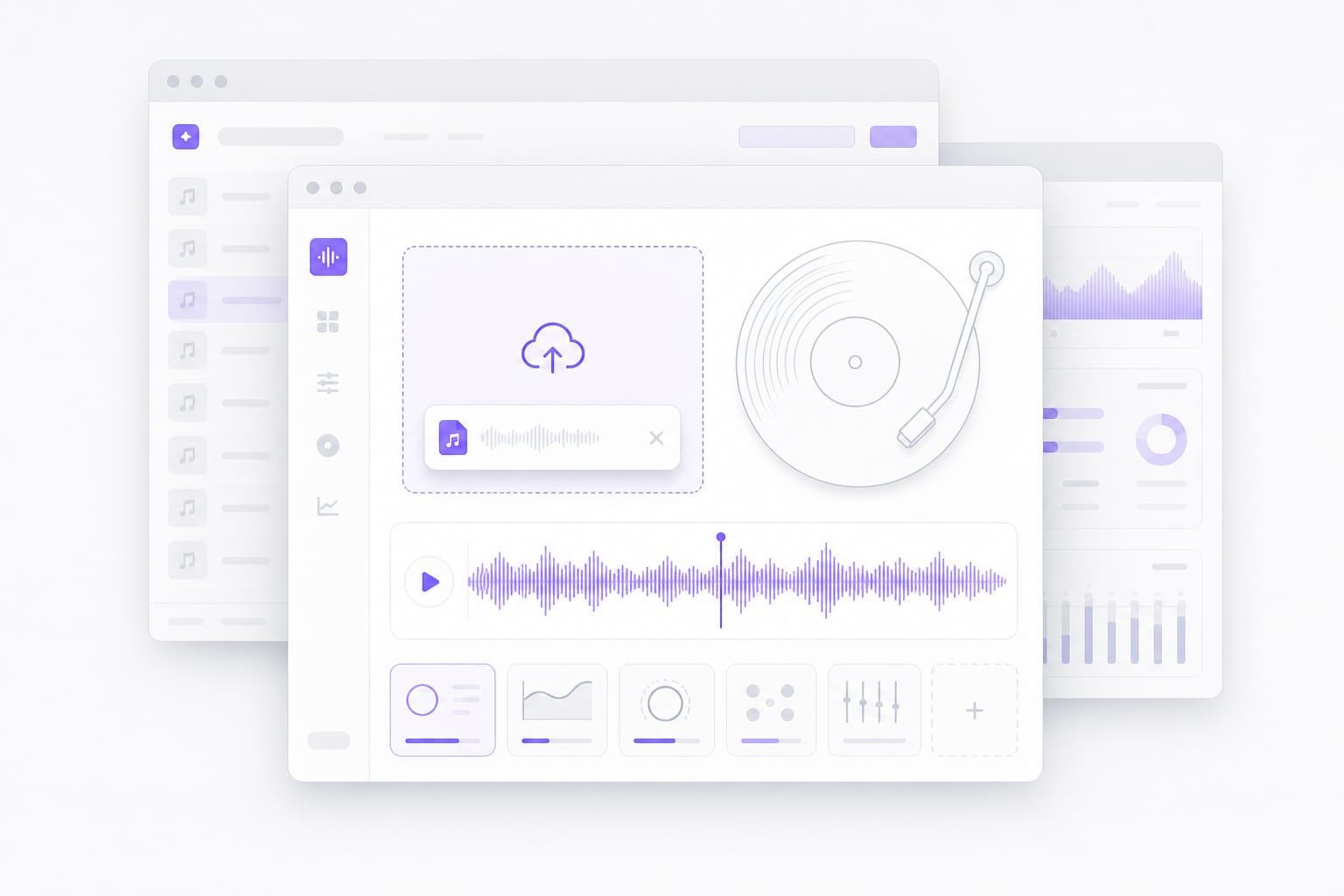
No install — open Vocal Remover in the browser, upload the mix, pick Instrumental, and preview before you save. For a finished song file aimed at karaoke or covers, Remove Vocals from a Song at /online-tools/remove-vocals-from-a-song/ is the dedicated page.
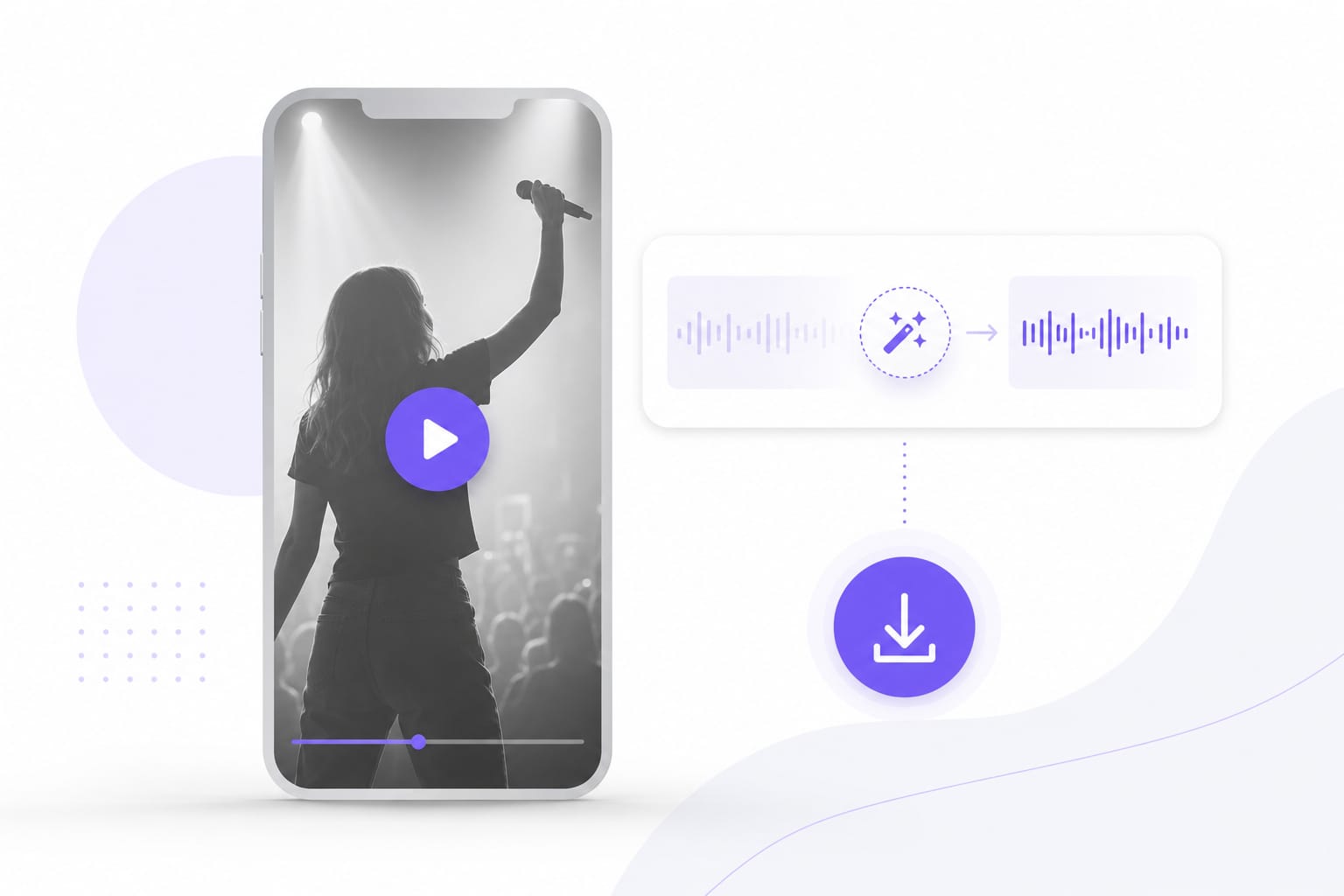
A vocal remover uses AI to take the lead voice out of a finished song, leaving the instrumental behind. You get a karaoke-ready backing track without hunting for an official instrumental release.
MP3, WAV, M4A, AAC, FLAC, MP4, MOV, MKV, and WebM up to 100 MB per file. Video uploads use the audio track for vocal removal. Check the upload chip on this page for the full list of supported containers; matching those formats avoids failed imports.
Not on this page. This Vocal Remover is for uploaded files. For a YouTube link, use YouTube Vocal Remover at /online-tools/youtube-vocal-remover/.
Pick Instrumental for a karaoke backing track. Pick Vocals if you want the singing on its own instead, for acapella edits or remix hooks. Upload the file on this Vocal Remover page, pick the stem, preview, then export after sign-in if download is required.
No. Vocal removal runs on VMEG in your browser: upload a file, choose a stem, preview, and download after sign-in. No encoder install is required.
This page is the general Vocal Remover for any uploaded mix. For a song file aimed at karaoke or covers, use Remove Vocals from a Song at /online-tools/remove-vocals-from-a-song/.
Sign in when you download your instrumental. Free to use 3 times a day, shared across all VMEG online tools. Upgrade to Online Tools Unlimited for unlimited daily use.
Upload MP4 or MOV, or paste a link — VMEG handles AI dubbing, lip sync, and subtitles in one browser workflow.