YouTube Subtitle Translator
Try the demo and experience all features for free

Convert any YouTube video into multilingual subtitles in seconds. Just paste the YouTube link — VMEG detects the spoken audio, transcribes it accurately, and translates subtitles into your selected language. You can edit text, timing, formatting and download as SRT or export a video with subtitles burned-in.
Why VMEG is the Best Tool for YouTube Subtitle Translation
01Paste Your YouTube URL
Paste the YouTube link, and VMEG will automatically generate and translate subtitles into your selected language with accurate timing.
02Choose Language
Pick your target language and the subtitles are translated automatically.
03Export & Share
You can refine the text if needed, then download SRT files or export a video with subtitles already embedded.
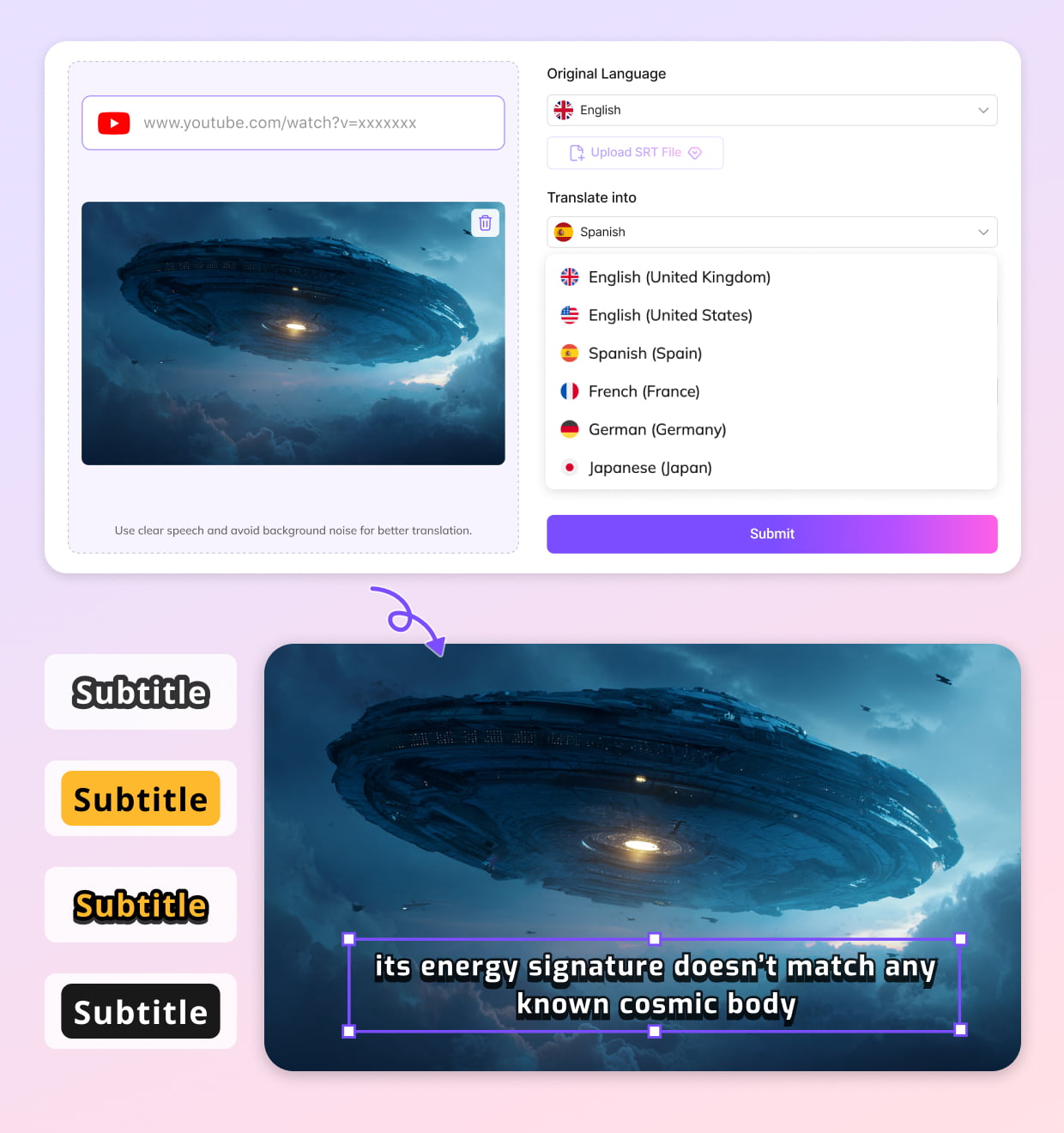


The Most Complete YouTube Video Translator for Global Reach
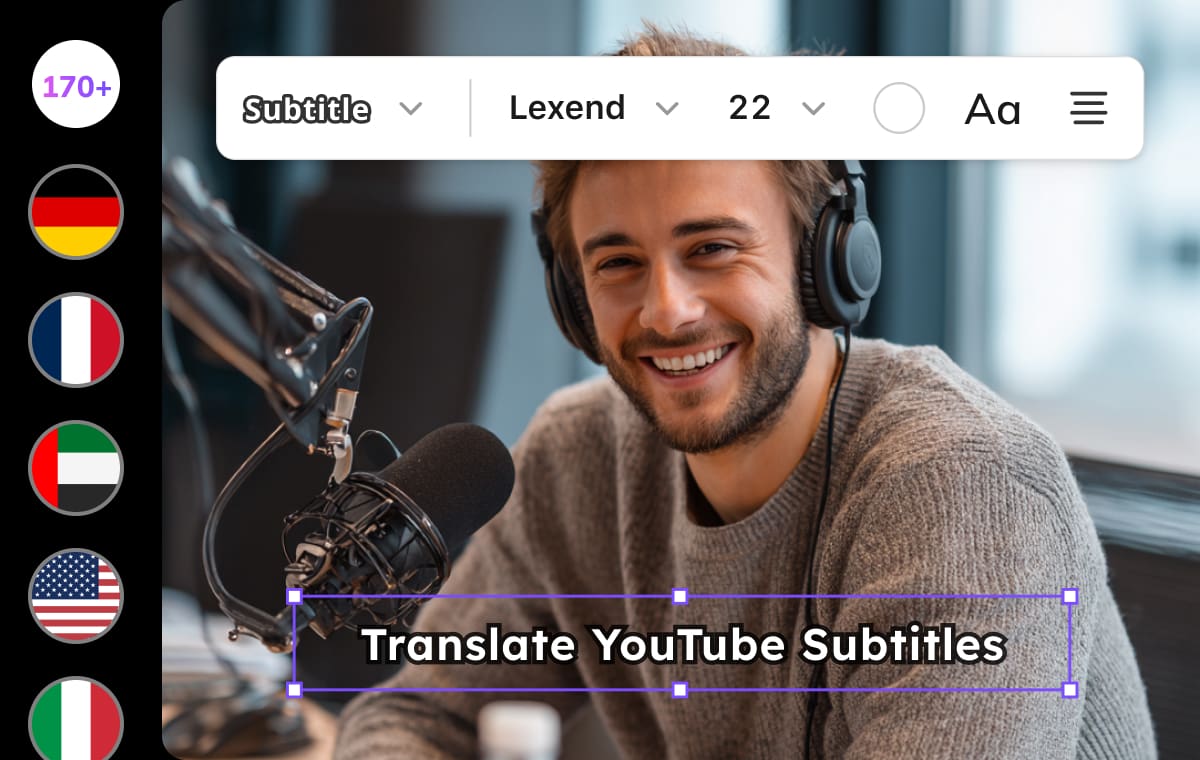
Translate YouTube Subtitles into 170+ Global Languages
VMEG instantly extracts spoken dialogue and converts it into readable captions. You can translate YouTube subtitles to English, Spanish, Turkish, Japanese, Arabic, and more than 170 languages.Text is localized based on meaning — not literal translation — ensuring clarity and natural flow. Great for audience expansion, accessibility, and international publishing.
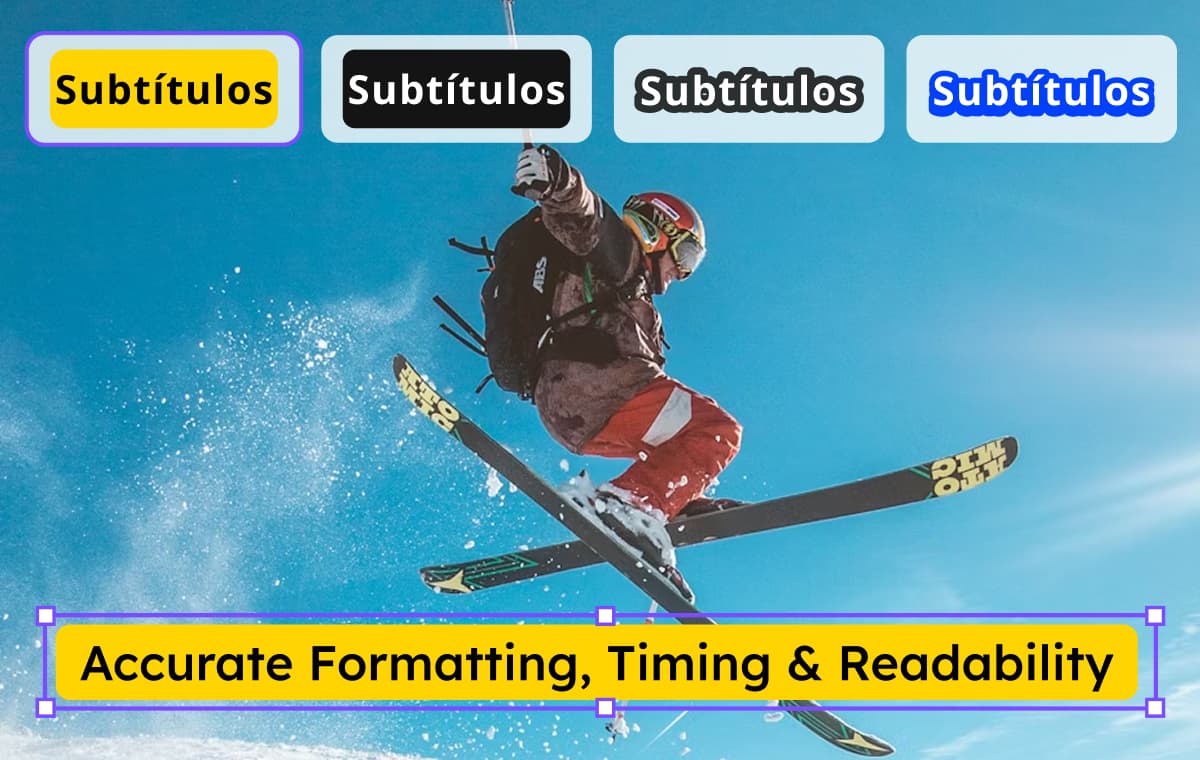
Accurate Formatting, Timing & Readability
Subtitles are automatically synced to video pacing so lines never appear too fast or too slow. Automatic punctuation and line segmentation improve viewing comfort.Editing tools allow you to refine tone, personalize phrasing, or add speaker indicators. Designed to look clean and professional on YouTube without extra formatting work.
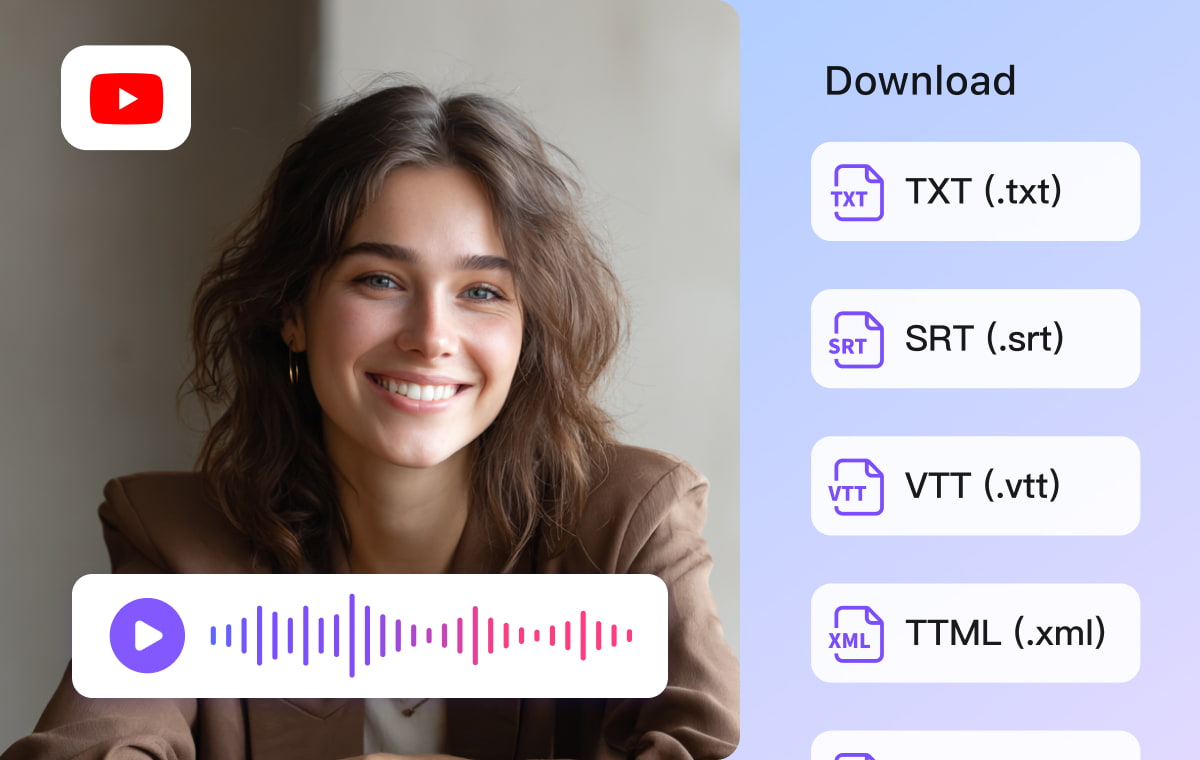
Download Subtitles or Export Video with Captions Embedded
Export subtitles in SRT — ready to upload directly to YouTube. Or generate a video file with subtitles burned in, ideal for platforms that don't support external subtitle files.You can also share translated videos via a direct view link — no re-upload required. Perfect for creators managing multiple language channels or international course distribution.
Who Benefits from VMEG YouTube SRT Translator

Creators & YouTubers
Make your videos accessible to viewers worldwide and grow international engagement.

Educators & Online Courses
Provide multilingual subtitles for lessons, lectures, training sessions, and academic content.

Brands & Marketing Teams
Localize product demonstrations, presentations, internal training materials, and announcement videos.
FAQs about YouTube Caption Translator
How do I automatically translate subtitles on a YouTube video?
Paste the video link into VMEG YouTube Subtitle Translator. The tool will automatically generate subtitles from speech and translate them into your selected language while keeping the timing aligned.
Can I translate YouTube subtitles to English even if the video doesn’t provide captions?
Yes. VMEG can generate subtitles from scratch using speech recognition, then translate them into English or 170+ other languages.
Is there a way to translate YouTube subtitles without downloading the video?
Yes. VMEG translates subtitles directly from the URL, so there is no need to download or convert the video beforehand.
How accurate is YouTube subtitle translation with VMEG?
VMEG uses context-aware AI translation, which focuses on sentence meaning rather than word-for-word output, resulting in more natural and accurate subtitles.
Which languages does VMEG support?
Over 170 languages, including English, Spanish, Portuguese, Chinese, Japanese, Korean, Arabic, French, Thai, Hindi, and more.
Discover More on VMEG
Related Searches
YouTube Video Subtitle Translator
Convert any YouTube video into multilingual subtitles in seconds. Just paste the YouTube link — VMEG translates subtitles into your selected language.