









01
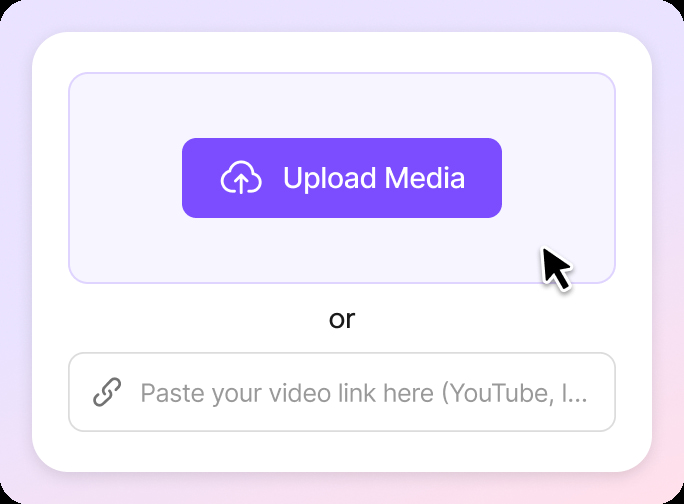
Upload Your MP3 File
Start by uploading your MP3. You can also access previously used files from your VMEG media library, perfect for reusing existing recordings across projects.
Transcribe and translate MP3 files with AI-powered tools for fast, multilingual text generation across global content needs.

01
Start by uploading your MP3. You can also access previously used files from your VMEG media library, perfect for reusing existing recordings across projects.
02
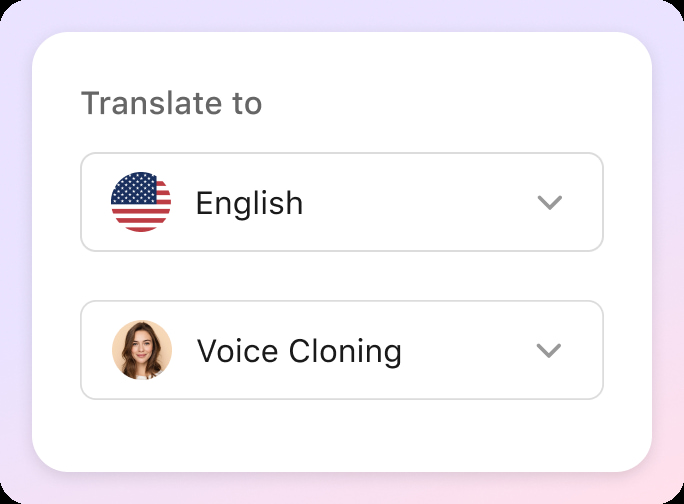
Pick your target language, choose how many speakers are in the MP3 audio, and customize the voice style, whether it's a natural AI voice or a custom-cloned one.
03
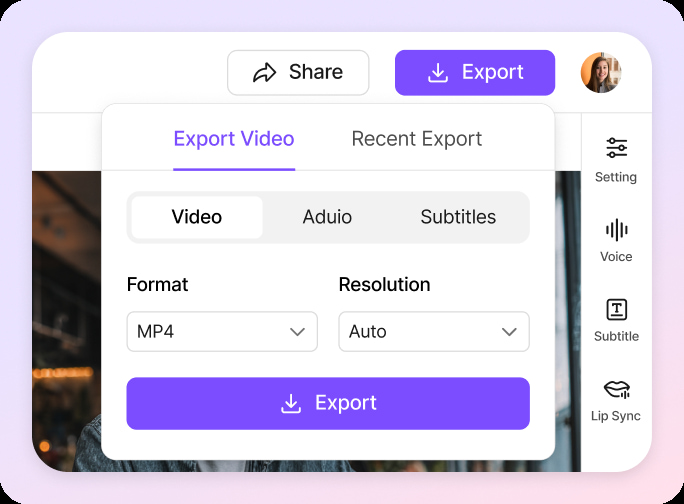
Once the MP3 is translated, you can fine-tune the text, adjust voice details like speed or tone, and even assign voices to different speakers. When everything sounds just right, export your final translation as audio or subtitles in seconds.
VMEG is a powerful MP3 translator that quickly converts MP3 audio into fluent, natural-sounding speech across 170+ languages. Whether it's a podcast, interview, lecture, or meeting recording, you’ll get high-accuracy results in minutes.Designed for speed and reliability, this AI-powered MP3 audio translator saves hours of manual work while preserving the tone and meaning of every word. Just upload and translate—no extra editing required.
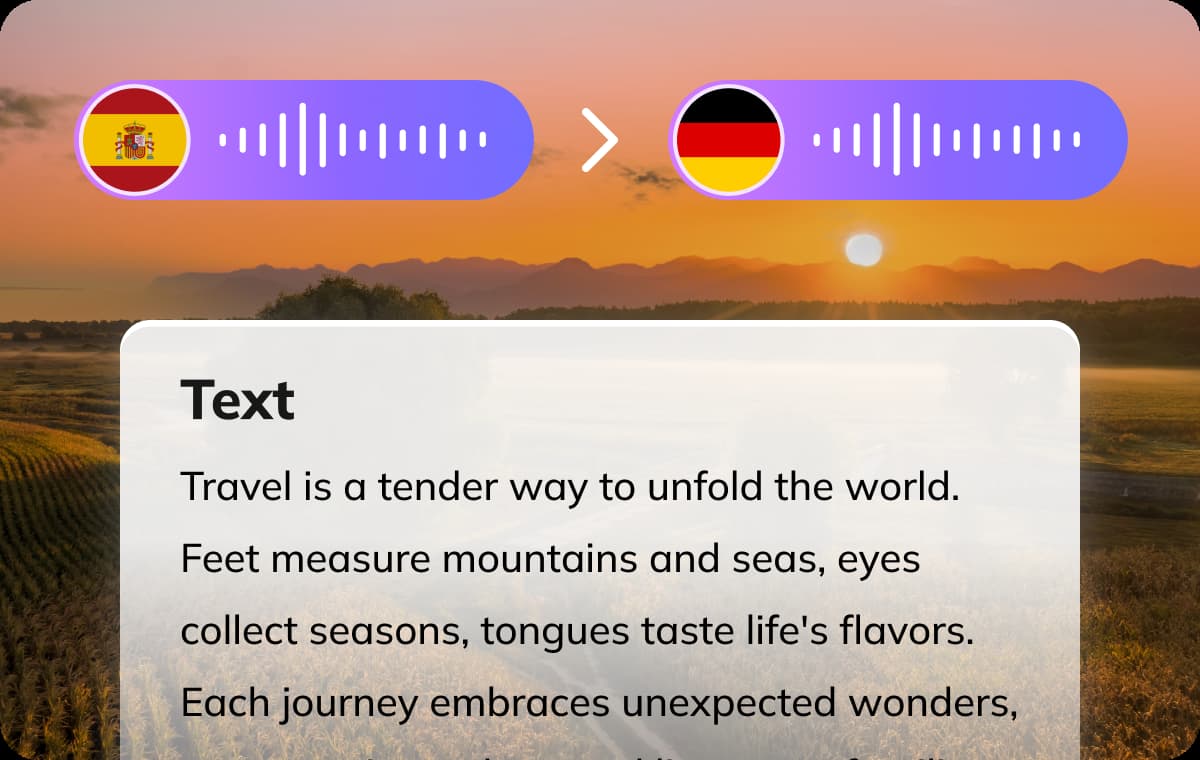
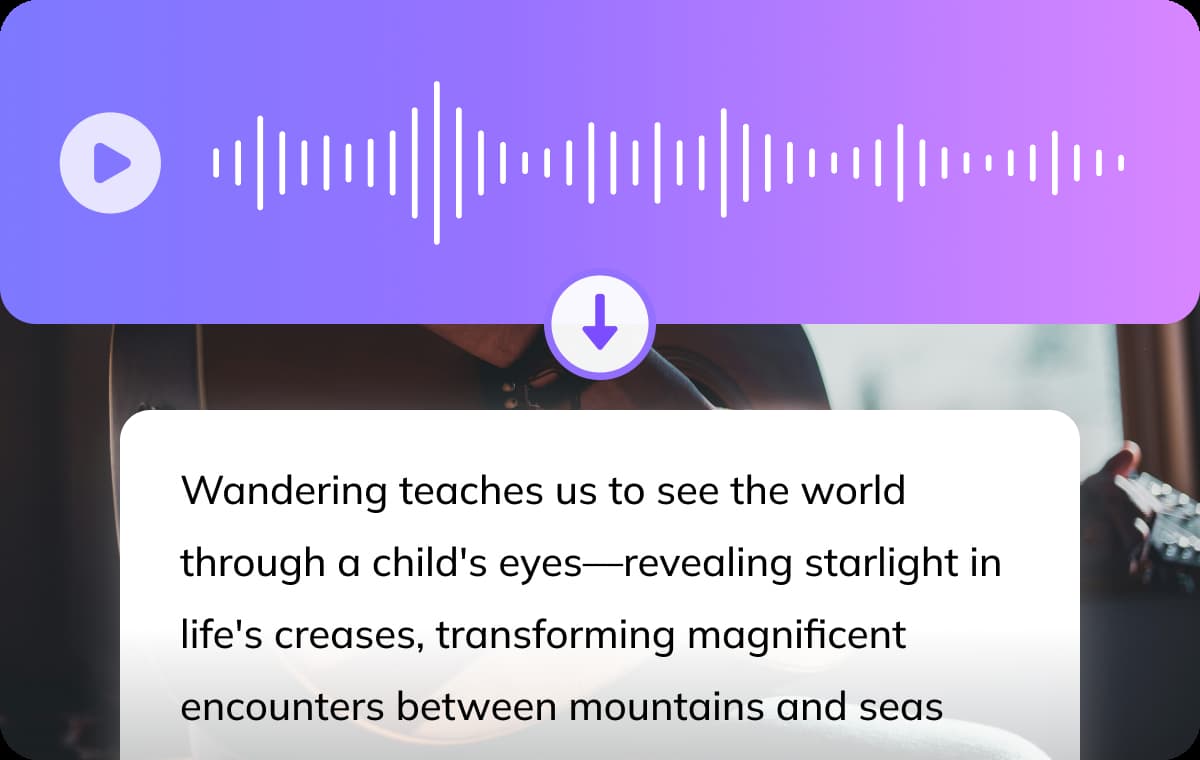
Every translated MP3 audio comes with time-stamped transcripts, making it easy to review, edit, and repurpose your content. It's ideal for students, creators, and professionals who need structured, multilingual documentation.With our AI transcribe and translate MP3 solution, you can extract accurate text from your audio and edit it effortlessly for subtitles, articles, or learning materials.
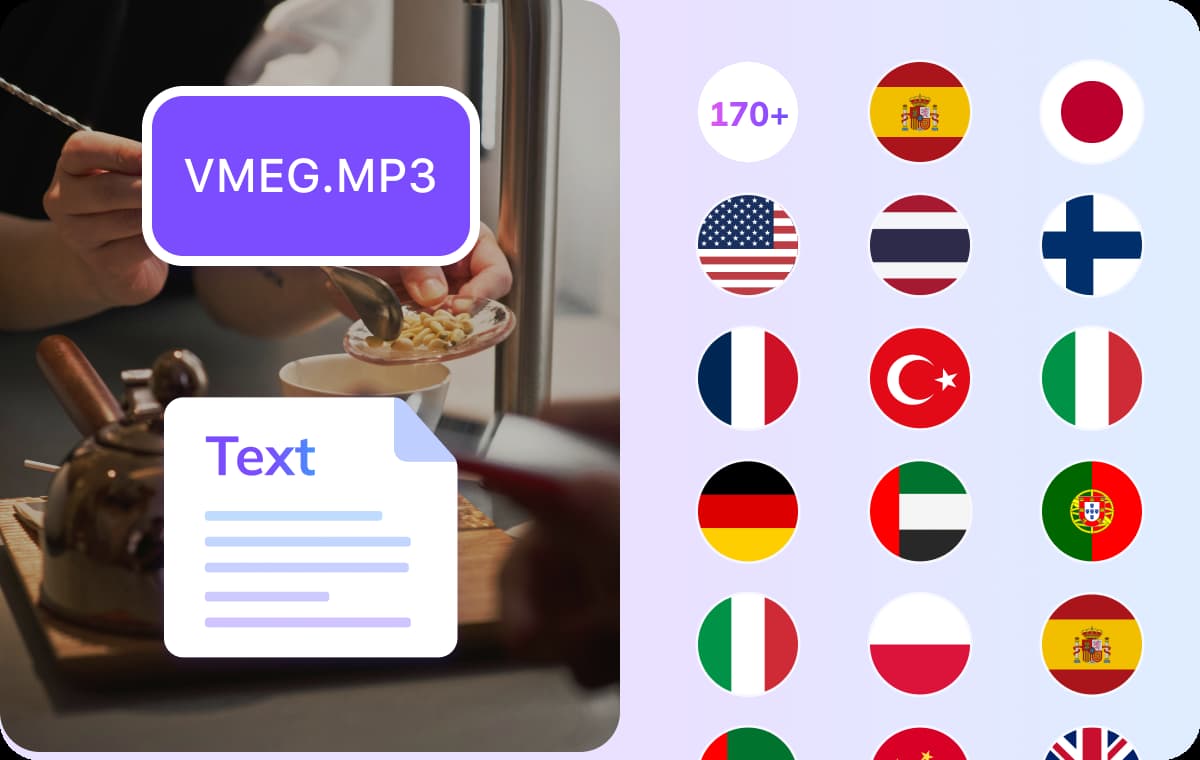
VMEG lets you translate MP3 audio to English, or choose from over 170+ supported languages. From Spanish and French to Japanese and Arabic, you can easily adapt your content for global audiences.Our AI MP3 translator ensures your audio is not only translated accurately but also culturally adapted—perfect for international teams, educators, and marketers.

Translate recorded lectures, interviews, and seminars from MP3 into other languages for easier review and citation. Whether you're writing a thesis or studying multilingual materials, using an MP3 translator saves time, breaks language barriers, and keeps your research organized.

Translating interviews or field recordings from MP3 can be time-consuming without the right tools. With an MP3 translator, you can instantly convert spoken audio into accurate translations, making it easier to localize quotes, repurpose content for new audiences, or break language barriers in communication.

Meetings, conference calls, and voice memos often contain important insights. Translating MP3 files helps teams share information across languages, streamline cross-border collaboration, and ensure everyone stays on the same page no matter where they are.
To accurately translate an MP3 to other languages with VMEG, simply upload your MP3 file, let VMEG transcribe the audio, then choose your target language to generate a high-quality, AI-translated transcript with optional voiceover in a natural-sounding voice.
Absolutely. VMEG supports translation in over 170 languages, including English, Spanish, French, Arabic, and more. Dialect and accent support is included for many languages.
Most conversions are completed in just a few minutes. VMEG’s MP3 translator online works fast, even with large files, saving you time on manual translation.
Yes. You can fully edit the translated text, adjust speaker voices, and export the results as subtitles, audio files, or embedded translations in video, giving you full control over your final content.

