Translate Spanish Audio to English
Turn any Spanish audio – voice memos, podcasts, interviews, or voicemails – into clear English with voice cloning or your preferred accent with VMEG AI’s Spanish to English voice translator.
How to Translate Spanish Audio to English
01Upload Your Spanish Audio File
Upload any Spanish audio file as VMEG supports common formats like MP3 and WAV and can recognize multiple speakers, including regional Spanish accents. You can also provide a URL from platforms like YouTube, Instagram, Facebook, Google Drive, TikTok, Zoom, or X (Twitter).
02Choose English Voice & Translation Settings
Set English as the output language and choose from over 600 English voices, including U.S., U.K., or Australian accents. You can also use voice cloning for a more lifelike result. Specify the number of speakers, select either system voices or a cloned voice, and apply a subtitle template to begin dubbing your video. For greater accuracy, you can add a glossary or include a custom translation prompt.
03Customize & Export Your Audio
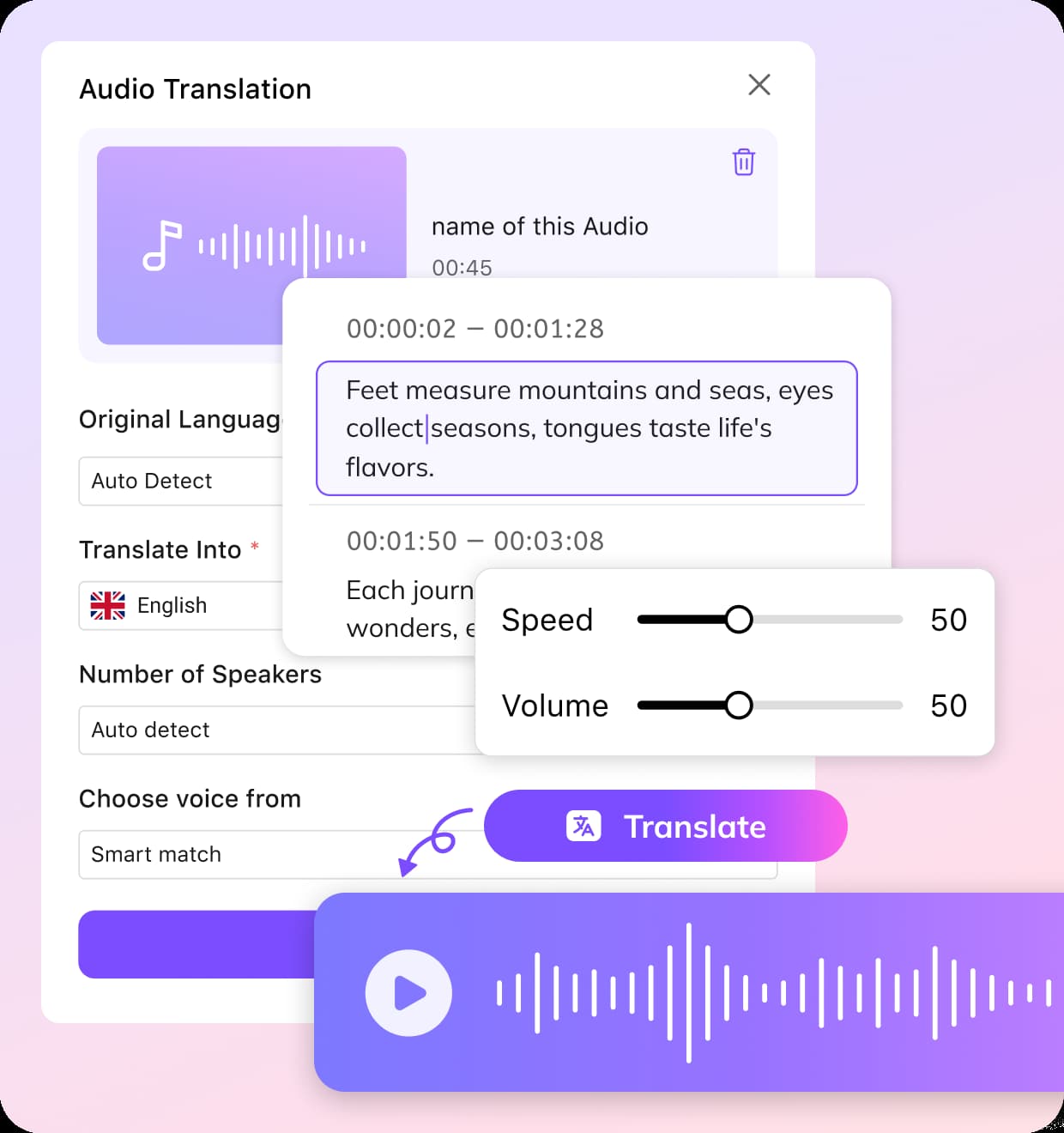
Fine-tune the timing, pitch, tone, and speaking speed to suit your style. Once you're satisfied, export the translated English version as an audio file or subtitle track.


Why Use VMEG for Spanish-to-English Voice Translation
Instant & Accurate Spanish to English Audio Conversion
Upload your Spanish audio—whether it’s a voicemail, meeting recording, or podcast—and VMEG AI will accurately translate Spanish to English audio in minutes. The system detects the spoken language, processes it with advanced speech recognition, and delivers precise results.You can choose to receive the output as English text for reading or as English voice for listening, making it perfect for both personal and professional use.
Spanish to English Voice Translation with 600+ Custom Voices & Voice Cloning
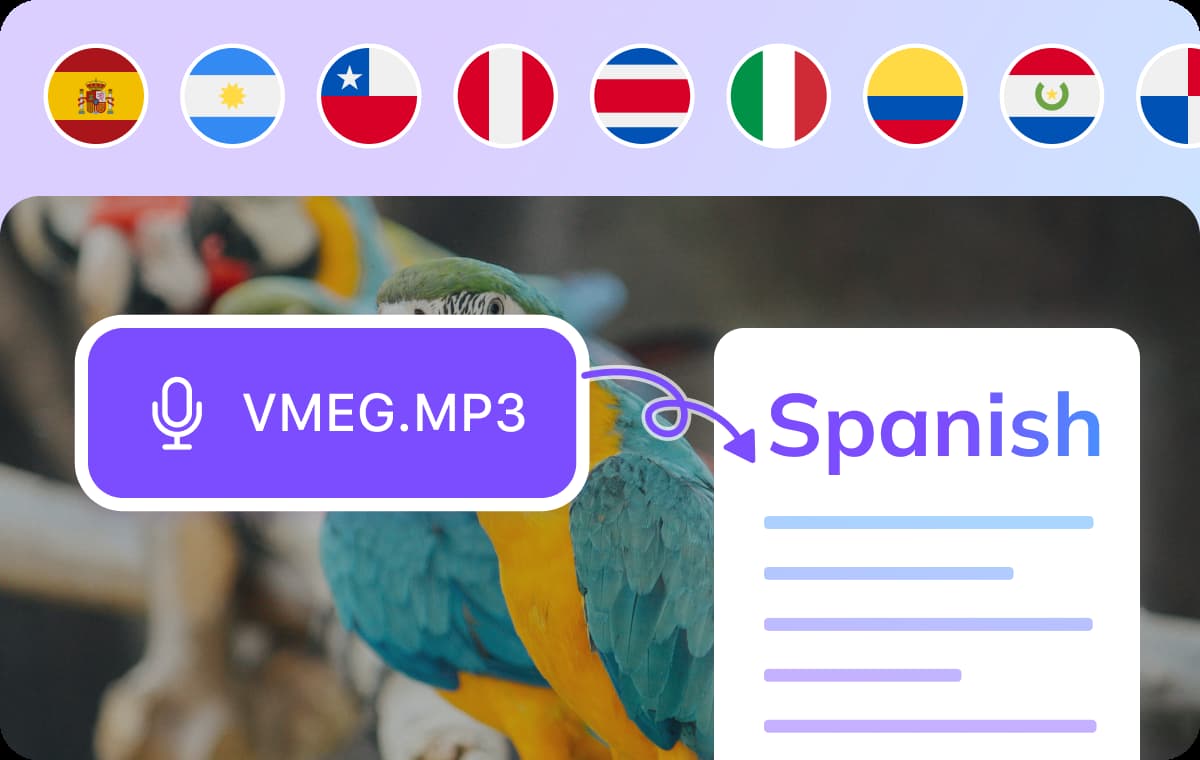
VMEG detects multiple speakers and assigns each a distinct English voice from over 600 natural options. With voice cloning, you can even preserve the original speaker’s tone and style in translation.Voices cover accents from the US, UK, Canada, Australia, India, South Africa, and more. Fine-tune speed, pitch, and emotion for a Spanish to English voice translator output that’s clear, authentic, and professional.
Translate Beyond Spanish into 170+ Languages
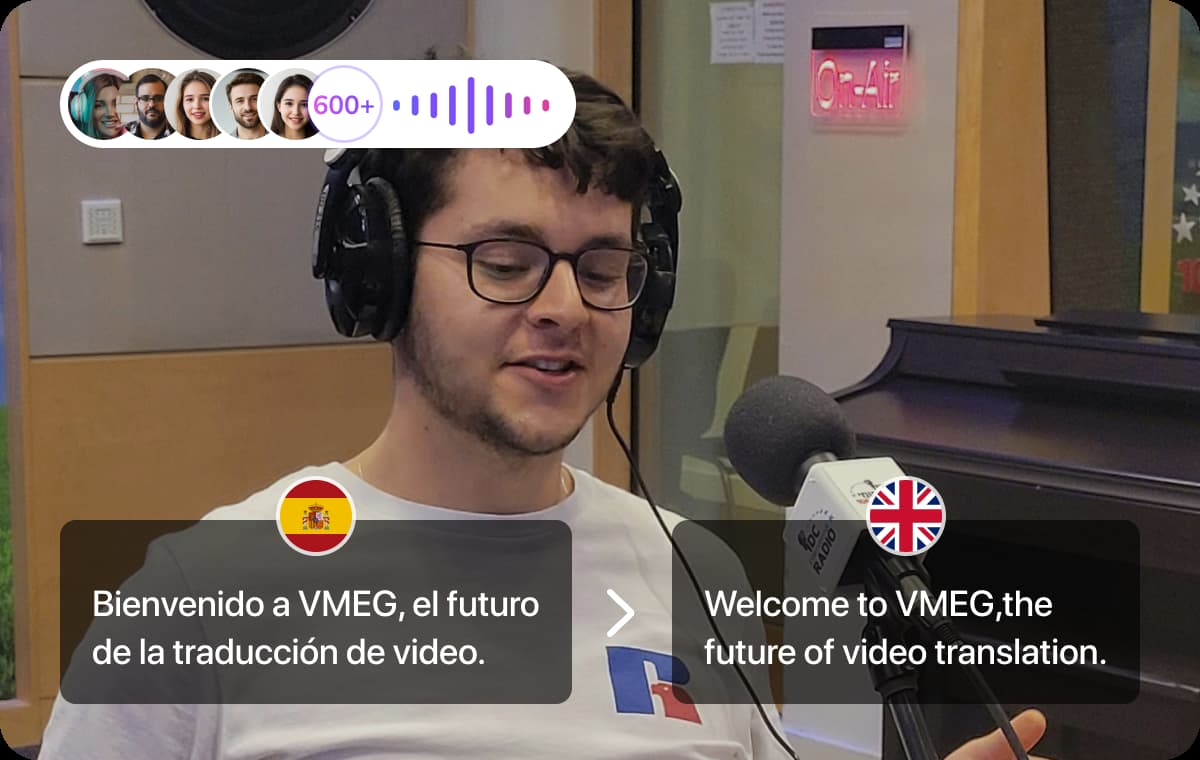
While VMEG AI is optimized for Spanish to English translation audio, it also supports more than 170 other languages and dialects. You can just as easily convert Spanish to French, Japanese, Hindi, or any other language combination.This flexibility is perfect for multilingual projects, international business, and global content distribution—all within the same online platform.
Who Benefits from VMEG Online Spanish Audio Translator

Audio Creators & Podcasters
Whether it's podcasts, interviews, or educational content, VMEG transforms Spanish audio into natural English while preserving your vocal style. It supports all major Spanish dialects and over 600 English voice options, ensuring authentic accents for global audiences.
Educators & Trainers
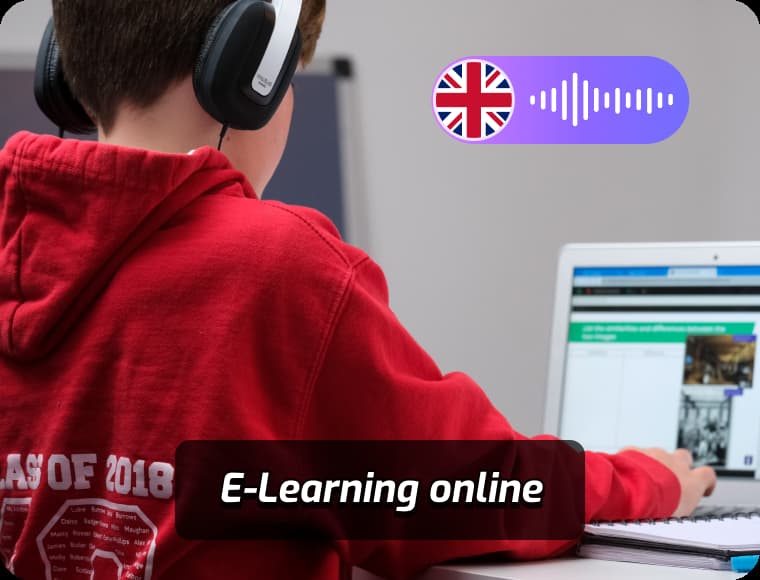
Language instructors and corporate trainers trust VMEG to convert Spanish materials into professional English for courses, webinars, and training. It processes all 22 Spanish variants, making it ideal for universities, e-learning, and multinational companies.
Global Businesses & Teams
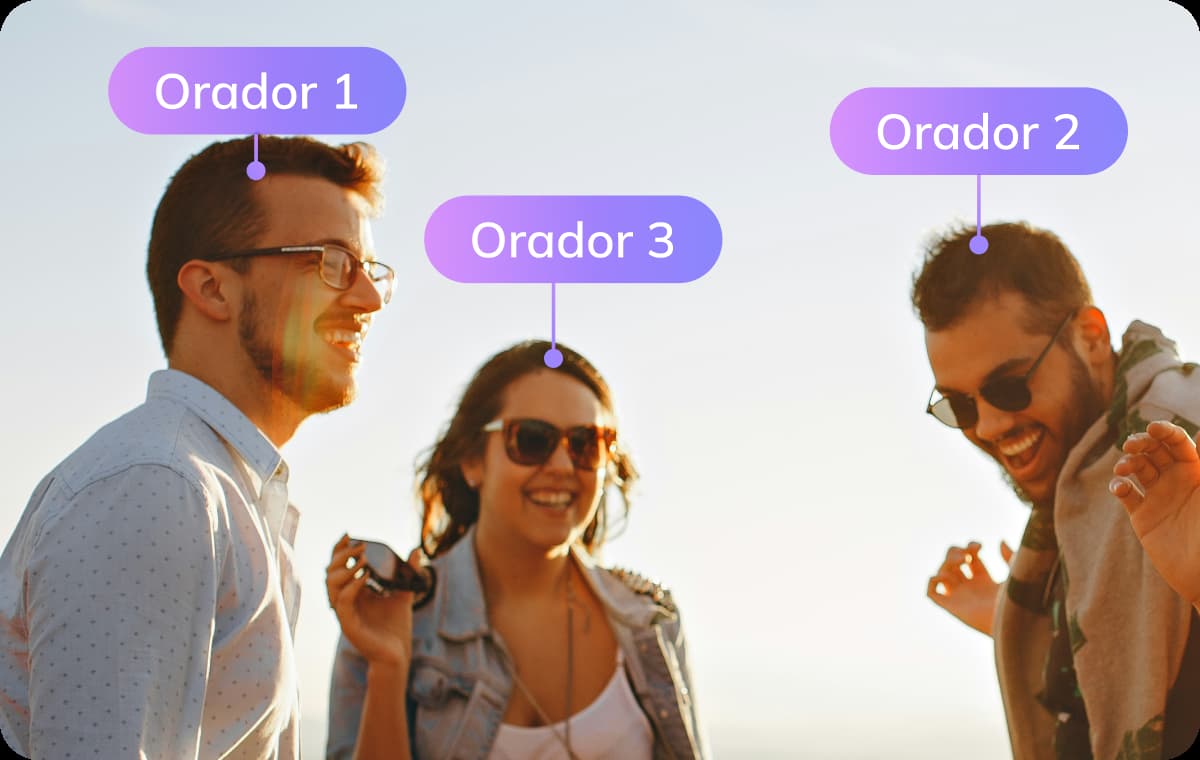
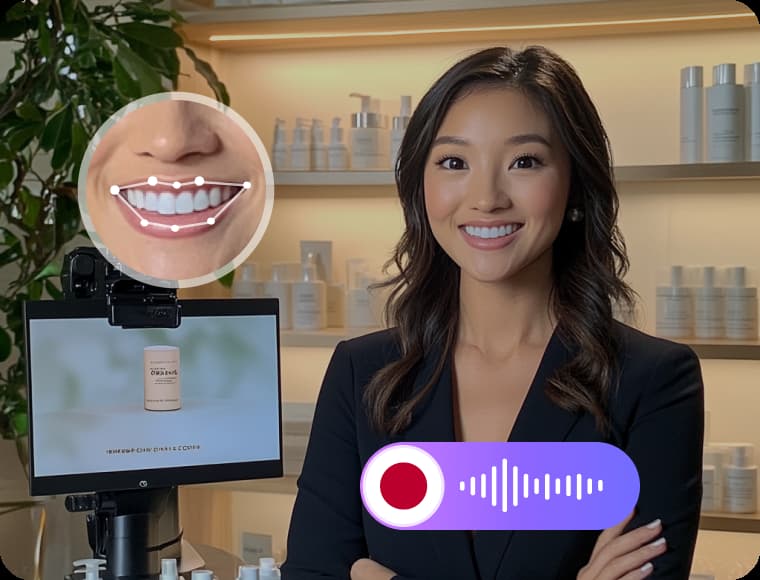
Latin American and Spanish businesses use VMEG for customer support, product demos, and internal communication, converting Spanish audio to English in real time. It handles multi-speaker calls, technical demos, and customer service, with specialized support for regional terms and accents.
FAQs about Spanish-to-English Audio Translation
Can I translate spanish voicemail to english?
Yes. Simply upload your voicemail audio file, and VMEG will transcribe and translate it into English text or speech.
What English accents can I choose from?
VMEG provides over 600 English voice options, covering accents from the US, UK, Canada, Australia, New Zealand, Ireland, India, Nigeria, South Africa, Singapore, Kenya, Hong Kong, Tanzania, and the Philippines.
Can I translate English videos back into Spanish?
Definitely! VMEG supports translation between over 170 languages, including English to Spanish, French, German, Portuguese, and more.
Does VMEG recognize Latin American Spanish accents?
Yes, VMEG can accurately detect 22 Spanish accents, including those from Argentina, Bolivia, Chile, Colombia, Costa Rica, Cuba, the United States, the Dominican Republic, Ecuador, El Salvador, Equatorial Guinea, Guatemala, Honduras, Mexico, Nicaragua, Panama, Paraguay, Peru, Puerto Rico, Spain, Uruguay, and Venezuela.
Does VMEG support recognition of different Spanish dialects?
Yes, VMEG accounts for the phonetic variations across Spanish dialects, such as Catalan, Basque, and Galician.
How to translate Spanish audio to English?
To translate Spanish audio to English with VMEG AI, simply upload your Spanish audio file in formats like MP3 or WAV, or provide a URL from platforms such as YouTube, Instagram, Facebook, Google Drive, TikTok, Zoom, or X (Twitter). VMEG automatically detects multiple speakers, including regional Spanish accents. Then, set English as the output language and choose from over 600 English voices, including U.S., U.K., or Australian accents, or use voice cloning for a more natural sound. You can add a glossary or a custom translation prompt to improve accuracy. Finally, adjust timing, pitch, tone, and speed, and export the translated English audio or subtitles for your project.