Why did my scanned PDF fail?
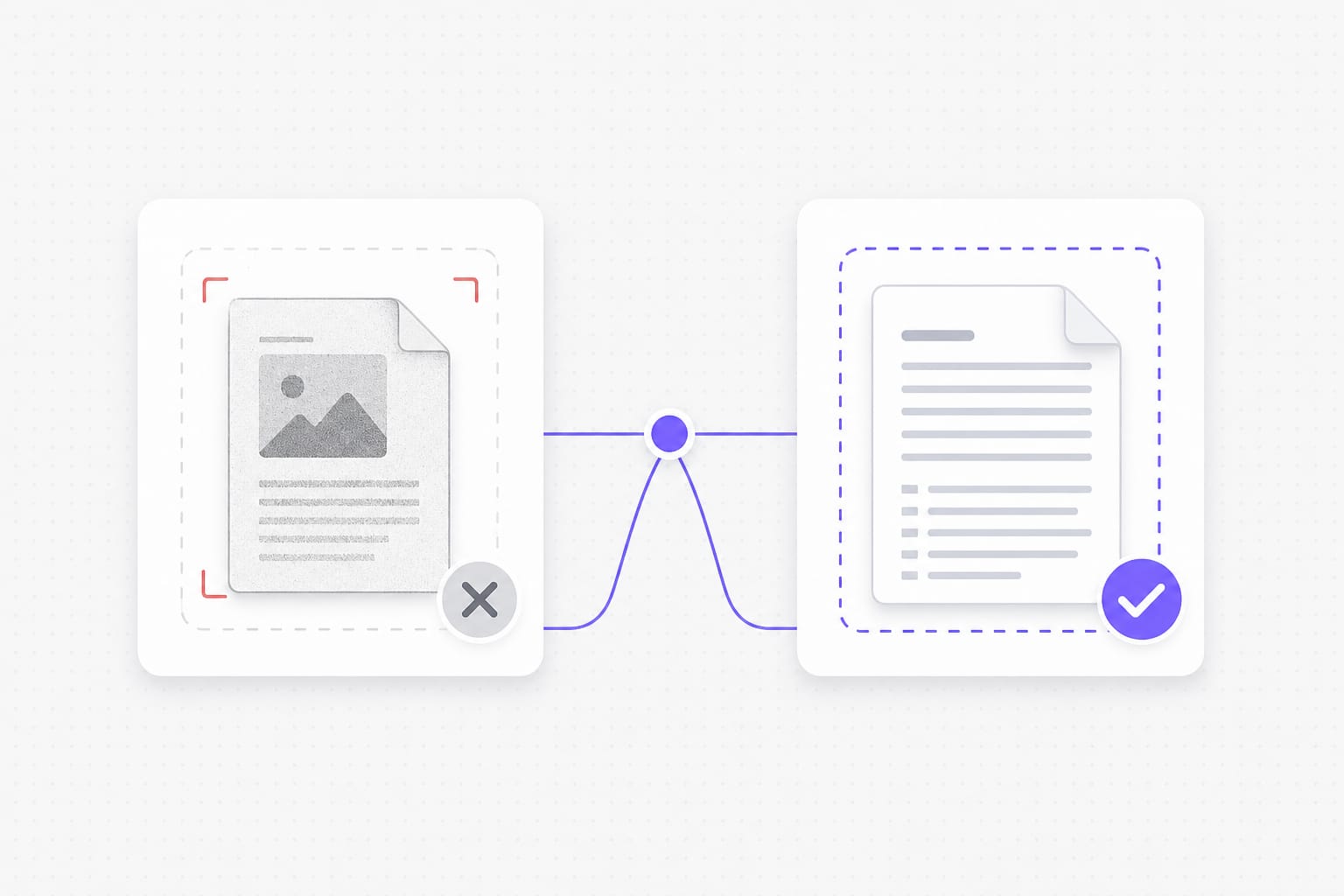
This PDF translator needs a text layer. Image-only scans and screenshot PDFs need OCR first, which is not available here yet. For scanned PDFs or photos of text, run OCR first so the file has a selectable text layer, then upload it to PDF Translator.
Will Chinese or other CJK text show correctly in the PDF?
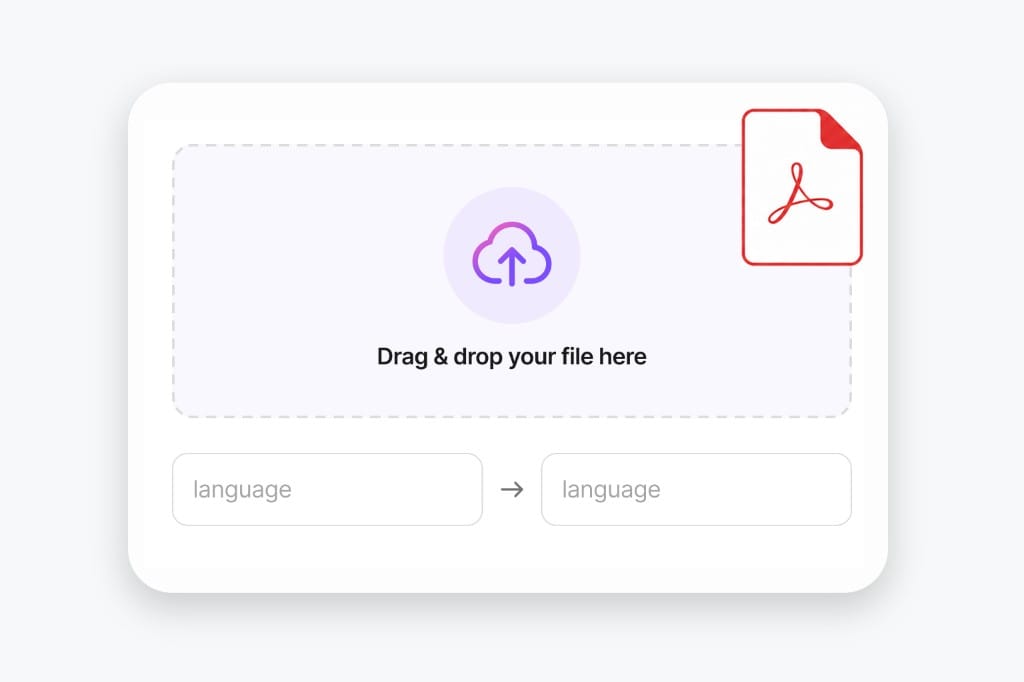
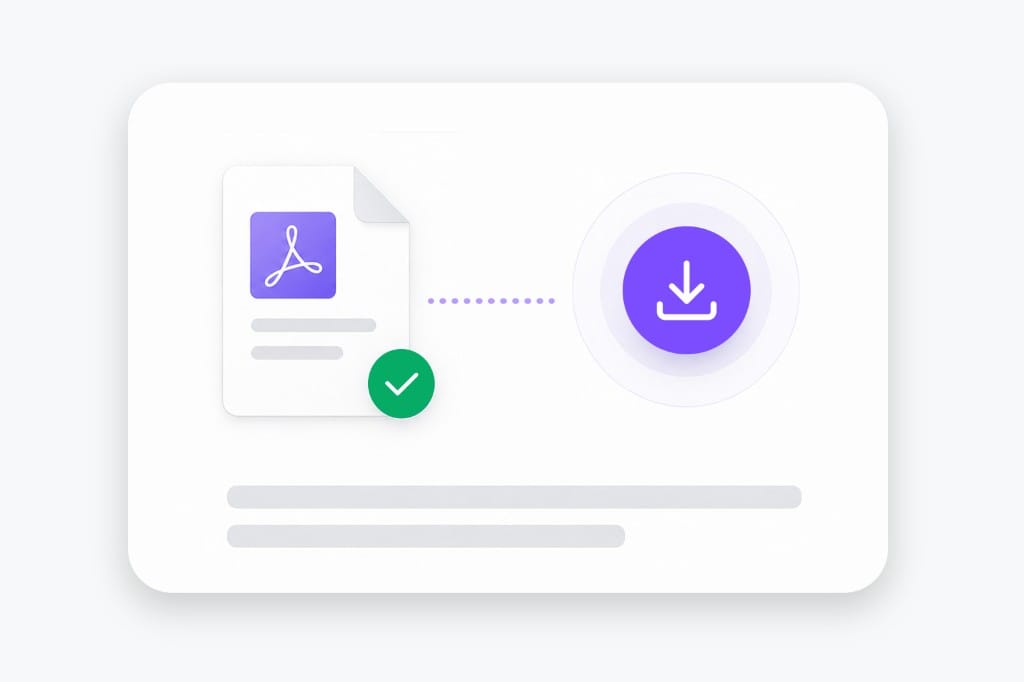
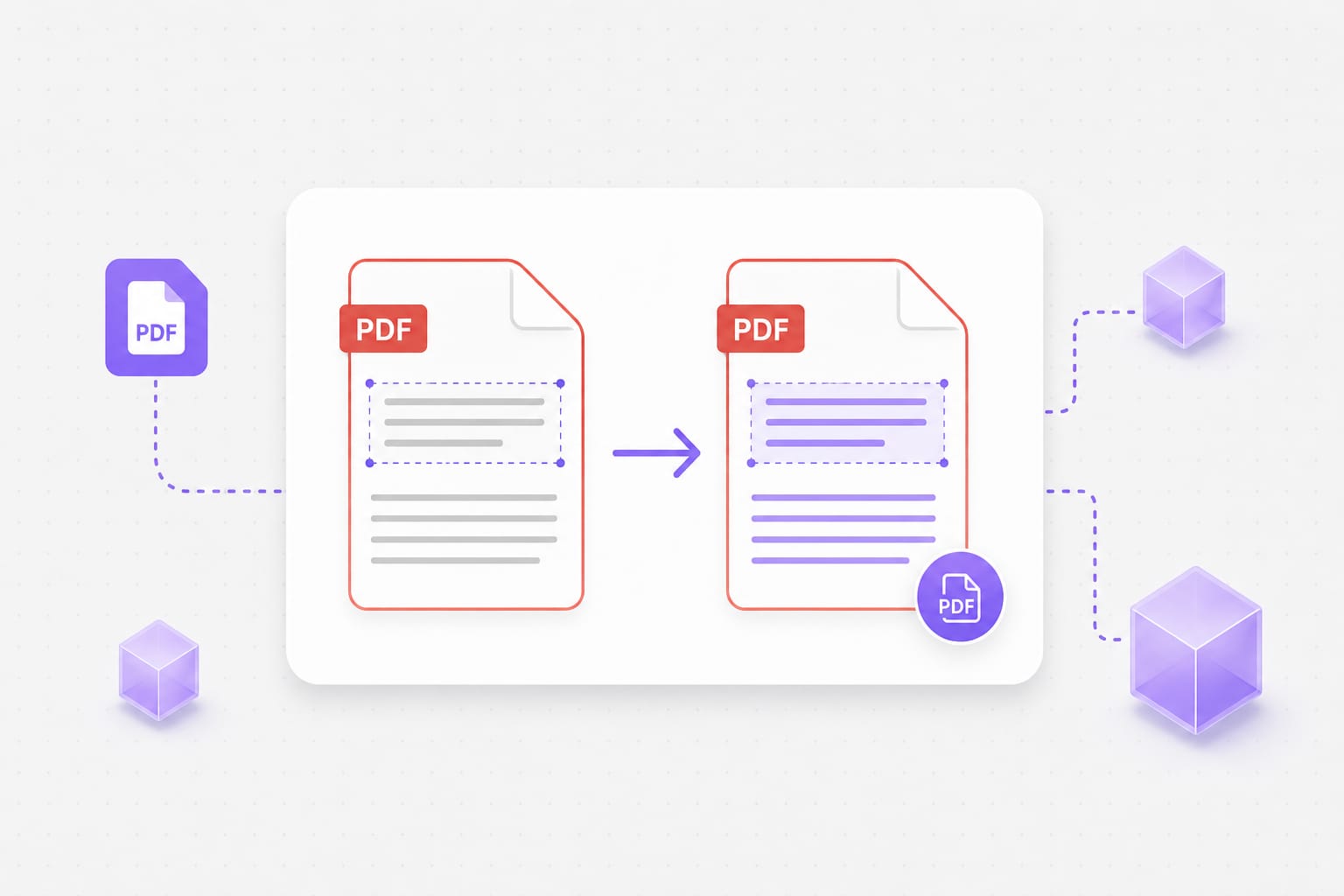
Yes for download preview on this page. Non-Latin text is rendered with system fonts when the PDF is rebuilt. The PDF Translator keeps your file format where possible — upload, pick languages, preview, then download the translated document from this page.
Is there a PDF file size limit?
Uploads are capped at 20 MB per file. If a deck or spreadsheet exceeds the cap, split it into smaller files or export a lighter PDF, then run PDF Translator again on each part.
Can I translate a password-protected PDF?
Not yet. Remove the password in another tool, then upload the unlocked PDF. The PDF Translator keeps your file format where possible — upload, pick languages, preview, then download the translated document from this page.
Does every PDF line stay perfectly aligned?
Most body text lands near the original spot. Dense layouts and very long translations can wrap differently. The PDF Translator keeps your file format where possible — upload, pick languages, preview, then download the translated document from this page.
Can I upload Word or Excel on this PDF page?
Yes. The tool accepts PDF, DOCX, PPTX, XLSX, TXT, and SRT. This page is optimized for PDF search and workflows. Review the translated workbook before sharing — merged cells and hidden sheets may need a quick visual check after PDF Translator finishes.