All formats, one cutter
Replace multiple single-purpose sites with one audio cutter for every track type. Import MP3, WAV, M4A, AAC, FLAC, or OGG, then cut on a shared waveform instead of juggling separate tools per format.
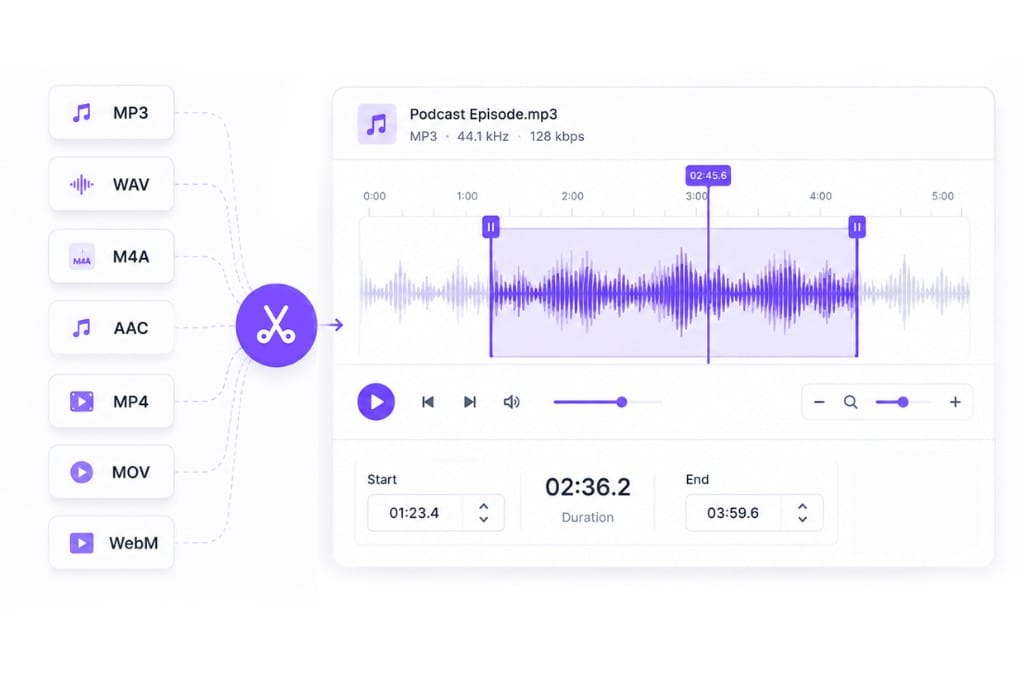
Free online audio cutter to cut any audio file. Upload MP3, WAV, M4A, AAC, FLAC, or extract audio from video — then cut, fade, and export in one browser editor.
Loading audio editor…
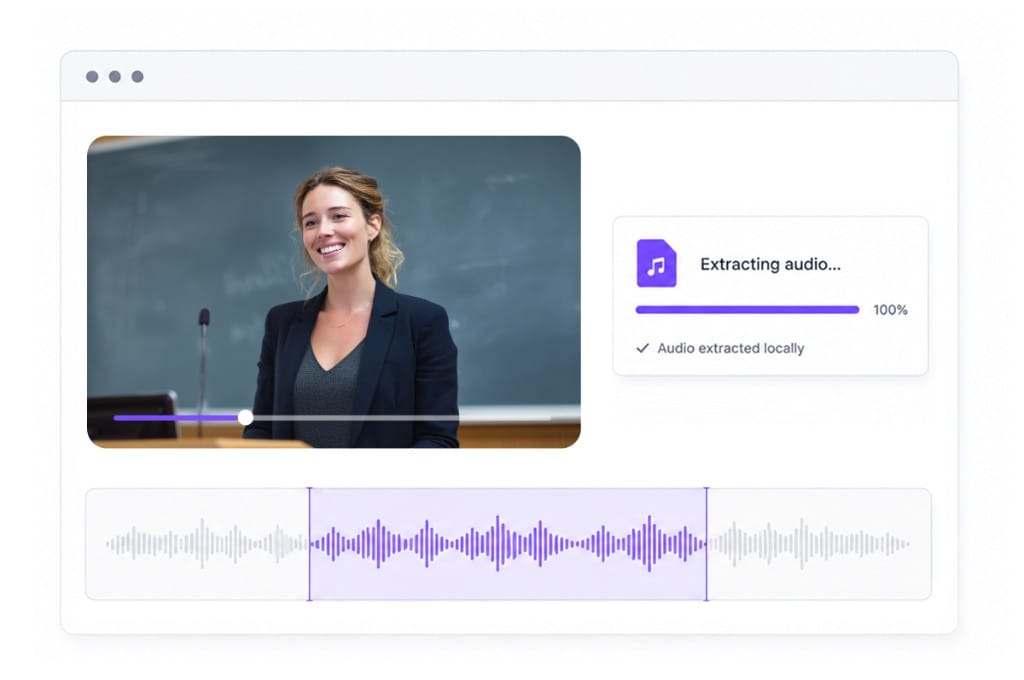
Drag MP3, WAV, M4A, AAC, or FLAC from your folder — or paste a direct media link if the file is hosted online. Got video instead? Drop MP4, MOV, or WebM and the browser pulls the soundtrack. The waveform shows up in seconds and you are ready to cut.
Scrub until you hear the right moment, then drag the left and right handles to mark your start and end. Keep just that slice, remove a middle chunk, or soften the edges with fade in and fade out. Hit play and listen once — fixing it here beats re-exporting later.
Happy with the cut? You can stop there. If the clip needs a nudge, open Volume, Speed, or Pitch — all optional, same page. Pick MP3 for sharing, WAV for a DAW, or M4A/AAC for Apple-friendly exports. Sign in to download.
One browser page to cut any audio — songs, podcasts, voiceovers, and video soundtracks — without juggling separate sites or desktop software. Open the editor in your browser, adjust trim, volume, speed, or pitch settings, preview before export, and sign in only when you save the finished file.
Replace multiple single-purpose sites with one audio cutter for every track type. Import MP3, WAV, M4A, AAC, FLAC, or OGG, then cut on a shared waveform instead of juggling separate tools per format.
Upload video and cut the audio track without a separate extractor step. Marketing clips, interviews, and gameplay captures often arrive as video — this audio cutter pulls the soundtrack locally so you cut and export in one flow.
No install, no timeline learning curve — sliders and tabs for everyday cuts. Keep, remove, or fade selections, then open Volume, Speed, or Pitch when the job needs more than a simple split, all from the same upload session.
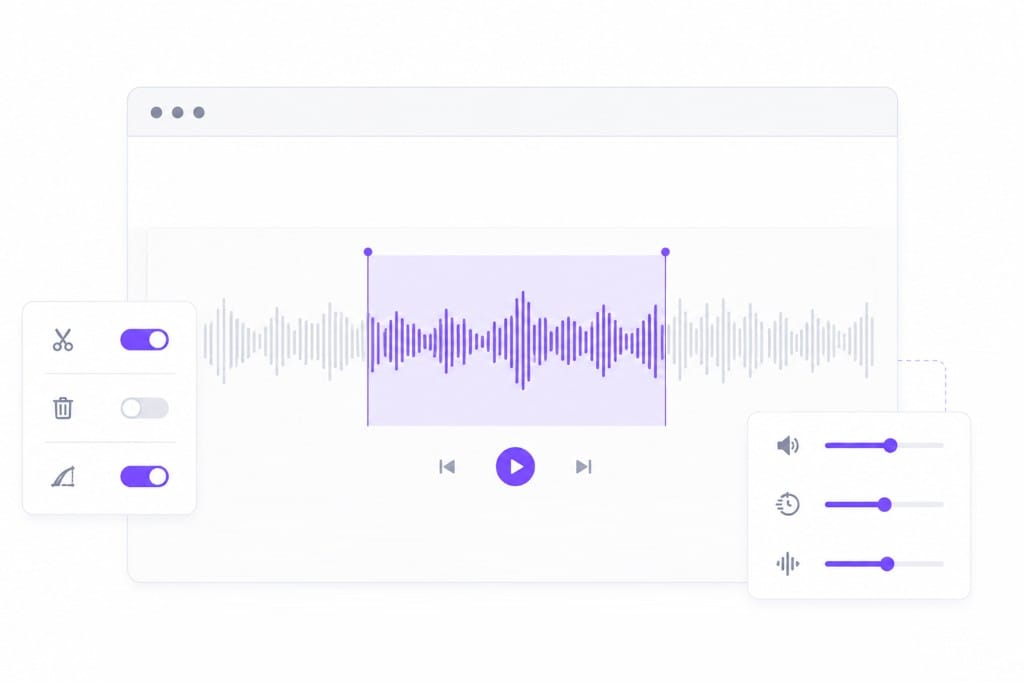
It lets you select part of any sound file and save only that section — or remove it — without desktop editing software. VMEG adds volume, speed, and pitch tabs so one browser page covers cut-first workflows and follow-up adjustments on the same upload.
Import MP3, WAV, M4A, AAC, FLAC, OGG, and audio from MP4/MOV/WebM. Export MP3, M4A, AAC, or WAV after you set handles on the waveform. Upload a file, paste a direct media URL, or start from video when the audio you need is embedded in footage.
Yes. Use From URL when your file is hosted at a direct media link. If the URL cannot be fetched, download the asset locally and upload it — the editor opens with the same cut, fade, and export tools either way.
Free to use 3 times a day, shared across all VMEG online tools. Upgrade to Online Tools Unlimited for unlimited daily use. Download requires sign-in. You can test multiple cut points, fade settings, and tab changes before exporting your final clip.
Yes. Upload MP4, MOV, or WebM on this page — the browser extracts the audio track so you can cut in the same editor. That removes the extra step of exporting audio elsewhere before you cut.
Upload MP3 or WAV and get accurate speech translation across 170+ languages — built for long-form audio.