What does a silence remover do?
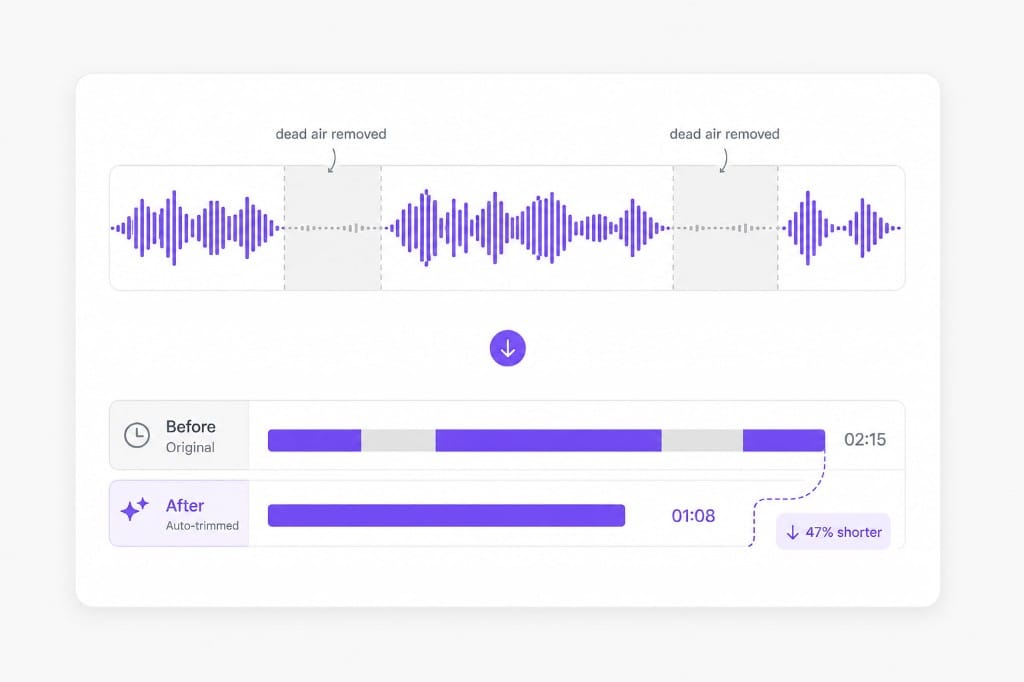
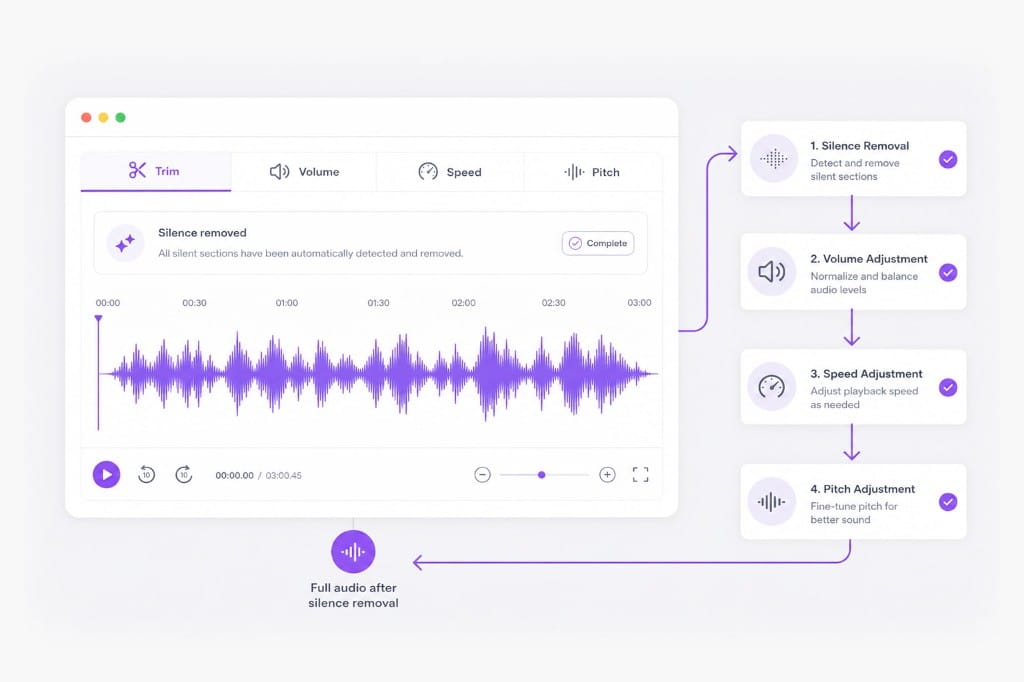
It finds quiet or empty sections in a recording and removes them so the file plays continuously with less dead air. VMEG runs detection after you upload audio, video, or paste a URL, then lets you preview and adjust cuts on the waveform.
Will it cut off my speech?
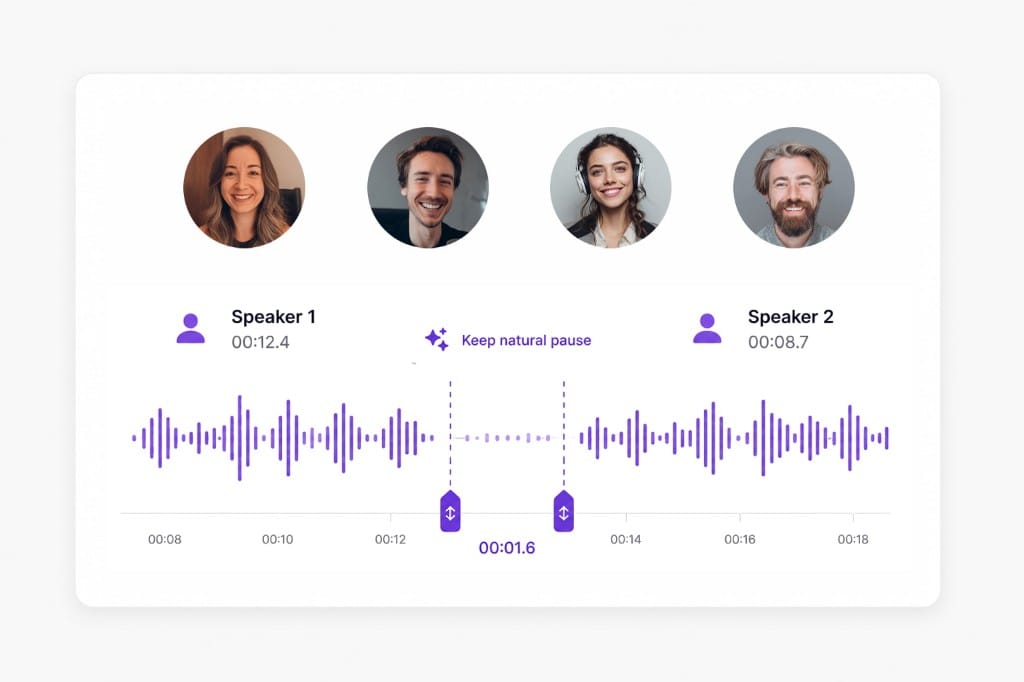
Auto detection aims to remove gaps between speech, not words. Always preview and drag handles to fine-tune before export. Short breaths and deliberate pauses can be kept by widening the selection or undoing an over-aggressive gap removal.
Which formats work with the silence remover?
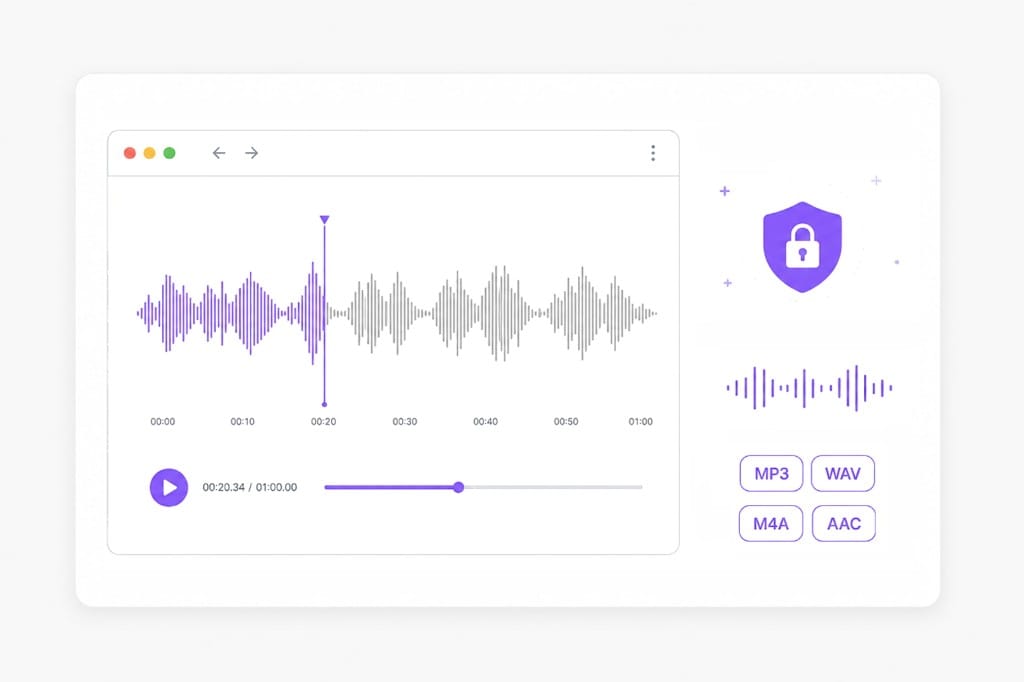
MP3, WAV, M4A, AAC, and audio extracted from common video formats. Export to MP3, M4A, AAC, or WAV after tightening the track. Video uploads extract the audio track in your browser before silence detection runs.
Is silence removal processed on a server?
Processing is designed to run in your browser for privacy. Your file is not stored for this free tool. Preview the shortened result, then sign in when you download the exported audio.
Can I remove silence from podcasts?
Yes. Podcasters use silence removers to shorten episodes and reduce awkward pauses between speakers. Follow auto-trim with the Volume tab if some speakers still need leveling before you publish the tighter cut.