Are SRT cue numbers and timestamps translated?
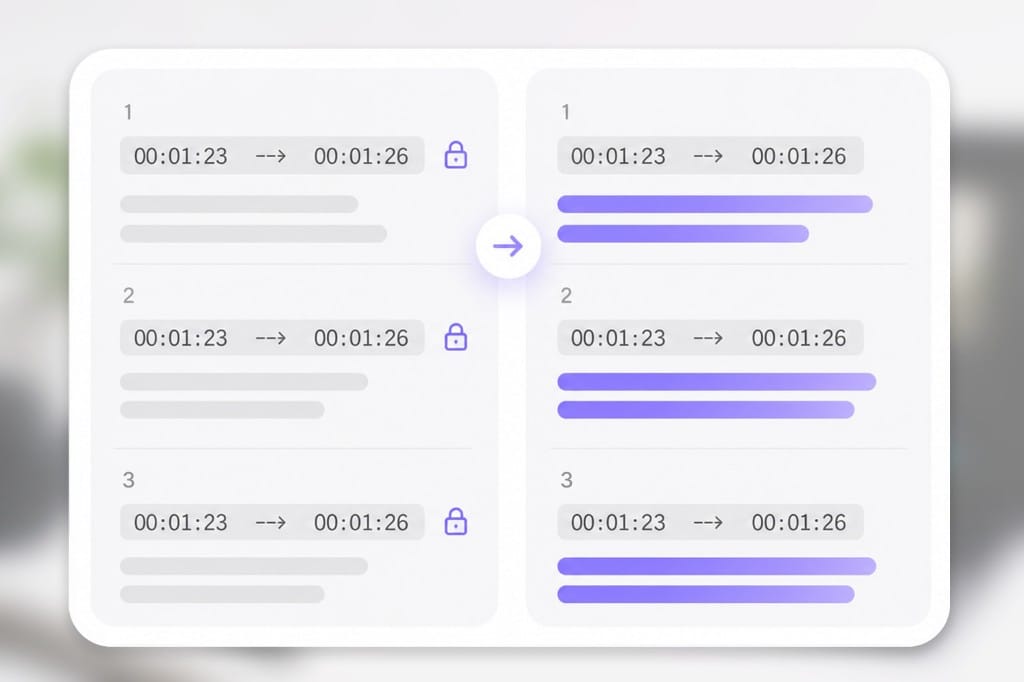
No. Only subtitle text lines are translated. Indices and timecodes are copied exactly. Stay on the tab while progress runs — closing the browser mid-export can cancel the job on this SRT Translator page.
Do multi-line SRT subtitles work?
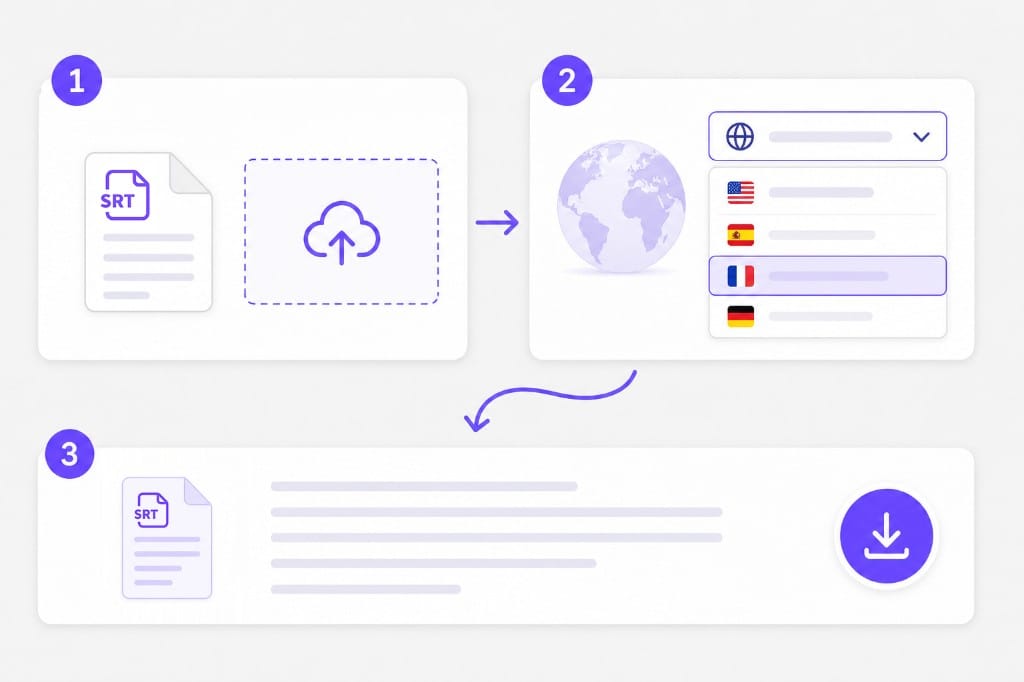
Yes. Each text line inside a cue is translated separately while keeping the line count. The SRT Translator keeps your file format where possible — upload, pick languages, preview, then download the translated document from this page.
What about VTT or ASS subtitle files?
Export or convert to SRT first. This page's subtitle path is built for .srt blocks. The SRT Translator keeps your file format where possible — upload, pick languages, preview, then download the translated document from this page.
Is there an SRT file size limit?
Yes. 20 MB per file. If a deck or spreadsheet exceeds the cap, split it into smaller files or export a lighter PDF, then run SRT Translator again on each part.
Can I upload PDF or Word on this SRT page?
Yes. The shared tool accepts PDF, DOCX, PPTX, XLSX, TXT, and SRT. This page focuses on subtitle (.srt) workflows. The SRT Translator keeps your file format where possible — upload, pick languages, preview, then download the translated document from this page.