Free Robot Voice Changer Online

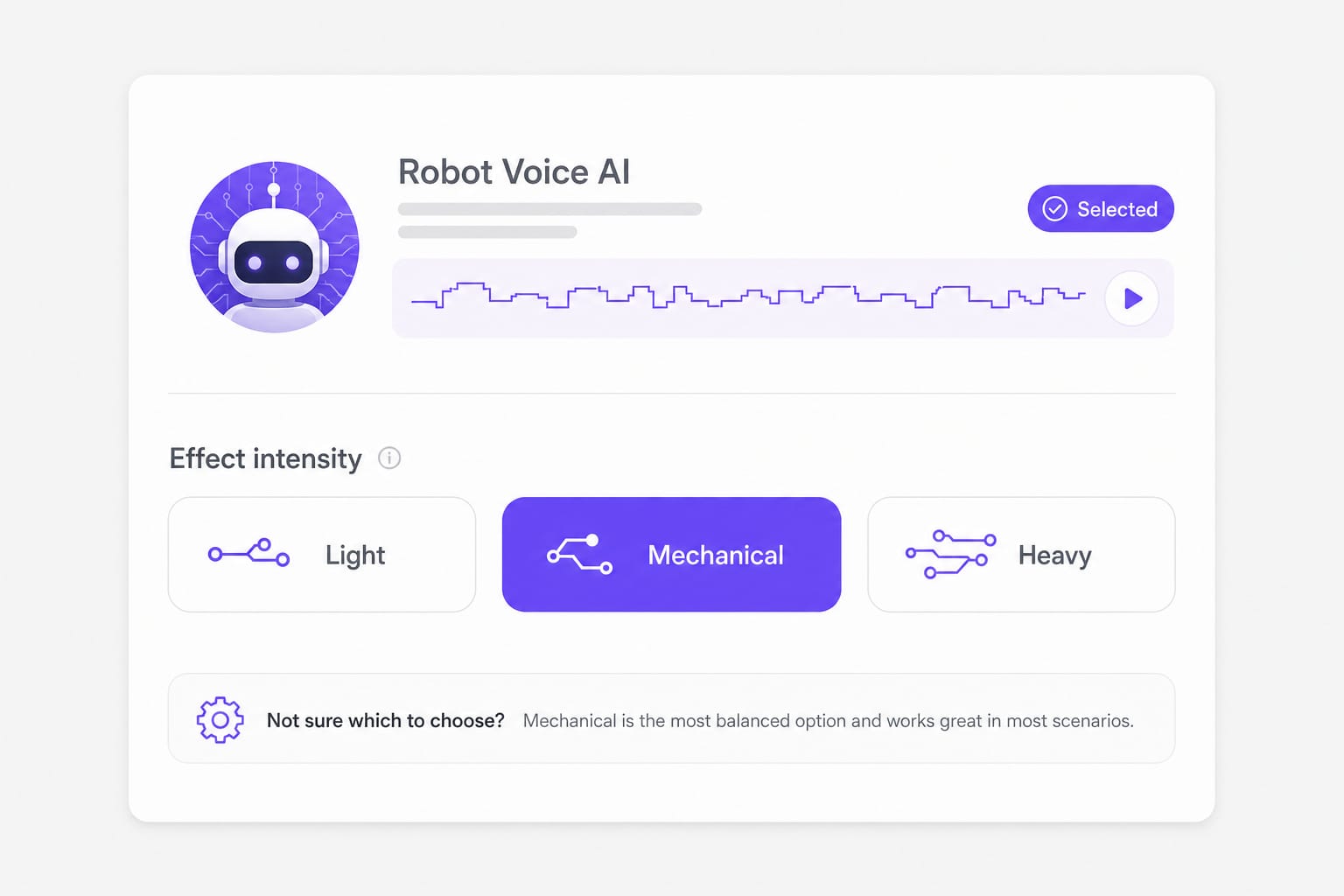
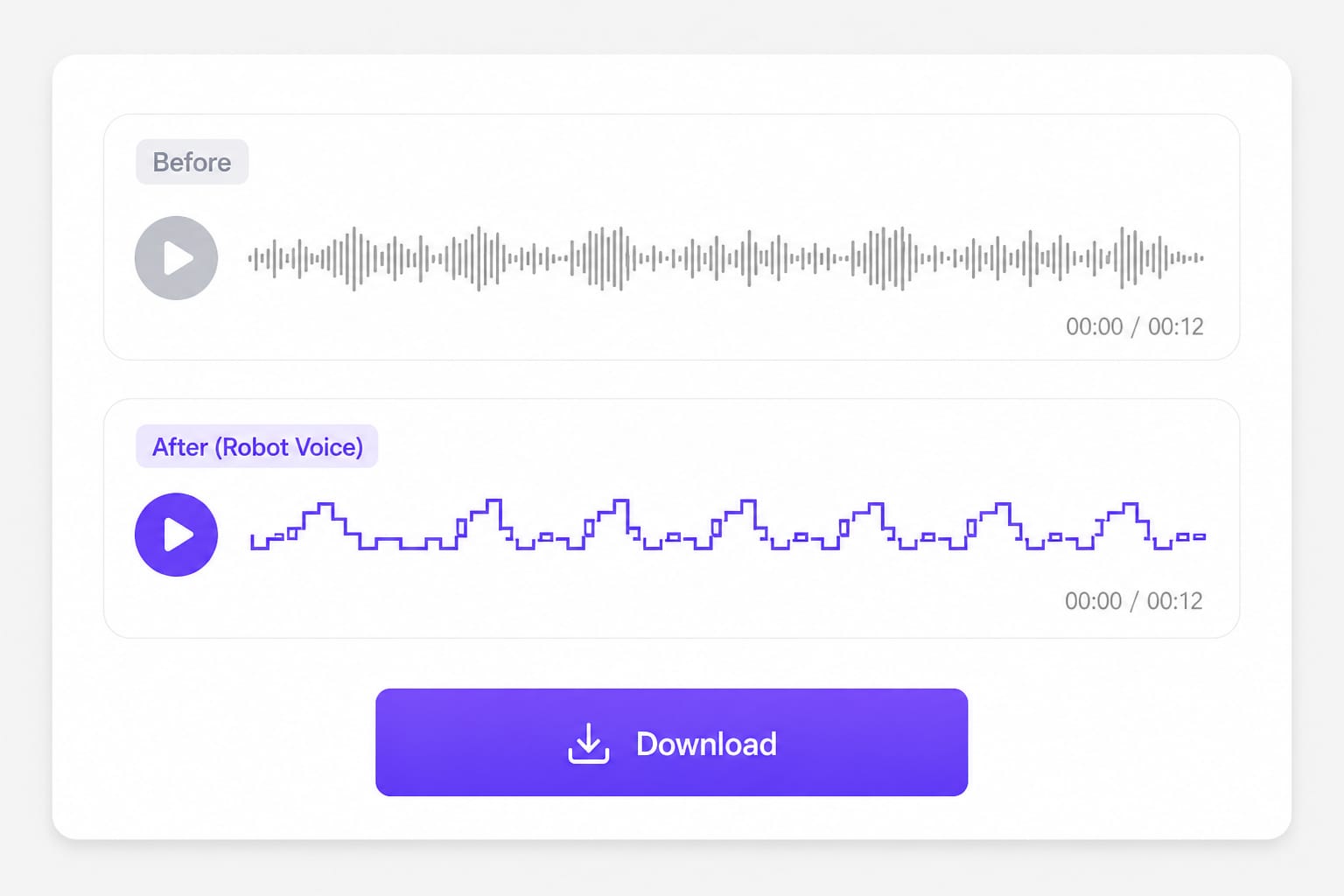
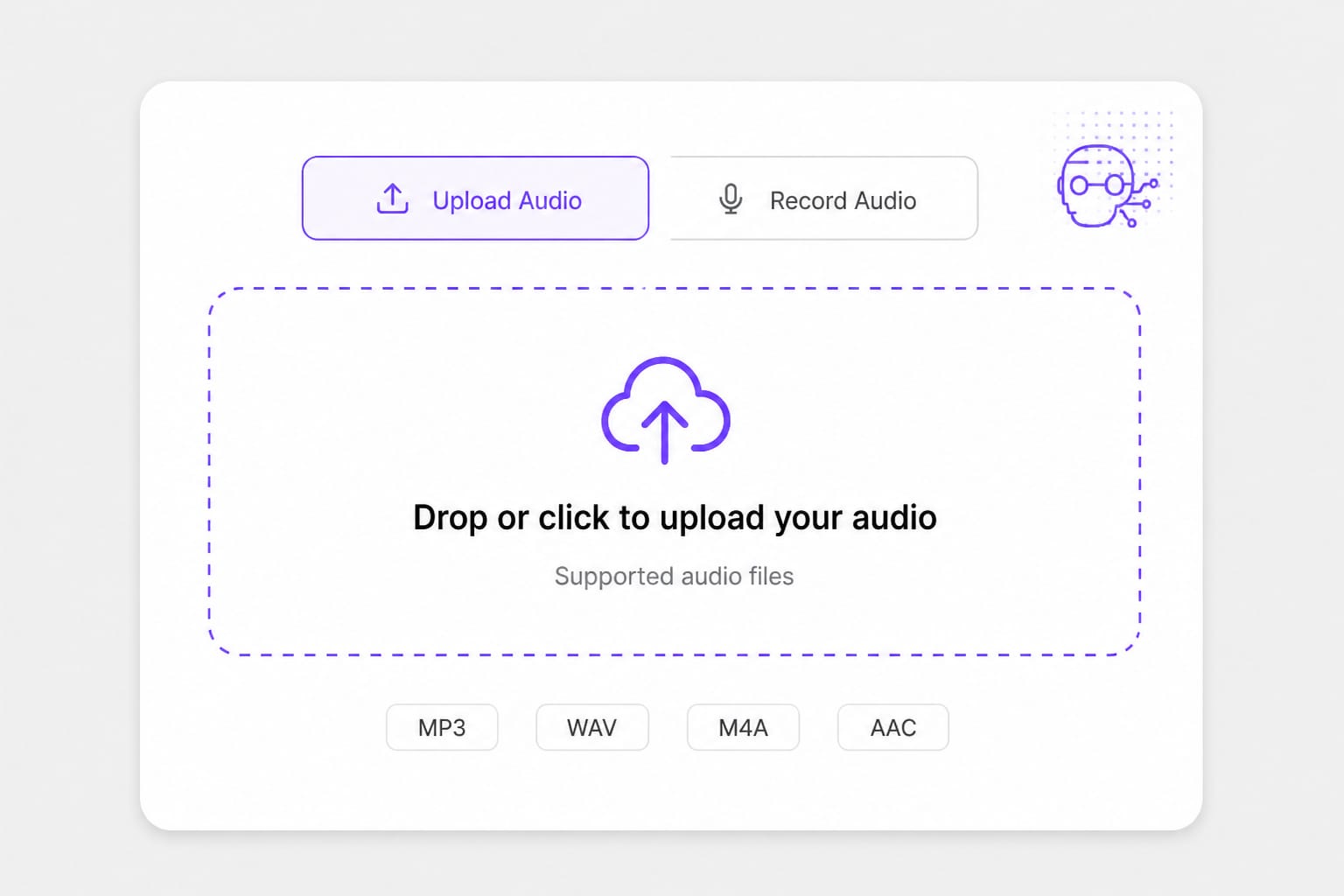
This robotic voice changer runs in your browser — upload or record, pick Light, Mechanical, or Heavy, and download a voice changer robot voice clip.

How to Use a Robotic Voice Changer for Sci-Fi Clips

Light adds a synthetic edge; Heavy goes full machine. Preview before you drop the line into a game montage or cyberpunk short.

  1. 01

    Feed it a clean spoken line

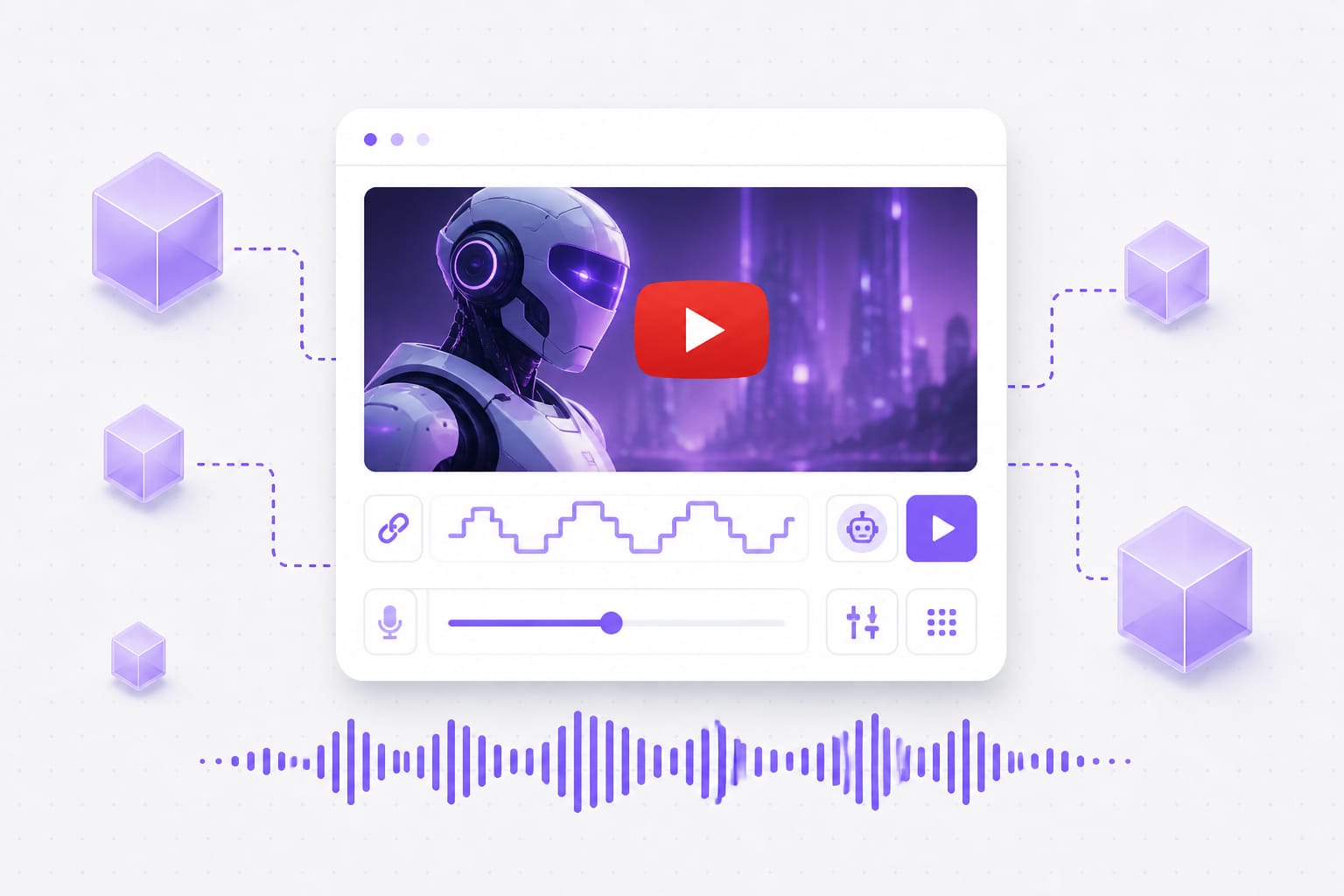
    Upload clean dialogue for robot voice changer

    Sci-fi barks and droid dialogue read best from dry source audio. Remove background music first — robotic modulation treats bleed as part of the signal.

  2. 02

    Pick Light, Mechanical, or Heavy

    Robotic voice changer Light Mechanical Heavy presets

    Light for background droids, Mechanical for speaking roles, Heavy for one-word impact sounds. If subtitles matter, avoid Heavy on full sentences.

  3. 03

    Lay the file under your mech footage

    Voice changer robot voice export for sci-fi edit

    Export and place on an audio track beneath SFX. Robot VO often needs −3 dB when laser hits land on the same beat — leave headroom in your mix.

Why Use a Voice Changer Robot Voice Online

Bad robot filters stutter randomly. These presets modulate pitch and tone with control so dialogue stays intelligible.

Sci-fi dialogue users can still subtitle

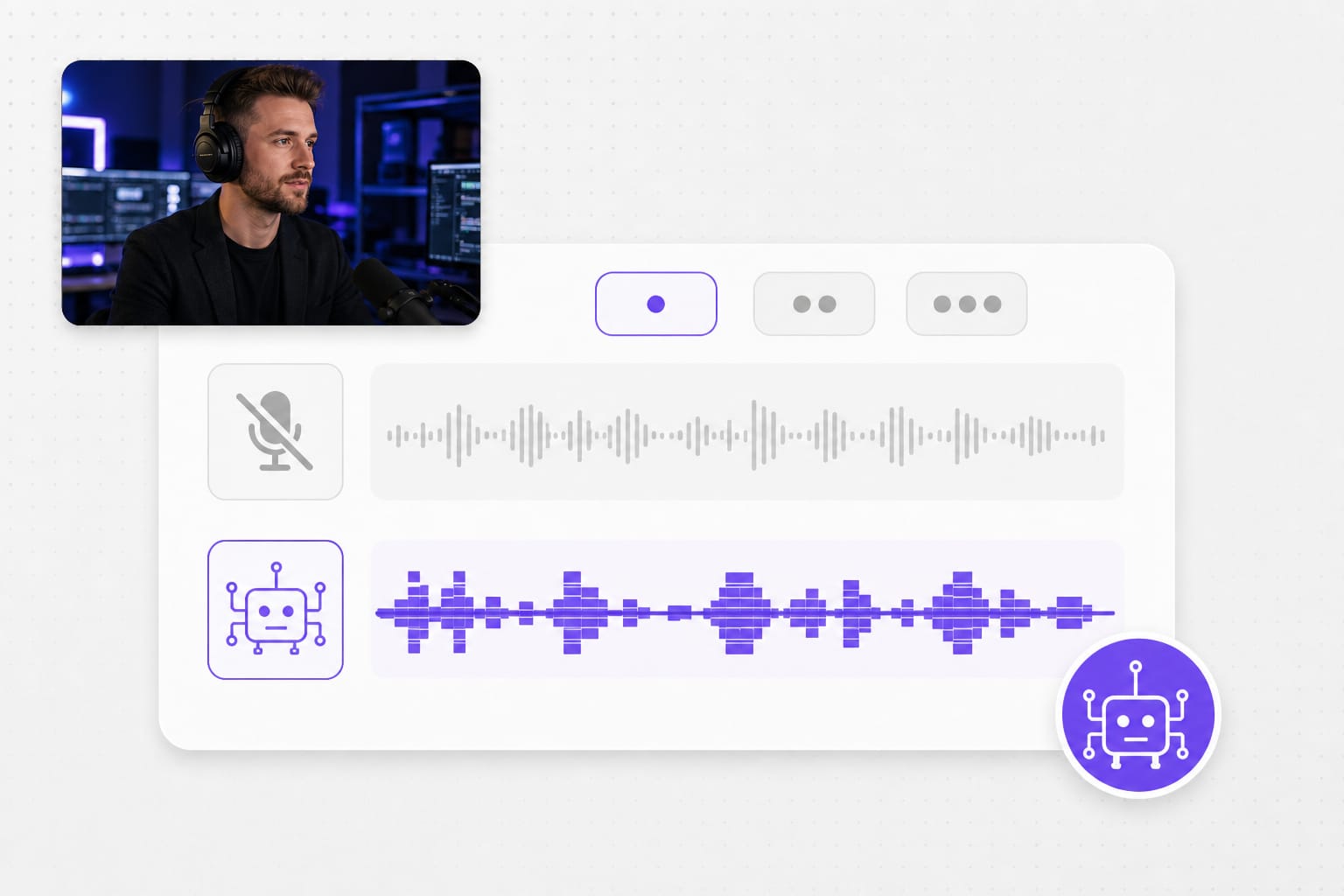
Meme robot voices are fun until nobody catches the punchline — captions become wrong because consonants smear. Mechanical keeps modulation tight enough for accurate subs; Heavy is for one-word barks, not exposition. Test a full sentence before you publish the montage.

Robotic voice changer Mechanical preset for clear dialogue

Skip VST hunting for a one-line droid

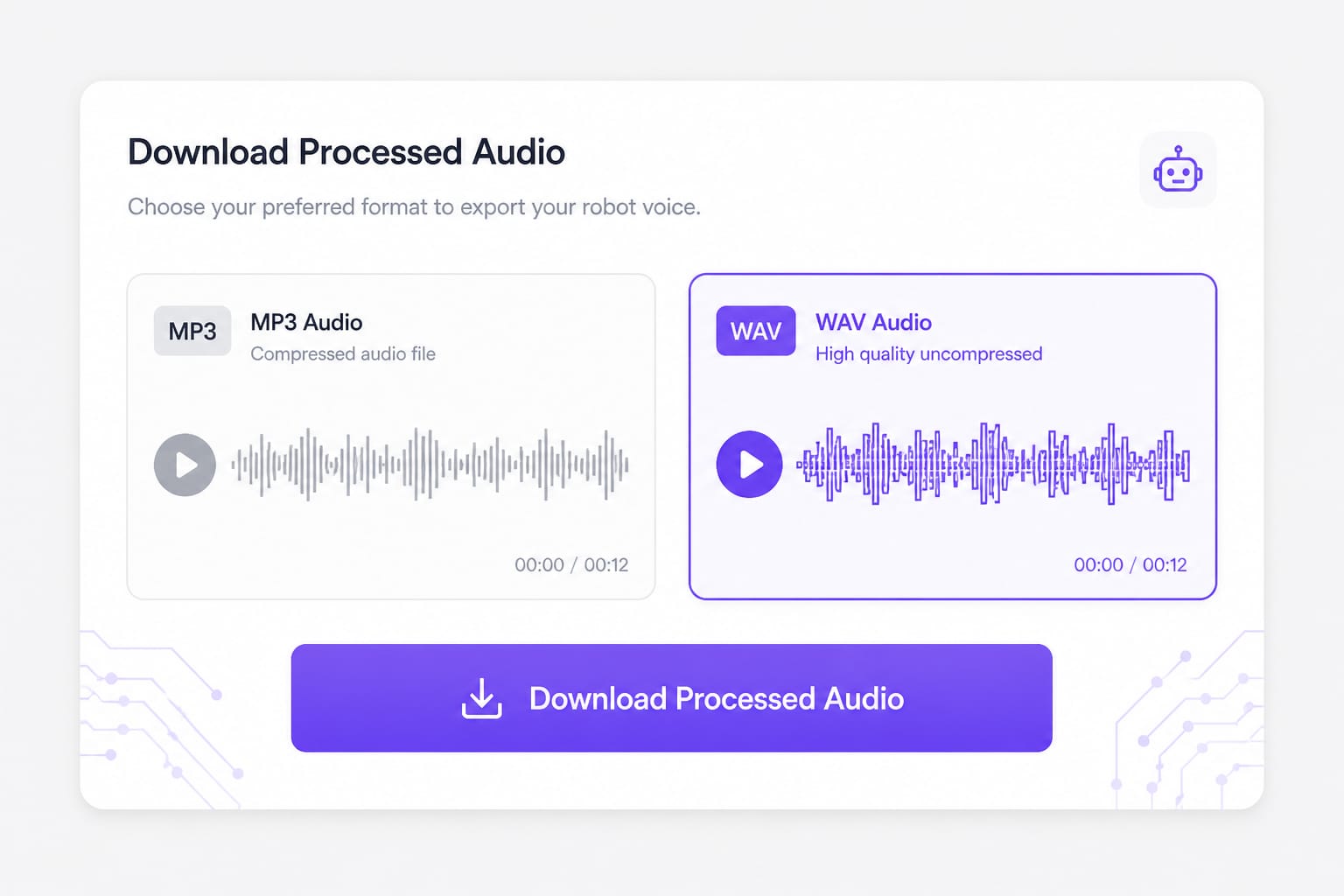
You need twelve seconds of robot bark for a game clip, not a plugin subscription and YouTube tutorial. Upload, pick Light, Mechanical, or Heavy, export, and return to editing in under a minute. WAV if your montage will compress again; MP3 for quick swaps.

Robot voice changer quick export workflow

Dial back intensity when music bed is loud

Heavy robot on top of EDM fights the mix — viewers hear wobble, not dialogue. Light sits under busy tracks; save Heavy for isolated VO moments with no music bed. Preview with your gameplay audio ducked the way it will export.

Voice changer robot voice intensity under music mix

Voice Robot Changer Common Questions

Robot voice changer vs robotic voice changer — same tool?

Same page — “robotic” describes the effect family; presets are Light, Mechanical, Heavy.

Will voice robot changer work on singing?

Spoken lines work best. Sung vocals can sound phasey — test a short phrase first.

Can I stack this with video robot visuals?

Yes — export audio and sync in your editor. Match Heavy visuals with Heavy audio for cohesive sci-fi bits.

Live stream use?

This processes files and recordings, not live OBS feed. Record a line, process, play back in stream software.

Free preview?

Yes — download requires sign-in.

File size limit?

30 MB; standard audio formats supported.
Translate videos into 170+ languages online

Upload MP4 or MOV, or paste a link — VMEG handles AI dubbing, lip sync, and subtitles in one browser workflow.