Free Funny Voice Changer Online

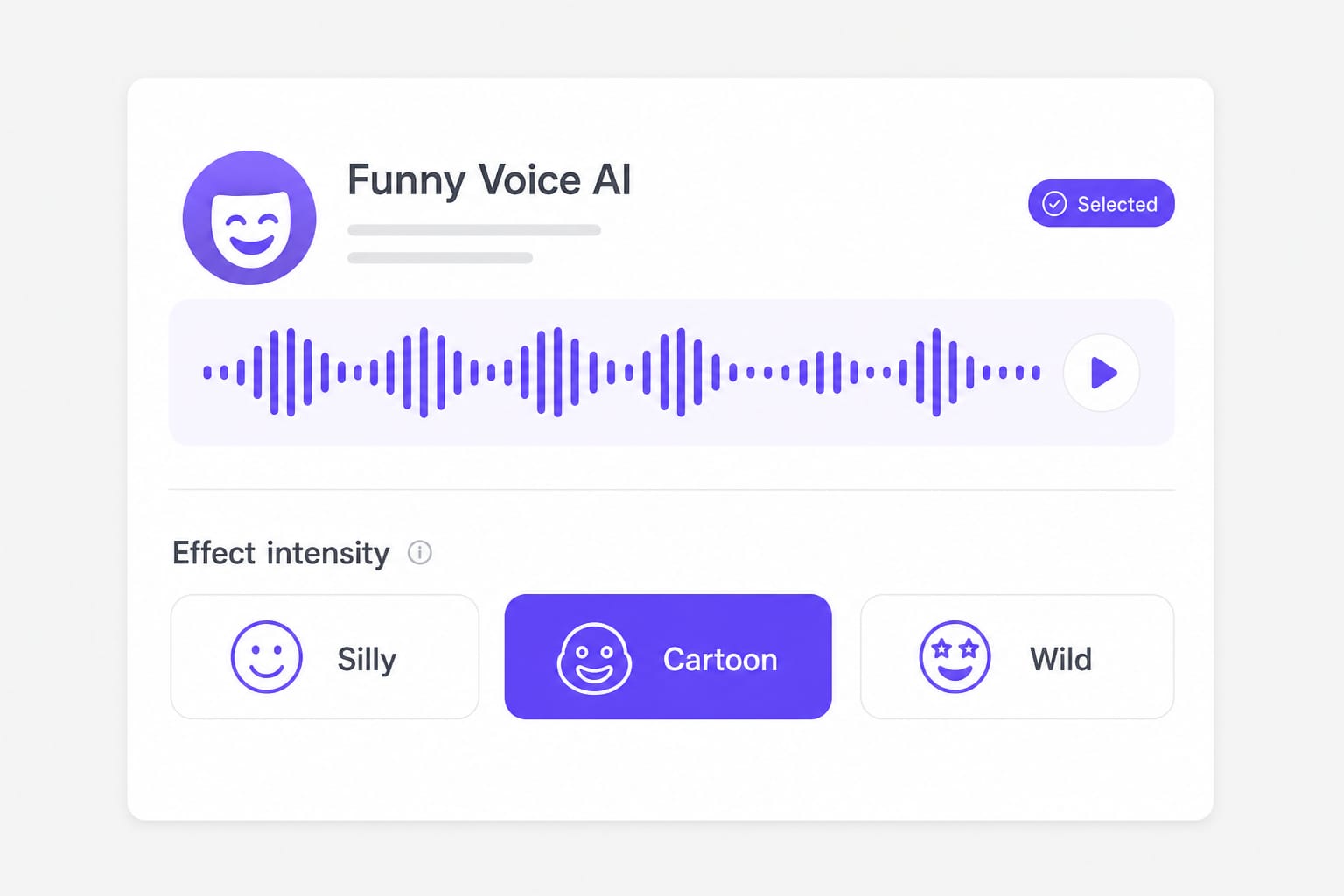
Use this voice changer funny tool to upload or record a clip, pick Silly, Cartoon, or Wild, and download an AI funny voice changer result in your browser.

How to Use a Voice Changer Funny for Memes and Skits

Silly, Cartoon, and Wild push comedy pitch without the ear-fatigue of always-max filters.

  1. 01

    Record the punchline, not the setup

    Record comedy punchline for funny voice changer

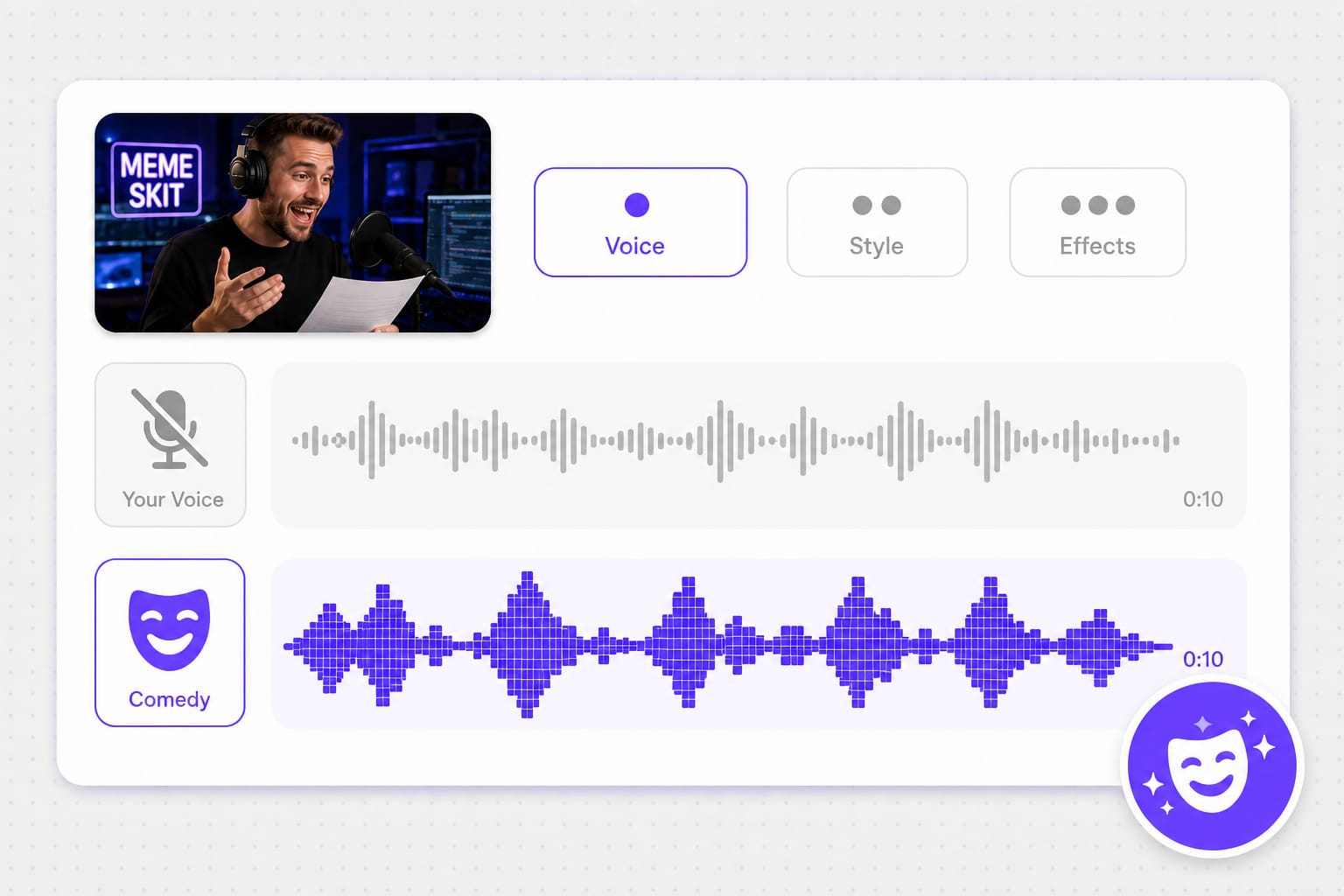
    Process only the payoff line to keep edit rhythm tight. Upload the isolated sentence from your timeline or record straight into the Record tab between laughs.

  2. 02

    Silly, Cartoon, or Wild — test on phone

    Funny mic voice changer Silly Cartoon Wild levels

    Wild wins in headphones, fails on TikTok playback. Cartoon is the meme default; Silly when the joke needs intelligible words. Preview before you publish.

  3. 03

    Bounce MP3 into your meme template

    AI funny voice changer MP3 export for memes

    Most CapCut and meme editors expect MP3. Trim silence in the editor after import — comedy timing is often tighter than the exported file suggests.

Why Use a Funny Mic Voice Changer Online

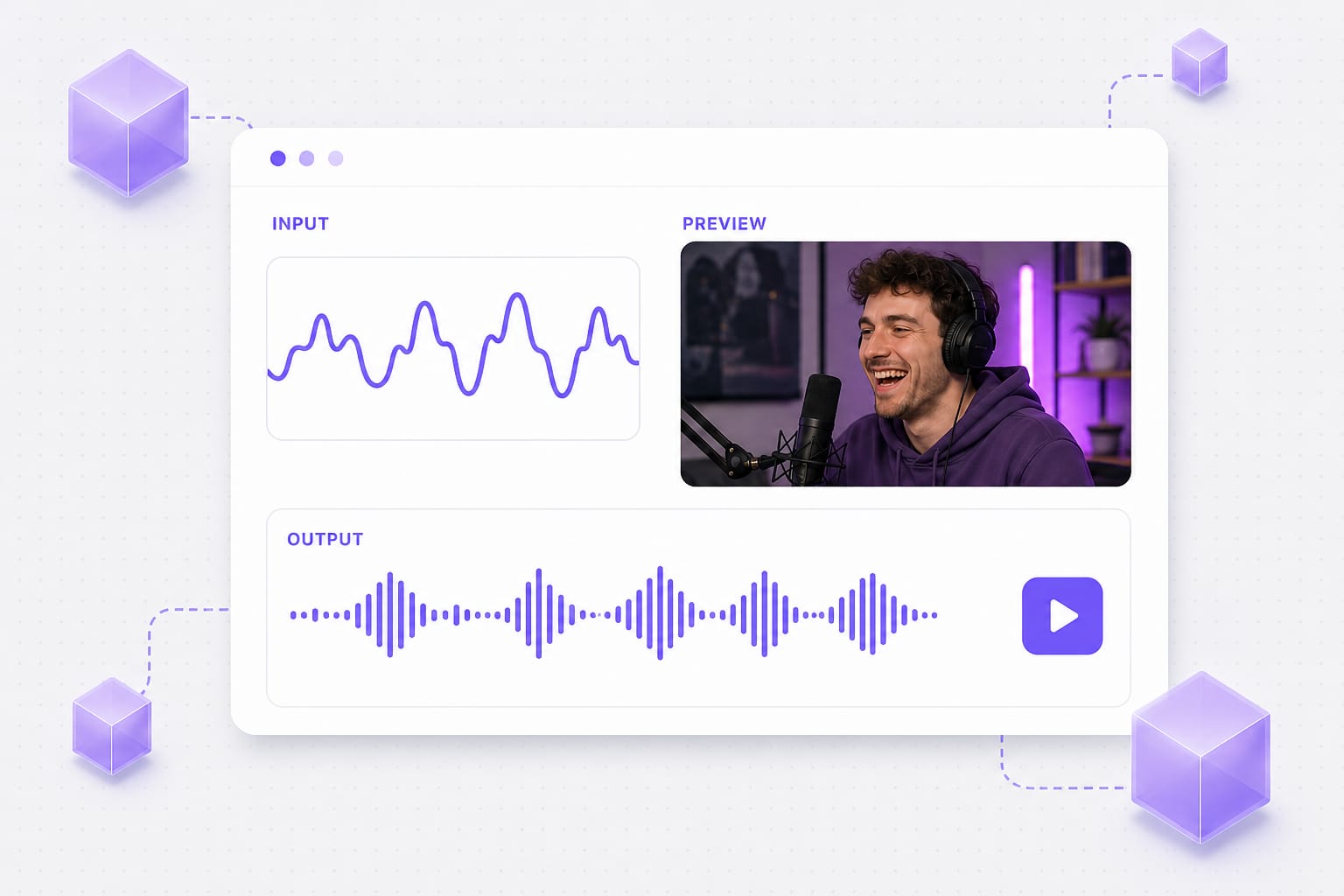
Comedy timing dies when you wait on a render queue. Record, flip intensity, and re-do the line while the bit is still fresh.

Punchlines that do not clip on phone speakers

Wild sounds hilarious in headphones and harsh on TikTok playback — the joke dies in the feed. Cartoon exaggerates without always peaking; Silly when words must stay intelligible. Preview on the device your audience actually uses before you post.

Add audio
Funny mic voice changer Cartoon vs Wild preview

Re-record the bit without reopening desktop software

Sketch comedy is iterative — a bad take should not mean exporting stems and relaunching a DAW. Record tab, flop take, immediate retry on the same preset. Silly, Cartoon, and Wild stay one click away while you still remember the timing.

Pick intensity
Voice changer funny record and retry workflow

Meme audio you can drop into CapCut

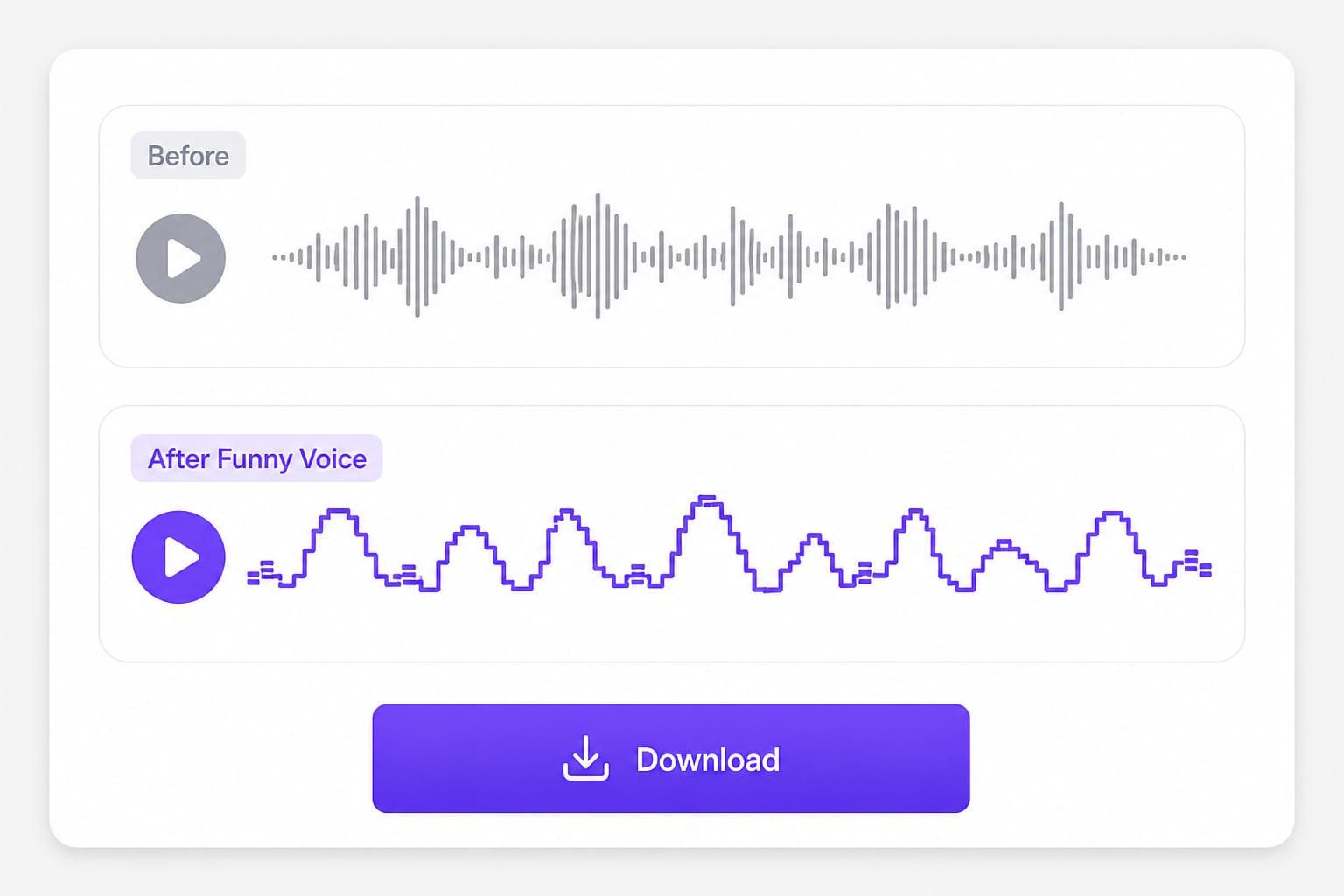
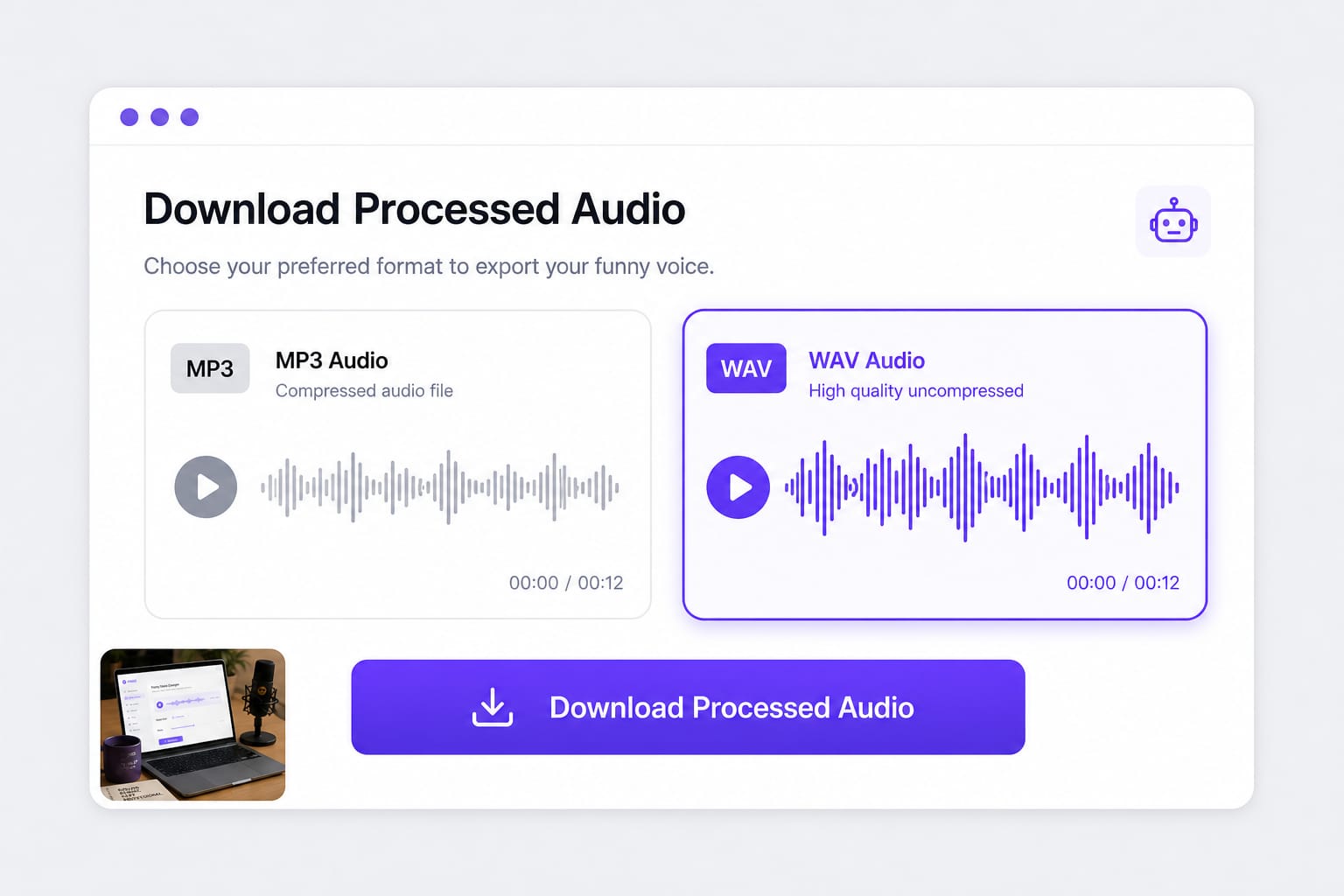
Screen-recording playback picks up room noise and caps quality. Download MP3 when timing matters in mobile editors, WAV when you layer in a desktop DAW. Trim silence after import — exported files often include breath gaps you do not want in memes.

Generate now
AI funny voice changer export for CapCut memes

AI Funny Voice Changer FAQ

What is the difference between funny voice changer and voice changer funny?

Same tool — search phrasing varies. Presets Silly, Cartoon, Wild cover light to extreme comedy pitch.

Is this funny mic voice changer good for Discord?

Process a clip here, then upload or play into Discord. It is not a live mic overlay.

AI funny voice changer — is AI doing the writing?

AI labels the voice effect stack, not your script. You supply the line; the preset transforms delivery.

Will Wild preset distort speech?

It can on plosive-heavy lines. Back off to Silly if words become hard to parse.

Free?

Preview free; sign in to download.

Upload formats?

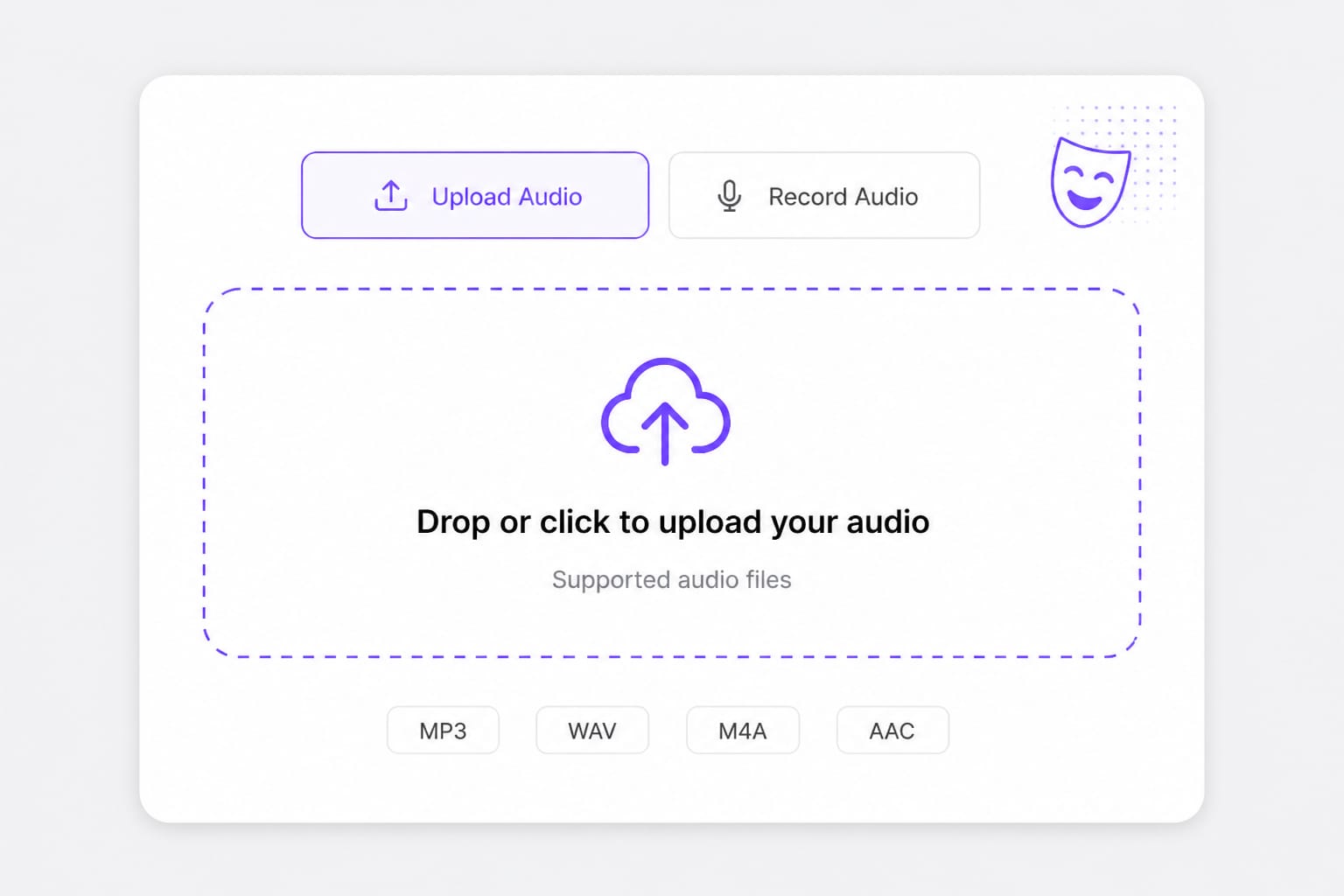
MP3, WAV, M4A, AAC, FLAC, OGG up to 30 MB.
Dub films and long videos for global audiences

Handle feature-length movies and series with AI translation, voice replacement, and subtitle tracks in one place.