Google Drive Translation
VMEG makes translating videos from Google Drive simple and efficient.
How to Translate Videos from Google Drive
01Upload Your Google Drive Video
First, select the video you want to translate and paste the share Google Drive share link.
02Choose Your Source and Target Languages
Select the original language of the video and the language you want to translate it to.
03Edit and Export Your Translated Video
Once the translation is done, use the built-in editor to refine the subtitles or adjust the voiceover timing. After reviewing, export your translated video or subtitle file for download.
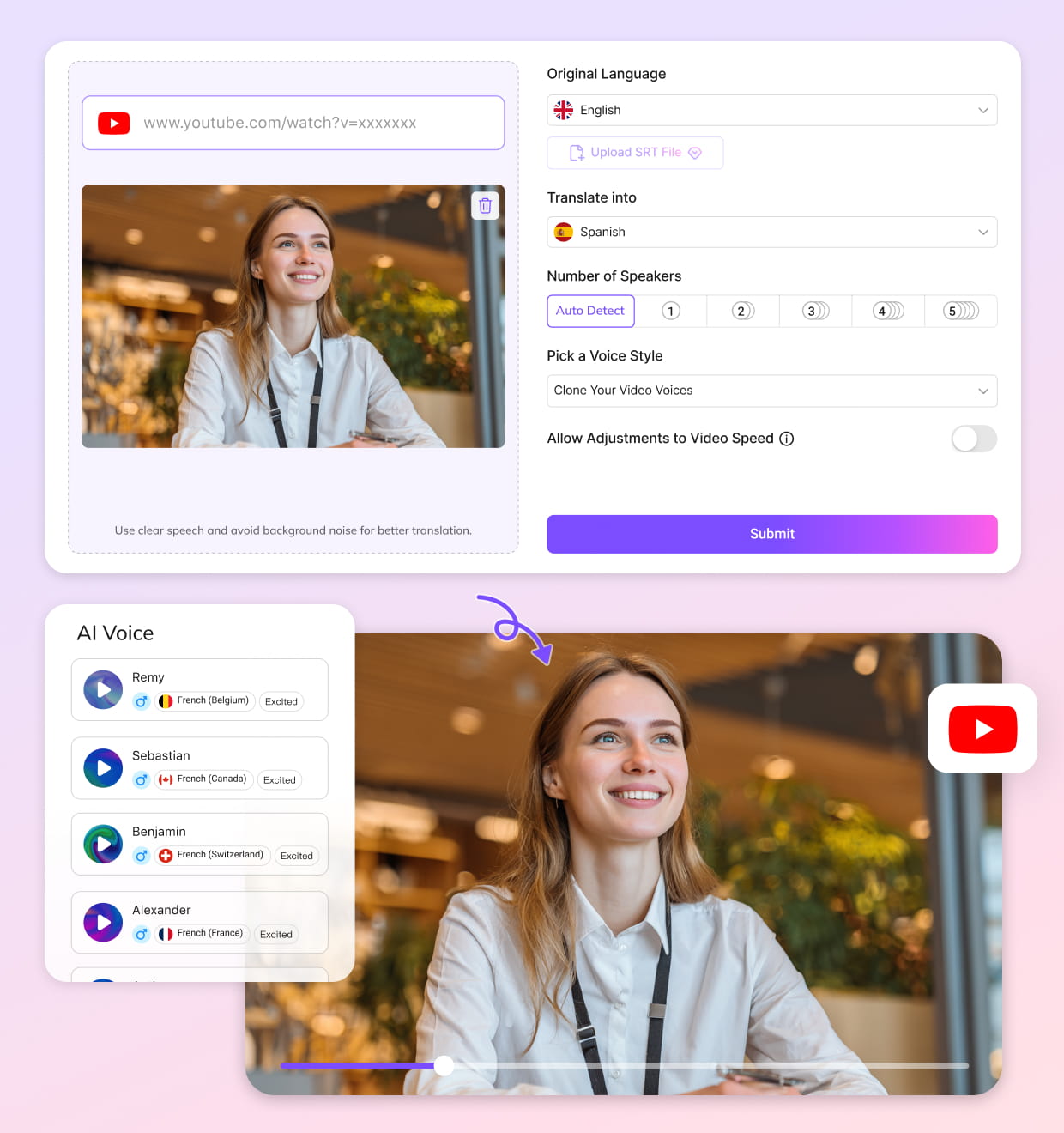


Why Choose VMEG's Google Drive Translation
Effortless Integration with Google Drive
VMEG connects directly with Google Drive, allowing users to upload videos through shared links without downloading files locally first. After setting the link permission to “Anyone,” videos can be imported into the translation workflow in just a few steps. VMEG supports batch uploading and translating multiple videos, helping you quickly process large volumes of video content. This feature is particularly well-suited for creators and business users who need to update content frequently.
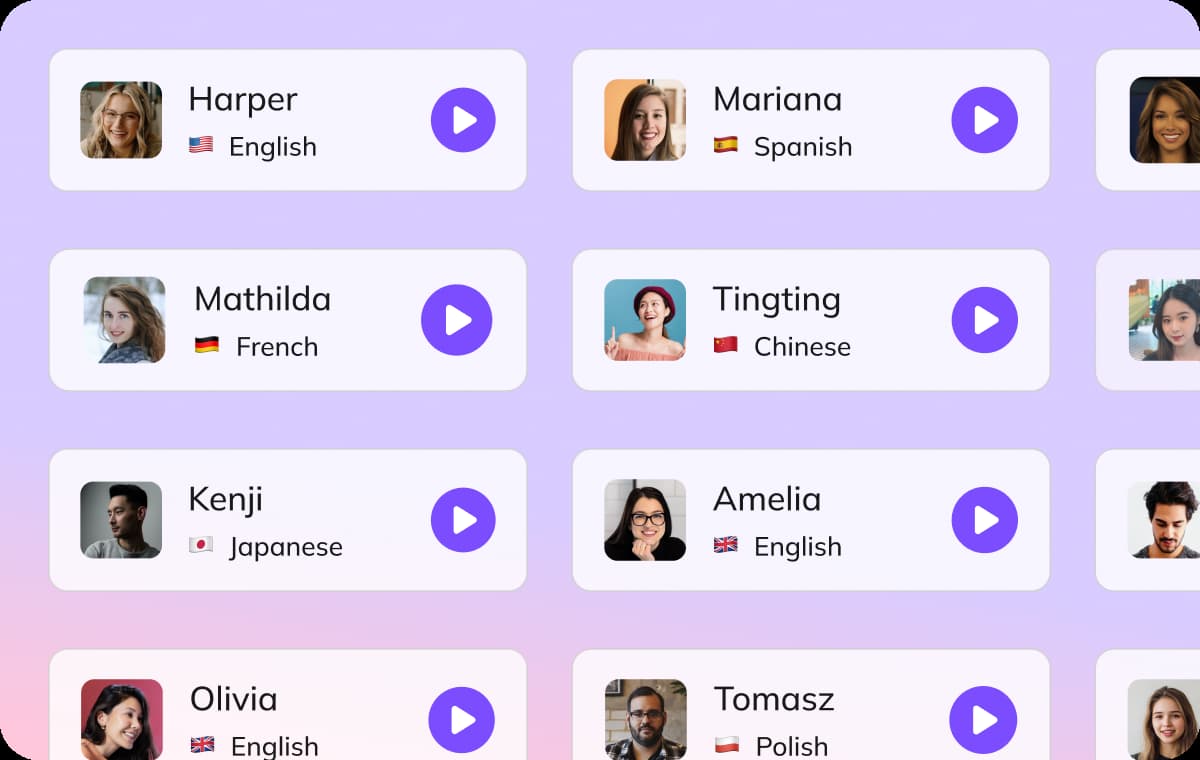
Fast & Accurate Translations in Multiple Languages
VMEG supports translation in more than 170 languages for video localization, subtitle generation, and multilingual dubbing. The platform uses speech recognition and context-aware translation to process narration, dialogue, and industry terminology with high accuracy across different content types.After translation, users can export subtitles as SRT files or download translated audio tracks, making it easier to publish localized content for international audiences across video and social platforms.

Simple Editing Interface for Easy Customization
VMEG includes an editing workspace where users can adjust subtitles, update translated text, and fine-tune generated voiceovers without needing advanced editing experience. Subtitle timing, voice speed, and pitch can all be modified directly inside the workflow.However, you no longer need professional audio and video editing skills. All you need to do is complete a QA review. VMEG’s AI translation workflow helps teams save a significant amount of time and effort.

Who Uses Google Drive Translation

Creators & TikTok Influencers
Podcasters, Content Creators, and Media Professionals rely on Google Drive translation tools to quickly localize their video content for a global audience. VMEG helps ensure that their content reaches viewers in different languages with accuracy.

Brands & Social Media Teams
Educators, Students, and Language Learners benefit from Google Drive translation for educational videos, lectures, or study materials. It enables them to access resources in various languages, helping students better understand course content.

Educators & Informational Accounts
Marketers, Businesses, and Agencies use Google Drive video translation for cross-border communication and marketing campaigns. By localizing videos for different markets, businesses can engage a wider audience and increase conversions with more personalized and accessible content.
FAQs About Google Drive Video Translation
How can I translate a video from Google Drive into English?
You can easily upload your video from Google Drive to VMEG. Our platform will automatically process the video and provide an English translation, along with subtitles or voiceover options.
Can VMEG translate any video format from Google Drive?
Yes, VMEG supports a variety of video formats, including MP4, AVI, and MOV, that you can upload from Google Drive for translation.
Do I need to install anything to use Google Drive video translation?
No installation is required! Simply connect your Google Drive account, upload the video, and let VMEG handle the rest. All translations are done online.
How long does it take to translate a video from Google Drive?
Translation time depends on the length and complexity of the video. Most short videos (under 10 minutes) are translated in just a few minutes.
Can I edit the translation after it's done?
Yes! Once the translation is completed, you can edit the subtitles or make adjustments to the voiceover directly in the VMEG platform.
Can VMEG translate videos from languages other than English?
Yes, VMEG supports translation from over 170 languages, so you can translate videos from various languages into English or other languages.
Discover More on VMEG
Related Searches
Translate Google Drive Video Online
Translate videos from Google Drive to any language with VMEG’s online video translation tool.