Free Scream Voice Changer Online

Use this scream voice changer online to upload or record a clip, pick Whisper, Classic, or Intense, and download a voice changer from scream as MP3 or WAV — no desktop app.

How to Apply a Voice Changer Scream in Three Steps

Skip the DAW — upload a scare line or record one take, pick an intensity, and export a clip that actually sounds like a slasher callback.

  1. 01

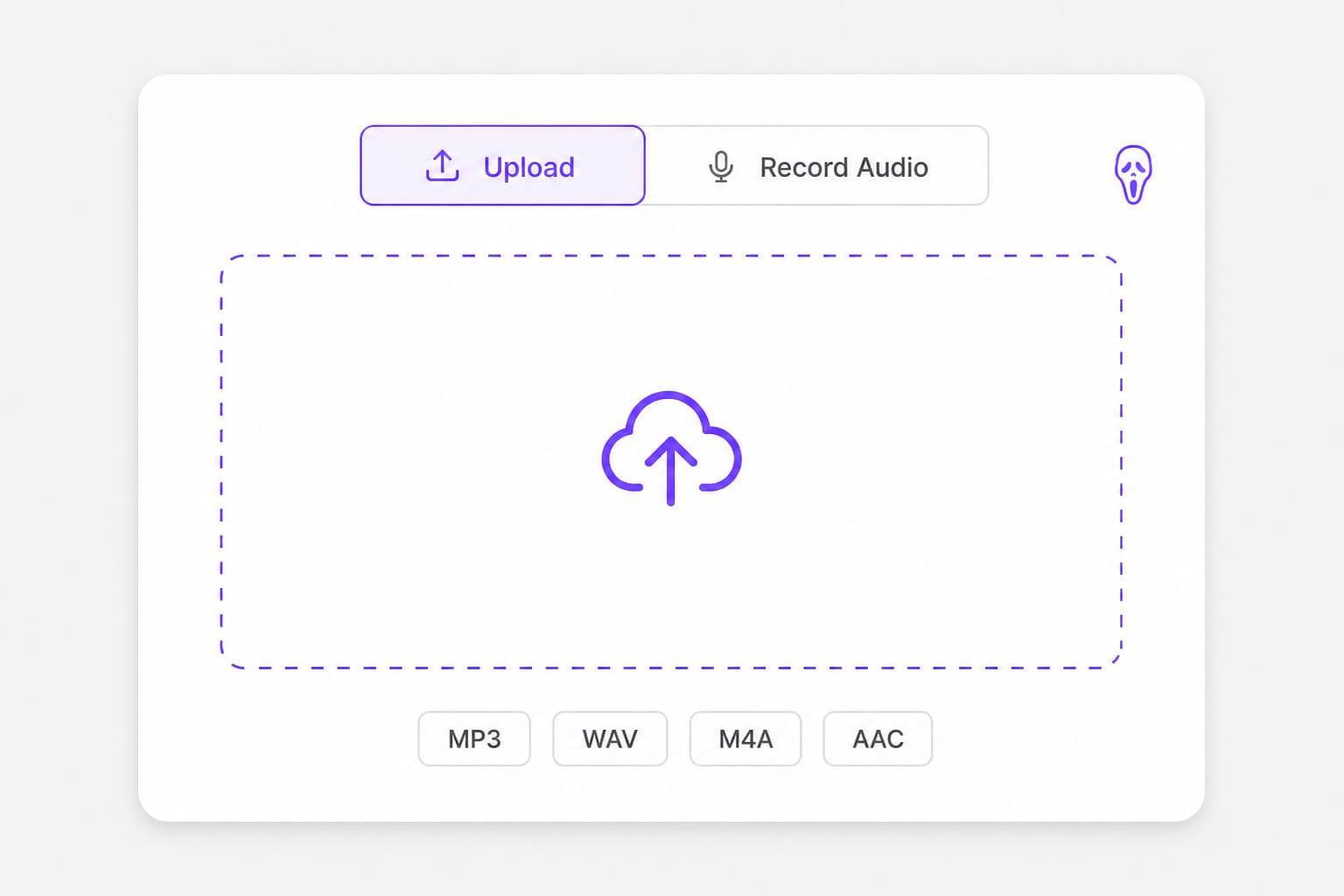
    Drop your scare line or record one take

    Pull the VO from your timeline export, or hit Record and deliver the mask line once. Room tone beats a closet — reverb makes horror reads sound cheap.

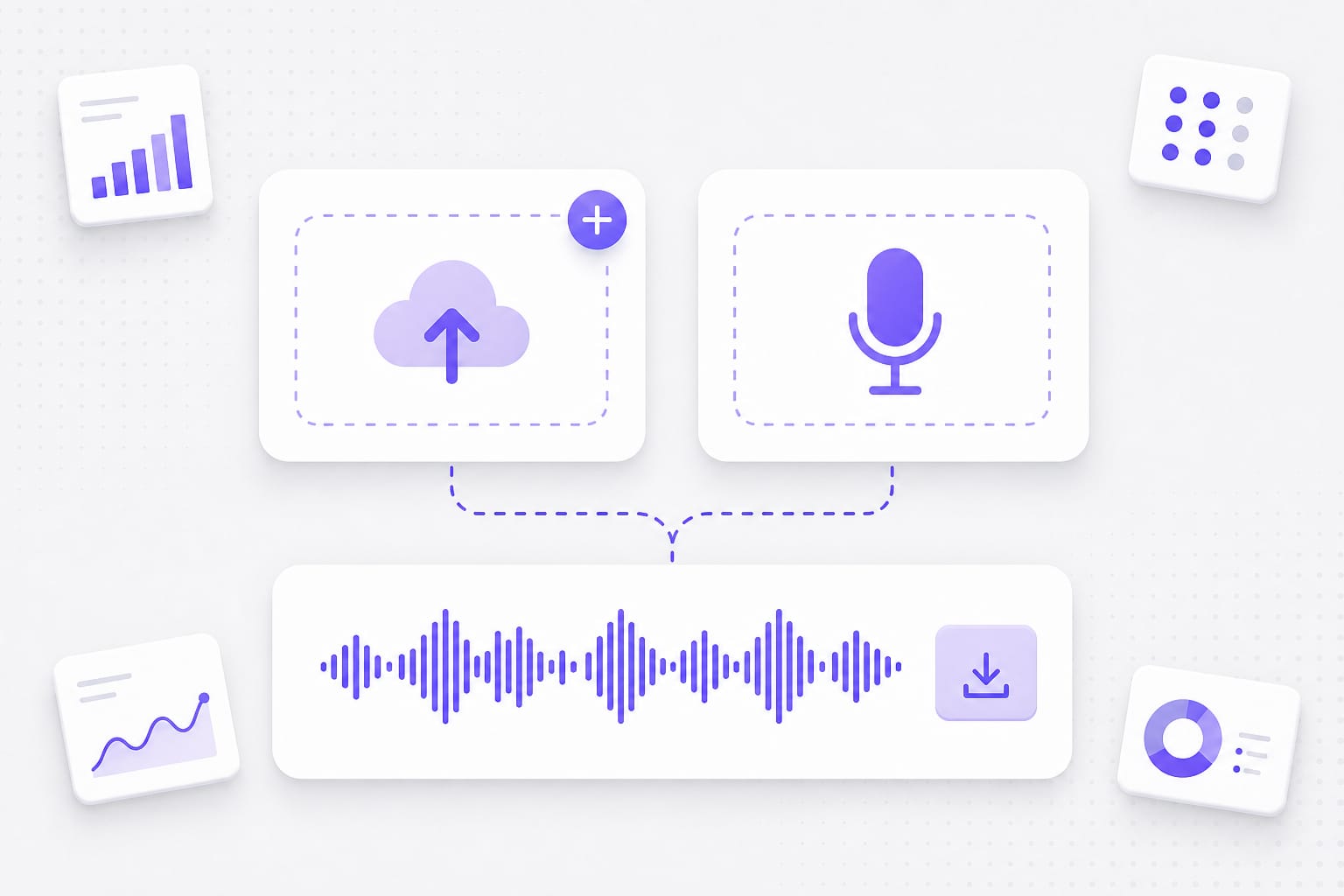
    Upload scare dialogue for scream voice changer online
  2. 02

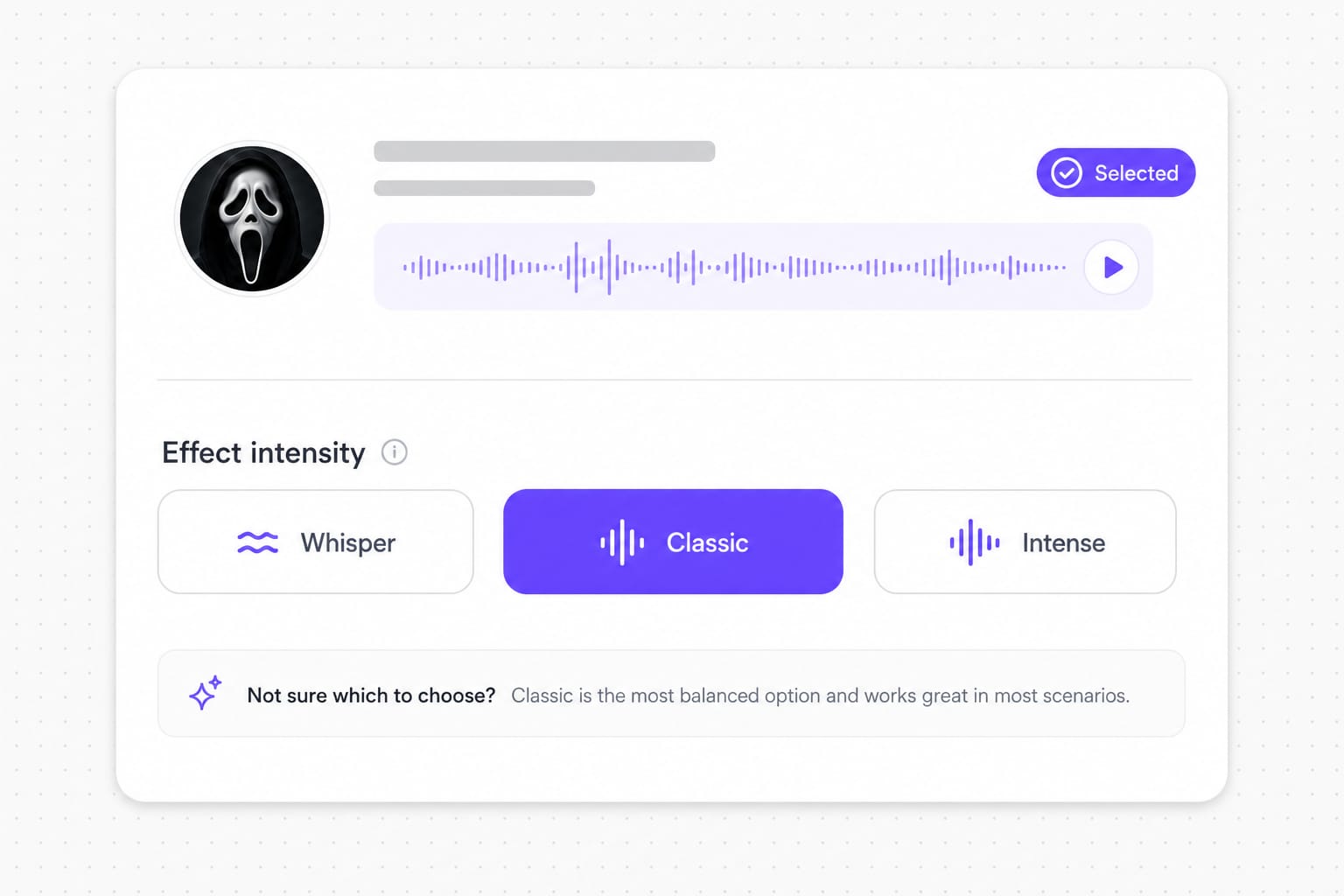
    Dial Whisper, Classic, or Intense

    Whisper for overheard dread, Classic for a balanced slasher callback, Intense when the jump scare needs distortion. Flip presets on the same file before you commit.

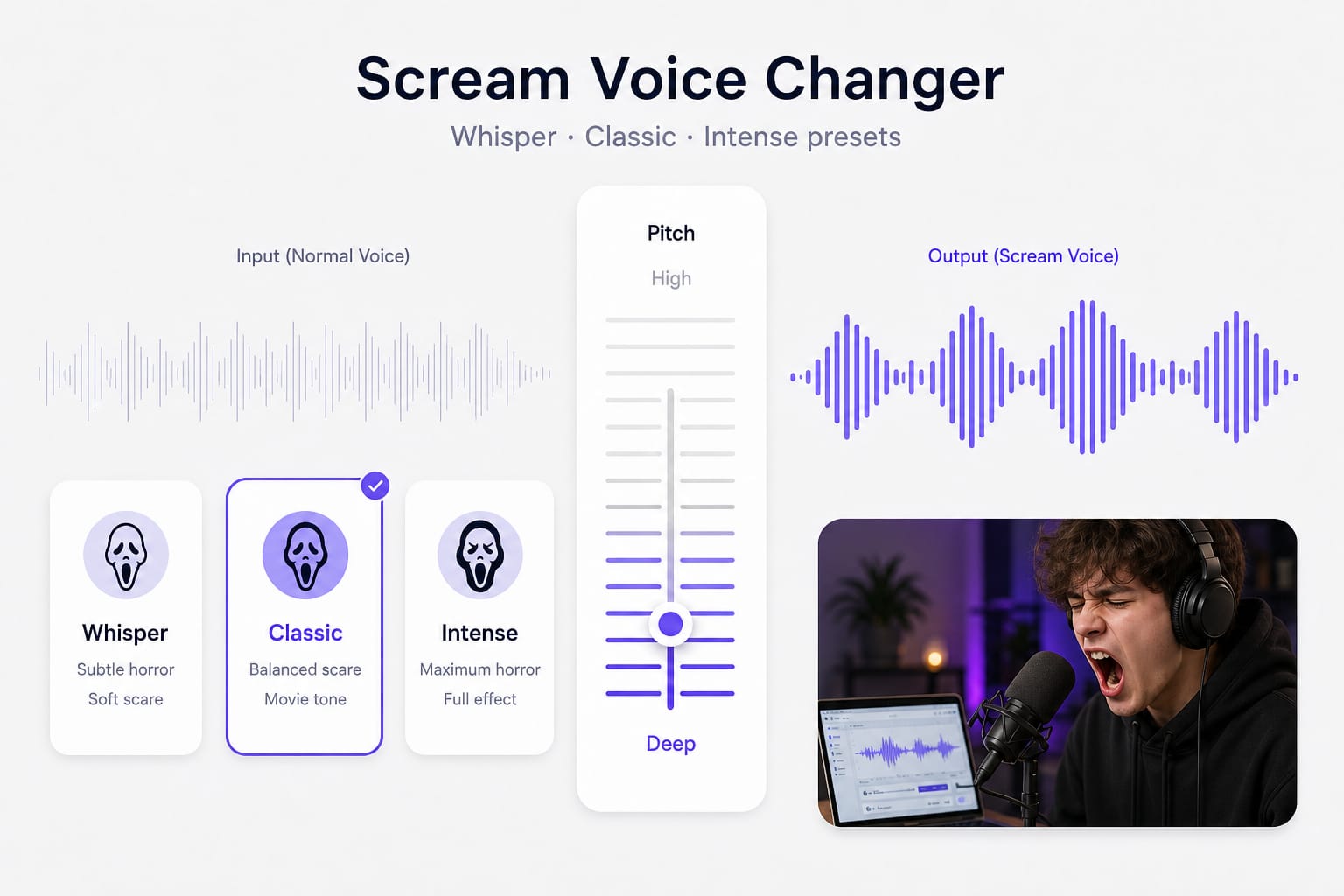
    Scream voice changer Whisper Classic Intense selector
  3. 03

    Sync the export to your jump cut

    Download MP3 for quick social posts or WAV if your editor will compress again. Line up the stinger two frames before the visual hit — horror timing is half the scare.

    Download voice changer scream audio for video edit

Why Use a Scream Movie Voice Changer Online

Generic horror filters flatten your delivery. These presets keep the rasp and compression people expect from a Scream-style scare.

Stop re-recording because the take sounded flat

Horror bits die when your voice reads like a normal down-pitch — you deliver the line three times and it still does not land on the jump cut. Whisper, Classic, and Intense add grain and cinematic squeeze so a short mask line can work on the first pass. Preview in the browser before you sync to picture instead of guessing in Audacity.

Add audio
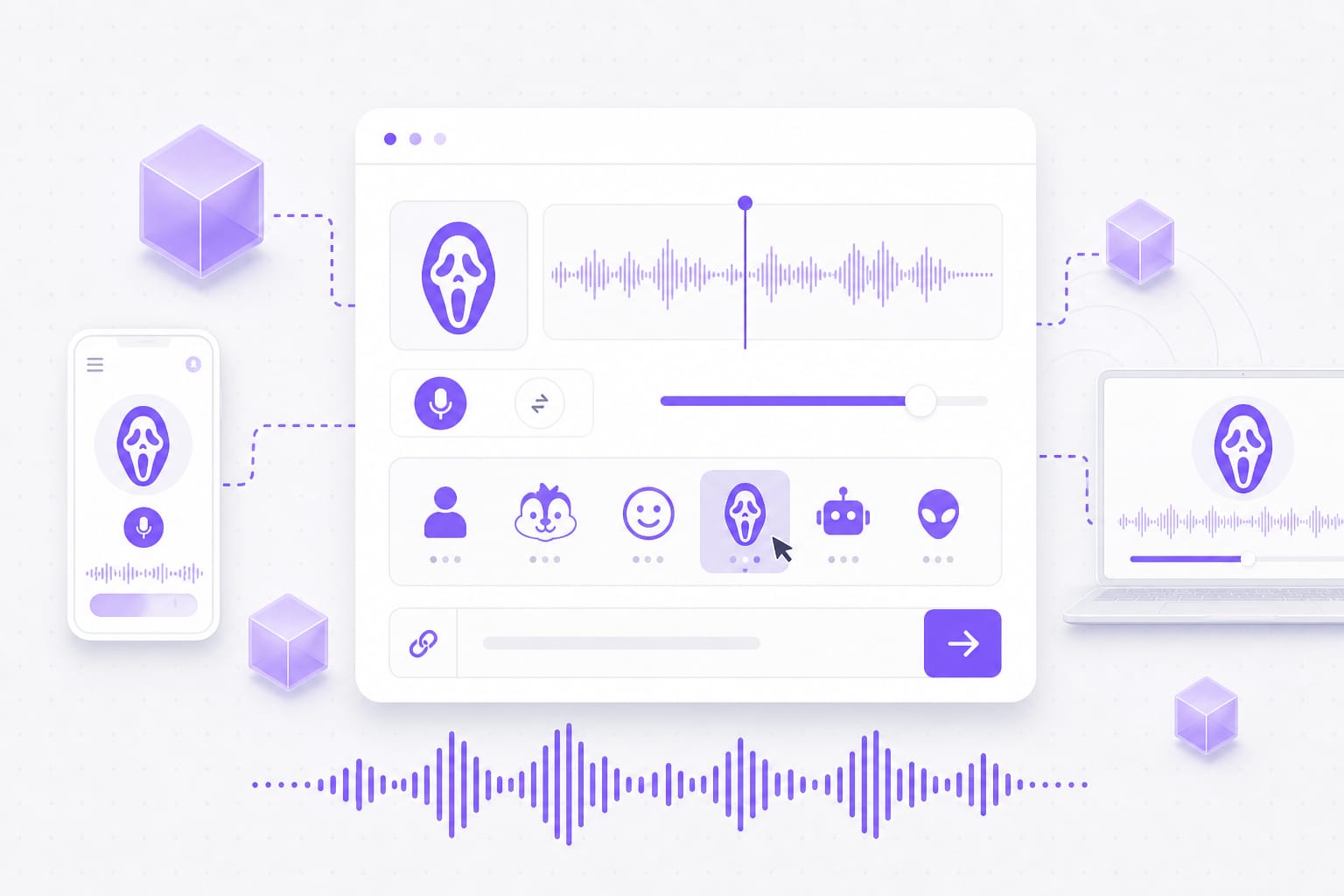
Scream movie voice changer intensity presets for horror clips

Match the movie scare, not a robot

Plenty of apps pitch you down and call it horror, which sounds more like a synth than a slasher callback on phone speakers. This stack mimics compressed, muffled delivery — the rasp and edge people associate with Scream-style scares, not a generic monster filter. Switch intensity on the same upload until the line fits your edit.

Generate now
Voice changer scream effect with Whisper Classic Intense levels

Export without hunting for a desktop app

You already have the timeline open in another tab — installing a voice suite for one stinger kills momentum. Process the scare line here, preview free, then grab MP3 or WAV when it fits the jump scare. Sign in only at download; no plugin queue or watermark on the audio file itself.

Try it free
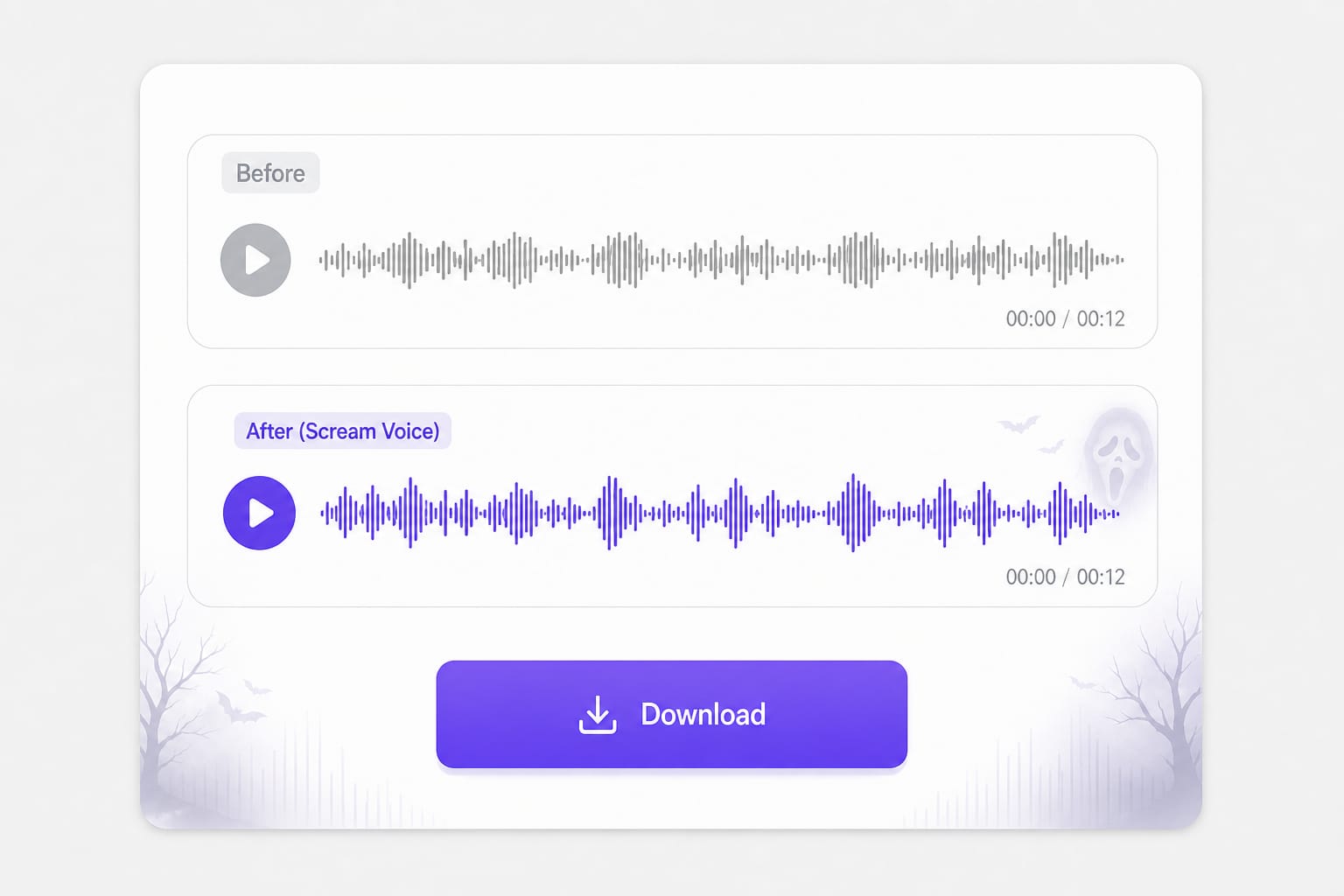
Voice changer from scream download MP3 WAV in browser

Voice Changer From Scream Questions Before You Export

Does this scream voice changer copy a specific movie voice?

It targets a Scream-style horror read — deep, compressed, unsettling — not a celebrity impersonation. Use Whisper for subtle dread, Classic for a balanced scare, Intense when you want heavy distortion.

Is this the same as a voice changer scream preset in gaming apps?

Similar intent, different workflow. Gaming overlays process live mic feed; here you upload or record a finished line, tune intensity, and download a file for video or social edits.

Can I get a voice changer from scream results on mobile?

Yes. Record on your phone, pick an intensity, preview, then sign in to download. Keep clips under 30 MB for smooth uploads on cellular.

Which intensity works for TikTok horror skits?

Classic is the safest default for short vertical clips. Intense can clip on phone speakers — preview before you post.

Is the scream movie voice changer free to try?

Preview and generate are free in the browser. Sign in only when you download the processed audio.

What files can I upload?

MP3, WAV, M4A, AAC, FLAC, and OGG up to 30 MB. Browser recordings usually arrive as WebM or another supported container.
Replace dialogue with natural AI dubbing

Turn marketing clips and training videos into another language with studio-style voices — no recording booth required.