Change voice pitch in the browser
Raise a quiet read, drop a voice memo, or fix a podcast line that sits too high. This pitch changer opens on the Pitch tab so you can hear the new tone before you save.
Shift voice pitch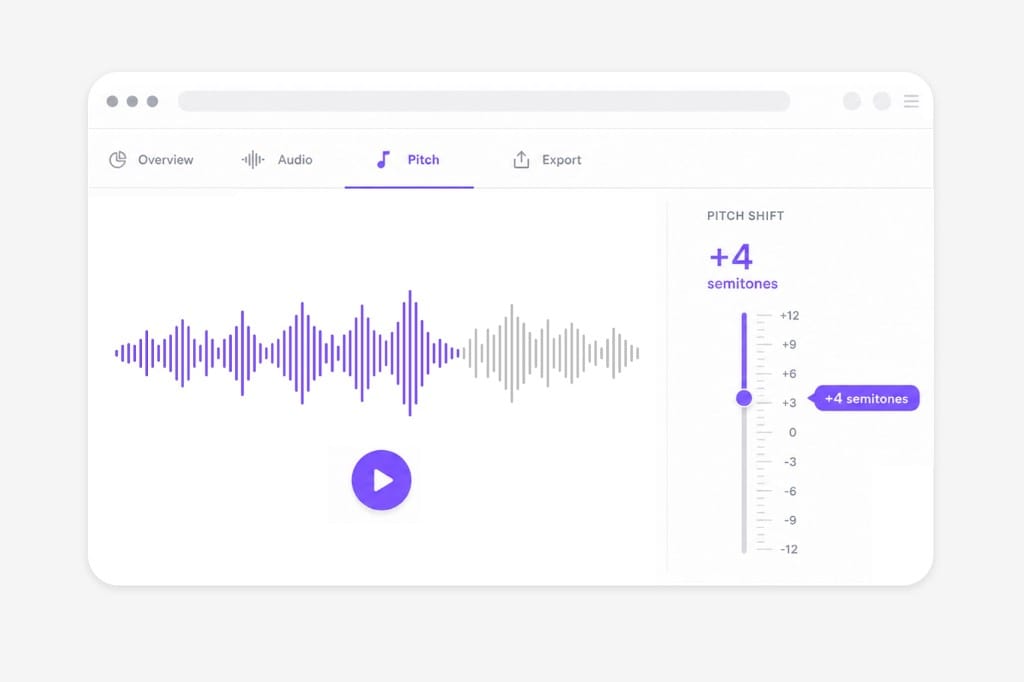
A voice memo or podcast line that sits too high does not need a DAW. Upload the file to this pitch changer, preview the new pitch, and download when it sounds natural.
Loading audio editor…
Add an MP3, WAV, M4A, or a video that already has speech on it. This pitch changer pulls the soundtrack in the browser, so you do not need a separate extractor. Podcasts, voiceovers, and interviews all load the same way. No account is required to open the waveform and start listening.
Each tick on the slider is one semitone of voice pitch. Nudge a voiceover up, drop a memo down, then replay the same line. If speech starts to sound hollow or pinched, step back one or two ticks. Stay on this tab until the voice sits where you want it.
When the voice pitch sounds natural on playback, export the finished file. Keep MP3 for a quick share, or pick WAV if you will keep editing in another app. M4A and AAC cover Apple-friendly playback if you need them. Sign in only when you download the shifted voice.
This pitch changer is for voice memos, podcasts, and other files on your computer, not a clip you are still watching online.
Raise a quiet read, drop a voice memo, or fix a podcast line that sits too high. This pitch changer opens on the Pitch tab so you can hear the new tone before you save.
Shift voice pitchWorks on podcasts, voiceovers, interviews, and the soundtrack inside MP4, MOV, or WebM. Upload the file you have. You do not need a separate extractor before you change pitch.
Upload audio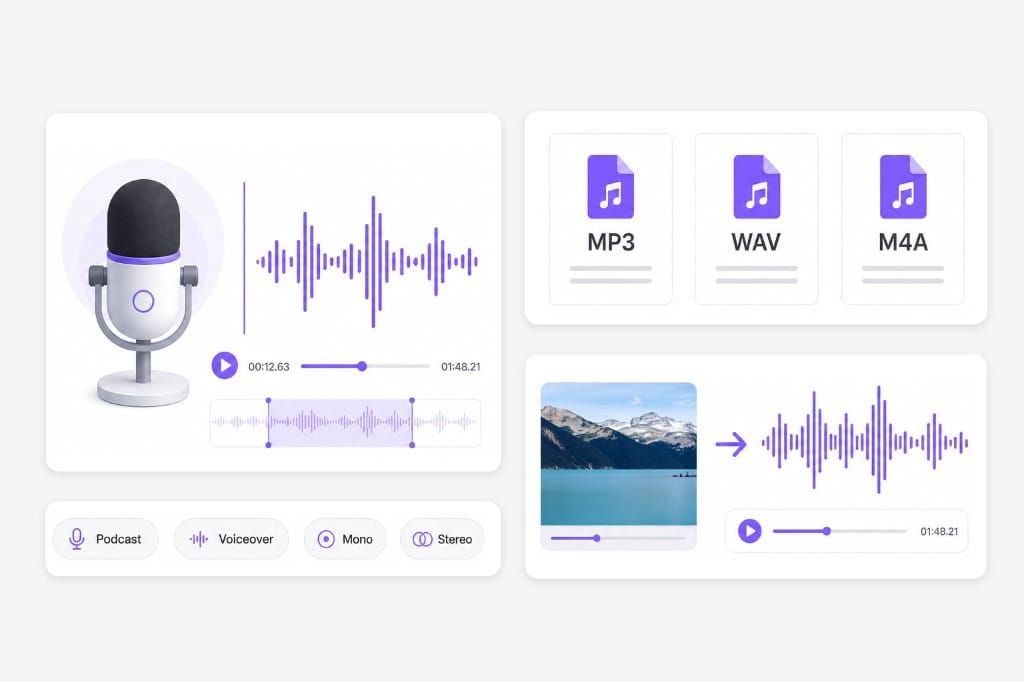
Pitch and Speed are separate tabs, so a voice pitch change does not have to speed up the clip. Listen on the page, then export MP3, WAV, M4A, or AAC.
Preview pitch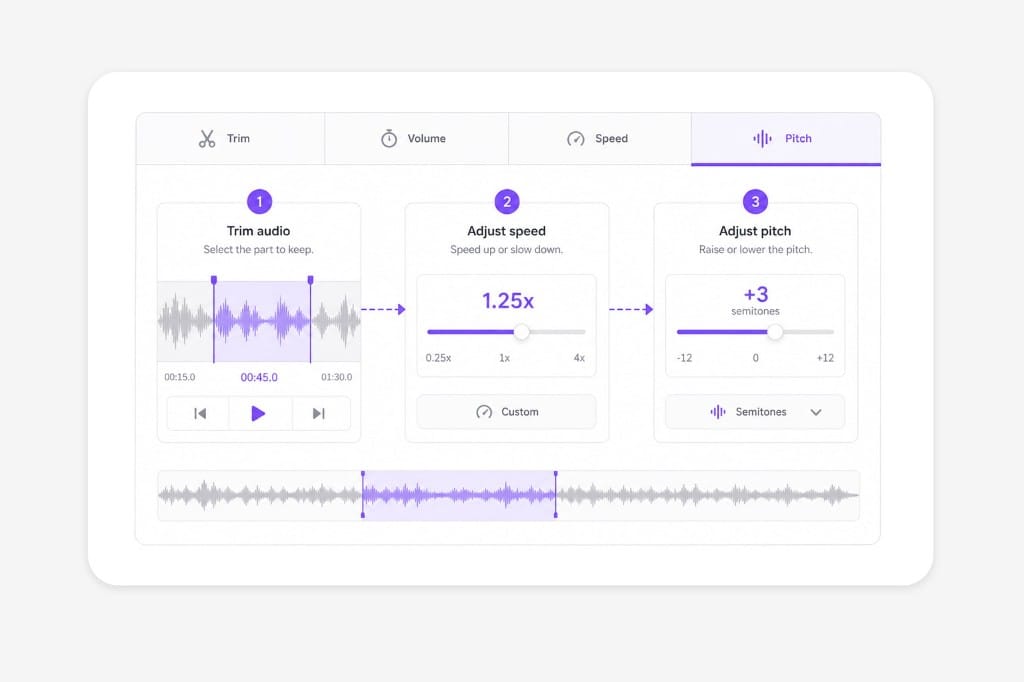
Upload a recording or video and wait for the waveform. This pitch changer opens on the Pitch tab, so you can shift pitch, preview, then export MP3, WAV, M4A, or AAC. Sign in only when you download.
Yes. That is the main job of this page: voice memos, voiceovers, and podcast speech. Move the slider by semitones, play a few seconds, then export. Extreme moves can make speech thin, so ease back if it sounds unnatural.
Yes. Upload MP3, WAV, M4A, AAC, or a video and this page uses the soundtrack. You export audio only, not a new video with the picture attached.
No. Pitch and Speed are separate tabs, so a pitch changer move does not have to speed up or slow down the clip. Open Speed only if the recording still feels too fast or too slow after the new pitch.
Same slider. People search pitch changer, pitch shifter, and voice pitch for raising or lowering a recording by semitones. One step is the next tone up or down; twelve steps is an octave.
Turn marketing clips and training videos into another language with studio-style voices — no recording booth required.