YouTube audio extract from a pasted link
Extract audio from YouTube by pasting a public URL — no browser extension or ripper app. TikTok, Vimeo, and other public links work on the same page when YouTube is not the source.
Paste YouTube link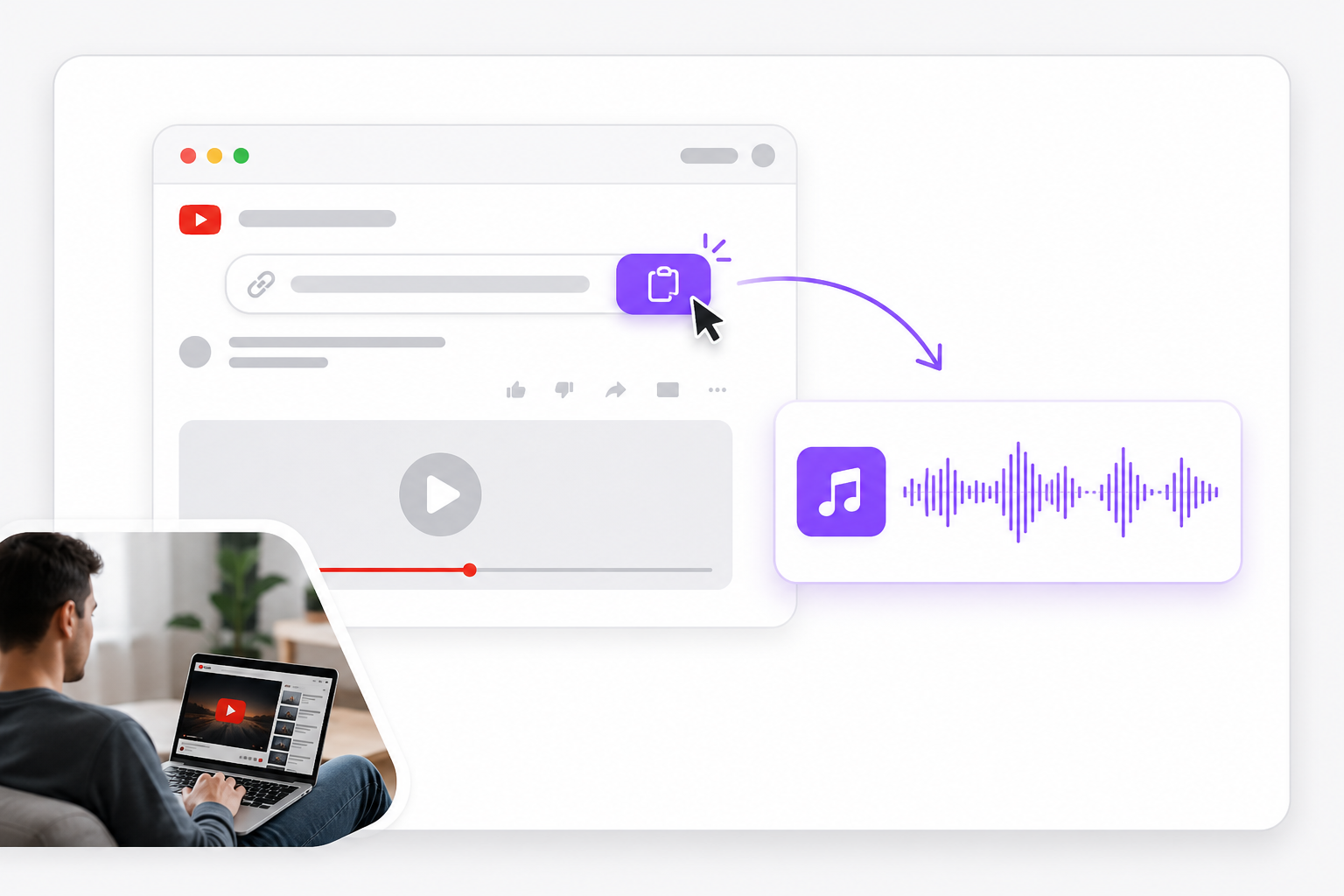
Extract audio from YouTube in your browser. Paste a link, preview the track, and download MP3 or WAV — a free YouTube video audio separator with no install.
Loading YouTube audio extract…
01Paste the YouTube video URL
Copy a public YouTube link into the importer. VMEG fetches the soundtrack so you can extract audio from YouTube without saving the video first.
02Choose MP3 or WAV
Select your output format. This YouTube video audio separator keeps the full mixed track — not isolated vocals or stems.
03Download your audio file
Preview the extracted track, then save MP3 or WAV for podcasts, offline listening, editing, or sharing.
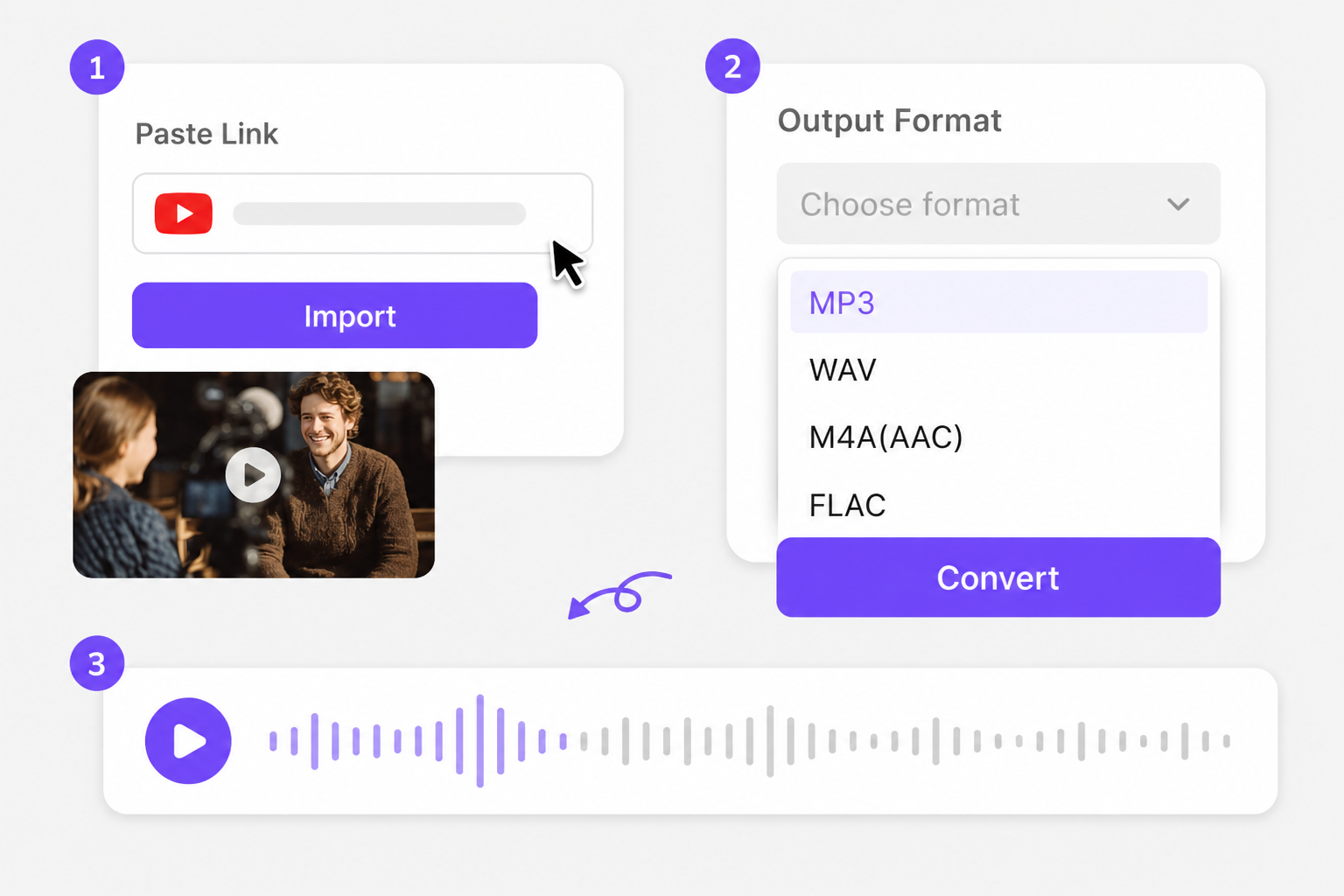
Built for creators who start with a YouTube link and need a clean audio file — not a desktop downloader chain. Paste a public URL, preview the track, and separate audio from YouTube video as MP3 or WAV.
Extract audio from YouTube by pasting a public URL — no browser extension or ripper app. TikTok, Vimeo, and other public links work on the same page when YouTube is not the source.
Paste YouTube linkAfter you separate audio from YouTube video, export MP3 for playlists and podcast hosts, or WAV when you need an edit-ready track in a DAW or NLE.
Choose format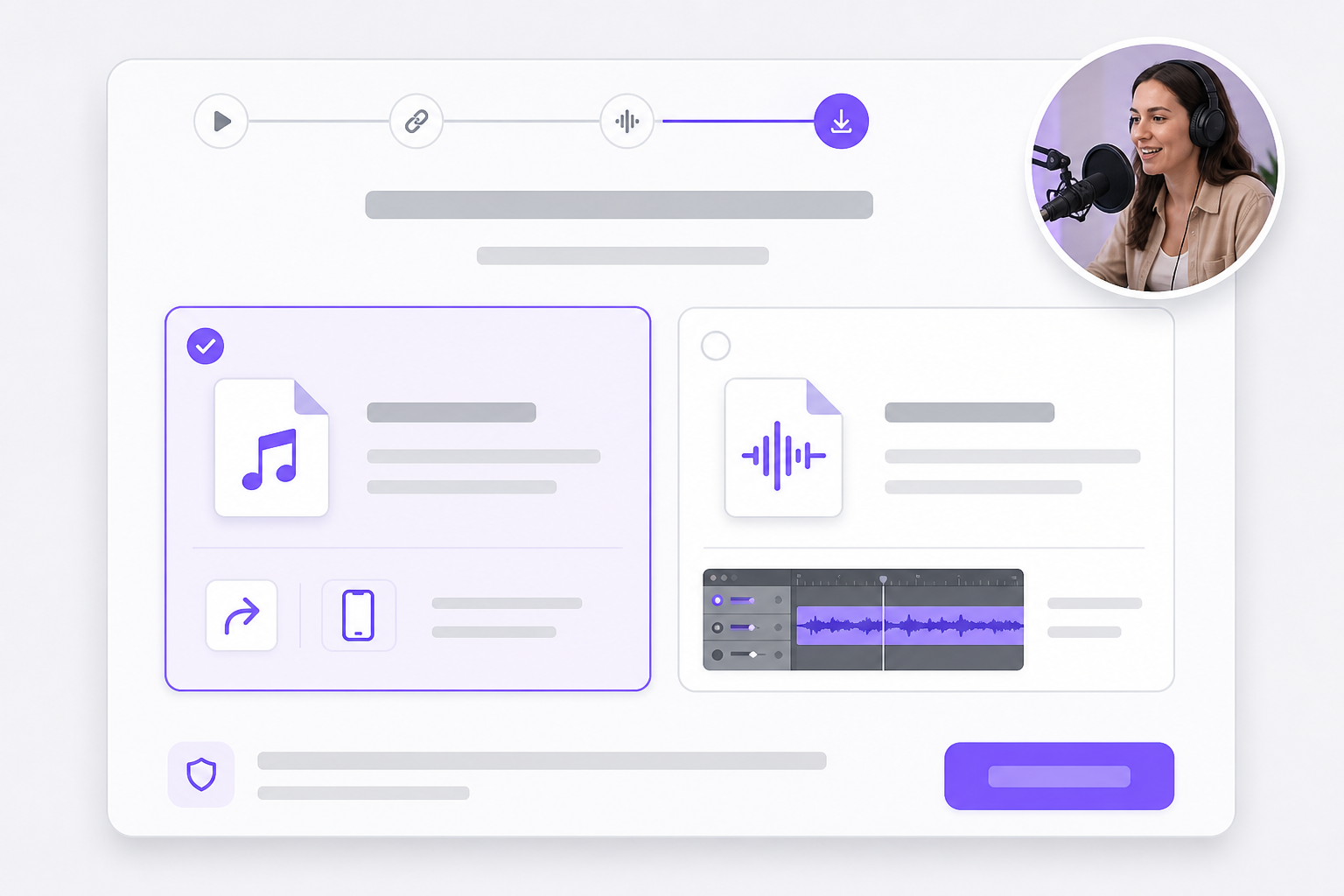
Private, age-restricted, or region-blocked YouTube videos may not load from a URL. Download the clip locally and upload MP4, MOV, or WebM — the same extract flow applies.
Upload instead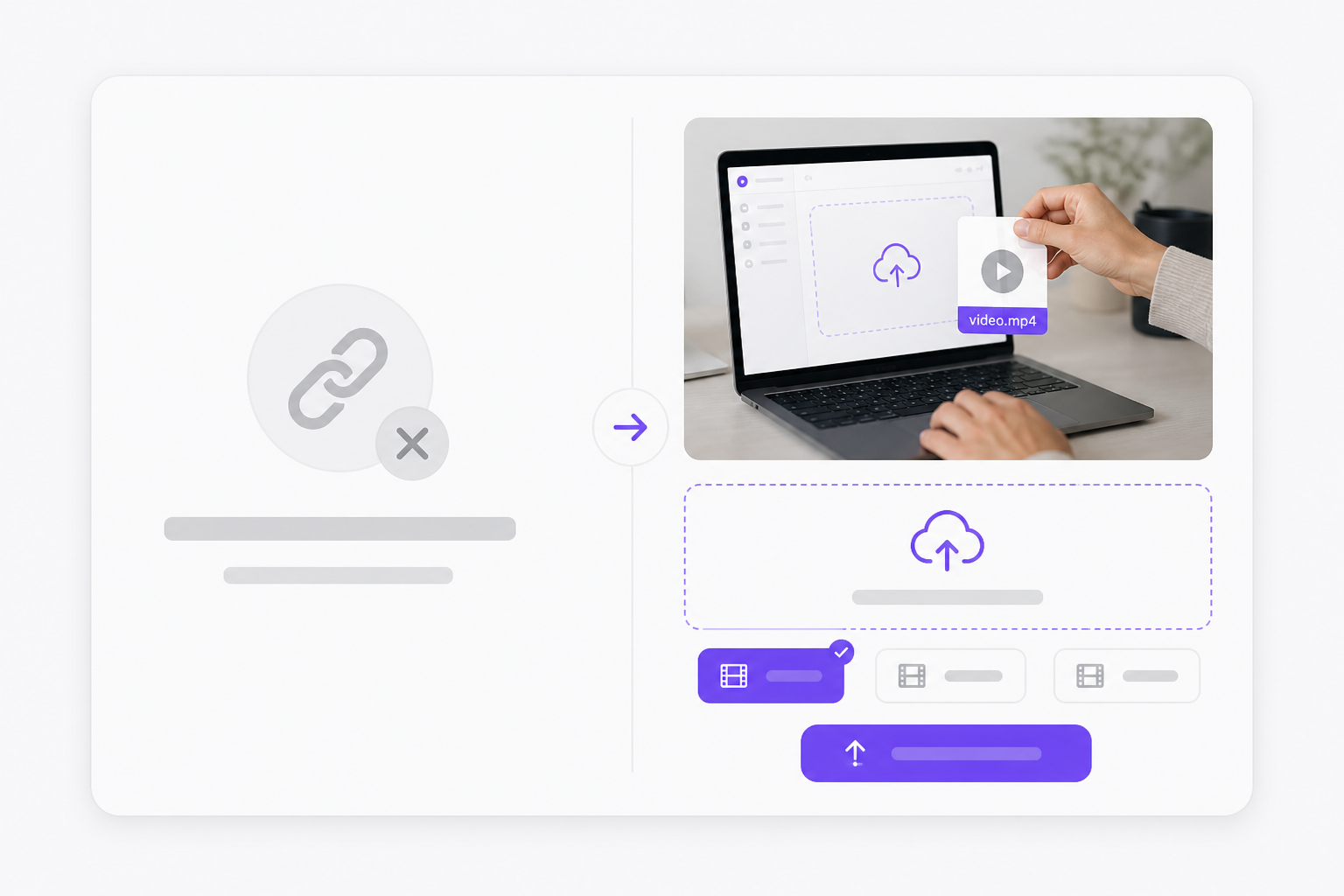
Paste a public YouTube URL into the link field, choose MP3 or WAV, and run the export. VMEG fetches the soundtrack and lets you preview before download. Sign in free when you save the finished file.
Public, unlisted links that play without login usually work. Private videos, age-gated content, live streams still in progress, and region-blocked clips may fail. Save the video locally and upload the file when URL import does not load.
This page is a YouTube audio extract tool — it exports the full mixed soundtrack as one MP3 or WAV file. It does not split vocals from instrumentals. Use VMEG vocal remover or audio separator when you need isolated stems.
No when URL import works. Paste the link and VMEG handles the fetch. If the link fails, download the video or audio locally and upload MP4, MOV, or WebM instead.
MP3 gives a smaller file for phones, messaging apps, and podcast uploads. WAV keeps the extracted PCM track intact for editing. Both formats come from the same YouTube source on this page.
Yes. Switch to the upload tab and drop a saved clip. For file-first workflows without YouTube in the URL, see our separate-audio-from-video page.
Yes. Free to use 3 times a day, shared across all VMEG online tools. Upgrade to Online Tools Unlimited for unlimited daily use. You only sign in when you download — that keeps automated abuse off the export servers while letting you test the full workflow.
Short public links generally work the same as standard watch URLs. Music videos with extra copyright protection or premium-only playback may block fetching — upload a local copy if the pasted link errors out.
You get the audio track VMEG can read from the source. MP3 adds lossy compression on top; WAV keeps the extracted data uncompressed. For spoken tutorials or ambient beds, MP3 is usually fine.
The tool only changes format — it does not grant rights to the underlying music or dialogue. Confirm you have permission to reuse the audio before publishing on a podcast host, ad, or social channel.
Handle feature-length movies and series with AI translation, voice replacement, and subtitle tracks in one place.