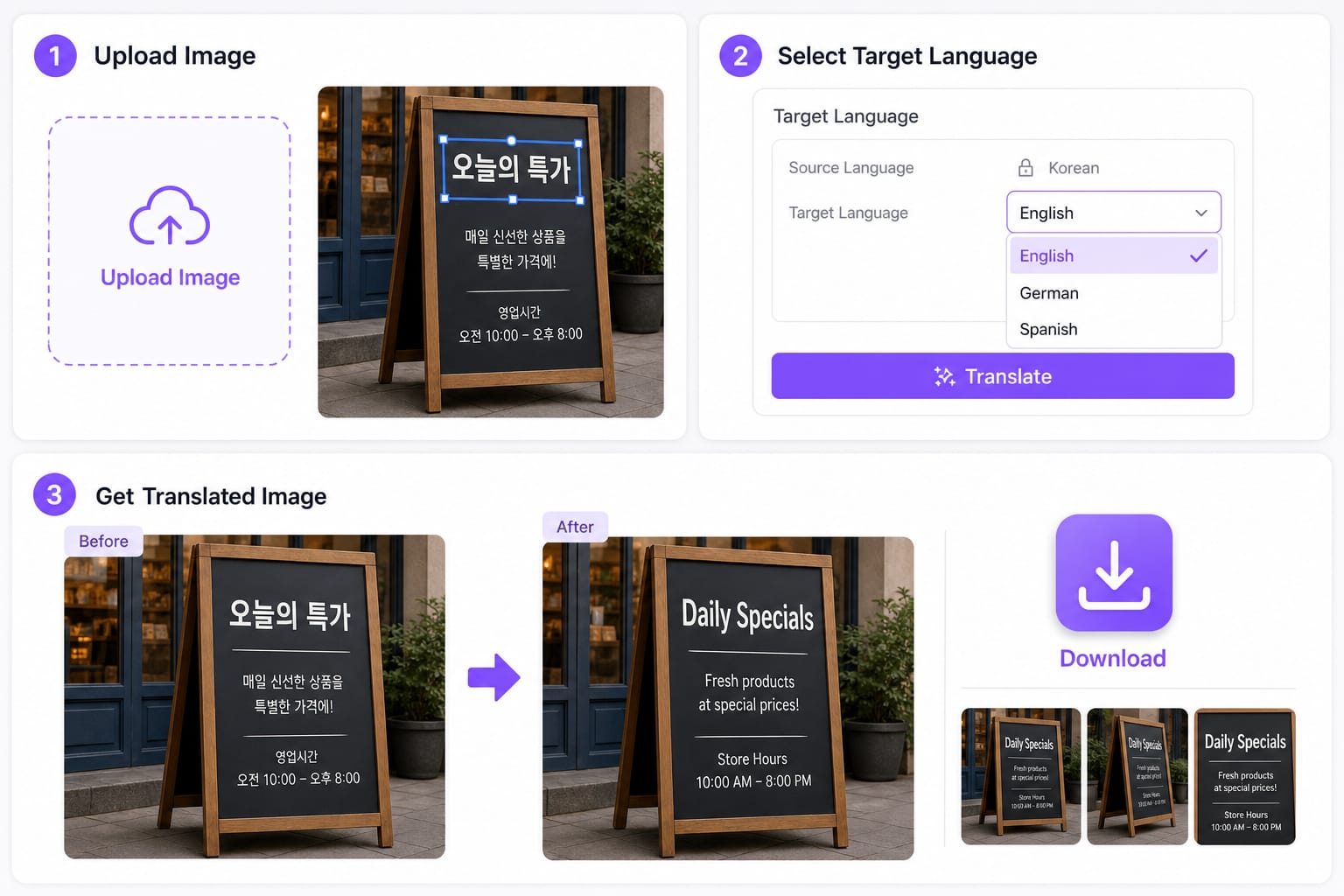
How do I use a korean to english image translator online?
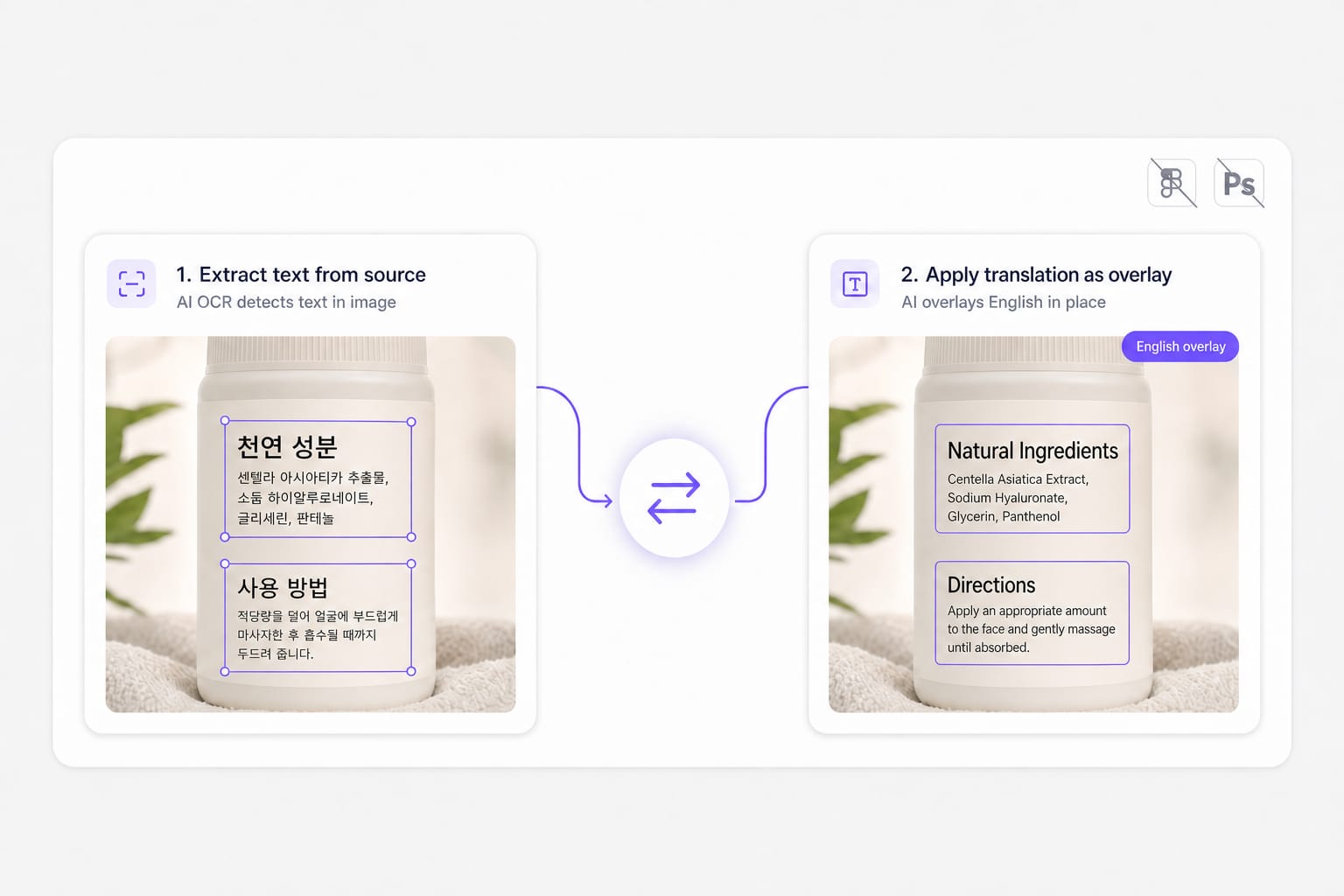
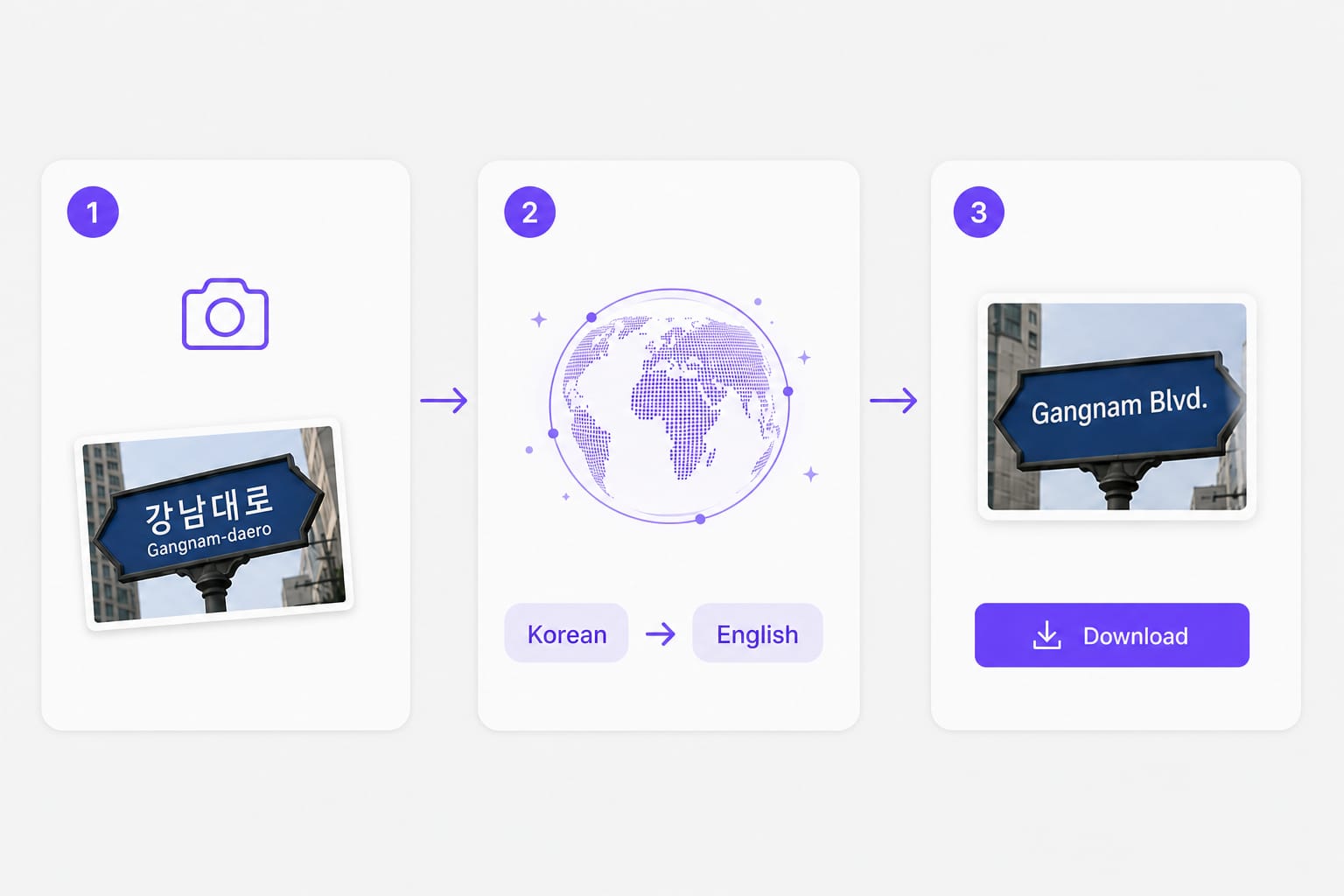
Upload a PNG, JPG, or WebP picture with Korean print, keep Korean as the source and English as the target, then preview English overlays in your browser. This korean to english image translator OCRs each text region, translates the line, and redraws English before you download a PNG.
Can I photo translate korean to english from my phone?
Yes. Save or export the photo as PNG or JPG, upload it here up to 10 MB, and run the same OCR plus translation flow. Clear printed Hangul works best when you photo translate korean to english shots from camera rolls or messaging apps.
Does this korean to english image translator work on mixed Hangul and English?
Mixed-script photos are supported when text is sharp enough for OCR. Lock Korean as the source language or use auto detect, then set English as the target for the overlay download.
Which formats work for photo translate korean to english uploads?
PNG, JPG, and WebP up to 10 MB per file. Transparent PNGs are supported; exported results download as PNG after you photo translate korean to english content.
Is this korean to english image translator free to try?
Sign in when you download the translated PNG. Free to use 3 times a day, shared across all VMEG online tools. Upgrade to Online Tools Unlimited for unlimited daily use.