Free PDF Image Translator Online

PDF image translator for page exports and scans — upload a PNG or JPG screenshot of a PDF page, OCR the text, translate each block, and download a translated image overlay.

Loading image translator…

How PDF Image Translation Works

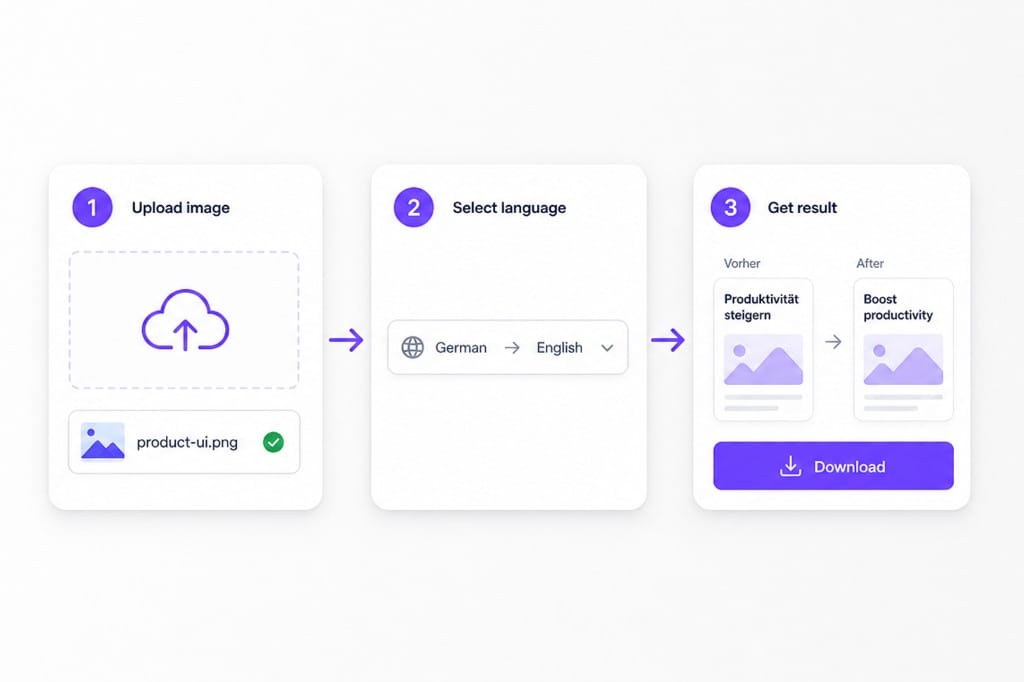
  1. 01Export or screenshot the PDF page

    Save a PDF page as PNG or JPG, or capture a sharp screenshot when the file is scanned or image-only. Each upload supports up to 10 MB — enough for high-resolution page exports.

  2. 02Upload and choose languages

    Drop the page image into this pdf image translator, use auto detect for the source language, and pick the target language for overlay text.

  3. 03Download the translated page image

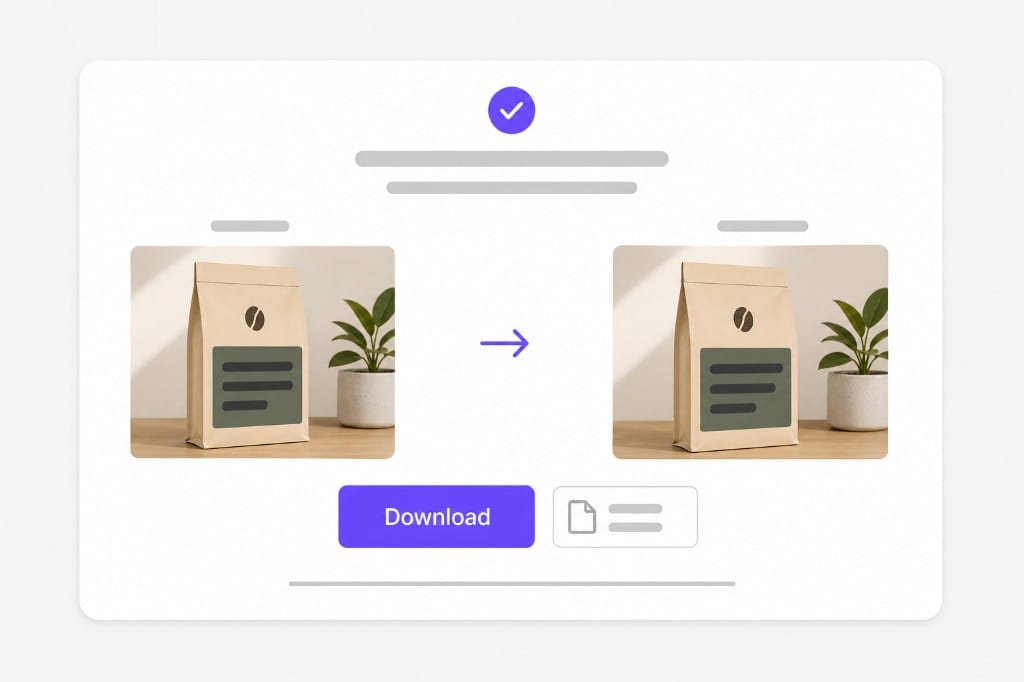
    Preview translated lines redrawn on the page export, then save a PNG for reviews, annotations, or quick handoffs — faster than retyping scanned PDF text manually.

PDF image translator workflow: export PDF page, upload image, translate, download

Why Use This PDF Image Translator

When your PDF is a scan or image-only export — not selectable text — OCR plus translation on the page image is the practical path.

Built for scanned and image-only PDFs

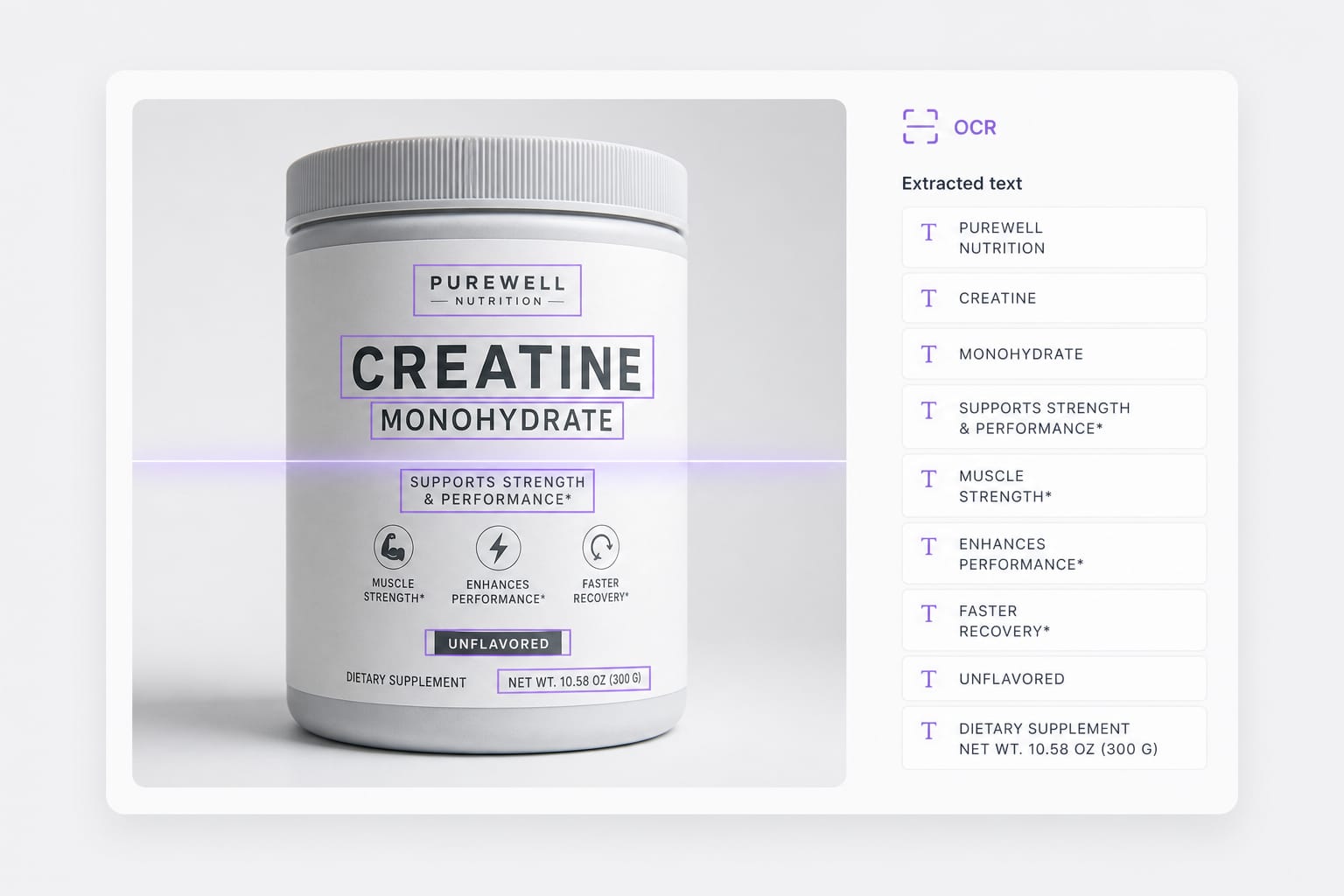
Many PDFs are flat scans or exported slides with no text layer. This pdf image translator OCRs readable print on the page image, translates each block, and redraws the target language in place.

Upload a PDF page image
OCR on scanned PDF page image before translation

Faster than retyping scanned pages

Teams often retype scanned PDF content line by line. Upload a page export, run OCR plus translation, and download a visual PNG preview instead of manual copy-paste.

Try it free
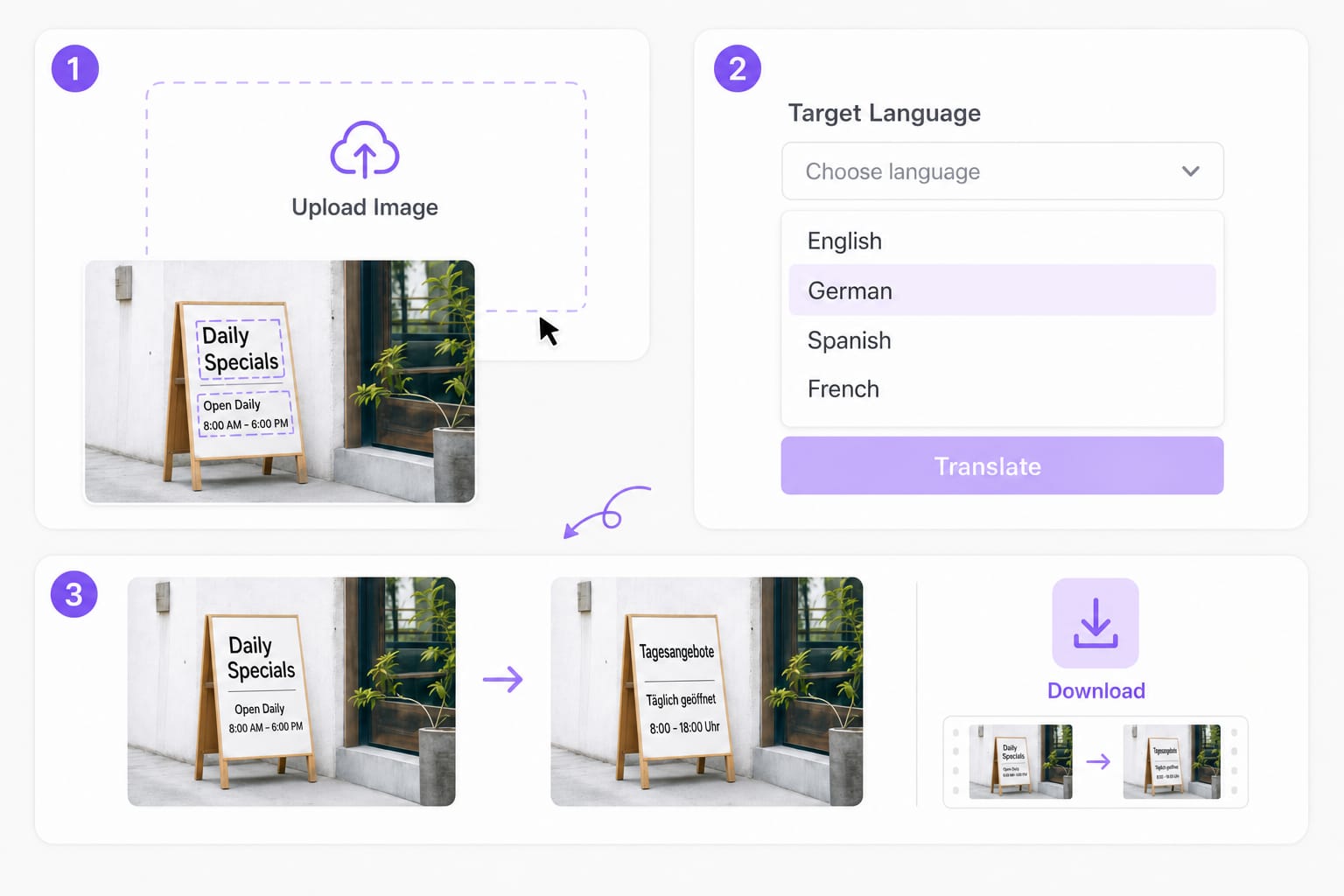
PDF image translator workflow with translated overlay preview

When to use PDF translator instead

If your PDF has a selectable text layer, use our PDF translator for better layout preservation. This pdf image translator is for page screenshots, scans, and image-only exports.

Start translating
Choose pdf image translator vs text-layer PDF translator

FAQs about PDF Image Translator

What is a pdf image translator?

A pdf image translator OCRs text on a PDF page exported as PNG or JPG, translates each detected region, and redraws the target language on the image. It is for scanned PDFs and image-only pages, not selectable text layers.

Can I upload the PDF file directly?

This tool accepts PNG, JPG, and WebP page images up to 10 MB. Export or screenshot the PDF page first. For text-layer PDFs, use our PDF translator instead.

Which formats work best?

Sharp PNG or JPG exports at readable resolution. Blurry scans, skewed photos, and low-contrast faxes often fail OCR.

Will multi-page PDFs work?

Process one page image at a time. Export each page as a separate PNG or JPG, upload, translate, and download — then repeat for additional pages.

Is this pdf image translator free to try?

You can upload, translate, and preview for free. Sign in when you download the translated page image.
Replace dialogue with natural AI dubbing

Turn marketing clips and training videos into another language with studio-style voices — no recording booth required.