

'%3e%3cpath%20d='M21.0949%203.79395L13.9961%209.82854H21.0949V3.79395Z'%20stroke='black'%20stroke-width='1.38'%20stroke-miterlimit='10'/%3e%3cpath%20d='M13.998%209.82854L7.44531%203.79395V9.82854H13.998Z'%20stroke='black'%20stroke-width='1.38'%20stroke-miterlimit='10'/%3e%3cpath%20d='M13.9961%202.69922V25.1919'%20stroke='black'%20stroke-width='1.38'%20stroke-miterlimit='10'/%3e%3cpath%20d='M20.5488%2016.4113L13.9961%209.82812V18.2217L20.5488%2024.0918V16.4113Z'%20stroke='black'%20stroke-width='1.38'%20stroke-miterlimit='10'/%3e%3cpath%20d='M7.44531%2016.4113L13.998%209.82812V18.0526L7.44531%2024.0918V16.4113Z'%20stroke='black'%20stroke-width='1.38'%20stroke-miterlimit='10'/%3e%3cpath%20d='M4.71094%209.82812V18.6057H7.44125V16.4113L13.9941%209.82812H4.71094Z'%20stroke='black'%20stroke-width='1.38'%20stroke-miterlimit='10'/%3e%3cpath%20d='M13.9961%209.82812L20.5488%2016.4113V18.6057H23.2792V9.82812H13.9961Z'%20stroke='black'%20stroke-width='1.38'%20stroke-miterlimit='10'/%3e%3c/g%3e%3c/svg%3e)

'%3e%3cmask%20id='mask0_21456_29260'%20style='mask-type:luminance'%20maskUnits='userSpaceOnUse'%20x='0'%20y='0'%20width='28'%20height='28'%3e%3cpath%20d='M27.5%200.5H0.5V27.5H27.5V0.5Z'%20fill='white'/%3e%3c/mask%3e%3cg%20mask='url(%23mask0_21456_29260)'%3e%3cpath%20d='M14%2027.5C13.4854%2024.1035%2011.8974%2020.9608%209.46828%2018.5317C7.03922%2016.1026%203.89651%2014.5146%200.5%2014C3.89651%2013.4854%207.03922%2011.8974%209.46828%209.46828C11.8974%207.03922%2013.4854%203.89651%2014%200.5C14.5147%203.89644%2016.1028%207.03905%2018.5318%209.46816C20.9609%2011.8972%2024.1035%2013.4853%2027.5%2014C24.1035%2014.5147%2020.9609%2016.1028%2018.5318%2018.5318C16.1028%2020.9609%2014.5147%2024.1035%2014%2027.5Z'%20fill='url(%23paint0_linear_21456_29260)'/%3e%3c/g%3e%3c/g%3e%3cdefs%3e%3clinearGradient%20id='paint0_linear_21456_29260'%20x1='9.5'%20y1='9.5'%20x2='20.75'%20y2='21.875'%20gradientUnits='userSpaceOnUse'%3e%3cstop%20stop-color='%23F0DCD6'/%3e%3cstop%20offset='0.914506'%20stop-color='%231D6DFF'/%3e%3c/linearGradient%3e%3cclipPath%20id='clip0_21456_29260'%3e%3crect%20width='28'%20height='28'%20fill='white'/%3e%3c/clipPath%3e%3c/defs%3e%3c/svg%3e)
'%3e%3cpath%20d='M22.8019%2011.2412L23.5234%2011.6807V12.0103L23.3172%2012.7796L14.5579%2014.9771L13.7344%2012.7951L22.8019%2011.2412Z'%20fill='%23D97757'/%3e%3cpath%20d='M19.5236%204.77832L20.5322%205.00396L20.8%205.35575L21.0552%206.19876L20.9494%206.73644L15.0712%2015.3068L13.1133%2013.2191L18.5338%205.63471L19.5236%204.77832Z'%20fill='%23D97757'/%3e%3cpath%20d='M14.4577%203.43951L15.0761%203L15.5912%203.21976L16.1065%203.9889L14.6949%2013.0345L13.7364%2012.3397L13.3242%2011.131L14.0456%204.31853L14.4577%203.43951Z'%20fill='%23D97757'/%3e%3cpath%20d='M7.84766%203.5851L8.48285%202.7199L8.89716%202.61914L9.71923%202.74717L10.125%203.08581L13.0815%2010.0748L14.1509%2013.3954L12.8997%2014.1372L8.13117%204.91019L7.84766%203.5851Z'%20fill='%23D97757'/%3e%3cpath%20d='M4.77232%208.38688L4.56641%207.50742L5.18478%206.73828L5.90613%206.84816H6.11223L10.4403%2010.2544L11.78%2011.3531L13.6349%2012.8914L12.6044%2014.7594L11.6769%2013.9903L11.0586%2013.331L5.08168%208.82593L4.77232%208.38688Z'%20fill='%23D97757'/%3e%3cpath%20d='M3.53288%2014.0982L3.06641%2013.5489L3.06647%2013.0601L3.53288%2012.8896L8.78833%2013.2193L13.9408%2013.6588L13.7736%2014.7528L3.94502%2014.2082L3.53288%2014.0982Z'%20fill='%23D97757'/%3e%3cpath%20d='M6.62378%2019.8178H5.59334L5.18359%2019.3146V18.7132L6.93299%2017.3946L14.045%2012.5674L14.7648%2013.8785L6.62378%2019.8178Z'%20fill='%23D97757'/%3e%3cpath%20d='M8.57739%2022.8884L8.16518%2022.9984L7.54688%2022.6687L7.64995%2022.1193L13.7299%2013.5488L14.5543%2014.7574L10.0201%2021.1305L8.57739%2022.8884Z'%20fill='%23D97757'/%3e%3cpath%20d='M13.7361%2023.9861L13.4271%2024.4257L12.8088%2024.6454L12.2935%2024.2058L11.9844%2023.5466L13.5301%2014.6465L14.4576%2014.7563L13.7361%2023.9861Z'%20fill='%23D97757'/%3e%3cpath%20d='M18.9869%2021.5713V22.4503L18.8838%2022.7799L18.4716%2022.9997L17.7503%2022.8974L12.7969%2015.0367L14.7617%2013.4404L16.4104%2016.6269L16.5652%2017.7805L18.9869%2021.5713Z'%20fill='%23D97757'/%3e%3cpath%20d='M21.3629%2020.2507L21.4659%2020.8L21.1568%2021.2396L20.8476%2021.1297L19.0958%2019.8112L16.4165%2017.284L14.3555%2015.7457L14.9736%2013.6582L16.0041%2014.3175L16.6226%2015.5259L21.3629%2020.2507Z'%20fill='%23D97757'/%3e%3cpath%20d='M20.0232%2014.6482L22.5995%2014.8679L23.2178%2015.3074L23.6299%2015.9667V16.441L22.4964%2016.9556L16.7256%2015.4173L14.3555%2015.3074L14.9737%2013L16.6226%2014.3185L20.0232%2014.6482Z'%20fill='%23D97757'/%3e%3c/g%3e%3c/svg%3e)
Key Takeaways
- Some of the best AI video editors are Adobe Premiere, Descript, CapCut, Wondershare Filmora, and Invideo. The best tools are the ones that suit your needs, skills, and goals.
- There are several factors to consider when choosing the best AI video editing tool, including skill level, content type, platforms, localization needs, and budget.
- Common mistakes to avoid when using AI video editors include over-automation, ignoring brand voice, poor subtitle accuracy, and skipping localization.
- Localization is an essential part of content creation, and VMEG AI is the best tool for it. It has more than 170 languages and 7,000 lifelike voices.
According to Fortune Business Insights (2026), the market for AI video generators is expected to grow as demand increases for cost-effective, easy-to-scale ways to produce videos. This growth is also driven by industries such as marketing, education, and social media, which are increasingly adopting these tools.
In this post, we’ll discuss some of the best AI video editors that you can try to make your video editing workflow more effective and efficient.
Quick Comparison Table – Best AI Video Editing Tools at a Glance
Tool Name | Best For | Key Features | Free or Paid |
Adobe Premiere | Best Professional AI Video Editor |
| Free Trial, Paid Plan |
Descript | Best AI Video Editor for Text-Based Editing |
| Free, Paid Plan |
Capcut | Best Free AI Video Editor for Social Media |
| Free, Paid Plan |
Wondershare Filmora | Best Easy‑to‑Use AI Video Editor for Creators | AI Image to Video AI Text-based Editing AI Text-to-Video AI Thumbnail Maker AI Video Extender | Free, Paid Plan |
Invideo | Best AI Video Editor for Marketing & Social Clips |
| Free, Paid Plan |
Please note that features may vary depending on subscription plan, device compatibility, region, and other factors. Visit the App Store, Google Play Store, or the app's official website to learn more.
Best AI Video Editors
Here are some of the best AI video editors you should try. These tools have AI-powered features that make editing easier.
Adobe Premiere - Best Professional AI Video Editor
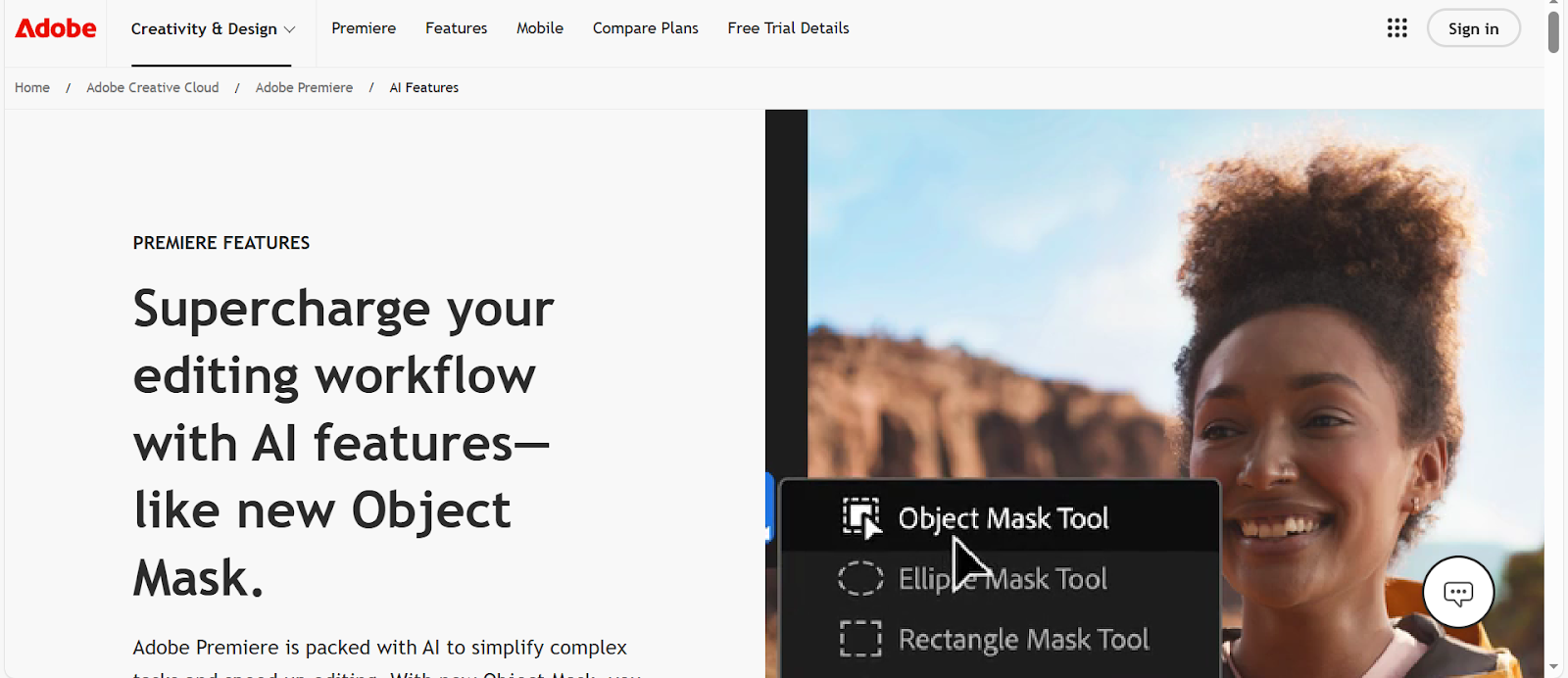
Image Credits: Screenshot from Adobe Premiere website accessed January 2026 for illustrative purposes only.
Unleash your creativity and create content faster with Adobe Premiere. With its AI features, you can make your editing workflow more efficient.
Why Choose Adobe Premiere?
- Professional-Grade Tools. It offers various editing tools that make the workflow easier and more enjoyable. With its tools, you can create high-quality videos for multiple purposes.
- A variety of AI video editing features. Adobe Premium offers AI video editing features, such as Morph Cut, Auto Reframe, Remix, and more, that will unleash creativity and create stunning projects.
- Ideal for different projects. It can be used for other projects, whether you are creating a video for casual or professional use.
Descript - Best AI Video Editor for Text-Based Editing
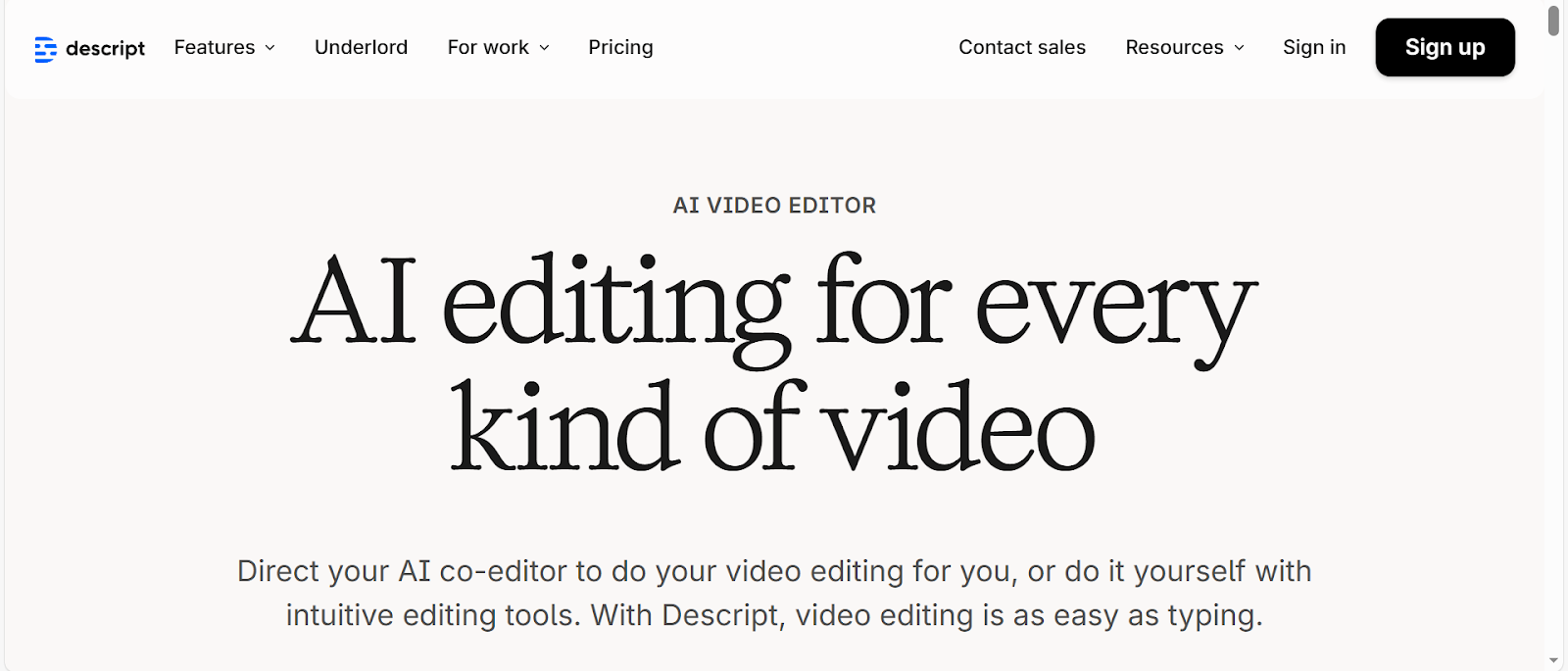
Image Credits: Screenshot from Descript website accessed January 2026 for illustrative purposes only.
Descript can be a game-changer for creating various content, thanks to tools and features that make video editing easier. This tool is also ideal for beginners as it is easy to use, especially with its text-based editing.
Why Choose Descript?
- Video editing made easy. With this platform, video editing is easier. It has an underlord feature that lets you write a script and have it make the edits.
- Work Smarter. Its AI tools, such as green screen, eye contact, filler word removal, translation, transcription, and more, will help you finish more projects in less time.
- Perfect for different content. Descript is ideal for a variety of content, whether you are editing a video, a podcast, or clips.
CapCut - Best Free AI Video Editor for Social Media
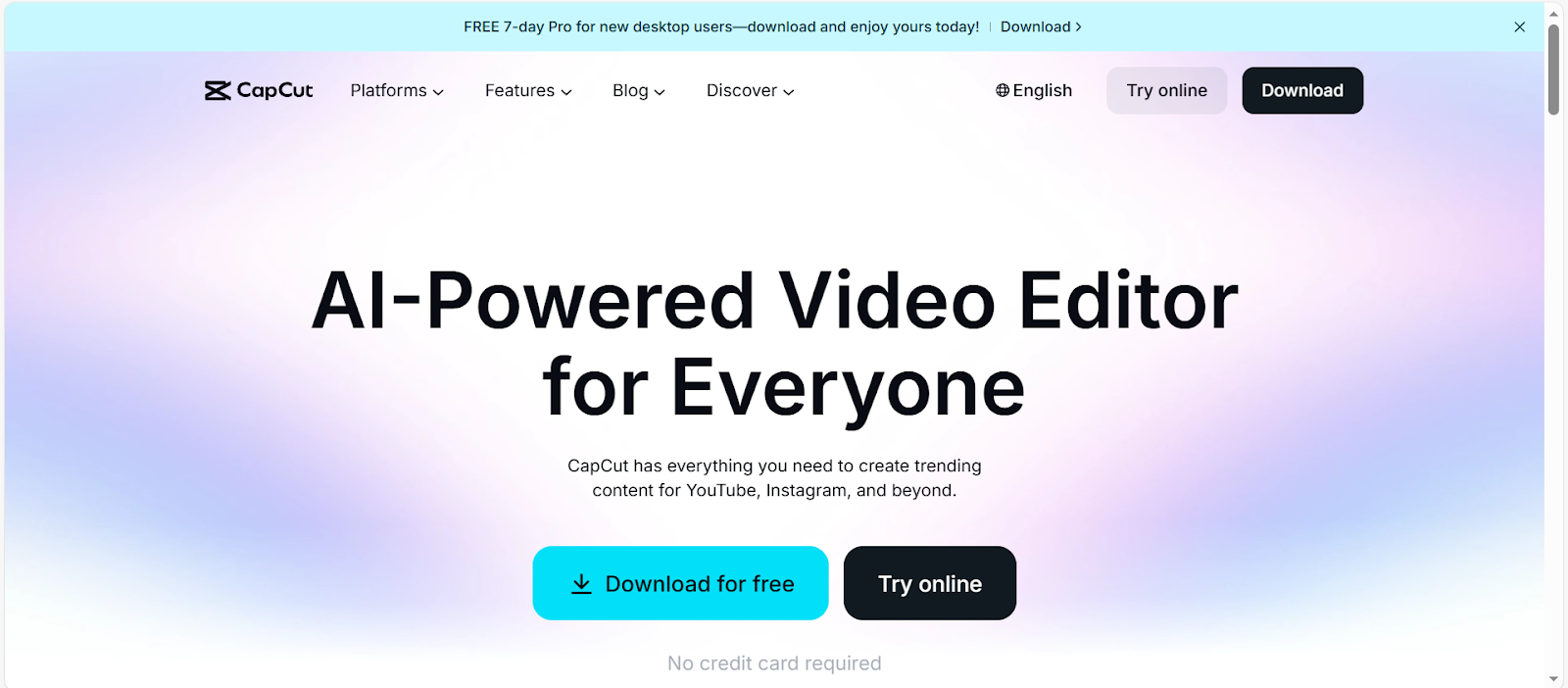
Image Credits: Screenshot from CapCut website accessed January 2026 for illustrative purposes only.
CapCut is one of the most popular tools for creating social media videos. This is ideal if you want a simple, easy-to-use tool that can help you create trending content.
Why Choose CapCut?
- AI-Powered Editing Features. It has AI-powered editing features that make editing faster, easier, and more enjoyable. These features also help you save time, allowing you to create more content.
- Designed for All Skill Levels. Whether you are a beginner or an experienced editor, you can use CapCut. Its simple and easy-to-use interface will help you speed up your workflows.
- Templates. It offers templates, making it easier to find a content style that suits your brand, whether you want classic or AI-generated video.
Wondershare Filmora - Best Easy‑to‑Use AI Video Editor for Creators
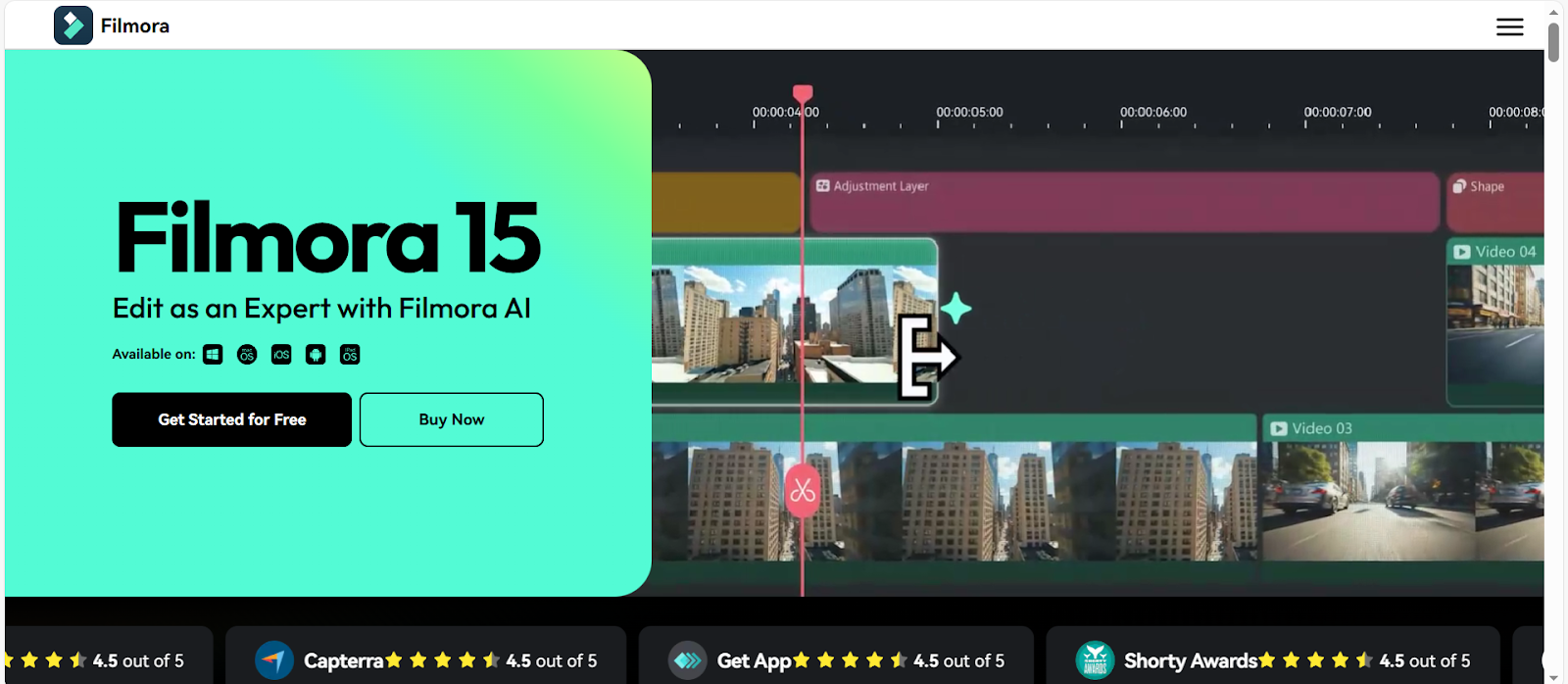
Image Credits: Screenshot from Filmora website accessed January 2026 for illustrative purposes only.
Another great AI video editor to try is Filmora. It offers a balance of ease of use, creative control, and high-quality results, helping you bring ideas to life.
Why Choose Wondershare Filmora?
- Creative Assets. Make creative videos with its wide selection of templates, effects, transitions, filters, music, and more.
- Strong AI Tools. It offers tools such as AI Extend and AI-driven effects that enhance video quality and ignite creativity.
- Multiple Features. It has exceptional AI, video, audio, text, and assets features that provide an excellent editing experience.
Invideo – Best AI Video Editor for Marketing & Social Clips
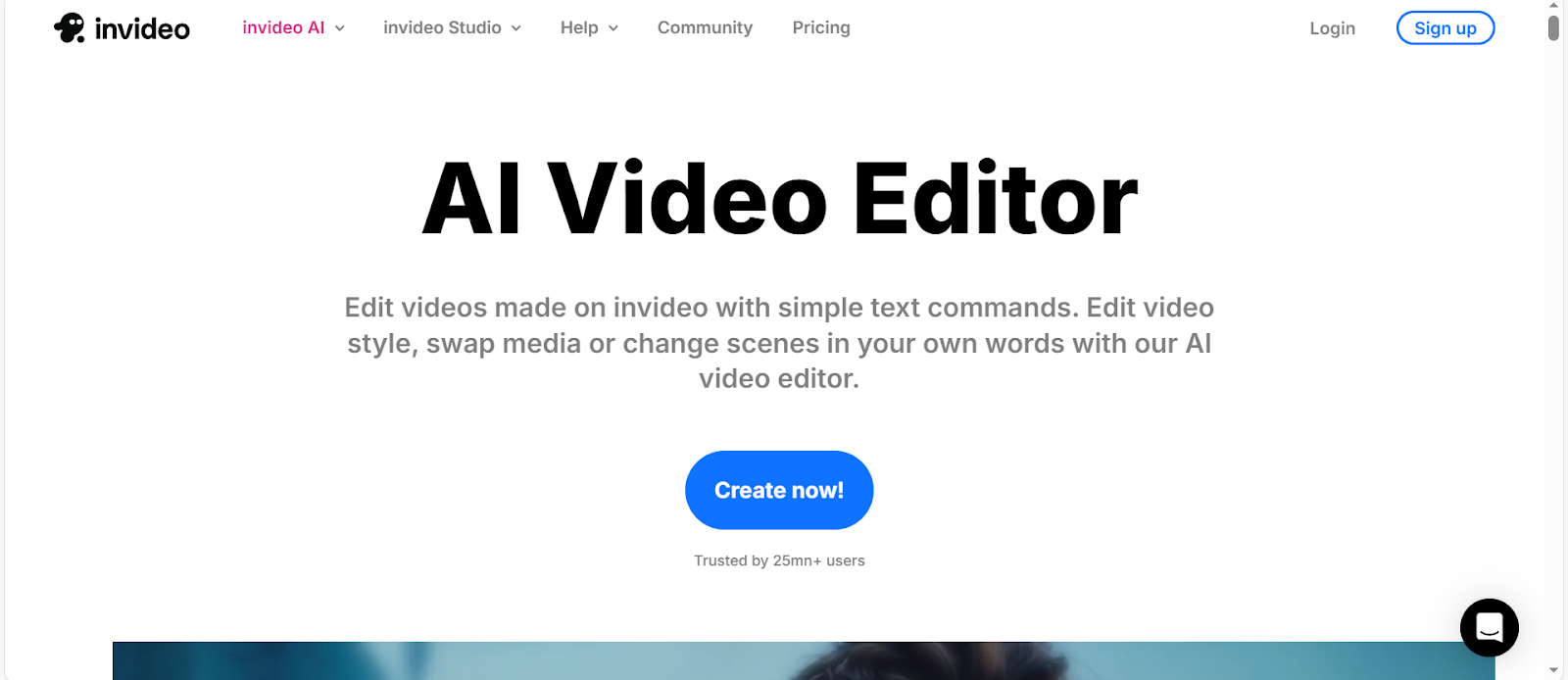
Image Credits: Screenshot from the Invideo website accessed January 2026 for illustrative purposes only.
Invideo is one of the best video editing tools, ideal for a wide range of purposes. With its stunning visuals, text-based editing, and multiple features, you can watch your ideas take center stage.
Why Choose Invideo?
- Save Time. With invideo, you can save time because you don't need to edit all elements manually; you only need to type commands to edit.
- Easy to use. Edit videos in just a few easy steps, including prompt, generate, edit, and publish.
- Suitable for different use cases. It can be used for a variety of projects, including ads, social media clips, explainer videos, educational content, and more.
Before using tools for commercial purposes, check for any restrictions or limitations, as some editing tools may not be allowed for commercial use.
VMEG AI – Best AI Video Tool for Localization, Dubbing & Global Video Marketing
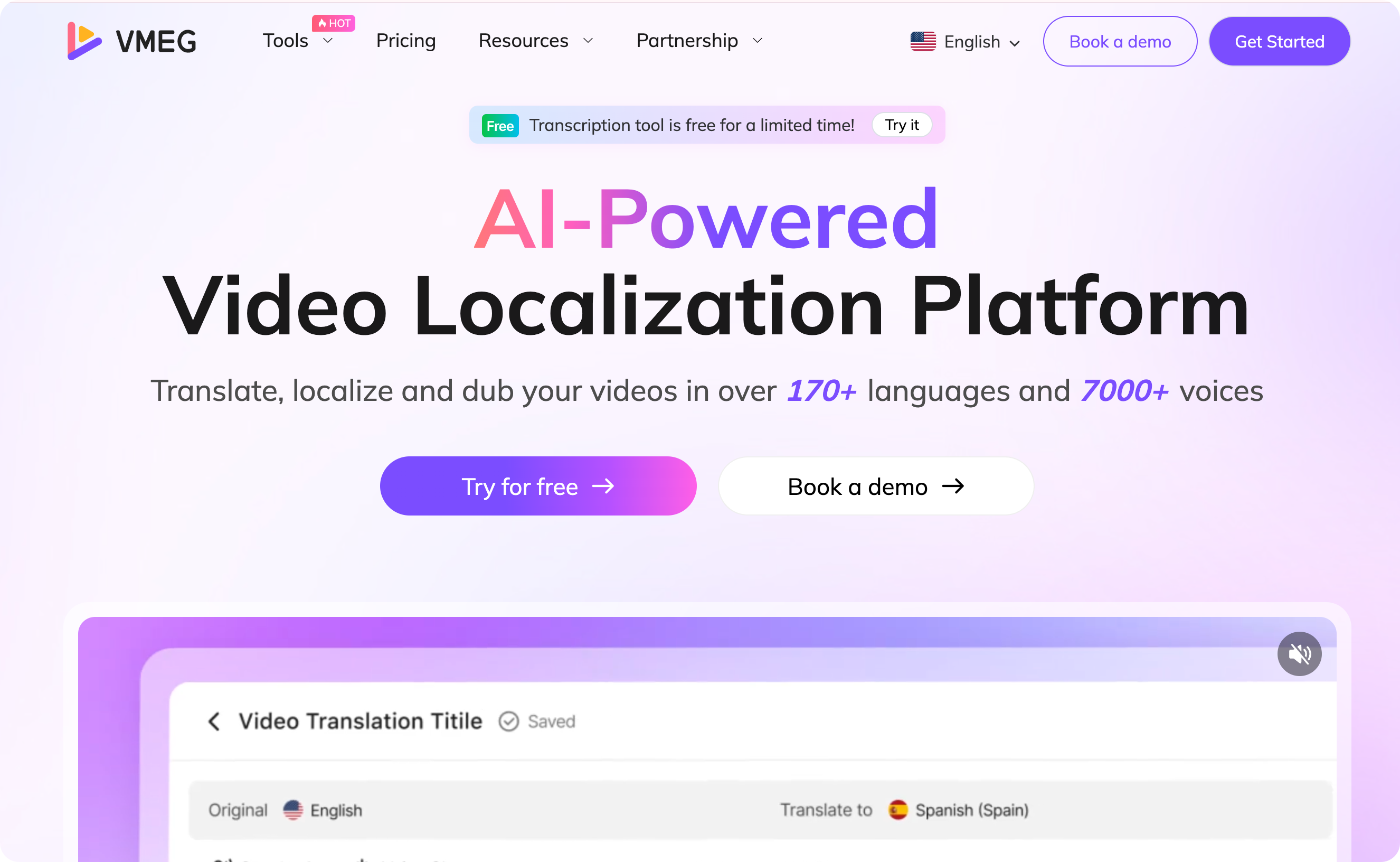
Another essential part of video editing is localizing content to reach a wider audience. For this part, choose a localization tool, such as VMEG AI.
VMEG AI helps you go beyond borders with its innovative localization solutions. It supports more than 170 languages and 7,000 lifelike AI voices to help you create multilingual content.
Best For
VMEG AI is suitable for a wide range of projects, from creating social media posts and promotions to educational materials and more.
- Content Creators. If you are a content creator, your content can reach people across the world. And to keep them engaged, you need to create content that resonates with them. This will help get a wider audience and can also open new opportunities, such as collaborations with other individuals or brands.
- Educators. In today's era, learning doesn’t stay inside the room; it goes beyond borders. This is essential, especially to those who create content and have students from different parts of the world. It will help students learn and engage easily.
- Businesses. Localization is also needed for businesses, from their training videos to promotional materials. It will help them ensure the team is on the same page and that the content reaches a global audience.
Key Use Cases
- Multilingual Localization. You just need to upload your material and select your preferred settings, and it will do the hard work for you.
- Subtitle Generation. It is also suitable for adding captions or subtitles to your content. You can also convert MP4, MP3, and MKV to SRT.
- Transcription. Generating transcripts is also easy with VMEG AI. It can convert Video, Audio, and MP4 files to text, making it ideal for repurposing your content into blog posts, articles, or eBooks.
- Text-to-Speech. It also includes text-to-speech, including AI Text-to-Speech, Subtitle-to-Speech, Male and Female Voice Generators, and AI Voice and AI Accent Generators.
Benefits of Using VMEG AI in Video Editing
- Massive Time Savings. With VMEG AI, you do not have to wait days or weeks; you can easily localize videos in just a few minutes.
- Global Reach Through Localization. Reach a global audience by translating the video into different languages.
- Natural-Sounding AI Voiceovers & Dubbing. The AI voices are natural-sounding, making the content engaging and not disruptive to viewers.
- Lip-Sync Alignment for Professional Finishes. Its lip-sync is perfectly aligned, giving content a professional look and resulting in polished, localized videos.
How to Choose the Best AI Video Editing Tool for Your Needs
With so many AI Video editing tools available online, choosing the right one can be overwhelming. Here are the factors to consider in choosing the best AI video editor for your needs.
Skill level (beginner vs pro)
Choose a tool that suits your skill level, as some tools may take time to learn how to use effectively. The best tool is the one that works for all skill levels, so even if you are a beginner and gain more knowledge and skills, you don’t have to look for another tool.
Content type (short-form, long-form, ads)
Some editing tools work better for various content types, such as short-form or long-form content. The video editing tool must support the content you want to create and the results you need.
Platforms (YouTube, TikTok, websites)
The editing tool must be compatible with the platforms where you will publish or share the content. Choose a tool that supports multiple platforms, so you won’t have to use a different tool for different platforms.
Localization needs (single language vs global reach)
Another thing to consider is your localization needs. Know where your target audience is and the language they use. Choose a tool, like VMEG AI, that supports more than 170 languages.
Budget considerations
Some tools are free, while others offer a subscription plan. First, identify the features you need to know whether they are included in the plan you prefer.
Common Mistakes to Avoid When Using AI Video Editors
Here are some common mistakes to avoid when using AI video editors to ensure you produce quality content that keeps your audience engaged.
Over-automation
AI video editing tools help save time and resources, but don't rely on them too much, especially if your content needs customization or a personal touch. People may lose interest when video content is overly AI-generated.
Ignoring brand voice
Always ensure to keep your brand voice, as it is your digital identity that helps them to recognize it's you easily. Elements such as thumbnails, effects, text, audio, styles, and other factors must be consistent so the audience can easily recognize it's your brand.
Poor subtitle accuracy
If you will use subtitles, ensure they are accurate and culturally relevant. Hence, the audience understands the message you want to portray, especially if there is jargon, slang, or other local terms.
Skipping localization for global audiences
Another mistake is localizing content for global audiences. Since we are now connected and our videos can reach people around the world, it is essential to localize them so others can understand and relate to the content.
FAQs
What is the best video editing AI tool?
Some of the best video editing tools include Adobe Premiere, Descript, CapCut, Wondershare Filmora, and Invideo. The best tool still depends on the features and solutions they offer.
Is AI good for video editing?
Yes, AI is effective for video editing, speeding up workflows while delivering high-quality results. However, it must be used thoughtfully and strategically to ensure the content continues to resonate with the audience and keeps them engaged.
Can CapCut use AI to edit videos?
CapCut offers AI features for video editing, and you can use them to create your content.
How can I use AI to edit a video?
You can use AI to edit a video by choosing an editing tool with AI features.
Can ChatGPT edit video?
ChatGPT cannot edit video, but it can help you brainstorm ideas and content.
Conclusion
AI video editing tools are game-changers for content creation. It helps individuals and businesses create content faster, with higher quality and at a lower cost. Some of the best AI video editing tools to try are Adobe Premiere, Descript, CapCut, Wondershare Filmora, and Invideo.
Another important aspect of video editing is localization, especially if you are aiming to reach a global audience. And the best tool for localization is VMEG AI. It offers a wide selection of languages and lifelike AI voices, along with an easy workflow that makes editing easier and more convenient.


The VMEG Team
Behind VMEG stands a passionate team of creatives, engineers, and language lovers. At the crossroads of AI and storytelling, they craft tools that bridge languages and cultures.