

'%3e%3cpath%20d='M21.0949%203.79395L13.9961%209.82854H21.0949V3.79395Z'%20stroke='black'%20stroke-width='1.38'%20stroke-miterlimit='10'/%3e%3cpath%20d='M13.998%209.82854L7.44531%203.79395V9.82854H13.998Z'%20stroke='black'%20stroke-width='1.38'%20stroke-miterlimit='10'/%3e%3cpath%20d='M13.9961%202.69922V25.1919'%20stroke='black'%20stroke-width='1.38'%20stroke-miterlimit='10'/%3e%3cpath%20d='M20.5488%2016.4113L13.9961%209.82812V18.2217L20.5488%2024.0918V16.4113Z'%20stroke='black'%20stroke-width='1.38'%20stroke-miterlimit='10'/%3e%3cpath%20d='M7.44531%2016.4113L13.998%209.82812V18.0526L7.44531%2024.0918V16.4113Z'%20stroke='black'%20stroke-width='1.38'%20stroke-miterlimit='10'/%3e%3cpath%20d='M4.71094%209.82812V18.6057H7.44125V16.4113L13.9941%209.82812H4.71094Z'%20stroke='black'%20stroke-width='1.38'%20stroke-miterlimit='10'/%3e%3cpath%20d='M13.9961%209.82812L20.5488%2016.4113V18.6057H23.2792V9.82812H13.9961Z'%20stroke='black'%20stroke-width='1.38'%20stroke-miterlimit='10'/%3e%3c/g%3e%3c/svg%3e)

'%3e%3cmask%20id='mask0_21456_29260'%20style='mask-type:luminance'%20maskUnits='userSpaceOnUse'%20x='0'%20y='0'%20width='28'%20height='28'%3e%3cpath%20d='M27.5%200.5H0.5V27.5H27.5V0.5Z'%20fill='white'/%3e%3c/mask%3e%3cg%20mask='url(%23mask0_21456_29260)'%3e%3cpath%20d='M14%2027.5C13.4854%2024.1035%2011.8974%2020.9608%209.46828%2018.5317C7.03922%2016.1026%203.89651%2014.5146%200.5%2014C3.89651%2013.4854%207.03922%2011.8974%209.46828%209.46828C11.8974%207.03922%2013.4854%203.89651%2014%200.5C14.5147%203.89644%2016.1028%207.03905%2018.5318%209.46816C20.9609%2011.8972%2024.1035%2013.4853%2027.5%2014C24.1035%2014.5147%2020.9609%2016.1028%2018.5318%2018.5318C16.1028%2020.9609%2014.5147%2024.1035%2014%2027.5Z'%20fill='url(%23paint0_linear_21456_29260)'/%3e%3c/g%3e%3c/g%3e%3cdefs%3e%3clinearGradient%20id='paint0_linear_21456_29260'%20x1='9.5'%20y1='9.5'%20x2='20.75'%20y2='21.875'%20gradientUnits='userSpaceOnUse'%3e%3cstop%20stop-color='%23F0DCD6'/%3e%3cstop%20offset='0.914506'%20stop-color='%231D6DFF'/%3e%3c/linearGradient%3e%3cclipPath%20id='clip0_21456_29260'%3e%3crect%20width='28'%20height='28'%20fill='white'/%3e%3c/clipPath%3e%3c/defs%3e%3c/svg%3e)
'%3e%3cpath%20d='M22.8019%2011.2412L23.5234%2011.6807V12.0103L23.3172%2012.7796L14.5579%2014.9771L13.7344%2012.7951L22.8019%2011.2412Z'%20fill='%23D97757'/%3e%3cpath%20d='M19.5236%204.77832L20.5322%205.00396L20.8%205.35575L21.0552%206.19876L20.9494%206.73644L15.0712%2015.3068L13.1133%2013.2191L18.5338%205.63471L19.5236%204.77832Z'%20fill='%23D97757'/%3e%3cpath%20d='M14.4577%203.43951L15.0761%203L15.5912%203.21976L16.1065%203.9889L14.6949%2013.0345L13.7364%2012.3397L13.3242%2011.131L14.0456%204.31853L14.4577%203.43951Z'%20fill='%23D97757'/%3e%3cpath%20d='M7.84766%203.5851L8.48285%202.7199L8.89716%202.61914L9.71923%202.74717L10.125%203.08581L13.0815%2010.0748L14.1509%2013.3954L12.8997%2014.1372L8.13117%204.91019L7.84766%203.5851Z'%20fill='%23D97757'/%3e%3cpath%20d='M4.77232%208.38688L4.56641%207.50742L5.18478%206.73828L5.90613%206.84816H6.11223L10.4403%2010.2544L11.78%2011.3531L13.6349%2012.8914L12.6044%2014.7594L11.6769%2013.9903L11.0586%2013.331L5.08168%208.82593L4.77232%208.38688Z'%20fill='%23D97757'/%3e%3cpath%20d='M3.53288%2014.0982L3.06641%2013.5489L3.06647%2013.0601L3.53288%2012.8896L8.78833%2013.2193L13.9408%2013.6588L13.7736%2014.7528L3.94502%2014.2082L3.53288%2014.0982Z'%20fill='%23D97757'/%3e%3cpath%20d='M6.62378%2019.8178H5.59334L5.18359%2019.3146V18.7132L6.93299%2017.3946L14.045%2012.5674L14.7648%2013.8785L6.62378%2019.8178Z'%20fill='%23D97757'/%3e%3cpath%20d='M8.57739%2022.8884L8.16518%2022.9984L7.54688%2022.6687L7.64995%2022.1193L13.7299%2013.5488L14.5543%2014.7574L10.0201%2021.1305L8.57739%2022.8884Z'%20fill='%23D97757'/%3e%3cpath%20d='M13.7361%2023.9861L13.4271%2024.4257L12.8088%2024.6454L12.2935%2024.2058L11.9844%2023.5466L13.5301%2014.6465L14.4576%2014.7563L13.7361%2023.9861Z'%20fill='%23D97757'/%3e%3cpath%20d='M18.9869%2021.5713V22.4503L18.8838%2022.7799L18.4716%2022.9997L17.7503%2022.8974L12.7969%2015.0367L14.7617%2013.4404L16.4104%2016.6269L16.5652%2017.7805L18.9869%2021.5713Z'%20fill='%23D97757'/%3e%3cpath%20d='M21.3629%2020.2507L21.4659%2020.8L21.1568%2021.2396L20.8476%2021.1297L19.0958%2019.8112L16.4165%2017.284L14.3555%2015.7457L14.9736%2013.6582L16.0041%2014.3175L16.6226%2015.5259L21.3629%2020.2507Z'%20fill='%23D97757'/%3e%3cpath%20d='M20.0232%2014.6482L22.5995%2014.8679L23.2178%2015.3074L23.6299%2015.9667V16.441L22.4964%2016.9556L16.7256%2015.4173L14.3555%2015.3074L14.9737%2013L16.6226%2014.3185L20.0232%2014.6482Z'%20fill='%23D97757'/%3e%3c/g%3e%3c/svg%3e)
Key Takeaways for Best Text-to-Speech
- Top Industry Choice: ElevenLabs remains the 2026 industry leader for high-fidelity voice cloning and emotional depth.
- Best Value & Ease of Use: VMEG.AI is the preferred choice for creators seeking a vast voice library at a more affordable price point with a simplified workflow.
- Workflow Integration: Discover tools that bridge the gap between simple text-to-speech and full video translation/dubbing.
- 2026 Trends: AI voices have reached a 99% human-parity score, making them indistinguishable from professional voice actors.
What is the Best Text-to-Speech Software?
Choosing the ideal TTS software isn't just about finding the most human-like voice. A solid TTS platform should also deliver on the following aspects.
- Voice quality & naturalness: Does it sound like a real person?
- Language & accent variety: It's essential if you need to create content for global reach.
- Ease of use: An intuitive setup and processing that saves your time.
- Output flexibility: Options like MP3, WAV, or direct integrations for specific platform requirements.
- Customization: Controls for speed, pitch, emphasis, and pauses.
- Pricing value: A balance of features and cost, with free tiers worth using.
These were my primary criteria for evaluating the Software and tools below.
Top 6 Best Text-to-Speech Software & Online Tools
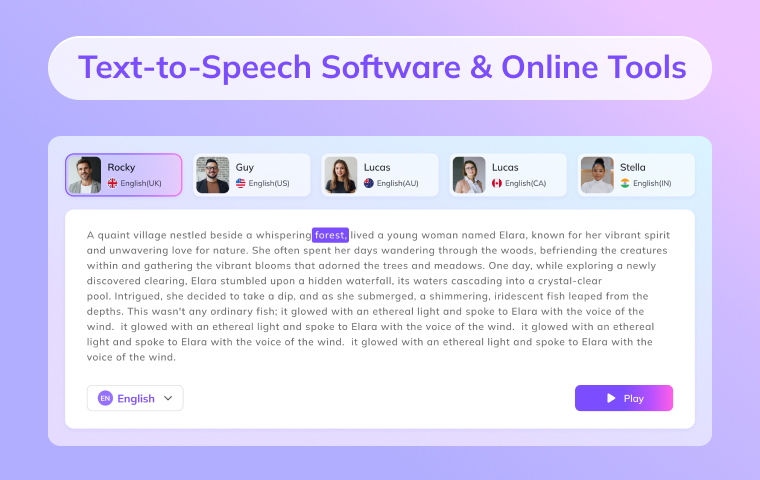
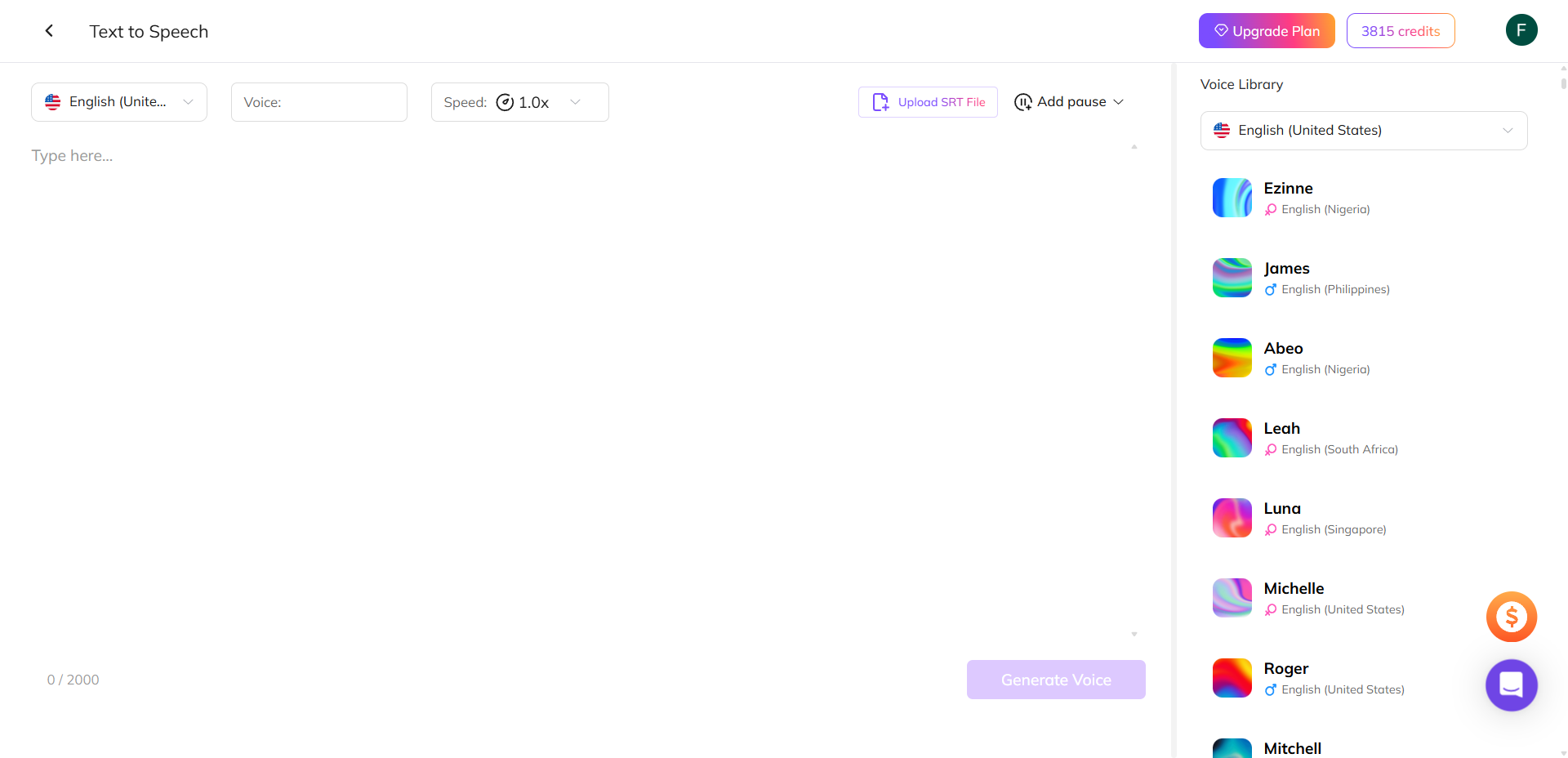
1. VMEG AI
VMEG AI is a comprehensive localization platform with a bunch of online tools, including text-to-speech, video translation, dubbing, and more. Its text-to-speech tool transforms any text into clear, lifelike speech within seconds. Most importantly, it has a vast voice library, advanced voice cloning, and support across many languages and accents.
Key Features
- Over 7000 natural voices are designed to convey emotion and nuance.
- Supports voice cloning to get more personalized or brand-consistent output.
- Covers 170+ languages and accents, including regional dialects.
- Simple 3-step workflow: paste text → pick voice → customize & export.
- Customize voice speed, insert natural pauses, tweak pacing or accent, etc.
- Dub videos into other languages while preserving the speech character.
Why VMEG Wins on Practicality:
- Vast Voice Diversity: While others focus on a few "perfect" voices, VMEG offers 500+ diverse timbres across 100+ languages. Whether you need a high-energy Gen Z voice for TikTok or a calm narrator for an educational course, it's already in the library.
- Unmatched Affordability: Free credits for enough usage. And for the price of a single month of "Pro" usage elsewhere, VMEG allows for much higher character counts, making it the most cost-effective choice for creators managing multiple channels.
- Zero Learning Curve: The interface is designed for speed. You don't need to be an audio engineer; you simply paste your text, select a voice, and you're done.
The Ecosystem Advantage: Video Translation Integration
Unlike standalone TTS software, VMEG is built into a powerful Video Translator. This means:
- You can generate speech and immediately apply it as AI Dubbing.
- The audio automatically syncs with your Dual-Language Subtitles.
- You can edit both the voiceover script and the text captions in one unified window.
2. ElevenLabs
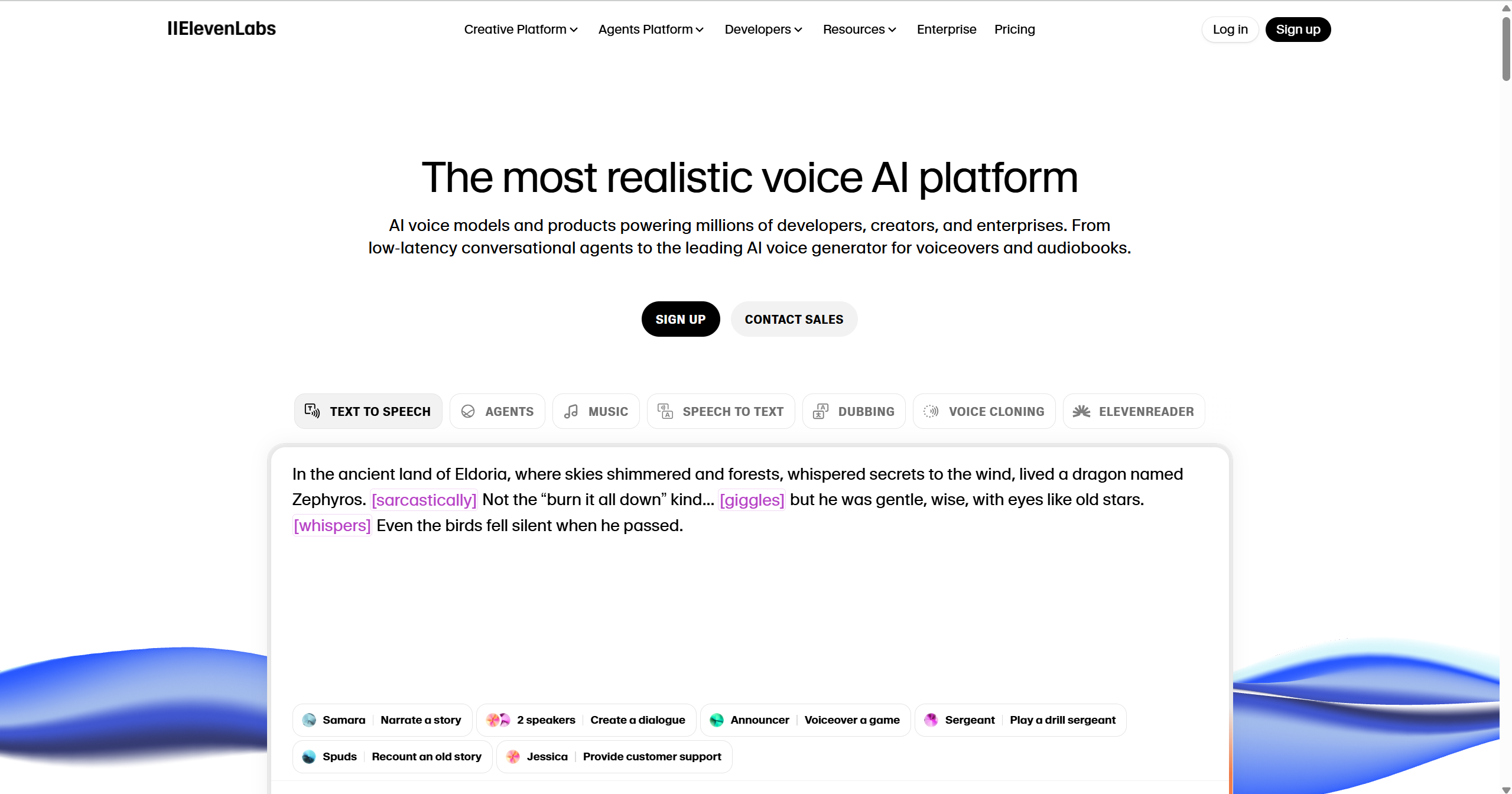
ElevenLabs offers one of the most expressive, human-sounding AI voice engines available today—it’s built to turn text into speech that feels natural, emotional, and context-aware. It widely supports audiobooks, videos, and podcasts.
Key Features
- Deliver expressive speech that adapts tone and timing to the context, with the Eleven v3 model.
- 70+ languages & accents for global reach.
- Clone voices from short samples to build your own character voices.
- Expressive controls for pacing, emphasis, and pauses.
- Low-latency streaming & API for apps, chatbots, and real-time use.
Cost
- Free plan: Limited monthly characters, good for testing.
- Paid plans: Unlock higher character limits, premium voices, cloning, and commercial rights.
- Enterprise options: Custom pricing for large-scale or high-volume needs.
Pros
- Some of the most natural, expressive voices in the industry.
- Deep customization (tone, pacing, emotion).
- Multi-speaker support, dubbing, and localization built in.
- Strong API and integration support.
Cons
- The free tier is quite limited.
- Cloning features may have a learning curve.
- In certain languages or accents, voice quality may be less polished.
Best for: Creators, podcasters, and businesses who need expressive, high-quality AI voices (with emotional depth) and want to scale voice content for audiobooks, dubbing, and voiceovers.
3. Murf AI
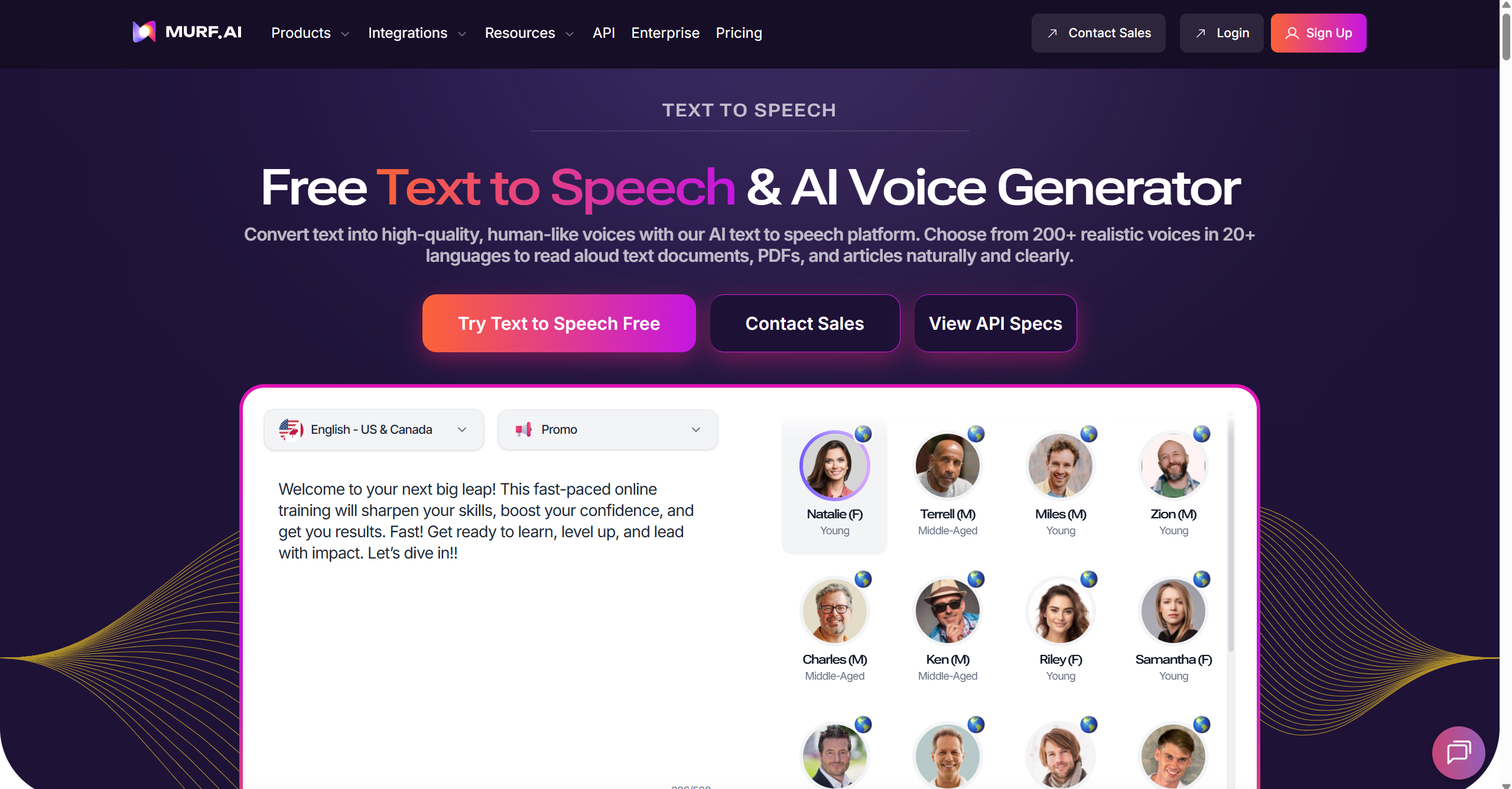
Murf AI is an AI voice generator designed for original text-to-speech and voiceover products. It combines TTS with a highly intuitive online studio. Users can not only convert text but also edit audio and video directly on the platform, greatly streamlining the content creation process.
Key Features
- Over 200 ultra-realistic, context-aware AI voices in 20+ languages and accents.
- Advanced voice cloning for brand consistency or personalization.
- Easy voice customization: adjust pitch, speed, pauses, and emphasis.
- Built-in AI voice changer to convert recorded audio into professional-sounding speech.
- Integrations with Canva, Google Slides, Adobe Captivate, and more.
- API access for developers to add voices directly into apps or platforms.
Cost
- Free trial with limited credits to test premium voices.
- Basic plan starts at $19/month (billed annually) for individual creators.
- Pro and Enterprise tiers offer more characters, advanced features, and team collaboration tools.
Pros
- Wide selection of natural, emotionally rich voices.
- Supports multiple use cases: from e-learning to marketing videos.
- Integrates smoothly with popular creative tools.
- Developer-friendly API for custom apps.
Cons
- The free plan is very limited in usage.
- Pricing can climb quickly for heavy users.
- Voice quality varies slightly between different languages.
Best For: Creators, podcasters, corporate training and presentation creators who want fast, studio-quality voiceovers without hiring professional narrators.
4. Speechify
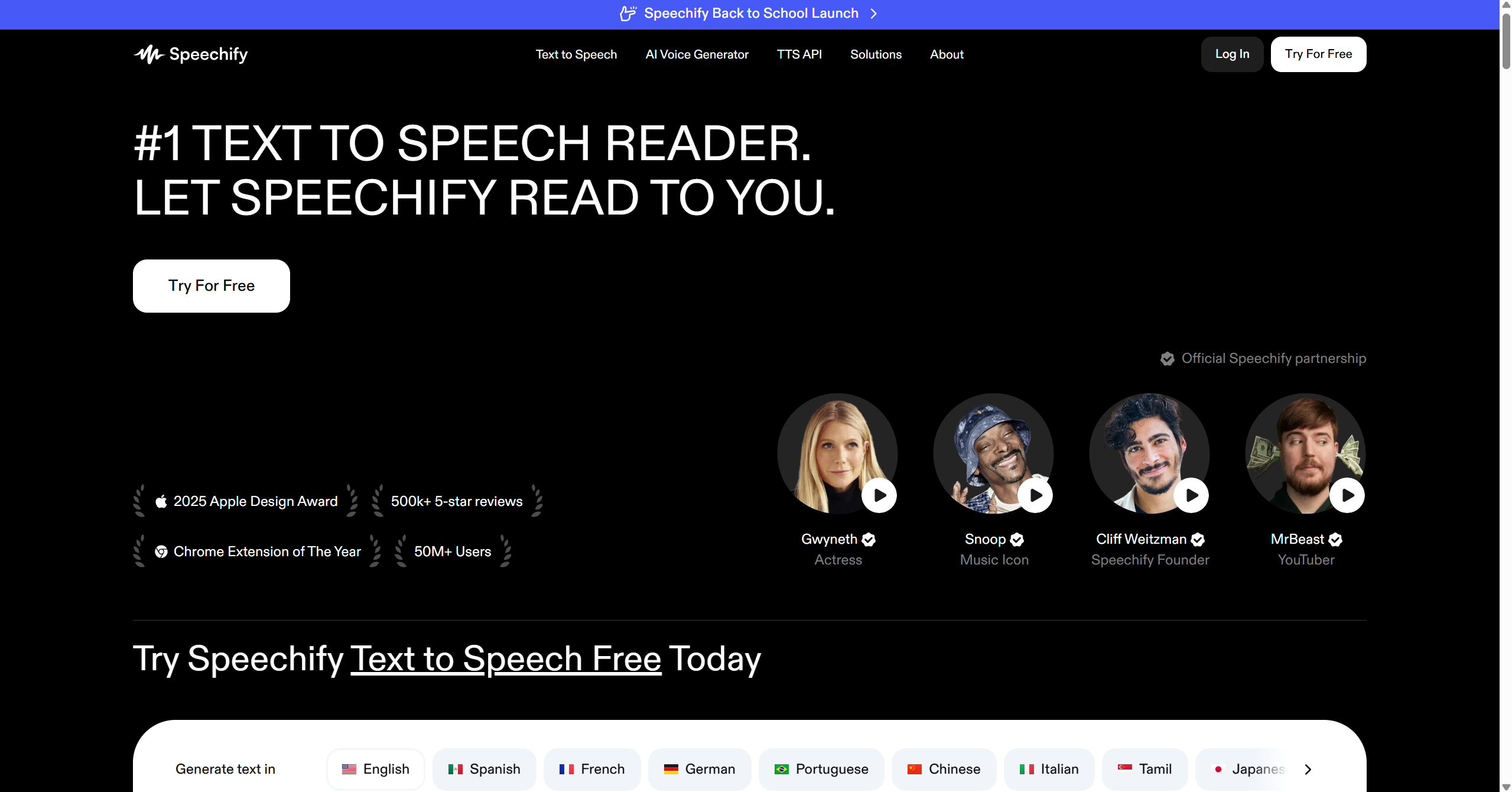
Speechify is one of the most popular text-to-speech apps, designed to turn any text (PDFs, docs, emails, or web pages) into natural-sounding audio. With over 50 million users and celebrity fans, its biggest strength lies in making reading accessible and multitasking-friendly.
Key Features
- High-quality, natural voices in 30+ languages and accents.
- Works across devices (iOS, Android, Mac, Web, Chrome/Edge extensions).
- Document scanning, PDF, and image text extraction.
- Adjustable speed (up to 9x) and highlighting for learning support.
- Syncs seamlessly so you can pick up where you left off across devices.
- Offline listening for books, docs, or notes on the go.
Cost
- Free version: basic voices, limited features.
- Premium plan: about $11.58/month (billed annually), includes advanced voices, unlimited listening, and more productivity features.
Pros
- Excellent document processing and OCR.
- Smooth cross-device syncing.
- Wide language and accent support.
- User-friendly interface, easy to get started.
Cons
- Limited voice customization compared to pro-level TTS tools.
- The premium plan is pricier than some alternatives.
Best For: Best suited for personal reading, less for professional content creation. For example, students, busy readers, and people with reading disabilities who want to save time and make any text listenable on the go.
5. Synthesys
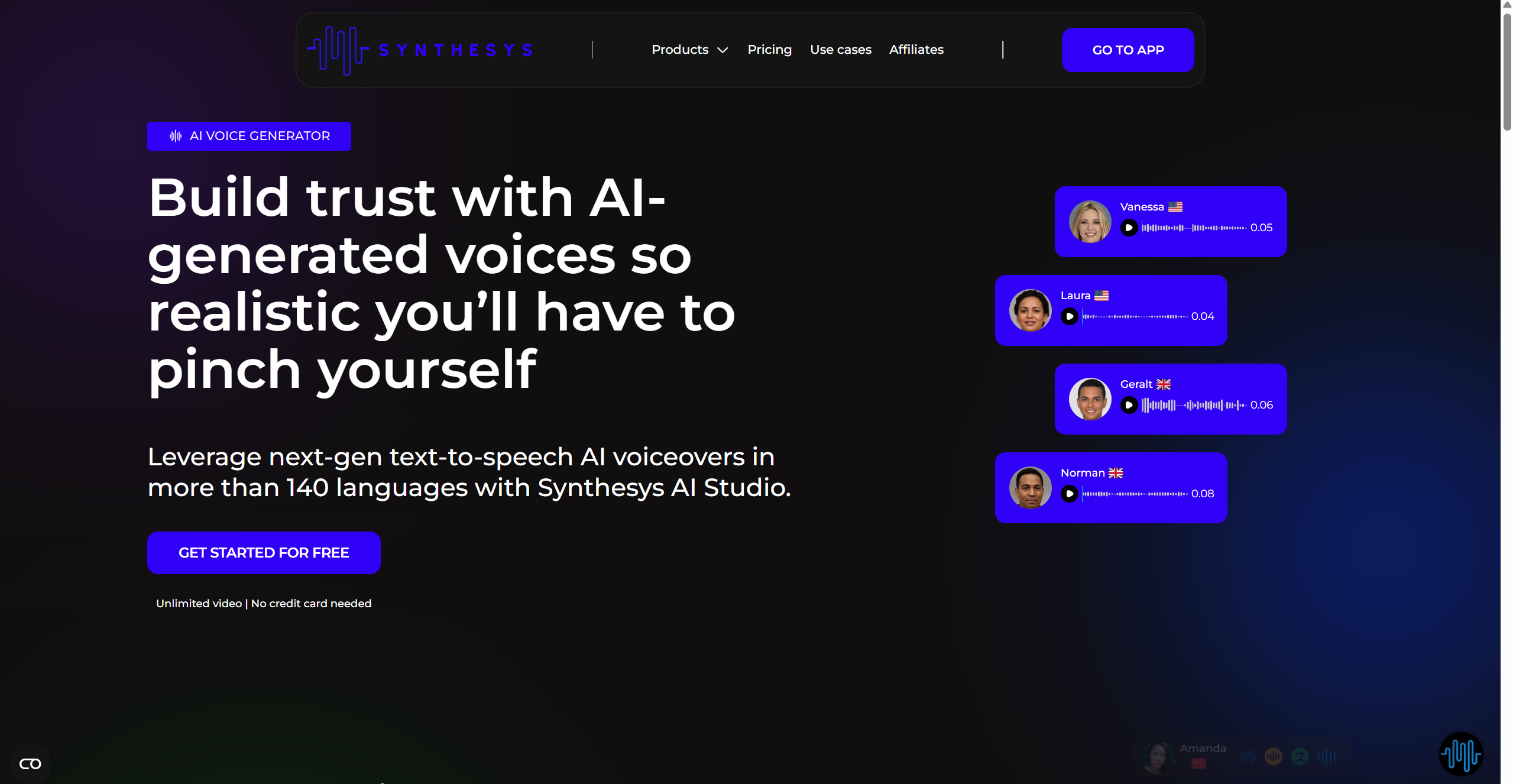
Synthesys AI Voice Generator is designed to create hyper-realistic voiceovers in over 140 languages, making professional audio production faster, cheaper, and more scalable than hiring traditional voice actors. It’s part of the broader Synthesys AI Studio suite, which also offers video generation, avatars, and voice cloning.
Key Features
- High-quality, natural-sounding voices trained by professional actors.
- Supports 140+ languages and regional accents.
- Simple text-to-voice workflow with preview and editing.
- Customization options for pitch, speed, pauses, and emphasis.
- Integration with AI video and avatar tools for full content creation.
- Commercial rights are available on paid plans.
Cost
- Free plan with limited credits (good for testing, but not for commercial use).
- Paid plans start at around $20/month for 900 credits, unlocking premium voices, longer audio generation, and commercial rights.
- Higher-tier Creator and Business plans include advanced features like voice cloning and expanded usage.
Pros
- Wide language coverage with natural and diverse voices.
- Competitive pricing compared to voice actors.
- Easy to use, even for beginners.
- Additional AI tools (avatars, face swap, video) in one platform.
Cons
- The free plan is too limited for serious projects.
- Voice quality, while strong, still isn’t identical to human delivery.
- A complex suite may feel overwhelming if you only need simple TTS.
Best For: Users who need to create professional voiceovers for websites, instructional videos, or commercials with the option to expand into AI video and avatar production.
6. NaturalReader
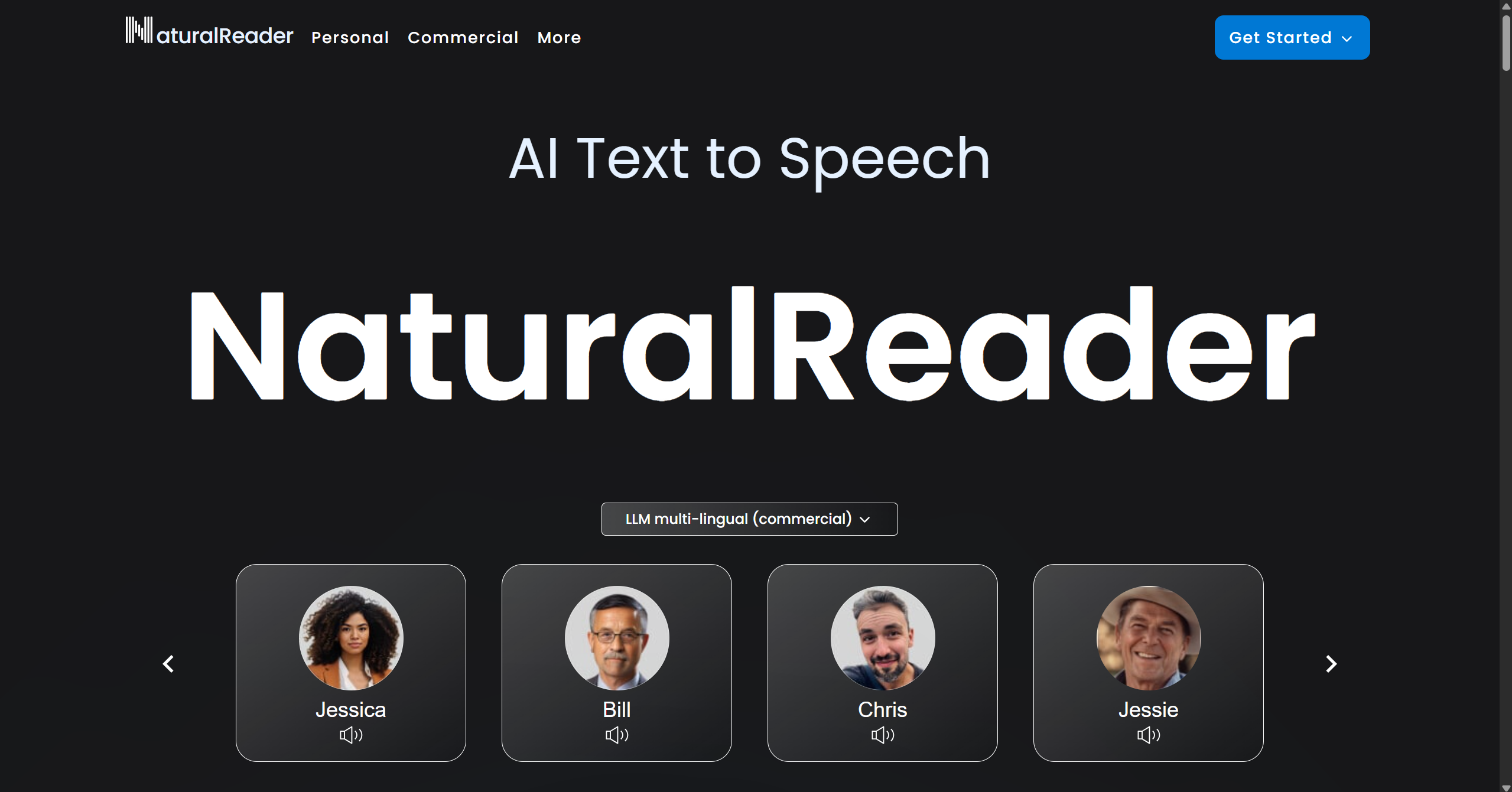
NaturalReader is a long-standing text-to-speech solution trusted by millions of users worldwide. It balances accessibility, high-quality AI voices, and versatility across personal, educational, and commercial use cases.
Key Features
- 200+ AI voices across 50+ languages, including next-gen LLM-powered voices.
- Voice cloning to instantly replicate a unique voice.
- Content-aware AI that delivers a more natural, human-like speech flow.
- Supports multiple formats, including PDFs, images, and 20+ file types.
- Cross-platform availability: web app, mobile apps, and Chrome extension.
- Accessibility features tailored for dyslexia, vision impairments, and second-language learners.
Cost
- Free plan: Basic voices with limited daily usage.
- Personal plan: From $20.90/month (Plus) to $25.90/month (Pro), includes web app, mobile app, Chrome extension, voice cloning, OCR, etc.
- Professional/Commercial plans: From $99/month (Single), adds commercial rights and advanced AI voices.
- Educational licenses: Discounted group packages for schools and institutions.
Pros
- Wide voice and language selection.
- Accessibility-friendly with OCR and dyslexia tools.
- Stable, polished platform with decades of reliability.
- Commercial licenses for professional creators.
Cons
- Premium AI voices require paid plans.
- Interface feels a bit dated compared to newer TTS tools.
- Less granular customization than some competitors.
Best For: Personal daily use, document proofreading, and users with assistive reading needs. Or professionals who seek a reliable, accessible, and multi-purpose TTS solution that works across devices and supports.
Quick Comparison Table of Text-to-Speech Software
Software | Voice Quality & Naturalness | Languages & Accents | Ease of Use | Best For |
VMEG AI | Over 7000 natural voices support emotion | 170+ | Simple 3-step workflow | Creators, marketers, educators, or businesses who need multilingual, customizable, and emotionally rich voiceovers |
ElevenLabs | Expressive, context-aware voices | 70+ | Moderate; cloning may require learning | Creators, podcasters, and businesses who want to scale voice content for audiobooks, dubbing, and voiceovers |
Murf AI | 200+ ultra-realistic AI voices | 20+ | Intuitive online studio | Creators, podcasters, corporate training, and presentation creators |
Speechify | High-quality, natural voices | 30+ | Very easy; cross-device syncing | Students, busy readers, and people with reading disabilities |
Synthesys | High-quality voices trained by actors | 140+ | Simple workflow, preview & edit | Users who need to create professional voiceovers for websites, instructional videos, or commercials |
NaturalReader | 200+ AI voices, content-aware | 50+ | Very easy; cross-platform | Personal daily use, document proofreading, and users with assistive reading needs |
FAQs about Text to Speech
Which AI voice generator is best for creating emotional or professional voiceovers?
In 2026, ElevenLabs is the undisputed leader for high-fidelity, emotionally expressive voices. If you are producing an audiobook or a high-end commercial that requires complex emotions (like whispering, anger, or excitement), ElevenLabs' generative AI models are the most advanced. They set the gold standard for voice cloning and cinematic quality.
Are there more affordable alternatives to ElevenLabs for high-volume content?
Yes. While ElevenLabs is premium, its credit-based pricing can be expensive if you're producing daily content for multiple YouTube or TikTok channels. VMEG.AI is a popular alternative for creators on a budget. It offers a much larger selection of pre-set voices (over 7000+) at a more accessible price point, allowing you to generate hours of narration without the premium cost of boutique AI labs.
What is the easiest way to generate AI voices in multiple languages?
For global creators, VMEG is often preferred for its simplicity. It supports over 100 languages with an intuitive "one-click" interface. Instead of dealing with complex settings, you just select the target language and a voice that matches the local accent. This ease of use makes it a go-to for marketers who need to localize ads or tutorials quickly.
Can I use TTS software for commercial projects?
Yes. Most paid plans include commercial usage rights, but it’s always worth double-checking the licensing terms. Platforms like Murf AI, Synthesys, and NaturalReader explicitly cover commercial use in their paid tiers.
Is there a completely free TTS option?
There are free options like built-in operating system voices or simple online tools, but they usually sound robotic and lack advanced features. VMEG offers 180 free credits, which are enough to generate the TTS audio you need with natural-sounding voices.
Convert Text to Natural Speech
Use VMEG AI to create natural and expressive voices by entering text easily. It supports 7000+ voices in 170+ languages.


The VMEG Team
Behind VMEG stands a passionate team of creatives, engineers, and language lovers. At the crossroads of AI and storytelling, they craft tools that bridge languages and cultures.