


LinkedIn Video Transcription
VMEG allows you to convert LinkedIn videos to accurate, editable transcripts in just a few steps.
How to Transcribe LinkedIn Videos to Text with 3 Steps
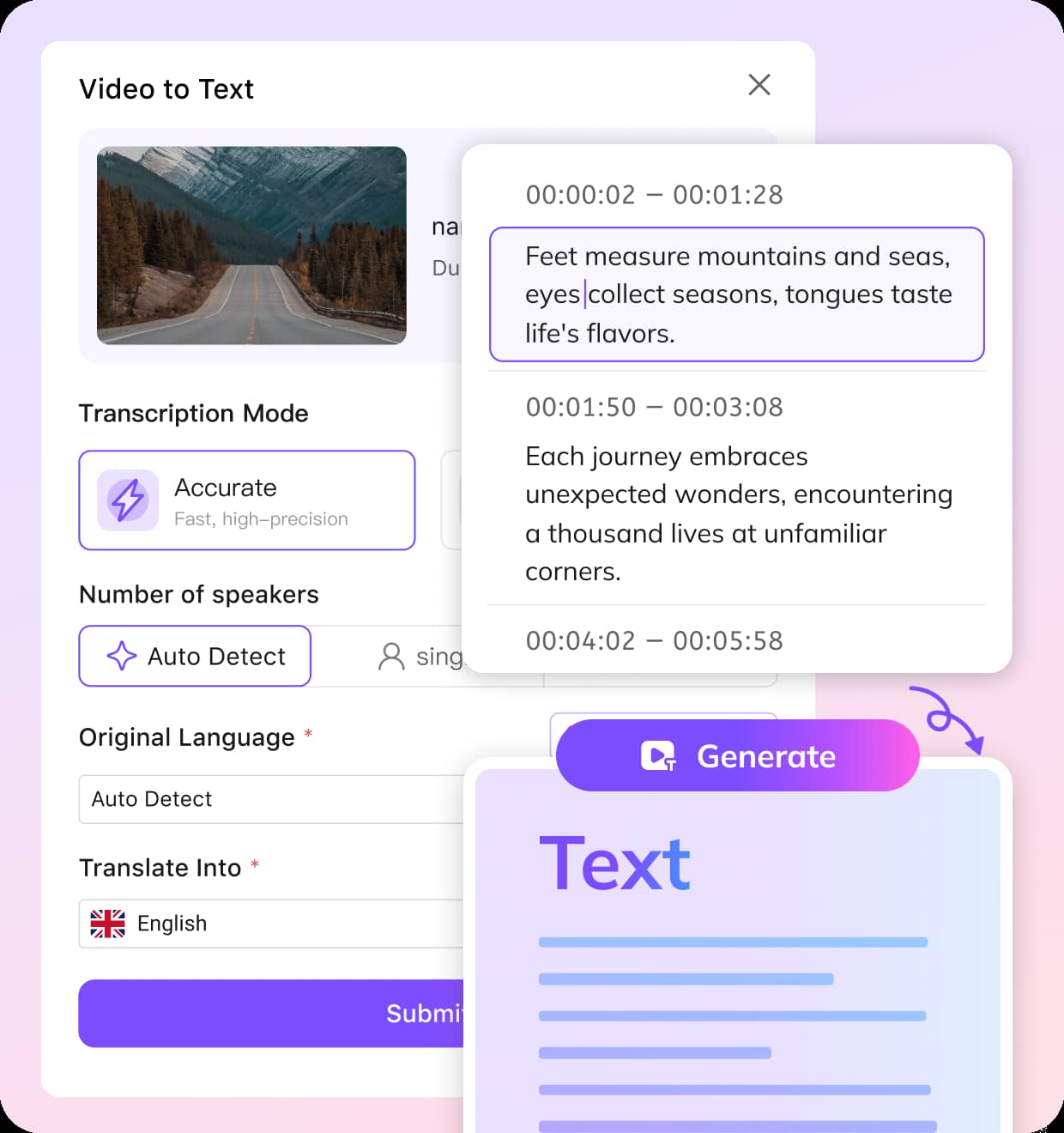
Upload or Paste Link
Upload your LinkedIn video file or paste a video link for VMEG to fetch the video.
Choose Settings
Select your preferred transcription mode (Balanced for speed or Accurate for precision), specify the language and number of speakers, and choose if you need a translation.
Edit & Export
Once transcribed, edit the text to make any adjustments. Then, export it in your preferred format (TXT, SRT, VTT, TTML, SBV).
Why Choose VMEG for LinkedIn Video Transcription
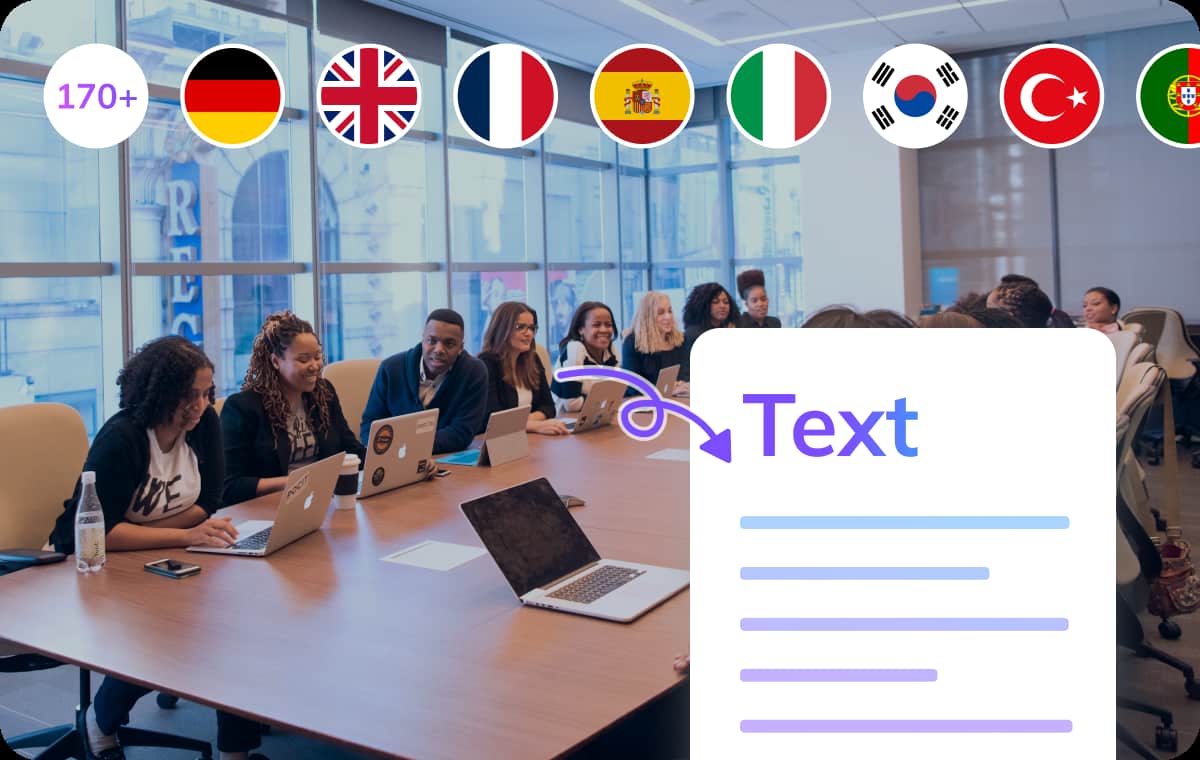
Tailored Transcription for LinkedIn Content
VMEG’s AI technology offers highly accurate transcriptions for LinkedIn videos, automatically identifying speakers and ensuring the text reflects the true context of the video.Whether you need a fast draft or a detailed, accurate transcript, you can adjust the settings to get the perfect balance between speed and precision. This is ideal for LinkedIn videos where time and accuracy matter — like interviews or networking event recaps.
Try It Now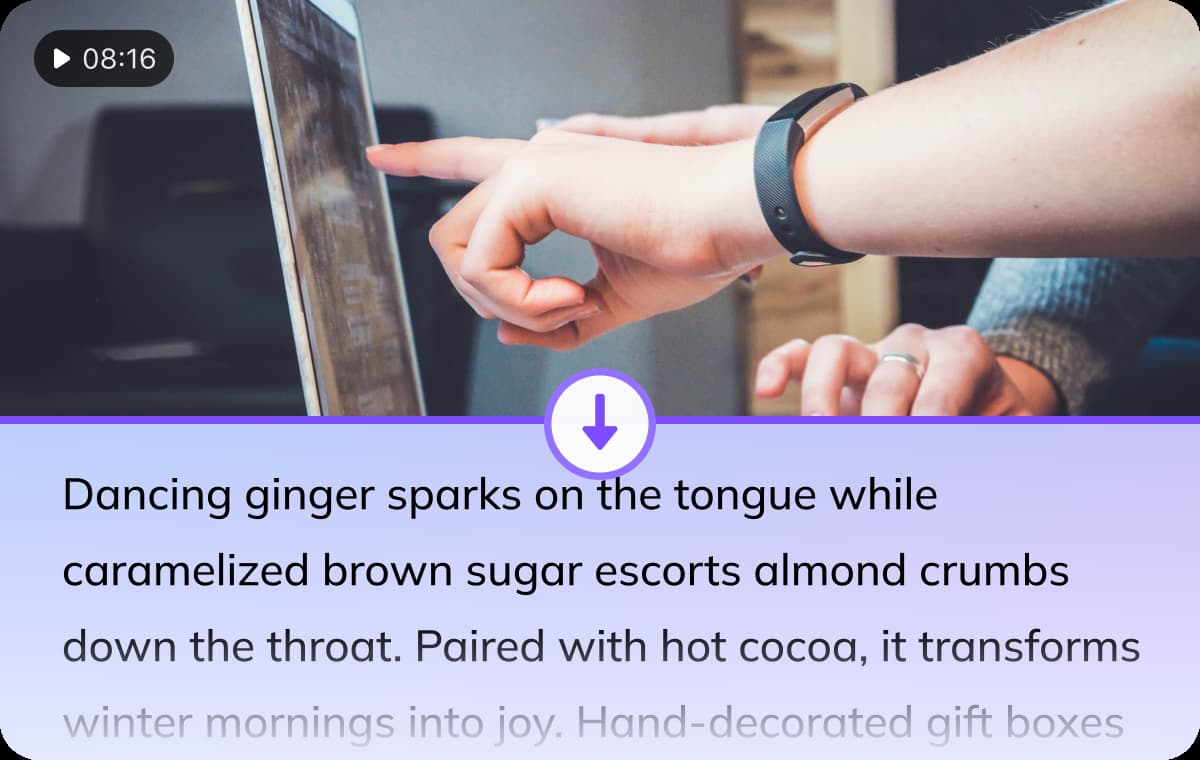
Customizable Transcription Mode & Editing Capabilities
Before transcribing, you can select the transcription mode for different needs. It even auto-detects the number of speakers, enables you choose to translate over 170+ languages with ease.Once the transcription is done, you have complete control over the final output — adjust the speaker labels and filler words. This gives you the flexibility to adapt the content to your exact requirements, whether for publishing or sharing.
Try It Now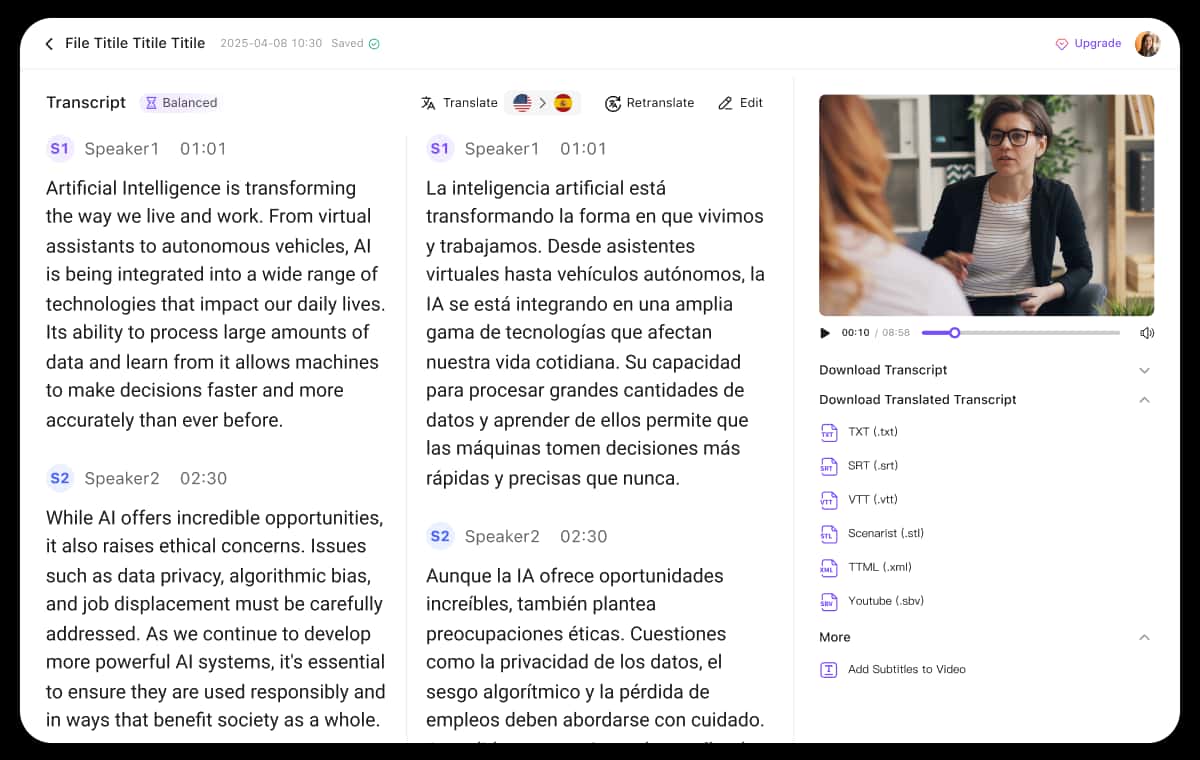
Export in Multiple Formats for Versatility
VMEG’s export options cater to various use cases, from captions to reports. After transcription, you can export your text in formats like TXT, SRT, VTT, TTML, and SBV.This makes it easy to integrate your LinkedIn video transcripts into different platforms or share them with colleagues and clients.
Try It NowWho Can Benefit from LinkedIn Video Transcription
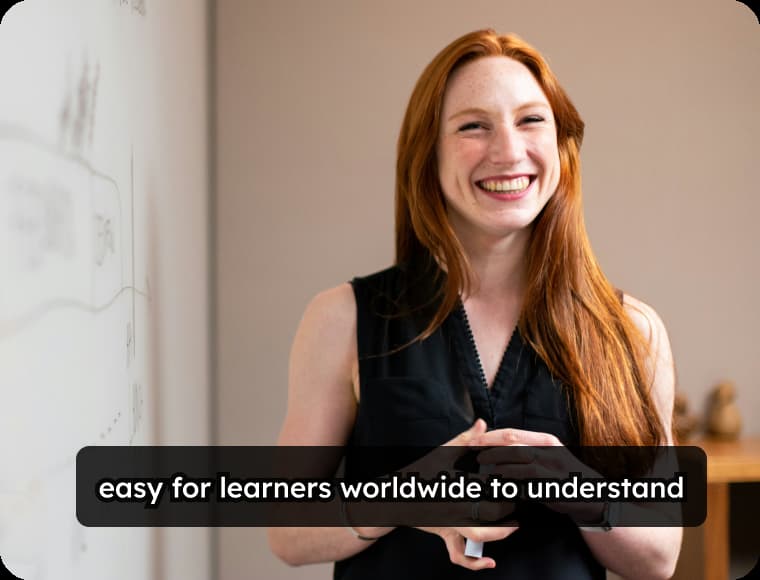
Content Creators & LinkedIn Influencers
For creators and influencers on LinkedIn, VMEG’s transcription tool helps turn valuable video content into text, making it more accessible. Whether you’re sharing insights or thought leadership, having a transcript makes it easier to repurpose content, improve SEO, and make your work more discoverable.
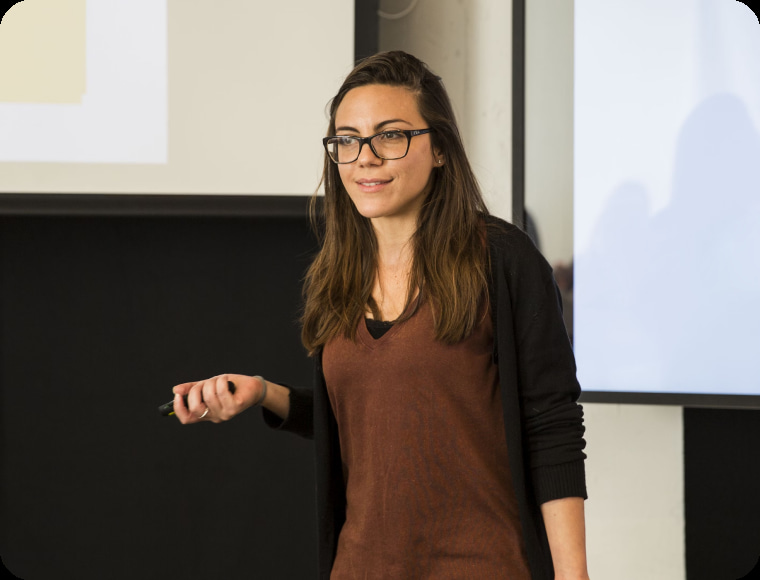
Educators & Trainers
Educators using LinkedIn to share knowledge or deliver lessons can make their video content more accessible to all audiences by transcribing it into text. This also enables educators to create study materials or searchable notes from interviews, lectures, and presentations shared on LinkedIn.
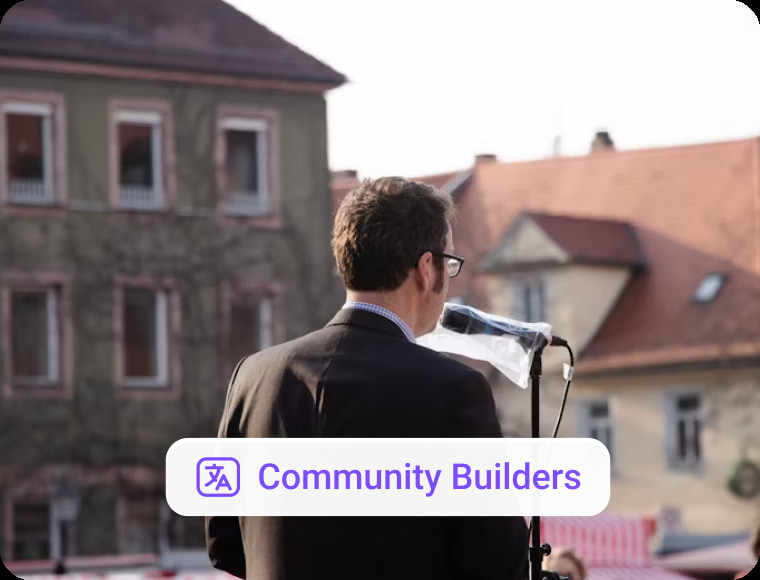
Marketing Teams & Businesses
For businesses using LinkedIn for marketing or internal communications, transcribing meeting videos or promotional content provides accurate, searchable records that can be used for reports, blogs, or email campaigns. VMEG helps teams capture the essence of each video, creating written content that enhances brand consistency and message clarity.
FAQs about Transcribing LinkedIn Videos to Text
How do I transcribe a LinkedIn video with VMEG?
You can upload your LinkedIn video or paste a link into VMEG. Then, select the transcription mode (Balanced or Accurate) and preferred settings. VMEG will automatically transcribe your video, allowing you to edit and export the result.
What languages can VMEG transcribe?
VMEG supports transcription in over 170 languages, making it easy to transcribe LinkedIn videos into multiple languages if necessary.
Can I edit my LinkedIn video transcript after it's created?
Yes. Once your LinkedIn video is transcribed, you can easily edit the text using VMEG’s built-in intuitive editor, ensuring that the final transcript meets your needs.
What file formats can I export my transcript in?
VMEG allows you to export your transcript in various formats, including TXT, SRT, VTT, TTML, and SBV. Choose the format that works best for your use case.
Is VMEG a free tool for LinkedIn video transcription?
VMEG AI does not currently offer a free trial. New users can purchase a $1.50 trial package to receive 180 credits to try out.
Discover More on VMEG
Related Searches
LinkedIn Video Transcription
Transcribing LinkedIn videos has never been easier with VMEG. Whether you're capturing interviews, webinars, or professional insights, our tool converts your videos into editable transcripts quickly and accurately.
Try It Now