


Advanced Editing Studio for Video Localization
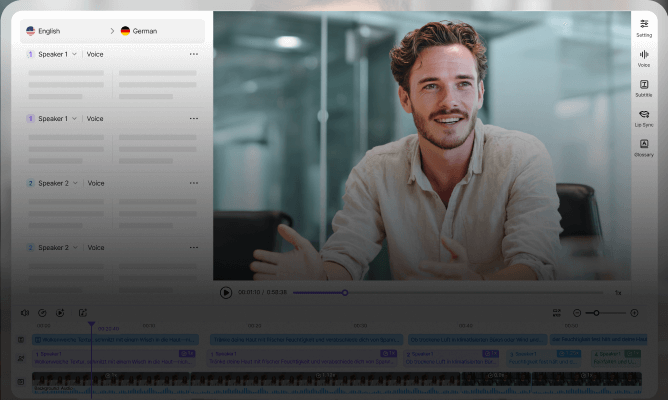
VMEG Editing Studio is a unified workspace for editing, translations, and voiceovers with precision. Fine-tune timing, wording, and audio directly on the timeline to match your video naturally. Built for creators and teams who need control without complex editing software.
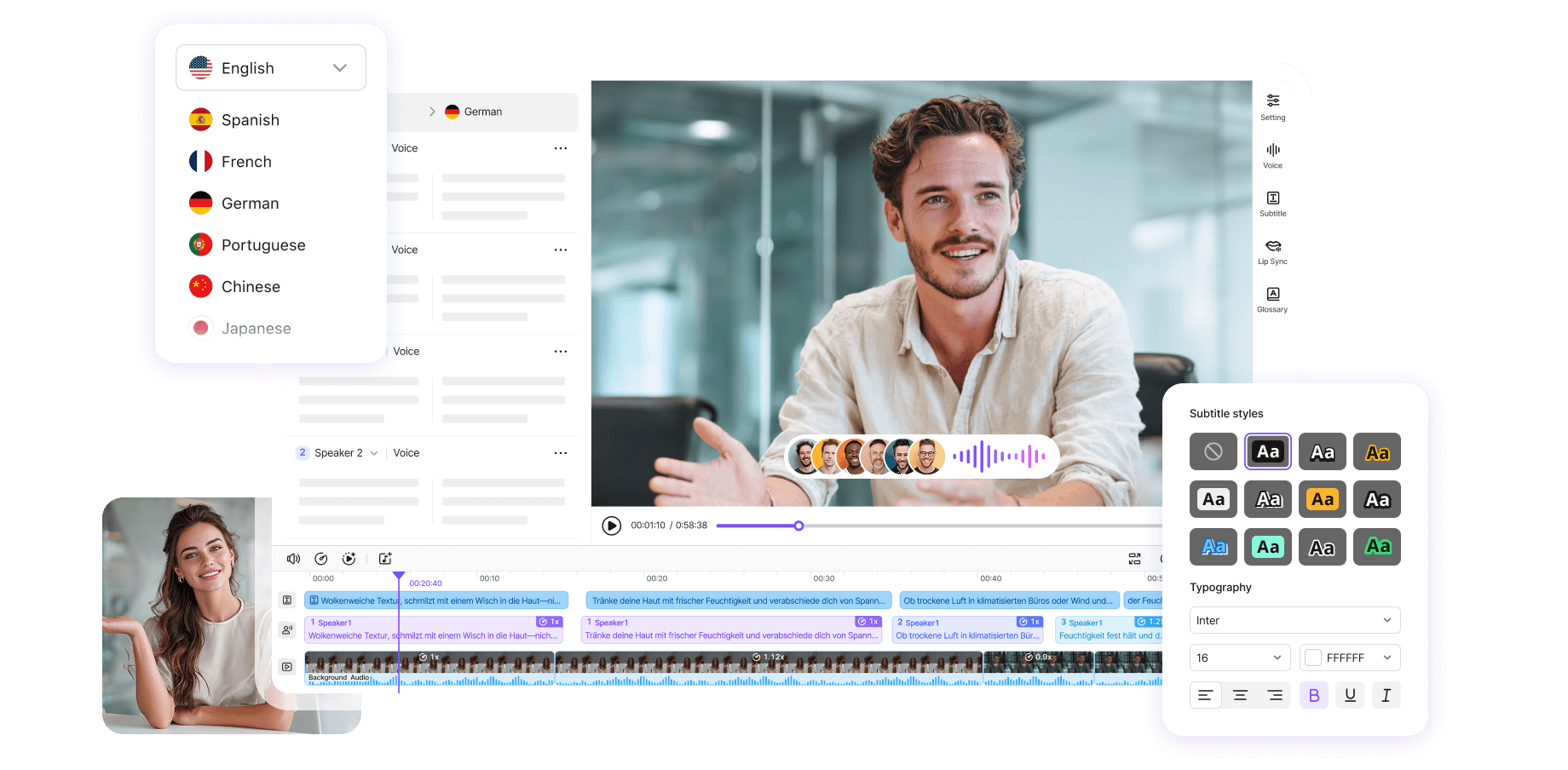



Why VMEG’s Video Editing Studio Stands Out
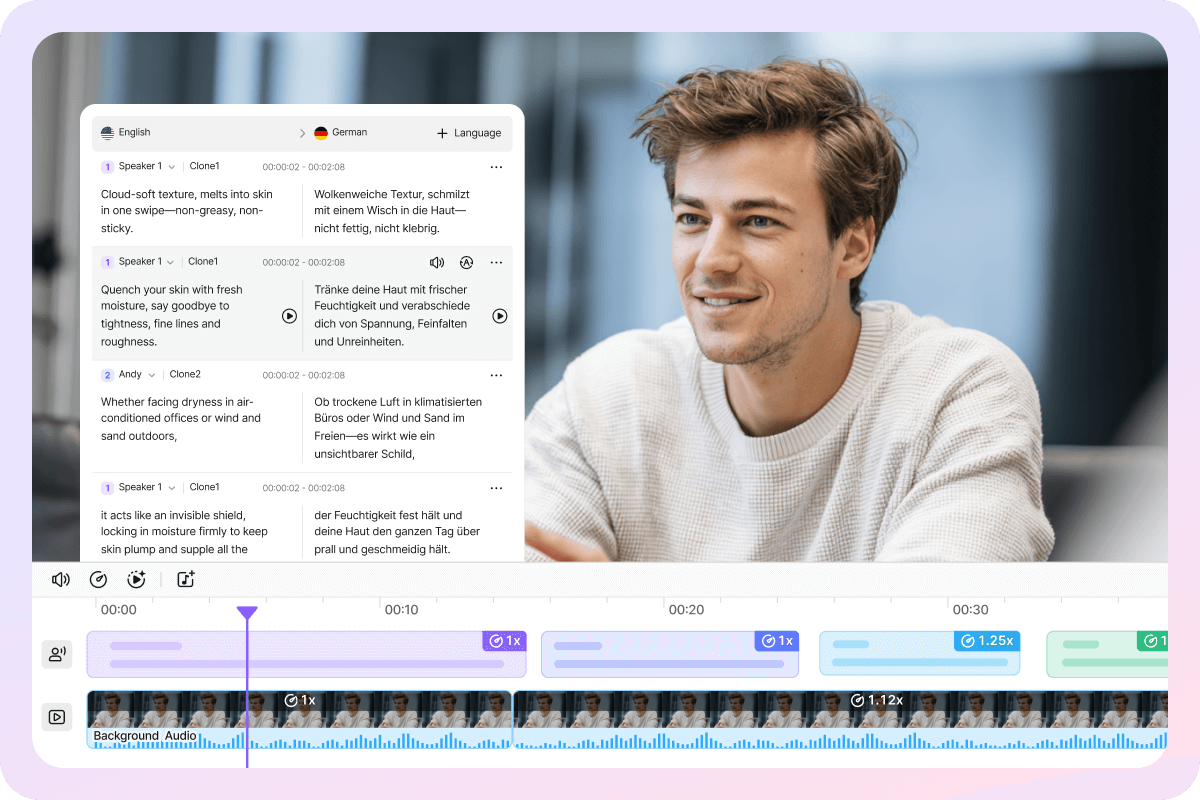
All-in-One Editing for Text, Voice, and Video
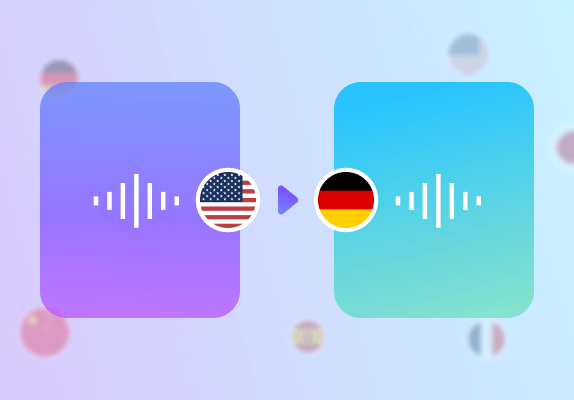
Text, audio, and video footage are centralized within a single editor, eliminating the need to switch between multiple tools. The workflow aligns with professional video translation and localization practices, allowing even beginners to quickly grasp the operational logic.
Users can complete transcription, translation, voiceover, and subtitle adjustments within the same interface, significantly reducing communication overhead and rework costs. Compared to traditional complex software, VMEG's interface is more intuitive with a lower learning curve.
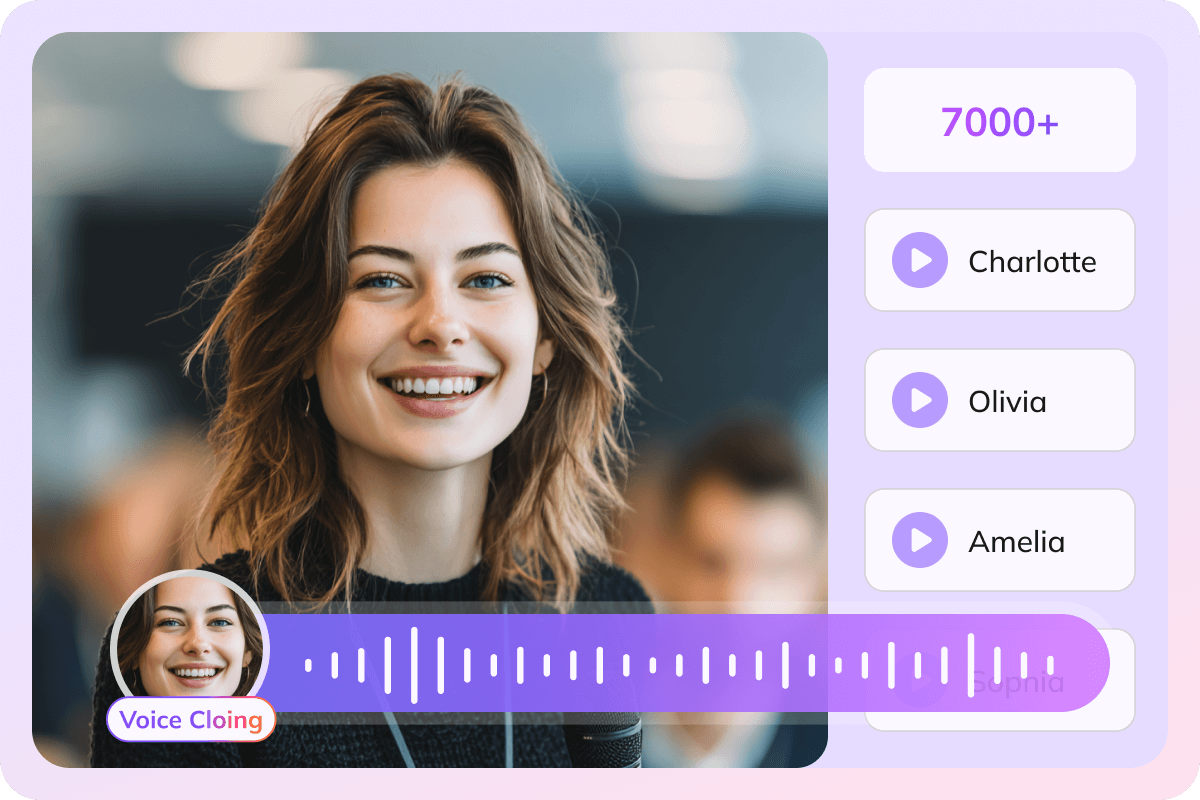
Advanced Audio Control with AI Voices and Cloning
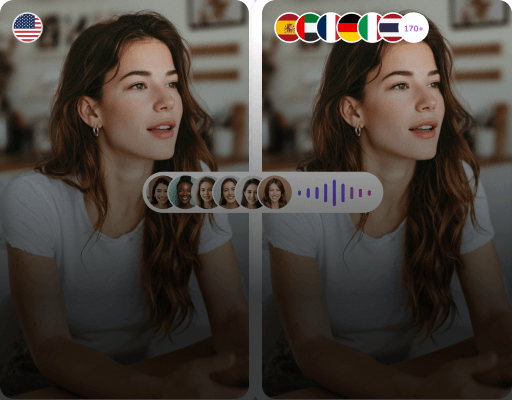
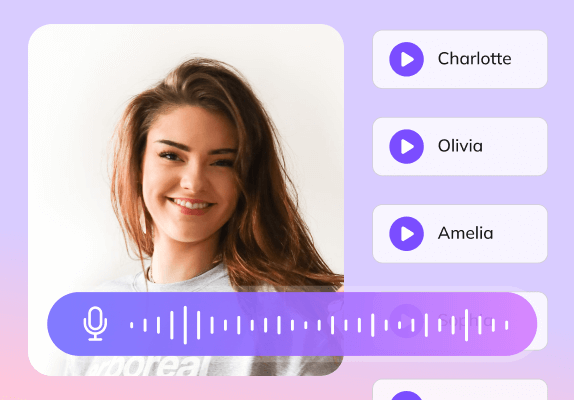
In the editing studio, VMEG offers over 7,000 high-quality AI voice libraries. Users can quickly switch between different languages, accents, and styles for voiceovers. Without re-recording, translated voices sound more natural and lifelike.
It also features voice cloning technology, allowing users to replicate a speaker's voice by selecting a sample audio clip. Both speech rate and volume can be finely adjusted to prevent unnatural pacing or jarring audio transitions in the final narration.
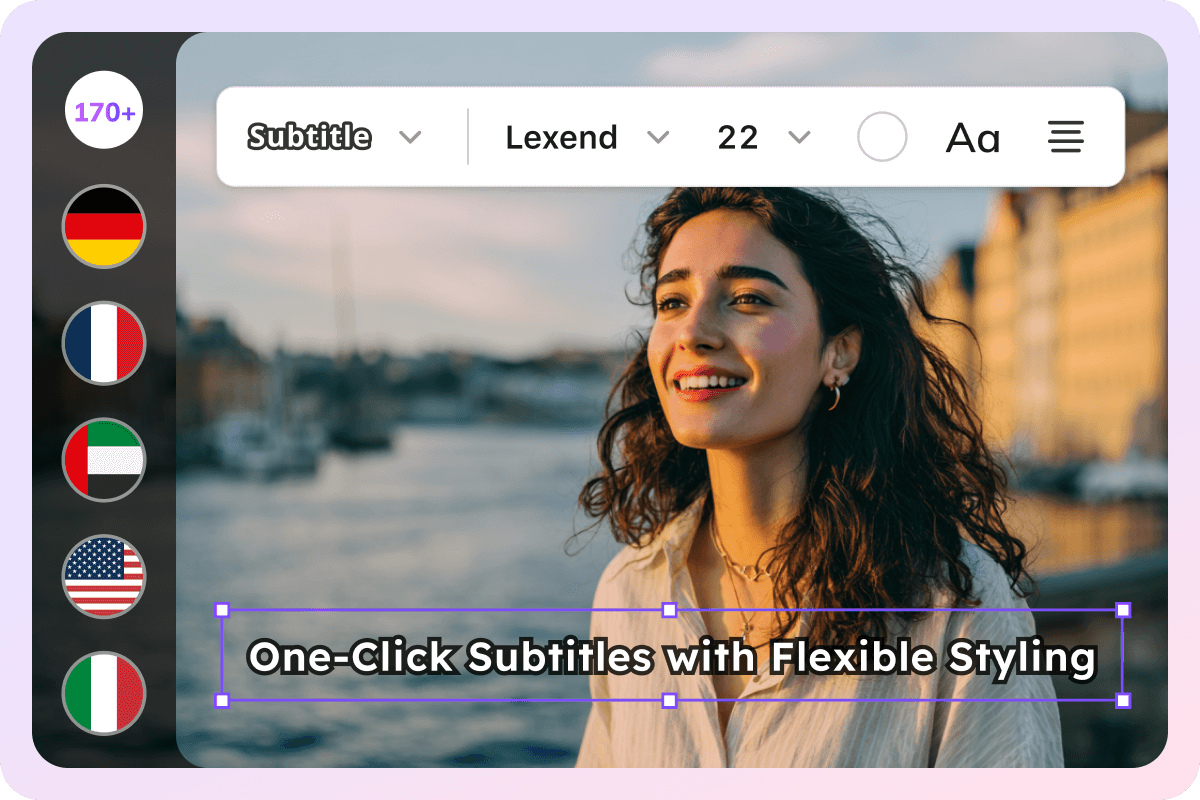
One-Click Subtitles with Flexible Styling
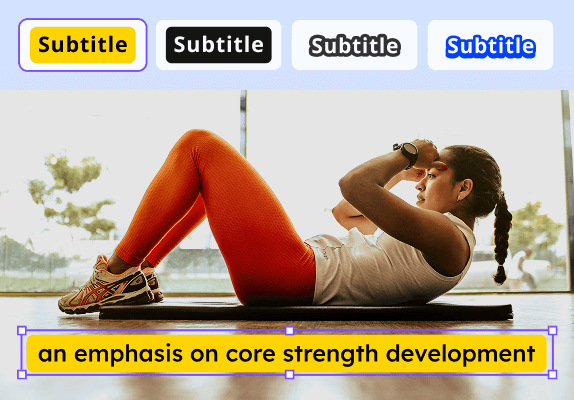
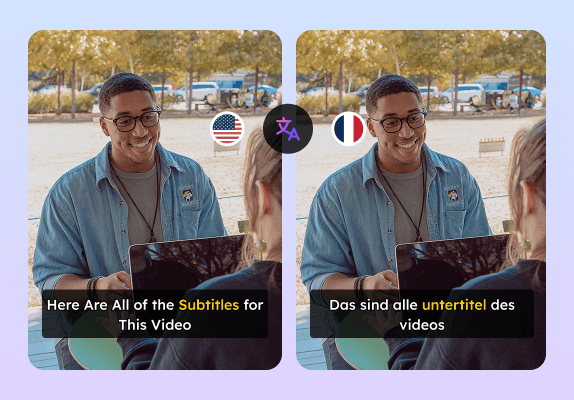
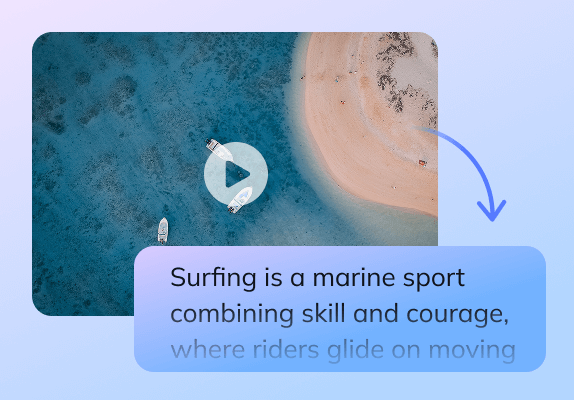
Generate subtitles with a single click, automatically synchronized to your video timeline, significantly reducing manual timing effort. The system includes free built-in subtitle styles and royalty-free fonts, ideal for long-term commercial use and content creation.
Subtitle positioning and font size are fully customizable to meet display standards across platforms. Supports rapid generation of bilingual subtitles, particularly suited for educational videos, multinational conferences, and training content.
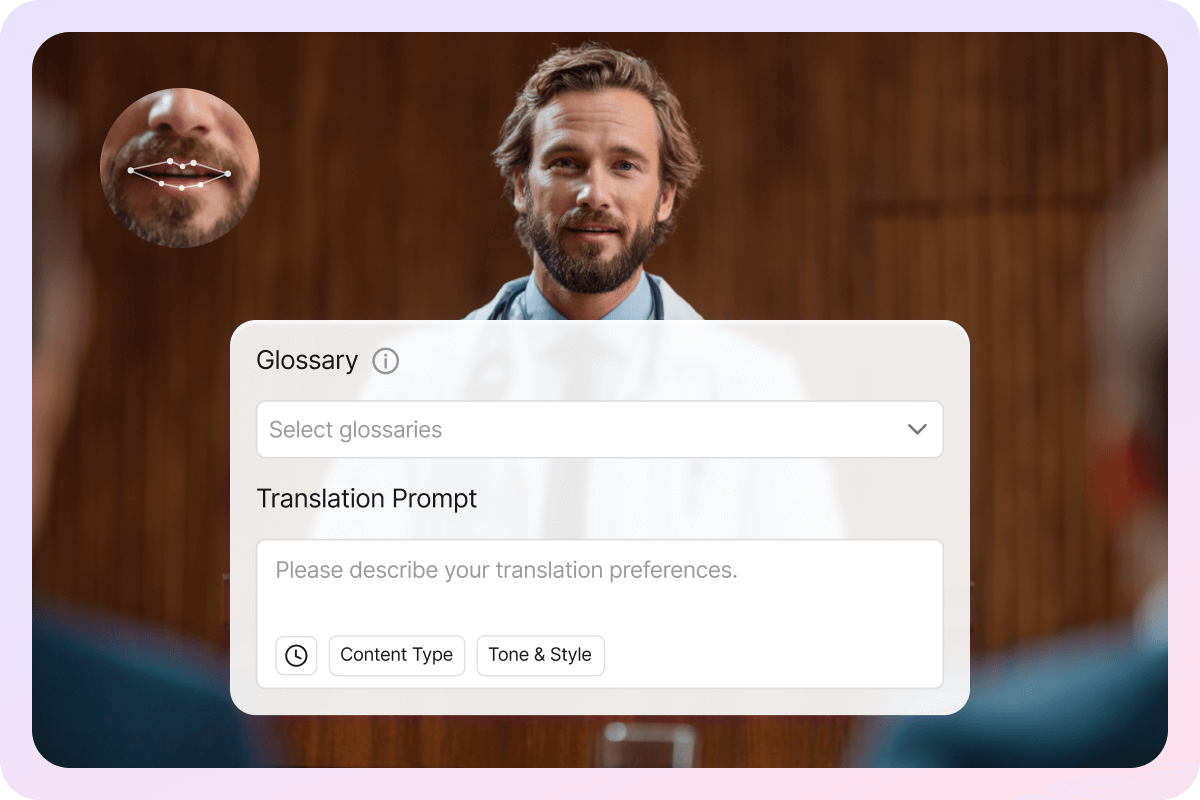
Professional Features for Precise Localization
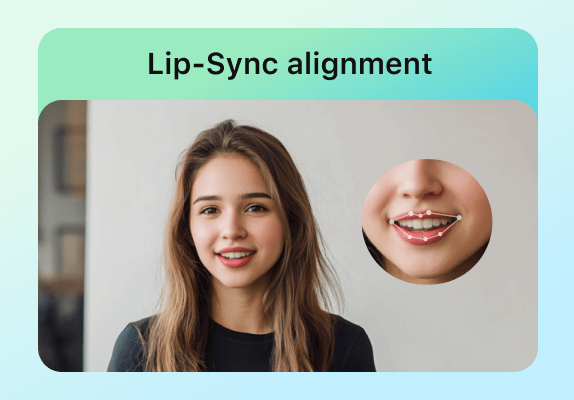
VMEG offers advanced features like lip-sync alignment and a glossary to enhance translation consistency and professionalism. For detail-oriented videos, the localized output appears more natural and credible.
You can also specify that a particular speaker remains silent or skip translating specific segments. This ensures highly controllable translation results even in interviews, multi-person videos, or complex content.
Professional AI Editing Studio vs Traditional Editing
Unlike standard video editors, VMEG AI Editing Studio enables creators to translate, dub, and localize multiple videos across languages in minutes, all within a professional, repeatable workflow
| Feature | VMEG AI Editing Studio | Original Video Editor |
|---|---|---|
| Primary Goal | Enable high-quality, multilingual video distribution at scale | Create and edit original videos |
| Multilingual Capability | Native support for translation, subtitles, dubbing, voice cloning, lip-sync | Limited or plugin-based |
| Video Context Awareness | Deep understanding of video, speech, subtitles, and semantics | Timeline-based editing only |
| Automation Level | Agentic, human-in-the-loop workflows | Mostly manual operations |
| Output Quality | Publish-ready localized video assets | Single-language video files |
| Scalability | Built for multi-language, multi-market scaling |
How to Use VMEG AI Video Editor
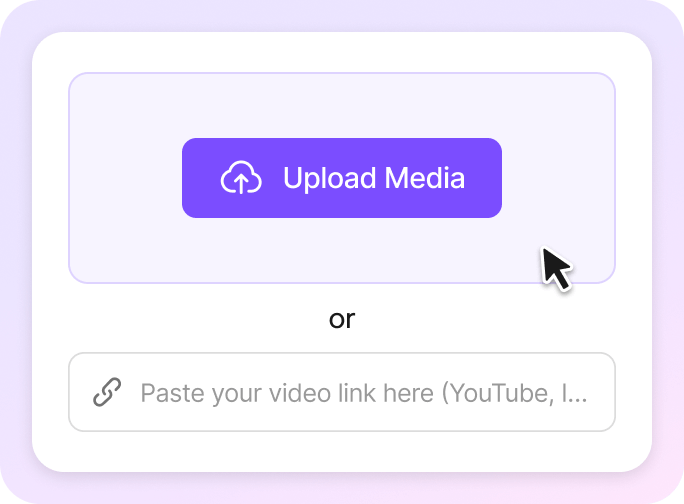
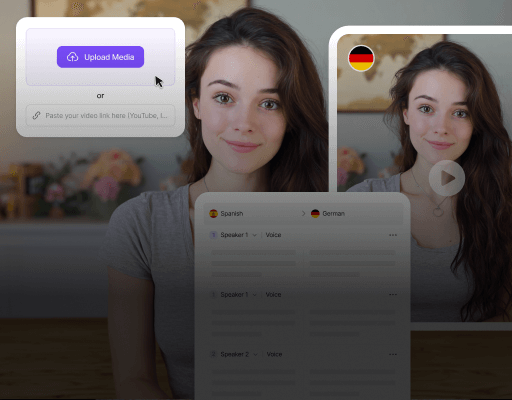
Upload Your Video or Paste a URL
Upload a local video file or quickly import content by pasting a supported video URL. VMEG automatically prepares the video for editing and processing.
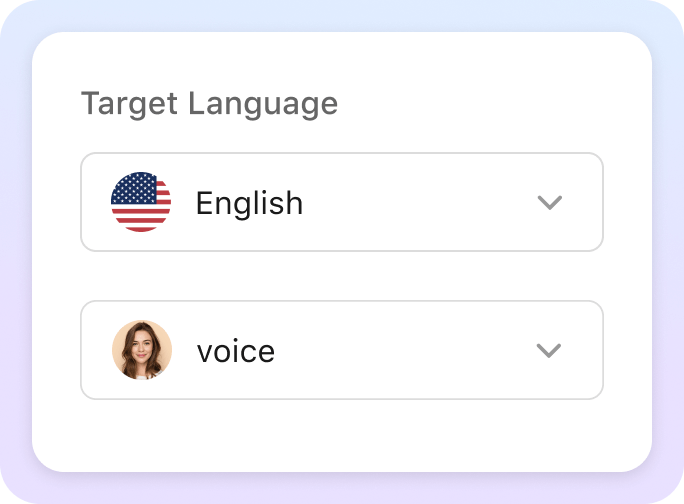
Set Source and Target Languages
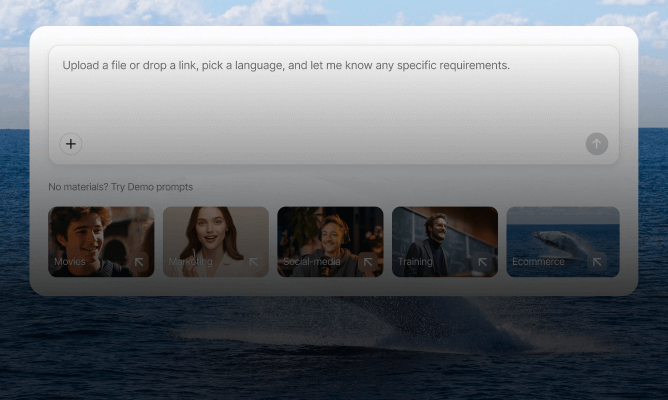
Choose the source language or enable auto detection for mixed or unknown languages. Then select your target language and complete the basic settings before moving forward.
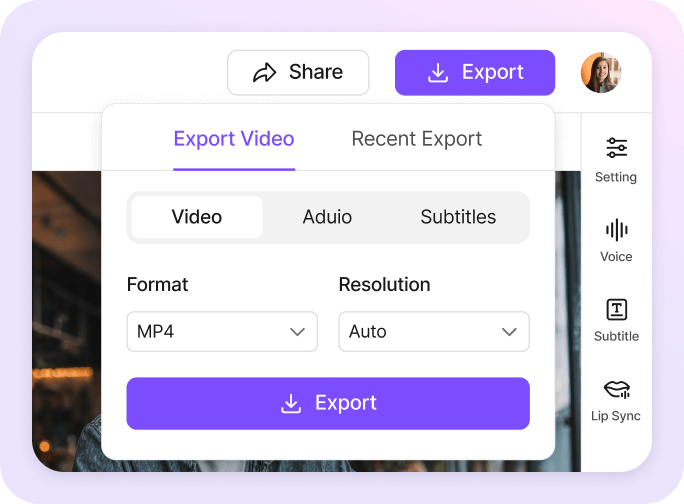
Edit and Export in the Editing Studio
Use the Editing Studio to refine subtitles, translations, or timing with an intuitive editor. When everything looks right, export your final video or subtitle file for download and sharing.
What people say about VMEG AI

"Effortless Multilingual Video Translation with Impressive Accuracy"
The interface is clean, and uploading videos or SRT files is fast and intuitive. The accuracy of subtitles and timing is impressive, and voice cloning adds a professional touch.



"VMEG. The Most Natural AI Voice I've Ever Used"
What I like most about VMEG.AI is how naturally it captures the rhythm and emotion of real human speech. As someone who works on Japanese localization every day, I truly appreciate how this platform respects the sound and soul of each language.


"Impressive Video Translation for TV Shows and Documentaries"
The video translation feature works well for TV shows and documentaries.

"Excellent Thai Language Support, Worth the Investment"
It support Thai which is hard to find in other product.
FAQs about VMEG's Editing Studio
What is VMEG's Editing Studio?
VMEG Editing Studio is a professional workspace designed to review, edit, and refine AI-translated subtitles, transcripts, and scripts. It helps creators and teams polish multilingual content before final publishing.
How is VMEG‘s Editing Studio different from end-to-end translation?
End-to-end translation generates a first draft, while VMEG’s Editing Studio allows you to fine-tune wording, tone, terminology, and timing—ensuring your final translation is accurate, natural, and audience-ready.
What content can I edit in VMEG's Editing Studio?
You can edit: translated and original subtitles (SRT / VTT), video transcripts, voice-over scripts, multilingual audio translation outputs. All edits stay synced with your original media.
Does the studio support subtitle timing and line adjustments?
Yes. VMEG Translation Editing Studio lets you adjust subtitle timing, line length, and segmentation to ensure perfect synchronization with video playback.
Can I preview my edits in real time?
Yes. You can preview edited subtitles or scripts alongside the video, allowing you to instantly check readability, timing, and context before exporting.
Can I edit translations before generating voice or dubbing?
Absolutely. VMEG allows you to edit translated text first, then generate voiceovers or dubbed audio based on the finalized script—helping avoid rework and ensuring high-quality output.
Related Articles
Dive into expert articles from the VMEG team covering AI technology, language research, and real-world localization insights
Why VMEG is Trustworthy

Privacy-First by Design
VMEG is built on a privacy-first architecture. Your videos, voice samples, and scripts are encrypted, isolated, and never used to train AI models by default. You stay in full control of your data—always.

Enterprise-Grade Data Protection
VMEG is architected with enterprise security at its core. All customer data is encrypted using AES-256 at rest and TLS 1.3 in transit, ensuring sensitive media assets remain protected throughout the entire processing lifecycle.

Strict Data Isolation & Ownership
Customer data is fully isolated by workspace. VMEG does not access, reuse, or train on your proprietary videos, voice data, or scripts by default. You retain full ownership and intellectual property rights over all inputs and outputs.

Infrastructure Built for Scale & Compliance
Running on secure AWS infrastructure, VMEG delivers high availability, redundancy, and global scalability. VMEG is designed to support enterprise localization workflows while aligning with modern security and compliance standards.





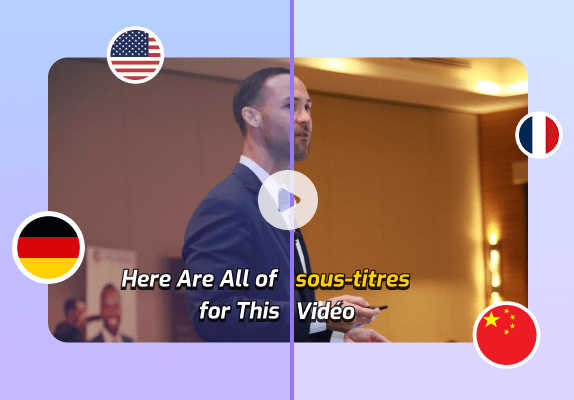

AI Video Editing Studio
VMEG Editing Studio lets you edit subtitles, adjust translations, and refine voiceovers in one place.