01
Upload Your Video or Paste a Link
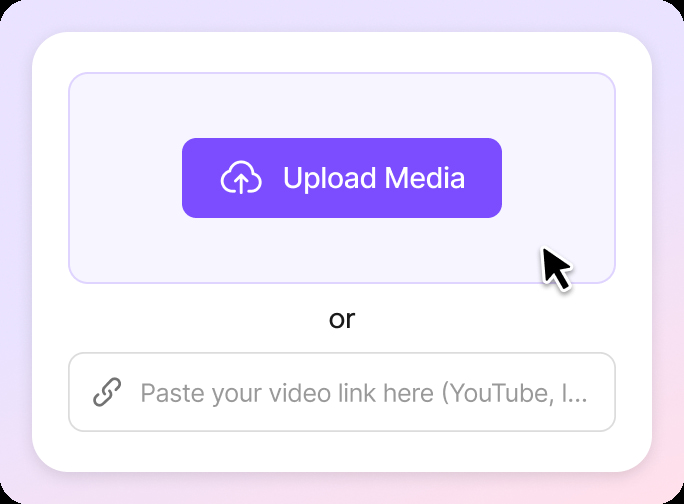
Upload a supported video file or paste a public video link. VMEG detects the spoken language, dialogue segments, speakers, and background audio before creating the dubbing project.
Dub videos into 170+ languages while preserving each speaker’s voice, timing, and background audio. Review the script, redub individual lines, and add optional lip sync before exporting the finished video.
01
Upload a supported video file or paste a public video link. VMEG detects the spoken language, dialogue segments, speakers, and background audio before creating the dubbing project.
02
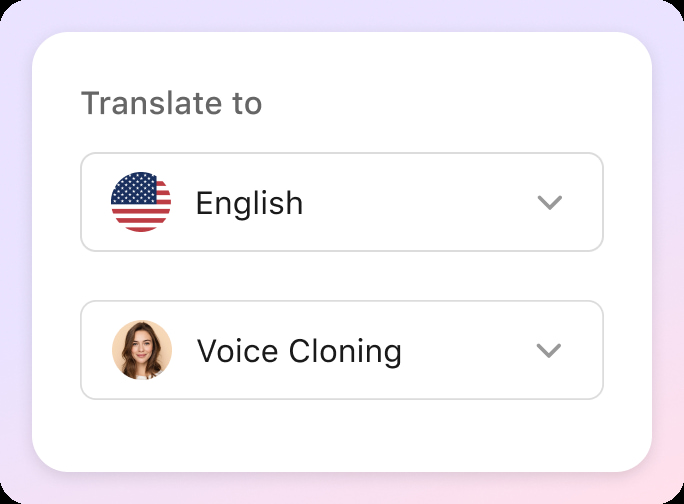
Select the target language, review the detected speakers, and choose whether to clone the original voices or assign AI voices. You can also upload an SRT file, add a glossary, protect specific terms, and enable lip sync when needed.
03
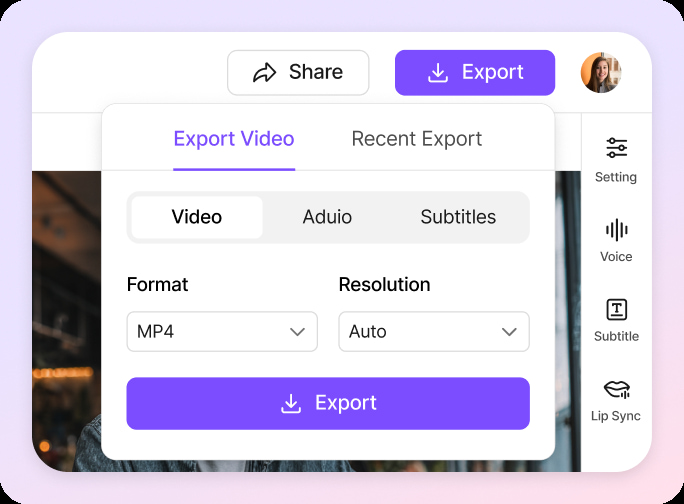
Review the transcript and translated dialogue line by line. Correct the wording, pronunciation, voice, speed, or timing of individual segments, then regenerate only the sections that need improvement. Preview the result and export the finished dubbed video.
VMEG makes it easy to dub videos into 170+ languages and accents all online, without the high costs, delays, or complexity of traditional services. From quick clips to entire content libraries, VMEG helps you scale and connect with global audiences faster.Whether you're translating a few clips or an entire content library, VMEG helps you scale international content with batch upload and process.Go beyond generic Spanis or Arabic. VMEG captures the nuances of Mexican vs. Castilian Spanish, or Egyptian vs. Gulf Arabic, ensuring your message feels local, not just "translated."
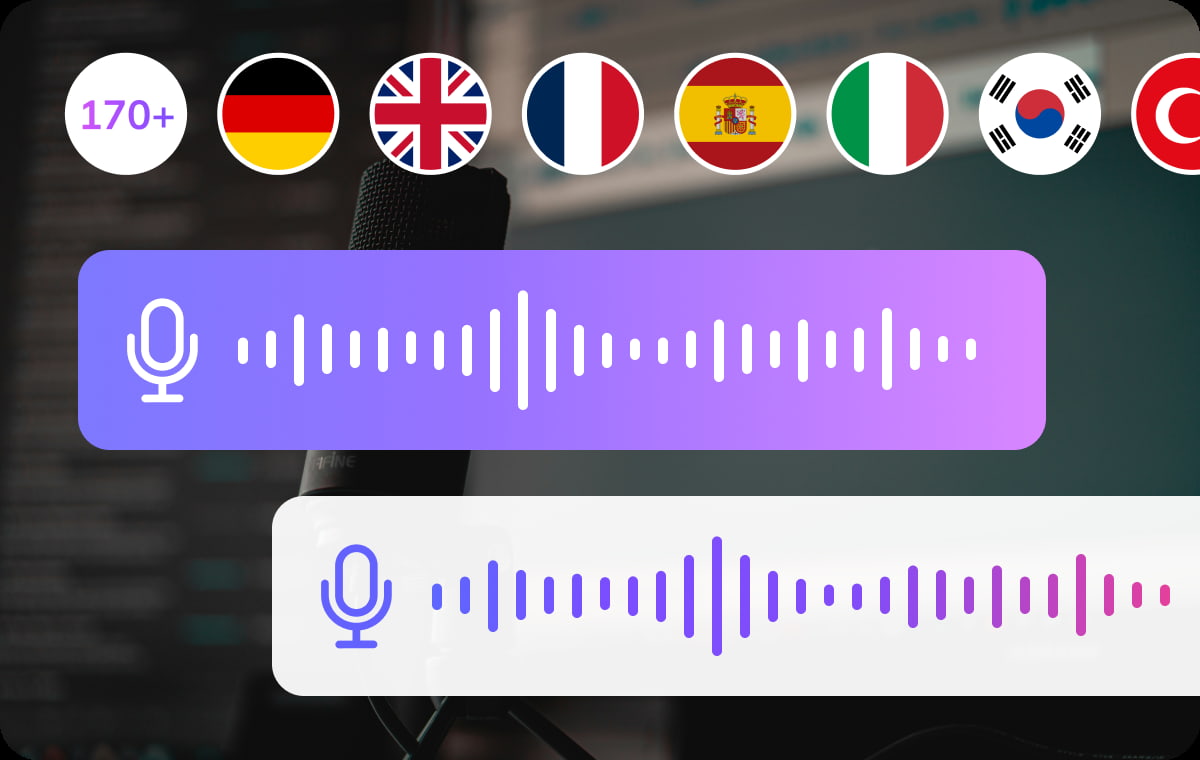
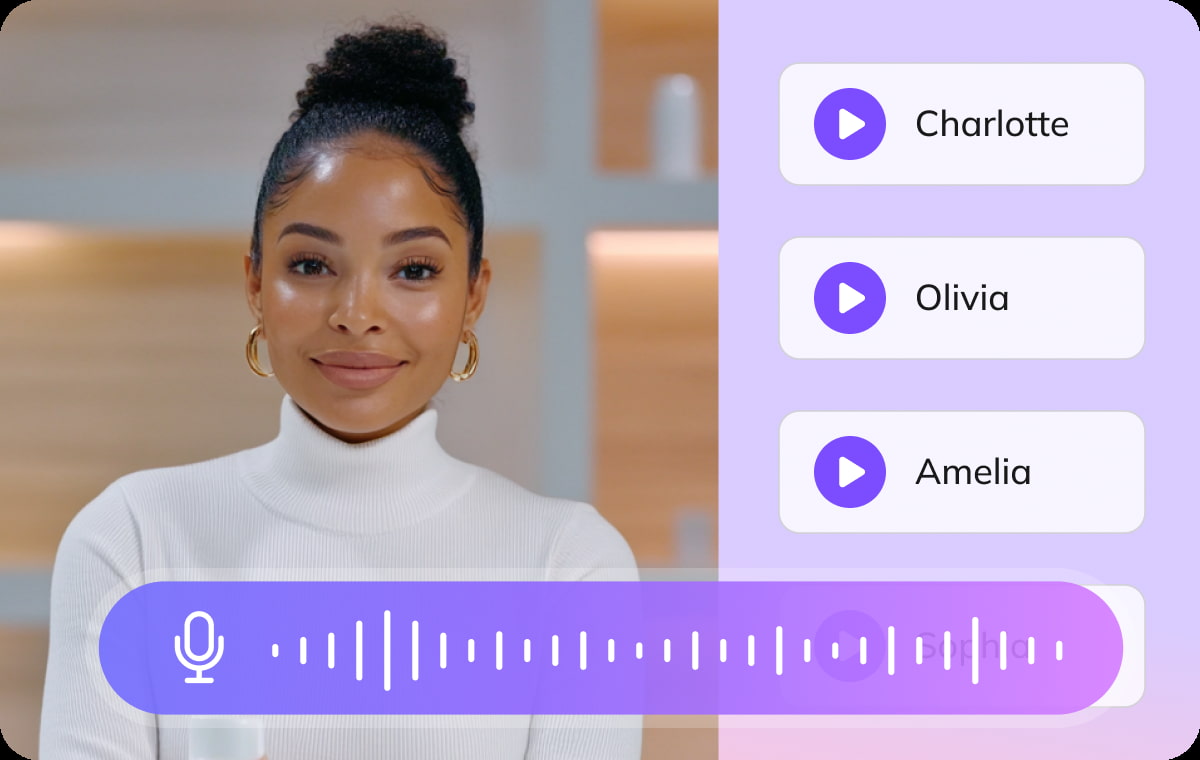
VMEG detects different speakers and keeps their dialogue separated throughout the dubbing workflow. Clone each original voice to preserve recognizable speaker characteristics, or assign a suitable option from more than 17,000 AI voices. Voice settings can be reviewed and changed for individual speakers before export. This makes the workflow suitable for interviews, panel discussions, training videos, podcasts, and other multi-speaker content.
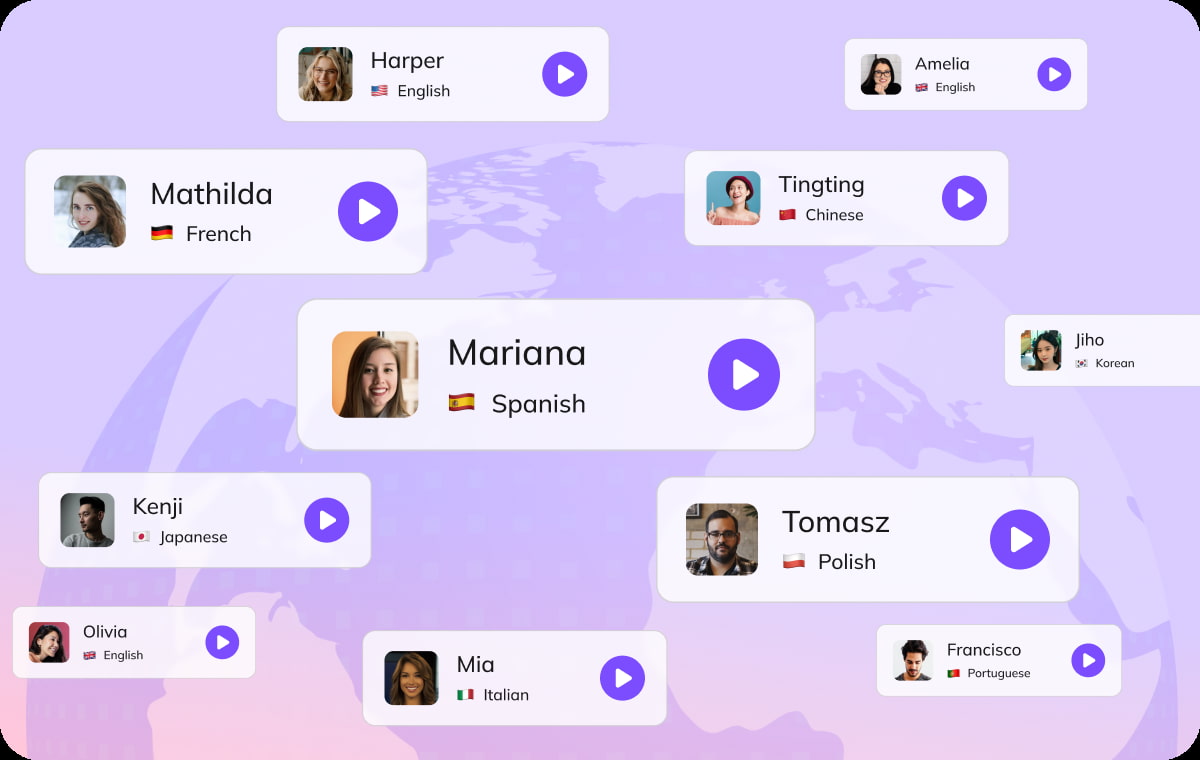
VMEG separates spoken dialogue from music and other background sounds so the original atmosphere can remain in the dubbed video. Translated speech is adjusted to fit the timing of each scene. When a speaker’s face is visible, optional lip sync can align mouth movements with the new dialogue. Preview the result before export and enable lip sync only where it improves the video.
60%
Cost Saving
VMEG AI dubbing starting as low as $0.53/minute delivers up to 60% cost savings over legacy video translation and dubbing workflows
Pricing72%
Conversion rate
72.4% of consumers are more likely to buy a product with information in their own language.
Source: Harvard67%
Engagement Increase
Miscommunications caused by language barriers reduces business efficiency by 67%.
Source: ForbesAI video dubbing replaces a video’s original dialogue with speech in another language. VMEG combines translation, voice generation, timing adjustment, and optional lip sync in one workflow.
Upload a video or paste a supported public link, select the target language, and choose cloned or AI voices. Review the dialogue and timing before exporting the dubbed video.
Yes. VMEG can clone the original speaker’s voice for the dubbed version. You can also assign a different AI voice.
Yes. VMEG detects different speakers and lets you assign a separate cloned or AI voice to each person.
Yes. You can edit the dialogue, pronunciation, voice, speed, or timing and regenerate only the segments that need improvement.
VMEG can separate dialogue from background audio so music and other non-speech sounds can remain in the dubbed video.
Lip sync is available as an optional setting for videos with visible speakers. It adjusts mouth movements to better match the dubbed dialogue.
Yes. Uploading an existing SRT file can improve dialogue accuracy, timing, and terminology before dubbing.
VMEG supports common video formats. Check the uploader for the latest supported formats, file sizes, and project limits.
Processing time depends on the video length, number of speakers, target language, and whether features such as lip sync are enabled.
VMEG offers managed workflows for projects that require linguistic review and additional quality checks. Contact the VMEG team for current service details.
AI Dubbing focuses on producing a finished dubbed video with voice, timing, background-audio, and lip-sync controls. Video Translator supports broader outputs, including subtitle-only and audio-only translation.