How to translate a comic online?
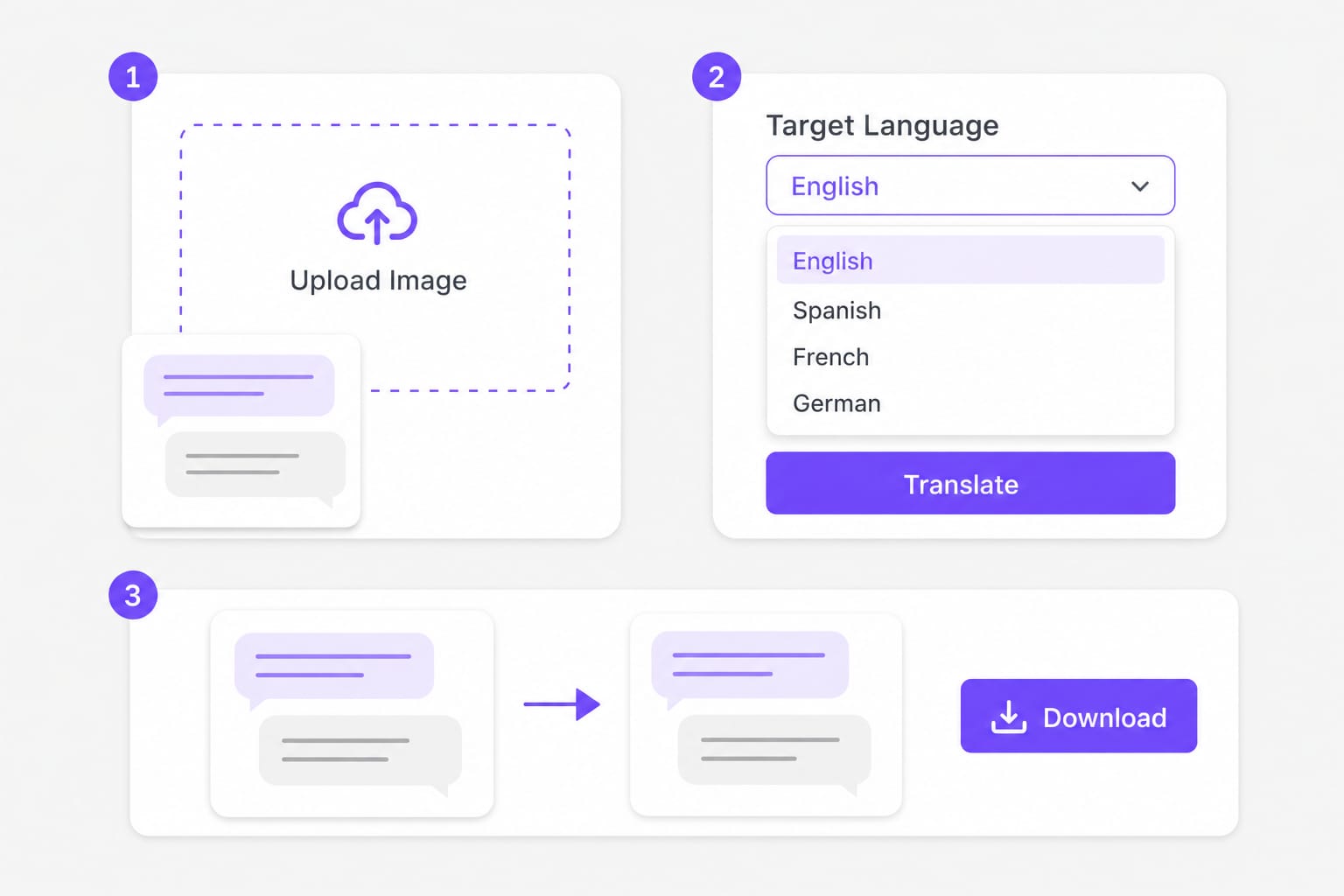
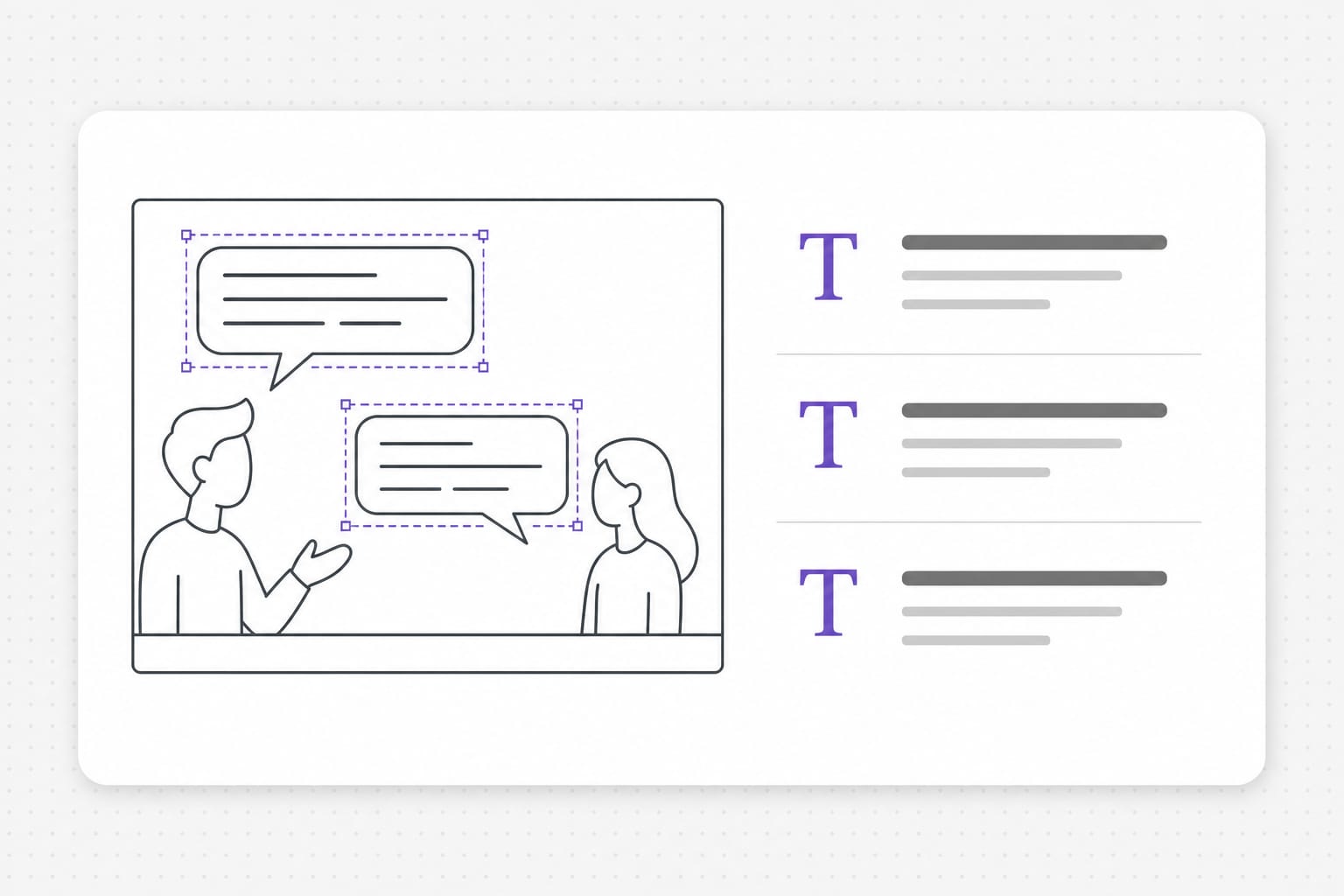
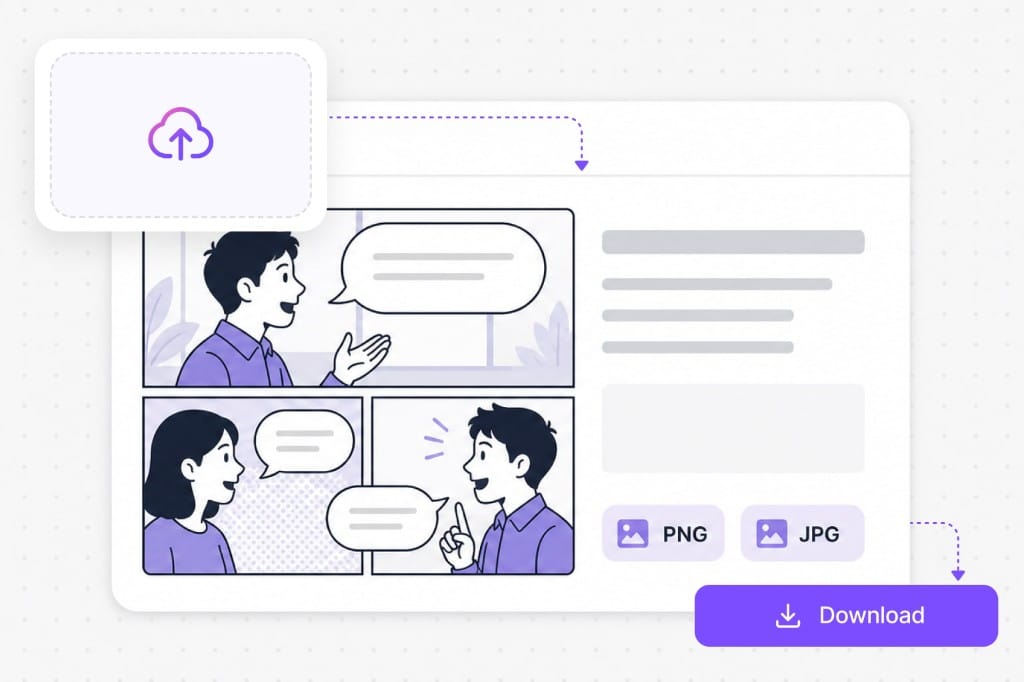
Export a panel as PNG or JPG, upload it to this comic translator, choose source and target languages, then preview translated bubble overlays in your browser. OCR detects each text region, translates the line, and redraws the target language before you download a PNG.
How to translate comics to English?
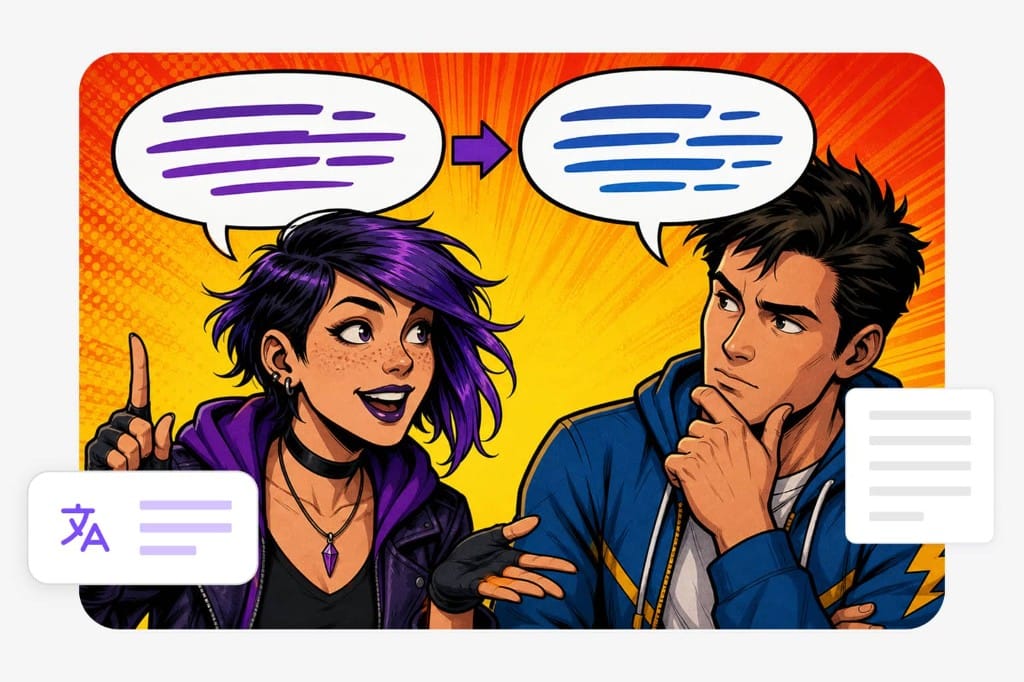
Upload your panel image, leave source on auto detect or lock the original language (French, Spanish, Korean, Japanese, etc.), then set English as the target. This comic translator redraws translated English dialogue inside each detected bubble so you can review the page without retyping speech manually.
What is a comic translator?
A comic translator combines OCR and machine translation for panel images — you translate comic dialogue from pixels instead of a copy-paste document. This free online tool works on page exports, vertical strips, and cropped dialogue shots up to 10 MB.
Which image formats does this comic translator support?
PNG, JPG, and WebP up to 10 MB per file when you translate a comic upload. Transparent PNGs are supported; downloads export as PNG. Check the upload chip on this page for the full list of supported containers; matching those formats avoids failed imports.
Is this comic translator free to try?
Sign in when you download the translated PNG. Free to use 3 times a day, shared across all VMEG online tools. Upgrade to Online Tools Unlimited for unlimited daily use.