Free Screenshot Translator Online

VMEG AI Screenshot Translator helps you translate screenshot text instantly with OCR and AI translation technology. Upload a screenshot, extract the text, and convert it into your preferred language without manually copying the content.

Loading image translator…

How to Translate Screenshot Text

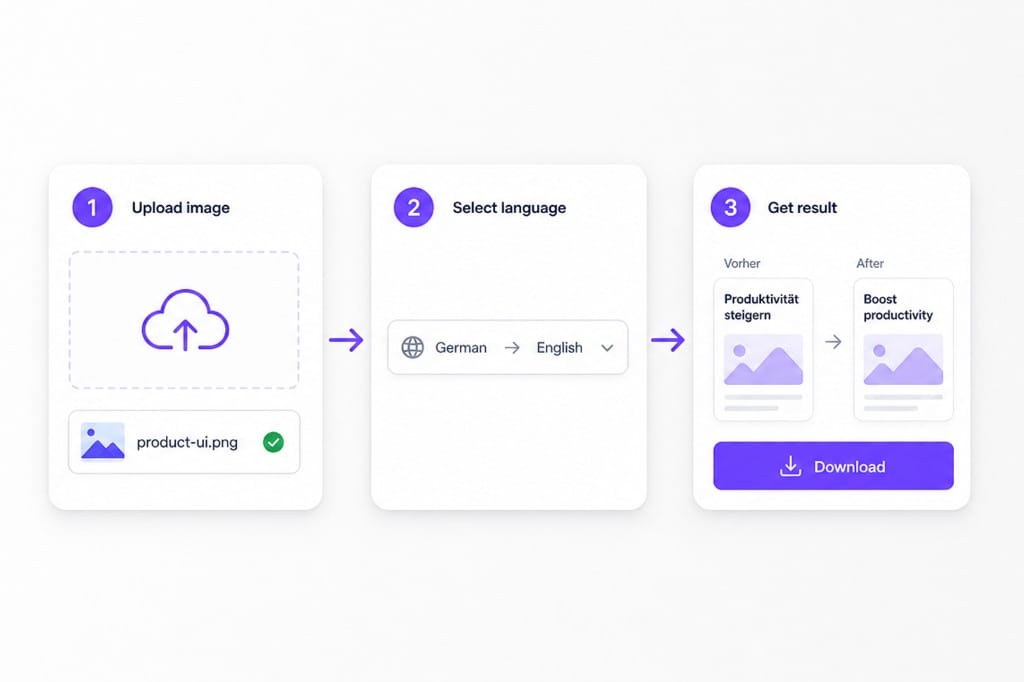
Three steps to translate screenshot UI copy in one browser tab — upload the capture, choose languages, and download a PNG with translated labels.

  1. 01

    Upload your screenshot

    Upload your screenshot directly to VMEG AI. The tool automatically detects text inside the image and prepares it for translation. You can use screenshots from messages, documents, or other digital content without manually typing the text.

  2. 02

    Choose languages

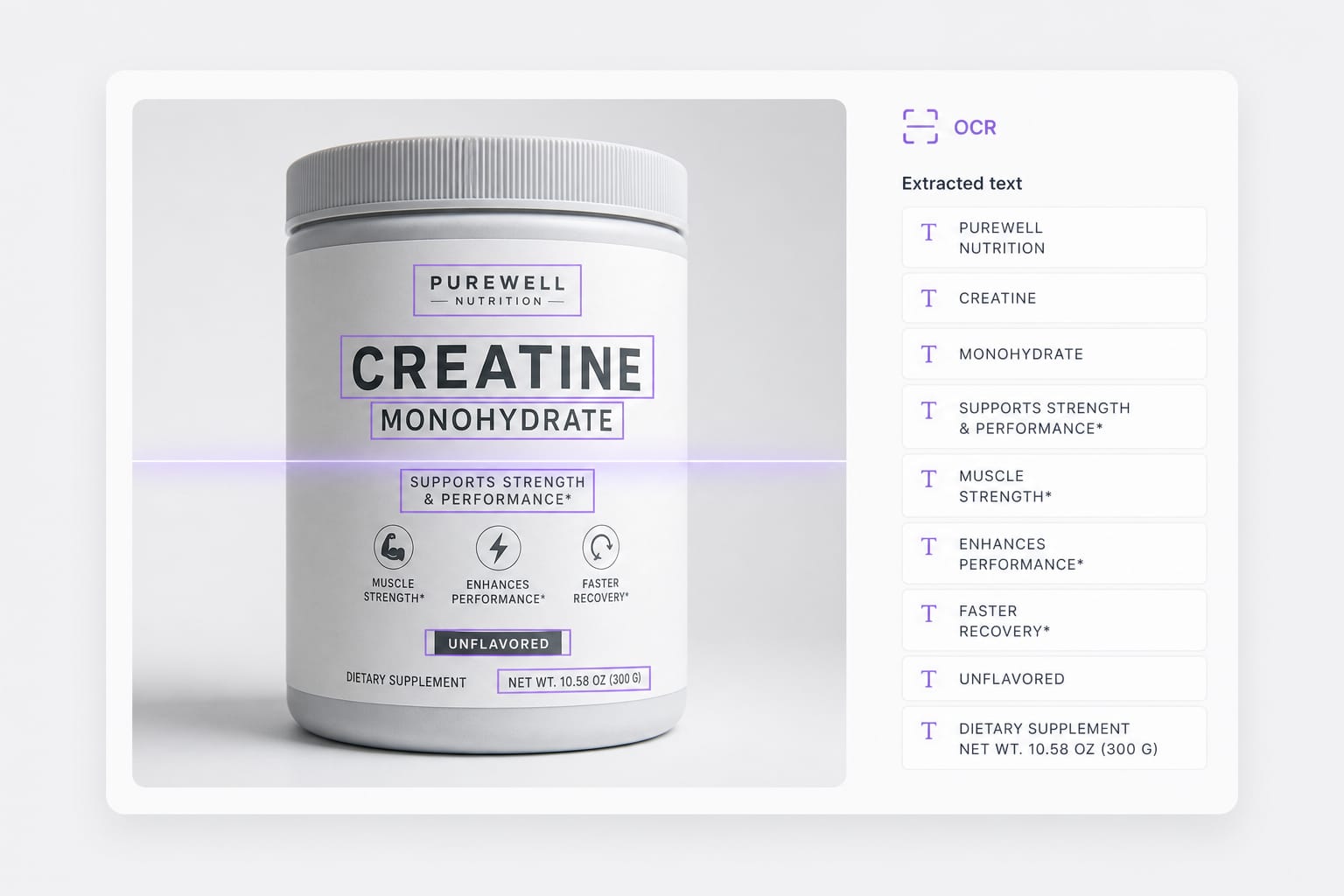
    VMEG AI uses OCR technology to identify text from your screenshot and translate it into the selected language. The system analyzes the extracted content to provide a more natural translation instead of simple word replacement.

  3. 03

    Download the result

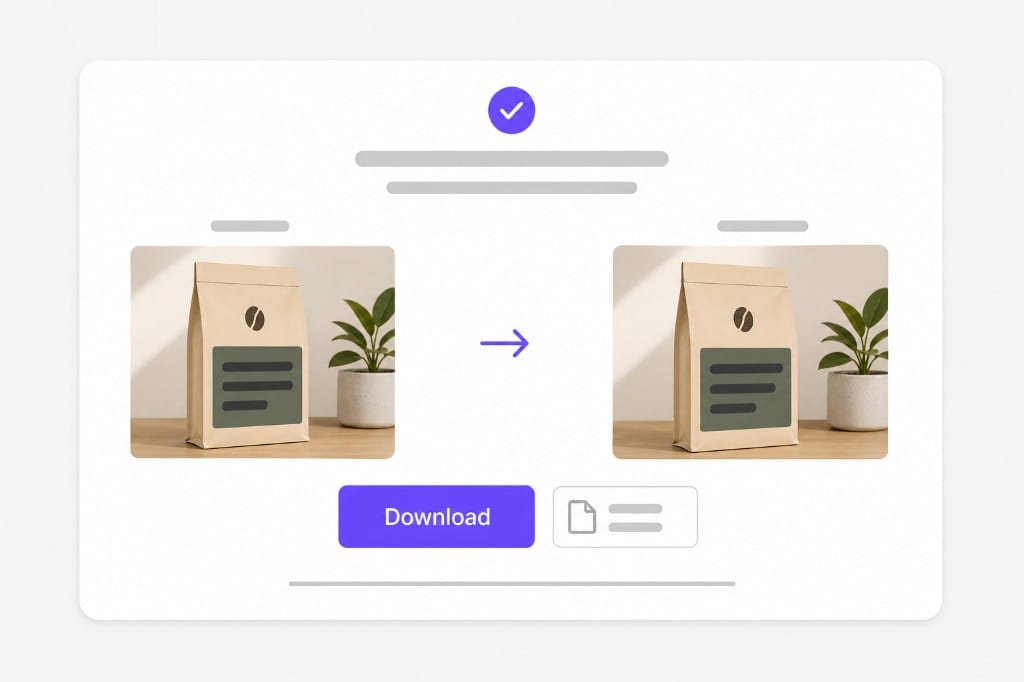
    Review and Use Your Translated Screenshot Content. Check the translated text and make adjustments if needed. You can copy the translated content for communication, learning, work, or content creation.

Why Use This Screenshot Translator

When you need to translate screenshot UI text for QA, support, or localization reviews — OCR plus translated overlays in one browser tab, not a design tool rebuild. Upload a screenshot, comic panel, or photo with text, choose a target language, preview overlays in place, then sign in to download from this free online Screenshot Translator workspace.

Built for UI screenshots

This screenshot translator OCRs buttons, nav labels, and toast copy in app and web captures — PNG or WebP exports from iOS, Android, or desktop browsers. Purple detection boxes show each readable string before translation redraws inside the same region, so you do not retype UI text when you translate screenshot files manually.

Fast language handoff

Set source and target once: auto detect mixed UI strings or lock the original language on single-locale builds, then pick your target. Download a translated PNG you can drop into Slack, Jira, or a localization review deck — a quick way to translate screenshot evidence without opening Figma or Photoshop.

Keep Context During Screenshot Translation

Some translation tools translate individual words without understanding the full sentence. This can create unnatural results, especially for conversations, instructions, or professional content. VMEG AI considers the meaning of the extracted text to generate translations that are easier to understand.

FAQs about Screenshot Translator

How do I translate screenshot text online?

Upload a PNG, JPG, or WebP UI capture, choose source and target languages, then preview translated overlays in your browser. This screenshot translator OCRs each text region, translates the line, and redraws the target language on the image before you download a PNG.

What is a screenshot translator?

A screenshot translator combines OCR and machine translation for UI captures — you translate screenshot pixels instead of retyping button labels or error messages. This free online tool works on app screens, web dashboards, and desktop dialog exports.

Which image formats can I translate screenshot files in?

PNG, JPG, and WebP up to 10 MB per file. Transparent PNGs are supported; downloads export as PNG after you translate screenshot uploads. Check the upload chip on this page for the full list of supported containers; matching those formats avoids failed imports.

Will the UI layout stay pixel-perfect?

Translated lines are drawn inside detected boxes. Long translations may wrap or shrink to fit the original region — common when you translate screenshot strings into longer languages.

Is this screenshot translator free to try?

You can upload, translate screenshot previews, and review overlays for free. Sign in when you download the translated PNG. Preview and core processing are free in your browser; sign in when you download the finished Screenshot Translator output so exports stay reliable.

Dub films and long videos for global audiences

Handle feature-length movies and series with AI translation, voice replacement, and subtitle tracks in one place.