Which image formats are supported?
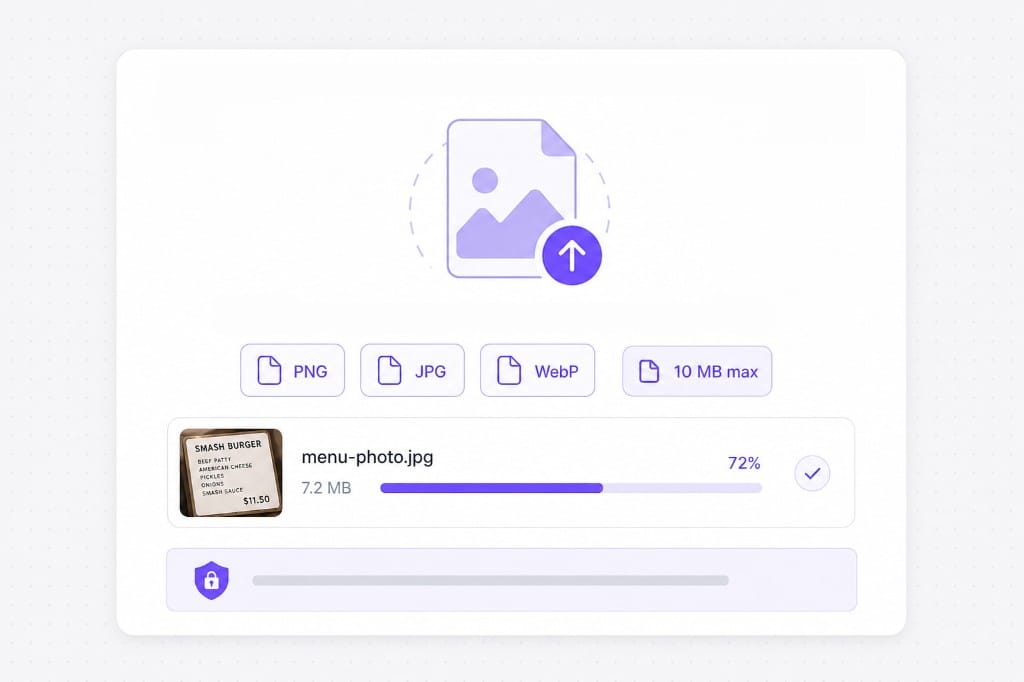
PNG, JPG, and WebP up to 10 MB per file. Transparent PNGs are supported; downloads export as PNG. Check the upload chip on this page for the full list of supported containers; matching those formats avoids failed imports.
Does this work on handwriting?
Handwriting and stylized lettering are hit or miss. Clear printed text and UI screenshots work best. Upload your image, choose target language, preview translated text in place, then sign in to download the OCR Image Translator result.
Will the layout stay pixel-perfect?
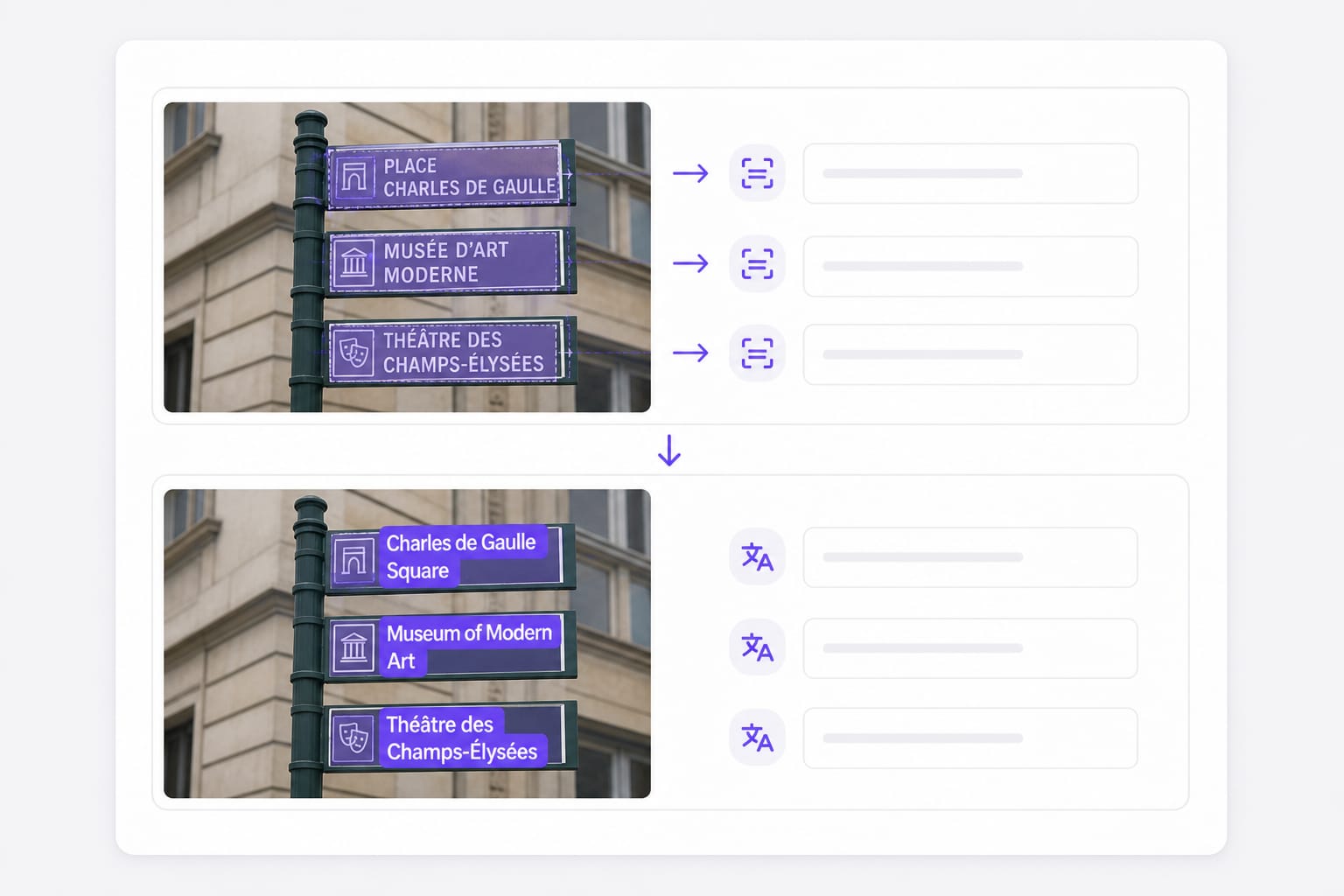
Translated lines are drawn inside detected boxes. Long translations may wrap or shrink to fit the original region. Dense slides or narrow columns may wrap after translation; open the download and adjust styling locally if a label overflows.
Can I translate a screenshot of a PDF?
Yes when the text is sharp enough for OCR. For selectable PDF text, use our PDF translator for better layout preservation. Upload your image, choose target language, preview translated text in place, then sign in to download the OCR Image Translator result.
Is download free?
Sign in when you download the translated image. Free to use 3 times a day, shared across all VMEG online tools. Upgrade to Online Tools Unlimited for unlimited daily use.