

'%3e%3cpath%20d='M21.0949%203.79395L13.9961%209.82854H21.0949V3.79395Z'%20stroke='black'%20stroke-width='1.38'%20stroke-miterlimit='10'/%3e%3cpath%20d='M13.998%209.82854L7.44531%203.79395V9.82854H13.998Z'%20stroke='black'%20stroke-width='1.38'%20stroke-miterlimit='10'/%3e%3cpath%20d='M13.9961%202.69922V25.1919'%20stroke='black'%20stroke-width='1.38'%20stroke-miterlimit='10'/%3e%3cpath%20d='M20.5488%2016.4113L13.9961%209.82812V18.2217L20.5488%2024.0918V16.4113Z'%20stroke='black'%20stroke-width='1.38'%20stroke-miterlimit='10'/%3e%3cpath%20d='M7.44531%2016.4113L13.998%209.82812V18.0526L7.44531%2024.0918V16.4113Z'%20stroke='black'%20stroke-width='1.38'%20stroke-miterlimit='10'/%3e%3cpath%20d='M4.71094%209.82812V18.6057H7.44125V16.4113L13.9941%209.82812H4.71094Z'%20stroke='black'%20stroke-width='1.38'%20stroke-miterlimit='10'/%3e%3cpath%20d='M13.9961%209.82812L20.5488%2016.4113V18.6057H23.2792V9.82812H13.9961Z'%20stroke='black'%20stroke-width='1.38'%20stroke-miterlimit='10'/%3e%3c/g%3e%3c/svg%3e)

'%3e%3cmask%20id='mask0_21456_29260'%20style='mask-type:luminance'%20maskUnits='userSpaceOnUse'%20x='0'%20y='0'%20width='28'%20height='28'%3e%3cpath%20d='M27.5%200.5H0.5V27.5H27.5V0.5Z'%20fill='white'/%3e%3c/mask%3e%3cg%20mask='url(%23mask0_21456_29260)'%3e%3cpath%20d='M14%2027.5C13.4854%2024.1035%2011.8974%2020.9608%209.46828%2018.5317C7.03922%2016.1026%203.89651%2014.5146%200.5%2014C3.89651%2013.4854%207.03922%2011.8974%209.46828%209.46828C11.8974%207.03922%2013.4854%203.89651%2014%200.5C14.5147%203.89644%2016.1028%207.03905%2018.5318%209.46816C20.9609%2011.8972%2024.1035%2013.4853%2027.5%2014C24.1035%2014.5147%2020.9609%2016.1028%2018.5318%2018.5318C16.1028%2020.9609%2014.5147%2024.1035%2014%2027.5Z'%20fill='url(%23paint0_linear_21456_29260)'/%3e%3c/g%3e%3c/g%3e%3cdefs%3e%3clinearGradient%20id='paint0_linear_21456_29260'%20x1='9.5'%20y1='9.5'%20x2='20.75'%20y2='21.875'%20gradientUnits='userSpaceOnUse'%3e%3cstop%20stop-color='%23F0DCD6'/%3e%3cstop%20offset='0.914506'%20stop-color='%231D6DFF'/%3e%3c/linearGradient%3e%3cclipPath%20id='clip0_21456_29260'%3e%3crect%20width='28'%20height='28'%20fill='white'/%3e%3c/clipPath%3e%3c/defs%3e%3c/svg%3e)
'%3e%3cpath%20d='M22.8019%2011.2412L23.5234%2011.6807V12.0103L23.3172%2012.7796L14.5579%2014.9771L13.7344%2012.7951L22.8019%2011.2412Z'%20fill='%23D97757'/%3e%3cpath%20d='M19.5236%204.77832L20.5322%205.00396L20.8%205.35575L21.0552%206.19876L20.9494%206.73644L15.0712%2015.3068L13.1133%2013.2191L18.5338%205.63471L19.5236%204.77832Z'%20fill='%23D97757'/%3e%3cpath%20d='M14.4577%203.43951L15.0761%203L15.5912%203.21976L16.1065%203.9889L14.6949%2013.0345L13.7364%2012.3397L13.3242%2011.131L14.0456%204.31853L14.4577%203.43951Z'%20fill='%23D97757'/%3e%3cpath%20d='M7.84766%203.5851L8.48285%202.7199L8.89716%202.61914L9.71923%202.74717L10.125%203.08581L13.0815%2010.0748L14.1509%2013.3954L12.8997%2014.1372L8.13117%204.91019L7.84766%203.5851Z'%20fill='%23D97757'/%3e%3cpath%20d='M4.77232%208.38688L4.56641%207.50742L5.18478%206.73828L5.90613%206.84816H6.11223L10.4403%2010.2544L11.78%2011.3531L13.6349%2012.8914L12.6044%2014.7594L11.6769%2013.9903L11.0586%2013.331L5.08168%208.82593L4.77232%208.38688Z'%20fill='%23D97757'/%3e%3cpath%20d='M3.53288%2014.0982L3.06641%2013.5489L3.06647%2013.0601L3.53288%2012.8896L8.78833%2013.2193L13.9408%2013.6588L13.7736%2014.7528L3.94502%2014.2082L3.53288%2014.0982Z'%20fill='%23D97757'/%3e%3cpath%20d='M6.62378%2019.8178H5.59334L5.18359%2019.3146V18.7132L6.93299%2017.3946L14.045%2012.5674L14.7648%2013.8785L6.62378%2019.8178Z'%20fill='%23D97757'/%3e%3cpath%20d='M8.57739%2022.8884L8.16518%2022.9984L7.54688%2022.6687L7.64995%2022.1193L13.7299%2013.5488L14.5543%2014.7574L10.0201%2021.1305L8.57739%2022.8884Z'%20fill='%23D97757'/%3e%3cpath%20d='M13.7361%2023.9861L13.4271%2024.4257L12.8088%2024.6454L12.2935%2024.2058L11.9844%2023.5466L13.5301%2014.6465L14.4576%2014.7563L13.7361%2023.9861Z'%20fill='%23D97757'/%3e%3cpath%20d='M18.9869%2021.5713V22.4503L18.8838%2022.7799L18.4716%2022.9997L17.7503%2022.8974L12.7969%2015.0367L14.7617%2013.4404L16.4104%2016.6269L16.5652%2017.7805L18.9869%2021.5713Z'%20fill='%23D97757'/%3e%3cpath%20d='M21.3629%2020.2507L21.4659%2020.8L21.1568%2021.2396L20.8476%2021.1297L19.0958%2019.8112L16.4165%2017.284L14.3555%2015.7457L14.9736%2013.6582L16.0041%2014.3175L16.6226%2015.5259L21.3629%2020.2507Z'%20fill='%23D97757'/%3e%3cpath%20d='M20.0232%2014.6482L22.5995%2014.8679L23.2178%2015.3074L23.6299%2015.9667V16.441L22.4964%2016.9556L16.7256%2015.4173L14.3555%2015.3074L14.9737%2013L16.6226%2014.3185L20.0232%2014.6482Z'%20fill='%23D97757'/%3e%3c/g%3e%3c/svg%3e)
VMEG AI's Online Web Translator
No app or software download required. Works across Android, iOS, and other systems. Simply open it in your browser for instant translation. Supports video, audio, and subtitle translation in over 170 languages.
Smartphones play an essential role in our daily lives, from messaging to connecting with people from different parts of the world. There are many translator apps for Android that you can use in international meetings, conversations, and other situations.
With technological innovations, we are now more connected than ever, making it easier to connect to people from different backgrounds, nationalities, or cultures. And to stay connected, one essential app you should have on your Android devices is a translation app.
According to the Nimdzi Report (2025), the language service industry was valued at USD 71.7 billion in 2024 and is projected to reach USD 75.7 billion in 2025. In this data, we see that demand for multilingual communication tools, such as translator apps, remains steady and continues to grow.
Key Takeaways about Language Translator
- Translation apps are essential for global communication, across travel, study, business, and content creation.
- The best translation app for Android depends on several factors, such as speed, accuracy, and features.
- Different users need different apps, so the main use case is one of the factors that matters the most.
- Some of the best translation apps for Android are Google Translate, Microsoft Translator, DeepL, iTranslate, Naver Papago, and Transync AI. Each of these Android Apps excels in specific areas.
- Web-based tools like VMEG AI are perfect to use alongside translation apps, especially those that need video localization.
What Makes a Translator App “The Best” for Android?
When we are looking for an app, we want the best, so we can save more time and effort and be more productive. Here are some factors that make the Translate app the best for Android.
Translation accuracy vs speed
Accuracy and speed are important factors to consider. The best translation has a good balance of accuracy and speed.
Offline functionality
Another factor that makes the app the best is the offline functionality. The strength of the internet connection varies across different areas, so you need an app you can rely on even when there is no internet.
Speech, image, and other input support
We have different needs and preferences when it comes to translation. So, an app must support different inputs, such as text, voice, files, and images.
Privacy and data handling
Privacy and data handling must be top priorities to protect your online identity. The best translation must have good ratings and reviews and be known for its reliability.
Who Should Use Translator Apps on Android?
Travelers and digital nomads
Travelers and digital nomads need translation apps on Android to enjoy their travels without any hassle. It will help them read signs, menus, and other documents more easily, making it more convenient to connect with people.
Content creators & YouTubers
The content now has a broader reach, and translation apps can help you engage with your audience. Not all platforms have built-in translation systems, so having a translation app is helpful for easier communication.
Students & language learners
Translation apps are also helpful to students and language learners, making it easier to learn the language they are studying. It makes concepts easier to understand and improves comprehension.
Remote workers and global teams
Remote workers and global teams should also use translation apps to ensure clear communication and that everyone is on the same page. It will prevent some issues that may cause delays and misunderstandings.
Businesses expanding globally
Businesses expanding globally need the best translation apps for Android to communicate more easily with clients or customers from different parts of the world. It will help their target market understand their products and services and respond more quickly to inquiries.
How to Choose The Best Translator App for Android
Know Your Main Use Case
The main use case is one of the factors to consider when choosing the best translation app for Android. Each app has its own strengths and capabilities, so choose the one that is aligned with your needs and preferences.
Check the Features
Another factor to consider is the app's features. Some apps are free, but others have premium features that can be accessed only with a pro plan. Some of the key features you need to look out for are offline mode, text translation, photo and camera translation, real-time translation, etc.
Performance Considerations
Each app has a different performance. In this fast-paced world, an immediate response is essential to keep communication open. Choose a translation app that provides fast and highly accurate translation results.
VMEG AI's Online Web Translator
No app or software download required. Works across Android, iOS, and other systems. Simply open it in your browser for instant translation. Supports video, audio, and subtitle translation in over 170 languages.
Best Translator App for Android
App Name | Best For | Offline Mode | Camera Translation | Voice Conversation | Pricing |
Google Translate | Best Overall Translator App for Android | Yes - selected languages | Yes -image translation and photos | Yes - conversations - selected languages | Free |
Microsoft Translator | Best for Business and Group Conversations | Yes | Image translation | Yes - conversations | Free |
DeepL | Most Natural or Context-Aware Translations | No | Yes - camera and photo translation | Supports dictation and text-to-speech | Free & Subscription Plan |
iTranslate | Best for Travel and Learning Features | Yes (Pro Feature, selected languages) | Yes (Pro Feature) | Yes (Pro feature) | Free, Subscription Plan, & In-App Purchases |
Naver Papago | Best for Asian Languages | Yes | Yes - image translation | Yes - voice and conversation translation | Free |
Transync AI | Best for Real-Time Translation | No | No (Focus primarily on voice/meeting) | Yes - real-time simultaneous interpretation | Free, In-App Purchases/Subscriptions |
Notes on Android App Features:
Features such as camera translation, offline mode, voice translation, and conversation translation may vary by app, languages, and subscription plan. Visit the Google Play Store and the app’s official website to learn more and find the best option for your goals.
Google Translate — Best Overall Translator App for Android
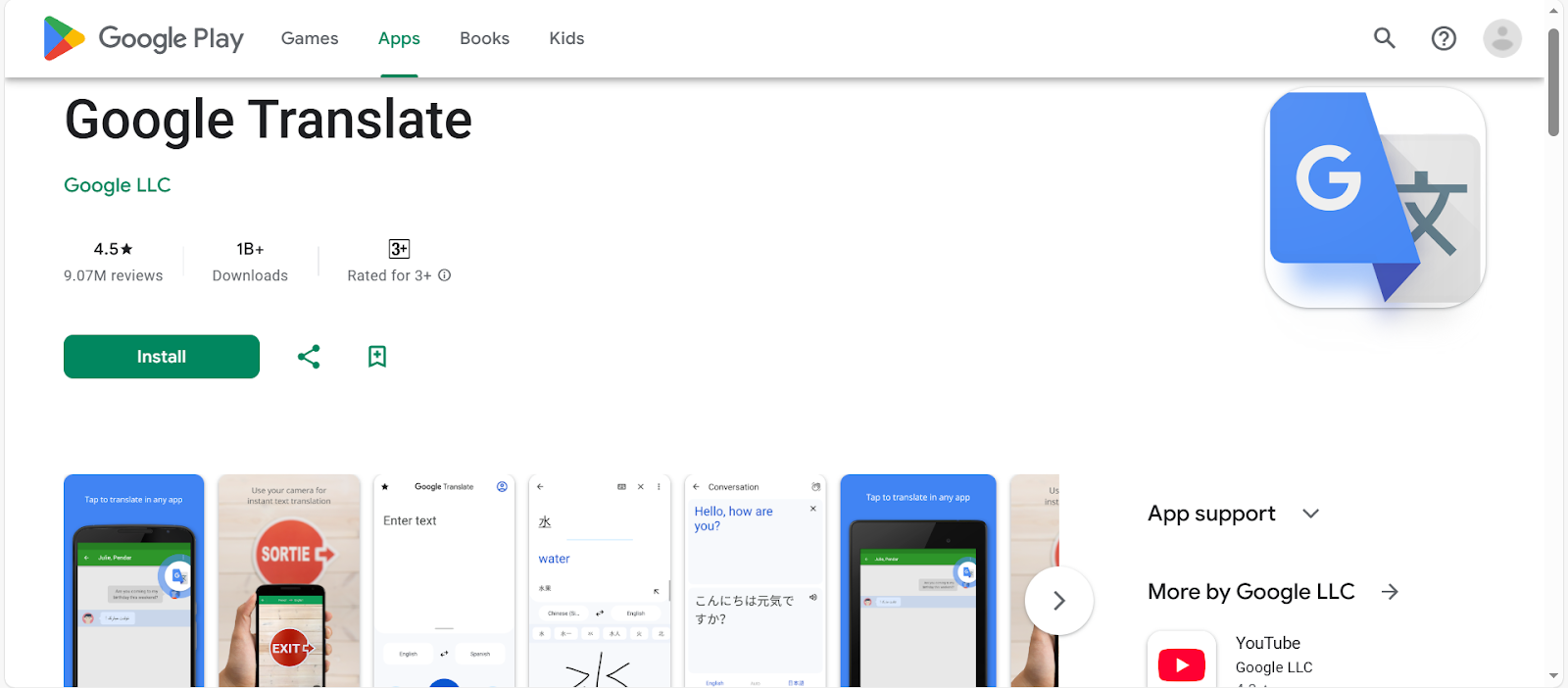
Google Translate is a reliable translation app that supports more than 100 languages with text, camera, conversation, and photo translation. It is easy to use and has powerful features that make it versatile.
Key Features:
- Offline Mode. It supports offline mode in selected languages, making it reliable even without an internet connection.
- Camera and Photo Translation. Just point your camera, import photos, or take a photo you want translated (in the selected languages).
- Text translation. Easily and conveniently type any word, phrase, or sentence you want to translate.
- Other features. The other features of Google Translate are tap-to-translate, conversations, handwriting, transcribe, cross-device syncing, and phrasebook.
Microsoft Translator — Best for Business and Group Conversations
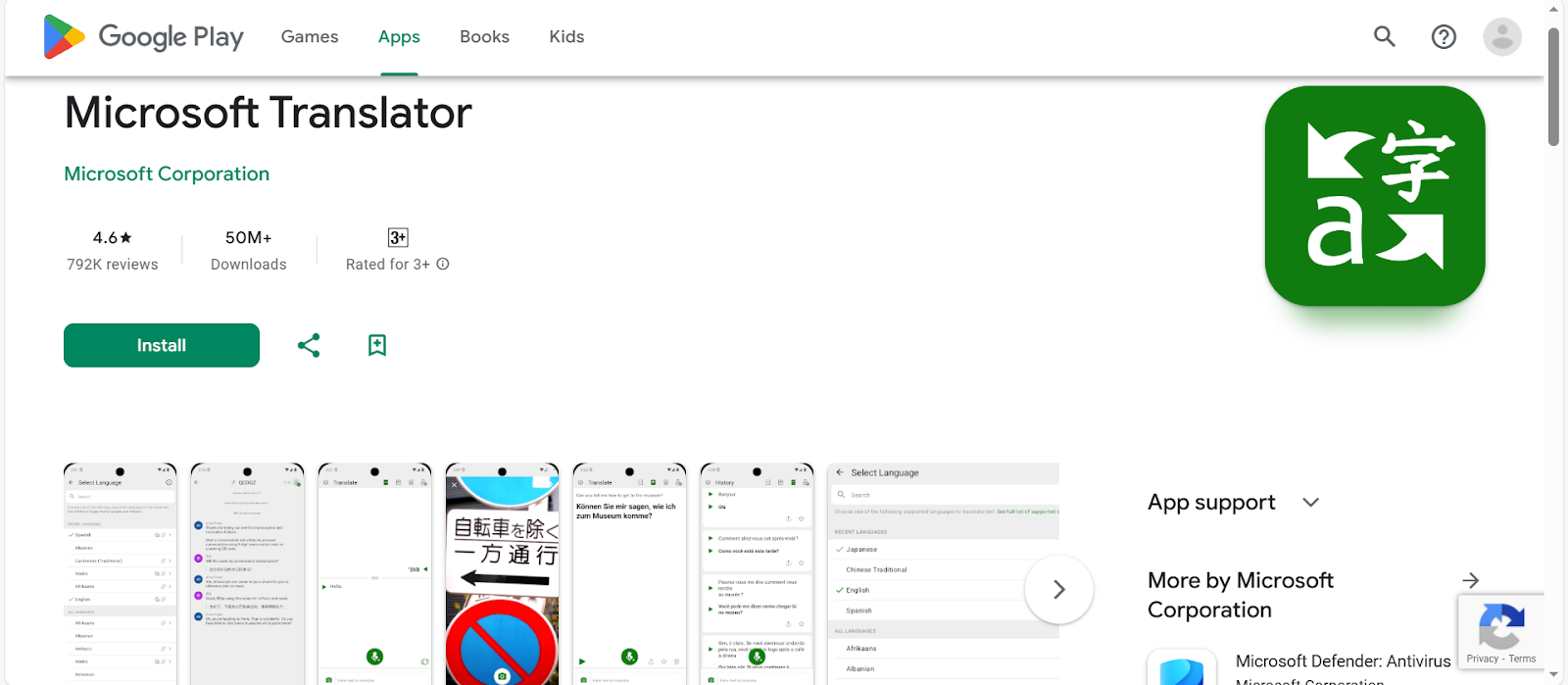
Microsoft Translator helps you connect with people and cultures from around the world by breaking down language barriers. It supports more than 100 languages, making it easier to communicate.
Key Features:
- Supports multiple inputs. It supports text, images, voice, and conversations, making translation more convenient.
- Intuitive Interface. Its intuitive interface makes the translation process easier, so you can be more confident in multilingual communication.
- Real-time, accurate translations. With real-time and precise translations, you can easily break the language barrier and stay on top of conversations.
DeepL — Most Natural or Context-Aware Translations
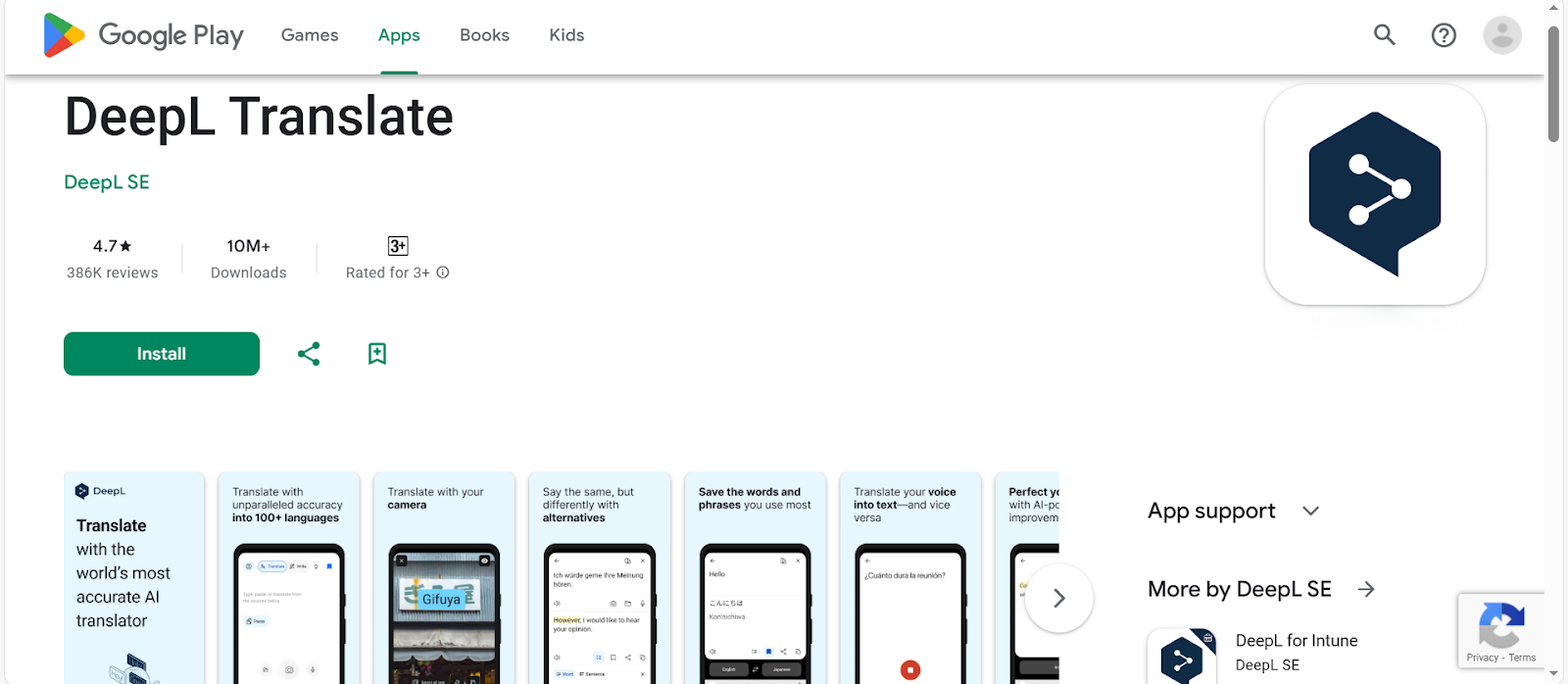
DeepL is known and loved by its users for its accuracy, making it ideal for multilingual conversations. It supports more than 100 languages and offers powerful core features available for free or at a reasonable cost.
Key Features:
- Supports various inputs. It supports camera translation, photo translation, dictation, and text-to-speech.
- DeepL Write. This feature provides intelligent writing suggestions, so you can create texts that are accurate and easy to understand.
- History. It is a helpful feature to easily access, edit, and use translations you have previously created.
- Other Features. The other features of DeepL are Quick Detection, Handwriting, Tone, Favorites, Glossary, Alternative Translations, and Transliteration.
iTranslate — Best for Travel and Learning Features
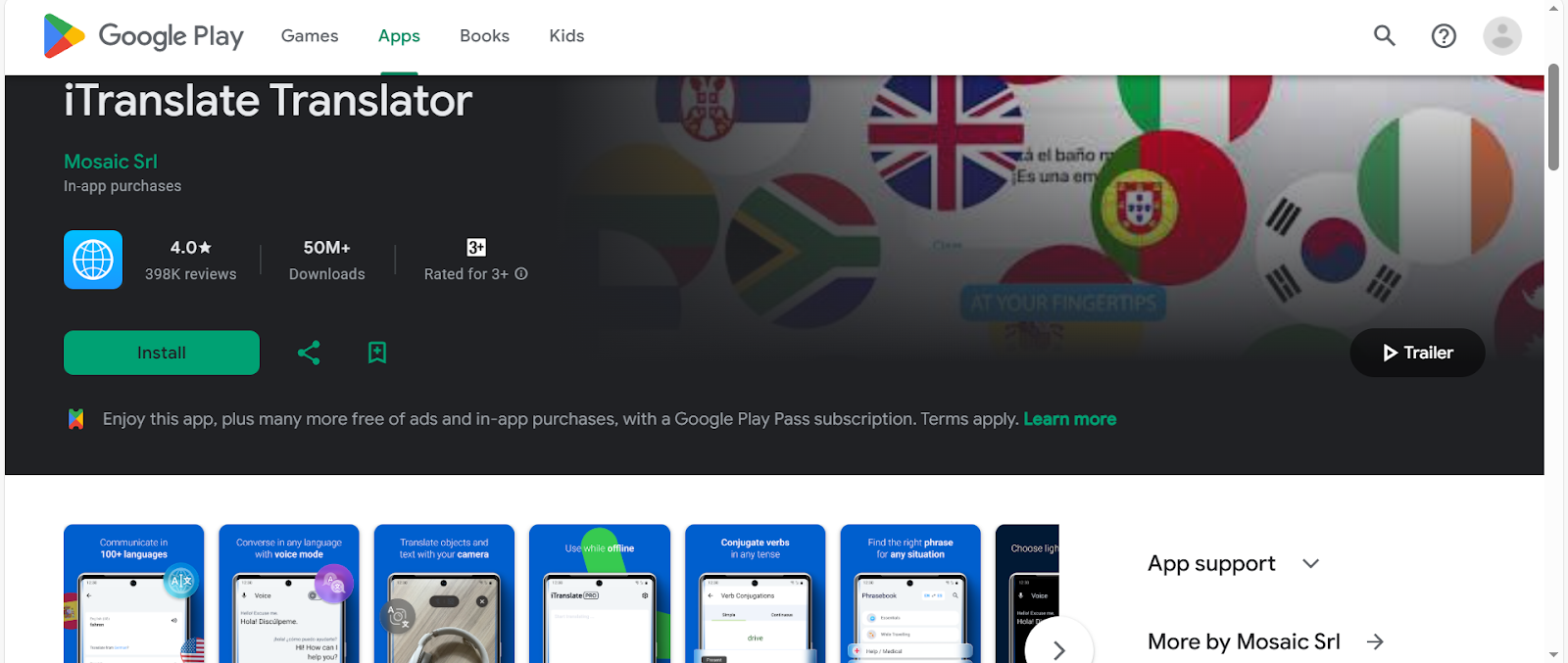
Wherever you are, iTranslate is an app you can rely on. With its more than 100 languages, you can easily communicate and connect with people across the world.
Key Features:
- Text Translation. Easily translate text in more than 100 languages.
- Dictionary & Thesaurus. These features help you learn the words, phrases, and sentences you want to translate.
- Other Features. It also supports text-to-speech, switching between dialects, history, transliteration, sharing, and more.
- Pro Features. Experience powerful pro features, such as photo translator, offline translation, phrasebook, voice translations, and verb conjugations.
Naver Papago — Best for Asian Languages
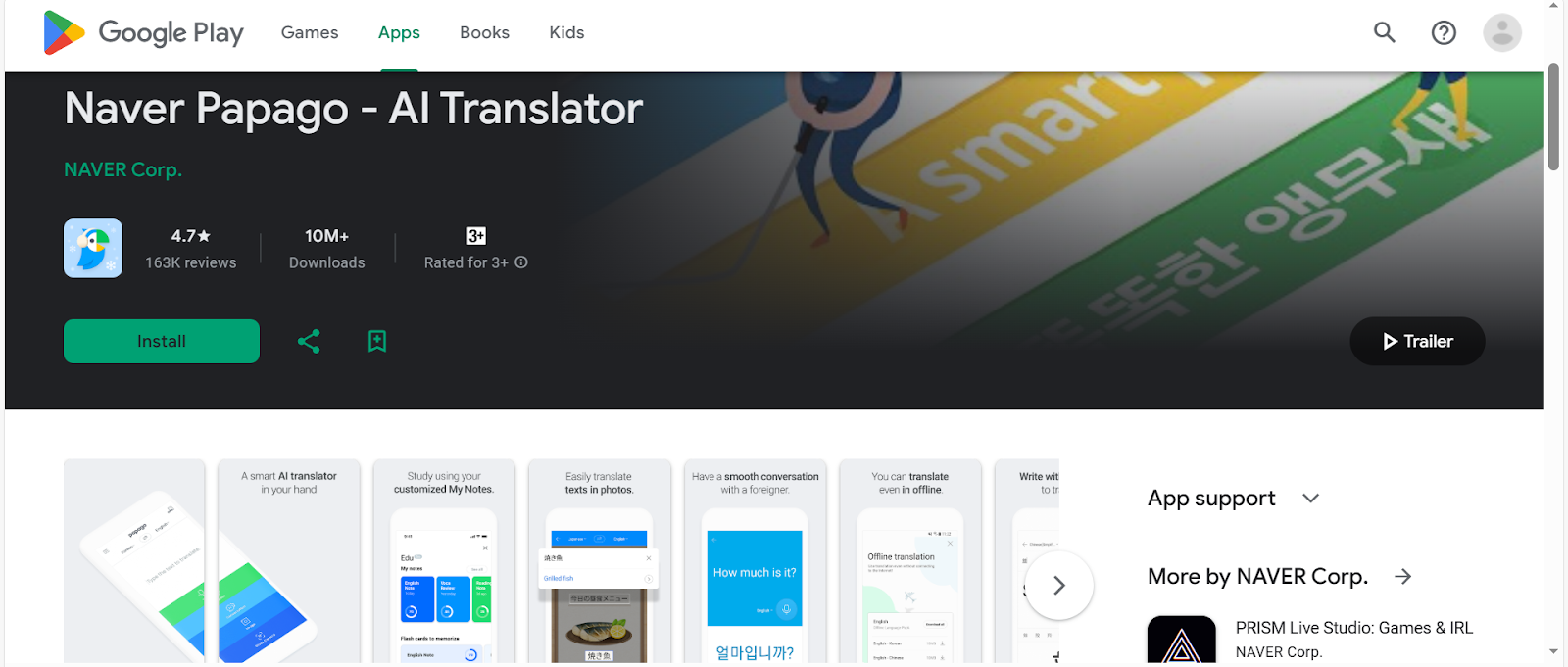
Did you know the word Papago in Esperanto? It is the origin of this app’s name and refers to a parrot with language abilities. This app supports 14 languages, such as Korean, Japanese, Chinese, and more.
Key Features:
- Supports multiple translation inputs. It supports text, image, voice, and conversation translation, so you can easily translate words or pictures.
- Offline Translation. Even if you are in an area with a weak or no internet connection, you can still use the app.
- Website Translation. Easily understand the contents of a foreign website by using its URL.
- Other Features. Its other features are handwriting translation, edu, Papago Mini, and Dictionary.
Transync AI — Best for Real-Time Translation
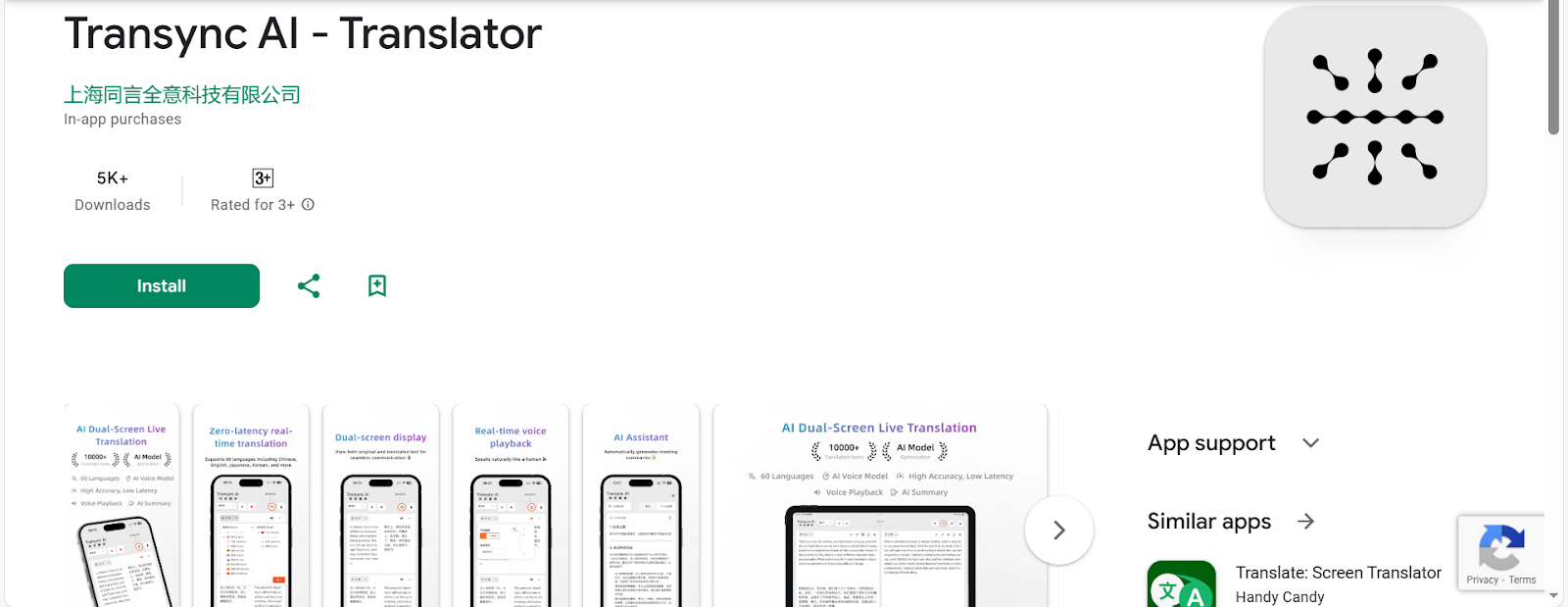
Transync AI is known for its real-time translation, whether you are in business, at school, in meetings, or travelling. It supports more than 60 languages and uses advanced end-to-end speech models to deliver the best experience.
Key Features:
- Real-Time Simultaneous Interpretation. It supports real-time interpretation with near-zero delays.
- Dual-screen Bilingual Display. See the original text and its translation side by side for easy reading and clear understanding.
- AI-Powered Translation Assistant. Enhance translation precision by defining topic-specific keywords and contextual settings.
- Other Features. Other features include AI Meeting Minutes, Multi-Platform and Meeting App Support, and Real-Time Voice Playback.
Best Tool for Video Localization (Beyond Android Apps)
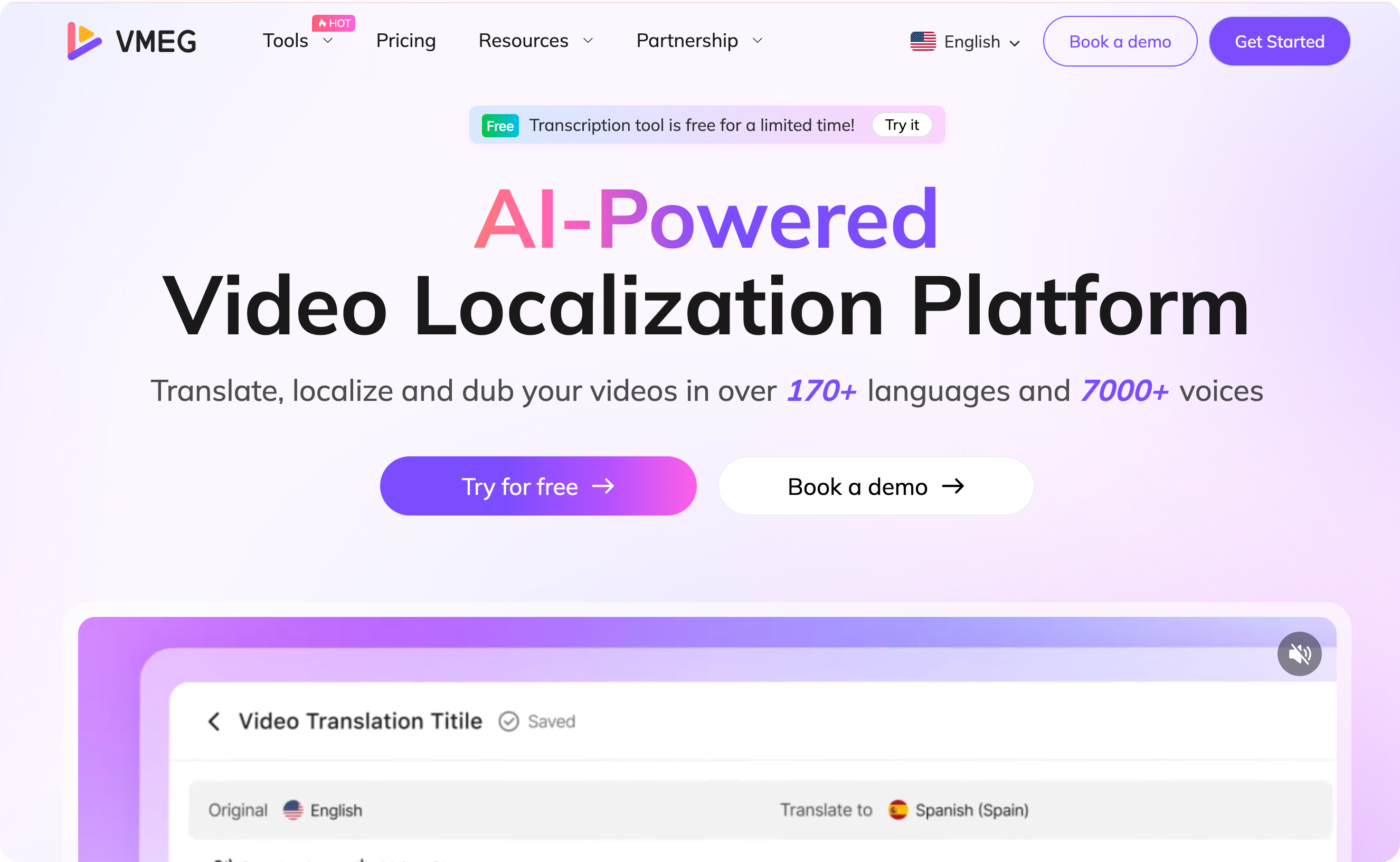
VMEG AI — Best for AI-Powered Video Localization (Web-Based Tool)
Translation apps are helpful, but if you need a platform for video localization, consider a web-based tool. Since it is a web-based tool, you don’t need to download an app, which can take up storage space. It also includes various easy-to-use tools to help you translate, transcribe, and localize your content.
Why Web-Based Tools Still Matter Alongside Android Apps
- It makes the project more accessible across devices by providing cross-platform support, making it more convenient to use wherever you are.
- Web-based tools don't require installation and updates from the app store, which can help you save storage space.
- The app can be easily shared with others, as you only need a link, and they will be directed to the platform.
VMEG AI Key Features
- It is ideal for multilingual video content, as it supports more than 170 languages and dialects.
- Has more than 7,000 lifelike voices and supports voice cloning, providing users with many options and helping them maintain a consistent brand voice.
- It has quality lip-sync technology, making videos feel more natural and immersive.
- VMEG AI offers numerous tools ideal for various video localiZation needs, including translation, transcription, text-to-speech, and subtitles.
Frequently Asked Questions
What is the best free translator app for Android?
The best free translation app on Android depends on the use case, but one you can try is Google Translate.
Which Translate app is most accurate?
The accuracy depends on several factors, and one of the most accurate translation apps is DeepL.
What is the best translator app for Android?
Some of the best translation apps for Android are Google Translate, Microsoft Translator, and DeepL, but it still depends on use case, budget, etc.
Which translator app works offline on Android?
Some translation apps that work offline on Android include Google Translate, Microsoft Translator, and iTranslate. The offline mode may not be available for free, as some apps require a subscription to use this feature.
How do I choose a translation app?
To choose a translation app, know your main use case, the features you need, and the app’s performance.
Conclusion
The best translation app for Android depends on your primary purpose, needs, and preferences. Choose the one that is aligned with your project’s needs. Some translation apps you can try include Google Translate, Microsoft Translator, DeepL, iTranslate, Naver Papago, and Transync AI.
Those are the perfect tools for translation and can be used alongside web-based video localization tools, such as VMEG AI. Platforms like VMEG AI are ideal for content creators, businesses, marketers, and other individuals seeking an easy-to-use tool that delivers highly accurate results. It makes video localization easier, improving workflow efficiency.


The VMEG Team
Behind VMEG stands a passionate team of creatives, engineers, and language lovers. At the crossroads of AI and storytelling, they craft tools that bridge languages and cultures.