


'%3e%3cpath%20d='M21.0949%203.79395L13.9961%209.82854H21.0949V3.79395Z'%20stroke='black'%20stroke-width='1.38'%20stroke-miterlimit='10'/%3e%3cpath%20d='M13.998%209.82854L7.44531%203.79395V9.82854H13.998Z'%20stroke='black'%20stroke-width='1.38'%20stroke-miterlimit='10'/%3e%3cpath%20d='M13.9961%202.69922V25.1919'%20stroke='black'%20stroke-width='1.38'%20stroke-miterlimit='10'/%3e%3cpath%20d='M20.5488%2016.4113L13.9961%209.82812V18.2217L20.5488%2024.0918V16.4113Z'%20stroke='black'%20stroke-width='1.38'%20stroke-miterlimit='10'/%3e%3cpath%20d='M7.44531%2016.4113L13.998%209.82812V18.0526L7.44531%2024.0918V16.4113Z'%20stroke='black'%20stroke-width='1.38'%20stroke-miterlimit='10'/%3e%3cpath%20d='M4.71094%209.82812V18.6057H7.44125V16.4113L13.9941%209.82812H4.71094Z'%20stroke='black'%20stroke-width='1.38'%20stroke-miterlimit='10'/%3e%3cpath%20d='M13.9961%209.82812L20.5488%2016.4113V18.6057H23.2792V9.82812H13.9961Z'%20stroke='black'%20stroke-width='1.38'%20stroke-miterlimit='10'/%3e%3c/g%3e%3c/svg%3e)

'%3e%3cmask%20id='mask0_21456_29260'%20style='mask-type:luminance'%20maskUnits='userSpaceOnUse'%20x='0'%20y='0'%20width='28'%20height='28'%3e%3cpath%20d='M27.5%200.5H0.5V27.5H27.5V0.5Z'%20fill='white'/%3e%3c/mask%3e%3cg%20mask='url(%23mask0_21456_29260)'%3e%3cpath%20d='M14%2027.5C13.4854%2024.1035%2011.8974%2020.9608%209.46828%2018.5317C7.03922%2016.1026%203.89651%2014.5146%200.5%2014C3.89651%2013.4854%207.03922%2011.8974%209.46828%209.46828C11.8974%207.03922%2013.4854%203.89651%2014%200.5C14.5147%203.89644%2016.1028%207.03905%2018.5318%209.46816C20.9609%2011.8972%2024.1035%2013.4853%2027.5%2014C24.1035%2014.5147%2020.9609%2016.1028%2018.5318%2018.5318C16.1028%2020.9609%2014.5147%2024.1035%2014%2027.5Z'%20fill='url(%23paint0_linear_21456_29260)'/%3e%3c/g%3e%3c/g%3e%3cdefs%3e%3clinearGradient%20id='paint0_linear_21456_29260'%20x1='9.5'%20y1='9.5'%20x2='20.75'%20y2='21.875'%20gradientUnits='userSpaceOnUse'%3e%3cstop%20stop-color='%23F0DCD6'/%3e%3cstop%20offset='0.914506'%20stop-color='%231D6DFF'/%3e%3c/linearGradient%3e%3cclipPath%20id='clip0_21456_29260'%3e%3crect%20width='28'%20height='28'%20fill='white'/%3e%3c/clipPath%3e%3c/defs%3e%3c/svg%3e)
'%3e%3cpath%20d='M22.8019%2011.2412L23.5234%2011.6807V12.0103L23.3172%2012.7796L14.5579%2014.9771L13.7344%2012.7951L22.8019%2011.2412Z'%20fill='%23D97757'/%3e%3cpath%20d='M19.5236%204.77832L20.5322%205.00396L20.8%205.35575L21.0552%206.19876L20.9494%206.73644L15.0712%2015.3068L13.1133%2013.2191L18.5338%205.63471L19.5236%204.77832Z'%20fill='%23D97757'/%3e%3cpath%20d='M14.4577%203.43951L15.0761%203L15.5912%203.21976L16.1065%203.9889L14.6949%2013.0345L13.7364%2012.3397L13.3242%2011.131L14.0456%204.31853L14.4577%203.43951Z'%20fill='%23D97757'/%3e%3cpath%20d='M7.84766%203.5851L8.48285%202.7199L8.89716%202.61914L9.71923%202.74717L10.125%203.08581L13.0815%2010.0748L14.1509%2013.3954L12.8997%2014.1372L8.13117%204.91019L7.84766%203.5851Z'%20fill='%23D97757'/%3e%3cpath%20d='M4.77232%208.38688L4.56641%207.50742L5.18478%206.73828L5.90613%206.84816H6.11223L10.4403%2010.2544L11.78%2011.3531L13.6349%2012.8914L12.6044%2014.7594L11.6769%2013.9903L11.0586%2013.331L5.08168%208.82593L4.77232%208.38688Z'%20fill='%23D97757'/%3e%3cpath%20d='M3.53288%2014.0982L3.06641%2013.5489L3.06647%2013.0601L3.53288%2012.8896L8.78833%2013.2193L13.9408%2013.6588L13.7736%2014.7528L3.94502%2014.2082L3.53288%2014.0982Z'%20fill='%23D97757'/%3e%3cpath%20d='M6.62378%2019.8178H5.59334L5.18359%2019.3146V18.7132L6.93299%2017.3946L14.045%2012.5674L14.7648%2013.8785L6.62378%2019.8178Z'%20fill='%23D97757'/%3e%3cpath%20d='M8.57739%2022.8884L8.16518%2022.9984L7.54688%2022.6687L7.64995%2022.1193L13.7299%2013.5488L14.5543%2014.7574L10.0201%2021.1305L8.57739%2022.8884Z'%20fill='%23D97757'/%3e%3cpath%20d='M13.7361%2023.9861L13.4271%2024.4257L12.8088%2024.6454L12.2935%2024.2058L11.9844%2023.5466L13.5301%2014.6465L14.4576%2014.7563L13.7361%2023.9861Z'%20fill='%23D97757'/%3e%3cpath%20d='M18.9869%2021.5713V22.4503L18.8838%2022.7799L18.4716%2022.9997L17.7503%2022.8974L12.7969%2015.0367L14.7617%2013.4404L16.4104%2016.6269L16.5652%2017.7805L18.9869%2021.5713Z'%20fill='%23D97757'/%3e%3cpath%20d='M21.3629%2020.2507L21.4659%2020.8L21.1568%2021.2396L20.8476%2021.1297L19.0958%2019.8112L16.4165%2017.284L14.3555%2015.7457L14.9736%2013.6582L16.0041%2014.3175L16.6226%2015.5259L21.3629%2020.2507Z'%20fill='%23D97757'/%3e%3cpath%20d='M20.0232%2014.6482L22.5995%2014.8679L23.2178%2015.3074L23.6299%2015.9667V16.441L22.4964%2016.9556L16.7256%2015.4173L14.3555%2015.3074L14.9737%2013L16.6226%2014.3185L20.0232%2014.6482Z'%20fill='%23D97757'/%3e%3c/g%3e%3c/svg%3e)
Key Takeaways
- Descript is a platform for editing and translating videos. It offers various features such as studio sound, green screen, transcription, captions, subtitles, and more.
- Based on Descript reviews across different platforms, users mention that it is user-friendly and easy to use.
- According to user reviews on various platforms, some pros of using Descript are text-based editing features, speed, user-friendliness, and ease of use.
- When it comes to cons, some users mention a learning curve, limited advanced editing, and support issues.
- For those looking for a platform designed for video localization, VMEG AI is a must-have.
One important thing to do when choosing a tool for your project is to check what other users say about it. If you are looking for a video editing tool, you may have encountered Descript.
According to Fortune Business Insights (2026), one of the fastest-growing areas in digital media is video content production. Businesses use video for marketing, customer support, and other communication needs.
In this post, we will discuss some Descript reviews to give you insight into its performance and help you decide whether it is the right tool for you or if you need another tool.
What Is Descript?

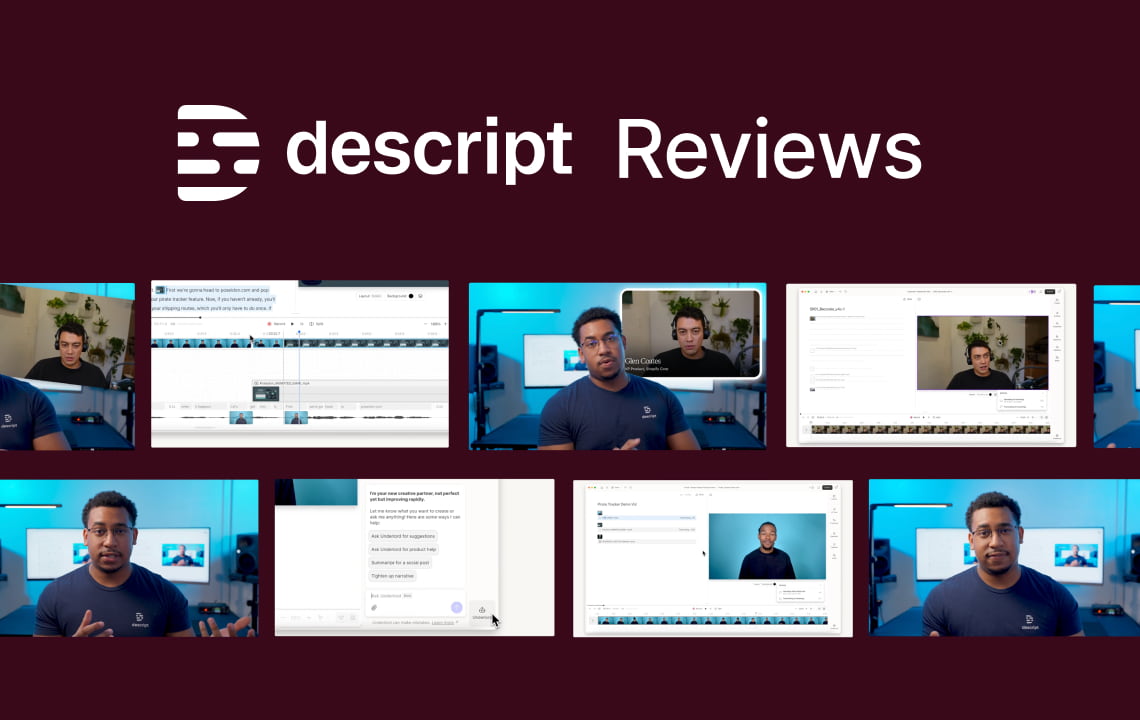
Image Credits: Screenshot from the Descript website, accessed February 2026, for illustrative purposes only.
Descript is a platform for editing your videos. It also uses AI to help you create more videos and improve your workflow. It offers text-based editing to make video editing easier, so you do not have to be an expert.
Key Features of Descript
Here are some of the key features of Descript:
- Text-based editing.
- Provides AI tools, such as Green Screen, Eye Contact, and Studio Sound.
- Ideal for a variety of projects, including social media clips, tutorials, and educational videos.
- Offers AI templates to make video editing easier.
- It also offers underlord, screen recording, text-to-speech, captions, subtitles, video translation, and more.
Descript Reviews on Different Platforms
Rating | 3.4 | 4.7 | 4.6 | 4.4 |
Total Reviews | 230 | 178 | 848 | 40 |
High Star Review Insights | Easy to use, great experience, timesaver | Strong AI features, Ease of use, saves time | Fast, Seamless, Easy to use, User-friendly | Intuitive, Fast Performance, User-friendly |
Pros Based on Reviews | Easy, Smooth editing, good editor | Speed, Efficiency, Straightforward Workflow | Effortless editing, User-friendly, Ease of Use | Text-based editing, Video and audio editing, filler words removal |
Cons Based on Reviews | Issues with payment, support, and unintuitive. | Slow performance on some devices, a few errors in transcription | Leaning curve/difficulty | Limited advanced editing, Unreasonable Support |
Please note that the data was accessed in February 2026 from review platforms and may change based on recent reviews and other factors. You can visit its official website and the review platforms above for more updates and information.
Who Should Use Descript?
Descript can be used by various individuals and businesses, especially those who create and localize content.
Podcasters
This platform offers Descript Rooms that deliver high-quality audio and video, ensuring your recording is clear. With Descript, you can save time by creating content faster and even translating it into different languages. It is helpful for podcasters and small teams who want a professional-quality production, even without complex audio software and tools.
YouTubers
Descript is also ideal for YouTubers, as it offers a range of tools, including screen recording and captioning, that make content creation and editing smarter. This tool is ideal for different tutorials, commentary videos, interviews, and other types of content.
Content marketers
Marketing teams can also use Descript to create webinars, interviews, and other videos for different platforms. It also offers transcription so that you can turn your content into short clips, blog posts, and other formats. This will help maximize content output while saving production time.
Educators
Course creators, teachers, and trainers can easily create lessons and generate transcripts for accessibility. It is useful in creating online courses, instructional videos, and training materials efficiently.
Internal communications teams
Those teams that create onboarding materials, training videos, and other content or documents can also use Descript, as it simplifies editing. It offers various tools and features, such as allowing feedback, making it easier to work with teams, sharing links, and getting updates.
Who may need an alternative?
While Descript offers powerful editing and transcription tools, some businesses and individuals need additional features, scalability, or specialized workflows. Here’s who might benefit from a Descript alternative.
Global brands
Global brands operate in multiple markets and produce large volumes of content. While Descript offers convenient, multi-purpose tools, some operations may require more robust features, advanced tools, and additional integrations that fit their workflow. For these organizations, a Descript alternative can mean smoother production pipelines, faster content delivery, and more consistency across global campaigns.
Localization teams
Localization teams might need a tool to help them easily adapt content for diverse audiences. They might need a tool that supports more languages and dialects and offers multiple AI lifelike voices. An alternative platform can offer tools specifically designed for localization, ensuring content resonates with every target market.
Multilingual video campaigns
Brands that run multilingual campaigns must manage content that is not only translated but also adapted to the culture and context. They also need a tool that supports multiple languages and dialects, especially if brands operate worldwide.
Factors to Consider to Know If Descript Is Right for You
Here are some factors to know if Descript is right for you, or you might need an alternative:
Your Primary Content Type
Consider the type of content you create most often, whether it is podcasts, marketing videos, or social media posts. Descript excels in various editing needs, but if your content needs complex, advanced, and other specific tools and features, an alternative might serve you better.
Editing Style Preference
Think about your preferences when it comes to editing. If you prefer text-based editing and find it more convenient than traditional tools, Descript is ideal. On the other hand, if you or your team is used to traditional tools or prefers another tool that better fits your workflow, you may need an alternative.
Accuracy
Transcription, translation, and automated editing accuracy are important because they ensure that the output matches the context and the message you want to convey. Check Descript’s level of accuracy based on the output it provides to see if it is ideal for you. When it comes to accuracy, check the specialized terminology, humor, slang, and other important words.
Team Size and Collaboration Needs
Descript may be ideal for small teams that require simple collaboration. However, larger organizations with multiple editors, content reviewers, or cross-department workflows may require advanced features that Descript does not yet support.
Budget and Pricing Flexibility
Evaluate your budget and the frequency of your content production. Descript offers various subscription plans to cater to different needs. But organizations or individuals that need flexible offers or solutions might need an alternative. Check the features included in each plan to see if it suits your needs.
Ethical and Compliance Considerations
For content that must comply with privacy regulations, accessibility standards, or industry-specific ethical guidelines, assess whether Descript provides the necessary controls. You need to look for enhanced security or compliance features that are important for certain industries.
Descript Video Translation
One feature offered by Descript is AI translation. With Descript, you can translate captions, voiceovers, or lip-sync videos in different languages.
Video Translation Features
Here are some Descript’s video translation features:
- Adjust mouth movements and voice
- Captions and other text on screen can be translated
- AI speakers that sound like humans.
- Natural expressions, so the video will not be distracting.
- Offers “Do Not Translate List” feature to ensure brand consistency.
VMEG AI’s Video Translation
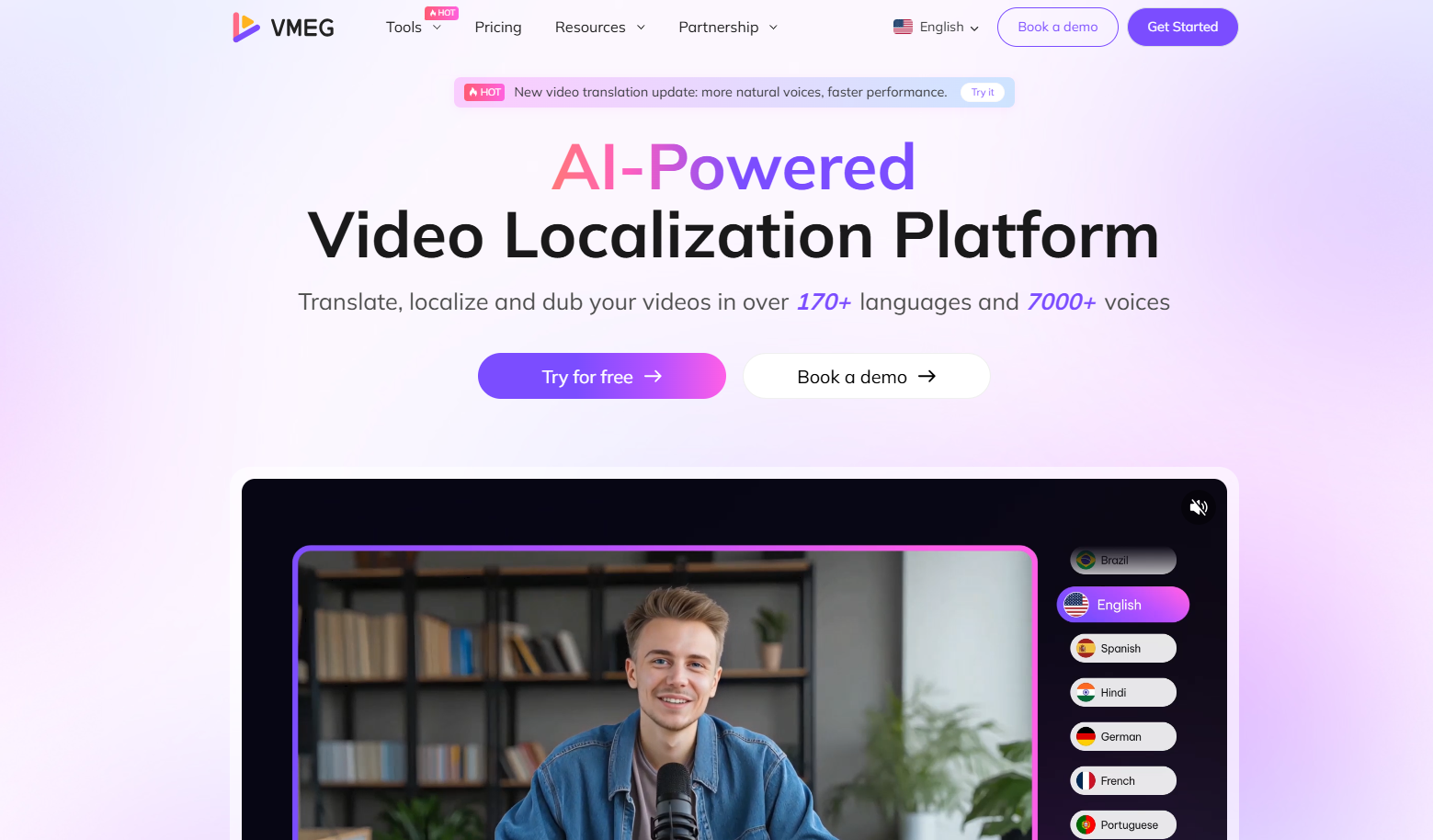
When it comes to video translation, VMEG AI is definitely worth trying. It offers multiple languages and lifelike voices to help you reach a wider audience and create high-quality content.
VMEG AI’s Video Translation Capability
- Supports more than 170 languages and 7,000 AI voices.
- It has built-in subtitle generation
- Voice cloning to maintain a consistent brand voice in different languages.
- Supports bulk translations.
- Provides accurate lip-sync and human-like dubbing to ensure that content is engaging.
Who Needs VMEG AI’s Video Translation
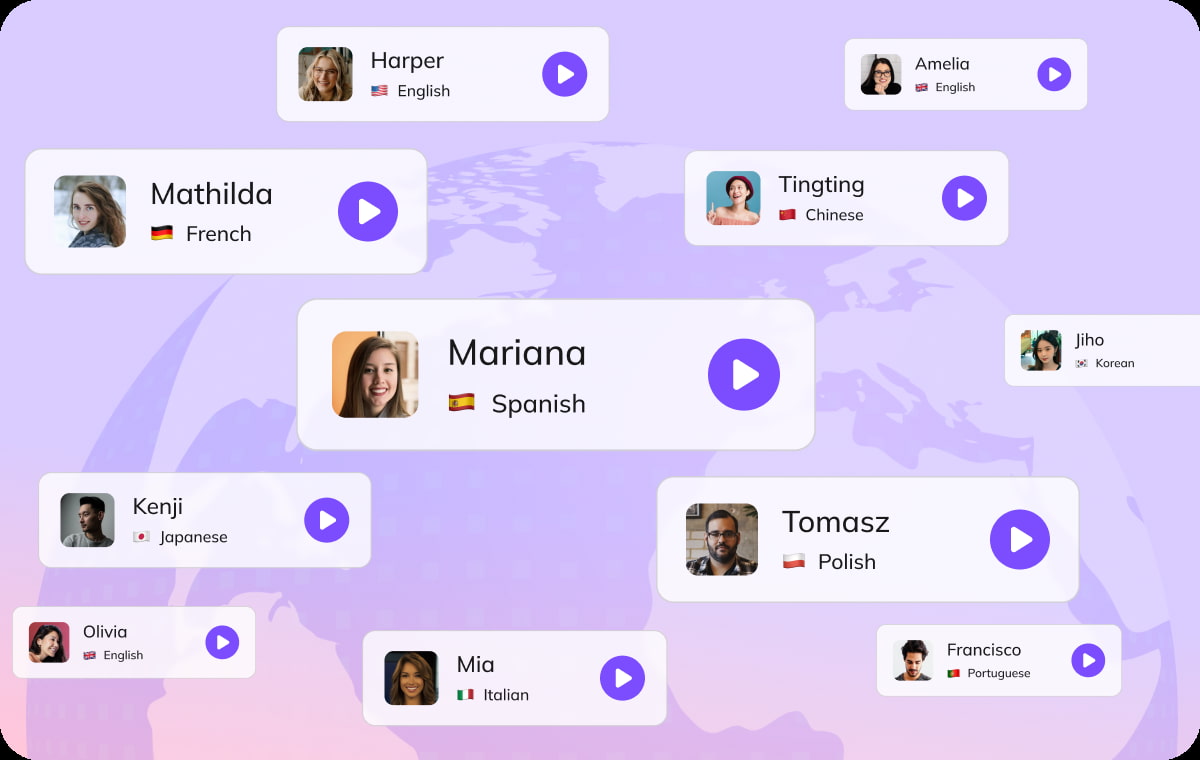
- Content Creators and YouTubers. VMEG AI is ideal for content creators and YouTubers, as it will help them reach a global audience. It can also increase engagement, as translated content creates more opportunities and fosters collaboration.
- Educators and Trainers. Those in education, especially those with students from different parts of the world, can use VMEG to help learners better understand the topic and have a more engaging learning experience.
- Businesses & Marketers. Businesses that run global campaigns and have a presence in multiple regions also need VMEG AI to localize content so their target audience can resonate with and understand the brand and what it offers, thereby driving more sales and conversions.
Advantages of Using VMEG AI
- Produce more content with its bulk localization.
- Save time on translating and localizing content.
- Provides highly accurate output.
- Offers multiple localization tools, including transcription, translation, subtitles, and text-to-speech.
FAQs
Is Descript safe to use?
Yes, Descript is safe to use. Use it also appropriately to avoid any issues, and read its privacy policy and terms and conditions.
How accurate is Descript transcription?
The accuracy of Descript transcription may vary depending on several factors, including the source content.
How expensive is Descript?
Descript offers subscription plans ranging from free to paid, as well as custom plans to cater to different needs.
What is the main benefit of Descript?
One of the main benefits of using Descript is its text-based editing workflow, which makes editing content easier.
Is Descript actually good?
Yes, it is actually good for different projects, as it has strong ratings on Descript Reviews across various platforms. However, you might need an alternative if specific features or tools you need are not available on it.
Conclusion
Descript is one of the must-try tools for video editing. Based on Descript reviews across different platforms, some users say it is easy to use and user-friendly. Some cons, based on reviews, include issues with support and the learning curve. Various factors, such as personal preferences, knowledge, and skills, affect reviews. It is best to try the tool yourself to see its workflow and output.
When it comes to video localization, VMEG AI is a tool you should try, as it supports multiple languages, AI lifelike voices, natural dubbing, accurate lip-sync, and more. VMEG AI helps individuals and organizations, including marketers, educators, and businesses, translate content and reach a wider audience.


The VMEG Team
Behind VMEG stands a passionate team of creatives, engineers, and language lovers. At the crossroads of AI and storytelling, they craft tools that bridge languages and cultures.