

'%3e%3cpath%20d='M21.0949%203.79395L13.9961%209.82854H21.0949V3.79395Z'%20stroke='black'%20stroke-width='1.38'%20stroke-miterlimit='10'/%3e%3cpath%20d='M13.998%209.82854L7.44531%203.79395V9.82854H13.998Z'%20stroke='black'%20stroke-width='1.38'%20stroke-miterlimit='10'/%3e%3cpath%20d='M13.9961%202.69922V25.1919'%20stroke='black'%20stroke-width='1.38'%20stroke-miterlimit='10'/%3e%3cpath%20d='M20.5488%2016.4113L13.9961%209.82812V18.2217L20.5488%2024.0918V16.4113Z'%20stroke='black'%20stroke-width='1.38'%20stroke-miterlimit='10'/%3e%3cpath%20d='M7.44531%2016.4113L13.998%209.82812V18.0526L7.44531%2024.0918V16.4113Z'%20stroke='black'%20stroke-width='1.38'%20stroke-miterlimit='10'/%3e%3cpath%20d='M4.71094%209.82812V18.6057H7.44125V16.4113L13.9941%209.82812H4.71094Z'%20stroke='black'%20stroke-width='1.38'%20stroke-miterlimit='10'/%3e%3cpath%20d='M13.9961%209.82812L20.5488%2016.4113V18.6057H23.2792V9.82812H13.9961Z'%20stroke='black'%20stroke-width='1.38'%20stroke-miterlimit='10'/%3e%3c/g%3e%3c/svg%3e)

'%3e%3cmask%20id='mask0_21456_29260'%20style='mask-type:luminance'%20maskUnits='userSpaceOnUse'%20x='0'%20y='0'%20width='28'%20height='28'%3e%3cpath%20d='M27.5%200.5H0.5V27.5H27.5V0.5Z'%20fill='white'/%3e%3c/mask%3e%3cg%20mask='url(%23mask0_21456_29260)'%3e%3cpath%20d='M14%2027.5C13.4854%2024.1035%2011.8974%2020.9608%209.46828%2018.5317C7.03922%2016.1026%203.89651%2014.5146%200.5%2014C3.89651%2013.4854%207.03922%2011.8974%209.46828%209.46828C11.8974%207.03922%2013.4854%203.89651%2014%200.5C14.5147%203.89644%2016.1028%207.03905%2018.5318%209.46816C20.9609%2011.8972%2024.1035%2013.4853%2027.5%2014C24.1035%2014.5147%2020.9609%2016.1028%2018.5318%2018.5318C16.1028%2020.9609%2014.5147%2024.1035%2014%2027.5Z'%20fill='url(%23paint0_linear_21456_29260)'/%3e%3c/g%3e%3c/g%3e%3cdefs%3e%3clinearGradient%20id='paint0_linear_21456_29260'%20x1='9.5'%20y1='9.5'%20x2='20.75'%20y2='21.875'%20gradientUnits='userSpaceOnUse'%3e%3cstop%20stop-color='%23F0DCD6'/%3e%3cstop%20offset='0.914506'%20stop-color='%231D6DFF'/%3e%3c/linearGradient%3e%3cclipPath%20id='clip0_21456_29260'%3e%3crect%20width='28'%20height='28'%20fill='white'/%3e%3c/clipPath%3e%3c/defs%3e%3c/svg%3e)
'%3e%3cpath%20d='M22.8019%2011.2412L23.5234%2011.6807V12.0103L23.3172%2012.7796L14.5579%2014.9771L13.7344%2012.7951L22.8019%2011.2412Z'%20fill='%23D97757'/%3e%3cpath%20d='M19.5236%204.77832L20.5322%205.00396L20.8%205.35575L21.0552%206.19876L20.9494%206.73644L15.0712%2015.3068L13.1133%2013.2191L18.5338%205.63471L19.5236%204.77832Z'%20fill='%23D97757'/%3e%3cpath%20d='M14.4577%203.43951L15.0761%203L15.5912%203.21976L16.1065%203.9889L14.6949%2013.0345L13.7364%2012.3397L13.3242%2011.131L14.0456%204.31853L14.4577%203.43951Z'%20fill='%23D97757'/%3e%3cpath%20d='M7.84766%203.5851L8.48285%202.7199L8.89716%202.61914L9.71923%202.74717L10.125%203.08581L13.0815%2010.0748L14.1509%2013.3954L12.8997%2014.1372L8.13117%204.91019L7.84766%203.5851Z'%20fill='%23D97757'/%3e%3cpath%20d='M4.77232%208.38688L4.56641%207.50742L5.18478%206.73828L5.90613%206.84816H6.11223L10.4403%2010.2544L11.78%2011.3531L13.6349%2012.8914L12.6044%2014.7594L11.6769%2013.9903L11.0586%2013.331L5.08168%208.82593L4.77232%208.38688Z'%20fill='%23D97757'/%3e%3cpath%20d='M3.53288%2014.0982L3.06641%2013.5489L3.06647%2013.0601L3.53288%2012.8896L8.78833%2013.2193L13.9408%2013.6588L13.7736%2014.7528L3.94502%2014.2082L3.53288%2014.0982Z'%20fill='%23D97757'/%3e%3cpath%20d='M6.62378%2019.8178H5.59334L5.18359%2019.3146V18.7132L6.93299%2017.3946L14.045%2012.5674L14.7648%2013.8785L6.62378%2019.8178Z'%20fill='%23D97757'/%3e%3cpath%20d='M8.57739%2022.8884L8.16518%2022.9984L7.54688%2022.6687L7.64995%2022.1193L13.7299%2013.5488L14.5543%2014.7574L10.0201%2021.1305L8.57739%2022.8884Z'%20fill='%23D97757'/%3e%3cpath%20d='M13.7361%2023.9861L13.4271%2024.4257L12.8088%2024.6454L12.2935%2024.2058L11.9844%2023.5466L13.5301%2014.6465L14.4576%2014.7563L13.7361%2023.9861Z'%20fill='%23D97757'/%3e%3cpath%20d='M18.9869%2021.5713V22.4503L18.8838%2022.7799L18.4716%2022.9997L17.7503%2022.8974L12.7969%2015.0367L14.7617%2013.4404L16.4104%2016.6269L16.5652%2017.7805L18.9869%2021.5713Z'%20fill='%23D97757'/%3e%3cpath%20d='M21.3629%2020.2507L21.4659%2020.8L21.1568%2021.2396L20.8476%2021.1297L19.0958%2019.8112L16.4165%2017.284L14.3555%2015.7457L14.9736%2013.6582L16.0041%2014.3175L16.6226%2015.5259L21.3629%2020.2507Z'%20fill='%23D97757'/%3e%3cpath%20d='M20.0232%2014.6482L22.5995%2014.8679L23.2178%2015.3074L23.6299%2015.9667V16.441L22.4964%2016.9556L16.7256%2015.4173L14.3555%2015.3074L14.9737%2013L16.6226%2014.3185L20.0232%2014.6482Z'%20fill='%23D97757'/%3e%3c/g%3e%3c/svg%3e)
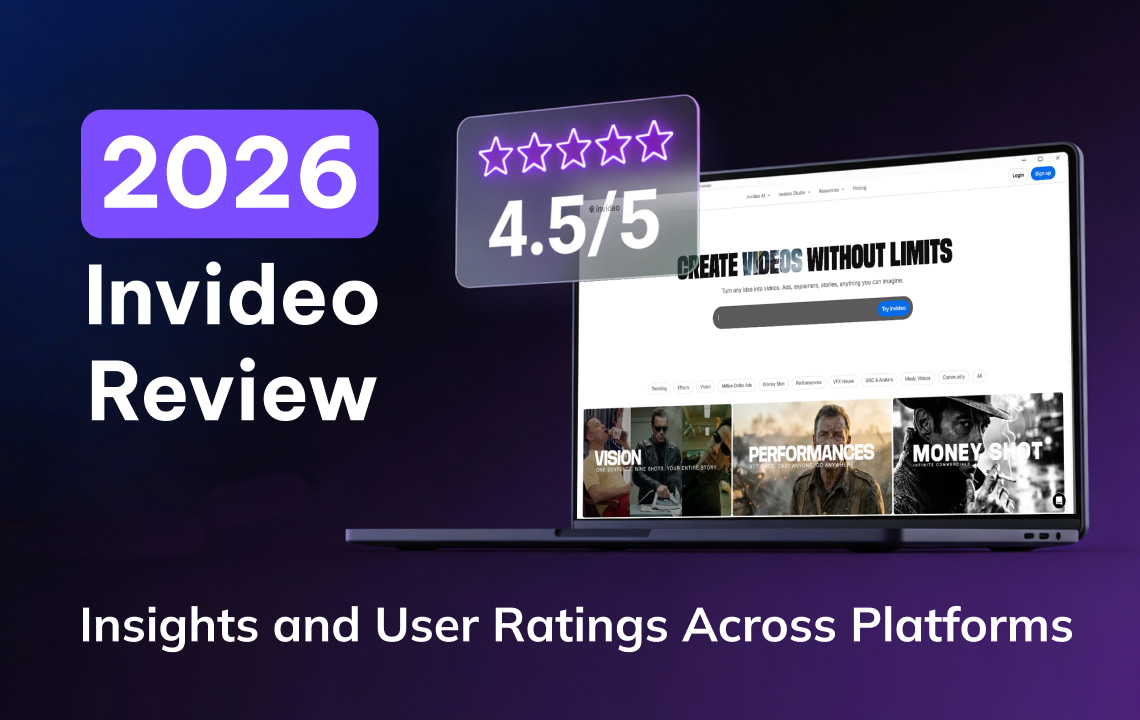
If you are looking for video content creator tools, you’ve likely come across Invideo. But before investing your time, effort, and money in a tool, it is essential to know what others say about it based on their experience. In this blog post, we summarize ratings and reviews of invideo across different platforms to help you decide whether it is for you.
What is invideo?
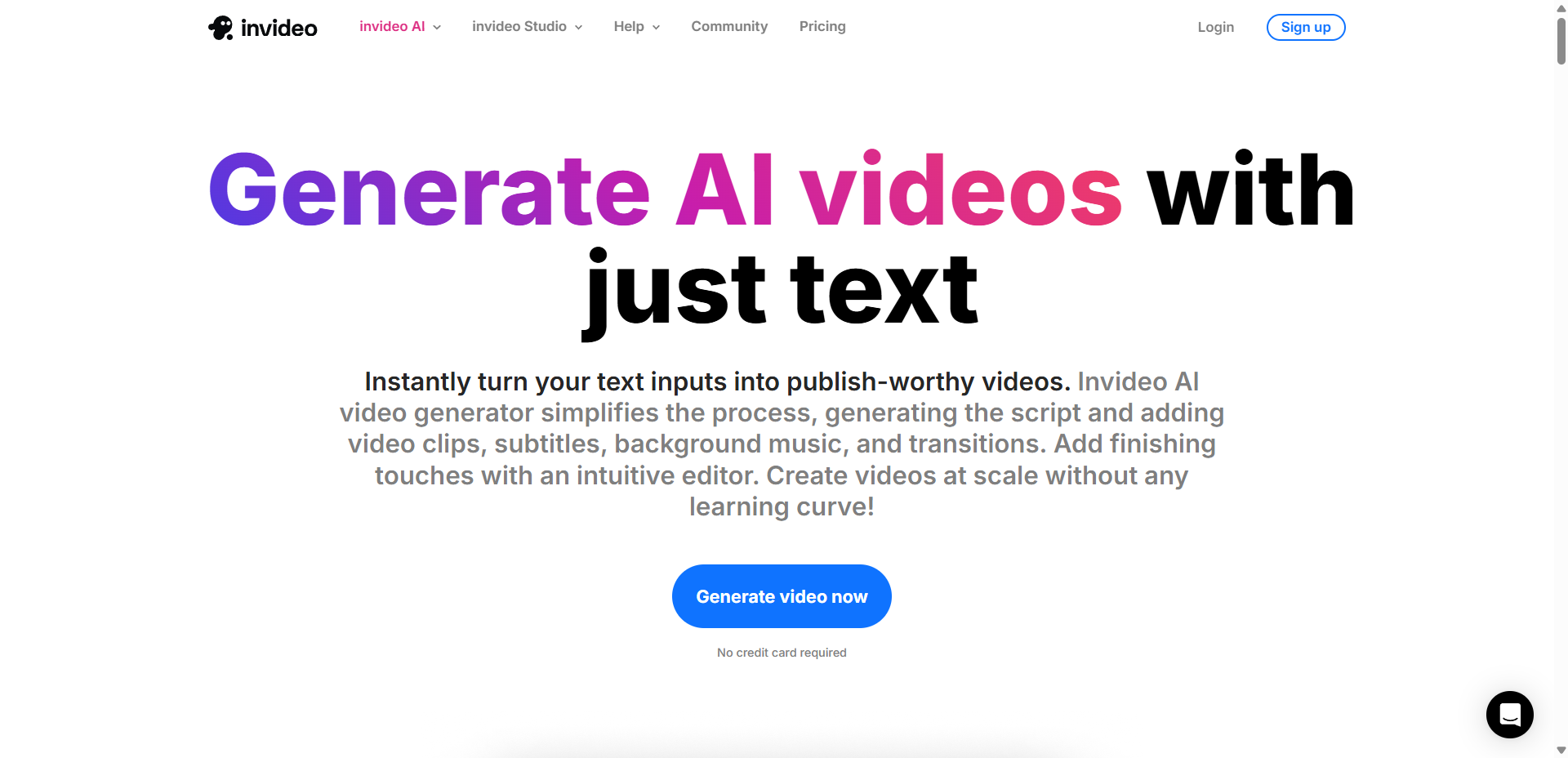
Invideo is an excellent platform for creating a wide range of video content, including ads, stories, explainers, and more. invideo has two dimensions: the invideo AI and invideo Studio. invideo AI includes an AI image generator, a video generator, a clip generator, a video editor, a movie maker, Sora 2, Veo 3.1, AI avatars, voice cloning, a video translator, product cloning, and subtitles. It is perfect for various platforms, including Facebook, Instagram, TikTok, and YouTube.
On the other hand, invideo Studio is for editing visuals, audio, and text. It offers an online video editor, a video collage maker, a picture-to-video maker, the ability to add music to video, and the ability to add text to GIFs. When it comes to a specific platform, it has a video editor for Facebook and Instagram.
Key Features:
Lots of tools and features. With its numerous tools and features, creating video content for various purposes has been easier and more convenient.
Has a website and app. Creating videos is more convenient, as this tool also has an app in addition to the website. It makes video creation easier, as you can access it on different devices.
Multiple pricing options. It offers free, paid, and custom pricing options to meet your needs and budgets.
Translation Features:
The translation feature is only applicable to the videos made through invideo AI, so if your video is made from other platforms, it will not be translated. Here are some invideo’s translation features.
Supports more than 50 languages. It helps in localizing and reaching a global audience by translating your audio to other languages, such as Spanish, German, French, and more.
Expressions and emotions on videos. Emotions play an essential role in telling the message you want to portray. Its translation technology can capture emotions, so the audience will feel and understand the message.
Simple Steps. Video translation involves simple steps: generating a prompt, selecting settings, editing, and exporting the video.
Why Use invideo for Your Projects?
Using invideo for your projects can be beneficial, especially for your video content. Since video is one of the media used by businesses and individuals to share their messages, ensuring it is high-quality and creative is essential. Here are some reasons for using invideo for your projects.
Easy editing
Brainstorming video style is easier with its tools and templates, as it helps you save more time and effort and become more productive.
AI tools and features
It consists of numerous tools and features, making content creation faster and easier. This is perfect if you want to easily create videos and want a smoother workflow.
Convenience
The platform makes editing convenient as it has both an app and a website. This allows users to easily create and edit content, whether they want to do their projects on a desktop or a mobile device.
Who is invideo Best For?
invideo is perfect for those looking for AI-powered tools and want something easy to use. This is also good for beginners who wish to explore different AI tools and features. The availability of tools and features depends on your plan.
Social media creators
Social media creators or content creators can benefit from AI tools and features, especially if they want to create content quickly and easily, such as ads, educational tools, and more. It can help them cut costs by using this platform instead of hiring professional editors or videographers.
Businesses
invideo is also a perfect tool for businesses that want to create professional-looking videos without the hassle of learning new software or purchasing an expensive platform. This can help businesses, especially small and medium enterprises, looking for a platform with multiple pricing options.
Other professionals and individuals
invideo is also ideal for professionals and individuals across various industries and their diverse projects. So, whether you are a student or just exploring AI tools, invideo is a good platform to try.
How invideo Performs (InVideo Reviews From Multiple Platforms)
Here is the data from different review platforms to know what users say about invideo.
(Invideo AI) | (Invideo AI) | |||
Rating | 4.7 | 4.2 | 4.6 | 4.5 |
Total Reviews | 123K | 575 | 405 | 168 |
High Star Review Insights | Easy to use, fast, high-quality, beginner-friendly | Exceptional customer service, excellent platform | Easy to use, Good experience, can cater to various use cases | Amazing product, intuitive interface, Great for beginners |
Pros | Not specifically stated | Not specifically stated | Can create videos using text, able to make a quick video | Not specifically stated |
Cons | Not specifically stated | Not specifically stated | Issues with price | Not specifically stated |
Keywords / Most Used Words / Popular Topics | Free version, high quality, editing, watermark | Customer service, solution, product, service, subscription | Not specifically stated | Not specifically stated |
Please note that the data accessed in December 2025 from review platforms may change based on recent reviews and other factors. You can visit invideo and the review platforms above for more updates and information.
Based on the reviews above, invideo is perfect for beginners, and it is easy to use. So, if you are looking for a tool that doesn’t require video editing expertise, this is ideal. Users also praise its support, who promptly help them when they have inquiries. On the other hand, some of the minor issues that were shared are price, watermark on the free plan, and technical issues. Overall, invideo is a good tool as it has good ratings from different review platforms.
How to Assess Whether InVideo Is Right for You
Are you still wondering if invideo is right for you? Here is a simple guide to help you determine whether it will meet your needs.
Purpose
What is your purpose of using a tool like invideo? Identify the kind of projects you want to create, the import and export file types it supports, and the process. Then, check if the features and tools of invideo are fit for your project and desired output.
Skill Level
What is your skill when it comes to using modern AI tools? Some users say that invideo is suitable for beginners, so it can be a perfect platform if you are looking for a beginner-friendly tool.
Budget
Check whether the features in the free plan meet your needs. If not, check if the plan offered matches your budget.
Content Type
What are the types of content you want to create? Try the free plan of invideo to see if it is suitable for your content type.
Localization and Translation
We are more connected than ever, and localization helps to bring the content to a global audience. One method to localize content is by translating it into different languages. Currently, invideo only supports videos made by invideo AI for translation. So, if you want to translate an existing video, invideo is not yet the right tool for you.
Pro Tip — Try VMEG AI for Better Video Translation
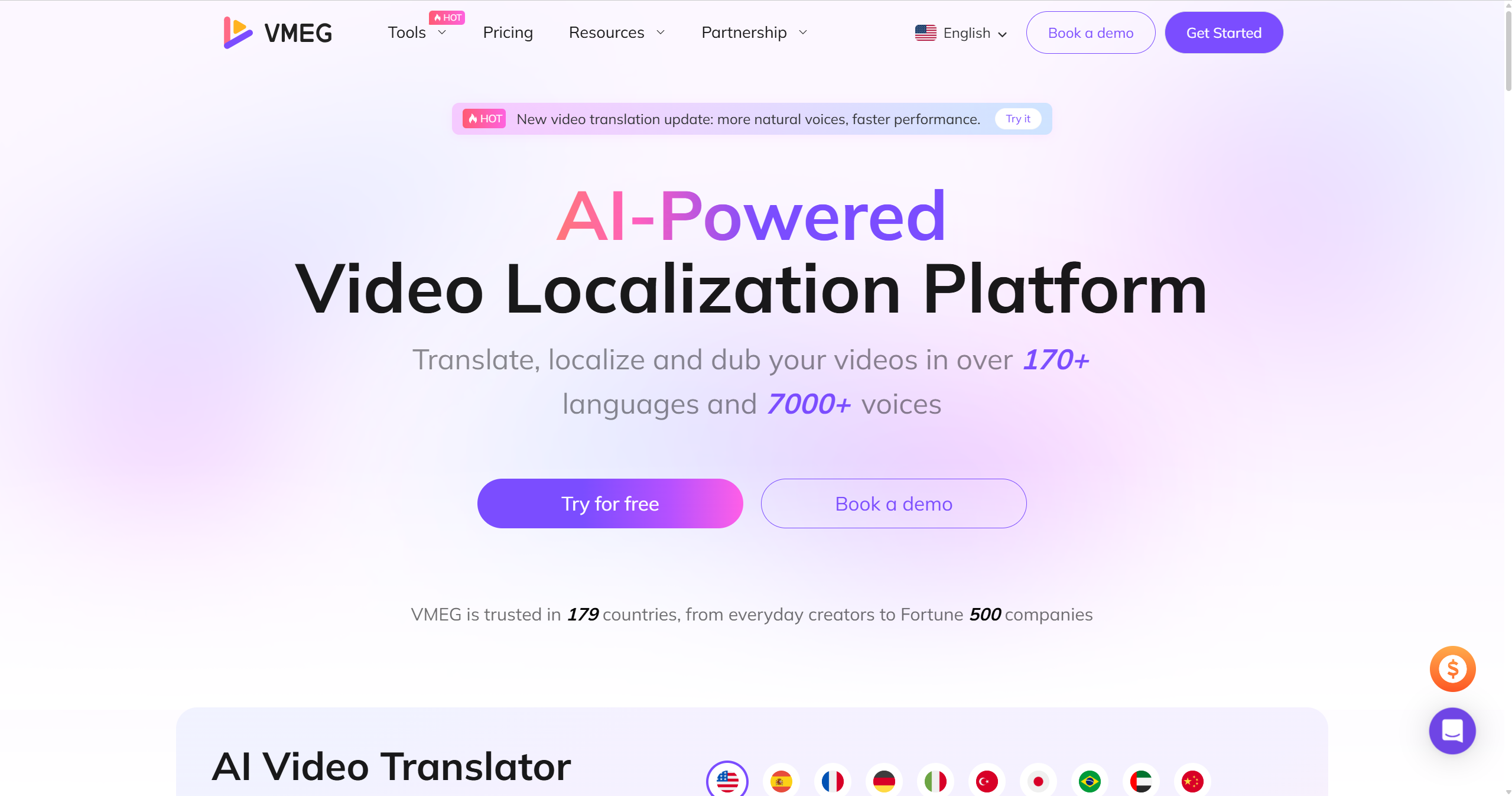
If you are looking for a platform that can translate your existing videos, try VMEG AI. VMEG AI is a perfect tool that can help you translate videos into more than 170 languages and 7000 voices.
VMEG AI is perfect for content creators, businesses, marketers, and other professionals across various fields. This easy-to-use tool is ideal for beginners and supports multiple import and export options, making your workflow easier and producing high-quality, highly accurate output.
You can use invideo to edit your videos, while for the translation or localization, use VMEG. This is a smart approach to creating stunning videos and localizing them for a global audience.
Try VMEG AI and see how it localizes your video to reach a wider audience from different parts of the world.
Conclusion
Invideo has numerous features and tools that make video editing and creating more fun and convenient. It also has good overall ratings across platforms, making it a good option, especially for beginners. This is a good tool for businesses and individuals across industries, as it can help you create various types of video content. When it comes to translation, invideo doesn’t support existing videos yet and only supports videos made with invideo AI. So, if you are looking for a platform with expertise in localization and translation, try VMEG AI.
FAQs
Is InVideo worth paying for?
Invideo is worth paying for as it has good reviews and it offers numerous tools and features that can help you bring your ideas to life. But it still depends on your project type, budget, and needs. It also offers different plans and pricing options to cater to various needs. Before upgrading to a plan, try the free plan to see if it is perfect for you.
Is InVideo good for beginners?
Yes, invideo is good for beginners, based on the feedback of users from different platforms.
Does invideo work on mobile devices?
Yes, invideo works on mobile devices, as it has an app for mobile, along with browser-based editing, making it more convenient to use.
What features do users often highlight in InVideo reviews?
Based on high-star ratings, the features that users praised are easy to use, beginner-friendly, excellent customer service, and an intuitive interface.
Is invideo suitable for professional agencies?
For agencies, invideo can be used for different projects, especially if they want to save time and effort, and cut costs. However, for high-end cinematic editing and other content creation goals, advanced tools or platforms may still be needed.


The VMEG Team
Behind VMEG stands a passionate team of creatives, engineers, and language lovers. At the crossroads of AI and storytelling, they craft tools that bridge languages and cultures.