


'%3e%3cpath%20d='M21.0949%203.79395L13.9961%209.82854H21.0949V3.79395Z'%20stroke='black'%20stroke-width='1.38'%20stroke-miterlimit='10'/%3e%3cpath%20d='M13.998%209.82854L7.44531%203.79395V9.82854H13.998Z'%20stroke='black'%20stroke-width='1.38'%20stroke-miterlimit='10'/%3e%3cpath%20d='M13.9961%202.69922V25.1919'%20stroke='black'%20stroke-width='1.38'%20stroke-miterlimit='10'/%3e%3cpath%20d='M20.5488%2016.4113L13.9961%209.82812V18.2217L20.5488%2024.0918V16.4113Z'%20stroke='black'%20stroke-width='1.38'%20stroke-miterlimit='10'/%3e%3cpath%20d='M7.44531%2016.4113L13.998%209.82812V18.0526L7.44531%2024.0918V16.4113Z'%20stroke='black'%20stroke-width='1.38'%20stroke-miterlimit='10'/%3e%3cpath%20d='M4.71094%209.82812V18.6057H7.44125V16.4113L13.9941%209.82812H4.71094Z'%20stroke='black'%20stroke-width='1.38'%20stroke-miterlimit='10'/%3e%3cpath%20d='M13.9961%209.82812L20.5488%2016.4113V18.6057H23.2792V9.82812H13.9961Z'%20stroke='black'%20stroke-width='1.38'%20stroke-miterlimit='10'/%3e%3c/g%3e%3c/svg%3e)

'%3e%3cmask%20id='mask0_21456_29260'%20style='mask-type:luminance'%20maskUnits='userSpaceOnUse'%20x='0'%20y='0'%20width='28'%20height='28'%3e%3cpath%20d='M27.5%200.5H0.5V27.5H27.5V0.5Z'%20fill='white'/%3e%3c/mask%3e%3cg%20mask='url(%23mask0_21456_29260)'%3e%3cpath%20d='M14%2027.5C13.4854%2024.1035%2011.8974%2020.9608%209.46828%2018.5317C7.03922%2016.1026%203.89651%2014.5146%200.5%2014C3.89651%2013.4854%207.03922%2011.8974%209.46828%209.46828C11.8974%207.03922%2013.4854%203.89651%2014%200.5C14.5147%203.89644%2016.1028%207.03905%2018.5318%209.46816C20.9609%2011.8972%2024.1035%2013.4853%2027.5%2014C24.1035%2014.5147%2020.9609%2016.1028%2018.5318%2018.5318C16.1028%2020.9609%2014.5147%2024.1035%2014%2027.5Z'%20fill='url(%23paint0_linear_21456_29260)'/%3e%3c/g%3e%3c/g%3e%3cdefs%3e%3clinearGradient%20id='paint0_linear_21456_29260'%20x1='9.5'%20y1='9.5'%20x2='20.75'%20y2='21.875'%20gradientUnits='userSpaceOnUse'%3e%3cstop%20stop-color='%23F0DCD6'/%3e%3cstop%20offset='0.914506'%20stop-color='%231D6DFF'/%3e%3c/linearGradient%3e%3cclipPath%20id='clip0_21456_29260'%3e%3crect%20width='28'%20height='28'%20fill='white'/%3e%3c/clipPath%3e%3c/defs%3e%3c/svg%3e)
'%3e%3cpath%20d='M22.8019%2011.2412L23.5234%2011.6807V12.0103L23.3172%2012.7796L14.5579%2014.9771L13.7344%2012.7951L22.8019%2011.2412Z'%20fill='%23D97757'/%3e%3cpath%20d='M19.5236%204.77832L20.5322%205.00396L20.8%205.35575L21.0552%206.19876L20.9494%206.73644L15.0712%2015.3068L13.1133%2013.2191L18.5338%205.63471L19.5236%204.77832Z'%20fill='%23D97757'/%3e%3cpath%20d='M14.4577%203.43951L15.0761%203L15.5912%203.21976L16.1065%203.9889L14.6949%2013.0345L13.7364%2012.3397L13.3242%2011.131L14.0456%204.31853L14.4577%203.43951Z'%20fill='%23D97757'/%3e%3cpath%20d='M7.84766%203.5851L8.48285%202.7199L8.89716%202.61914L9.71923%202.74717L10.125%203.08581L13.0815%2010.0748L14.1509%2013.3954L12.8997%2014.1372L8.13117%204.91019L7.84766%203.5851Z'%20fill='%23D97757'/%3e%3cpath%20d='M4.77232%208.38688L4.56641%207.50742L5.18478%206.73828L5.90613%206.84816H6.11223L10.4403%2010.2544L11.78%2011.3531L13.6349%2012.8914L12.6044%2014.7594L11.6769%2013.9903L11.0586%2013.331L5.08168%208.82593L4.77232%208.38688Z'%20fill='%23D97757'/%3e%3cpath%20d='M3.53288%2014.0982L3.06641%2013.5489L3.06647%2013.0601L3.53288%2012.8896L8.78833%2013.2193L13.9408%2013.6588L13.7736%2014.7528L3.94502%2014.2082L3.53288%2014.0982Z'%20fill='%23D97757'/%3e%3cpath%20d='M6.62378%2019.8178H5.59334L5.18359%2019.3146V18.7132L6.93299%2017.3946L14.045%2012.5674L14.7648%2013.8785L6.62378%2019.8178Z'%20fill='%23D97757'/%3e%3cpath%20d='M8.57739%2022.8884L8.16518%2022.9984L7.54688%2022.6687L7.64995%2022.1193L13.7299%2013.5488L14.5543%2014.7574L10.0201%2021.1305L8.57739%2022.8884Z'%20fill='%23D97757'/%3e%3cpath%20d='M13.7361%2023.9861L13.4271%2024.4257L12.8088%2024.6454L12.2935%2024.2058L11.9844%2023.5466L13.5301%2014.6465L14.4576%2014.7563L13.7361%2023.9861Z'%20fill='%23D97757'/%3e%3cpath%20d='M18.9869%2021.5713V22.4503L18.8838%2022.7799L18.4716%2022.9997L17.7503%2022.8974L12.7969%2015.0367L14.7617%2013.4404L16.4104%2016.6269L16.5652%2017.7805L18.9869%2021.5713Z'%20fill='%23D97757'/%3e%3cpath%20d='M21.3629%2020.2507L21.4659%2020.8L21.1568%2021.2396L20.8476%2021.1297L19.0958%2019.8112L16.4165%2017.284L14.3555%2015.7457L14.9736%2013.6582L16.0041%2014.3175L16.6226%2015.5259L21.3629%2020.2507Z'%20fill='%23D97757'/%3e%3cpath%20d='M20.0232%2014.6482L22.5995%2014.8679L23.2178%2015.3074L23.6299%2015.9667V16.441L22.4964%2016.9556L16.7256%2015.4173L14.3555%2015.3074L14.9737%2013L16.6226%2014.3185L20.0232%2014.6482Z'%20fill='%23D97757'/%3e%3c/g%3e%3c/svg%3e)

AI video editing tools are rapidly evolving by 2026. According to the latest trend report from TechCrunch's AI column, an increasing number of creators are seeking faster, smarter alternatives. Meanwhile, on Reddit's r/VideoEditing subreddit, users frequently discuss Vizard's limitations, such as processing speed and template flexibility.
If you're seeking a more stable and efficient alternative to Vizard, the list below will help you quickly find the right AI video editing platform.
Vizard -Turn your long video into viral clips with AI magic
Vizard is an AI-powered video repurposing tool that turns long-form content into short, viral-ready clips. Its main strength is automatically detecting highlight moments and generating platform-optimized clips for TikTok, Instagram Reels, and YouTube Shorts.
Beyond auto-clipping, Vizard also offers basic video editing, subtitle generation, video translation, and transcription, making it useful for creators who need quick clipping, subtitle creation, or multilingual distribution.
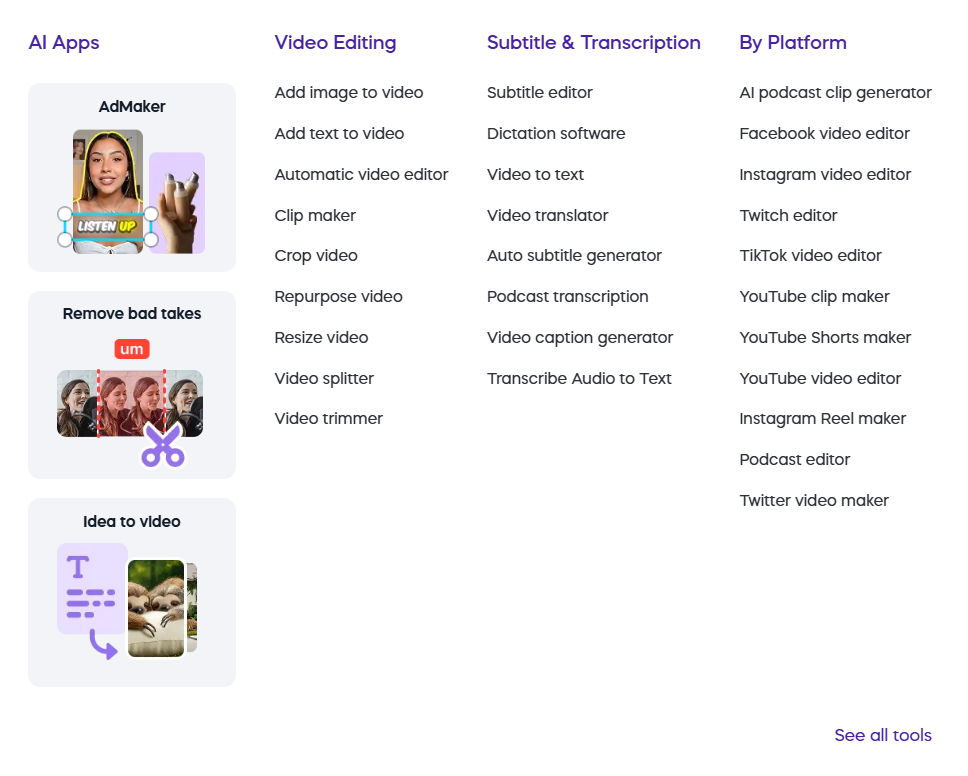
However, Vizard is primarily built for “long video → multiple short clips” automation rather than full-scale editing or professional localization. Many content teams still look for alternatives when they need higher translation accuracy, better subtitle control, or more stable long-video processing.
Why Creators Look for Vizard Alternatives
- Processing speed is somewhat slow, especially for long videos
- Limited template selection and flexibility
- Multilingual translation accuracy is inconsistent
- Subtitling and transcription perform adequately in professional settings
- More creators require cross-platform, more automated workflow support
Best Vizard Alternatives in 2026 (By Feature)
| Vizard Feature | Best Alternatives | Key Benefits |
| Video Translation | VMEG.AI | More languages, higher accuracy, stable for long videos |
| Video Editing | VEED / Kapwing / InVideo | Rich templates, suitable for social media content |
| Subtitle Generation | Captions / CapCut / Mirage | High accuracy, excellent for short video subtitles |
| Transcription | Notta / HappyScribe / Trint | Professional transcription, multi-user collaboration |
Alternatives to Vizard Video Translator
VMEG AI: The most comprehensive platform with the most stable cross-language performance
Particularly suited for multilingual content creators, YouTube channel operators, corporate marketing teams, and educational content producers.
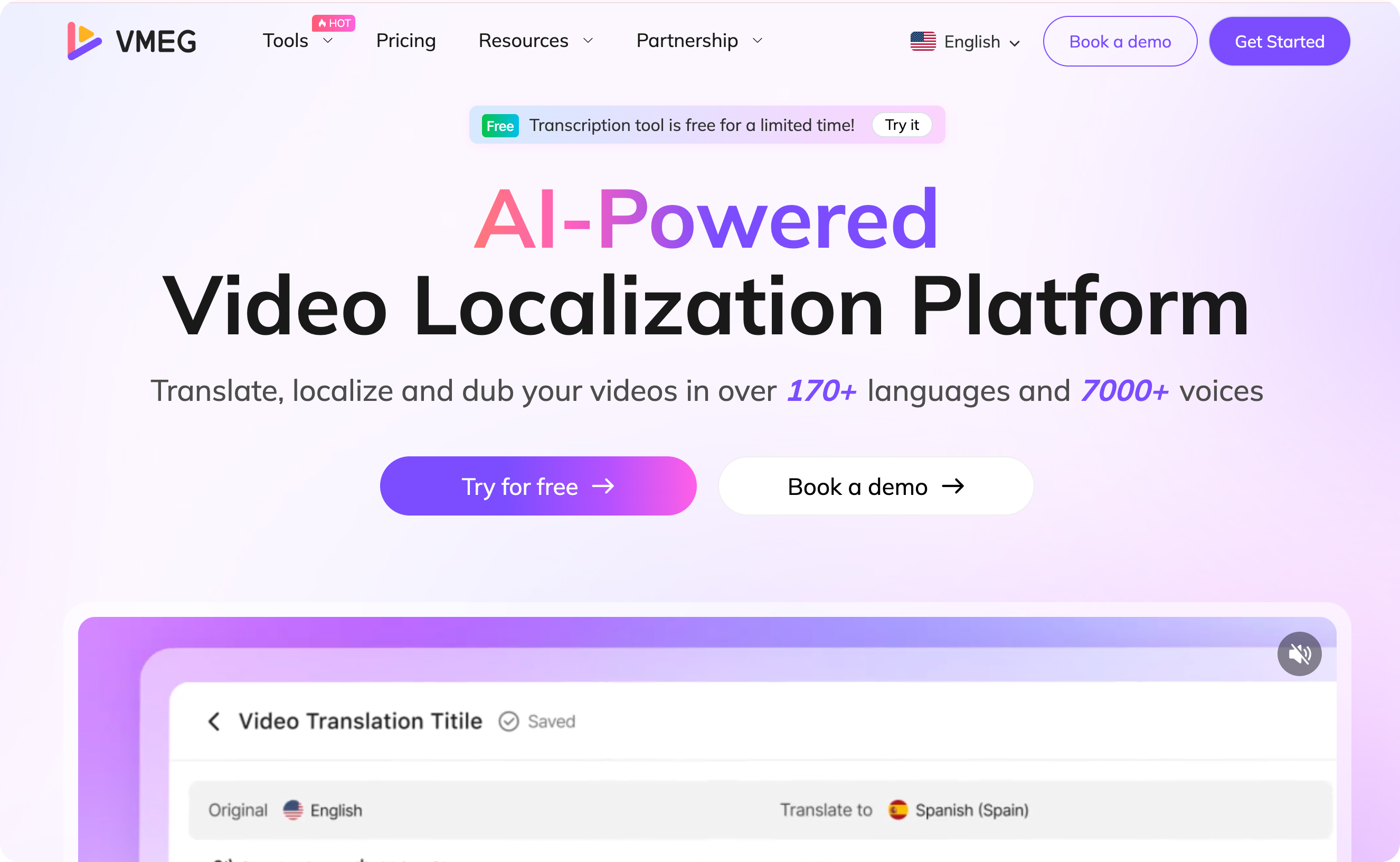
Core Advantages of VMEG AI:
- Translation across 170+ languages and dialects, surpassing most video tools in linguistic coverage
- Automatic subtitle alignment technology, reducing manual fine-tuning of text
- Stable long-form video translation, ideal for course videos, vlogs, and interview content
- AI character recognition + multi-voice separation, optimized for dialogue-heavy videos
- Integrated workflow combining translation, subtitling, and transcription, eliminating tool switching
- Faster processing speeds, ideal for teams requiring high-volume video output
- Built-in editor for quick secondary modifications to subtitles and translations
If your work involves “translation + subtitling + transcription + multilingual content publishing,” VMEG AI is a more suitable primary tool than Vizard.
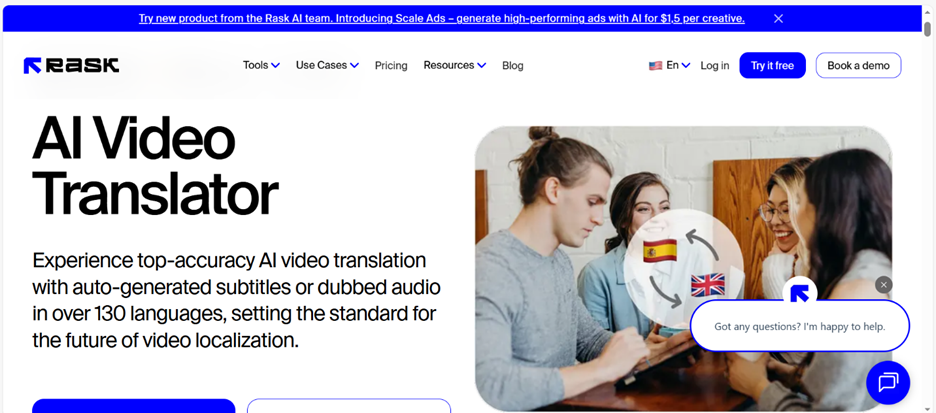
Rask AI: Specializes in multilingual dubbing, voice cloning, and character separation
RecCloud: A lightweight video translation tool supporting SRT/MP4 export

Alternatives to Vizard Video Editing
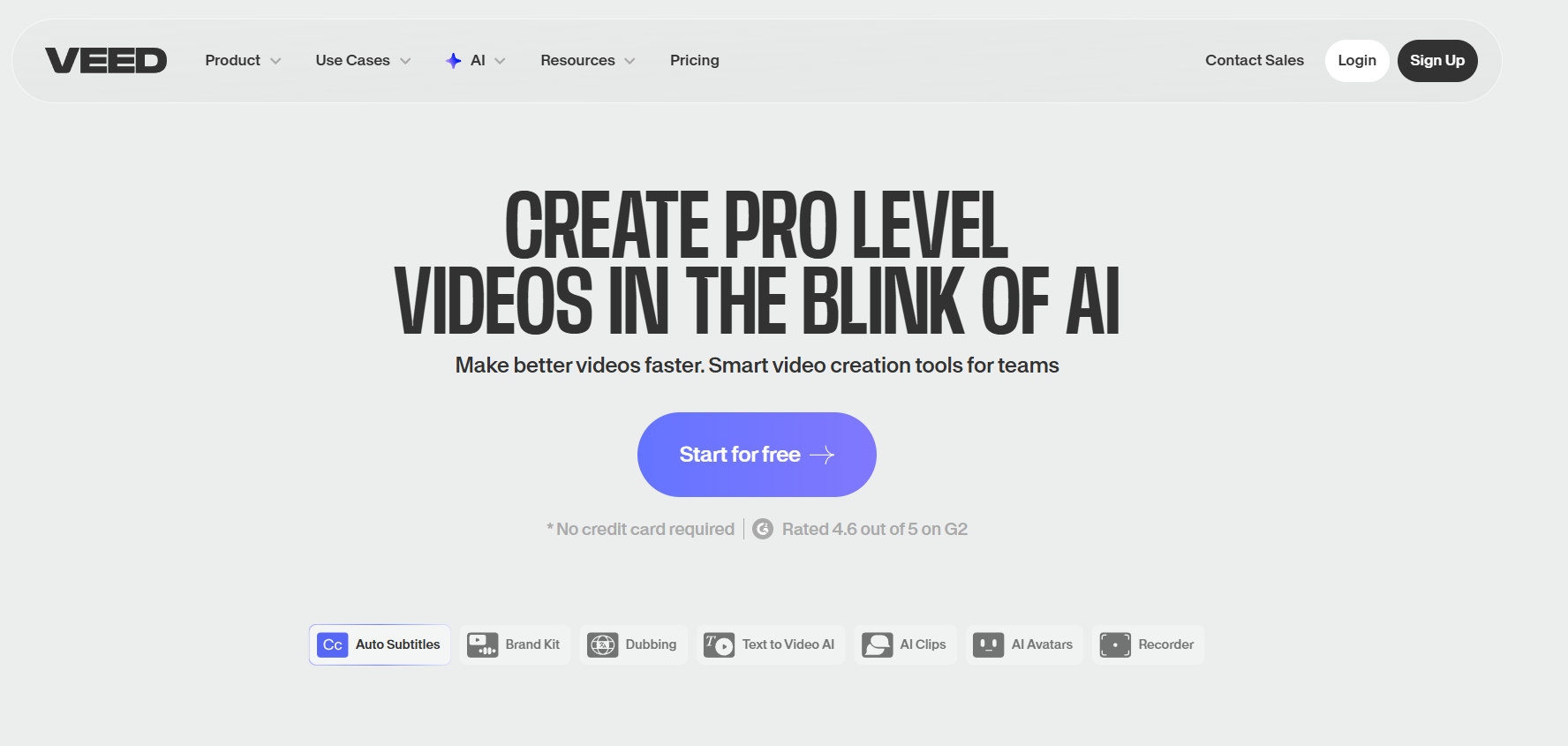
VEED: Comprehensive online editing features, strong team collaboration
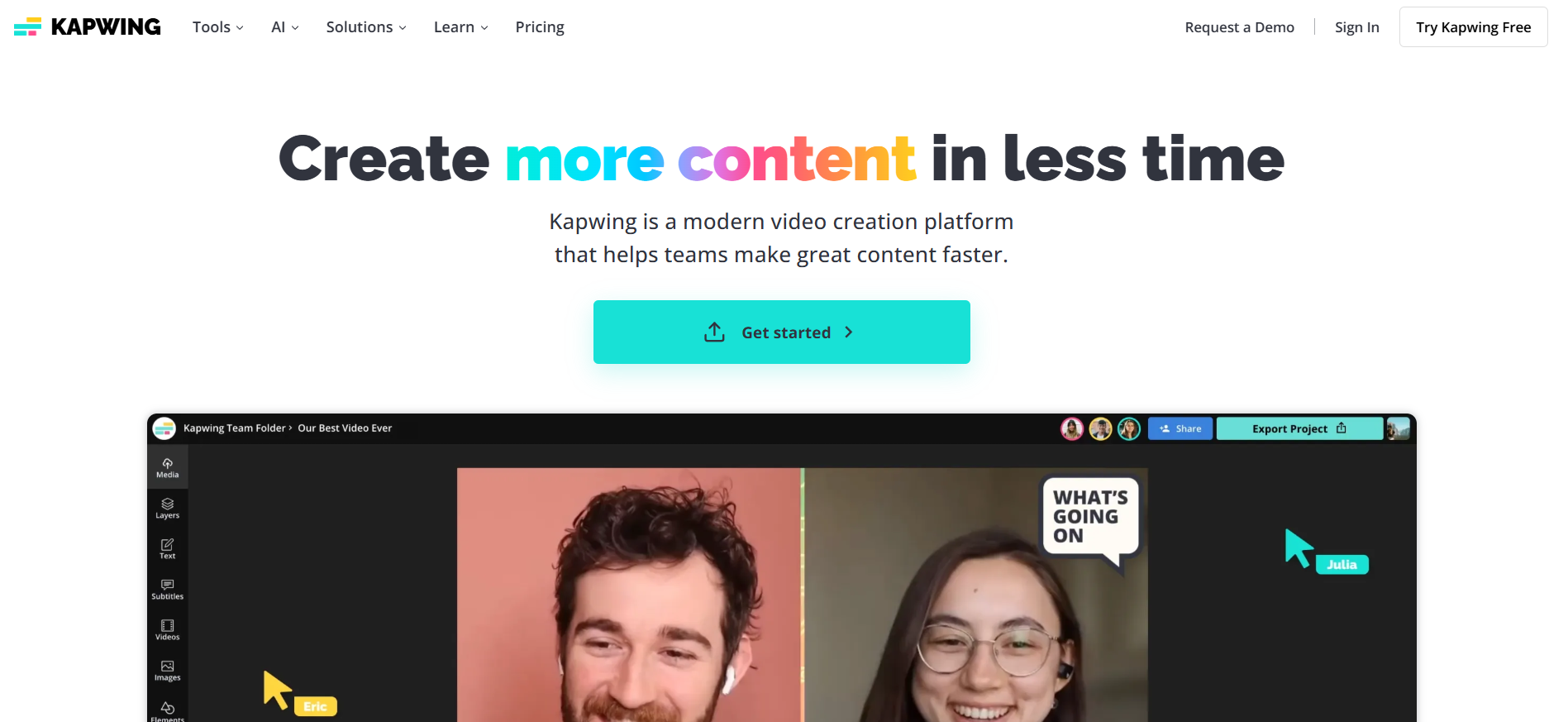
Kapwing: Extensive templates, ideal for social media content creation
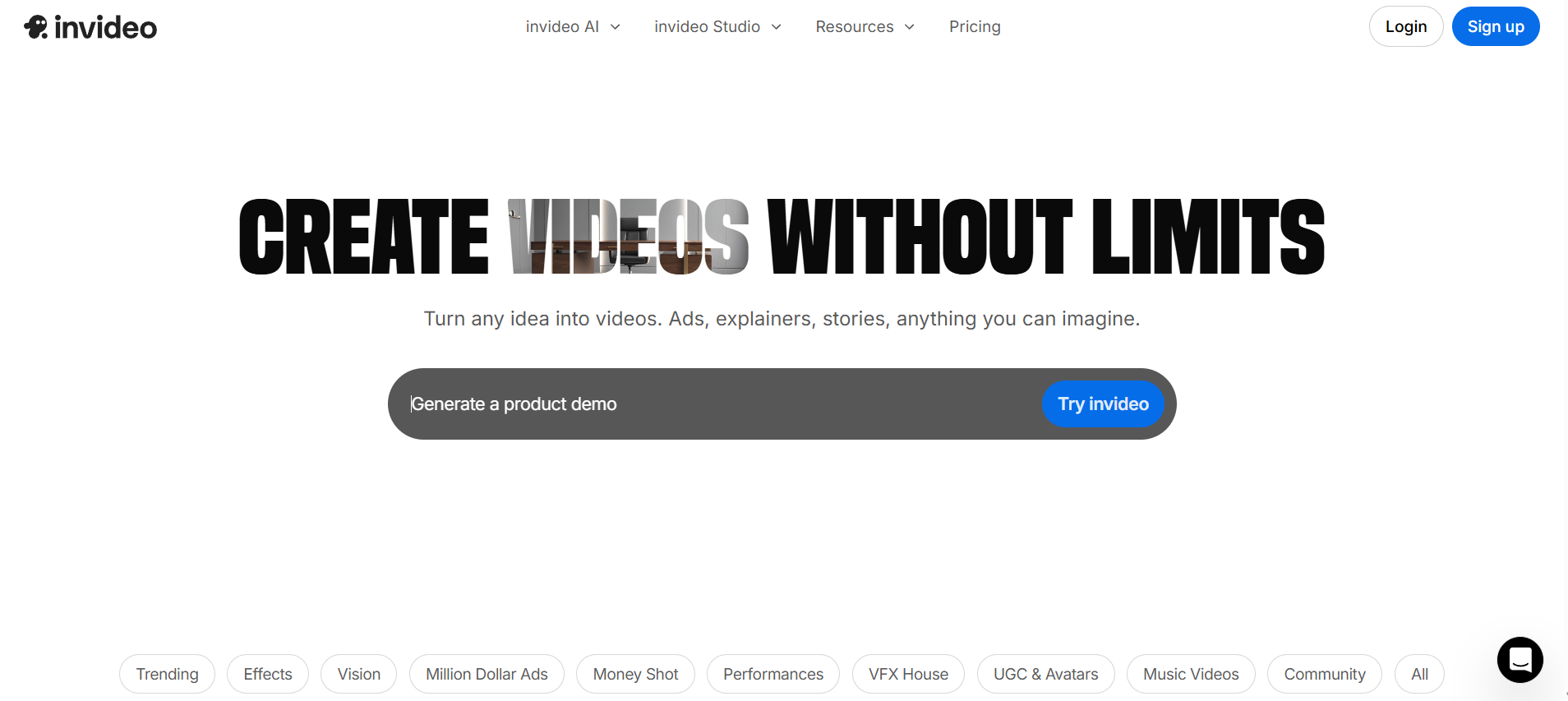
Invideo: Automatically generates videos from scripts, perfect for teams producing high-volume content
Alternatives to Vizard Subtitle Generator
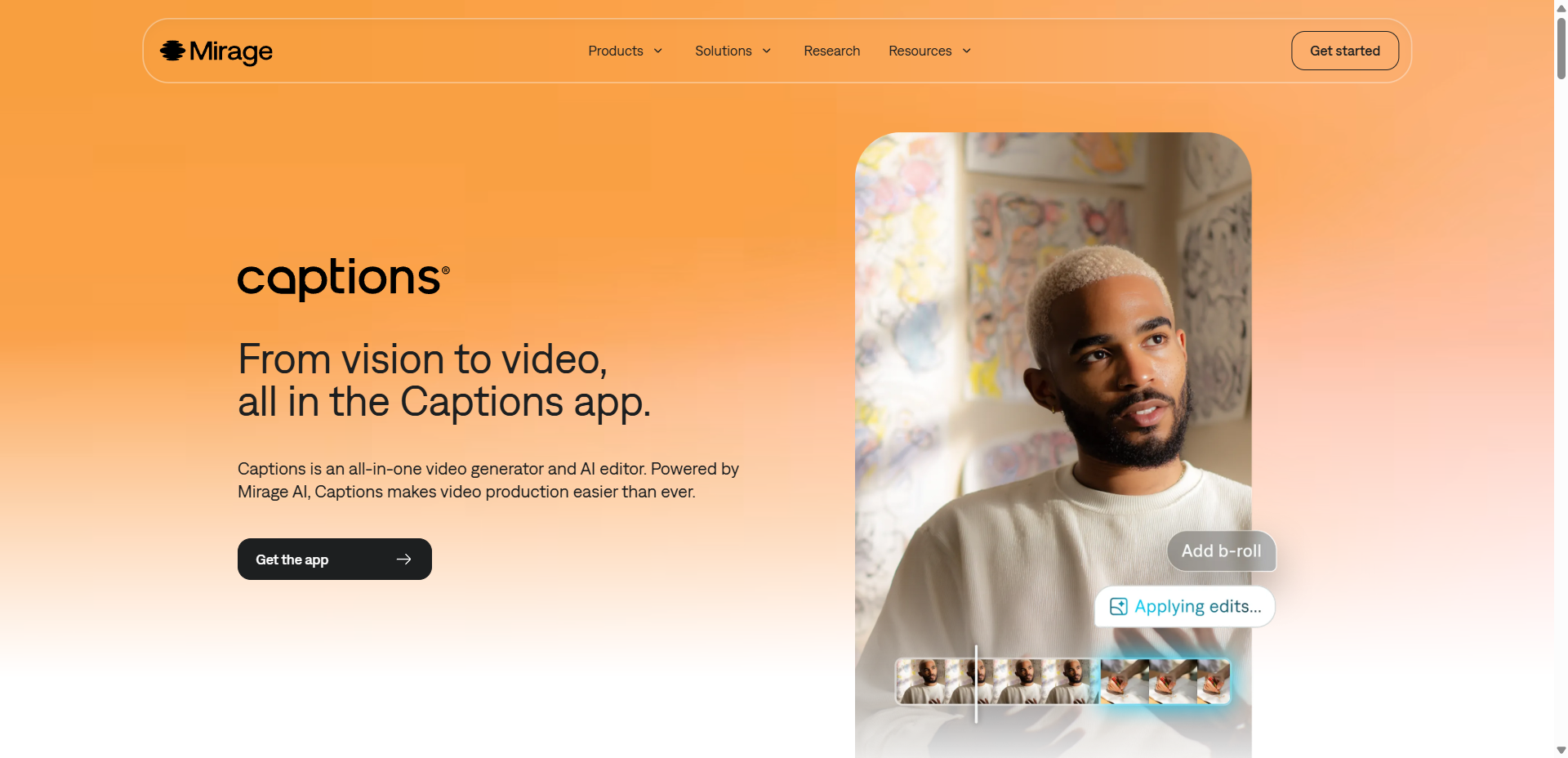
Captions: One of the most powerful tools for short video subtitle recognition
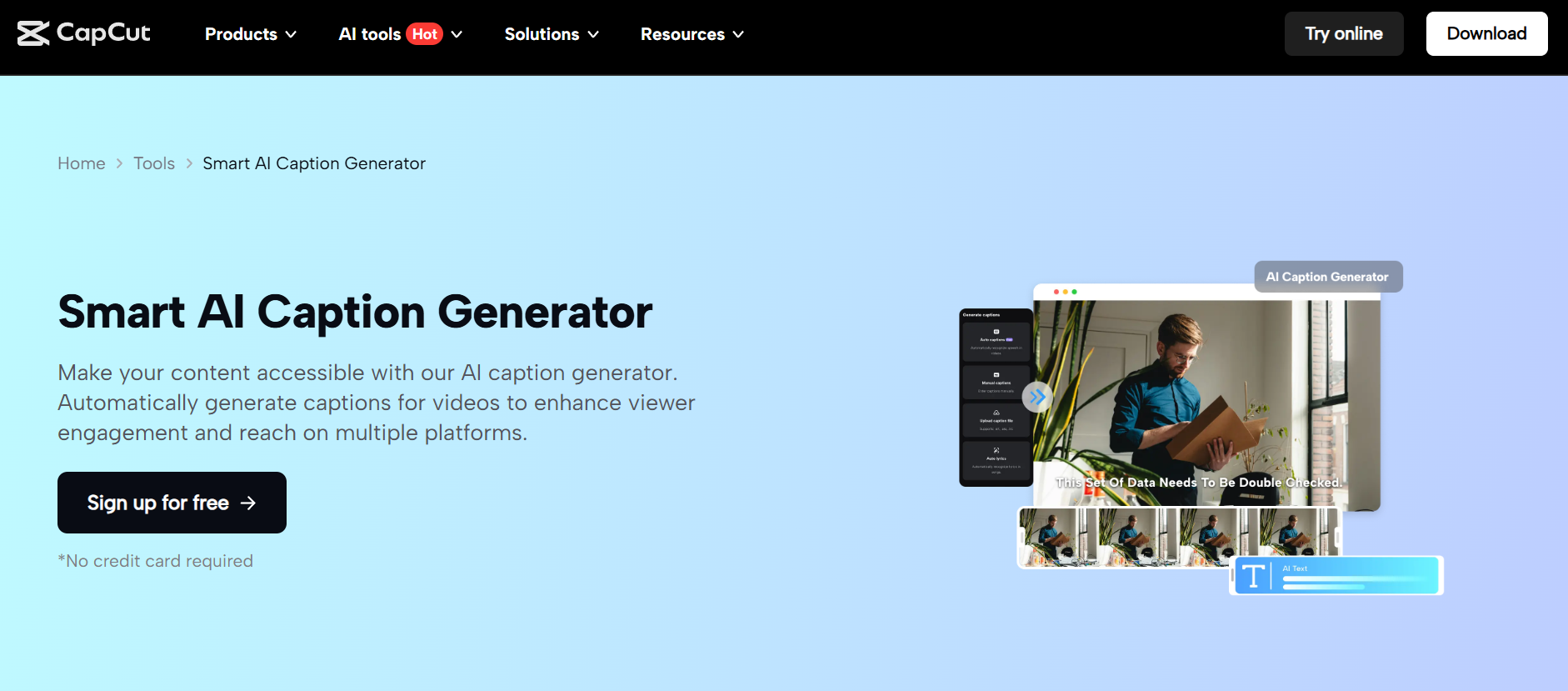
CapCut: All-in-one subtitles, effects, and editing—free to use
Alternatives to Vizard Transcription
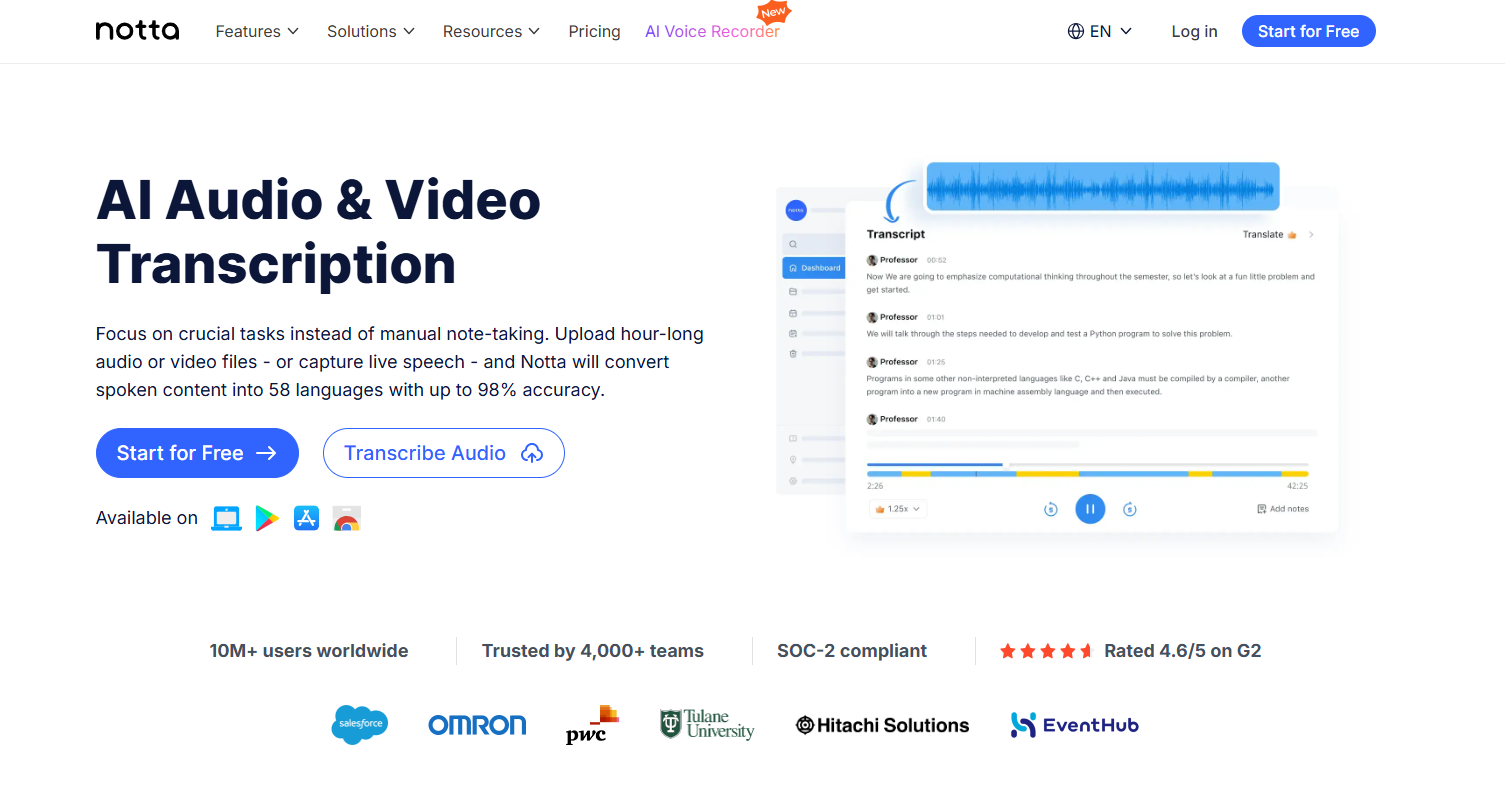
Notta: Real-time transcription and meeting notes synchronization
HappyScribe: Professional-grade audio transcription with multilingual support

Trint: Media-grade team collaboration and transcription management

Conclusion: Choosing the Right Vizard Alternative in 2026
As AI video editing tools continue to evolve, creators, marketers, and production teams require platforms that deliver speed, precision, and stability.
While Vizard remains a popular choice for repurposing long-form videos into viral short-form content, its limitations in translation quality, caption accuracy, and handling lengthy footage have driven many users to seek more robust alternatives.
Whether you require multilingual translation, AI-powered smart editing, automated caption generation, or enterprise-grade workflows, the Vizard alternatives listed above offer more professional and scalable solutions.
Before selecting a tool, evaluate your workflow requirements, including editing depth, translation accuracy, content scale, and automation level. This ensures you choose a platform that truly supports your 2026 content strategy.
FAQs About Vizard Alternatives (2026 Edition)
1. What is Vizard mainly used for?
Vizard is primarily designed for turning long-form videos into multiple short viral clips. It focuses on AI-powered highlight detection, auto clipping, basic editing, and subtitle creation.
2. Why do creators look for Vizard alternatives?
Common reasons include slow processing for long videos, limited editing templates, inconsistent translation accuracy, and lack of advanced subtitle control. Many users need more powerful tools for multilingual workflows or professional editing.
3. What is the best Vizard alternative for multilingual video translation?
Tools like VMEG AI provide more stable multi-language performance, higher accuracy, and better subtitle alignment than Vizard’s built-in translator.
4. Which Vizard alternative is best for social media video editing?
VEED, Kapwing, and InVideo are strong options for short-form content creators who need templates, quick timelines, and AI-assisted editing.
5. What Vizard alternative should I use for subtitles?
Captions, CapCut, and Mirage offer stronger subtitle recognition, modern styling, and faster rendering, making them ideal for TikTok/Reels video creation.
6. Is Vizard good for long videos?
Vizard works for long videos, but many users report slow processing and occasional instability. For long-form content like courses, interviews, or webinars, many prefer more robust alternatives.
7. How do I choose the best Vizard alternative for 2026?
Consider these factors:
- Your primary workflow: translation / subtitles / editing / repurposing
- Supported languages
- Processing speed and stability
- Template availability
- Collaboration needs
- Budget and export limits
Selecting based on your content goals ensures your tool fits your long-term production strategy.


Fay
Behind VMEG stands a passionate team of creatives, engineers, and language lovers. At the crossroads of AI and storytelling, they craft tools that bridge languages and cultures.