


'%3e%3cpath%20d='M21.0949%203.79395L13.9961%209.82854H21.0949V3.79395Z'%20stroke='black'%20stroke-width='1.38'%20stroke-miterlimit='10'/%3e%3cpath%20d='M13.998%209.82854L7.44531%203.79395V9.82854H13.998Z'%20stroke='black'%20stroke-width='1.38'%20stroke-miterlimit='10'/%3e%3cpath%20d='M13.9961%202.69922V25.1919'%20stroke='black'%20stroke-width='1.38'%20stroke-miterlimit='10'/%3e%3cpath%20d='M20.5488%2016.4113L13.9961%209.82812V18.2217L20.5488%2024.0918V16.4113Z'%20stroke='black'%20stroke-width='1.38'%20stroke-miterlimit='10'/%3e%3cpath%20d='M7.44531%2016.4113L13.998%209.82812V18.0526L7.44531%2024.0918V16.4113Z'%20stroke='black'%20stroke-width='1.38'%20stroke-miterlimit='10'/%3e%3cpath%20d='M4.71094%209.82812V18.6057H7.44125V16.4113L13.9941%209.82812H4.71094Z'%20stroke='black'%20stroke-width='1.38'%20stroke-miterlimit='10'/%3e%3cpath%20d='M13.9961%209.82812L20.5488%2016.4113V18.6057H23.2792V9.82812H13.9961Z'%20stroke='black'%20stroke-width='1.38'%20stroke-miterlimit='10'/%3e%3c/g%3e%3c/svg%3e)

'%3e%3cmask%20id='mask0_21456_29260'%20style='mask-type:luminance'%20maskUnits='userSpaceOnUse'%20x='0'%20y='0'%20width='28'%20height='28'%3e%3cpath%20d='M27.5%200.5H0.5V27.5H27.5V0.5Z'%20fill='white'/%3e%3c/mask%3e%3cg%20mask='url(%23mask0_21456_29260)'%3e%3cpath%20d='M14%2027.5C13.4854%2024.1035%2011.8974%2020.9608%209.46828%2018.5317C7.03922%2016.1026%203.89651%2014.5146%200.5%2014C3.89651%2013.4854%207.03922%2011.8974%209.46828%209.46828C11.8974%207.03922%2013.4854%203.89651%2014%200.5C14.5147%203.89644%2016.1028%207.03905%2018.5318%209.46816C20.9609%2011.8972%2024.1035%2013.4853%2027.5%2014C24.1035%2014.5147%2020.9609%2016.1028%2018.5318%2018.5318C16.1028%2020.9609%2014.5147%2024.1035%2014%2027.5Z'%20fill='url(%23paint0_linear_21456_29260)'/%3e%3c/g%3e%3c/g%3e%3cdefs%3e%3clinearGradient%20id='paint0_linear_21456_29260'%20x1='9.5'%20y1='9.5'%20x2='20.75'%20y2='21.875'%20gradientUnits='userSpaceOnUse'%3e%3cstop%20stop-color='%23F0DCD6'/%3e%3cstop%20offset='0.914506'%20stop-color='%231D6DFF'/%3e%3c/linearGradient%3e%3cclipPath%20id='clip0_21456_29260'%3e%3crect%20width='28'%20height='28'%20fill='white'/%3e%3c/clipPath%3e%3c/defs%3e%3c/svg%3e)
'%3e%3cpath%20d='M22.8019%2011.2412L23.5234%2011.6807V12.0103L23.3172%2012.7796L14.5579%2014.9771L13.7344%2012.7951L22.8019%2011.2412Z'%20fill='%23D97757'/%3e%3cpath%20d='M19.5236%204.77832L20.5322%205.00396L20.8%205.35575L21.0552%206.19876L20.9494%206.73644L15.0712%2015.3068L13.1133%2013.2191L18.5338%205.63471L19.5236%204.77832Z'%20fill='%23D97757'/%3e%3cpath%20d='M14.4577%203.43951L15.0761%203L15.5912%203.21976L16.1065%203.9889L14.6949%2013.0345L13.7364%2012.3397L13.3242%2011.131L14.0456%204.31853L14.4577%203.43951Z'%20fill='%23D97757'/%3e%3cpath%20d='M7.84766%203.5851L8.48285%202.7199L8.89716%202.61914L9.71923%202.74717L10.125%203.08581L13.0815%2010.0748L14.1509%2013.3954L12.8997%2014.1372L8.13117%204.91019L7.84766%203.5851Z'%20fill='%23D97757'/%3e%3cpath%20d='M4.77232%208.38688L4.56641%207.50742L5.18478%206.73828L5.90613%206.84816H6.11223L10.4403%2010.2544L11.78%2011.3531L13.6349%2012.8914L12.6044%2014.7594L11.6769%2013.9903L11.0586%2013.331L5.08168%208.82593L4.77232%208.38688Z'%20fill='%23D97757'/%3e%3cpath%20d='M3.53288%2014.0982L3.06641%2013.5489L3.06647%2013.0601L3.53288%2012.8896L8.78833%2013.2193L13.9408%2013.6588L13.7736%2014.7528L3.94502%2014.2082L3.53288%2014.0982Z'%20fill='%23D97757'/%3e%3cpath%20d='M6.62378%2019.8178H5.59334L5.18359%2019.3146V18.7132L6.93299%2017.3946L14.045%2012.5674L14.7648%2013.8785L6.62378%2019.8178Z'%20fill='%23D97757'/%3e%3cpath%20d='M8.57739%2022.8884L8.16518%2022.9984L7.54688%2022.6687L7.64995%2022.1193L13.7299%2013.5488L14.5543%2014.7574L10.0201%2021.1305L8.57739%2022.8884Z'%20fill='%23D97757'/%3e%3cpath%20d='M13.7361%2023.9861L13.4271%2024.4257L12.8088%2024.6454L12.2935%2024.2058L11.9844%2023.5466L13.5301%2014.6465L14.4576%2014.7563L13.7361%2023.9861Z'%20fill='%23D97757'/%3e%3cpath%20d='M18.9869%2021.5713V22.4503L18.8838%2022.7799L18.4716%2022.9997L17.7503%2022.8974L12.7969%2015.0367L14.7617%2013.4404L16.4104%2016.6269L16.5652%2017.7805L18.9869%2021.5713Z'%20fill='%23D97757'/%3e%3cpath%20d='M21.3629%2020.2507L21.4659%2020.8L21.1568%2021.2396L20.8476%2021.1297L19.0958%2019.8112L16.4165%2017.284L14.3555%2015.7457L14.9736%2013.6582L16.0041%2014.3175L16.6226%2015.5259L21.3629%2020.2507Z'%20fill='%23D97757'/%3e%3cpath%20d='M20.0232%2014.6482L22.5995%2014.8679L23.2178%2015.3074L23.6299%2015.9667V16.441L22.4964%2016.9556L16.7256%2015.4173L14.3555%2015.3074L14.9737%2013L16.6226%2014.3185L20.0232%2014.6482Z'%20fill='%23D97757'/%3e%3c/g%3e%3c/svg%3e)
YouTube Transcript Generator
From transcription to translation, VMEG AI converts YouTube videos into accurate, time-synced text in seconds. Completely free & requires no sign-up.
Converting YouTube videos to MP3 is a practical way to access audio-only content such as lectures, podcasts, interviews, and personal media. While widely used, this practice often raises concerns around copyright, legality, and platform compliance.
According to YouTube’s Terms of Service and U.S. copyright law (DMCA), YouTube to MP3 conversion is not inherently illegal—it depends on the content and its intended use. Downloading your own videos or properly licensed content is generally permitted, while third-party copyrighted material may require authorization. This guide focuses on safe, legal, and responsible ways to convert YouTube videos to MP3.
Best 11 YouTube to MP3 Converters & Downloaders
Unlike many standalone YouTube to MP3 websites, the tools below are part of larger, legitimate platforms focused on video creation, AI processing, or media workflows. In these cases, YouTube to MP3 is offered as a supporting utility, not the core business.
Below are commonly used YouTube to MP3 converters. These tools differ in features, interface, and usage model, but all focus on simplicity and accessibility.
Disclaimer
We love sharing helpful tools, but please use them responsibly! This guide is for educational purposes only. Downloading copyrighted content without permission is against YouTube’s terms and could land you in legal trouble. We totally encourage supporting creators—so please only use these tools for videos you own, public domain content, or media you have the right to download. Stay safe and happy listening!
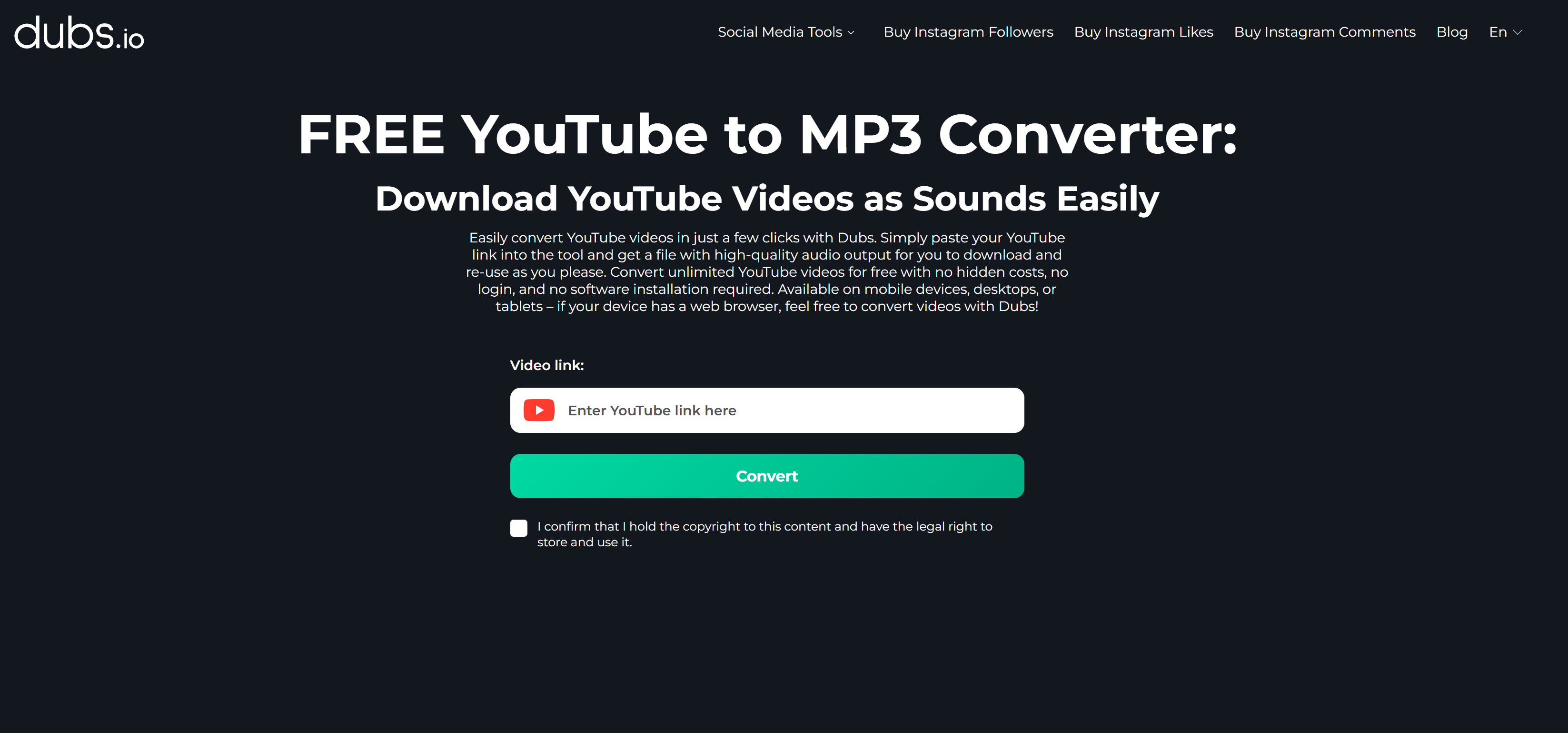
dubs.io
Primary product: AI video dubbing & multilingual content localization
Core users: Content creators, educators, global marketing teams
Core users: Content creators, educators, global marketing teams
dubs.io is primarily an AI dubbing and voice localization platform, designed to help creators translate and voice videos into multiple languages. Its YouTube to MP3 tool exists mainly to support audio extraction as part of broader video workflows, such as voice processing or language adaptation.
Because audio conversion is not its main business, the tool is presented in a clean, minimal interface without aggressive ads, making it more suitable for educational or professional use.
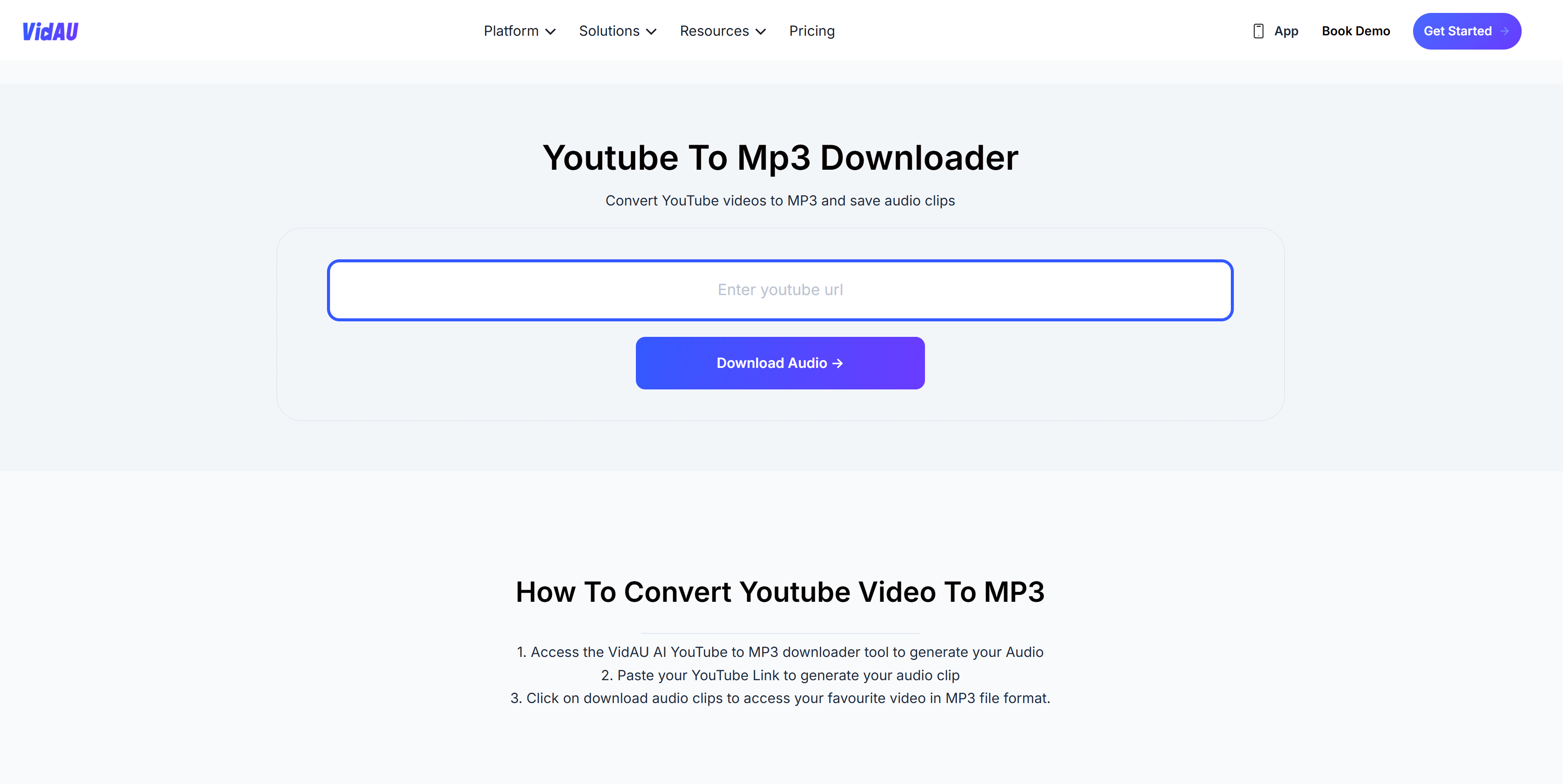
VidAU
Primary product: AI-powered video automation & content generation
Core users: Marketers, social media teams, short-form video creators
Core users: Marketers, social media teams, short-form video creators
VidAU focuses on automating video creation and repurposing using AI. The YouTube to MP3 converter functions as a media input utility, allowing users to extract audio before applying AI-driven editing, summarization, or content transformation.
In this context, YouTube to MP3 is a small part of a larger AI content pipeline rather than a standalone downloader.
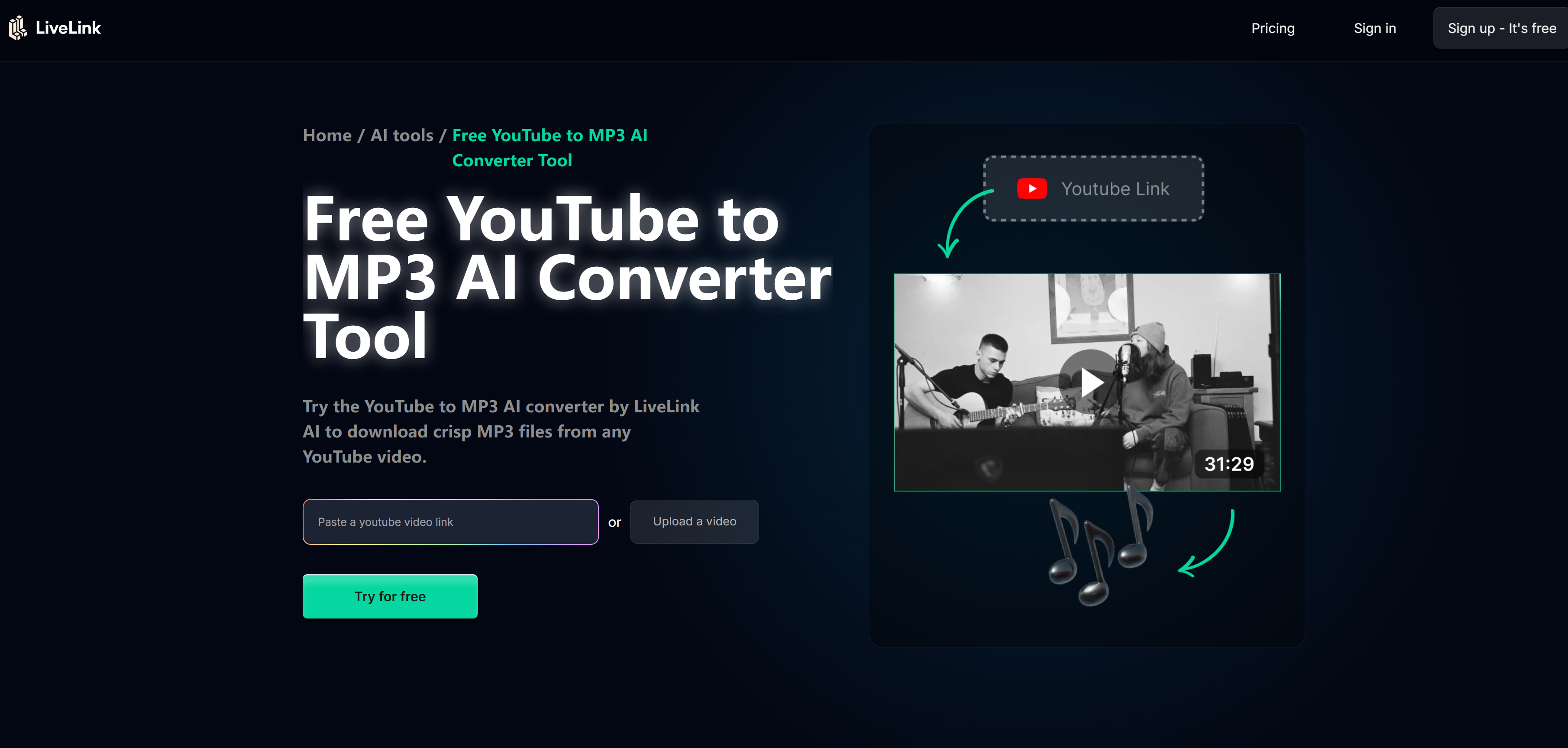
LiveLink
Primary product: AI tools for content connection, media processing, and sharing
Core users: Digital professionals, researchers, creators
Core users: Digital professionals, researchers, creators
LiveLink provides a suite of online AI tools, including media conversion and processing utilities. Its YouTube to MP3 feature is positioned as a basic format conversion tool, supporting legitimate use cases such as analysis, note-taking, or audio reference.
The platform emphasizes usability and accessibility over mass downloading.
ZAPCAP
Primary product: AI captioning, transcription, and video accessibility tools
Core users: Creators, educators, video editors
Core users: Creators, educators, video editors
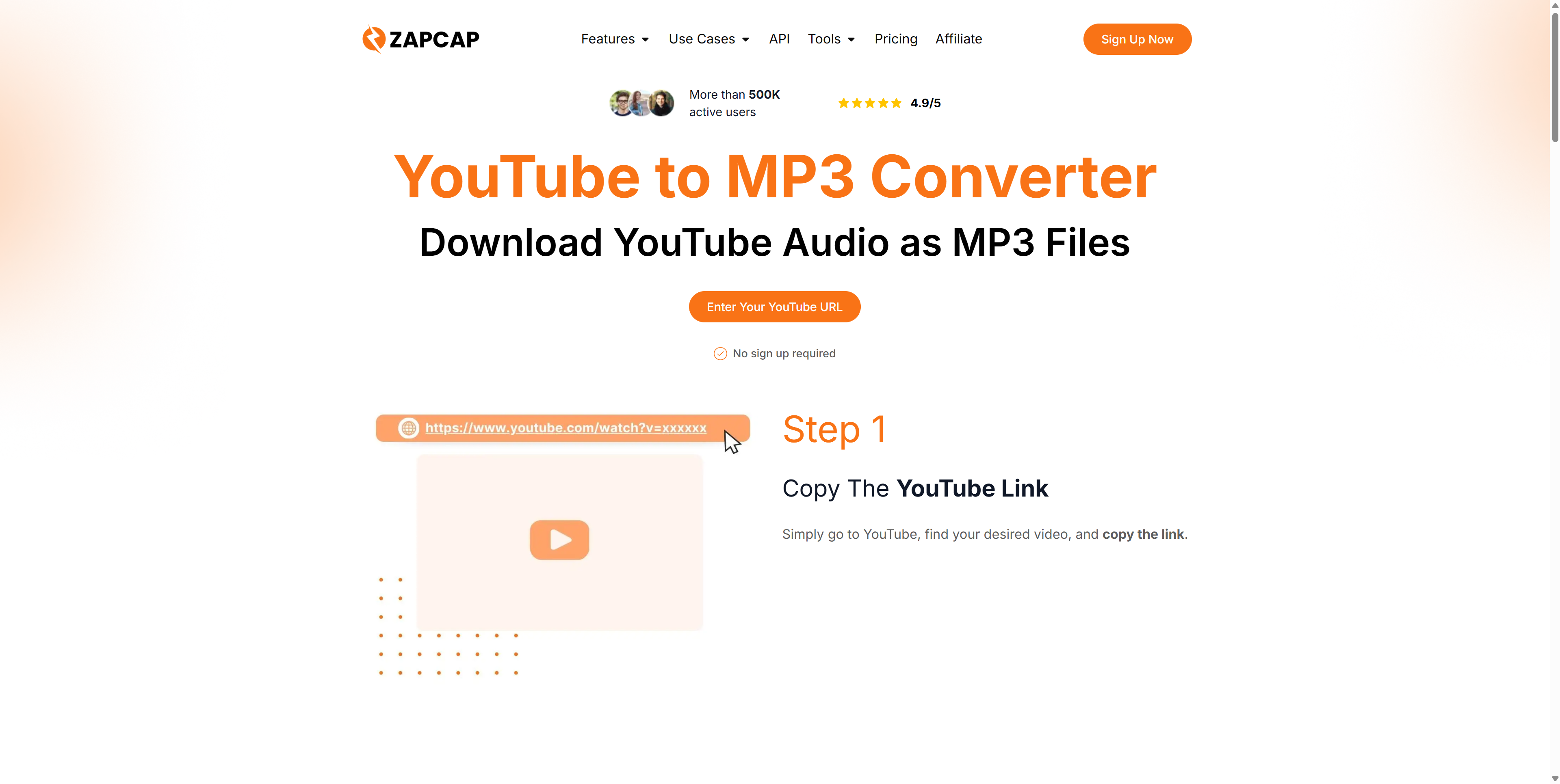
ZAPCAP is best known for its AI captions and subtitles solutions. The YouTube to MP3 downloader helps users extract audio so it can be transcribed, captioned, or analyzed.
In other words, MP3 downloading is a pre-processing step within a workflow focused on accessibility and content enhancement.
Clipto AI
Primary product: Multi-platform media downloading & management
Core users: Content creators, media managers
Core users: Content creators, media managers
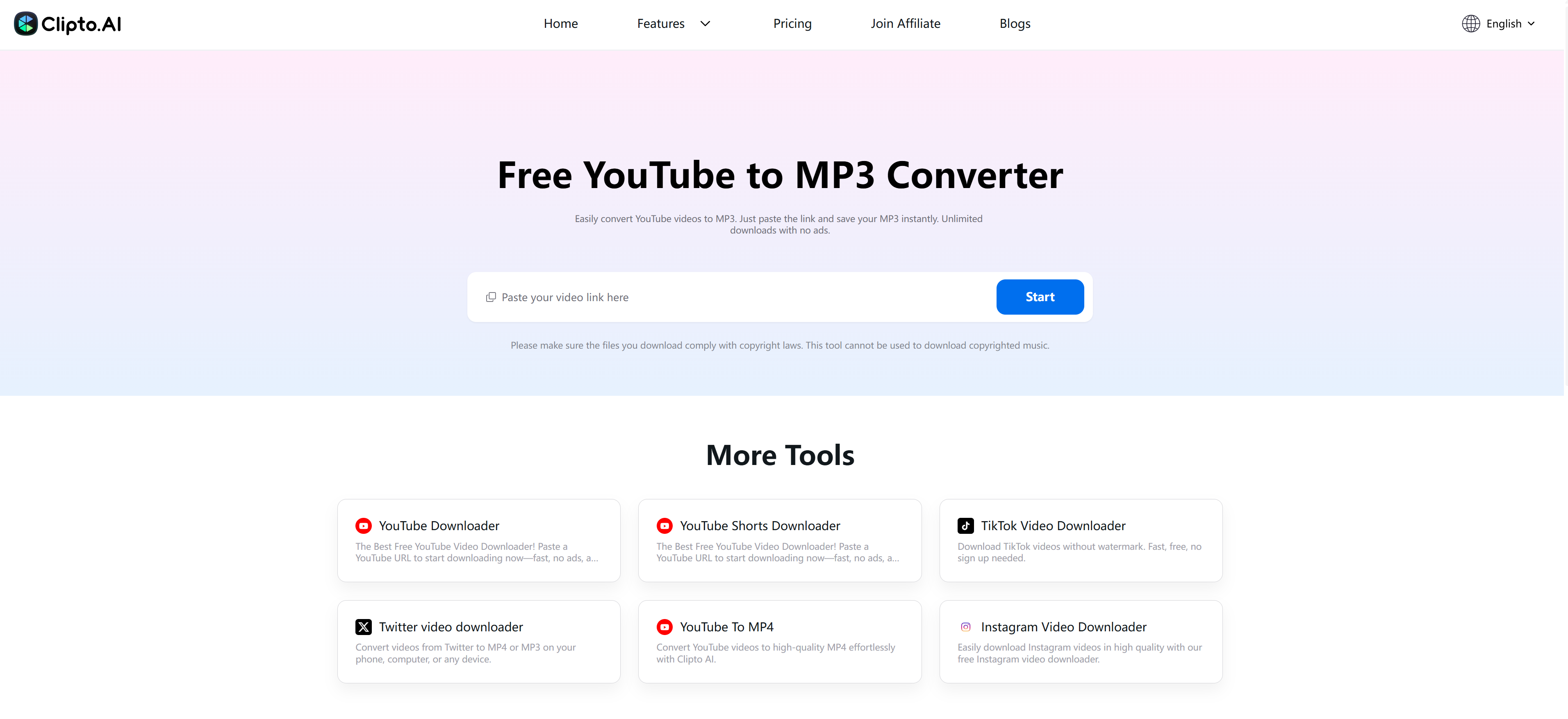
Clipto AI offers a broader media downloader and organizer, supporting multiple platforms and formats. The YouTube to MP3 converter is just one of several supported extraction options.
The platform is designed for users who manage content across platforms rather than those seeking single-purpose download tools.
Sceneform
Primary product: AI video processing and creative tools
Core users: Designers, video professionals, experimental creators
Core users: Designers, video professionals, experimental creators
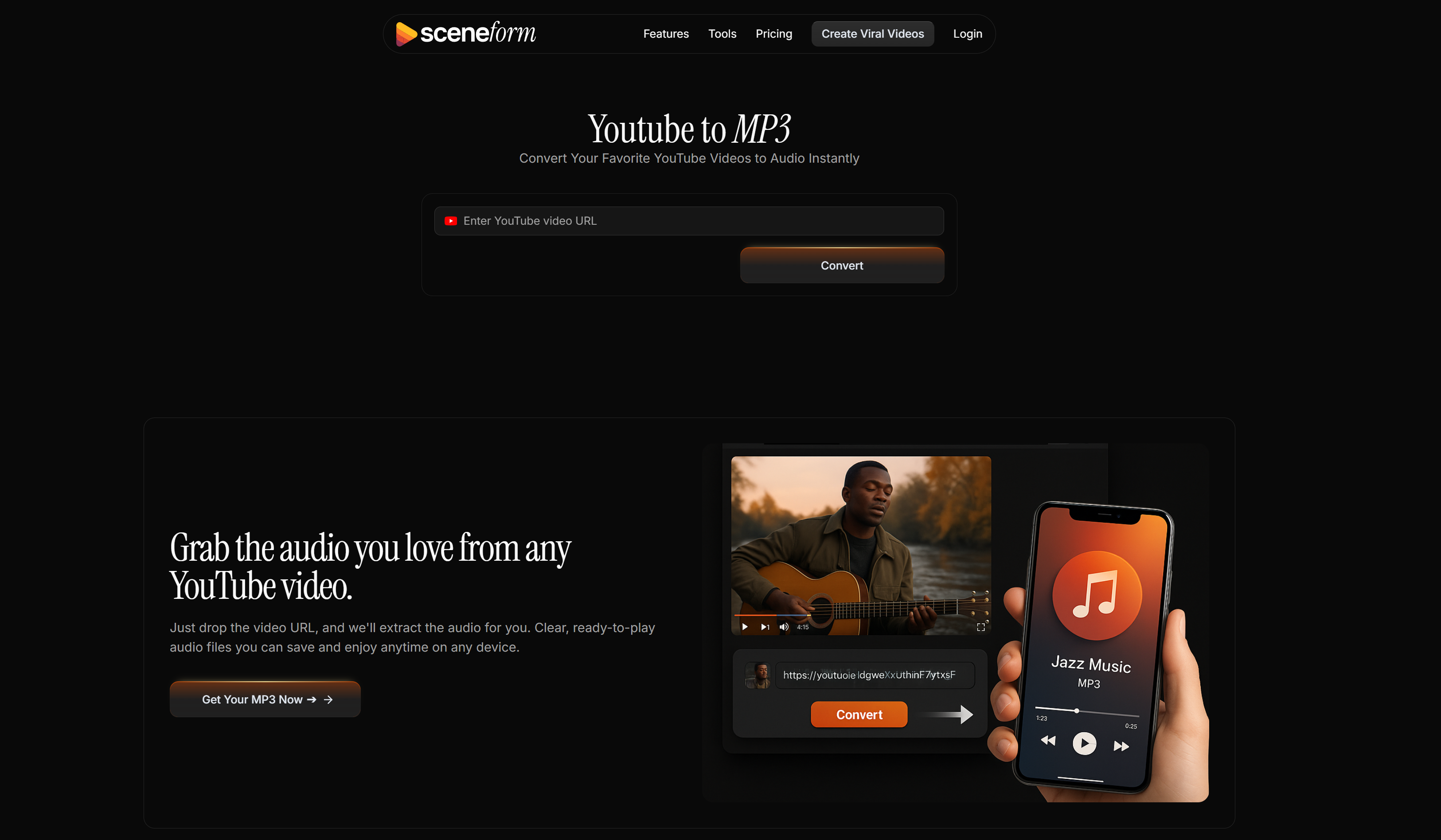
Sceneform focuses on AI-assisted video workflows. Its YouTube to MP3 tool functions as a simple utility to support creative experimentation, audio reuse, or prototyping within larger projects.
This positioning helps explain why the tool is lightweight and minimal.
EzConv
Primary product: General-purpose online file & format conversion
Core users: Everyday users, students, professionals
Core users: Everyday users, students, professionals
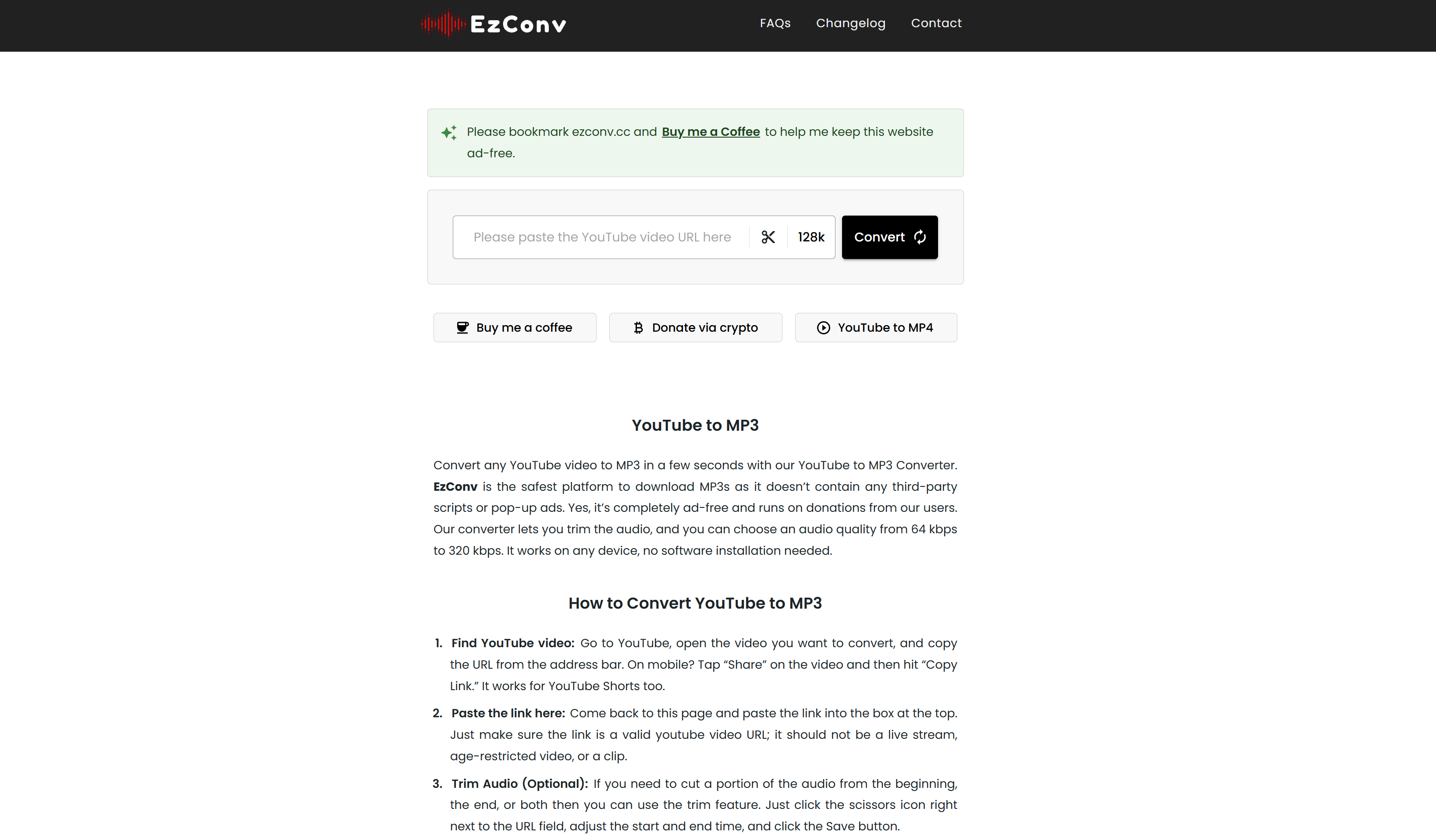
EzConv is a universal converter, supporting video, audio, and document formats. YouTube to MP3 is one of many supported conversions, not a specialized or promoted core feature.
This broad scope makes it useful for legitimate format conversion needs beyond YouTube.
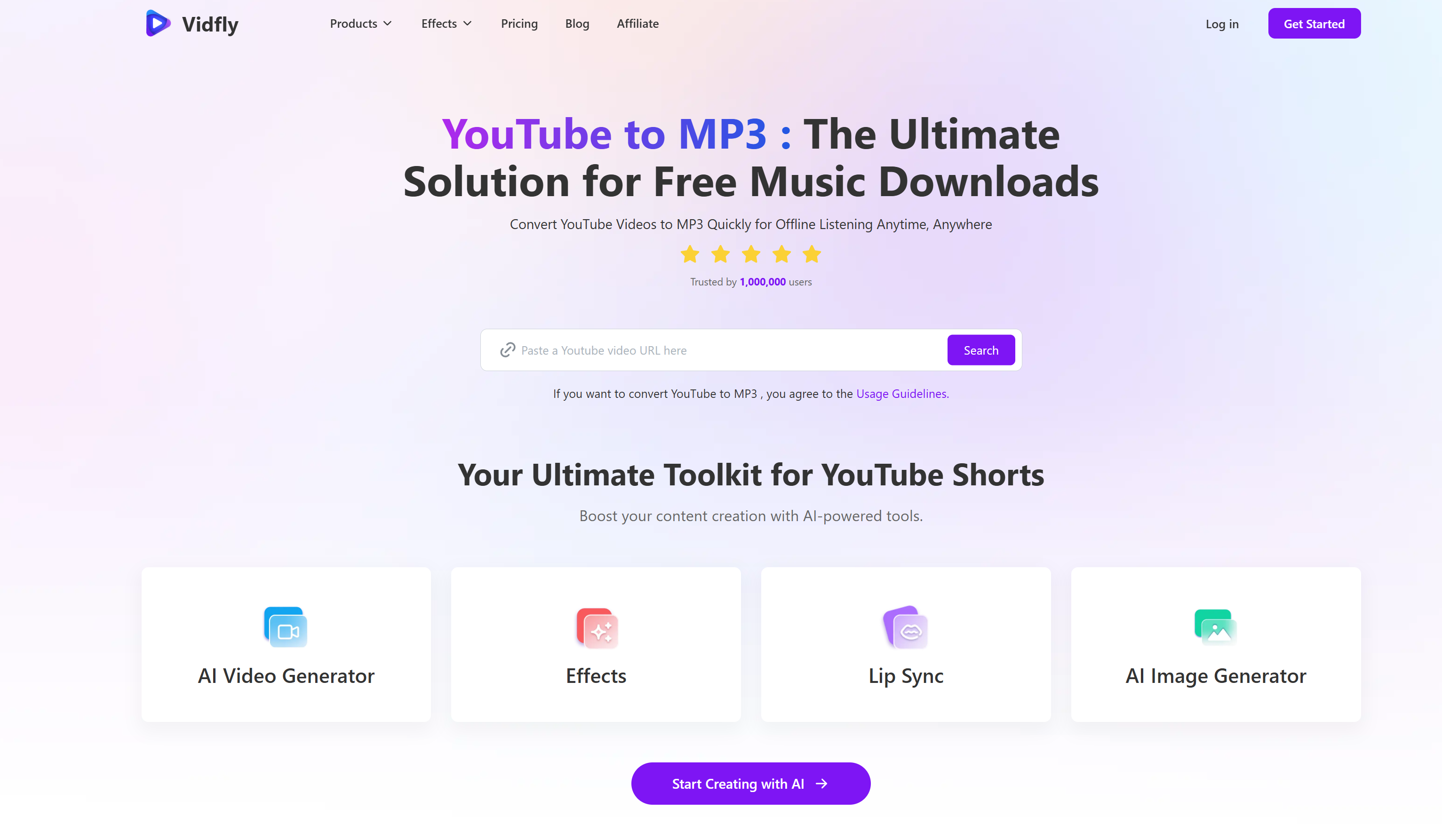
Vidfly
Primary product: AI video enhancement and content extraction
Core users: Creators, editors, AI-assisted media users
Core users: Creators, editors, AI-assisted media users
Vidfly provides AI-based video tools, including audio extraction. The YouTube to MP3 function supports tasks like audio reuse, content analysis, or transformation, rather than mass media downloading.
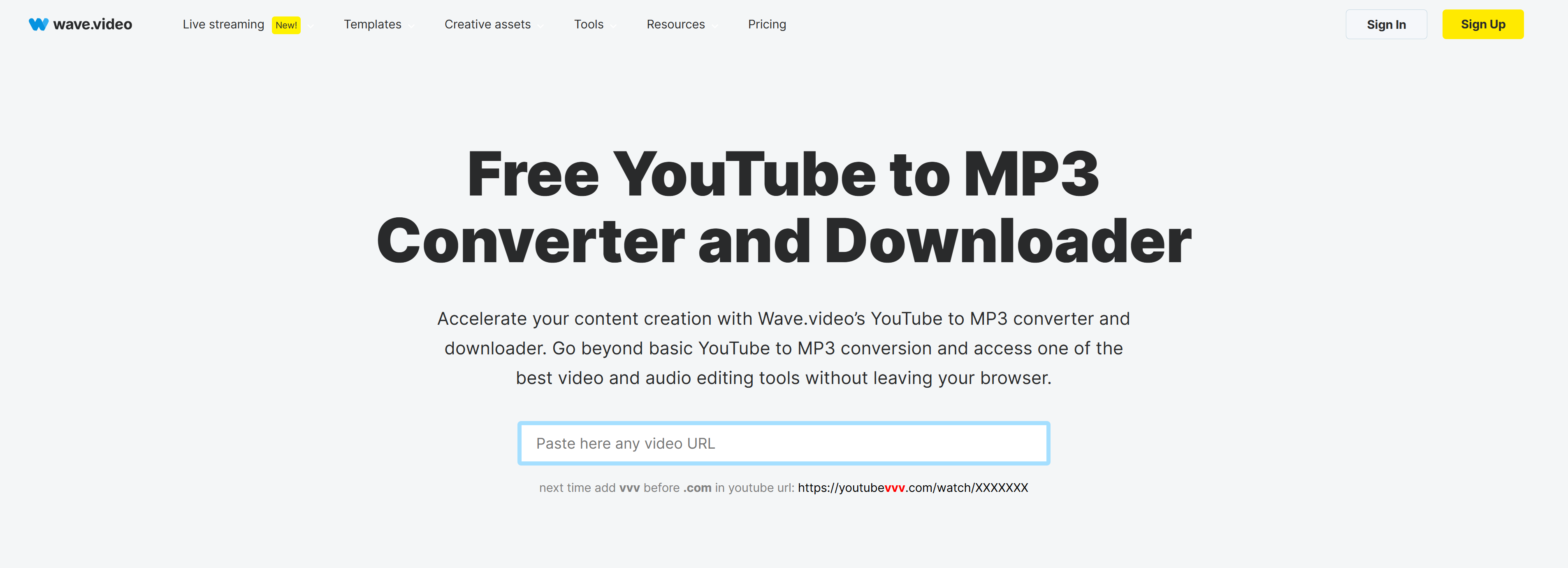
Wave.video
Primary product: Online video creation, editing, and marketing platform
Core users: Social media marketers, brands, creators
Core users: Social media marketers, brands, creators
Wave.video is a full video marketing suite. Its YouTube to MP3 converter is a secondary utility that allows users to extract audio before editing, repurposing, or embedding content into new projects.
This makes it particularly relevant for creators working within a legal, production-focused workflow.
SnapDownloader
Primary product: Desktop video downloader & media manager
Core users: Power users, offline media collectors
Core users: Power users, offline media collectors
SnapDownloader is a standalone desktop application designed for downloading and managing media files. Unlike web-based tools, it emphasizes stability, batch processing, and local control.
Because it operates as installed software, users are expected to manage downloads responsibly and understand applicable copyright rules.

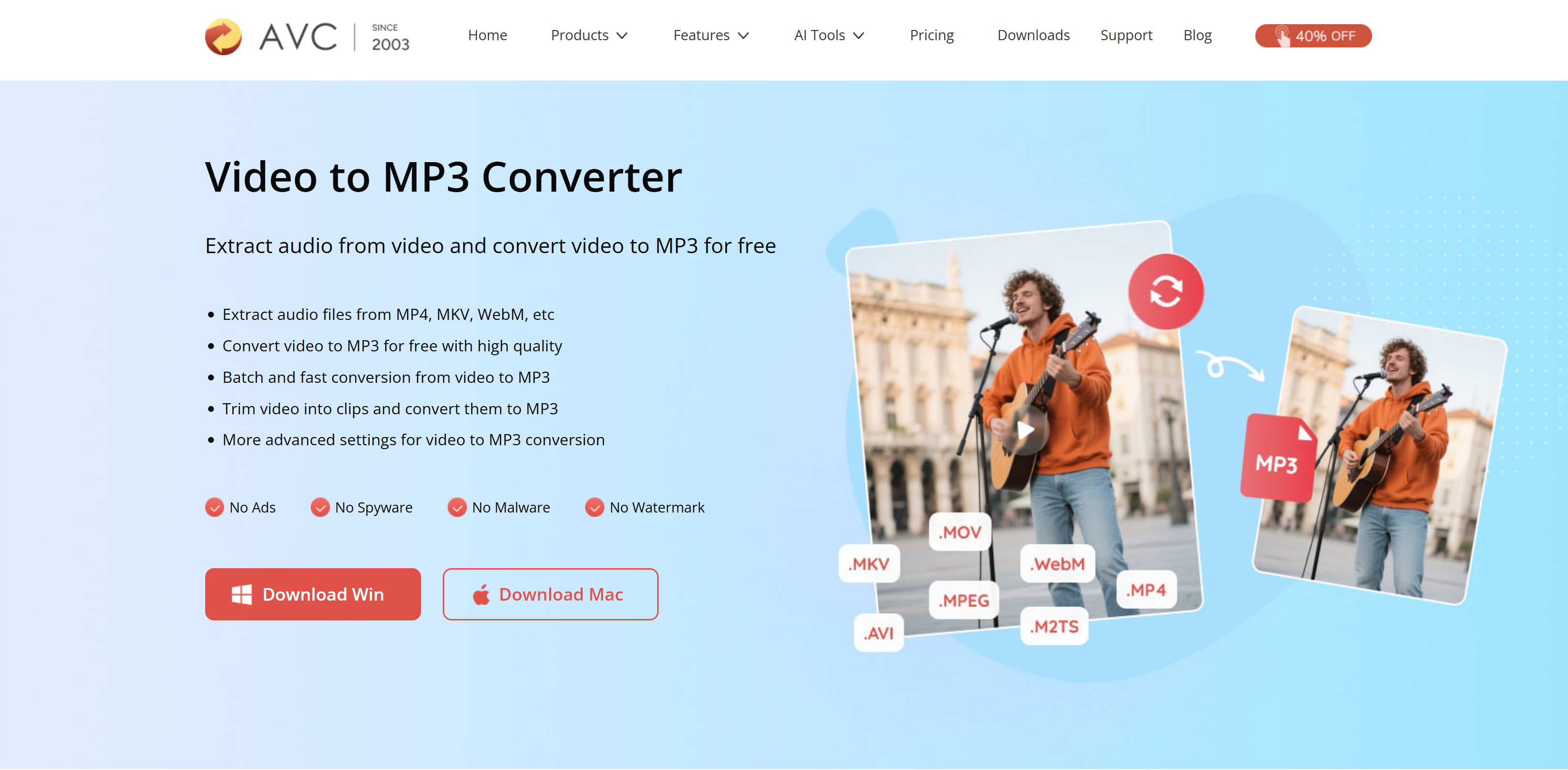
Any Video Converter (AVC)
Primary product: Professional video & audio conversion software
Core users: Video editors, advanced users
Core users: Video editors, advanced users
AVC is a long-established video conversion tool. YouTube to MP3 is just one export option among many, alongside local file conversion, format control, and quality tuning.
Its longevity and software-based model position it closer to professional media tools than casual web converters.
Why Do People Convert YouTube Videos to MP3s?
People convert YouTube videos to MP3 for many legitimate and practical reasons. While YouTube is primarily a video platform, much of its value lies in audio content such as music, podcasts, interviews, lectures, and tutorials.
Common reasons include:
Offline listening: MP3 files allow users to listen without an internet connection, which is useful when traveling or commuting.
Audio-only use cases: Some users only need the audio, such as language learners, students, or podcast listeners.
Smaller file size: MP3 files take up significantly less storage compared to video formats.
Personal content reuse: Creators may convert their own YouTube videos into audio formats for personal archives or repurposing.
It’s important to note that converting videos to MP3 should always respect copyright laws and platform policies, which we’ll cover later in this guide.
How to Convert YouTube Video to MP3 (Step-by-Step)
The process of converting a YouTube video to MP3 is generally simple and similar across most tools.
Step 1: Copy the YouTube video link
Go to YouTube and copy the URL of the video you want to convert.
Go to YouTube and copy the URL of the video you want to convert.
Step 2: Paste the link into a YouTube to MP3 converter
Open a converter website or software tool and paste the YouTube link into the input field.
Open a converter website or software tool and paste the YouTube link into the input field.
Step 3: Select MP3 format and quality
Choose MP3 as the output format. Some tools allow you to select bitrate options such as 128kbps or 256kbps.
Choose MP3 as the output format. Some tools allow you to select bitrate options such as 128kbps or 256kbps.
Step 4: Convert and download
Start the conversion process and download the MP3 file once it’s ready.
Start the conversion process and download the MP3 file once it’s ready.
Always make sure the content you are converting is either your own or legally permitted for download.
Is It Safe to Use a YouTube to MP3 Converter?
Safety depends on both the tool you choose and how you use it.
Potential risks include:
- Malicious ads or fake download buttons
- Forced browser extensions
- Bundled software in desktop installers
Best practices for safe use:
- Choose tools with HTTPS and clear branding
- Avoid converters that require unnecessary permissions
- Do not download copyrighted content without authorization
From a legal perspective, converting content you own, content licensed under Creative Commons, or content with explicit permission is generally safer than downloading copyrighted music or commercial media.
Why Google Shows DMCA Removal Warnings
You may see a notice like:
“In response to multiple complaints we received under the US Digital Millennium Copyright Act (DMCA), we have removed results from this page.”
This means:
- Rights holders filed formal copyright complaints
- Google is legally required to remove or de-rank certain URLs
- The affected sites are logged publicly on LumenDatabase.org
This does not mean all YouTube to MP3 tools are illegal. It means:
- Some pages were reported for facilitating copyright infringement
- Google prioritizes compliance and risk reduction
For long-term visibility, websites that focus on education, safety, and legal use cases are far less likely to be impacted.
Final Thoughts: The Right Way to Convert YouTube to MP3
YouTube to MP3 conversion can be useful when done responsibly. The safest approach is to:
- Convert only content you own or have rights to
- Use reputable, transparent tools
- Understand local copyright laws
- Avoid redistributing copyrighted audio
By focusing on legitimate use cases and user education, both users and websites can avoid legal issues while still benefiting from audio conversion tools.
YouTube Transcript Generator
From transcription to translation, VMEG AI converts YouTube videos into accurate, time-synced text in seconds. Completely free & requires no sign-up.
FAQs About YouTube to MP3
Is it legal to convert YouTube videos to MP3?
It depends on the content and usage. According to YouTube’s Terms of Service and copyright law principles, converting videos you own, videos published under Creative Commons licenses, or content you have explicit permission to use is generally considered safer. Downloading copyrighted music or commercial media without authorization may violate copyright laws in many countries.
Why does Google remove some YouTube to MP3 websites from search results?
Google removes or de-ranks pages when it receives valid copyright complaints under the U.S. Digital Millennium Copyright Act (DMCA). These removals are based on reported URLs, not on the technology itself. This is why some YouTube to MP3 pages disappear from search results while others remain accessible.
Are YouTube to MP3 converters safe to use?
Safety depends on the platform. Reputable tools that are part of larger video or AI platforms tend to be safer than anonymous standalone download sites. Users should avoid tools with excessive ads, forced extensions, or unclear ownership, and always use HTTPS-enabled websites.
Why do many AI and video platforms offer YouTube to MP3 as a tool?
For many platforms, YouTube to MP3 is a supporting utility, not a primary product. It is commonly used for legitimate workflows such as transcription, captioning, language learning, audio analysis, or content repurposing—especially when users work with their own or licensed media.
How can users reduce legal and copyright risks when converting YouTube videos to MP3?
Users can reduce risk by converting only content they own or have permission to use, avoiding redistribution of copyrighted audio, and choosing tools that emphasize education, accessibility, and professional media workflows rather than mass downloading.


Fay
Behind VMEG stands a passionate team of creatives, engineers, and language lovers. At the crossroads of AI and storytelling, they craft tools that bridge languages and cultures.