


Translate English Audio to Urdu
Easily translate English audio to Urdu online with automatically generated voiceovers and subtitles- fast, accurate, and perfect for global communication.
Try the demo and experience all features for free
 English
 Spanish
 German
 Russian
 Turkish
 Italian
 Chinese
 French
 Portuguese
 Hindi
Hindi


How to Translate English Audio to Urdu
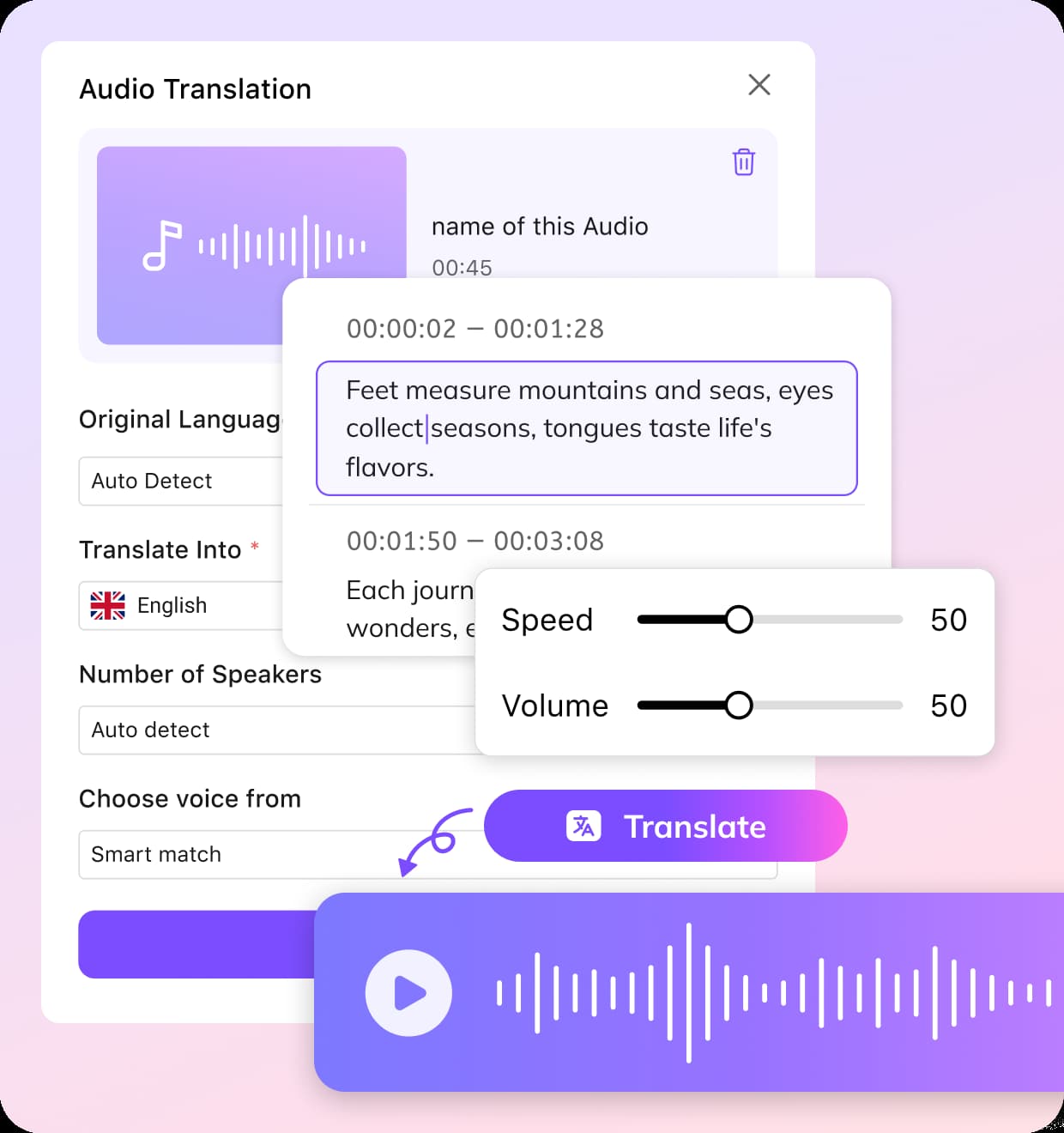
Upload Your English Audio File
VMEG supports common audio formats such as MP3, WAV, and M4A. The English to Urdu translation tool works entirely in your browser—no installation required. Just drag and drop your file to start instantly.
Convert English Speech into Urdu
Select Urdu as your target language. VMEG will process your audio and provide either a full voice-over in Urdu or a written transcript, depending on your preference.
Make Adjustments and Export Urdu File
Review the translation and make any necessary edits—correct wording, adjust timing, or tweak subtitles. Once satisfied, download your file as a transcript, subtitle, or dubbed audio/video.
Highlights: English to Urdu Voice Translation
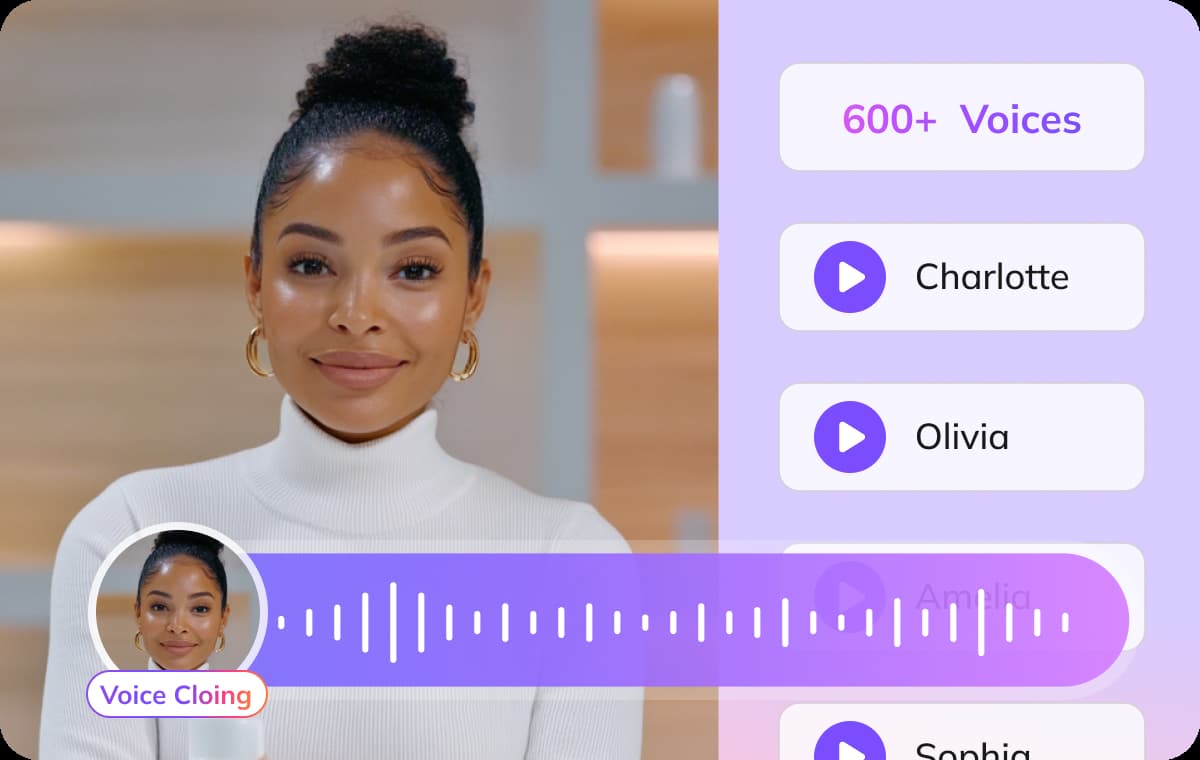
Comprehensive English to Urdu with Global Language Support
VMEG provides a powerful solution for translating English audio to Urdu with unmatched accuracy and fluency. Beyond just Urdu, it supports a wide range of global languages, making it ideal for multilingual audio dubbing, international communications, and content localization.Whether you’re creating educational materials, corporate training videos, marketing campaigns, or social media content, this feature ensures your message reaches audiences worldwide. The platform is fully browser-based, requires no installation, and can handle multiple audio formats like MP3, WAV, and M4A, providing a seamless, convenient workflow for both beginners and professionals.
Translate English Audio to Urdu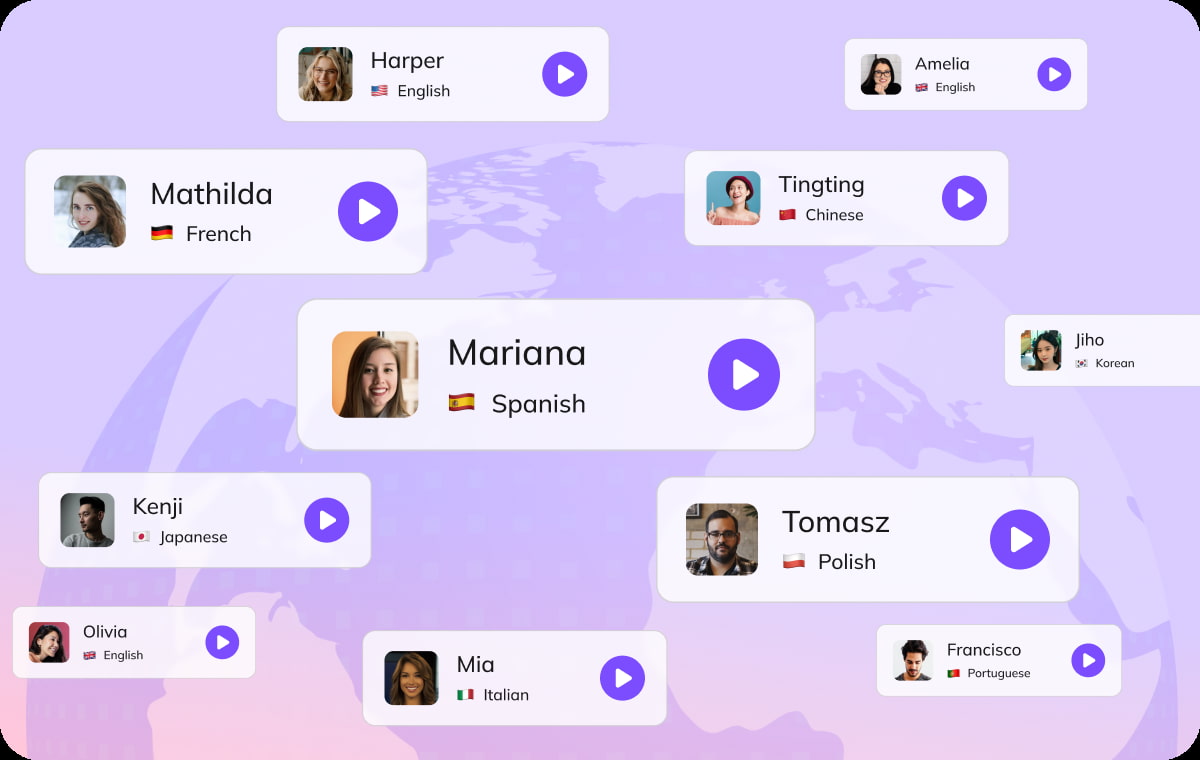
Urdu Voice Cloning for Personalized Translation
With VMEG’s advanced Urdu voice cloning technology, you can generate highly natural and personalized Urdu audio that matches a specific speaker’s tone, style, or accent. This allows you to maintain brand consistency, create engaging narrations, or replicate a presenter’s voice for new content.It’s perfect for businesses, content creators, and educators who want their translated audio to feel authentic and professional. The AI-driven voice cloning ensures that every nuance, intonation, and expression is preserved, making your translations not just accurate, but also emotionally engaging and tailored to your audience.
Translate English Audio to Urdu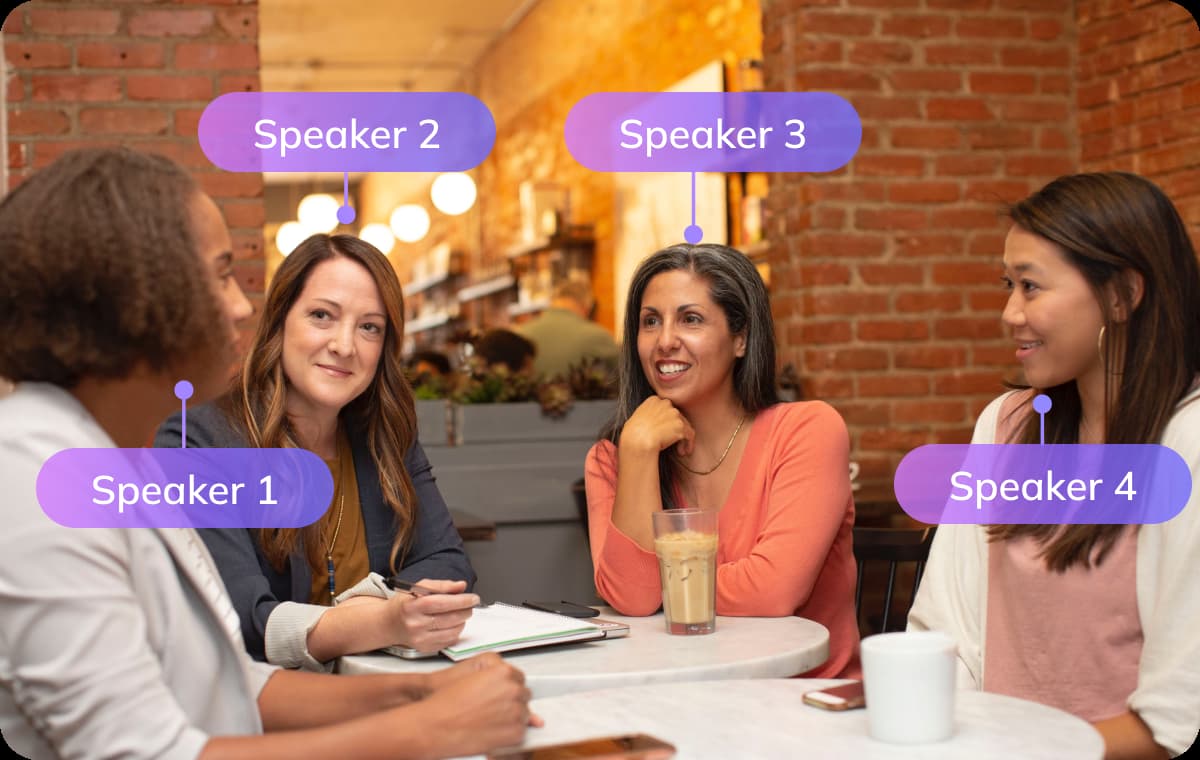
Smart Multi-Speaker English to Urdu Voice Translation
VMEG intelligently detects multiple speakers in your audio and translates each one into Urdu while keeping their unique voice characteristics intact. This feature is particularly useful for interviews, podcasts, webinars, panel discussions, or any dialogue-heavy content where clarity and differentiation between speakers are crucial.Users can automatically generate transcripts, subtitles, or dubbed audio, saving time and eliminating the need for manual editing. With smart speaker recognition and precise timing adjustments, every speaker’s message is accurately conveyed, ensuring your content is professional, polished, and ready for publication.
Translate English Audio to UrduUse Cases for English to Urdu Voice Translation

Podcasters, Creators & Media Professionals
With intelligent multi‑speaker separation and role retention, the platform transforms roundtable discussions, interviews, narrative podcasts, and video explainers into natural Urdu voiceovers plus multi-track captions. Overlapping speech, interjections, and laughter are reconstructed so pacing and emotion aren’t flattened. Creators can batch entire seasons, preserve informal speech or lightly clean fillers, and strategically keep or translate code‑switching for authenticity.
Educators, Students & Language Learners
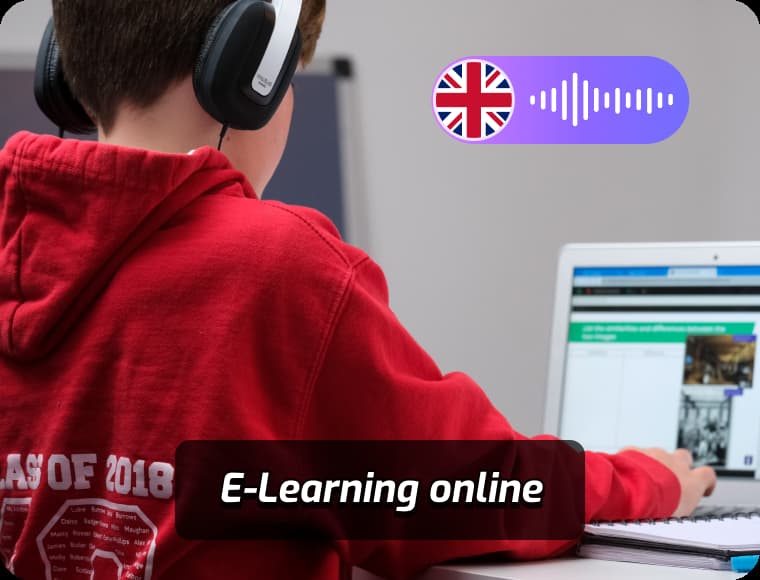
Lecture recordings, MOOCs, training modules, and tutorial series can be converted into culturally appropriate Urdu audio with dual or triple subtitles, automatically handling terminology and consistent rendering of academic, religious, medical, or financial terms. Learners view English + Urdu (optional Roman) side by side to strengthen listening and vocabulary retention; instructors use glossary locking and version control to update segments without redoing full lessons.

Marketers, Businesses & Agencies
Product demos, brand stories, ad spots, customer success videos, internal training, and executive messages gain high‑accuracy translation with voice cloning to preserve brand timbre and authority. Locked glossaries protect slogans, compliance language, and regulated terminology from drift. Emotional / style presets enable rapid A/B voice variants for conversion testing. Multi‑channel outputs (full mix, clean voice stem and subtitle bundles.
Frequently Asked Questions
What is an English to Urdu Voice Translator?
It is a tool that converts spoken or written English into Urdu audio or text, allowing seamless communication and content localization.
What audio formats are supported?
Common formats like MP3, WAV, and M4A are supported, making it easy to upload files directly from your device.
Can I edit the translated content?
Yes, you can review the translated text, adjust timing, correct phrasing, or tweak subtitles before exporting.
Is the English to Urdu Voice Translator free?
VMEG offers free trial credits, while premium plans provide more voices, higher accuracy, and additional features.
Are multiple Urdu voices available?
Yes, the platform offers several Urdu voices and supports voice cloning for a more personalized translation experience.
Translate Audios into More Languages
Discover More on VMEG
Related Searches
English to Urdu Voice Translator
Instantly convert English speech or audio into Urdu text and voiceovers with a single click. Supports English to Urdu voice translation, voice translator, with audio playback and subtitle export. Accurate and fast.
Translate English Audio to Urdu