Malayalam Dubbing Online
Reach viewers in Kerala and Malayalam-speaking communities worldwide without recording voiceovers from scratch. Translate videos into Malayalam with AI dubbing, voice cloning, subtitle editing, and a complete dubbing workflow. Review translations, edit voices, and export everything from one place.
How to Create Malayalam Dubbed Videos
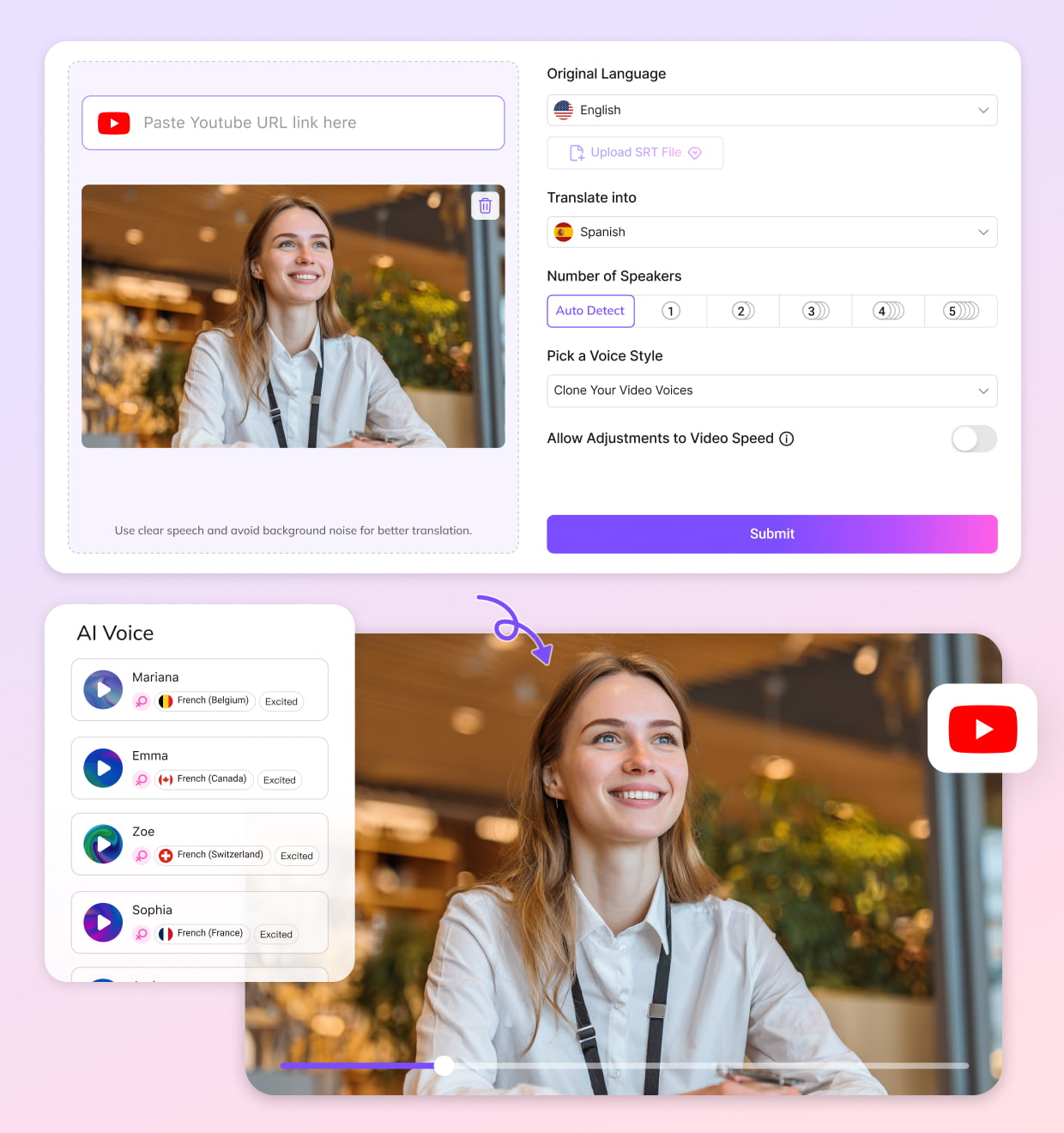
01Upload Your Video
Upload a local video or audio file, or paste a link from YouTube or other supported platforms. VMEG automatically prepares your project for translation and dubbing.
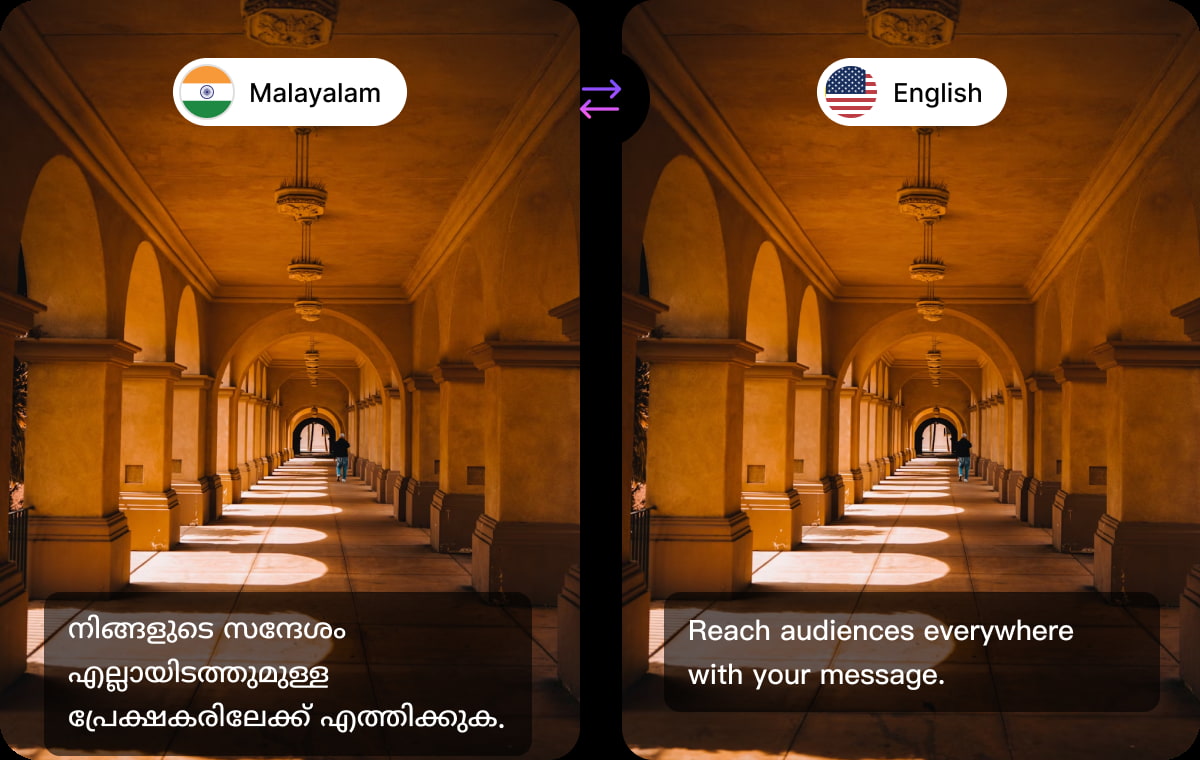
02Select Malayalam as Your Dubbed Language
Choose Malayalam as your target language. VMEG translates the dialogue, creates natural-sounding voiceovers, generates subtitles, and builds a complete dubbing project in minutes.
03Export Your Dubbed Malayalam Video
Open the Editing Studio to review subtitles, regenerate individual lines, replace voices, adjust timing, or edit pronunciations before exporting your final video, audio, or subtitle files.


What Makes VMEG Malayalam Dubbing Different
A Complete Editing Studio, Not Just AI Voices
Most AI dubbing tools stop after generating a translated voice track. VMEG gives you a full editing studio where you can review translations, edit subtitles, replace AI voices, regenerate selected sentences, adjust speech speed, and polish your project before publishing. Small fixes don't require starting over.
Built Around a Professional Dubbing Workflow
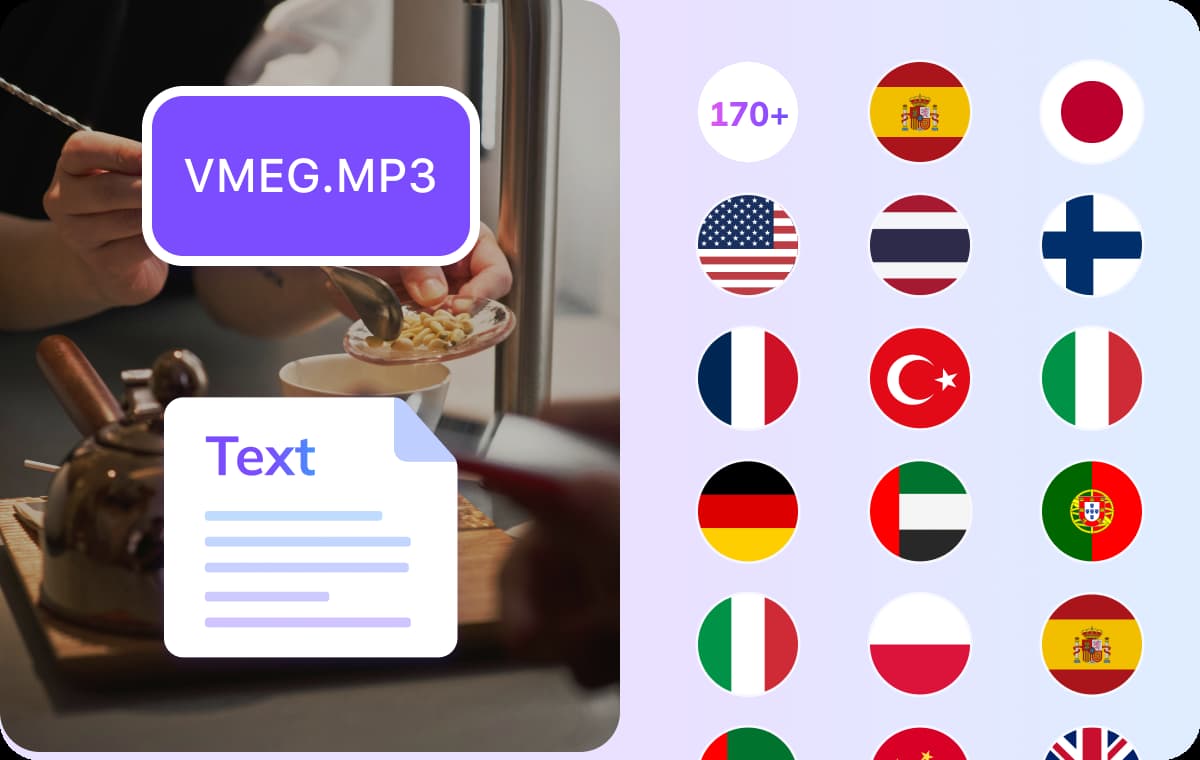
Real localization involves several steps, from transcription and translation to voice generation, subtitle review, quality checks, and final export.VMEG keeps every stage inside one workflow, making it easier to handle long videos, training materials, interviews, marketing content, and YouTube channels without juggling multiple editing tools.
Natural Malayalam Voices That Stay Consistent
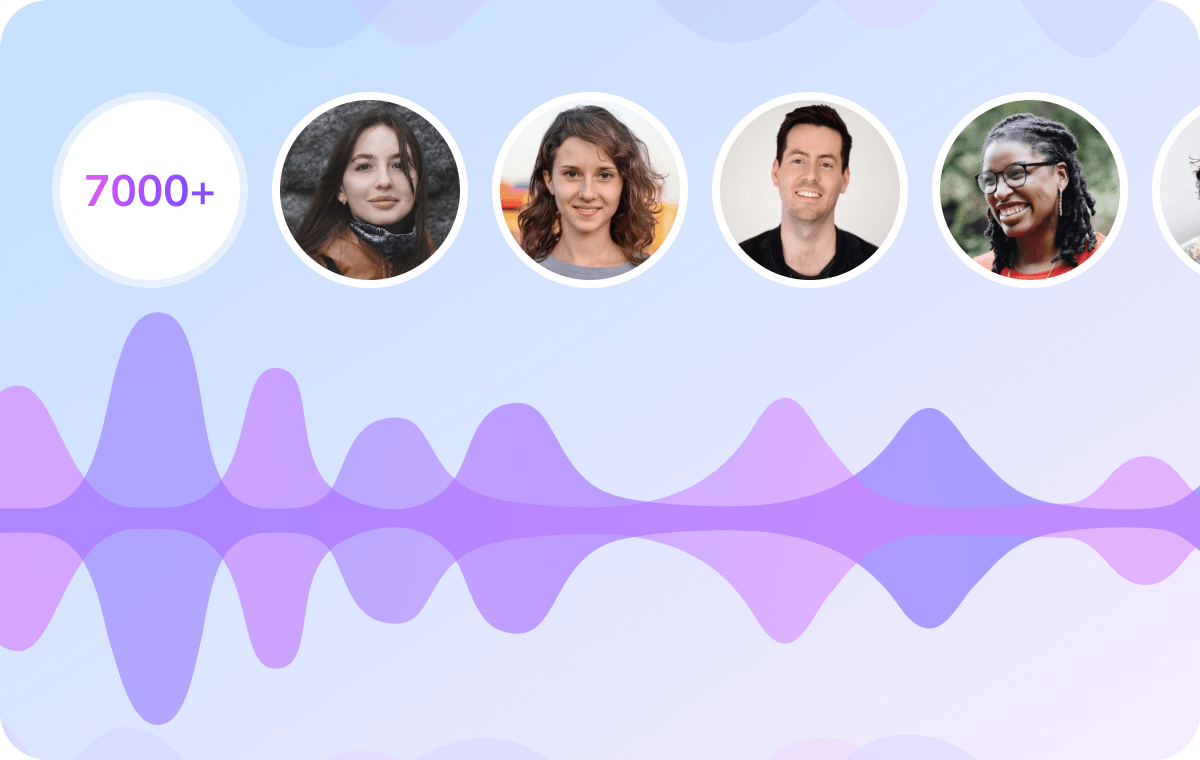
A good dubbing track should sound comfortable to listen to from beginning to end. VMEG offers realistic Malayalam AI voices together with voice cloning, helping creators preserve the original speaker's tone across languages.Optional AI lip sync is available when you want the dubbed video to match the speaker's facial movements more closely.
Trusted by Creators, Educators, and Marketers Worldwide
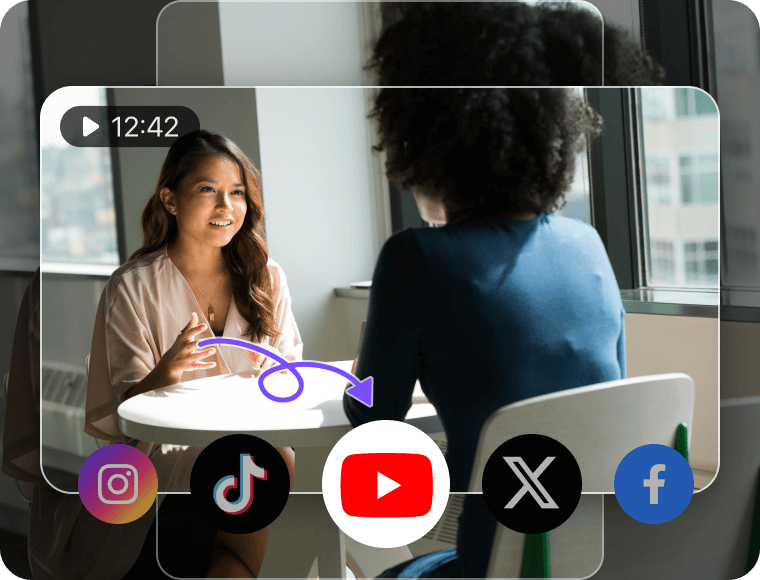
Content Creators & YouTubers
Expand successful videos into Malayalam without filming everything again. Review translations, update subtitles, and export localized versions from the same editing workspace.
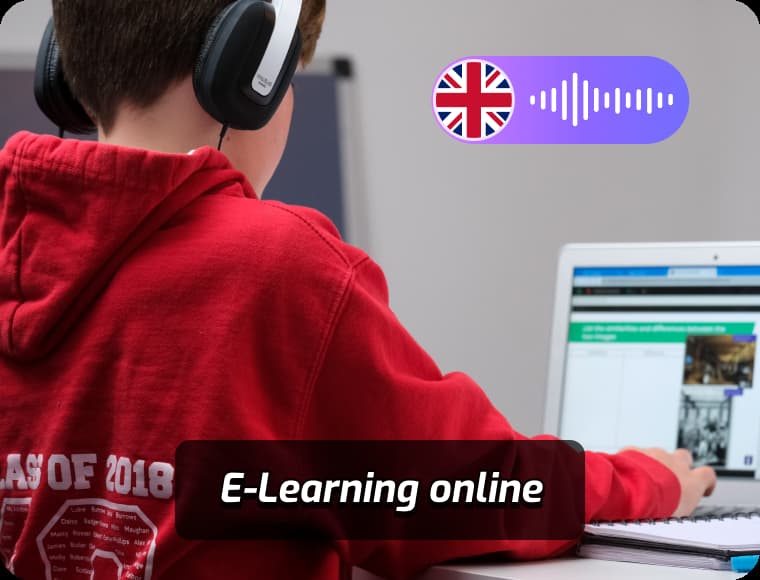
Educators & e-Learning Platforms
Convert online courses, tutorials, onboarding videos, and learning materials into Malayalam while keeping terminology, subtitles, and narration consistent across every lesson.
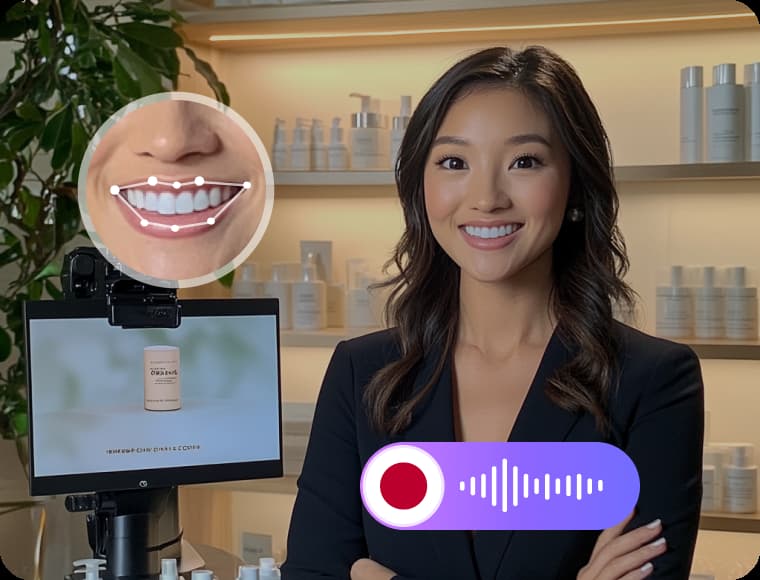
Businesses & Marketing Teams
Localize product demos, customer support videos, internal communications, and advertising campaigns for Malayalam-speaking audiences. Multiple team members can review the dubbing project before publishing.
FAQs about Malayalam Dubbing
What is Malayalam dubbing?
Malayalam dubbing replaces the original spoken audio with a Malayalam voice track while keeping the original video. It is commonly used for YouTube videos, online courses, films, marketing videos, and corporate training content.
Can I edit the translation after AI dubbing?
Yes. Every project opens inside VMEG's Editing Studio, where you can modify translated subtitles, regenerate individual sentences, replace AI voices, adjust pronunciation, and fine-tune timing before exporting.
Can I use my own voice for Malayalam dubbing?
Yes. Voice cloning allows you to create Malayalam voiceovers that retain much of your original speaking style, making multilingual content feel more consistent across different languages.
What files can I export?
You can download the completed dubbed video, the Malayalam audio track in MP3 or WAV format, or subtitle files including SRT and VTT.