AI Kannada Dubbing
Localize videos for Kannada audiences with AI dubbing, voice cloning, subtitle editing, and VMEG's built-in dubbing studio. Translate, review, and export your content in one workflow.
From Original Video to Kannada Version
01Start With Your Existing Content
Upload your video or audio file and let VMEG prepare the transcript and dubbing timeline automatically.
02Build the Kannada Voice Track
Select Kannada, review the translation, choose an AI voice or apply voice cloning, and generate the dubbed version.
03Polish Everything in the Studio
Adjust subtitles, edit sentences, replace voices, and fine tune timing before exporting your final content. You can download the dubbed audio or subtitle file.
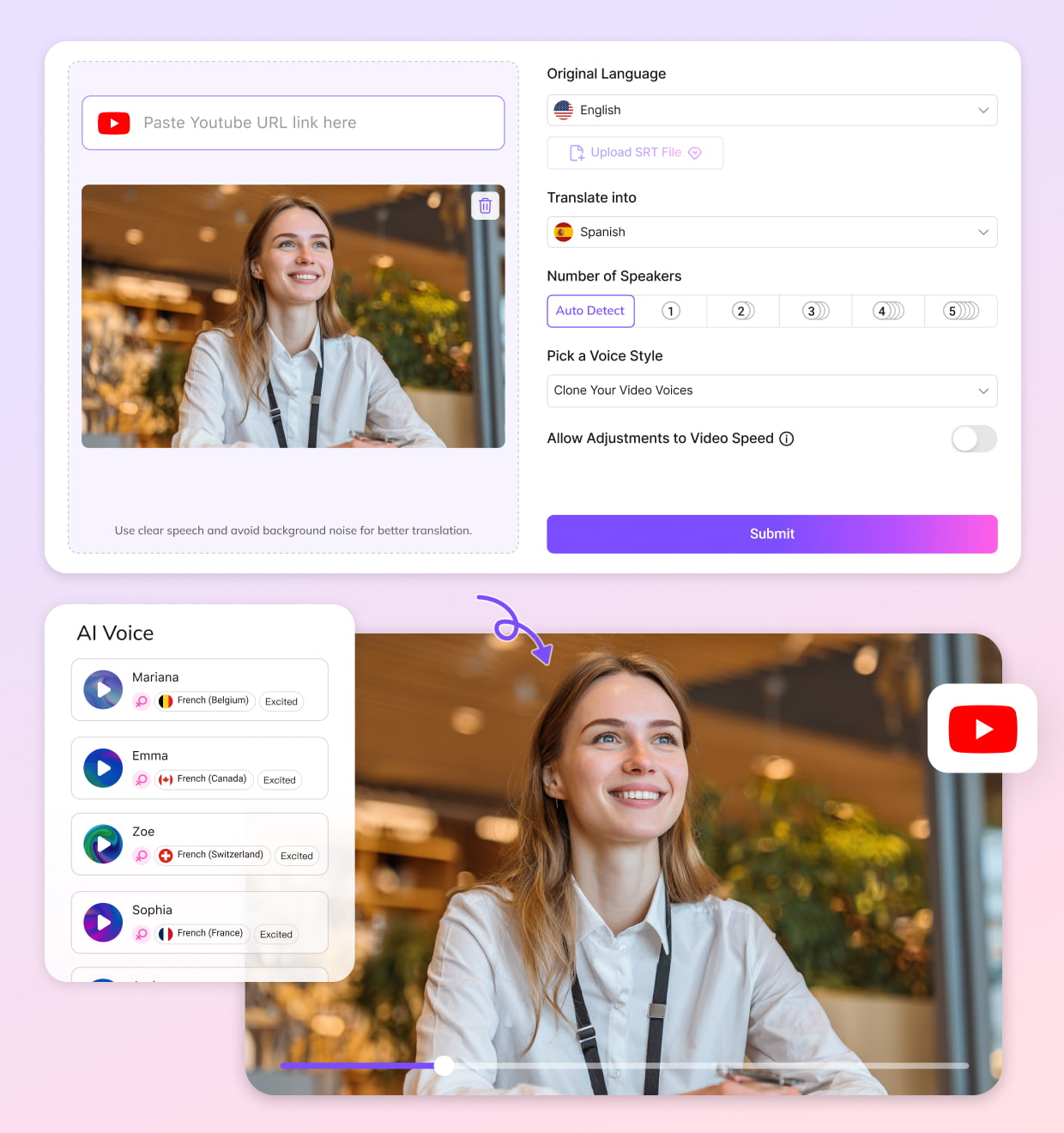


What Makes VMEG Kannada Dubbing Different
A Kannada Dubbing Studio Built for Real Content Localization
Creating a Kannada version of a video usually needs more than translating the original speech. A product tutorial may need the right technical terms. An online course may need clearer explanations. A creator video may need a more natural local tone. VMEG gives you an Editing Studio where you can review Kannada translations, edit subtitles, replace AI voices, adjust speaking speed, and refine individual sentences before publishing. You can fix small details without rebuilding the entire dubbing project.
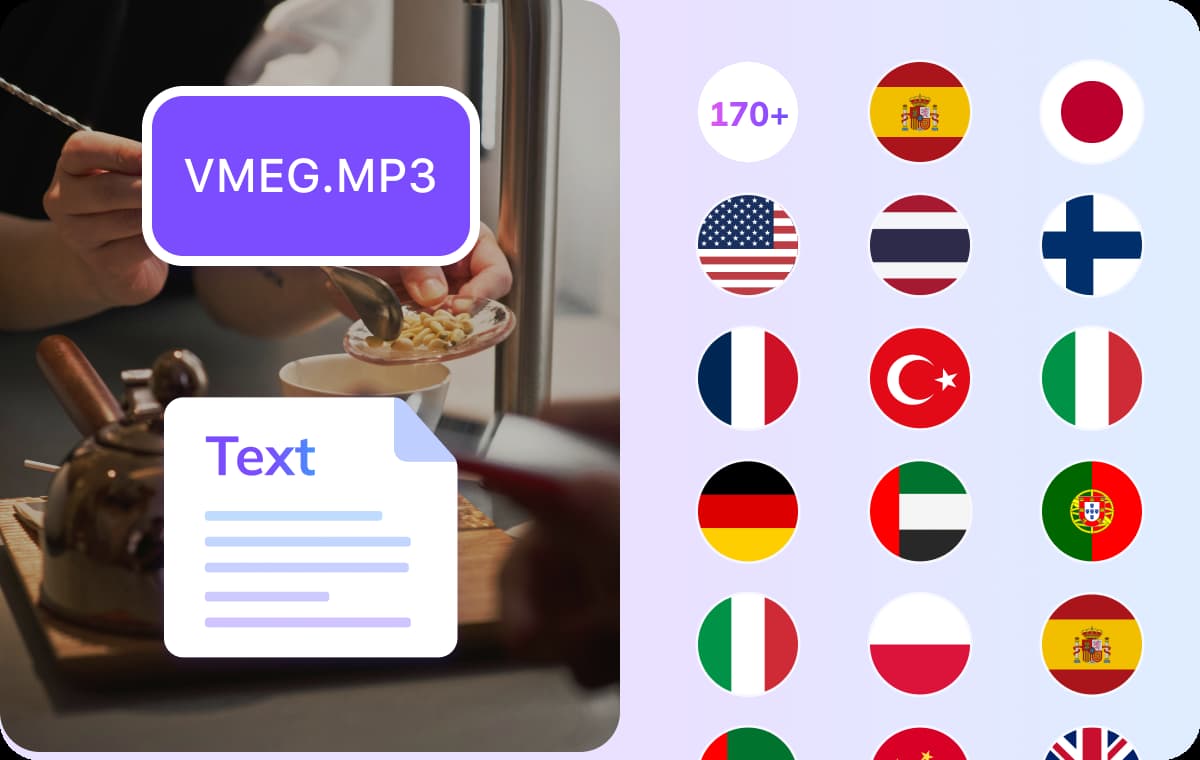
A Complete Workflow for Kannada Video Localization
Localizing content for Karnataka audiences often involves several steps: preparing transcripts, adapting translations, reviewing subtitles, adjusting voices, and checking the final output.VMEG keeps these steps connected in one dubbing workflow. Whether you are creating Kannada learning materials, software tutorials, marketing videos, or YouTube content, you can manage the whole process from one workspace.
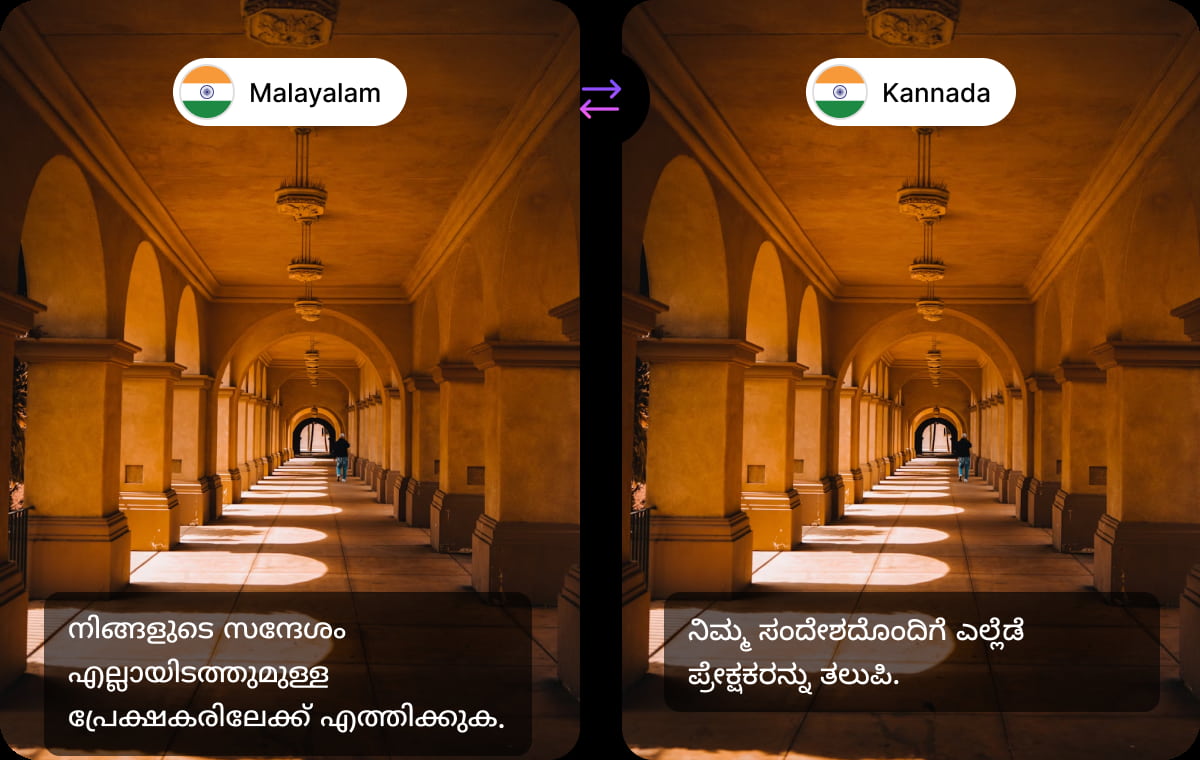
Kannada AI Voices for Regional and Technical Content
Kannada content often has its own style of communication. Educational videos may combine Kannada explanations with English technical terms, while business and technology content often keeps product names unchanged.VMEG's Kannada AI voices are designed for these real-world situations. With voice cloning support, creators and teams can maintain a consistent speaking style across different videos while keeping important terminology natural for Kannada viewers.
Trusted by Creators, Educators, and Marketers Worldwide
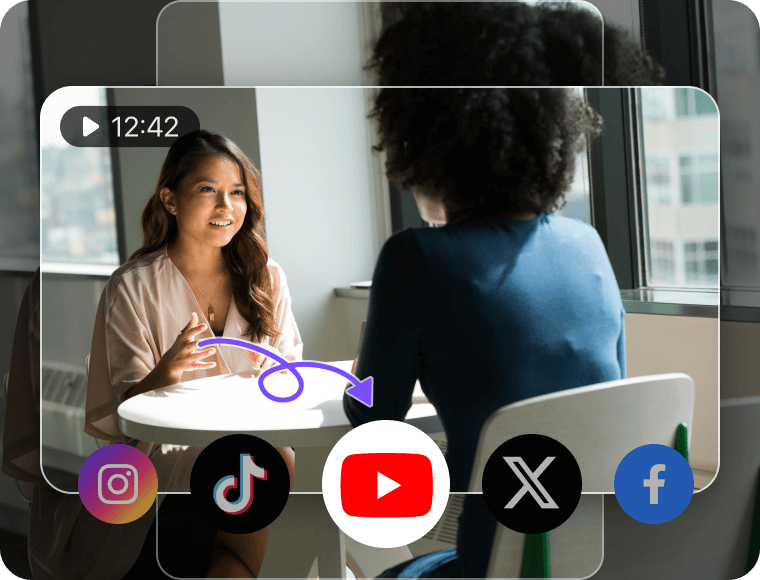
Content Creators & YouTubers
Reach Kannada viewers without recording every video again. Creators can dub tutorials, reviews, interviews, and storytelling content into Kannada, then adjust subtitles and voices inside the same editing workspace before publishing.
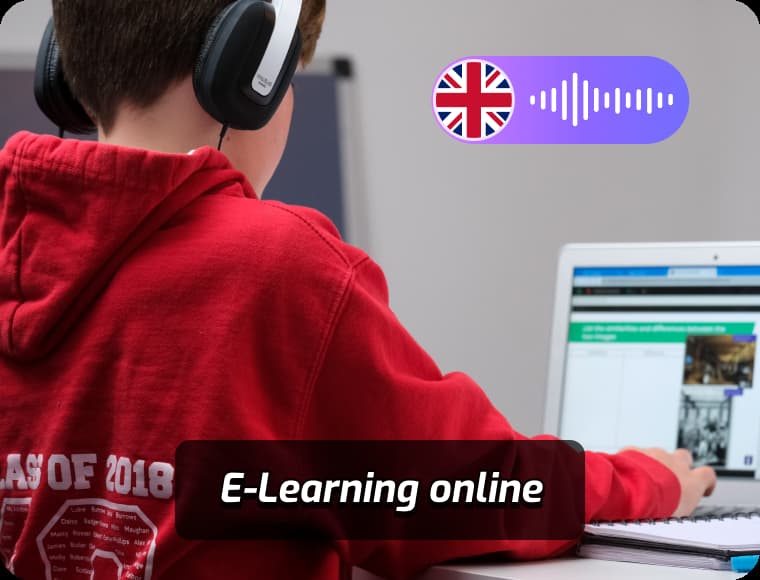
Educators & e-Learning Platforms
Make courses, technical lessons, and training materials easier to follow for Kannada learners. VMEG helps educators localize narration, subtitles, and key terminology while keeping every lesson consistent.
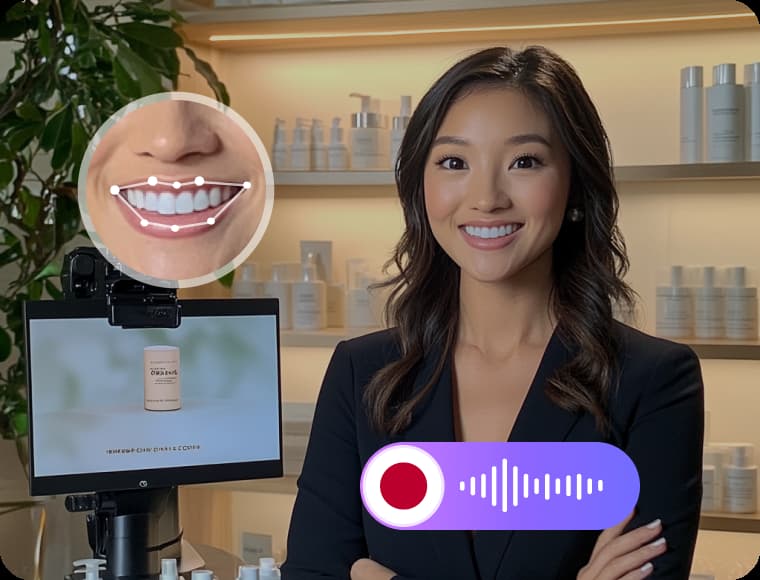
Businesses & Marketing Teams
From Bengaluru startups to companies serving customers across Karnataka, localized videos can make product demos, onboarding guides, and customer education content easier to understand. Teams can review dubbing projects together before sharing them with users.
FAQs about Kannada Dubbing
Can I dub English videos into Kannada?
Yes. VMEG can translate English videos into Kannada and generate a complete dubbed version with AI voices, subtitles, and editable timing. This works well for YouTube videos, software tutorials, online courses, product demos, and training materials where viewers may prefer Kannada narration.
How does VMEG handle Kannada and English mixed content?
Many Kannada videos naturally include English words, especially in technology, education, and business topics. VMEG lets you review and edit translations inside the Editing Studio, so you can keep product names, software terms, or commonly used English expressions when they sound more natural for Kannada viewers.
Can I edit the Kannada translation after dubbing?
Yes. AI-generated dubbing is only the first draft. Inside VMEG's Editing Studio, you can modify subtitles, regenerate individual sentences, replace voices, adjust pronunciation, and fine tune timing without recreating the entire project.
Is AI Kannada voice natural enough for long videos?
VMEG provides Kannada AI voices designed for different types of content, including educational videos, tutorials, interviews, and creator content. For creators who want a consistent voice identity, voice cloning can help maintain the original speaker's style when producing Kannada versions of their videos.
Can I use Kannada dubbing for YouTube videos and Shorts?
Yes. Kannada dubbing can be used for long-form videos, tutorials, interviews, and short-form content. Creators can localize existing videos for Kannada audiences without recording a separate voiceover for every language version.
Does VMEG support Kannada subtitles?
Yes. VMEG automatically generates Kannada subtitles during the dubbing process. You can review subtitle text, adjust timing, and export subtitle files such as SRT or VTT for publishing or further editing.