


Translate YouTube Video to Russian
VMEG transforms YouTube content into Russian audio and subtitles that retain meaning & emotion, breaking language barriers on YouTube.
Try the demo and experience all features for free
 English
 Spanish
 German
 Russian
 Turkish
 Italian
 Chinese
 French
 Portuguese
 Hindi
Hindi


How VMEG Translates YouTube Videos into Russian
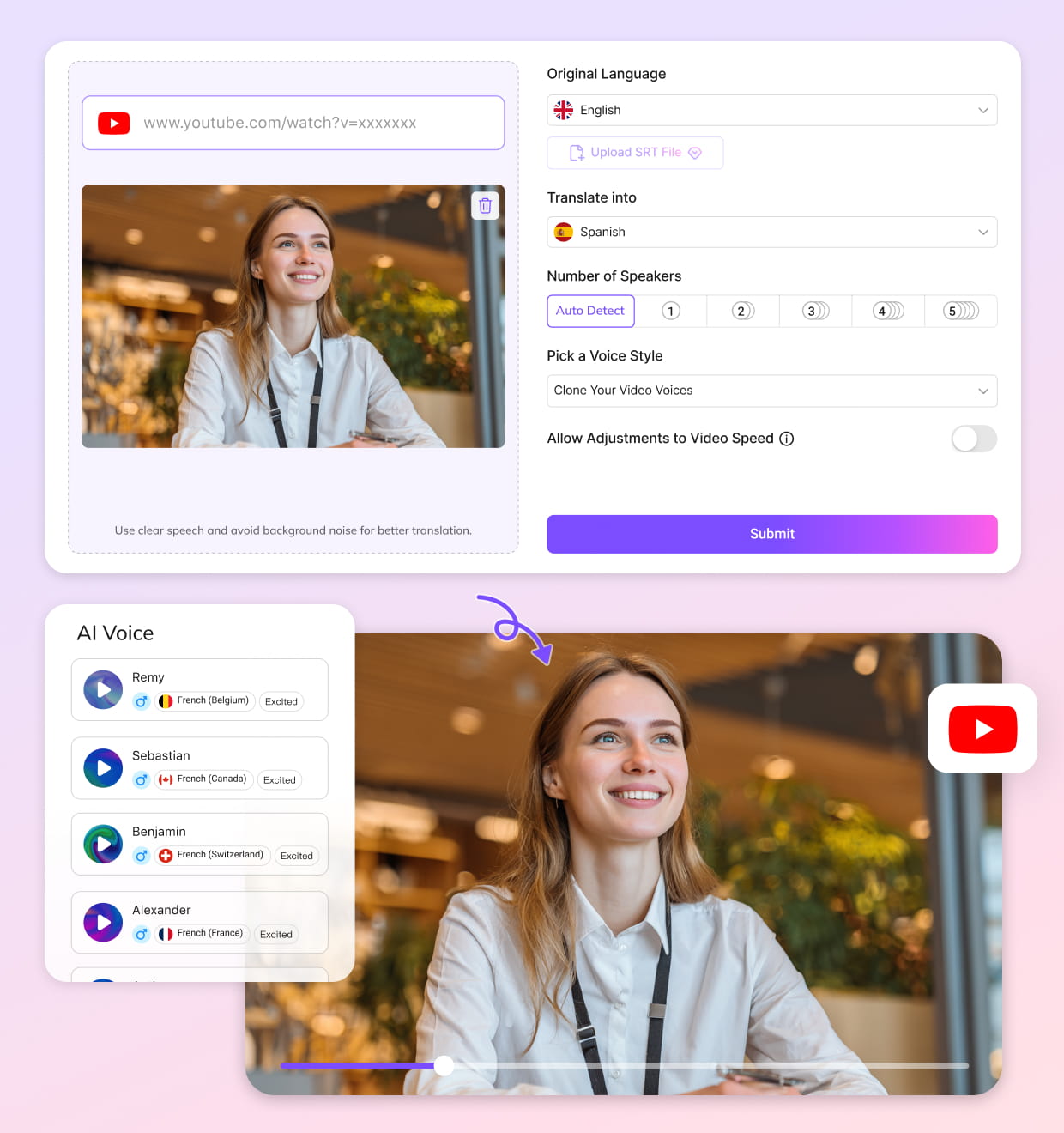
Paste YouTube URL or Import Video
Drop in a YouTube link or upload your original video. VMEG analyzes speech, timing, and speaker roles automatically — captions are not required.
Select Russian Audio & Subtitle
Select Russian as the target language and choose between AI voice dubbing, subtitles, or both. Voice cloning and background audio preservation run in parallel.
Finalize & Publish
Use the visual editor to review Russian text and audio, fine-tune delivery, then export a YouTube-ready video, audio or subtitle file (original one or translated one).
Why VMEG YouTube Translation Tool Feels Native
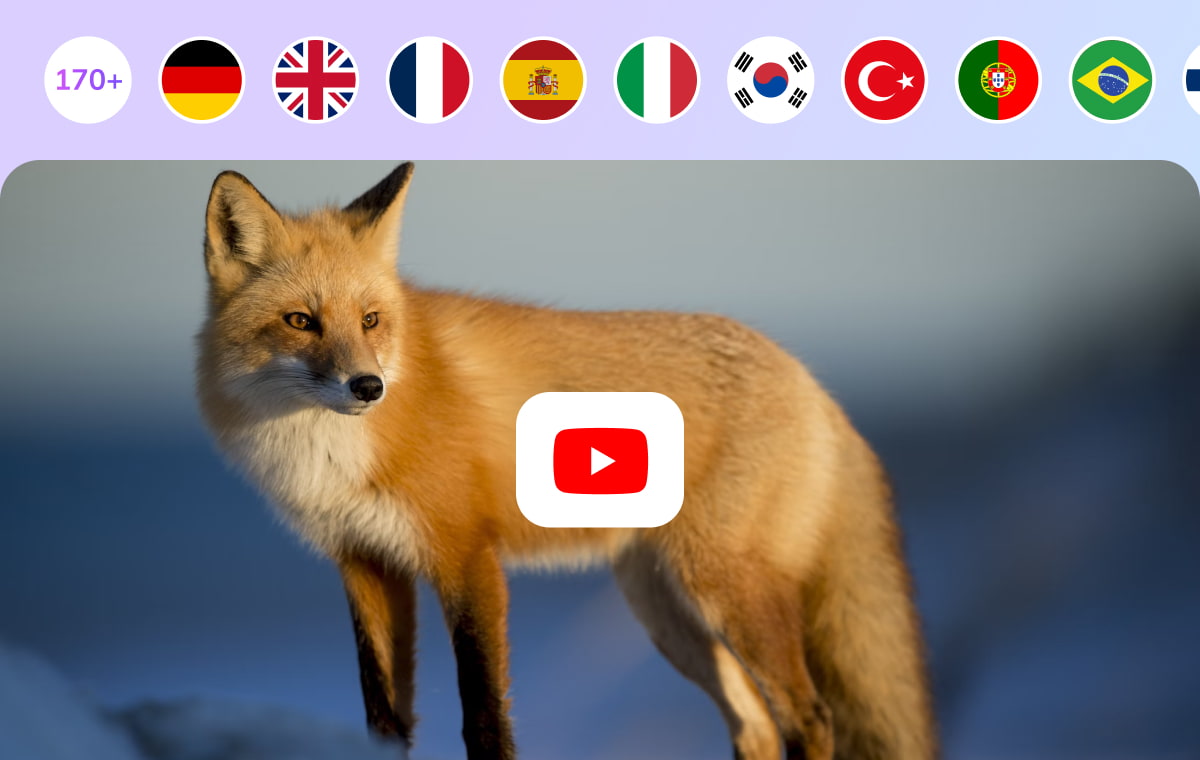
Russian Voice That Sounds Human
Using a library of over 7,000 AI voices combined with advanced voice-cloning technology, VMEG generates Russian voice audio that preserves tone, emotion, and speaker identity. This AI video translation tool recreates natural Russian speech with realistic pacing and emphasis.Multiple speakers and multiple languages are supported to detect for complex interview or dialogue-heavy videos. As a result, translating a YouTube video to Russian voice audio feels like local production.
Translate YouTube Video Now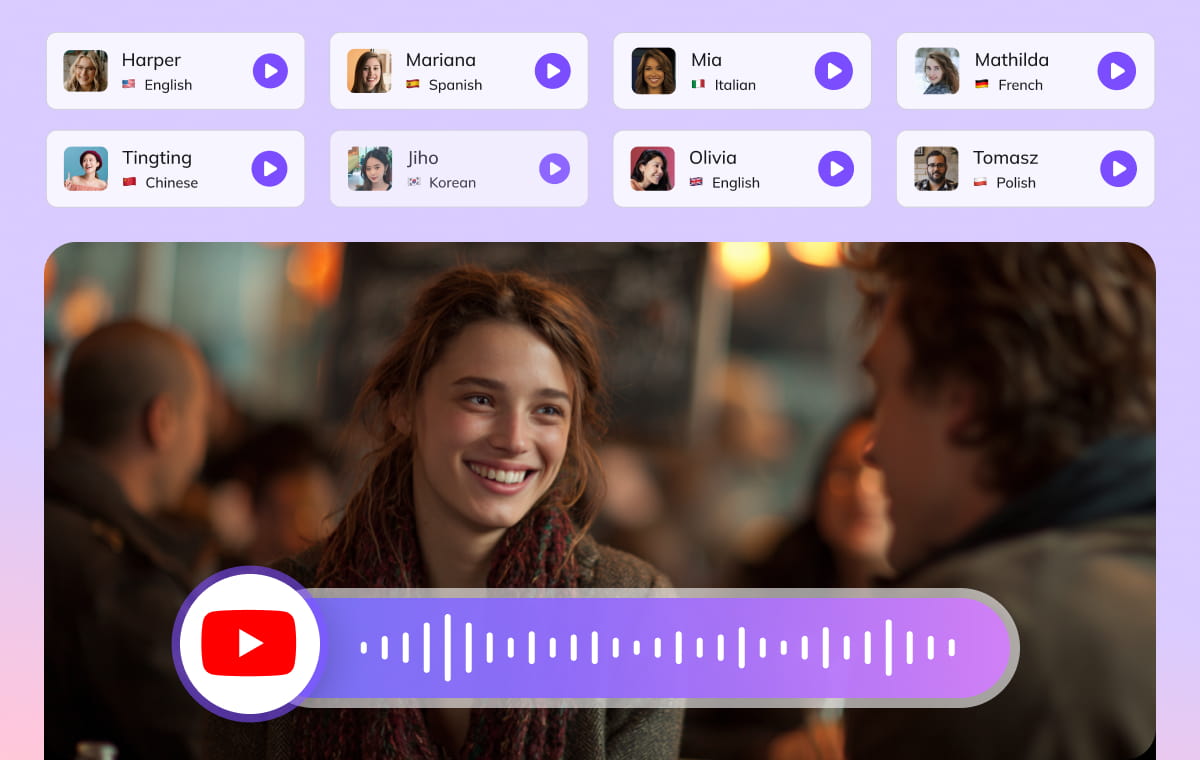
Accurate Lip-Sync and Audio Preservation
AI-powered lip-sync aligns Russian speech with mouth movements. Spoken dialogue stays visually synchronized, reducing the distraction common in traditional dubbing.At the same time, background music and ambient sound are separated and retained without distortion. This balance ensures Russian subtitle and voiceover look and sound native, not mechanically overlaid.
Translate YouTube Video Now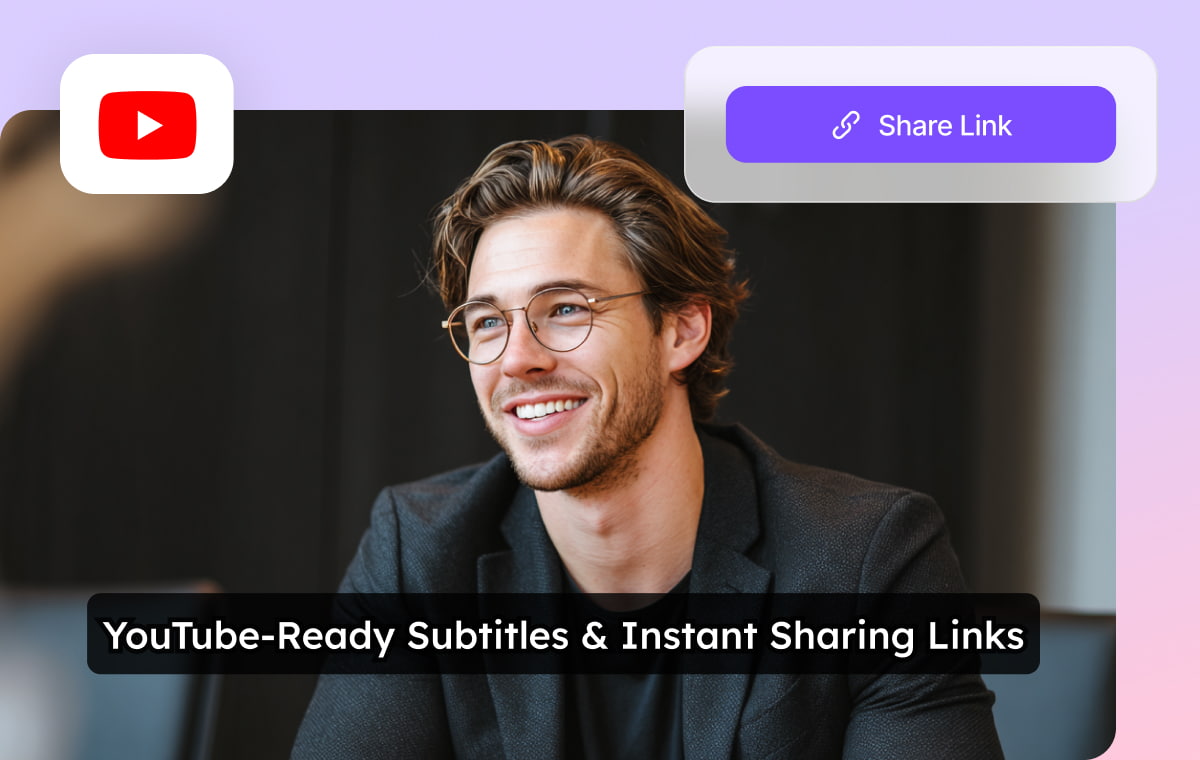
Professional Control from Script to Export
VMEG includes a visual bilingual editor that allows side-by-side review of original dialogue and Russian subtitles. Users can import existing SRT files, enable dual-language captions, and fine-tune timing or phrasing with full editorial control.Combined with batch processing and task recovery, this workflow supports professional-scale Russian YouTube localization without sacrificing quality.
Translate YouTube Video NowWho Benefits from Translating YouTube Videos to Russian

YouTubers & Content Editors
Expand into Russian-speaking markets without re-recording content. AI dubbing preserves your on-screen identity while accelerating publishing speed.

Educators & Learners
Deliver tutorials and lectures in Russian with clear audio and optional subtitles, improving comprehension for non-English learners.

Global Brands & Marketing Teams
Localize YouTube campaigns into Russian efficiently, maintaining brand voice consistency while reducing production costs.
FAQs about Translating YouTube Videos to Russian
Is there an AI that translates YouTube videos to Russian?
Yes. VMEG is an AI-powered platform designed specifically for translating any videos. It get YouTube videos in Russian voiceover easily and quickly.
Can I translate YouTube video to Russian without captions?
Yes. VMEG processes raw audio directly, so CC or SRT files are not required.
Can I export Russian subtitles only?
Yes. Once enabled Russian subtitles, you can download SRT file only.
Does VMEG support English to Russian translation?
Yes. VMEG suuports translating English and other 170+ languages to Russian. Translating YouTube videos from English to Russian is one of the most common workflows supported by VMEG.
Can I translate YouTube video to Russian free?
Yes. You can try this translation tool for free (with 180 credits) before upgrading your account to Studio version.
Discover More on VMEG
Related Searches
Translate YouTube Video to Russian Online
VMEG AI translates YouTube content to Russian-dubbed videos or subtitles. You can translate from English or other 170+ languages to Russian.
Try It Free