

What Is Video Localization?
- Dubbing or Voiceover: Replacing the original audio with translated speech.
- Subtitles & Captions: Adding translated text for accessibility and multilingual viewers.
- On-Screen Text & Graphics: Adjusting visuals, UI, or currency formats for local relevance.
- Cultural Adaptation: Tweaking idioms, humor, or examples to fit local culture.
Localization vs Translation vs Dubbing
| Process | Focus | Example |
| Translation | Converts spoken or written content into another language. | English dialogue → Spanish subtitle text |
| Dubbing | Creates a replacement or re-recorded spoken track, often in a target language. | English dialogue → French dubbed dialogue |
| Localization | Adapts language, voice, visuals, terminology, and cultural context for a target audience. | Changes dialogue, captions, units, on-screen text, and local references |
Why Video Localization Matters
- Reach Global Audiences: Connect with non-English-speaking viewers and unlock new markets.
- Boost Engagement: People are more likely to watch and share videos in their native language.
- Improve Accessibility: Subtitles and voiceovers make content inclusive for all users.
- Ensure Brand Consistency: Deliver the same message and tone across regions.

How Video Localization Works (Step-by-Step)
- Define the target market, output type, terminology, and any cultural or compliance requirements.
- Transcribe the source and identify speakers, on-screen text, and sections that need adaptation.
- Translate and adapt the script for meaning, length, tone, idioms, and brand language.
- Choose the voice approach: an authorized clone, an AI voice, human talent, or subtitles only.
- Create dubbed audio, subtitles, translated on-screen text, and optional lip sync where the format needs it.
- Run a final QA review for names, terminology, pronunciation, timing, subtitle readability, audio balance, and viewer-facing disclosure.
The 5 Best Tools for Video Localization in 2026
Comparison at a Glance
| Tool | Localization focus | Existing video dubbing | Voice option | Lip sync | Best fit |
| VMEG AI | Video localization workflow | Yes | AI voice library and authorized voice cloning | Optional | Creators, training, marketing, and multilingual video workflows |
| Synthesia | Avatar video and dubbing | Yes | Original-speaker clone or selectable voice | Optional | Training, internal communications, and avatar-led video |
| HeyGen | Video translation and avatars | Yes | Voice preservation / cloning options | Yes | Marketing, social, training, and talking-head video |
| Deepdub | Premium media localization | Yes | Licensed and production-oriented voice workflows | Available for production workflows | Film, TV, streaming, and enterprise localization |
| Descript | Audio and video editing | Not an end-to-end localization workflow | Own-voice Overdub and stock voices | No | Editing, narration, podcasts, and voice corrections |
VMEG AI — Best for Multilingual Video Dubbing & Voice Cloning
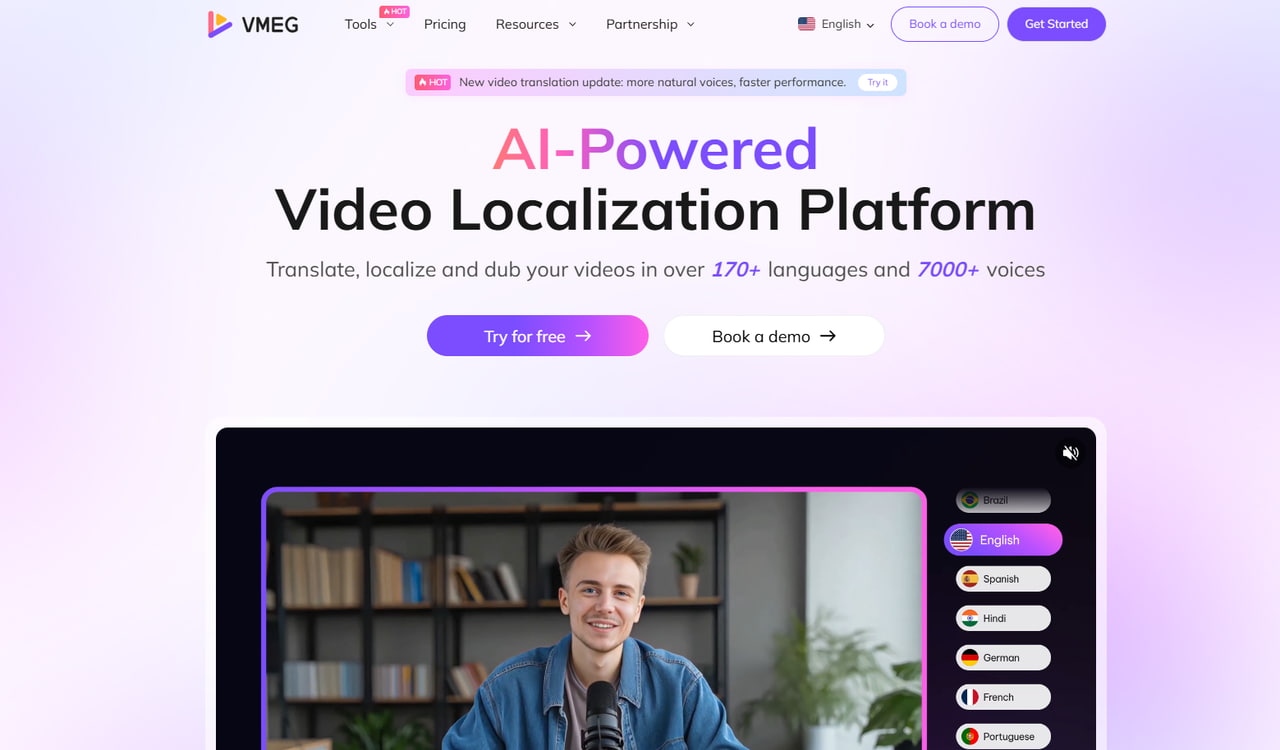
- Automatic translation and dubbing with AI-generated voices that retain emotion and tone.
- Voice cloning that replicates the original speaker’s vocal identity in multiple languages.
- Auto-subtitles and in-line translation editing for precise adjustments.
- Optional lip sync for projects where matching translated speech to visible mouth movements matters.
- Browser-based interface—no installation required; accessible from any device.
- A reviewable workflow for transcript, translation, voice, timing, and subtitle adjustments before export.
Synthesia
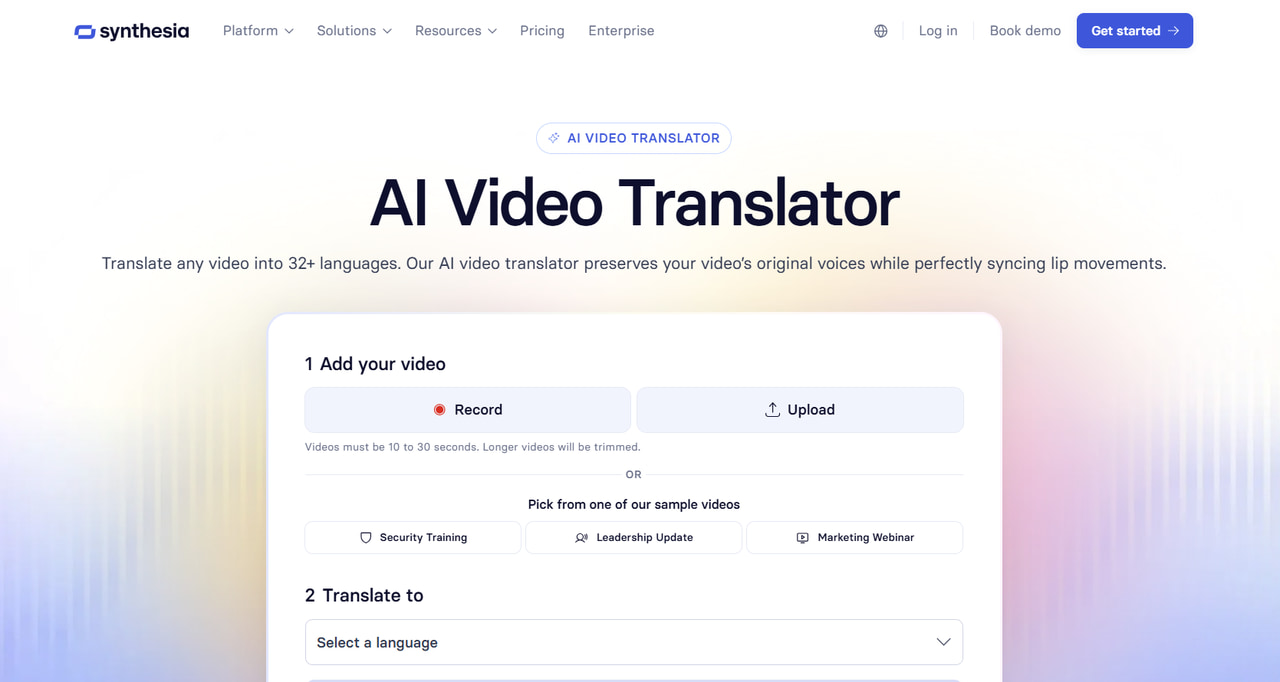
- Video dubbing into 130+ languages, with translated versions that can preserve the original speaker’s voice or use another voice option.
- AI avatars that display gestures, facial expressions, and lip-sync in sync with scripts.
- Script-to-video automation, turning text prompts directly into localized video content.
- Custom branding and template options for enterprise workflows.
- Dubbing and available voice options depend on plan and workflow; confirm the current product limits before purchase.
- Lip sync is available for eligible dubbing workflows and may vary by plan.
- Review the output and plan availability before using it for high-volume or external live-action localization.
HeyGen
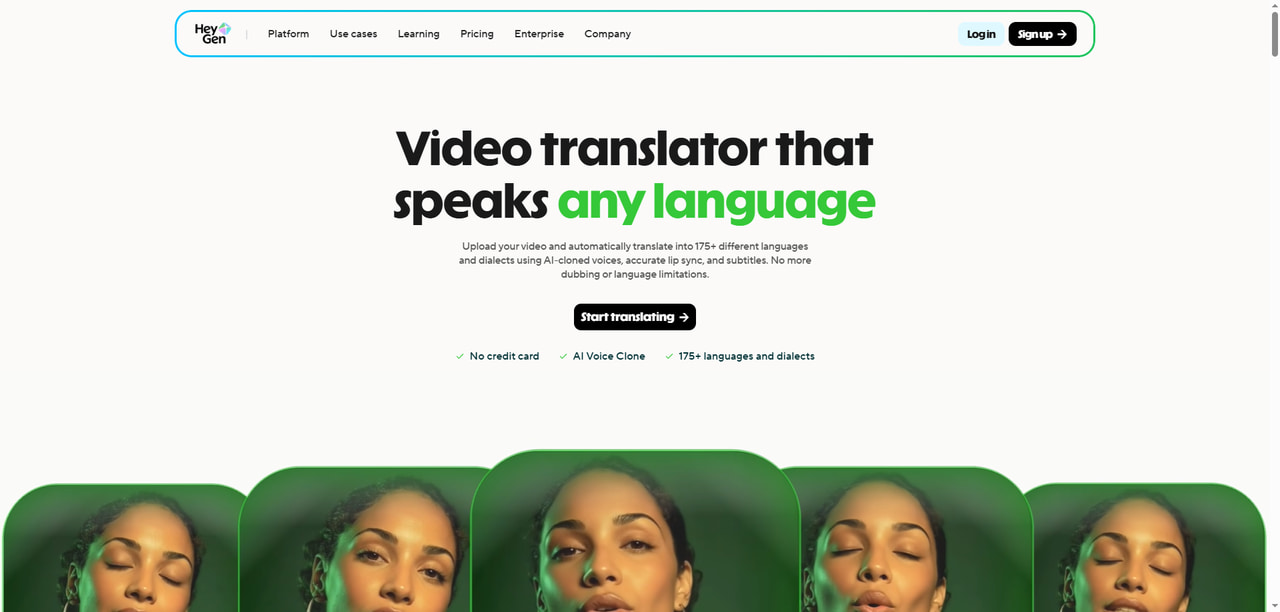
- Video translation and localization support across a large and evolving language-and-dialect set.
- Existing-video translation as well as avatar-video creation, with voice-preservation and cloning options.
- Built-in lip-sync and subtitle generation for localization and accessibility.
- Template-based creation flow tailored to short-form and branded videos.
- Integration with CRM and marketing tools for automated campaigns.
- Source-video quality, speaker visibility, and multi-speaker scenes can affect translation and lip-sync results.
- Review the translated script and final output, especially for nuanced performance, music, or complex scenes.
Deepdub
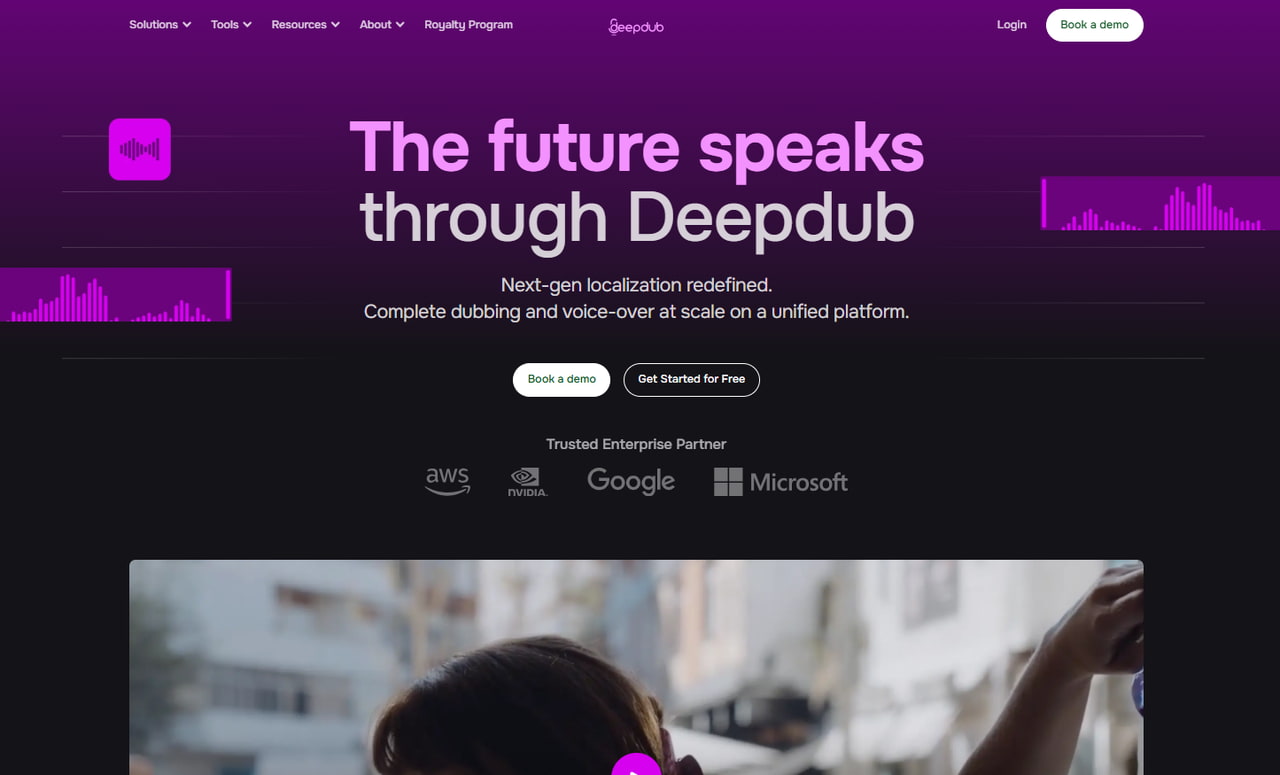
- Cinematic-grade dubbing with high-fidelity sound engineering.
- Emotion-aware voice cloning for natural, expressive performances.
- Enterprise-grade QC and compliance for studio workflows.
- Integration with post-production pipelines and localization teams.
- Multi-speaker synchronization for complex scenes.
- Enterprise pricing model—not suitable for individual creators.
- Longer onboarding process and requires professional oversight.
Descript
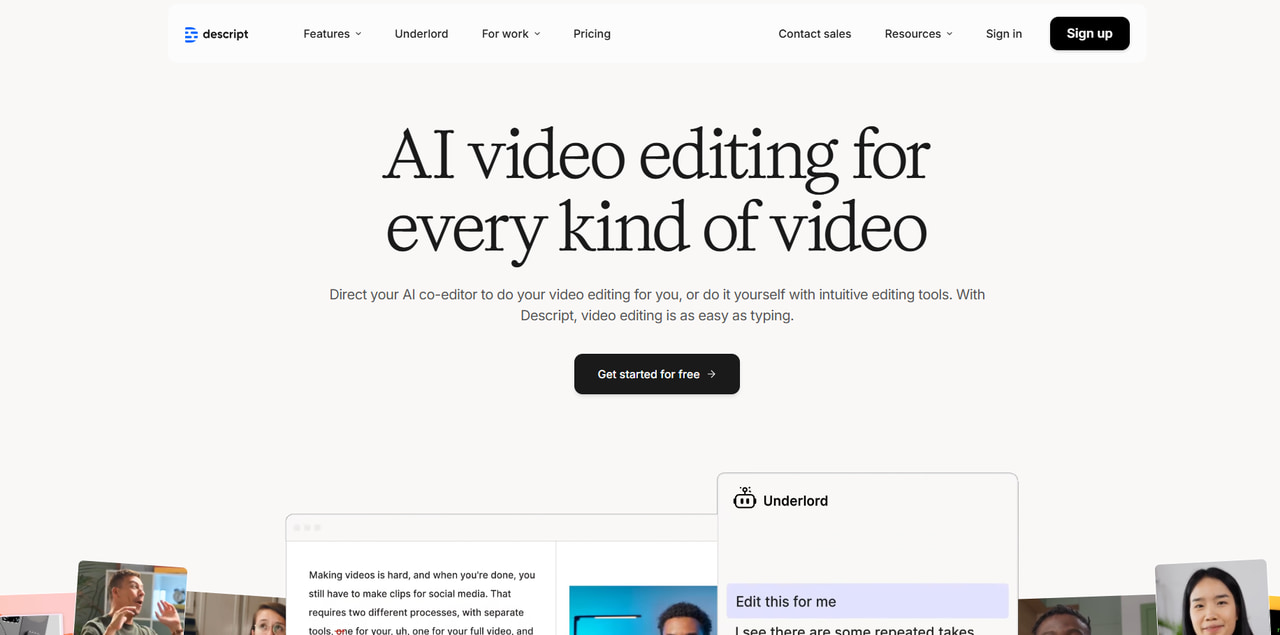
- Own-voice Overdub and stock voices for narration and corrections.
- Text-based editing—edit audio by editing text, similar to a document.
- Built-in subtitle and caption creation for accessibility.
- Screen recording and multitrack audio support for hybrid workflows.
- Cloud collaboration and integration with major editing tools.
- No built-in translation or lip-sync capabilities.
- Geared toward audio editing rather than full video localization.
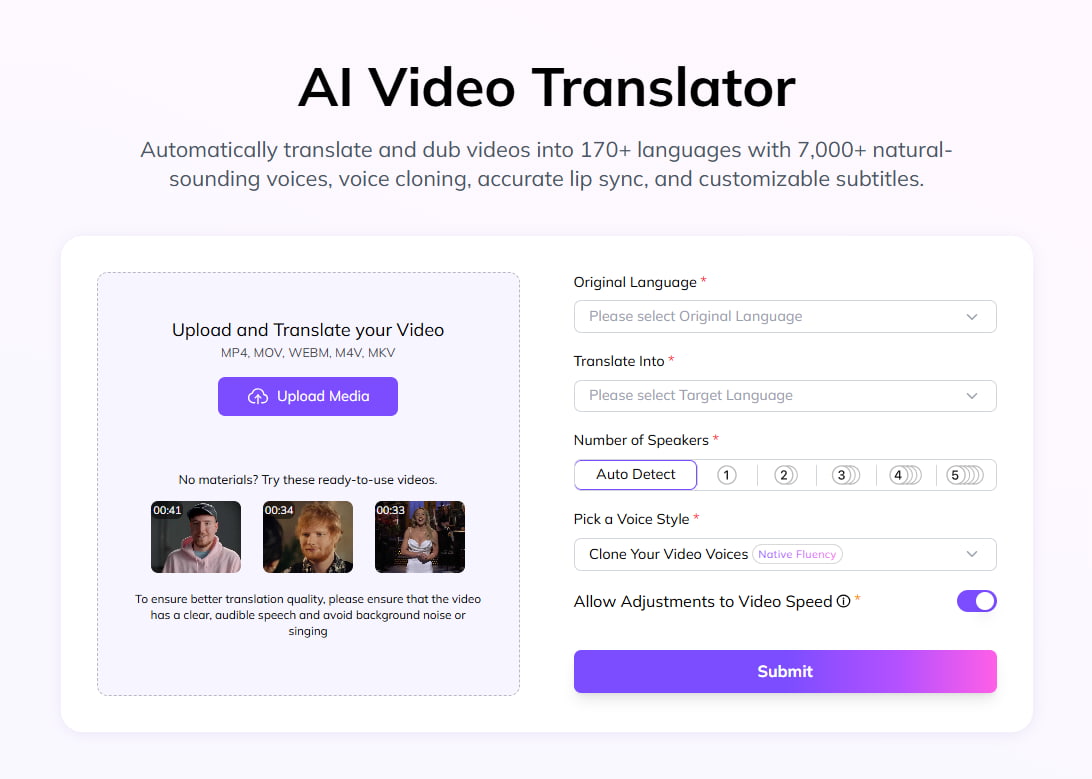
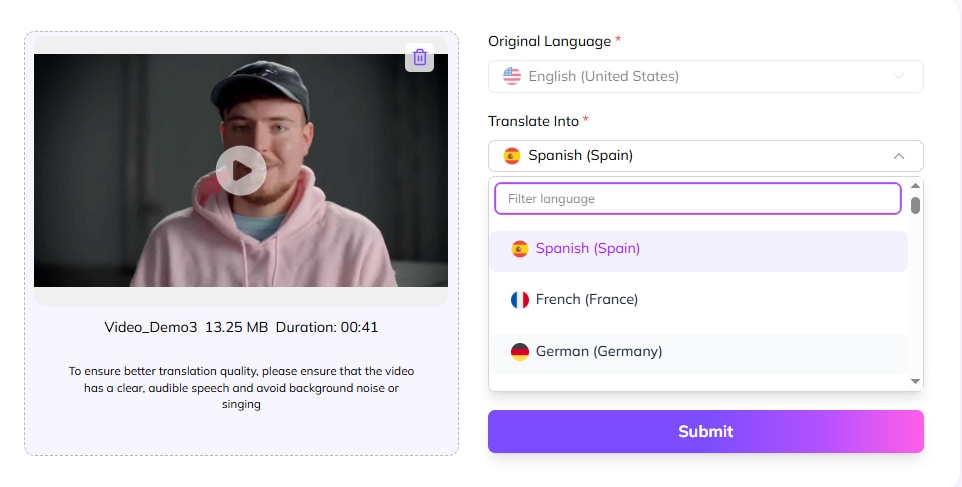
How to Localize a Video with VMEG AI
Top Use Cases of Video Localization
- Marketing & Advertising
- Education & E-Learning
- Entertainment & Media
- Corporate Training
- YouTube & Social Media Creators
Video Localization FAQs
What is the difference between video translation and video localization?
Video translation converts language. Video localization goes further by adapting voice, subtitles, terminology, on-screen text, cultural references, and the overall viewing experience for a target audience.
Does video localization always require dubbing?
No. Depending on the content and audience, localization may use subtitles, captions, voice-over, a dubbed track, translated on-screen text, or a combination of these elements.
What should be localized besides dialogue?
Review subtitles, on-screen text, measurements, dates, currencies, names, product terminology, cultural references, visual context, and any market-specific compliance requirements.
How do you QA a localized video?
Check translated meaning, terminology, pronunciation, speaker assignment, subtitle timing and readability, audio balance, visual timing, and the final exported file. Use native-language review for high-stakes content.
Can I clone a speaker’s voice for localization?
Only use voice cloning when you own the voice or have clear permission covering the intended use. Otherwise, choose a licensed AI voice option and follow applicable platform and local requirements.
Conclusion
Whether you’re a solo creator trying to create a YouTube video with the best translation or a brand trying to expand international markets, mastering video localization helps you reach across the borders for sure.

