
Key Takeaways for Best Lip-sync Online Tools
- Video localization: VMEG combines translated dubbing, subtitles, and lip sync for existing videos.
- AI lip sync: HeyGen and sync. are useful when you need to match new audio to a speaker or character.
- Different tool types: This list includes browser tools, developer platforms, avatar software, open-source research software, and an audio-alignment tool—so choose by workflow, not by a single feature claim.
- Review before export: Check pronunciation, timing, visual alignment, and brand terminology in the final video.
For years, syncing lips to dialogue meant hours of grueling manual keyframing and meticulous animation. It was a slow, technical, and often frustrating process, traditionally accessible only to high-budget studios and professionals with specialized skills.
However, as we move through 2026, the landscape has shifted entirely. Thanks to breakthroughs in deep learning and Generative Adversarial Networks (GANs), lip-syncing has become faster, more accurate, and accessible to everyone. Whether you’re a filmmaker, a YouTuber, or a marketer, the right lip-sync software is now a critical asset for creating engaging, localized, and hyper-realistic video content.
This guide compares seven lip-sync tools and related workflows. It covers browser-based video localization, API-driven lip sync, avatar animation, open-source research software, and audio alignment, so you can choose the option that fits your production process.
Why AI Lip Sync is Essential in 2026
Lip synchronization is the process of matching a speaker's mouth movements with the spoken audio track. In 2026, as video reaches audiences across languages, lip sync can be an important part of video localization when the spoken audio changes.
The Core Benefits of Professional Lip-Syncing
A high-quality lip-sync tool does more than just move a mouth; it preserves the speaker's original identity while ensuring the translated voice feels native.
- More natural viewing: When dubbed speech and visible mouth movements align, viewers can focus more easily on the message.
- Faster localization workflows: AI tools can automate parts of transcription, translation, dubbing, and lip sync; review is still important for names, terminology, and timing.
- Enhanced Authority: For educators and executives, precise lip-syncing maintains the "presence" and authority of the speaker, making the content more credible to international audiences.
- Global Scalability: From marketing campaigns to e-learning, you can now localize a single video into dozens of languages, ensuring each version looks like it was originally filmed in that language.
How to Choose the Best Lip Sync Tool for Your Needs
Not all lip-sync tools solve the same problem. Some localize an existing video, some generate or animate an avatar, some offer APIs for product teams, and some only align audio. Consider these factors:
Accuracy & Neural Realism
Look for natural timing across speech, expressions, and cuts. For translated videos, review proper nouns, terminology, and moments where the speaker is off camera or partially obscured.
Workflow Integration
Are you looking for a standalone audio tool or a complete video solution?
- VMEG Video Translator: Best for users who need to translate a video, generate a voiceover, and fix the lip-sync in one single step.
- Stand-alone APIs: Best for developers building their own apps.
Support for Long-Form Content
Check the current upload, duration, resolution, and credit limits before committing a long project. Limits vary by tool and plan, and can change over time.
Ease of Use vs. Customization
Decide whether you need a browser workflow, a desktop app, or an API. Beginners and marketing teams often prefer a browser-based workflow, while product teams may need API access.
Comparison Table of 7 Lip-sync Online Tools
Tool | Tool Type | Access Model | Best For | Consider |
VMEG AI | Video localization | Browser-based | Translating, dubbing, subtitling, and lip-syncing existing videos | Review translated terminology and final sync before export |
sync. | Visual lip sync | Studio, API, SDK | Developer and creator workflows that need generated lip sync | May require separate editing/localization tools |
HeyGen | AI lip sync and avatars | Browser-based | Avatar-led videos and short clips with new audio | Not a like-for-like long-form localization workflow |
Gooey AI | Developer platform | Browser and API | Building lip-sync features into apps and automations | Credit-based usage and technical workflow |
Wav2Lip | Open-source research model | Local technical setup | Research and custom experimentation | Original models are not for commercial use |
Animaze | Avatar animation | Desktop app | Live-streaming avatars and VTuber content | Not a translated real-person video tool |
Revoice Pro 5 | Audio alignment | Desktop/plugin workflow | Post-production dialogue alignment | Does not create visible mouth movements |
Top 7 Lip Sync Tools & Software in 2026
1. VMEG AI
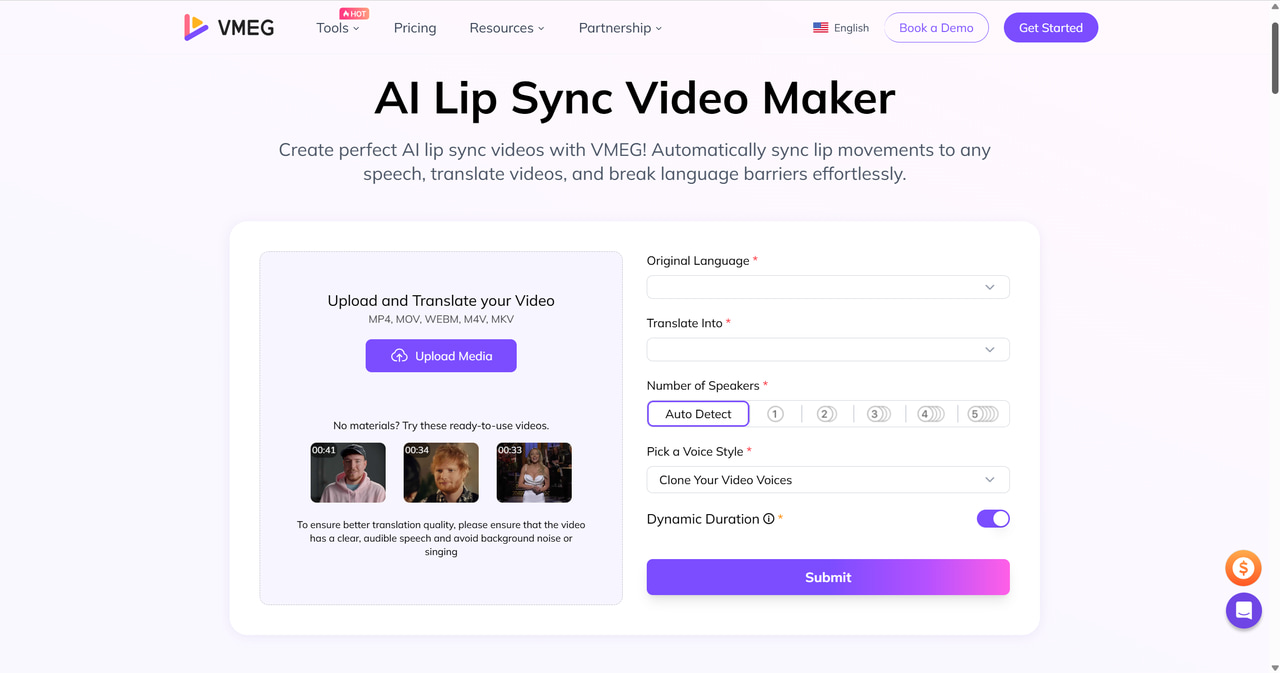
VMEG AI is an AI-powered video localization tool that helps creators synchronize original mouth movements with new, translated audio tracks. Unlike traditional "talking head" generators, VMEG AI focuses on Lip-Sync Dubbing, a process that maintains the speaker's original identity while making the translated speech look natural and authentic.
Core Capabilities of VMEG Lip Sync
- Integrated Dubbing Sync: Supports translated-video workflows across 170+ languages and dialects, with lip sync available for supported videos.
- Identity Preservation: Retains the original facial features and expressions of real human speakers without replacing them with avatars.
- High-Precision Alignment: Uses frame-level lip-sync processing to help align visible mouth movements with the new audio.
- Unified Workspace: Combines Lip Sync with video translator and subtitle tools for a complete localization workflow.
- Editable workflow: Lets users review subtitles, voice, and localization choices before export.
Best Use Cases
- YouTube Content Creators: Perfect for localizing vlogs where the original creator's face must remain authentic.
- Online Educators: Best for translating courses while keeping the instructor’s natural facial expressions.
- Corporate Training: Ideal for global HR videos that need to look professional across different language regions.
How to Sync Lips with Translated Audio using VMEG
Achieve natural-looking dubbed videos in 4 simple steps:
- Upload Video: Import your source video to the VMEG Video Translator dashboard.
- Translate & Dub: Select your target language and choose an AI voice that matches the original speaker.
- Enable Lip Sync: Enable lip sync, then review the generated timing and visible mouth movements before export.
- Export: Download your localized video with perfectly aligned lip movements and high-quality dubbing.
Break Language Barriers with AI Lip-Sync
Create natural, lip-synced videos in over 170 languages to connect with a wider global audience.
2. sync.
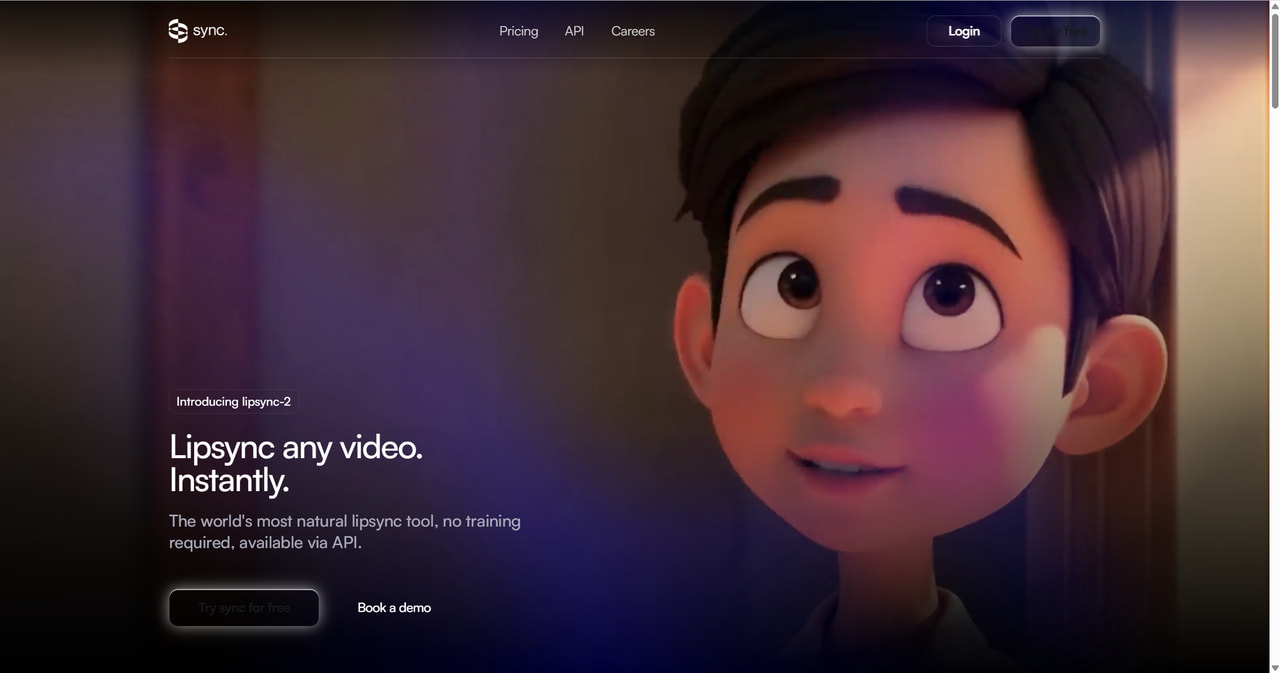
sync. focuses on delivering the combination of high-quality and instant lip-sync for any video. It captures the unique style of a speaker without the need for prior training via API. It works across various content types, including live-action, animations, and AI-generated characters.
Best for: Best for content creators, marketers, and developers looking to localize videos or replace dialogue with perfect lip-sync.
Key Features:
- Clone voices via audio upload, text generation, or direct recording.
- Dub content into multiple languages while maintaining emotional integrity.
- Seamlessly apply perfect lip sync to any segment of a video.
- Available through a web studio as well as API and SDK options for integration.
Pros: Beginner-friendly; high-quality output even for animated or AI-generated content.
Cons: Its lip-sync focus may mean you need separate tools for broader video editing and localization tasks.
Pricing: Plans start from $5/month plus usage; check the current plan limits and generation pricing before purchase.
3. HeyGen
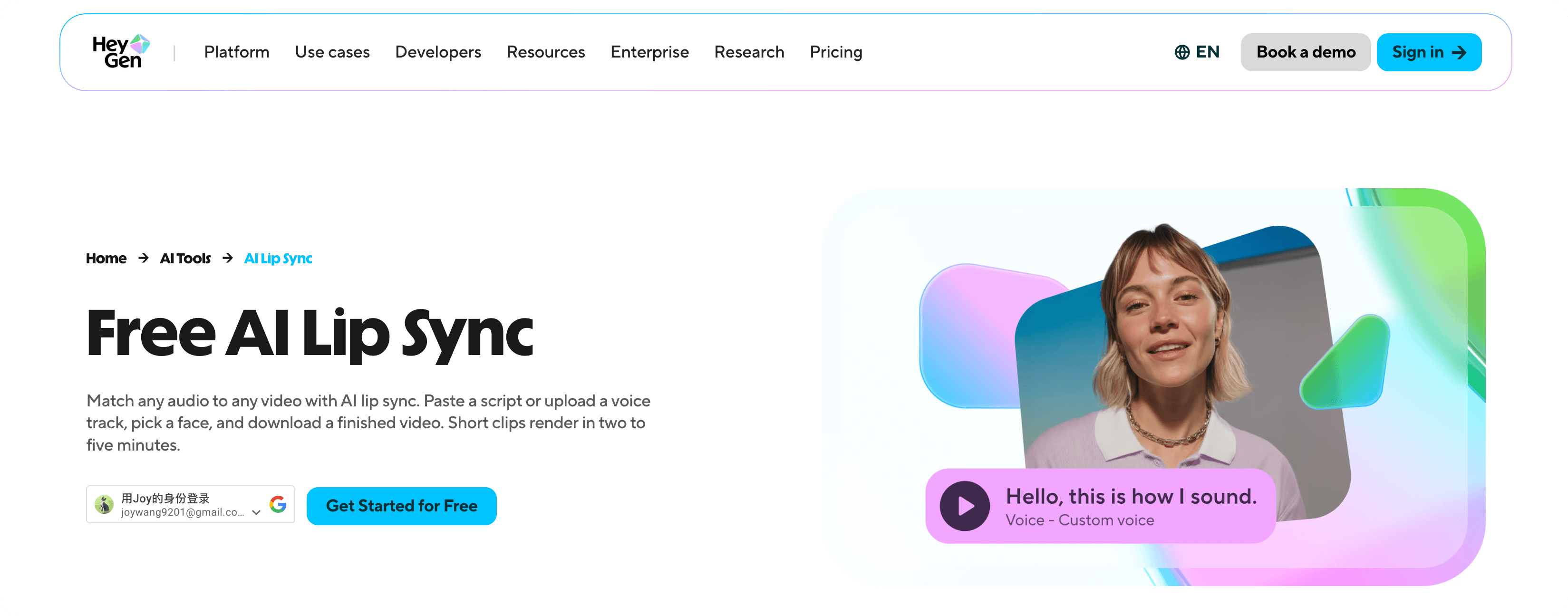
HeyGen offers an AI lip-sync tool for matching audio to video. You can upload a voice track or use a script, choose a face, and generate a lip-synced video. It is particularly useful for avatar-led videos, short clips, and creator workflows.
Best for: Creators and marketing teams producing avatar-led videos or short videos with new audio.
Key Features:
- Match a script or uploaded audio track to a selected face or video.
- Generate an AI lip-synced video from a browser-based workflow.
- Use alongside HeyGen’s avatar and video-creation features when that fits the project.
Pros: Approachable workflow for creator-led and avatar-based videos; useful when a new presenter or visual is part of the production.
Cons: It is not a like-for-like replacement for an end-to-end localization workflow on existing long-form footage; output should be reviewed for visual naturalness.
Pricing: HeyGen offers plans and usage limits that vary by product and region. Check the current lip-sync tool and pricing pages before purchase.
4. Gooey AI
It provides a powerful solution for creating realistic lip-sync animations from any audio file. By uploading a sample face video or image and an audio file, users can generate synchronized animations with their chosen AI model. This tool can be integrated into workflows for building chatbots on platforms like WhatsApp, Facebook, or Slack.
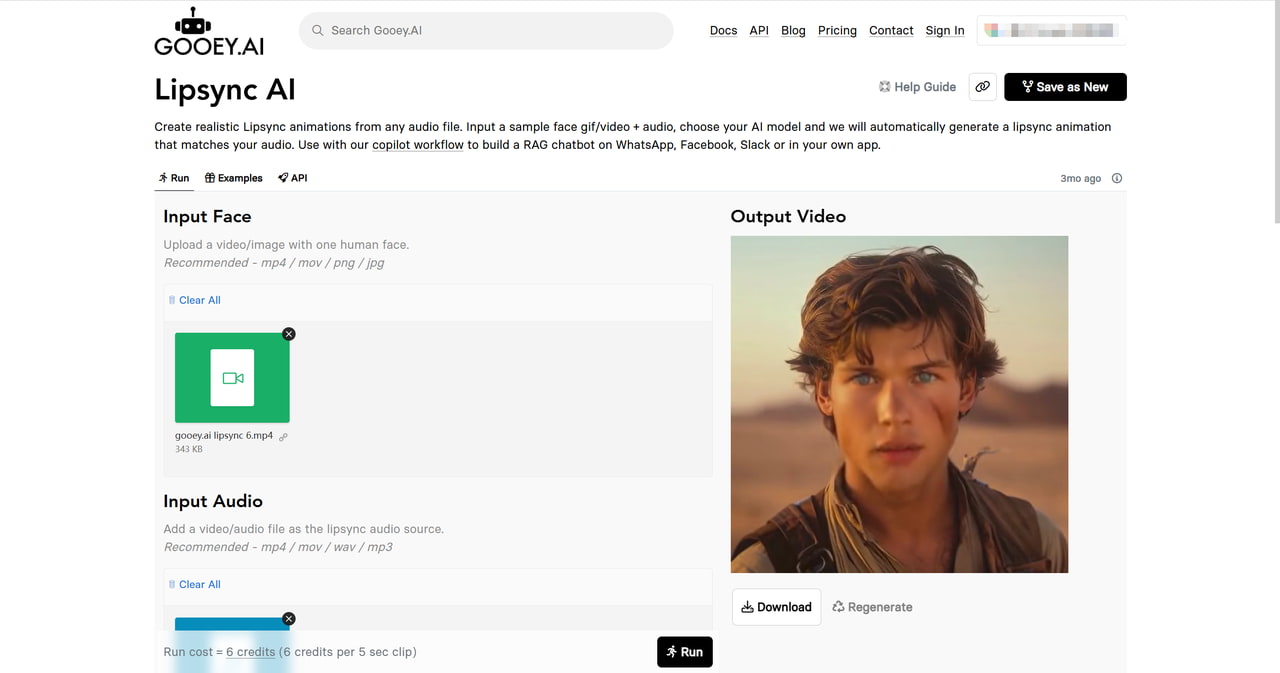
Best for: Best for content creators and developers looking to create engaging lip-sync animations for chatbots, videos, and interactive applications.
Key Features:
- Upload face images or videos along with audio to create lip movements.
- Multiple model options for various quality and speed preferences.
- Integrate lipsync animation into your apps, workflows, and chatbots using Gooey.AI's API.
- Supports multiple audio/video formats for input and output.
Pros: Easy-to-use interface; High customization options with AI models.
Cons: Requires credits for extended video generation (costs 6 credits per 5 seconds).
Pricing: Gooey AI uses a credit-based model. Check the current pricing page for available plans, credits, and model costs.
5. Wav2Lip
Wav2Lip is an open-source research project for syncing speech to visible lip movements in face videos. It is intended for technical users who can run models locally or build their own workflow; it is not a hosted SaaS product.
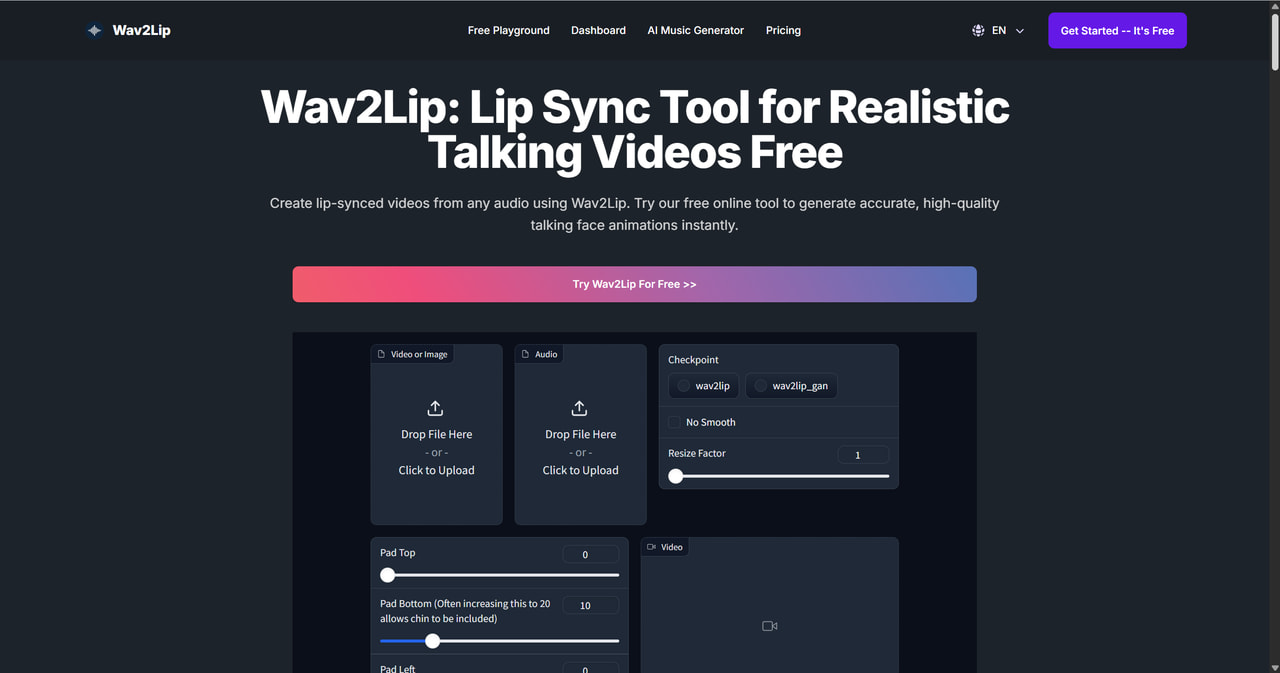
Best for: Developers, researchers, and technical teams exploring an open-source lip-sync model.
Key Features:
- Research code and pretrained models for speech-driven lip synchronization.
- Can be adapted into a custom local workflow for face videos and audio.
- Useful as a technical reference for evaluating model-based lip sync.
Pros: Open-source research project with a well-known baseline model; flexible for users who can build and operate their own pipeline.
Cons: Requires technical setup and the original project’s models are released for research, academic, or personal use—not commercial use.
Pricing: The project itself is open source. Review the repository license and model-use terms before any deployment or commercial use.
6. Animaze Desktop
Animaze especially offers an interactive avatar experience for streamers, YouTubers, VTubers, and content creators. It supports real-time lip-syncing for streaming on platforms like Twitch, YouTube, and Facebook Gaming.
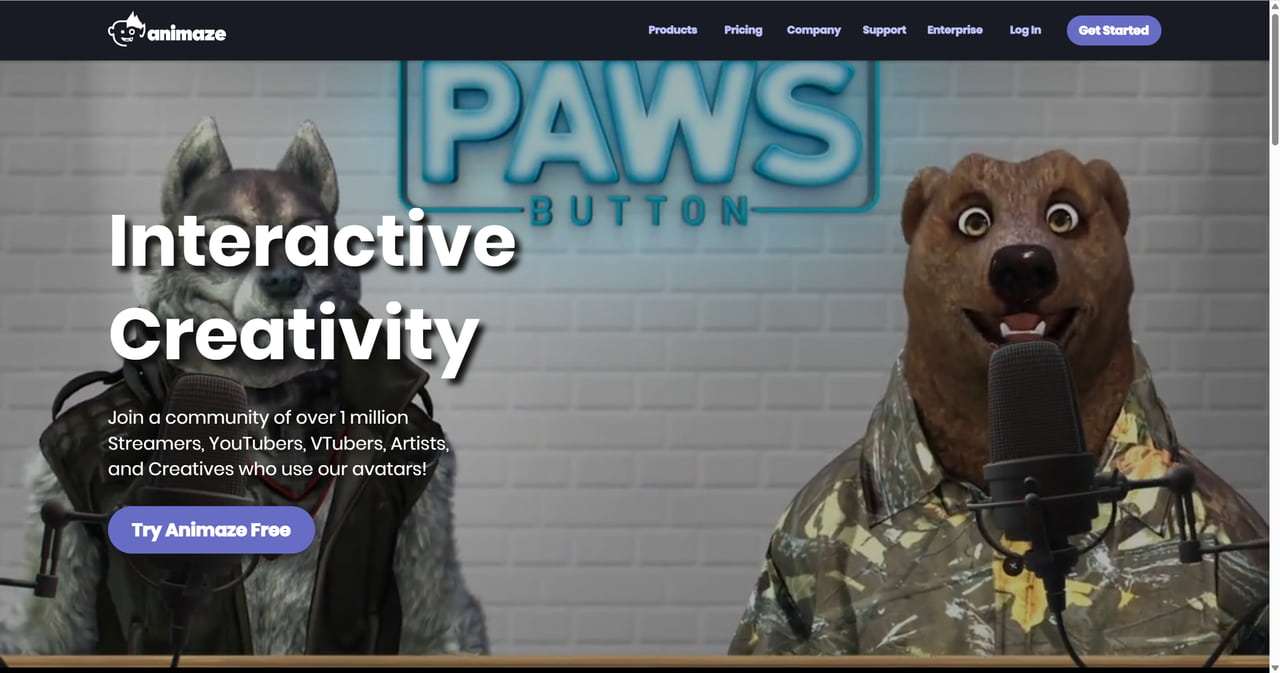
Best for: Best for content creators, streamers, and VTubers who want to elevate their avatar-based entertainment with seamless lip-syncing and streaming integration.
Key Features:
- Real-time lip-syncing with avatars using webcams or iPhones.
- A wide range of avatars, including animals, humans, or custom ones, and easily integrate props or backgrounds.
- Easy integration with popular streaming tools and webcam/iPhone compatibility.
- Avatar-based entertainment is accessible to everyone.
Pros: Unlimited avatar customization; Easy setup with webcam or iPhone; no need for complex equipment.
Cons: Desktop software needs installation; Learning curve.
Pricing: Animaze has a free Basic plan and paid individual plans. Check its current pricing page for included avatars, features, and annual billing terms.
7. Revoice Pro 5
Revoice Pro 5 is an audio alignment and vocal-processing tool. It does not generate visible mouth movements; instead, it helps post-production teams align and shape replacement dialogue or vocal performances before visual lip-sync work.
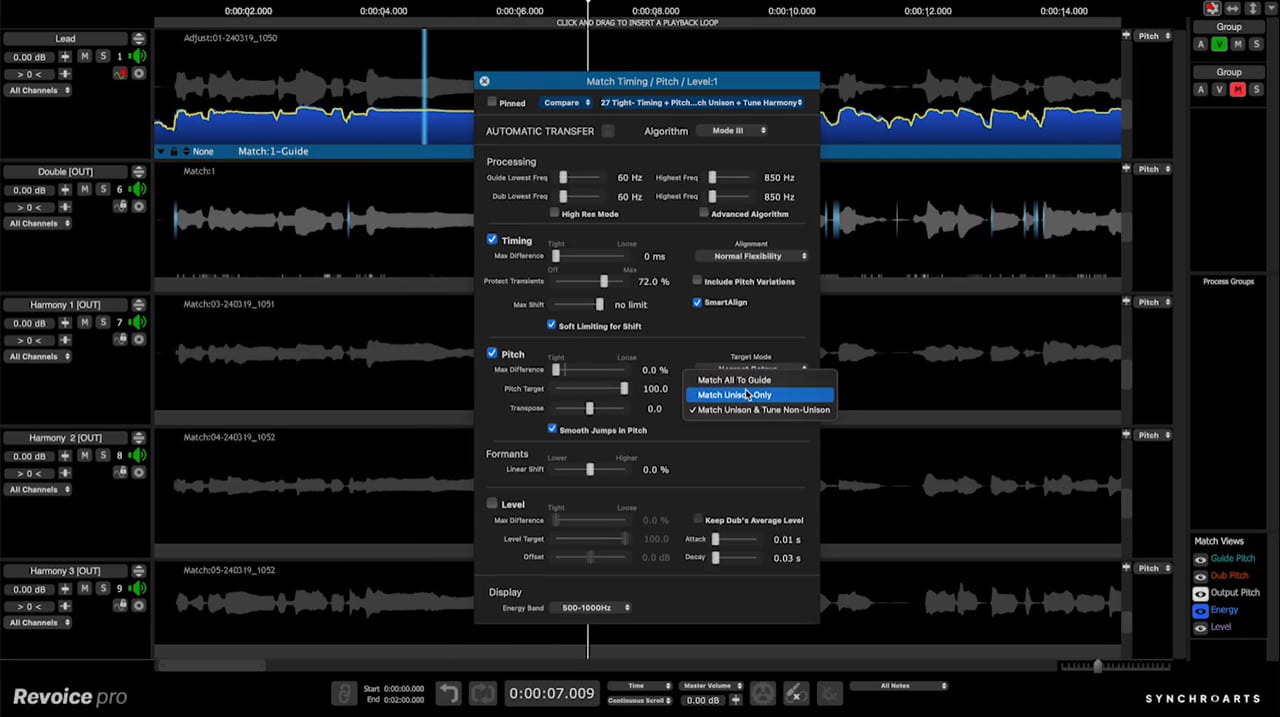
Best For: Professional audio engineers and post-production teams that need audio alignment—not a visual lip-sync generator.
Key Features:
- SmartPitch: Match pitch between multiple vocal tracks, mainly for natural emotions.
- SmartAlign: Adjust the timing of a new voice-over to perfectly match the rhythm of the original actor's on-screen speech.
- Vocal Doubler: Create a natural-sounding second voice layer to make a vocal performance sound richer and more powerful.
- Shaper Tool: Precise, manual control of the fine-tuning of any single word.
- Vibrato Editing: Adjust the natural wavering in an actor's or singer's voice for a perfectly polished performance.
Pros: Efficient vocal alignment, saving production time; Easy-to-use interface with automated processes.
Cons: Only available as a plugin (requires compatible host software); High price point, which may be a barrier for smaller creators.
Pricing: $299, with eligible upgrades offering up to 50% off.
FAQs about AI Lip Sync
Can I use lip-sync tools for live streaming?
Yes. Animaze Desktop is built specifically for real-time lip-syncing avatars during streams.
Do lip-sync tools support multiple languages?
Yes. For example, VMEG AI supports 170+ languages and dialects for its video localization workflow; supported options vary by tool.
Which AI lip sync tool is best for translated videos?
VMEG is a strong option when you need a single workflow for translating, dubbing, subtitling, and lip-syncing an existing video. Choose based on your source footage, target languages, editing needs, and current plan limits.
Is there a difference between VMEG and HeyGen?
They serve overlapping but different workflows. HeyGen is useful for AI-avatar and lip-sync video creation, while VMEG focuses on translating, dubbing, subtitling, and lip-syncing existing video content. The better fit depends on whether you are creating a new presenter-led video or localizing existing footage.
Can I lip-sync a long video?
Potentially, but duration, resolution, and credit limits differ by product and plan. Check the current tool limits and test a representative segment before starting a long webinar, course, or documentary.
Create Engaging Videos with Lip Sync - VMEG
Translate, dub, and perfectly sync lip movements all in one click to make your content feel natural & native anywhere.


The VMEG Team
Behind VMEG stands a passionate team of creatives, engineers, and language lovers. At the crossroads of AI and storytelling, they craft tools that bridge languages and cultures.