
“What if the words in your video were invisible to viewers who can’t turn on the sound or understand your language?”
Video is everywhere—on YouTube, in courses, webinars, and social clips—but spoken words alone do not always reach their full audience. Without transcripts or subtitles, accessibility suffers, repurposing becomes more difficult, and connecting with global viewers is more complex.
Free video transcription tools can turn speech into text, generate subtitles, and, in some cases, help translate or dub videos. In this article, you’ll discover seven options for 2026, compare their free access, exports, privacy, and workflow limitations, and see how VMEG supports creators, educators, and businesses that need multilingual transcription and localization.
How We Selected the Free Video Transcription Tools
We evaluated each tool by the following criteria:
- Accuracy: Handles accents, noise, and clear speech recognition.
- Free Access: Whether the tool has a usable free plan, a limited trial, or open-source software that can run locally.
- Languages: Broad multi-language and dialect support.
- Speakers: Detects and labels multiple voices.
- Exports: Supports TXT, SRT, and VTT formats.
- Workflow: Offers editing, translation, or dubbing features.
- Privacy: Local or cloud-based processing options.
- Ease of Use: Simple upload and editing experience.
Some tools listed are fully free to run locally, while others offer a limited free plan or trial. The comparison notes those differences so you can judge whether the free access fits your workflow.
Quick Comparison Table for Video Transcription Tools
| Tool | Free access | Export access | Processing / privacy | Best for |
| VMEG | Free to start; verify current limits | TXT, SRT, VTT, and more | Browser-based cloud workflow | Multilingual video transcription and localization |
| Descript | Free plan with limited media minutes | Multiple formats | Cloud editor | Video or podcast editing from a transcript |
| VEED | Free to start; plan limits apply | Plan-dependent | Browser editor | Social videos and quick captions |
| OpenAI Whisper (local) | Open-source software; your own compute | Depends on your local workflow | Can run locally | Offline or technical transcription workflows |
| Happy Scribe | 10-minute AI trial | TXT, DOCX, SRT; video exports may be watermarked | Cloud workflow | Professional transcript and subtitle review |
| Maestra | Trial or credit availability varies | Plan-dependent | Cloud workflow | Multilingual subtitles and dubbing |
| Notta | Free plan available | Download access depends on plan | Cloud meeting and file transcription | Meetings and interviews with multiple speakers |
The Best Free Video Transcription Tools
With dozens of apps claiming to convert speech to text for free, finding the right one can be tricky. Some focus on speed, others on accuracy, languages, or caption styling.
Below, we’ve rounded up seven options for 2026. Their free access differs: some have a free plan, some a short trial, and Whisper is open-source software that can run locally.
Below, we’ve rounded up seven options for 2026. Their free access differs: some have a free plan, some a short trial, and Whisper is open-source software that can run locally.
VMEG — Best for Short Multilingual Clips & Localization Workflows
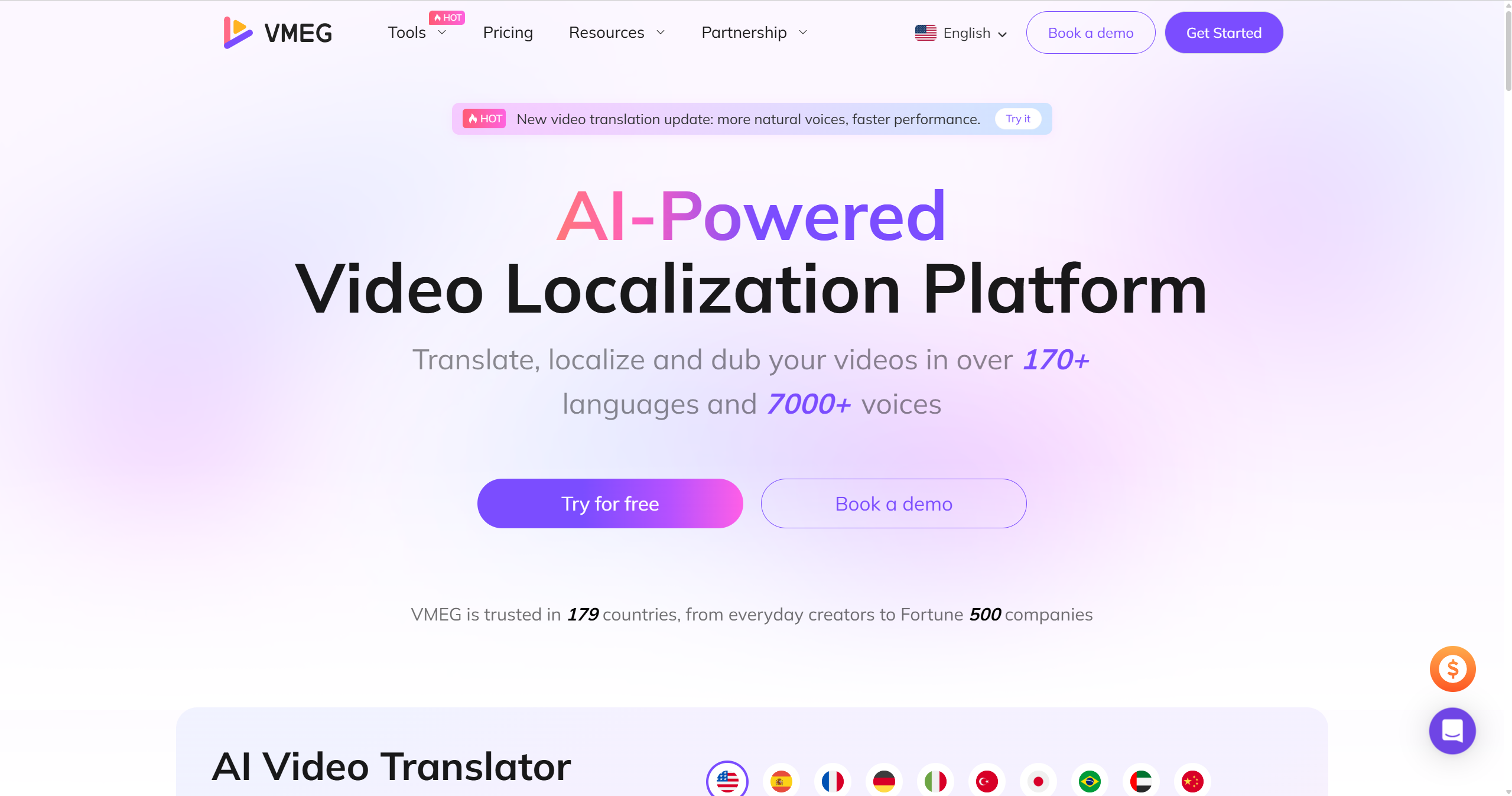
VMEG AI is a browser-based video transcription and video localization platform for creators, educators, and businesses that need editable text from audio or video. It supports transcription for uploaded files and YouTube links in a browser-based workflow.
You can start with VMEG’s available free access, then check the current task, duration, and credit limits before using it for recurring or long-form work.
Core Transcription Features:
- Video-to-Text Converter: Upload or paste a video link to get precise, time-coded transcripts in seconds.
- Audio-to-Text Tool: Easily extract transcripts from interviews, podcasts, or voice recordings.
- YouTube Transcript Generator: Generate and download transcripts from any public YouTube video. No software required.
Beyond transcription, VMEG also delivers a full AI-powered localization suite for creators who want to take their videos global. It can also translate, dub, subtitle, and lip-sync videos in 170+ languages and dialects, giving teams a route from transcript to multilingual video delivery.
Additional Capabilities:
- AI Video Translator: Instantly translate and redub YouTube, TikTok, or uploaded videos.
- Subtitle Generator & Translator: Auto-create subtitles in multiple styles and formats (TXT, SRT, VTT).
- Voice Cloning & Lip-Sync Maker: Preserve your voice and tone while making dubbed videos look native.
- Multi-Speaker Detection: Separate and label different speakers for clear, structured transcripts.
- Cloud Editing: All processing happens online. No installations or heavy files needed.
Pros
- Multilingual workflow: Supports transcription and localization across 170+ languages and dialects.
- Editable output: Lets teams review transcripts, subtitles, and translations before export.
- Integrated tools: Connects transcription with subtitle, translation, dubbing, and lip-sync workflows.
- User-Friendly Interface: Intuitive web UI accessible to users of any technical skill level.
Cons
- Free usage is tuned for short clips/snippets
- Not focused on live/meeting capture like Notta
Descript
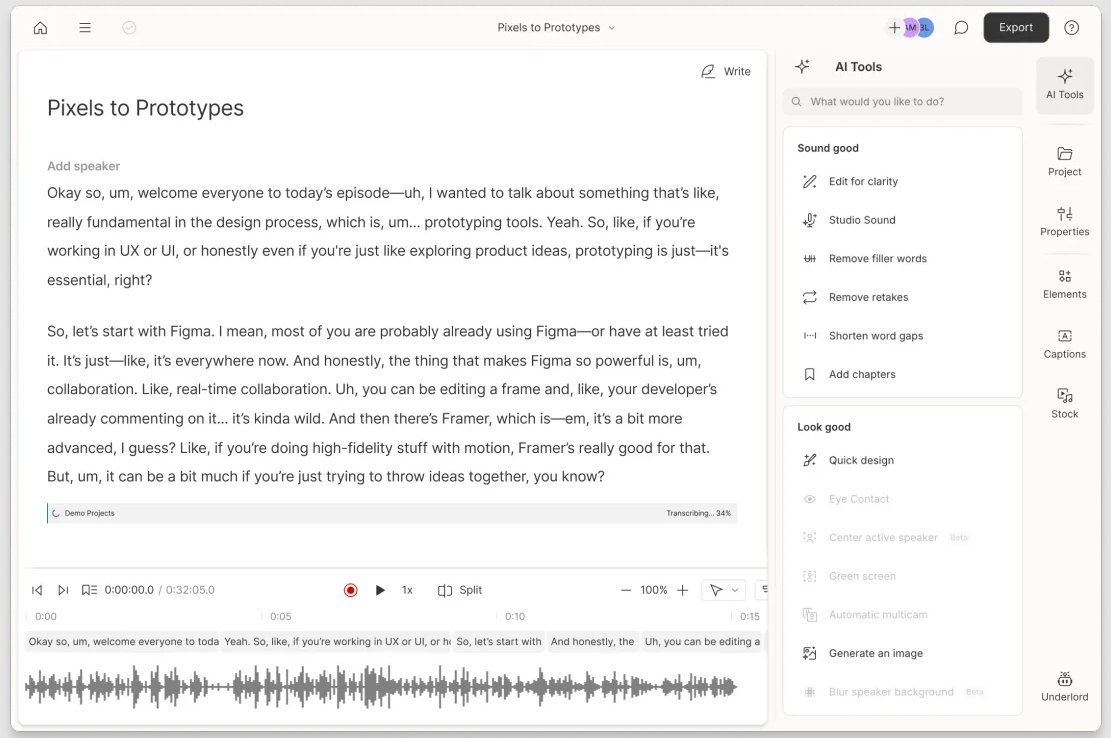
Descript is a hybrid editor + transcription tool favored by creators: you edit the video and audio by editing the text, then export captions or subtitles—great for podcasts and YouTube workflows.
Key features
- Transcript-driven editing (cut filler words, tighten takes)
- Multitrack timeline; screen/audio recording
- Auto-captions; export SRT/VTT
- Powerful text-based search through your footage
- Collaboration for production teams
Pros
- Huge time saver for podcasters/YouTubers
- Tight integration of editing + transcript work
- Good diarization for interview-style content
Cons
- Small free monthly allowance
- Feature-rich editor with a learning curve for newcomers
- Advanced caption styling often finished in another tool
VEED.io
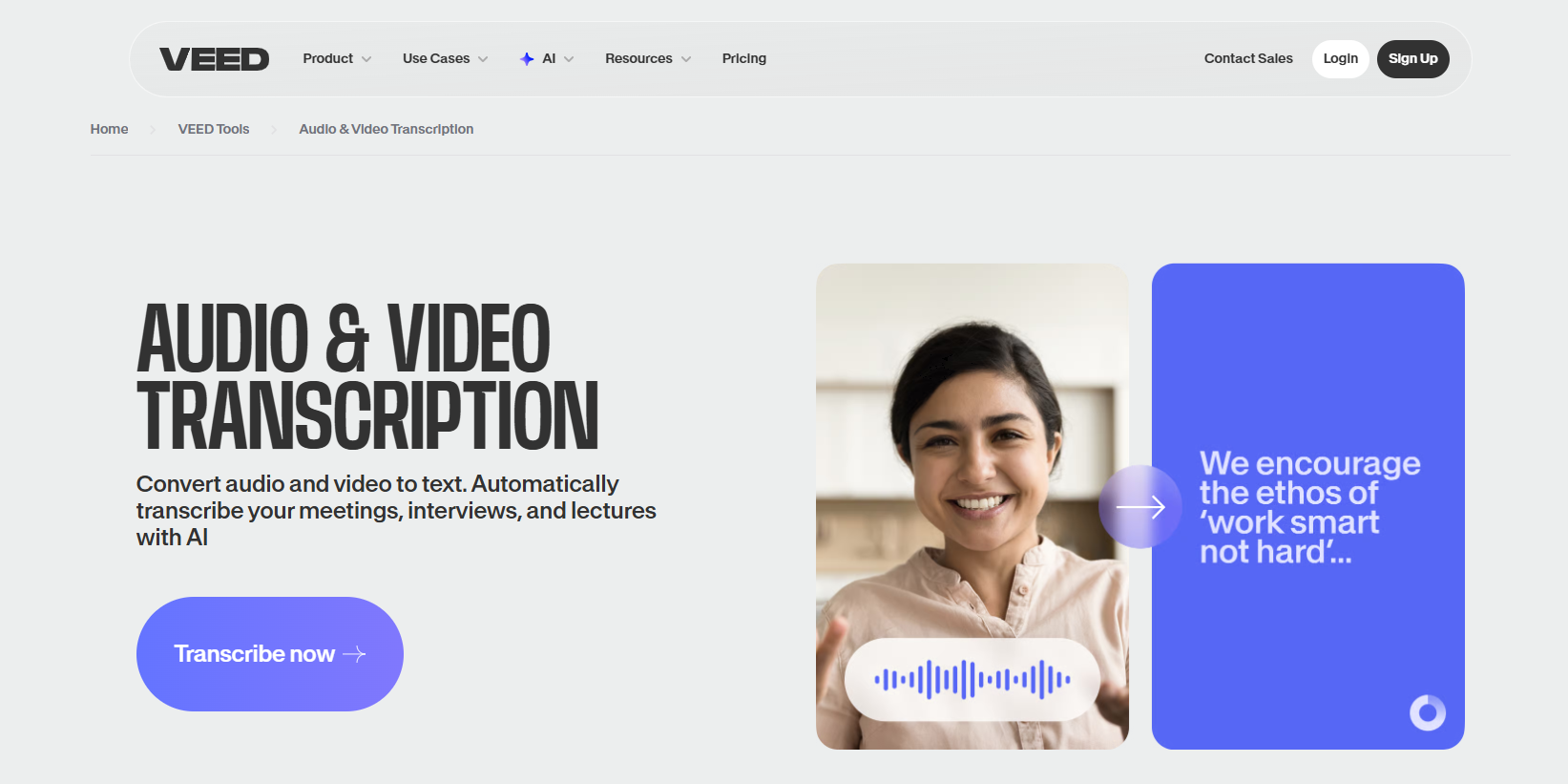
VEED is a browser-based editor with auto-subtitles, timeline editing, and easy burn-in—a solid pick for fast, branded captions on short social videos.
Key features
- Auto-subtitle generation in many languages
- Timeline editor to tweak words and timings
- Style presets: fonts, colors, backgrounds, positioning
- Burn-in or export SRT/VTT for platform upload
- Templates for reels/shorts and brand kits
Pros
- Very quick for Instagram/TikTok/YouTube Shorts
- All in the browser; beginner-friendly
- Handy styling controls without needing a pro NLE
Cons
- Free access and subtitle-file downloads are subject to current plan limits
- Less ideal for long-form transcription accuracy/cleanup
- Translation/localization flow is basic vs. specialist tools
OpenAI Whisper
OpenAI’s Whisper is an open-source speech-to-text model that can run locally, for example through a compatible desktop app or a technical workflow. It supports multilingual speech recognition, translation into English, and language identification; local use can keep media on your own machine.
Key features
- Local/offline transcription; no upload required
- Strong multilingual performance; language auto-detect
- Timestamped outputs and translate-to-English modes
- Output formats depend on the command-line setup or GUI wrapper you choose
- Multiple model sizes for speed vs. accuracy
Pros
- Local workflow with no hosted-service quota from Whisper itself
- Great with accents and varied audio (given the right model)
- Ideal for large volumes if you have the compute
Cons
- Technical setup: speed depends on your hardware
- No native “video editor” or styling—use another tool for polish
- Speaker diarization requires additional tools or workflow steps
Happy Scribe
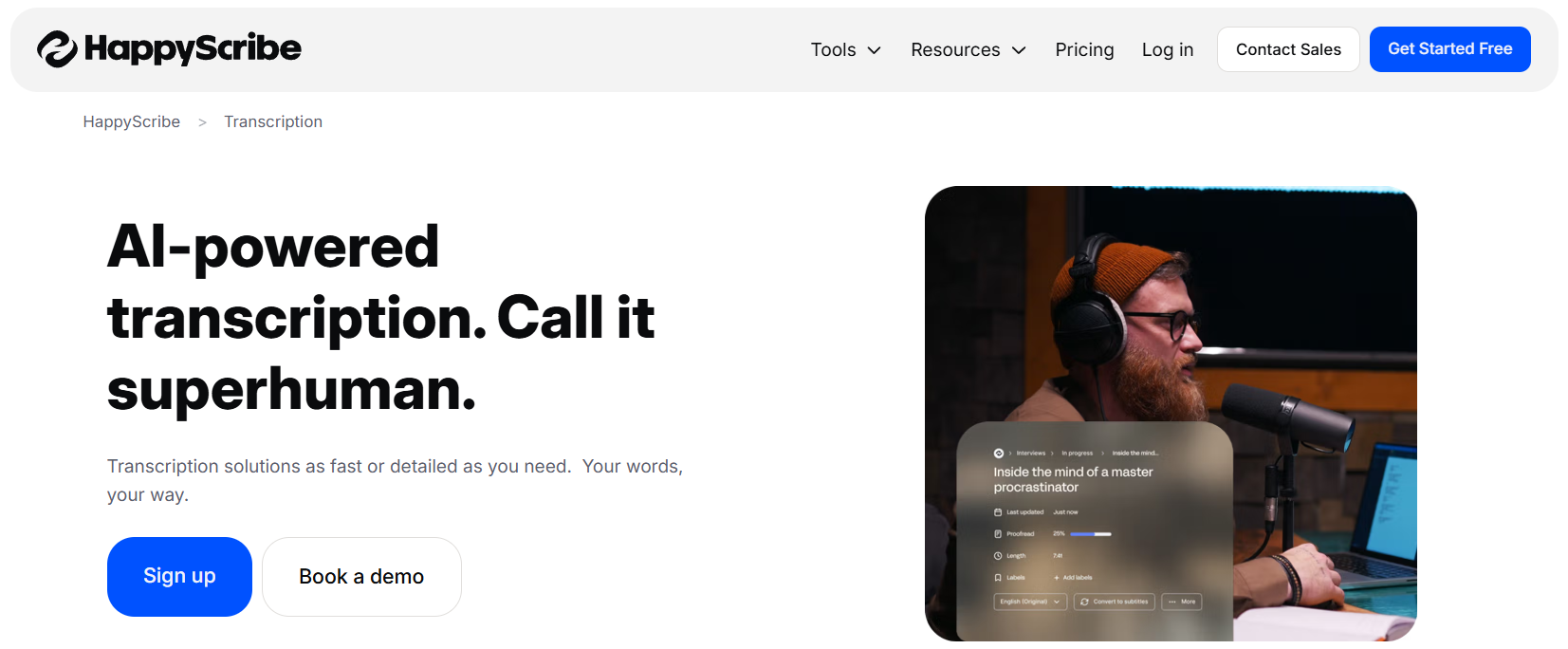
Happy Scribe is a transcription and subtitling specialist with an excellent web editor, speaker/timing tools, and the option to switch to human transcription when near-perfect accuracy is required.
Key features
- AI and human transcription options
- Rich subtitle editor (timing, line breaks, per-line limits)
- Exports to TXT, SRT, VTT, and more
- Multi-language support with punctuation and timestamps
- Collaboration and project sharing
Pros
- Professional-grade subtitling workflow
- Clean alignment tools that speed up QA
- Easy export to the formats video teams actually need
Cons
- Free access is a 10-minute AI transcription, subtitling, and translation trial rather than a long-term transcription tier
- You’ll still do manual clean-up on difficult audio
- No full video editing; it’s built for transcripts/subtitles
Maestra.ai
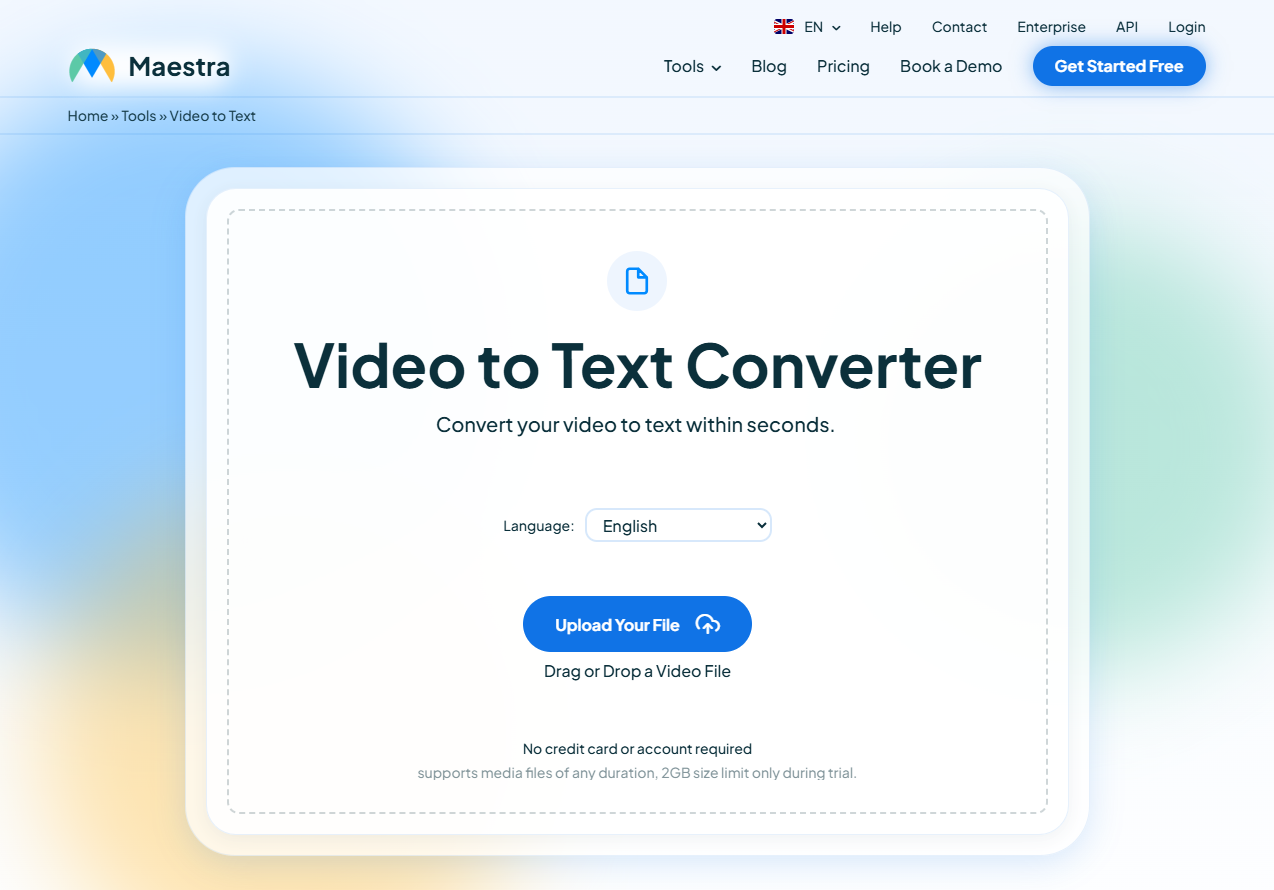
Maestra focuses on multilingual transcription, subtitle generation, translation, and AI voiceovers, making it a handy choice for creators who need captions and dubbed versions of the same video.
Key features
- Auto-subtitles and translation in many languages
- AI voiceover and dubbing options
- Subtitle editor with preview and timing controls
- Export to TXT/SRT/VTT; burn-in for quick delivery
- Brand presets/templates to keep a consistent look
Pros
- End-to-end localization: transcript → translate → dub
- Simple, visual subtitle editing
- Good option for short-to-mid length creator content
Cons
- Trial and credit availability should be checked before larger projects
- Some advanced outputs are gated to paid tiers
- Diarization and long-form control are not as deep as meeting tools
Notta.ai
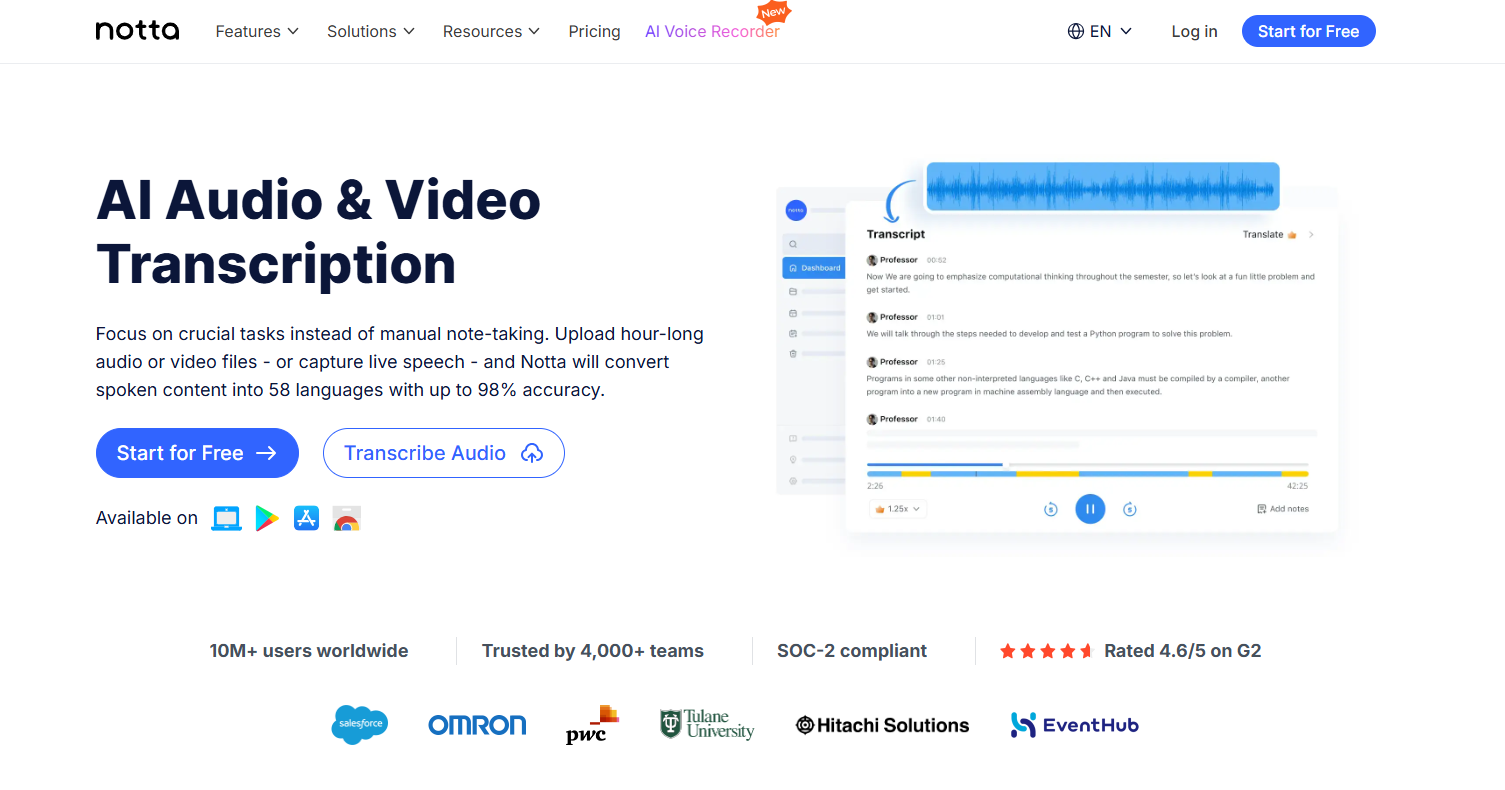
Notta centers on real-time and file-based transcription with solid speaker diarization, meeting integrations, and AI summaries, so interviews and calls are easy to capture and review.
Key features
- Real-time transcription + file uploads
- Speaker labels/diarization for multi-speaker audio
- AI summaries, highlights, action items
- Calendar/meeting bot integrations (Zoom/Meet/Teams)
- Exports include TXT and SRT; download availability depends on the current plan
Pros
- Strong fit for interviews, panels, webinars
- Summaries speed up review and note-taking
- A practical free allowance for recurring light use
Cons
- Subtitle styling is basic (you’ll style elsewhere)
- Per-file/time caps on the free tier
- Less suited to polished social captions out-of-the-box
FAQs
Which tool is best for YouTube captions?
If you record English and have moderate length, Notta or Descript gives a clean start. If you need multilingual captions, go with VMEG or Maestra. For social short clips, VEED.io is quick.
How accurate are AI transcription tools?
Accuracy varies with audio quality, overlapping speakers, accents, terminology, and background noise. VMEG advertises up to 99% accuracy for its video-to-text tool under suitable conditions, but important transcripts should still be reviewed before publishing.
Can I translate a transcript into other languages?
Yes. Tools such as Maestra and VMEG support transcription and translation workflows. You generally transcribe first, then translate and export a subtitle file for each language.
What’s the difference between SRT and VTT?
Both are subtitle file formats: SRT is very common, simple timestamp/text. VTT (WebVTT) supports styling cues, positioning, UTF-8, easier for web players and advanced captioning. Choose based on your target platform.
How can I improve accuracy, especially with noisy audio or strong accents?
Tips:
Tips:
- Use clear audio, a good mic, and minimize background noise.
- Use mono ~16kHz audio if possible.
- Speak one at a time (avoid overlapping voices).
- Choose a tool that supports your language/accent.
- After the initial transcript, manually proofread for errors and speaker labels.
How do I integrate transcription + subtitles into my publishing workflow?
Workflow example: Transcribe → Export SRT → Upload to YouTube/Vimeo (caption file) or burn into video for social. Also, reuse the transcript text in a blog post. Ensure your caption file matches your published video timestamp exactly.
Conclusion
Free video transcription tools have matured significantly. You no longer need to pay just to get usable transcripts, subtitles, or even multilingual captions. But not all free tools are equal: minutes matter, language support matters, export formats matter, and workflow features matter.
Choose the tool that matches your volume, language needs, and publishing workflow. Try VMEG to test the full workflow: transcription → subtitle → translation → export. Then scale from there.
Free Video to Text Converter
Try VMEG for free to transcribe, subtitle and localize videos in 170+ languages.


The VMEG Team
Behind VMEG stands a passionate team of creatives, engineers, and language lovers. At the crossroads of AI and storytelling, they craft tools that bridge languages and cultures.