

'%3e%3cpath%20d='M21.0949%203.79395L13.9961%209.82854H21.0949V3.79395Z'%20stroke='black'%20stroke-width='1.38'%20stroke-miterlimit='10'/%3e%3cpath%20d='M13.998%209.82854L7.44531%203.79395V9.82854H13.998Z'%20stroke='black'%20stroke-width='1.38'%20stroke-miterlimit='10'/%3e%3cpath%20d='M13.9961%202.69922V25.1919'%20stroke='black'%20stroke-width='1.38'%20stroke-miterlimit='10'/%3e%3cpath%20d='M20.5488%2016.4113L13.9961%209.82812V18.2217L20.5488%2024.0918V16.4113Z'%20stroke='black'%20stroke-width='1.38'%20stroke-miterlimit='10'/%3e%3cpath%20d='M7.44531%2016.4113L13.998%209.82812V18.0526L7.44531%2024.0918V16.4113Z'%20stroke='black'%20stroke-width='1.38'%20stroke-miterlimit='10'/%3e%3cpath%20d='M4.71094%209.82812V18.6057H7.44125V16.4113L13.9941%209.82812H4.71094Z'%20stroke='black'%20stroke-width='1.38'%20stroke-miterlimit='10'/%3e%3cpath%20d='M13.9961%209.82812L20.5488%2016.4113V18.6057H23.2792V9.82812H13.9961Z'%20stroke='black'%20stroke-width='1.38'%20stroke-miterlimit='10'/%3e%3c/g%3e%3c/svg%3e)

'%3e%3cmask%20id='mask0_21456_29260'%20style='mask-type:luminance'%20maskUnits='userSpaceOnUse'%20x='0'%20y='0'%20width='28'%20height='28'%3e%3cpath%20d='M27.5%200.5H0.5V27.5H27.5V0.5Z'%20fill='white'/%3e%3c/mask%3e%3cg%20mask='url(%23mask0_21456_29260)'%3e%3cpath%20d='M14%2027.5C13.4854%2024.1035%2011.8974%2020.9608%209.46828%2018.5317C7.03922%2016.1026%203.89651%2014.5146%200.5%2014C3.89651%2013.4854%207.03922%2011.8974%209.46828%209.46828C11.8974%207.03922%2013.4854%203.89651%2014%200.5C14.5147%203.89644%2016.1028%207.03905%2018.5318%209.46816C20.9609%2011.8972%2024.1035%2013.4853%2027.5%2014C24.1035%2014.5147%2020.9609%2016.1028%2018.5318%2018.5318C16.1028%2020.9609%2014.5147%2024.1035%2014%2027.5Z'%20fill='url(%23paint0_linear_21456_29260)'/%3e%3c/g%3e%3c/g%3e%3cdefs%3e%3clinearGradient%20id='paint0_linear_21456_29260'%20x1='9.5'%20y1='9.5'%20x2='20.75'%20y2='21.875'%20gradientUnits='userSpaceOnUse'%3e%3cstop%20stop-color='%23F0DCD6'/%3e%3cstop%20offset='0.914506'%20stop-color='%231D6DFF'/%3e%3c/linearGradient%3e%3cclipPath%20id='clip0_21456_29260'%3e%3crect%20width='28'%20height='28'%20fill='white'/%3e%3c/clipPath%3e%3c/defs%3e%3c/svg%3e)
'%3e%3cpath%20d='M22.8019%2011.2412L23.5234%2011.6807V12.0103L23.3172%2012.7796L14.5579%2014.9771L13.7344%2012.7951L22.8019%2011.2412Z'%20fill='%23D97757'/%3e%3cpath%20d='M19.5236%204.77832L20.5322%205.00396L20.8%205.35575L21.0552%206.19876L20.9494%206.73644L15.0712%2015.3068L13.1133%2013.2191L18.5338%205.63471L19.5236%204.77832Z'%20fill='%23D97757'/%3e%3cpath%20d='M14.4577%203.43951L15.0761%203L15.5912%203.21976L16.1065%203.9889L14.6949%2013.0345L13.7364%2012.3397L13.3242%2011.131L14.0456%204.31853L14.4577%203.43951Z'%20fill='%23D97757'/%3e%3cpath%20d='M7.84766%203.5851L8.48285%202.7199L8.89716%202.61914L9.71923%202.74717L10.125%203.08581L13.0815%2010.0748L14.1509%2013.3954L12.8997%2014.1372L8.13117%204.91019L7.84766%203.5851Z'%20fill='%23D97757'/%3e%3cpath%20d='M4.77232%208.38688L4.56641%207.50742L5.18478%206.73828L5.90613%206.84816H6.11223L10.4403%2010.2544L11.78%2011.3531L13.6349%2012.8914L12.6044%2014.7594L11.6769%2013.9903L11.0586%2013.331L5.08168%208.82593L4.77232%208.38688Z'%20fill='%23D97757'/%3e%3cpath%20d='M3.53288%2014.0982L3.06641%2013.5489L3.06647%2013.0601L3.53288%2012.8896L8.78833%2013.2193L13.9408%2013.6588L13.7736%2014.7528L3.94502%2014.2082L3.53288%2014.0982Z'%20fill='%23D97757'/%3e%3cpath%20d='M6.62378%2019.8178H5.59334L5.18359%2019.3146V18.7132L6.93299%2017.3946L14.045%2012.5674L14.7648%2013.8785L6.62378%2019.8178Z'%20fill='%23D97757'/%3e%3cpath%20d='M8.57739%2022.8884L8.16518%2022.9984L7.54688%2022.6687L7.64995%2022.1193L13.7299%2013.5488L14.5543%2014.7574L10.0201%2021.1305L8.57739%2022.8884Z'%20fill='%23D97757'/%3e%3cpath%20d='M13.7361%2023.9861L13.4271%2024.4257L12.8088%2024.6454L12.2935%2024.2058L11.9844%2023.5466L13.5301%2014.6465L14.4576%2014.7563L13.7361%2023.9861Z'%20fill='%23D97757'/%3e%3cpath%20d='M18.9869%2021.5713V22.4503L18.8838%2022.7799L18.4716%2022.9997L17.7503%2022.8974L12.7969%2015.0367L14.7617%2013.4404L16.4104%2016.6269L16.5652%2017.7805L18.9869%2021.5713Z'%20fill='%23D97757'/%3e%3cpath%20d='M21.3629%2020.2507L21.4659%2020.8L21.1568%2021.2396L20.8476%2021.1297L19.0958%2019.8112L16.4165%2017.284L14.3555%2015.7457L14.9736%2013.6582L16.0041%2014.3175L16.6226%2015.5259L21.3629%2020.2507Z'%20fill='%23D97757'/%3e%3cpath%20d='M20.0232%2014.6482L22.5995%2014.8679L23.2178%2015.3074L23.6299%2015.9667V16.441L22.4964%2016.9556L16.7256%2015.4173L14.3555%2015.3074L14.9737%2013L16.6226%2014.3185L20.0232%2014.6482Z'%20fill='%23D97757'/%3e%3c/g%3e%3c/svg%3e)
Summary
- Subtitles are no longer a mere add-on; they are a critical element for maximizing viewer engagement and achieving global reach.
- For occasional or personal use, free downloaders are sufficient. However, creators, marketers, and businesses aiming for rapid growth and high production quality must adopt AI solutions.
- The future of YouTube subtitle management is defined by AI automation. This shift is driven by the need for efficiency and professional-quality content scaling.
Many creators—including myself—quickly learn that subtitles are far more than text floating at the bottom of a video. They boost accessibility, improve viewer engagement, and open your content to audiences who don’t speak your language. But if you’ve ever tried downloading subtitles from YouTube, you know it’s not always straightforward. That’s where free YouTube subtitle downloader tools become essential.
In this guide, I’ll walk you through the best ways to download YouTube subtitles, from simple free tools to more advanced platforms like VMEG AI, which goes beyond basic downloading and helps creators work seamlessly with multilingual subtitle workflows. Whether you're editing, translating, or repurposing content, these tools can make subtitle management dramatically easier.
1. VMEG AI: Ultimate YouTube Subtitle Downloader
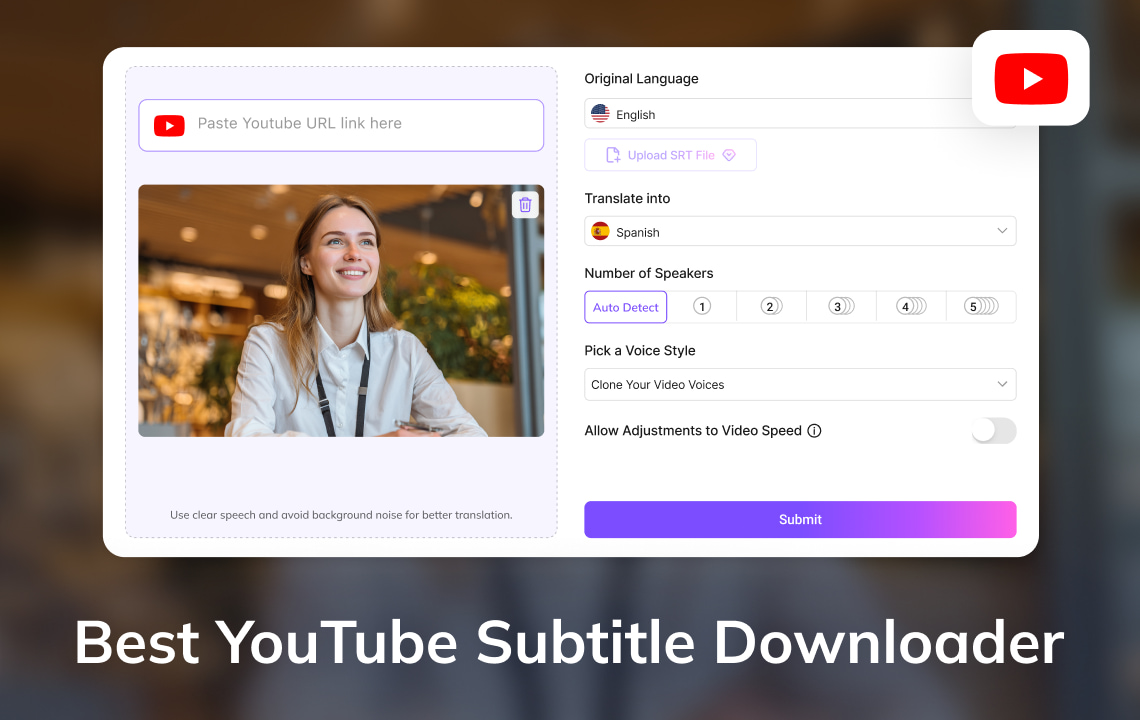
VMEG AI is not a free YouTube subtitle downloader like any other, but is a one-size-fits-all AI product aimed at contemporary creators. In VMEG AI, downloading subtitles is now a simple task, translating them into more than 170 languages is also available, and even creating voiceovers with ideal lip-sync.
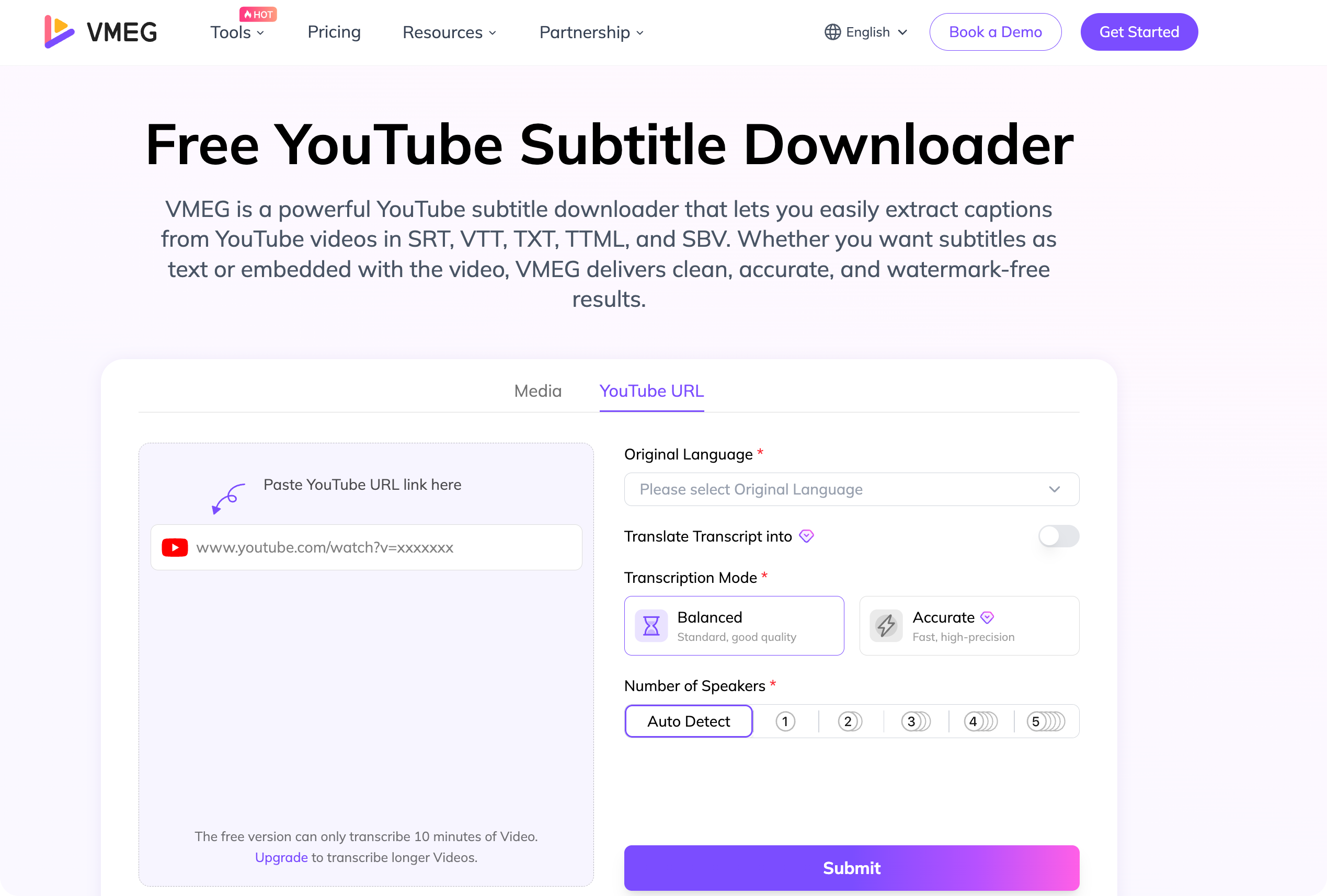
Why VMEG AI Stands Out:
- Multilingual Support: The subtitles are automatically translated without any loss of accuracy.
- Voice Replication Based on AI: Drive subtitles to voiceovers worldwide.
- Easy YouTube Integration: Subtitles may be downloaded on any video.
- Auto Formatting: Sets timestamps and formatting to facilitate easy editing.
- Free and Paid: Begin with a free plan, upgrade with potential need expansion.
VMEG AI is not only about subtitles but it is about time, effort and financial saving. This tool enables you to provide the very best subtitles and voiceovers ever created whether you are creating tutorials, marketing videos or educational materials.
2. DownSub: Free and Fast Subtitle Downloads
One of the most famous free downloading tools that are used to download YouTube subtitles is DownSub. It works with several video sites, such as YouTube, Vimeo and Dailymotion.
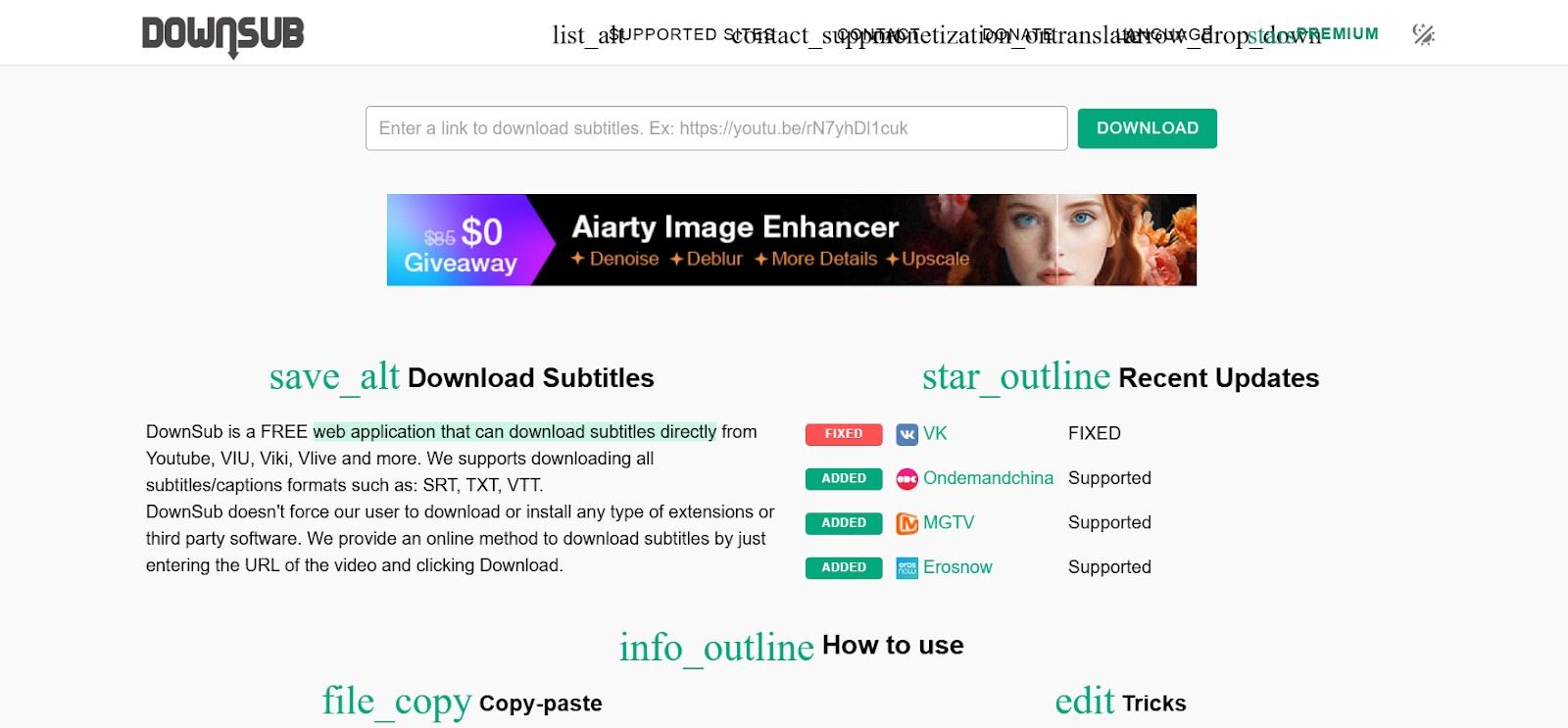
Key Features:
- Downloads SRT or TXT subtitles.
- Things like automatic subtitles and multi-language.
- No registration needed- just stick to the video URL.
Although DownSub is simple to use and convenient in stumping subtitles, it does not have advanced AI translation and voice replication capabilities. To creators that need to reach a global audience in the most effective way, a combination with such a tool as VMEG AI can offer the ideal solution.
3. SaveSubs: Universal Subtitle Downloader
The other free SaveSubs is a tool that enables one to download subtitles in YouTube and other sites. It is easy, quick and suitable for casual users.
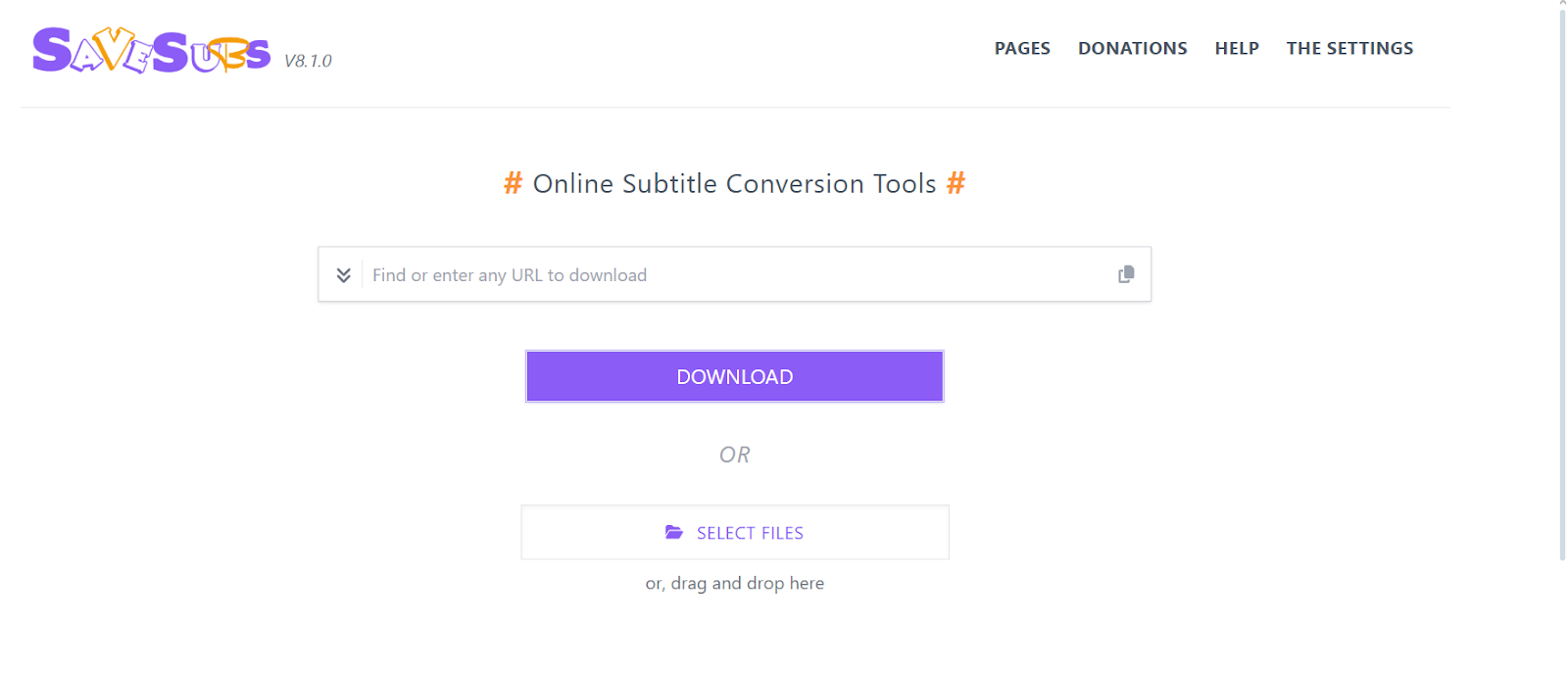
Features You’ll Appreciate:
- Easy editing with the download of SRT files.
- Multi-language and format.
- Easy to use interface, no technical skills required.
Nevertheless, SaveSubs only specializes in subtitles downloading. In contrast to VMEG AI, it does not provide automatic translation and AI-controlled voiceovers, which are necessary to creators who want to go global.
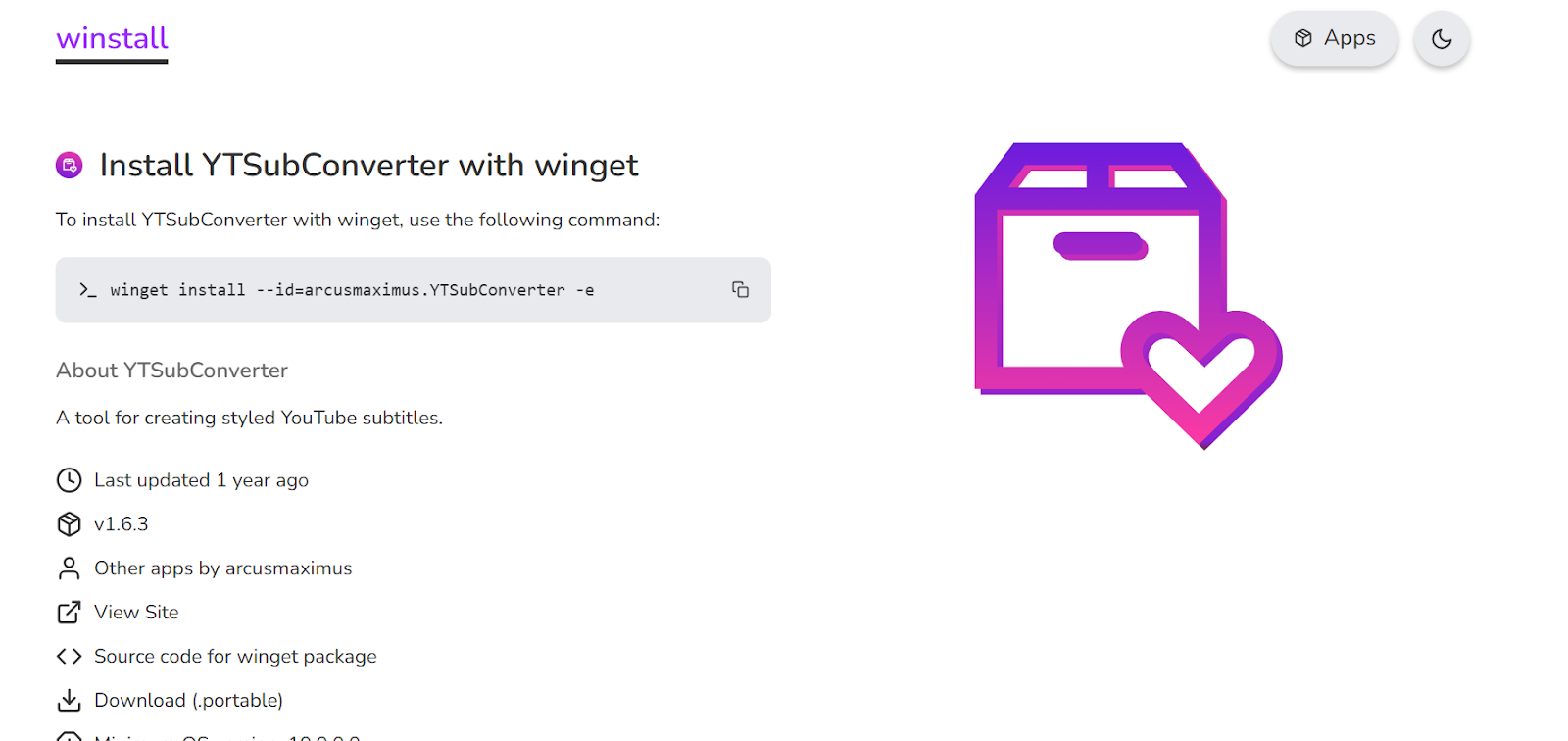
4. YTSubConverter: Free Subtitles Manager
The YTSubConverter is an open-source and free utility that converts subtitles on YouTube. It is awesome to creators who desire to have their subtitle files under control.
Benefits:
- Encoding YouTube captions in different languages such as SRT and ASS.
- It is possible to adjust timing and edit text.
- Works offline having downloaded the video subtitles.
In the case of creators who create multilingual content, YTSubConverter may be used as a manual solution. However, VMEG AI simplifies this process to the minimum and makes its carnival AI-driven automation much faster and efficient.
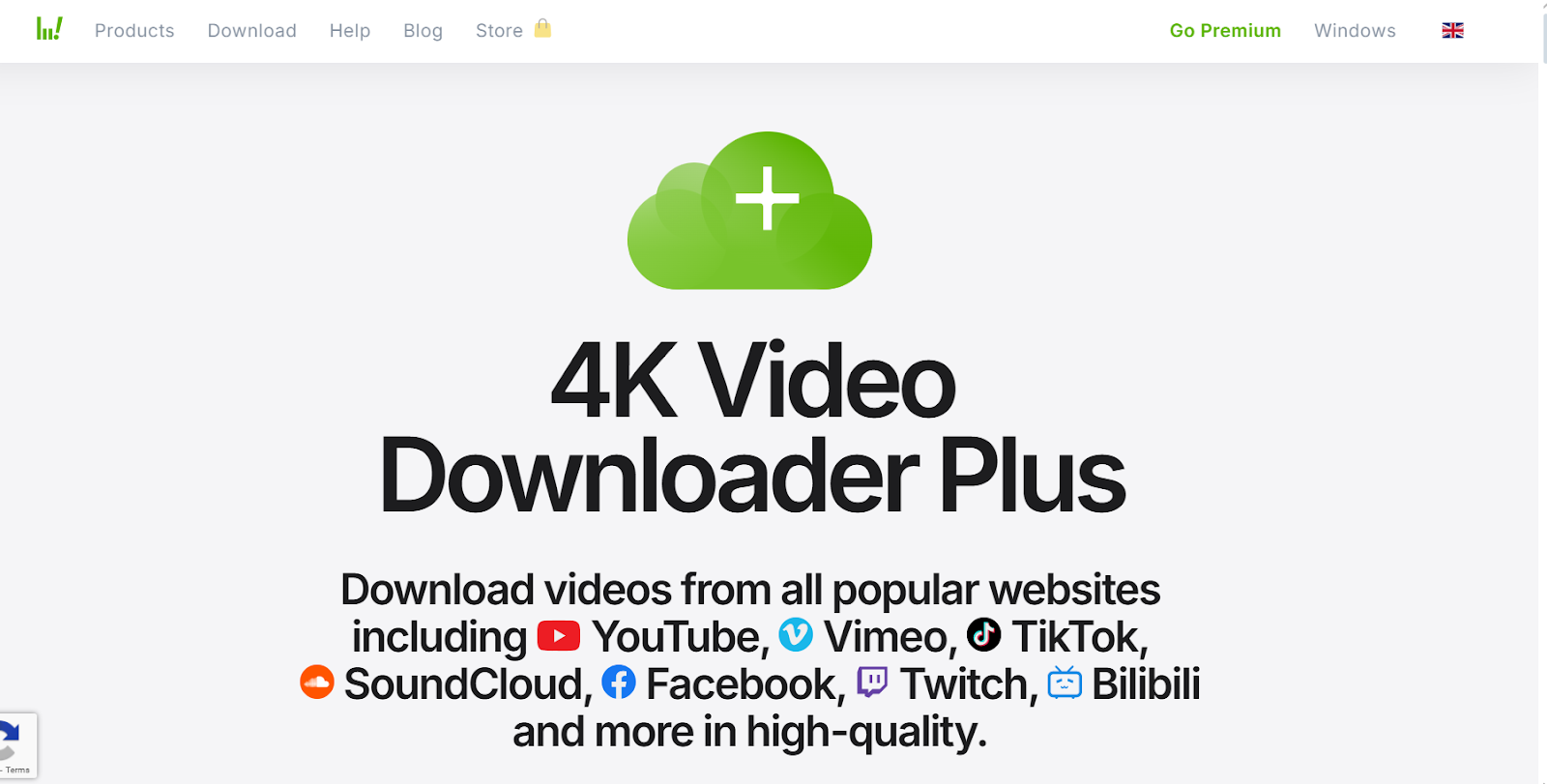
5. 4K Video Downloader: A Two-in-One Tool
One such high-quality video downloader is 4K Video Downloader that allows users to download high-quality videos and subtitles. Although it provides a free version, not all advanced features are available on the free version but on the premium one only.
Notable Features:
- Multi-lingual subtitles.
- Get the subtitles of whole playlists and channels.
- Can be used with Windows, macOS and Linux.
4K Video Downloader is the best option in case of bulk downloads but does not support AI translation. Those creators aiming to have a global presence will find it complementary to VMEG AI that provides automatization of translation, formatting, and voiceover.
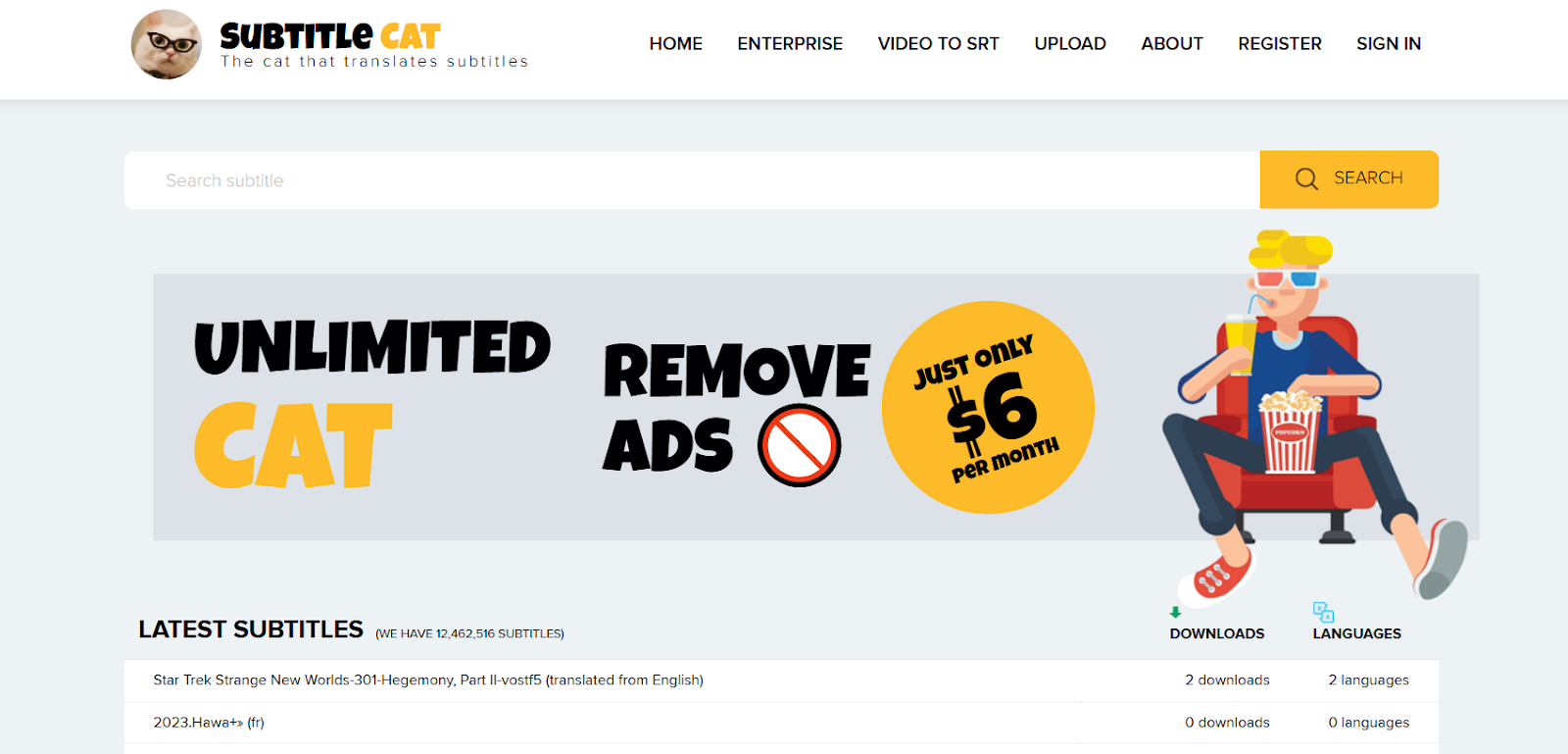
5. SubtitleCat: Online Free Downloader
SubtitleCat is a Web-based site that offers subtitles downloads at no cost to YouTube videos. It is convenient among amateur creators or watchers who want to save the subtitles in a hurry.
Key Features:
- And has various subtitle formats such as SRT andTXT.
- Easy copy-paste functionality and quick download.
- No registration required.
Though SubtitleCat can be effective in simple applications, it can not compete with the strength of advanced AI translation and voiceover capabilities of VMEG AI that makes it possible to produce professional and multilingual videos.
Extraction of Subtitles Using the Manual Technique
Other designers are willing to manually download subtitles through the transcript feature of YouTube. Although it is a free method, it is also time-consuming and subject to error.
Steps:
- Add the video and tap the three dots to get a transcript.
- Write down the text and store it in a file.
- Manual format timestamps as required.
Large-scale projects cannot be effectively picked manually. In this case, VMEG AI delivers instant and precise downloads in an automatic formatting and translations and voiceovers, which leads to a lot of manual work.
Benefits of AI-based YouTube Subtitle Downloader
VMEG AI and other AI-based applications have advantages that are unequal to free downloaders:
- Time Saving: Automatic downloading, translating and formatting.
- Global Reach: Subtitles Translation in more than 170 languages.
- Voiceover Generation: Turn subtitles into sounds as natural.
- Automatic Lip Sync: Automatically match voiceovers and on-screen images.
- Professional Quality: Preclude manual mistakes and inefficient formatting.
With downloaders based on AI, you can make sure that your content is prepared to be distributed professionally and it does not require any extra editing or work.
Tips for Choosing the Best YouTube Subtitle Downloader
The following factors are to be taken into account when choosing a tool:
- Project Scope: VMEG AI is an AI-based solution that is advantageous to large-scale multilingual campaigns.
- User-Friendliness: There are tools that are easy to use and that are limited and those that are more advanced and require minimal effort by the user, and they are called AI platforms.
- Language Support: Review that the tool will be able to support translations in case you are aiming at a worldwide market.
- File Formats: Does the free YouTube subtitle downloader accept SRT, TXT or other subtitle formats?
- Automation Features: Automatic translating, voice replication and lip- sync save a lot of time and effort.
Free and Paid YouTube Subtitle Downloader
As compared to amount of occasional use, paid or AI-enabled tools offer:
- Faster download speed.
- Voiceovers and AI translation.
- Professional-quality formatting.
- Scalability to a variety of videos and languages.
VMEG AI is free and paid, and it is accessible to creators at all levels as well as provides more advanced functionality to bigger projects.
The VMEG AI Helps the Creators to Save Time and Money
VMEG AI does not only download subtitles. It:
- Automatically translates subtitles in order to save labor.
- Creates professional voiceovers without using any extra actors.
- Provides perfect lip-syncing between languages.
- Uses a simple interface to allow easy access by any skill level.
Making several processes in subtitle production automatic allows creators to prioritize the quality of the content and cut down on the production expenses.
The Future of YouTube Subtitle Downloading
It is evident that the future of the subtitle is AI-powered subtitle tools. In 2025, we can expect:
- Artificial intelligence-driven live video translations.
- AI voices that are tonally changing in the context of the used situation.
- Minimal hardware requirements On-demand subtitle generation.
- Multi language subtitle management (scalable) to run campaigns all over the world.
Technologies such as VMEG AI will remain the new standard and assist creators to reach a global audience in the most efficient and cost-effective way.
FAQs
- Is it legal to download YouTube subtitles? Yes, downloading subtitles for personal use is generally fine. For commercial use or redistribution, you should get permission from the video owner.
- Why do some YouTube videos have no subtitles to download? Because the creator didn’t upload subtitles and YouTube didn’t generate automatic captions. If there’s no “CC” option, no subtitles can be downloaded.
- What subtitle formats can I download? Most tools let you download SRT, VTT, or TXT.
- SRT/VTT → best for editing and re-uploading
- TXT → best for reading or script extraction
- Are auto-generated subtitles accurate? Not always. Auto captions may include mistakes, especially with fast speech, strong accents, or background noise. Creator-uploaded subtitles are usually more accurate.
- What if I need subtitles for editing or translation? Use a tool that supports SRT/VTT downloads and allows further editing or translation. Platforms with built-in editors and translation features (like VMEG AI) are better for professional workflows.
Final Thoughts
The engagement, access, and global access depend on subtitles. But, even though free programs, such as DownSub, SaveSubs, and KeepSubs, offer functions of simple downloading, they may never be efficient or versatile like AI-based services.
VMEG AI is the pioneer in the market that provides subtitle downloads, automatic translations, voiceovers and lip-syncing in a single platform. As a marketer, educator or content creator, professional quality subtitles with little effort and little cost are guaranteed with the use of AI tools.
By 2025, VMEG AI would be the best YouTube subtitle downloader through smart budgeting, AI automation, and multilingual assistance.


The VMEG Team
Behind VMEG stands a passionate team of creatives, engineers, and language lovers. At the crossroads of AI and storytelling, they craft tools that bridge languages and cultures.