


How to Generate a Fake Voice Message with AI
Enter or Paste Your Text
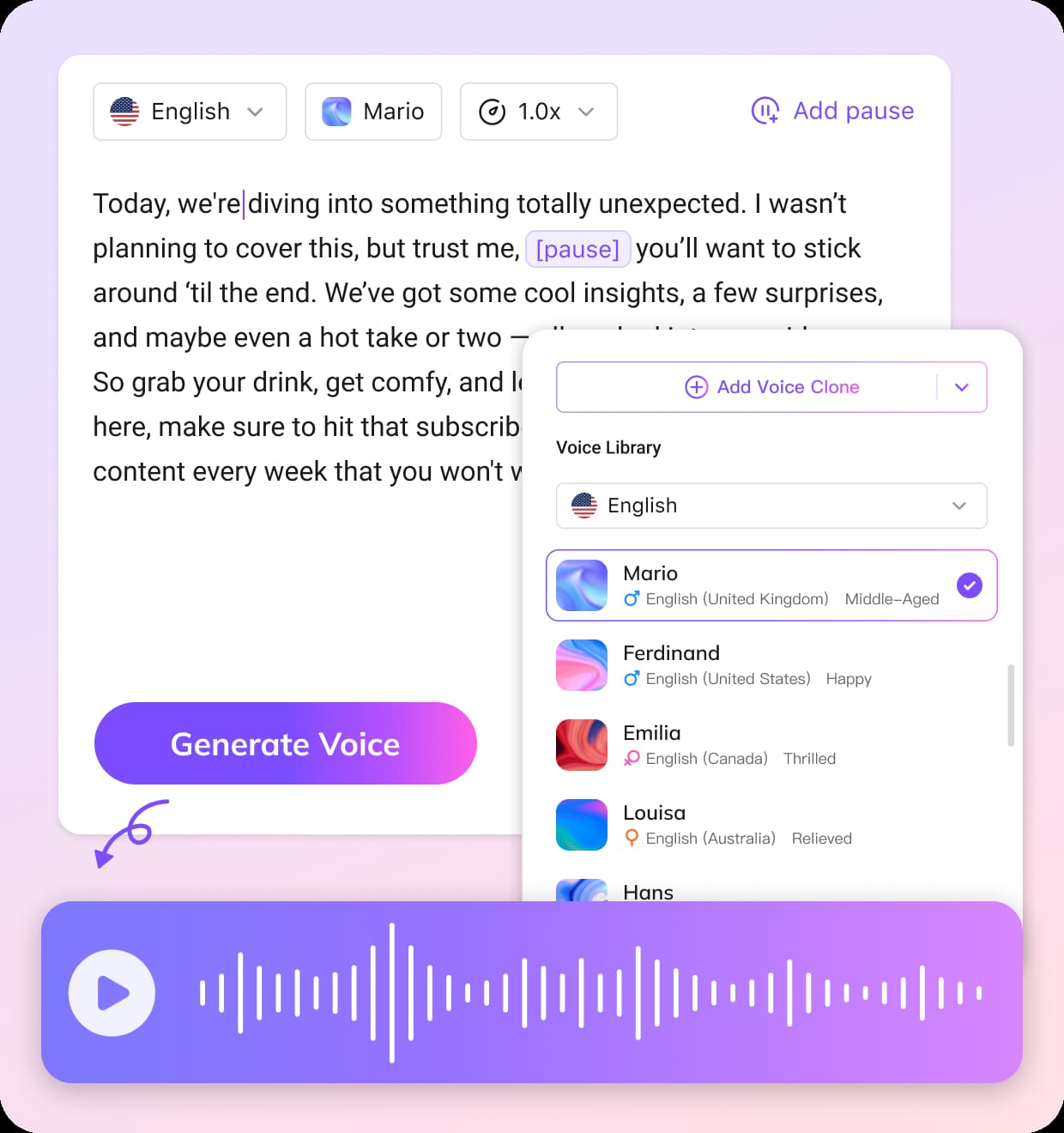
Type or paste the text you want to turn into a voice message. The voice message generator will convert your text to speech instantly using advanced AI technology.
Choose an AI Voice
Select the voice you want to use. VMEG offers a library of 7000+ AI voices, including different genders, languages, and styles, making it easy to create realistic fake voice messages.
Adjust Settings and Generate
Customize the speech by adjusting the speed, breathing, and pauses to make the voice sound more natural. Then click generate to create and download your AI voice message.
Key Features of Fake Voice Message Generator
Voice Cloning for Personalized Voice Messages
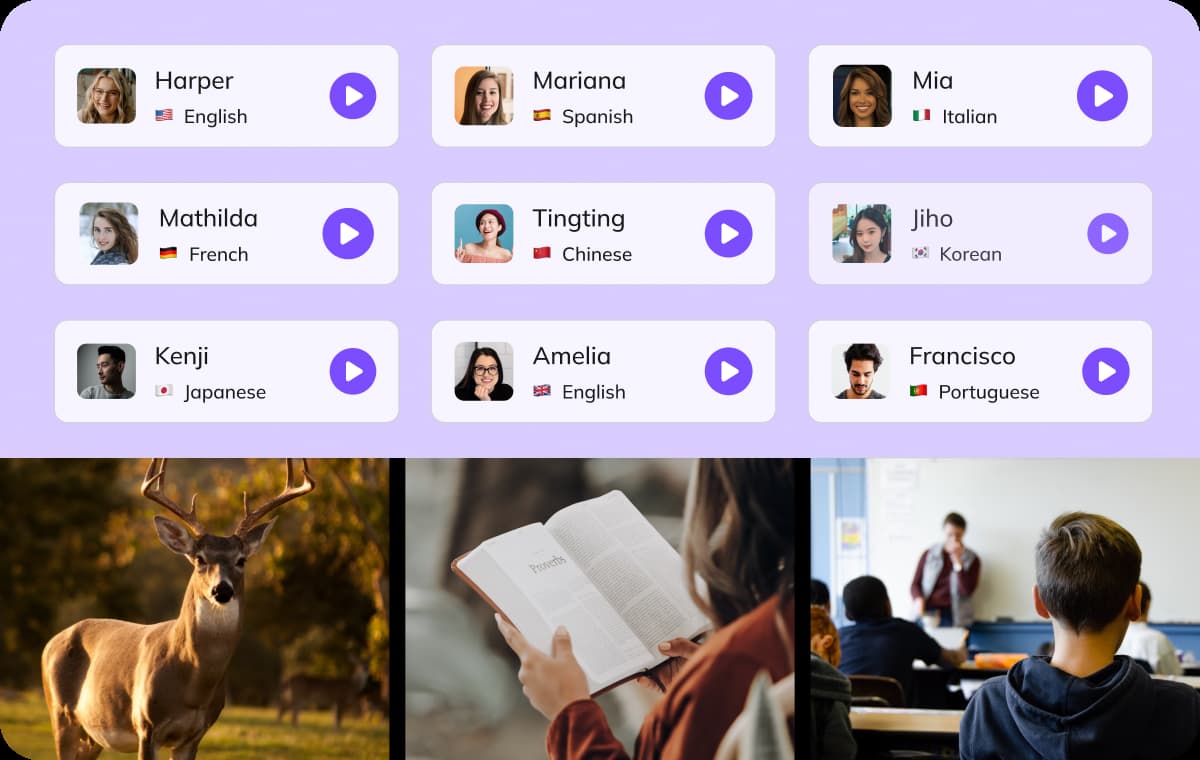
With advanced voice cloning, users can replicate a specific voice style and apply it to generated messages. This allows the voice message generator to produce audio that closely matches a desired voice identity. The result is a more authentic listening experience, making the generated voice messages feel more realistic and engaging.
Generate Voice Message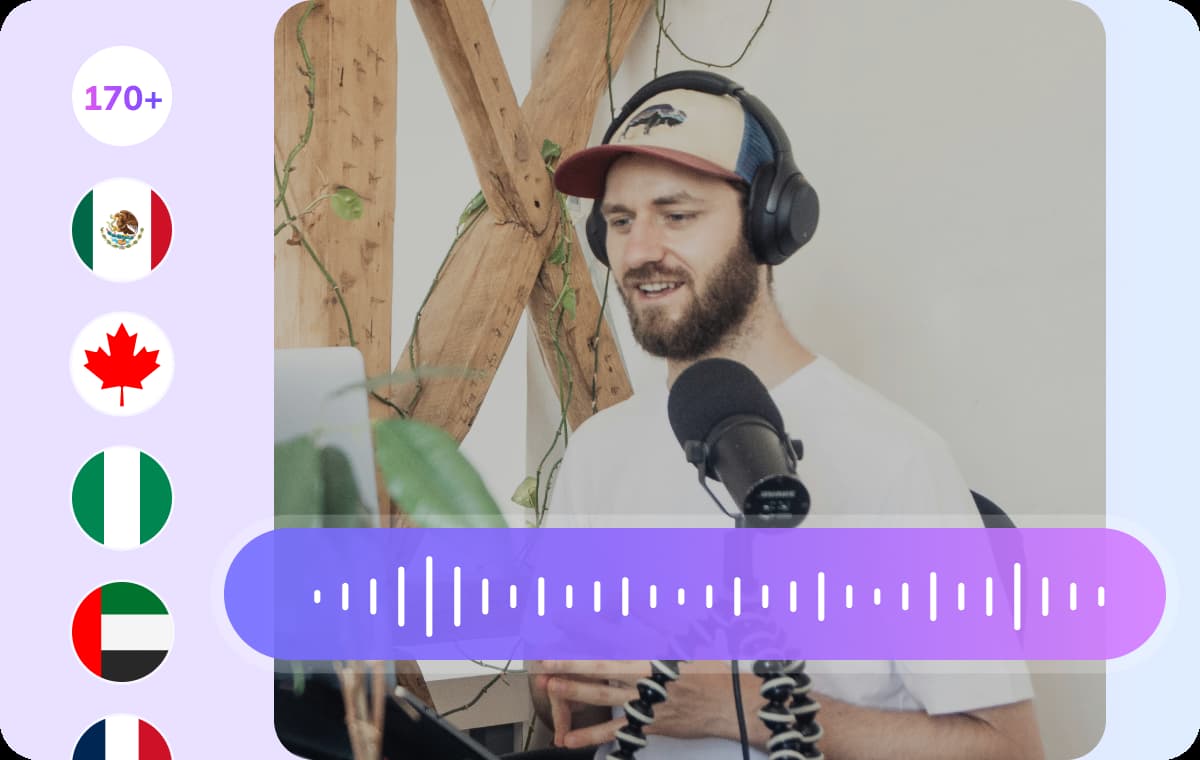
170+ Languages and 7000+ AI Voices
VMEG provides one of the largest AI voice libraries available. The platform supports more than 170 languages and offers 7000+ AI voices, allowing users to generate voice messages with different accents, tones, and speaking styles. Whether you need casual conversation voices or professional narration styles, this voice message generator makes it easy to create realistic voice messages for a global audience.
Generate Voice Message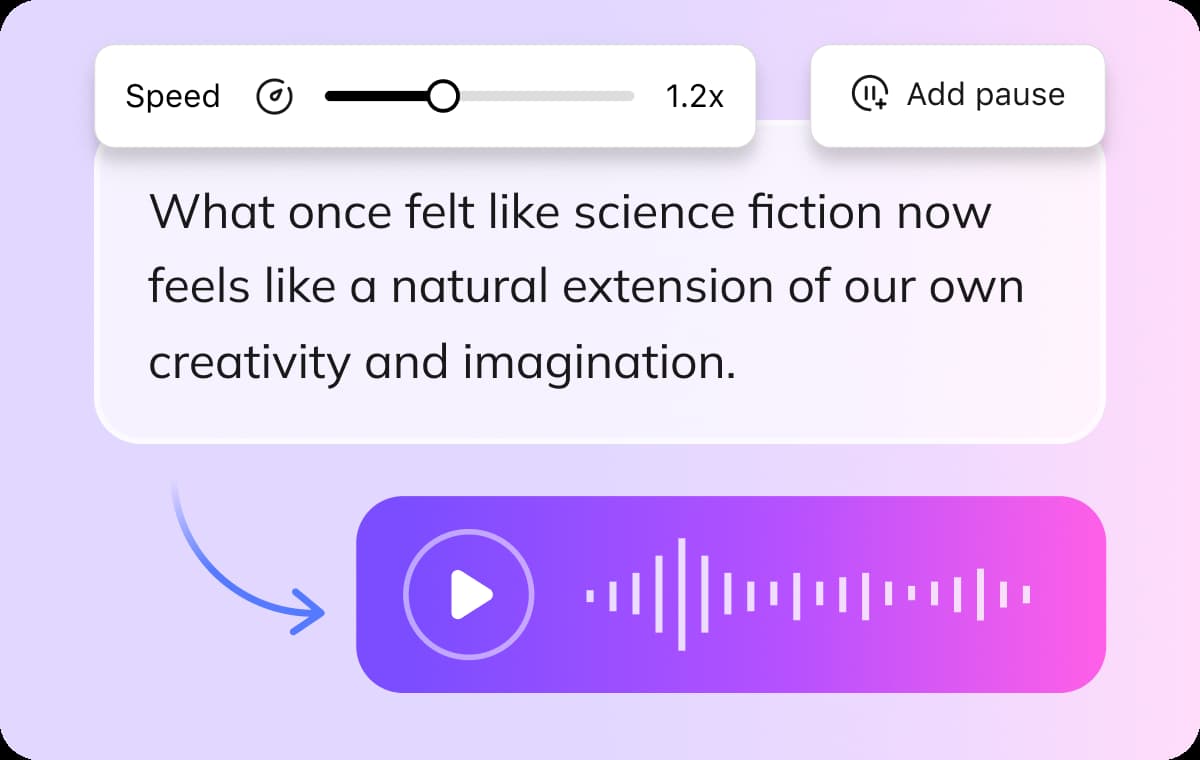
Built-in Text Editor for Precise Voice Control
A good text to speech tool should allow detailed control over how the voice sounds. VMEG includes a built-in text editor that lets users adjust speaking speed, insert pauses, and fine tune message flow. This level of control helps produce a more natural fake voice message, ensuring the generated audio sounds smooth and expressive rather than robotic.
Generate Voice MessageWho Uses VMEG AI Voice Message Generator

Content Creators & Podcasters
YouTubers, TikTokers, and podcast hosts use VMEG to create polished voiceovers without the need for microphones or studio time. Whether it’s narrating a story, producing ad scripts, or voicing explainer videos, creators can instantly generate natural-sounding audio and scale their content in multiple languages.
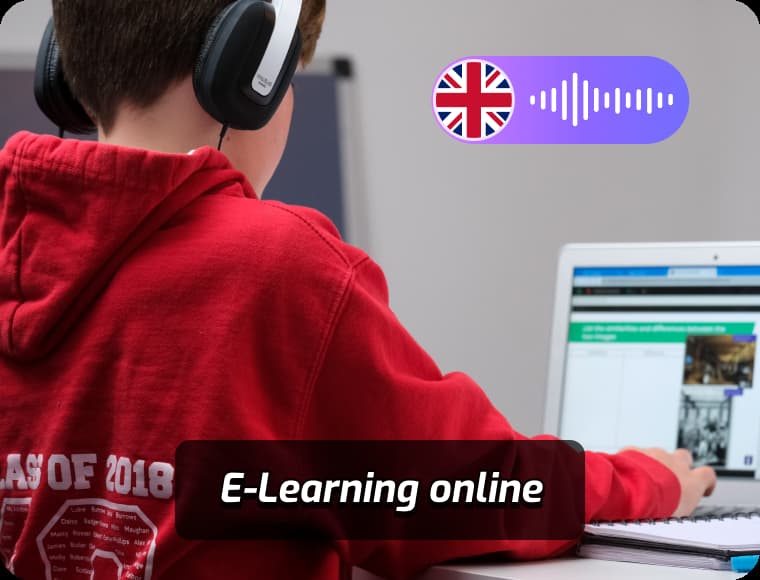
Educators & E-Learning Professionals
Teachers, course creators, and instructional designers rely on VMEG to transform lesson plans, scripts, and presentations into accessible voice content. AI narration helps increase engagement and learning outcomes across global audiences.

Businesses, Agencies & Product Teams
Marketing departments, training teams, and product managers use VMEG to generate multilingual voiceovers for demos, onboarding guides, internal training, and branded videos. With voice cloning and full customization, they maintain consistency in tone.
FAQs about Fake Voice Message Generator
What is the VMEG AI Fake Voice Message Generator?
The VMEG AI Fake Voice Message Generator is an online tool that creates realistic voice messages from text. Using advanced text-to-speech and voice cloning technology, it allows you to generate natural-sounding voice messages for creative projects, demonstrations, or entertainment.
Can I generate voice messages using my own text?
Yes. With VMEG, you can enter any text and instantly convert it into a voice message. The AI text-to-speech engine produces clear and natural audio that can be used in videos, presentations, or messaging simulations.
Does VMEG support voice cloning for fake voice messages?
Yes. VMEG includes voice cloning capabilities that allow you to replicate specific voice styles. This feature helps create more personalized or character-style voice messages for storytelling, demos, or creative content.
What formats can I export the generated voice message in?
After generating a voice message, you can download the audio file in common formats suitable for sharing, editing, or integrating into videos and digital projects.
Can the fake voice message generator be used for video content?
Yes. Many creators use VMEG voice messages in video projects such as short films, social media content, tutorials, and demo scenarios. The generated audio can be easily added to your video workflow.
Discover More on VMEG
Related Searches
Fake Voice Message Generator
Use text to speech and voice cloning technology to generate realistic voice messages for fun, demos, or creative projects.
Generate Voice Message