


How to Add Text to Speech on TikTok Video
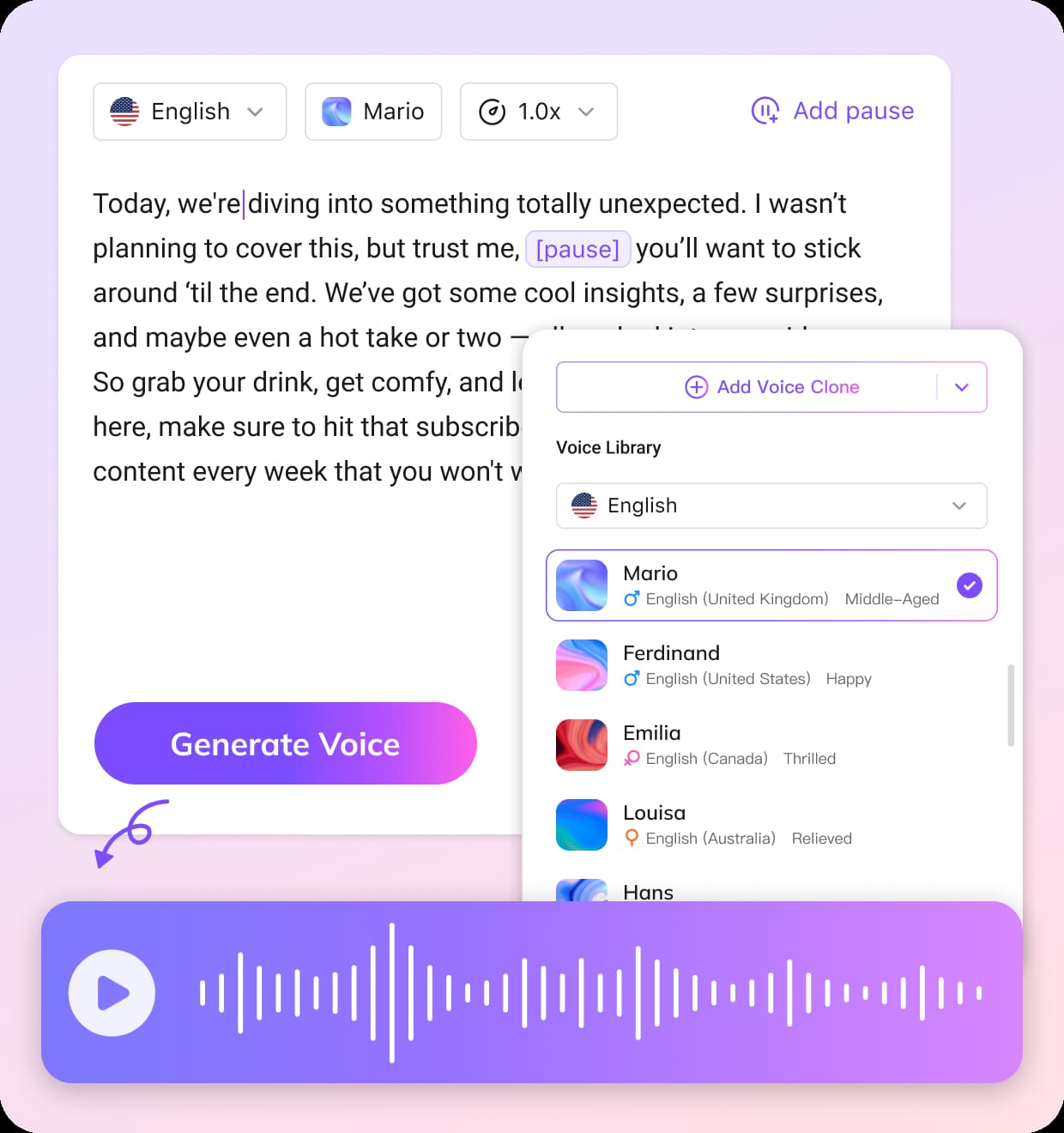
Enter Your Text
Type or paste the text you want to convert into a TikTok voice. The TikTok text to speech tool will instantly process your content for audio generation.
Type or paste the text you want to convert into a TikTok voice. The TikTok text to speech tool will instantly process your content for audio generation.
Select from popular TikTok-style voices or AI-generated voice options. You can preview different tones to match your content style, whether fun, casual, or engaging.
Generate and Download
Click generate to create your TikTok text to speech voice. Once ready, download the audio and use it directly in your TikTok videos or other short-form content.
Key Features of TikTok Text to Speech
Viral-Ready TikTok Voices
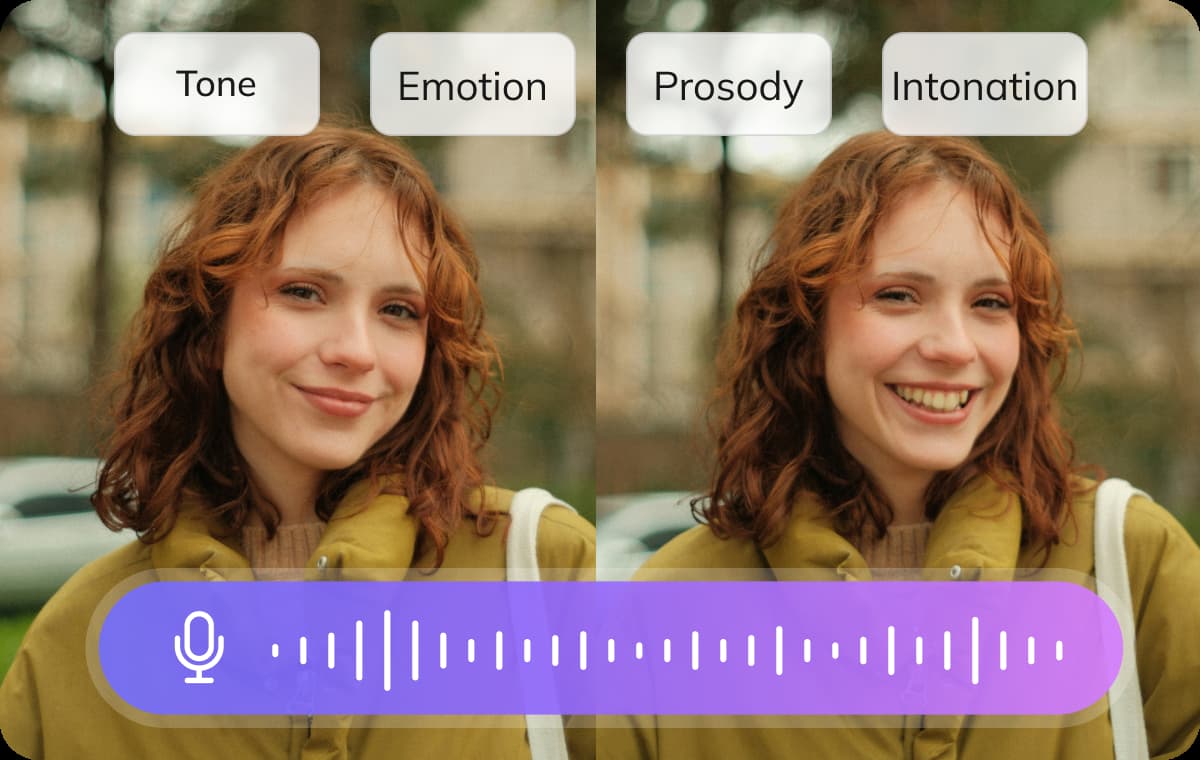
With TikTok text to speech, quickly generate natural, engaging voices that make your videos and Reels more captivating. The AI replicates popular TikTok voice styles to help your content get more visibility on the platform. Whether for humorous commentary, storytelling, or creative clips, TikTok TTS lets you produce high-quality voiceovers that bring your videos to life.
Generate TikTok TTS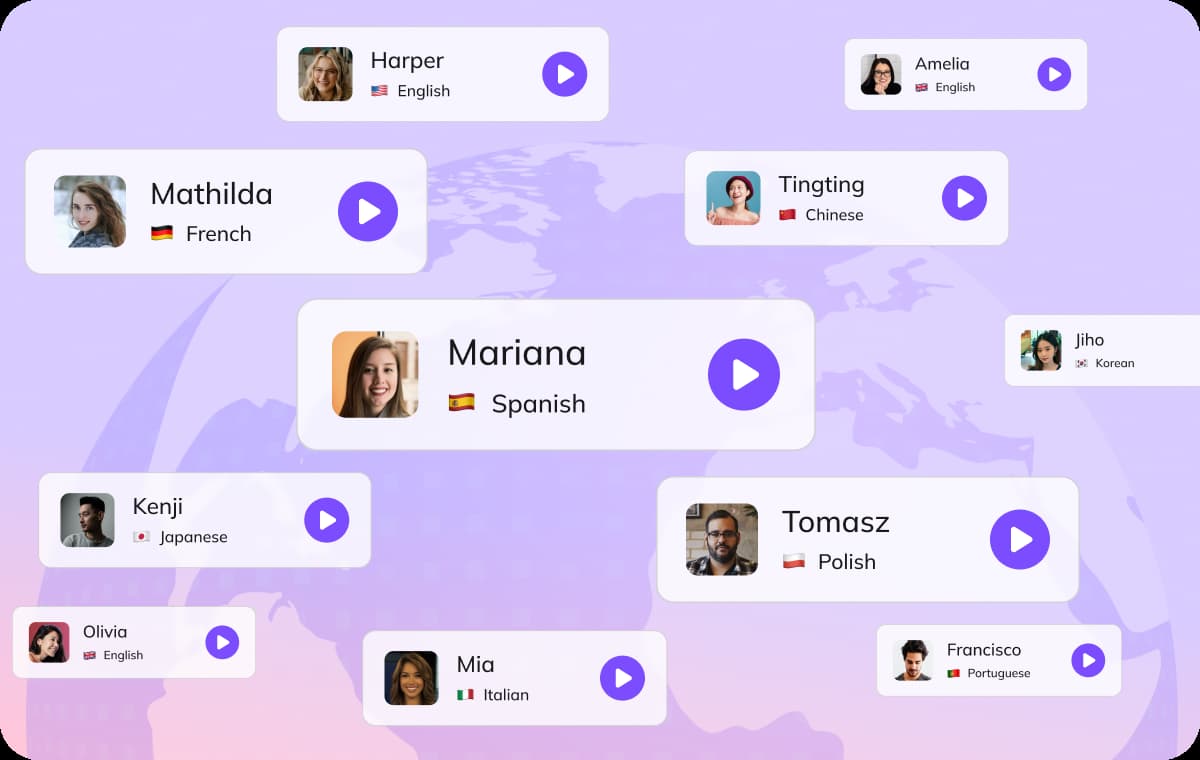
Instant Voice Generation and Customization
Simply enter your text to create professional TikTok voice text to speech audio in seconds. You can customize speed, pitch, and pauses to match your video’s rhythm and style. This feature is perfect for creators who need to quickly iterate and produce multiple versions of a video while keeping the voice natural and consistent.
Generate TikTok TTS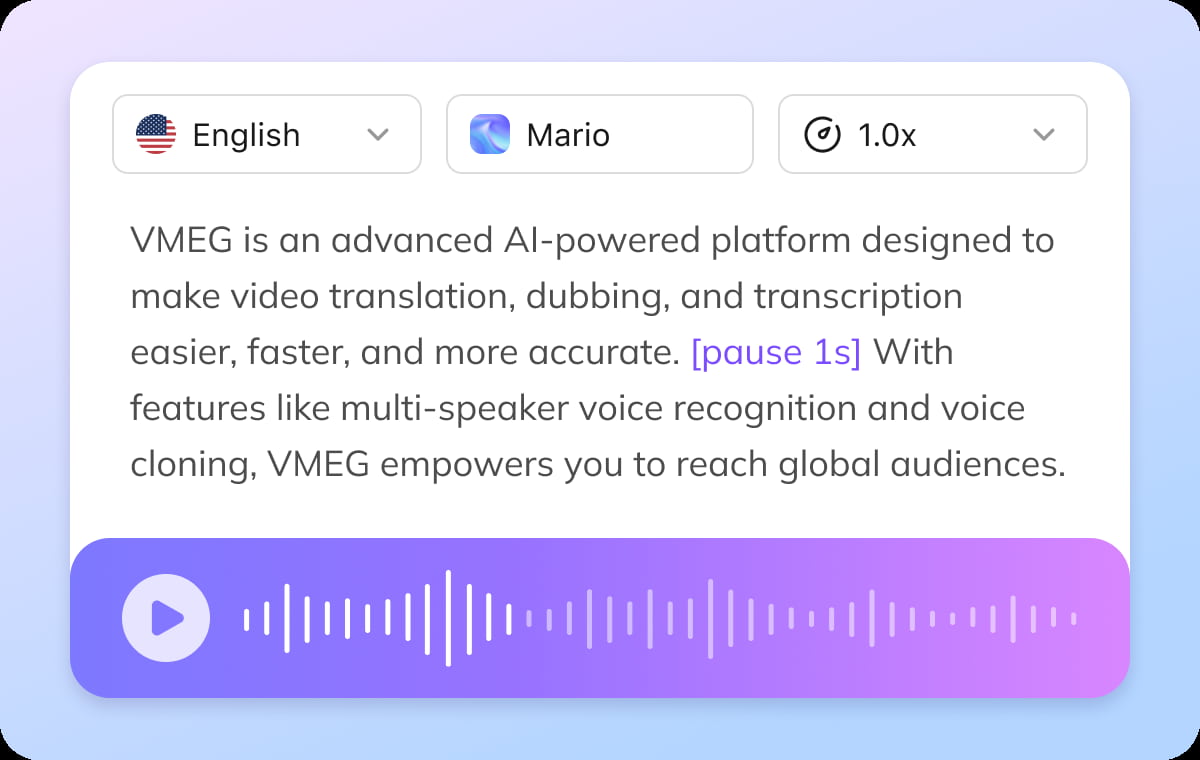
Built-in Editor for Precise TikTok TTS Control
The built-in editor lets you fine-tune your TikTok text to speech voice, adjusting sentence pacing, volume, and pauses. Small adjustments ensure your audio sounds natural, clear, and optimized for TikTok viewing. You can achieve realistic, professional-quality voiceovers without recording yourself, enhancing engagement and retention for your audience.
Generate TikTok TTSWho Uses TikTok Text to Speech Tool

Content Creators and Influencers
TikTok creators and social media influencers use text to speech to add engaging narration to their videos. This helps make content more dynamic, accessible, and shareable across TikTok, Reels, and short-form platforms.
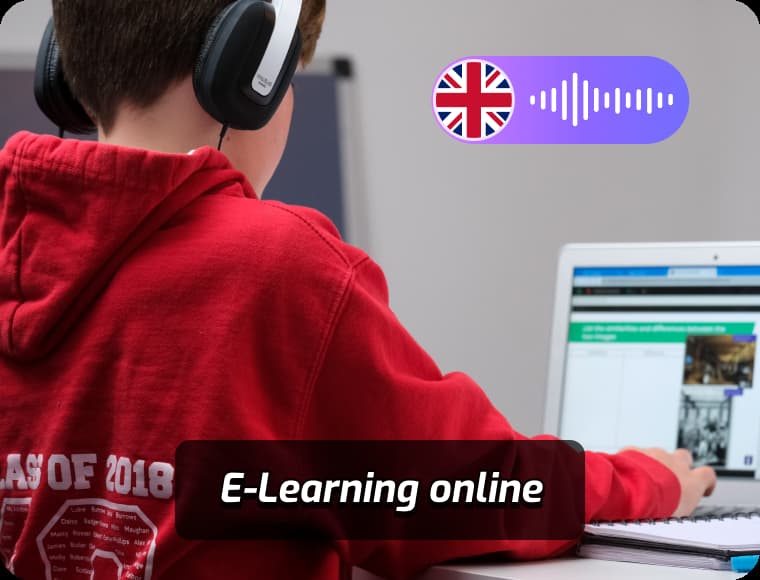
Educators and Language Learners
Teachers and students leverage TikTok TTS to create bite-sized educational videos with clear narration. This allows them to illustrate lessons, explain concepts, or practice language skills in a fun, interactive format.

Businesses and Marketing Teams
Brands and marketing teams use TikTok voice TTS to enhance promotional content and campaigns. Adding professional and natural-sounding narration increases engagement and helps messages stand out on social media feeds.
FAQs about TikTok Text to Speech
What is TikTok text to speech?
TikTok text to speech (TTS) converts written text into natural-sounding voice audio. With VMEG, you can generate TikTok TTS voice for videos, reels, and social content quickly and easily.
Can I create a TikTok TTS voice online?
Yes. VMEG allows you to generate TikTok text to speech voices directly in your browser. Simply type your text, choose the voice style, and download the audio.
Does the TikTok TTS voice sound natural?
Yes. VMEG produces smooth, realistic voice output that closely matches TikTok’s native TTS style, making your videos more engaging and shareable.
Can I customize the TikTok TTS voice?
Yes. You can adjust the speed, tone, and pitch to create a voice that fits your video content perfectly.
Can I edit the script before generating the voice?
Yes. VMEG includes a built-in editor where you can adjust your text, control speed, and add pauses to improve the final voice output.
Discover More on VMEG
Related Searches
Generate TikTok TTS Voice Online
Create viral-ready audio with TikTok text to speech. Generate natural TikTok voice text to speech and customize your TikTok TTS voice for videos, reels, and social content in seconds.
Generate TikTok TTS