


Webex Recording Transcription
Transcribe Webex recordings into accurate transcripts in multiple formats, making your meetings more productive and your content more accessible.
How to Transcribe Webex Recordings
Upload or Link Your Webex Recording
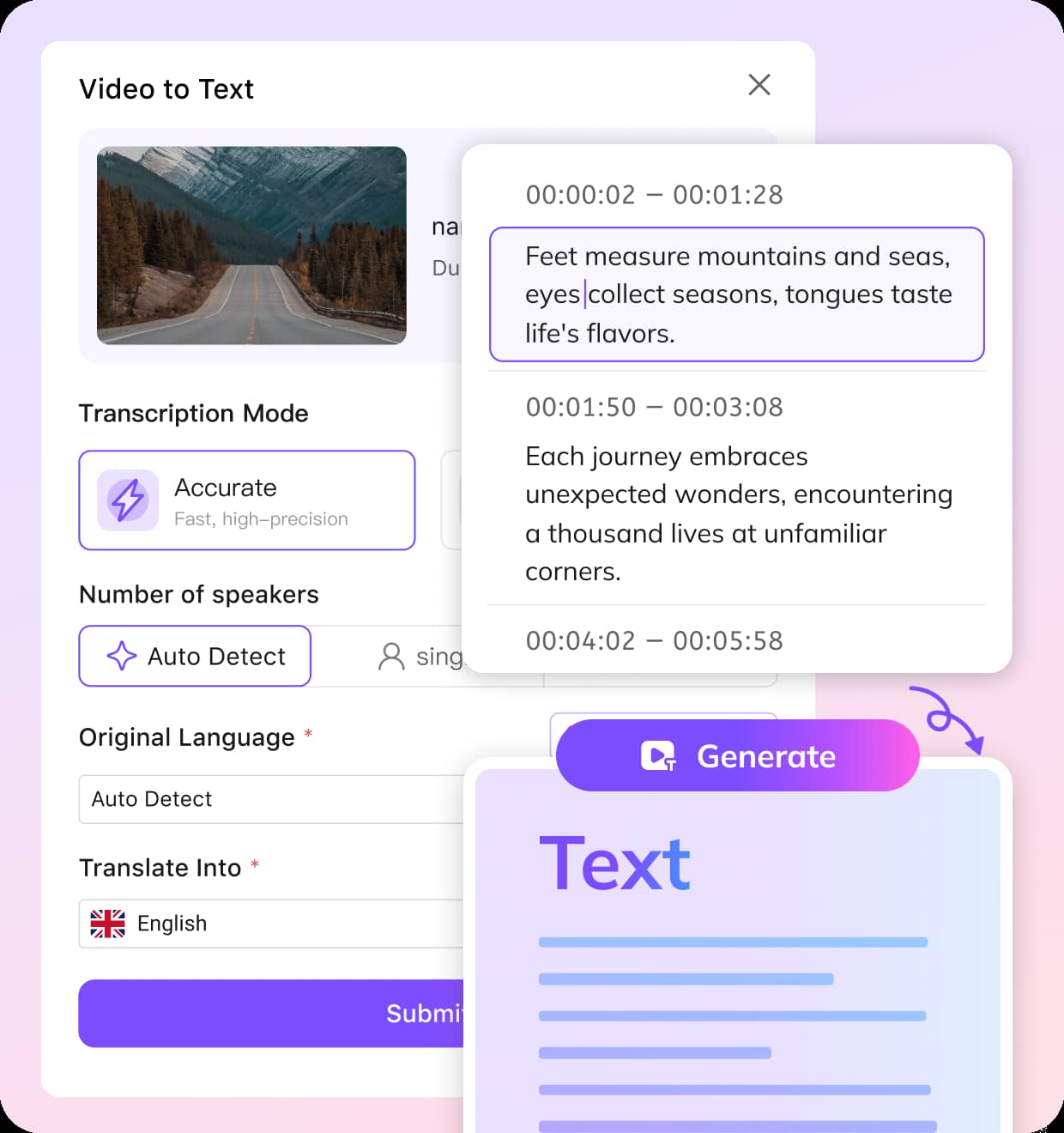
Paste the Webex recording link or upload a local video file. VMEG will automatically fetch and prepare the video for transcription.
Choose Your Transcription Settings
Select either Balanced for quick results or Accurate for higher precision. Customize the language, number of speakers, and whether you need translations.
Edit & Export Your Transcript
Once your Webex recording is transcribed, fine-tune the text if needed. Export the transcript in formats like TXT, SRT, VTT, TTML, or SBV.
Why Choose VMEG for Transcribing Webex Recordings
Efficient and Accurate Webex Transcriptions
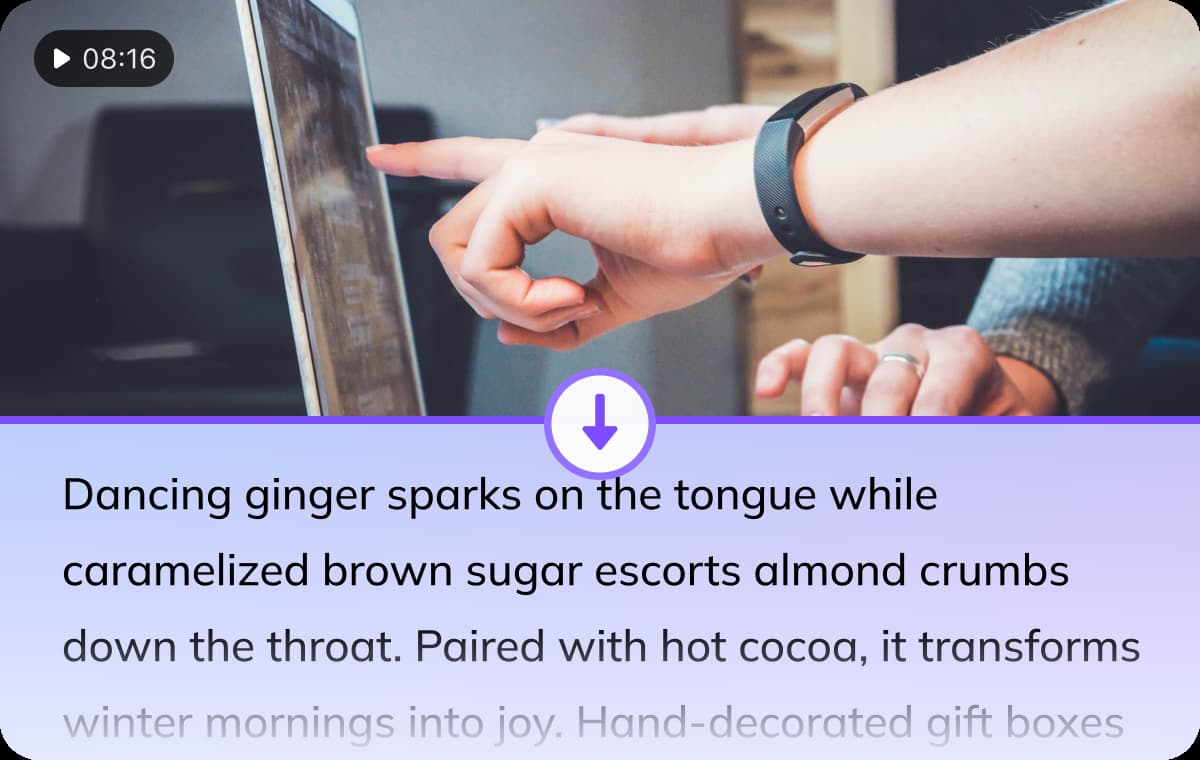
VMEG’s AI-powered transcription technology ensures fast and reliable results for your Webex recordings. Whether you’re transcribing a meeting, webinar, or team discussion, VMEG delivers high-quality transcripts with impressive accuracy, saving you valuable time.The AI system uses advanced algorithms to detect speech, context, and speaker nuances, which leads to more precise transcriptions. This process minimizes the need for manual corrections, making it ideal for busy professionals.
Try It Now
Flexibility to Fit Your Needs
VMEG offers customization to match your specific needs, including Balanced and Accurate transcription modes. The Balanced mode prioritizes speed, while Accurate mode focuses on delivering the highest level of precision.You can also adjust the number of speakers and select the original language of the recording, with options to translate the transcript into 170+ languages. This level of flexibility ensures you get the transcription that best suits your project’s requirements.
Try It Now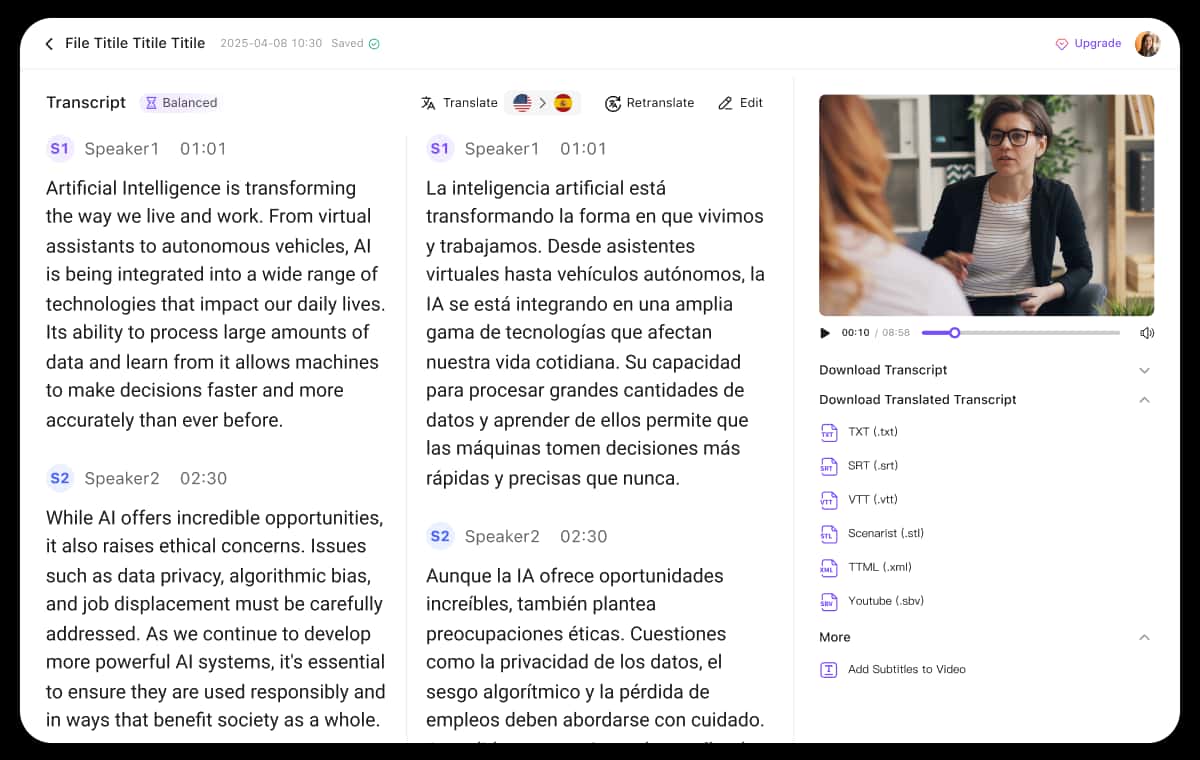
Customizable Editing and Export Options
Once your Webex recording is transcribed, VMEG provides an intuitive transcript editor to make adjustments to timestamps, speaker labels, and wording. This gives you full control over the final transcript, ensuring it matches your needs exactly.You can then export the transcript in various formats like TXT, SRT, VTT, TTML, or SBV, depending on how you plan to use the transcription. For example, SRT for subtitles, or TTML for use in captions, making it perfect for videos or documentation.
Try It NowWho Needs to Transcribe Webex Recordings

Content Creators
For content creators, Webex transcriptions help make webinars, meetings, and interviews more accessible to a global audience. Use VMEG’s transcripts to create subtitles, improve video SEO, and enhance user experience across platforms.

Educators & Researchers
Educators can use VMEG to transcribe Webex lectures, classroom discussions, and research interviews. With accurate and searchable transcripts, students and researchers can quickly access valuable content for learning and analysis.
Business & Enterprises
Businesses can improve internal communication by transcribing team meetings, training sessions, and client calls. Transcripts enable better record-keeping, create more efficient workflows, and support collaboration, especially for remote or global teams.
FAQs about Webex Recording Transcription
Does Webex have a transcribe feature?
Webex offers a transcription feature, but for enhanced control and customization, VMEG’s transcription tool can provide more flexible options like editing, exporting, and translating your Webex meeting transcripts.
How do I transcribe a Webex recording?
Simply upload your Webex recording or paste the video link into VMEG. Choose your preferred transcription settings, and once the job is done, you can edit and export the transcript.
Does VMEG support multiple languages for Webex transcription?
Yes, VMEG supports over 170 languages. You can choose the original language of your Webex recording and opt for translations in any target languages.
Can I edit my Webex transcript after it's done?
Absolutely. VMEG allows you to review and edit the transcription for accuracy. You can adjust timestamps, speaker labels, and more.
How accurate is the transcription for Webex recordings?
VMEG uses advanced algorithms to provide high-quality, accurate transcriptions. For more precise results, choose the Accurate transcription mode.
Discover More on VMEG
Related Searches
Webex Recording Transcription
Getting transcript from Webex recording is easy. Use VMEG to convert Webex meeting into editable text, and export with preferred format.
Try It Now