


Free Danish Transcription
VMEG’s free Danish Transcription tool turns your spoken Danish into clear, readable text in moments. Ideal for professionals, students, and creators who need reliable and free audio-to-text conversion.
How to Transcribe Danish Audio Online

Upload Danish Audio or YouTube Video URL
Import your Danish recordings in MP3, WAV, MP4, or other supported formats. You can also paste a YouTube link to get quick Danish audio to text conversion online.
Select Danish as the Input Language
Choose Danish as your source language and pick transcription mode for accurate Danish speech recognition. If you want Danish to English or another language, activate the translation option for multilingual output.
Edit and Download Your Transcript
Polish the Danish transcript directly in the online editor to ensure names, terms, and context are correct. Once ready, export your Danish text file in TXT, VTT, or SRT for easy use in meetings, podcasts, or academic projects.
Get fast, accurate, and free Danish transcription
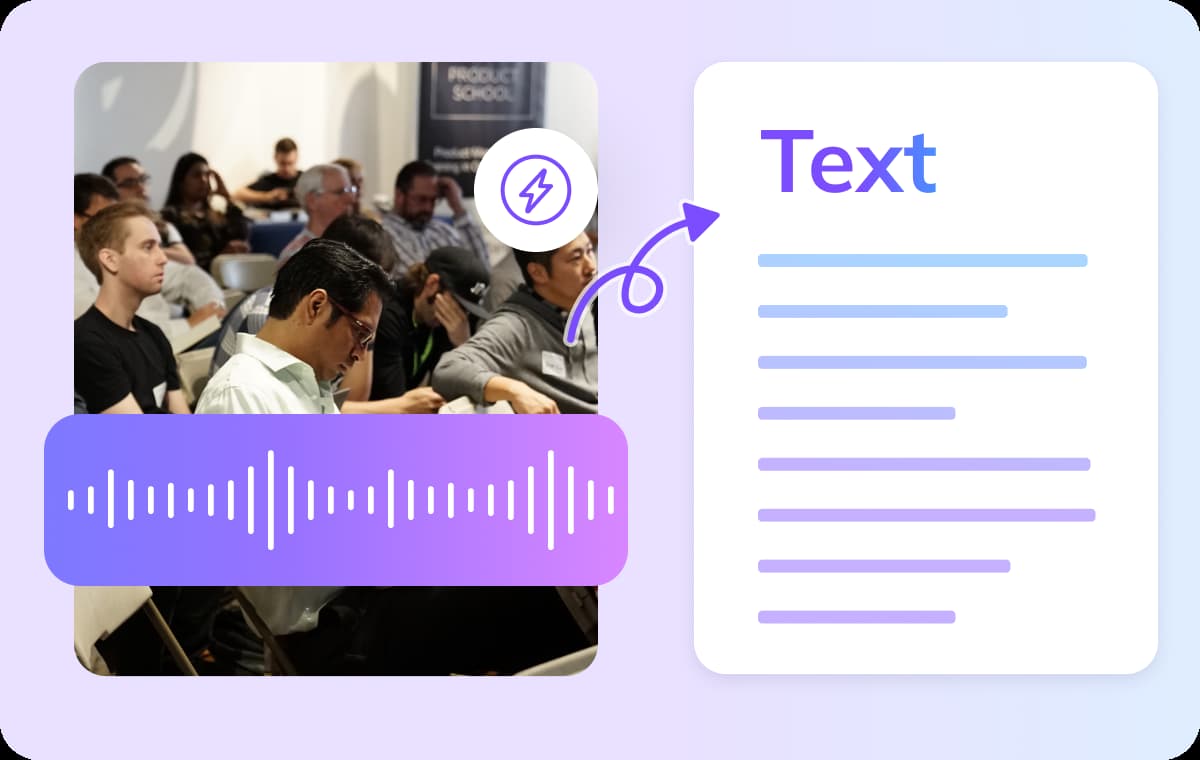
Smart Danish Transcription with High Accuracy
VMEG's Danish transcription tool accurately identifies pauses and intonation in speech, automatically generating text with punctuation. With the transcription editor, results appear as a document — clear and intuitive for quick reading and editing. Users can easily copy, annotate, or re-segment text to enhance subsequent processing efficiency. Upon export, the system automatically optimizes sentence breaks and timelines to ensure precise synchronization between subtitles and audio.
Try Danish Transcription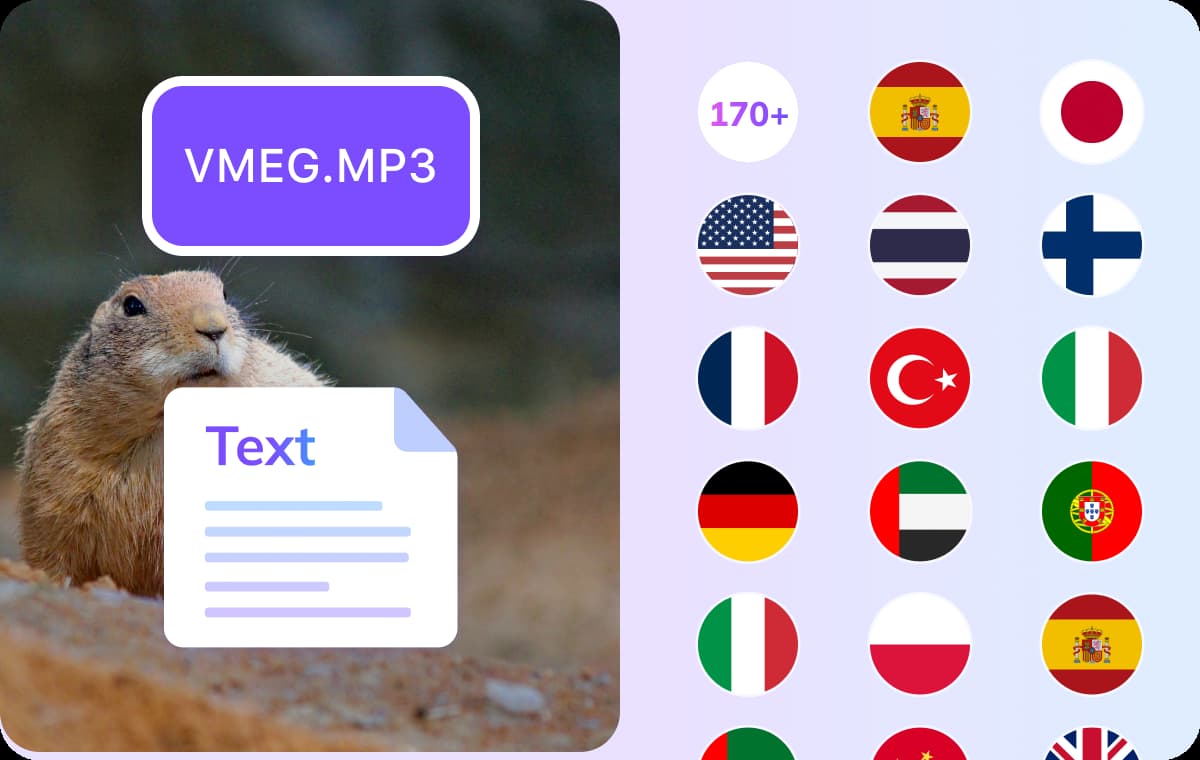
Multilingual Support for Global Collaboration
Not only does VMEG support Danish transcription, but it can also translate transcribed text into over 170 languages. Users can convert Danish recordings into text in English, Spanish, German, and many other languages.Text can be edited directly within the embedded editor and exported in multiple formats. By converting Danish audio to text, content can be easily shared globally.
Try Danish Transcription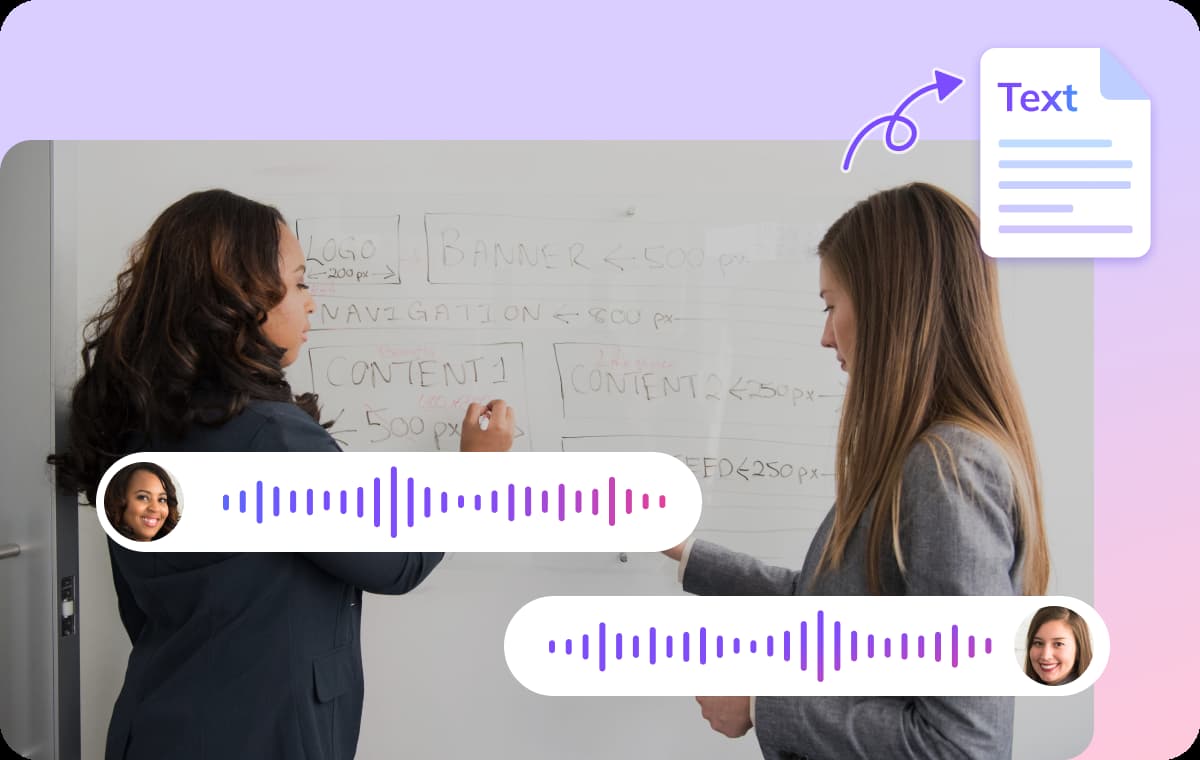
Speaker Identification for Up to 5 Voices
The system can automatically identify and distinguish up to 5 speakers, ensuring clear and readable transcription in multi-person conversations. Each speaker is labeled separately to prevent content confusion.This is particularly valuable for group discussions, online meetings, and podcasts, helping users easily follow conversations. Danish audio-to-text with speaker recognition makes team communication and content organization more efficient.
Try Danish TranscriptionWho Uses Danish Transcription Made Simple
Creators, Journalists & Podcasters
Turn Danish podcasts, interviews, or recordings into editable transcripts that make post-production smoother. This allows creators to add captions, repurpose audio into articles, and reach broader audiences with less effort.
Educators & Students
Lectures, research discussions, or study notes in Danish can be instantly converted into clear text. Students can review transcripts for better understanding, while teachers save time preparing materials and sharing resources.
Businesses & Marketers
Recordings of Danish meetings, presentations, or client calls can be transcribed into accurate text for documentation. Teams gain reliable records for reports, campaigns, or training, making communication more efficient and professional.
FAQs: Danish Transcription & Audio to Text
Upload your Danish audio or video file, choose “Danish” as the language, and VMEG’s engine converts speech into editable text. Then you can review, edit, and export.
Yes! VMEG AI offers up to 3 free tasks per day, and each file can be up to 3 minutes long. If your file is longer or you exceed the daily limit, an upgrade is required.
You can upload MP3, WAV, M4A, AAC, and common video formats (MP4, MOV). VMEG handles both pure audio and video with Danish speech embedded.
Yes. The transcription engine is trained on various Danish speaker styles and accents, improving recognition for a wide range of pronunciations.
Transcribe Audio into More Languages
Discover More on VMEG
Related Searches
Transcribe Danish Audio to Text
Transcribe Danish audio to text for free with VMEG. Get fast, accurate, and editable transcripts from your Danish recordings for meetings, podcasts, or lectures.
Try Danish Transcription