


Hebrew to English Audio Translation
VMEG transforms Hebrew speech into fluent English audio while maintaining the speaker's tone and emotion. Perfect for meetings, interviews, or personal recordings - simply upload, translate, and understand effortlessly.
Try the demo and experience all features for free
 English
 Spanish
 German
 Russian
 Turkish
 Italian
 Chinese
 French
 Portuguese
 Hindi
Hindi


How to Translate Hebrew Audio to English A Simple 3-Step Process
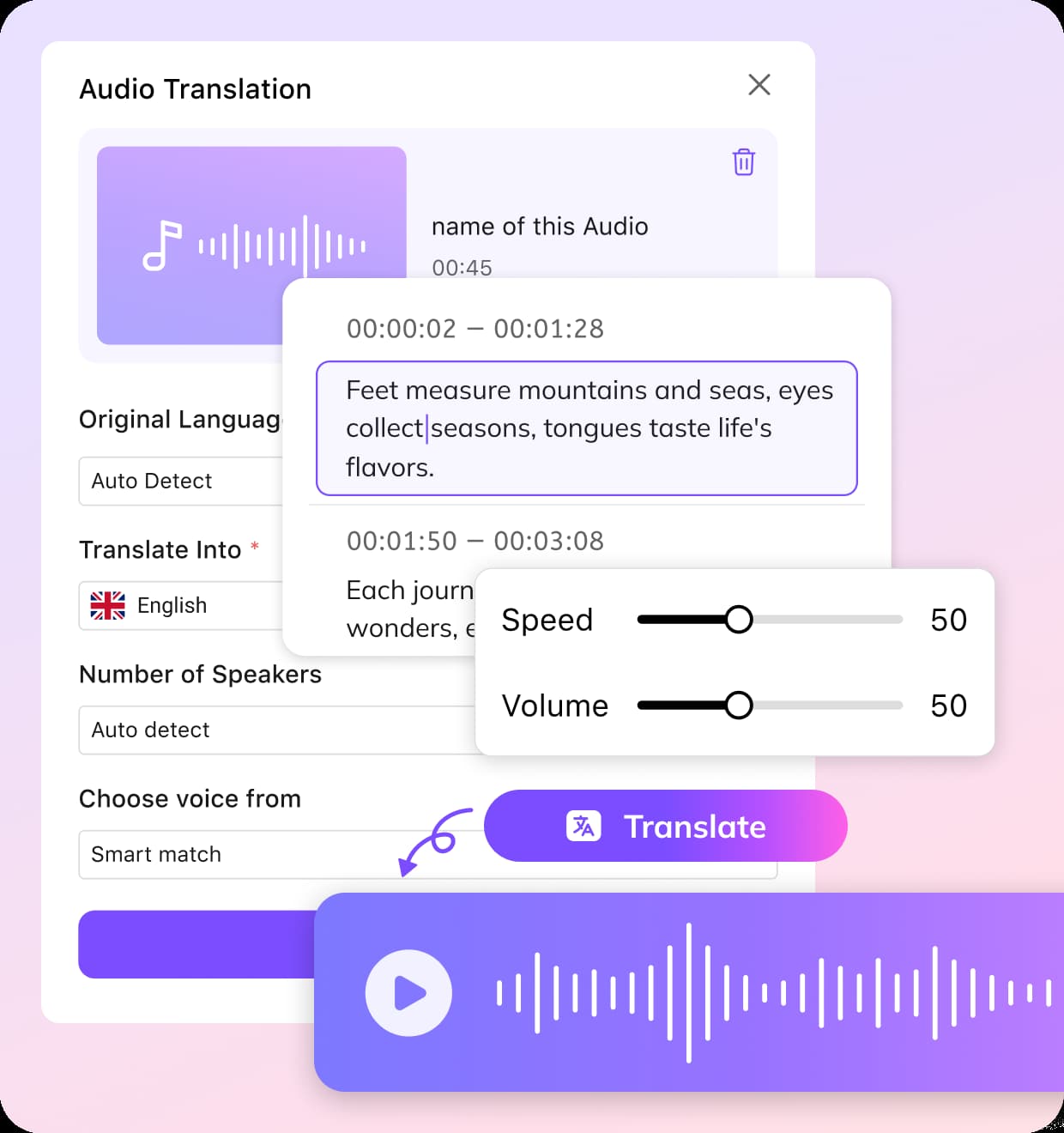
Upload Your Audio File
Start by uploading your Hebrew audio file. You can select “Hebrew” as the source language manually or choose the Auto Detect option. If your audio includes more than one language, enable the Multi Languages feature to ensure accurate recognition throughout the file.
Choose English as Target Language and Customize Voice Settings
Select English as the language you want the audio translated into. You can either specify the number of speakers or allow the system to detect speaker segments automatically. Choose a preferred voice style or use voice cloning for a more natural match.
Edit the Output and Download
Make quick edits to timing or text if needed, then export your English audio or subtitle file. Your Hebrew-to-English translation is ready to use instantly.
VMEG's Hebrew to English Audio TranslatorSimple, Fast, and Accurate
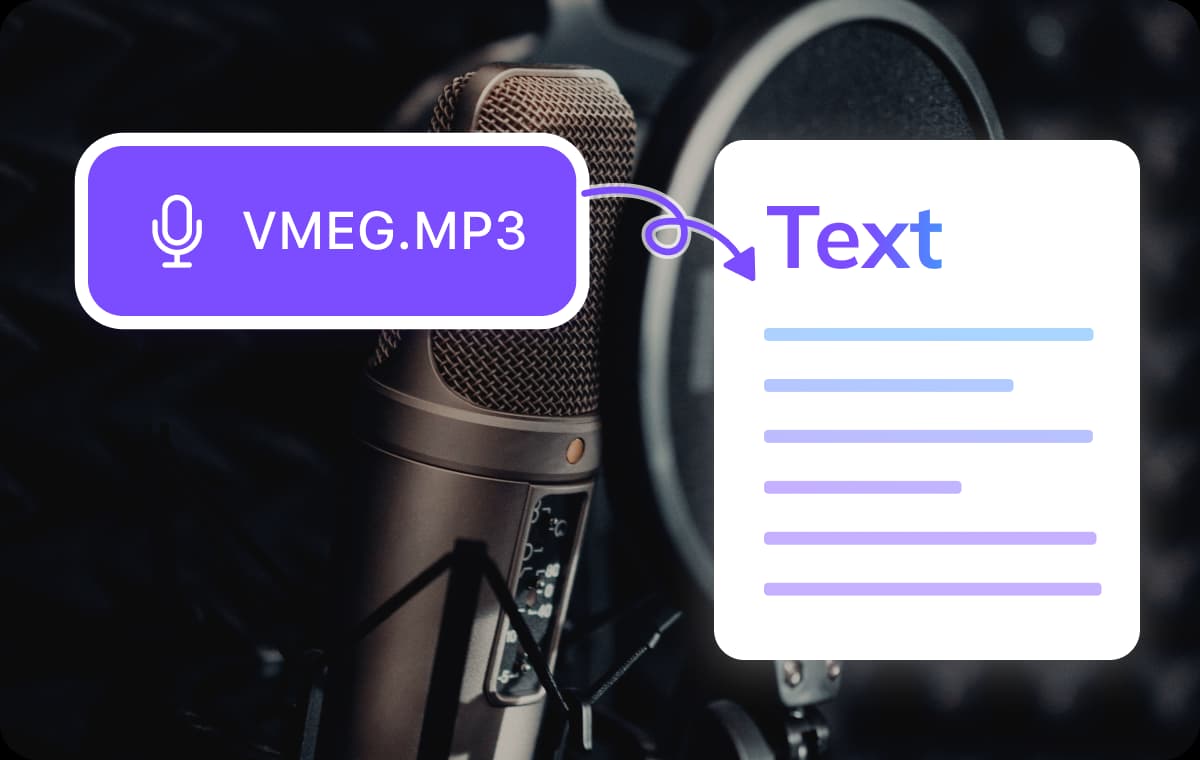
Supports Audio Uploads in Multiple Formats
Upload Hebrew audio in MP3, WAV, MP4, and more without conversion hassles. The system accurately detects Hebrew speech and produces clean English audio and subtitles.Ideal for documentary recordings, podcast episodes, research interviews, and multilingual content. Your workflow stays smooth from upload to final English output.
Translate Hebrew Audio to English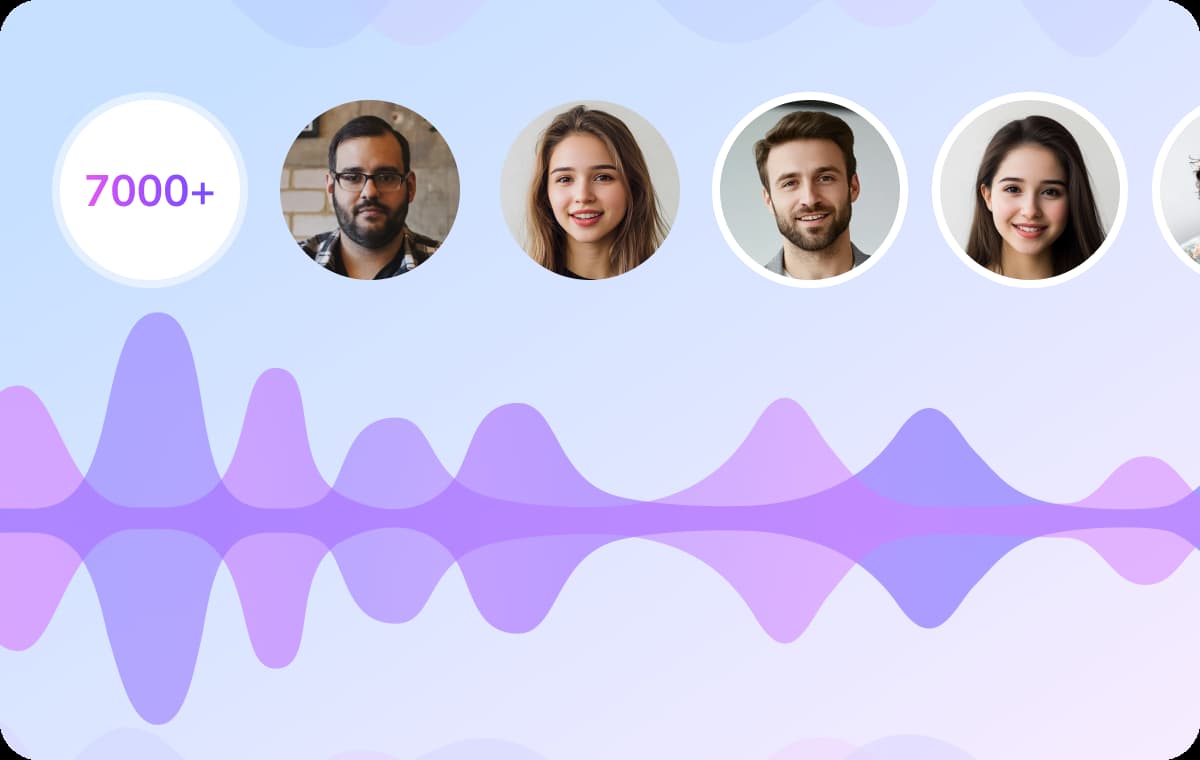
Access to 7000+ AI Voices with Gender, Age, and Accent Customization
Choose from thousands of natural voice options that vary by gender, age, and accent. Whether you need a warm conversational tone or a clear corporate narrator, you can fine-tune the output.These voices work well for advertising, e-learning, company explainers, and creative projects. You get English audio that fits your brand and sounds polished from the start.
Translate Hebrew Audio to English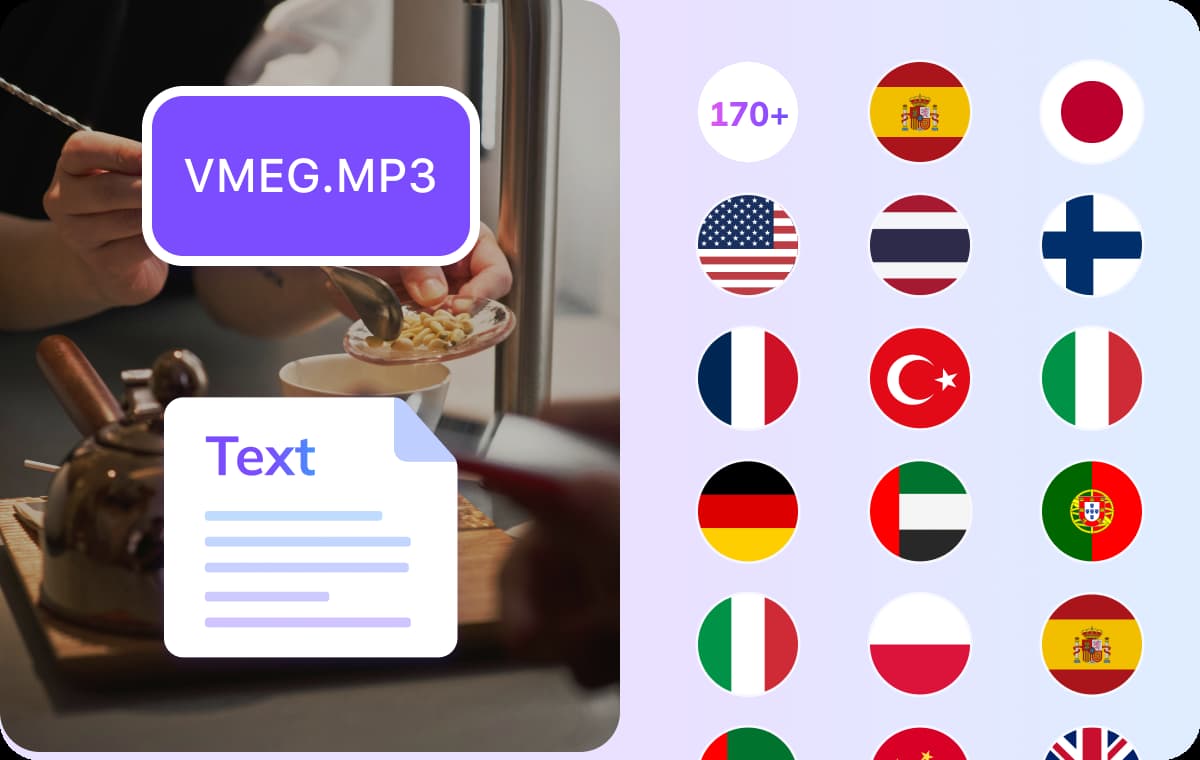
Supports 170+ Languages Including Hebrew Dialects and Regional Variations
VMEG handles Hebrew-to-English translation along with more than 170 other languages and dialects. It recognizes formal Hebrew, conversational Hebrew, and regional variations with high accuracy.Perfect for multilingual workflows, global teams, and content creators working across markets. Your translations remain consistent, clear, and ready for international use.
Translate Hebrew Audio to EnglishUse Cases: Hebrew to English Audio Translation

Podcasters, Creators & Media Professionals
Turn Hebrew interviews, voice memos, and documentary audio into clear, fluent English. VMEG helps creators repurpose their original Hebrew recordings into English subtitles or scripts—ready for global distribution without re-recording. It's a simple way to expand your reach while keeping your voice intact.
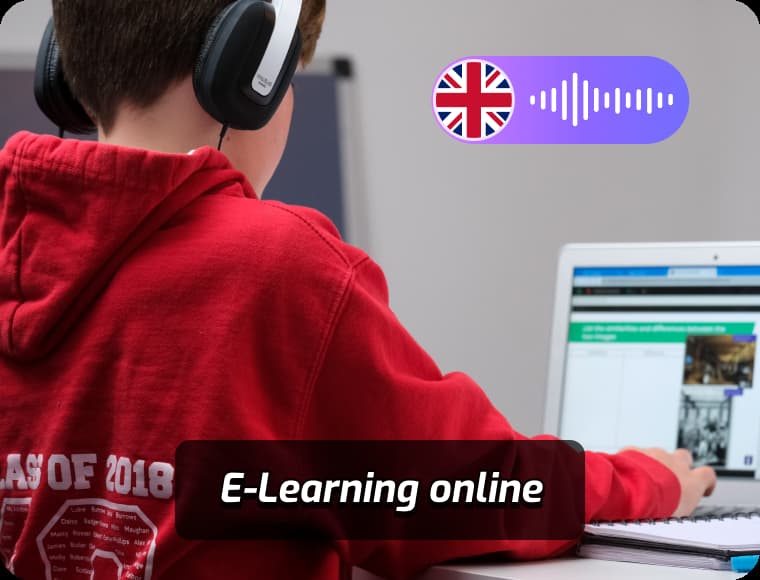
Educators, Students & Language Learners
Studying Hebrew content or delivering multilingual education? With VMEG, students and educators can easily convert Hebrew audio lectures and materials into English, supporting deeper understanding, cross-language learning, and academic accessibility.
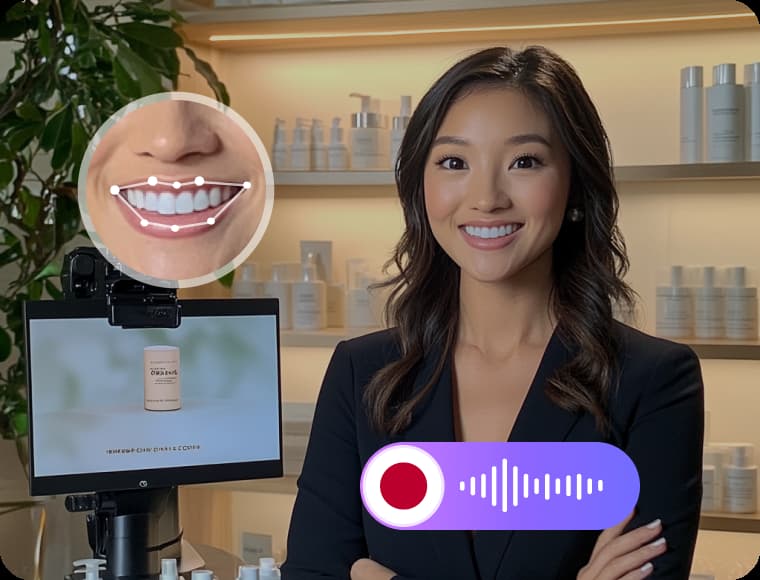
Marketers, Businesses & Agencies
When your campaign needs to cross language barriers, VMEG helps you translate Hebrew voice content into polished English. Ensure your message connects clearly with new audiences while saving time on manual transcription and translation.
FAQs about Translating Hebrew Audio to English
How do I translate Hebrew audio to English?
Upload your Hebrew audio file to VMEG, select English as your target language, and choose whether you’d like subtitles or a voiceover. VMEG’s AI will automatically detect the speech and provide accurate English translations.
Does VMEG support voiceover in English for Hebrew audio?
Yes. You can generate natural-sounding English voiceovers from Hebrew audio using our 7500+ AI voice library. Choose from different accents, genders, and speaking styles.
Can I edit the English translation after it’s generated?
Absolutely. VMEG has a built-in editor where you can review and modify translations, adjust tone, add emphasis, or retranslate specific lines.
Does VMEG support Hebrew to English transcription?
Yes. If you prefer text only, you can choose the transcription feature. VMEG will convert your Hebrew audio into accurate English text with speaker labels and timestamps.
Translate Audios into More Languages
Discover More on VMEG
Related Searches
Hebrew to English Audio Translation
VMEG transforms Hebrew speech into fluent English audio while maintaining the speaker's tone and emotion. Perfect for meetings, interviews, or personal recordings - simply upload, translate, and understand effortlessly.
Translate Hebrew Audio to English