


Google Drive Video Transcription
With VMEG, you can quickly transcribe videos stored in Google Drive to text, whether you need simple transcripts or advanced translations.
How to Transcribe Google Drive Videos to Text
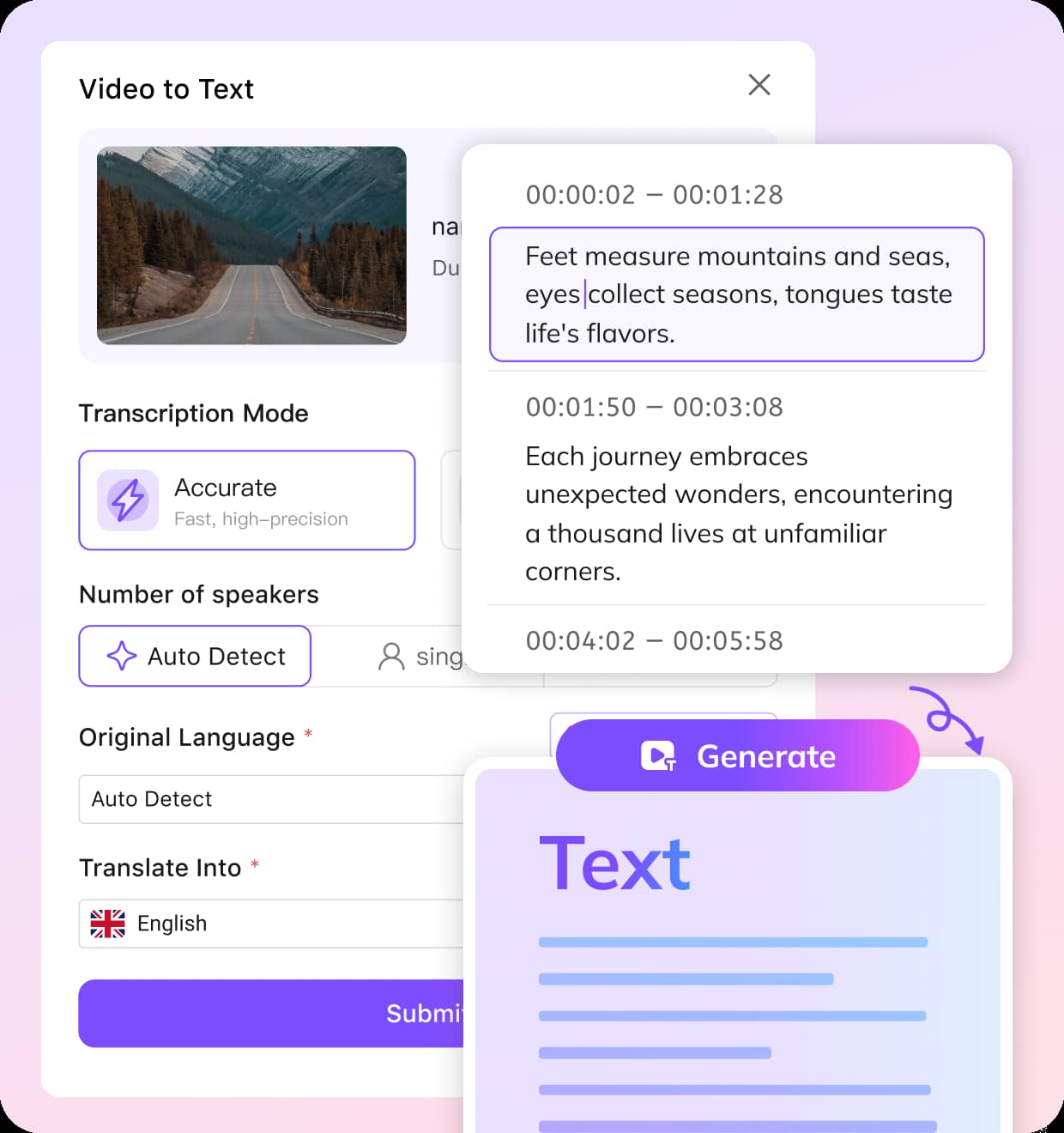
Upload Video or Paste Google Drive Link
Upload a Google Drive video or paste the Google Drive link directly. VMEG will automatically fetch the video and prepare it for transcription.
Choose Transcription Settings
Select the transcription mode: Balanced for quick results or Accurate for detailed precision. Choose the original language, specify the number of speakers, and select whether you want a translation. Click Submit to start.
Edit & Export Your Transcript
Once your video is transcribed, you can review and edit the transcript for accuracy. Export it in formats such as TXT, SRT, VTT, TTML, or SBV as per your needs.
Why VMEG is Best for Google Drive Video Transcription
Fast and Accurate Video to Text
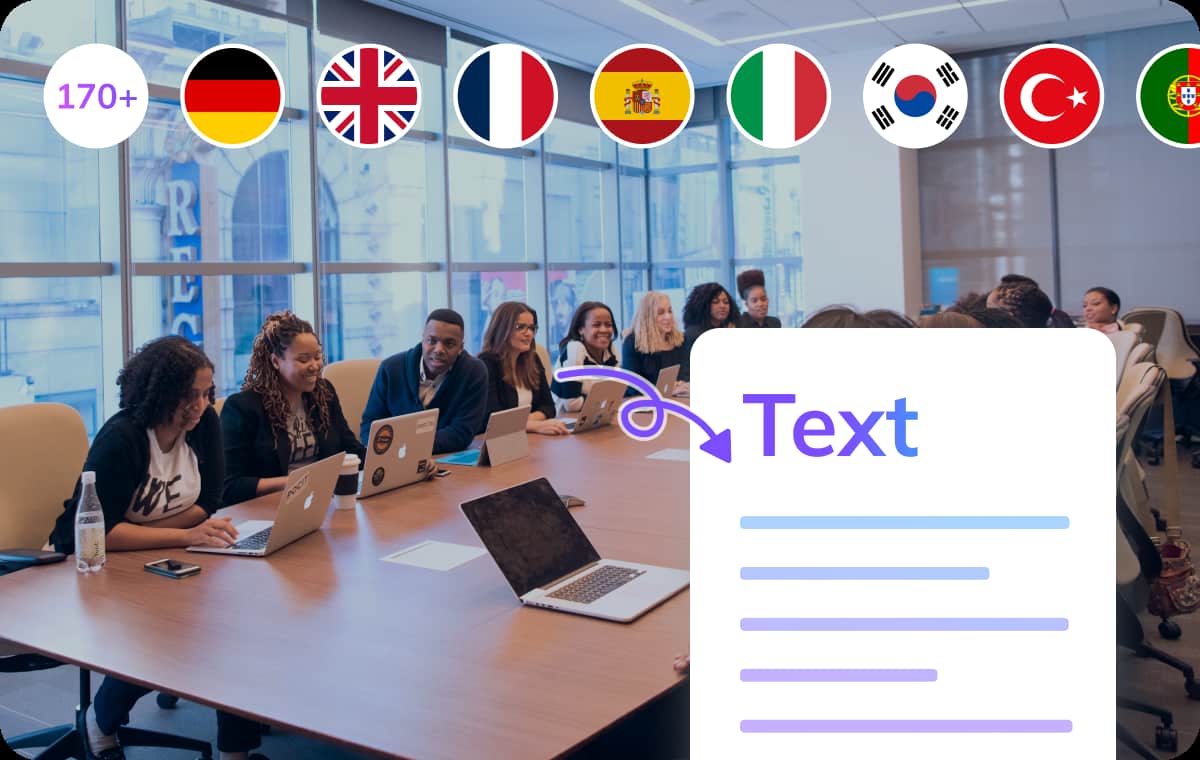
VMEG uses cutting-edge AI to transcribe your Google Drive videos accurately and quickly. With automatic speaker identification and context-aware algorithms, you can rely on VMEG for detailed, reliable transcripts that save you time and effort.Whether you're dealing with video meetings, calls or interviews, just upload your video or paste a Google Drive link, and get reliable, editable transcripts in no time.
Try It Now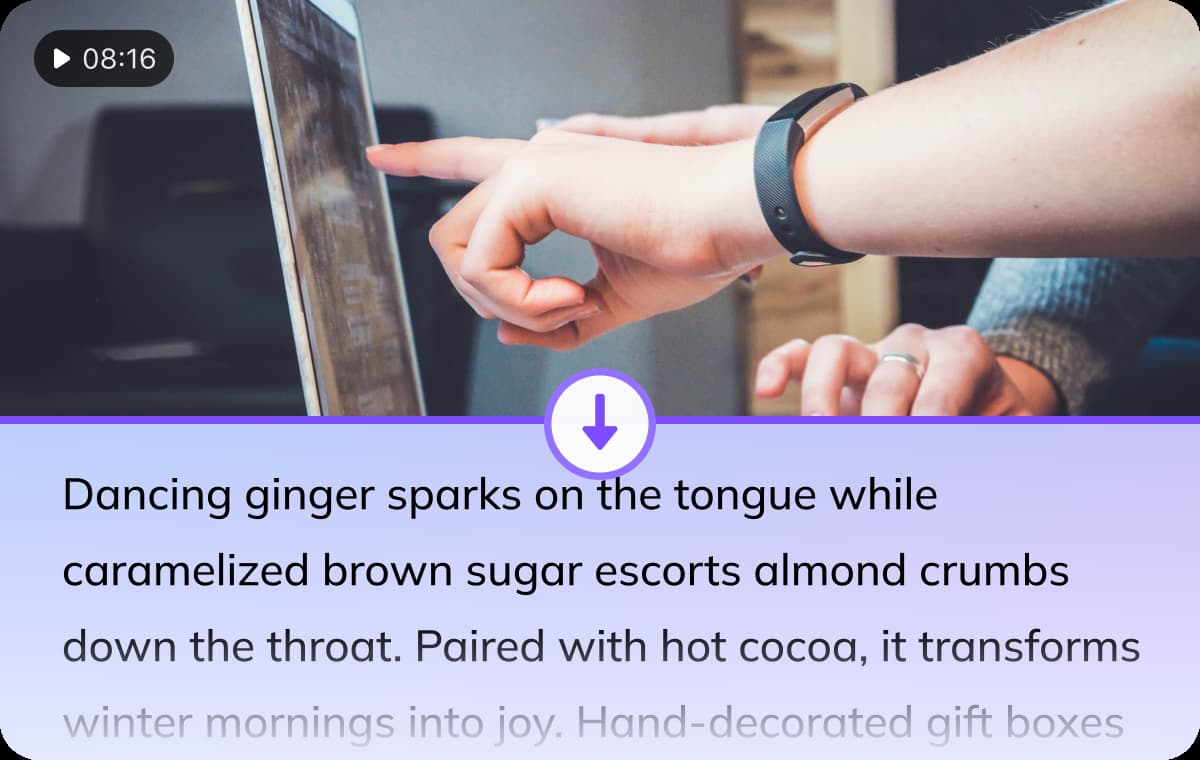
Flexible Settings for Google Drive Video Transcripts
Choose transcription mode between Balanced for speed or Accurate for precision, enable auto detects for number of speakers when transcribing your Google Drive videos. All for high-efficiency.VMEG supports 170+ languages and offers translation options to convert your transcript into multiple languages, including Spanish, French, German, and more. Customize the transcription to match your preferences, making it an ideal tool for global teams or multilingual content.
Try It Now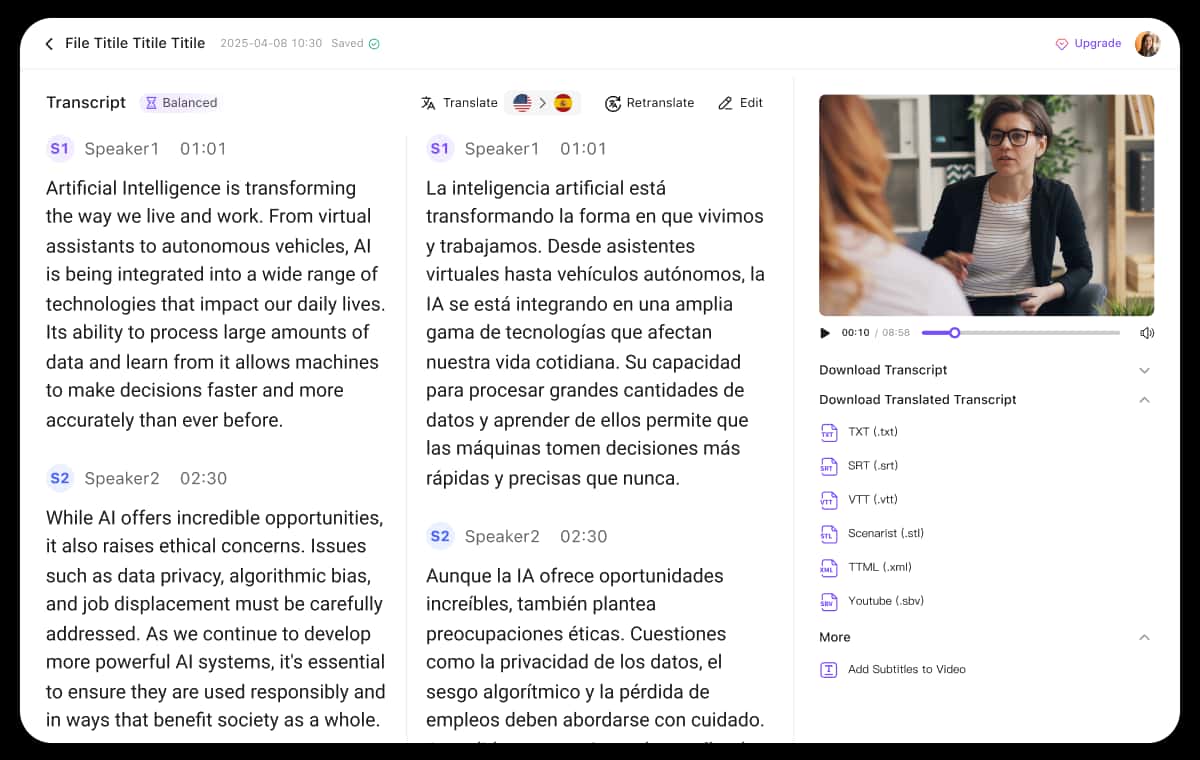
Easy Editing and Multiple Export Options
VMEG provides precise and customizable transcriptions in a fraction of the time compared to manual transcription. Once the transcription is complete, use VMEG’s intuitive editor to fine-tune your transcript.You can adjust timestamps, speaker labels, or wording with ease. Export your transcript in formats like common SRT file, TXT, VTT, TTML, or SBV, so it fits seamlessly into your workflow, whether you're creating subtitles or detailed reports.
Try It NowWho Benefits from Google Drive Video Transcription

Content Creators
Content creators use transcription tools to create accurate subtitles for their videos, building wonderful watching experience. VMEG allows you to directly transcribe Google Drive videos, speeding up the post-production process while ensuring your content is accessible to a wider audience. Transcripts also help improve video visibility on platforms like YouTube, increasing traffic and engagement.

Education & Research
For educators and researchers, transcribing makes video content more accessible and readable. VMEG helps transcribe interviews, lectures, and classroom recordings that stored in Google Drive, creating detailed and searchable notes for further analysis. With accurate transcripts, students and researchers can access materials without barriers for efficient learning process.
Business Enterprises
For businesses, VMEG streamlines operations by transcribing meeting videos, training sessions, and marketing content stored in Google Drive. Transcripts make it easier to create detailed transcripts, documents, and materials. This improves efficiency and saves valuable time, especially for companies with global teams or remote workers.
FAQs about Google Drive Video Transcription
How do I transcribe a Google Drive video to text?
To transcribe a Google Drive video, simply upload the video from your Google Drive or paste its link into VMEG. Then, choose the transcription mode and language settings. Once the transcription is complete, you can edit and export it in various formats.
How accurate is VMEG’s transcription for Google Drive videos?
VMEG uses advanced AI algorithms for accurate transcription, delivering high-quality results. The accuracy can be enhanced by selecting the Accurate transcription mode.
Can I download a transcript from a Google Drive video?
Yes. After transcribing, you can download the transcript in various formats such as TXT, SRT, VTT, TTML, and SBV for easy integration with video or document workflows.
Does VMEG support multiple languages for transcription?
Yes. VMEG supports transcription in 170+ languages, including but not limited to English, Spanish, French, German, and more.
Is there a free tool to transcribe Google Drive videos?
VMEG AI does not currently offer a free trial. New users can purchase a $1.50 trial package to receive 180 credits to try out.
Discover More on VMEG
Related Searches
Google Drive Video Transcription
You can easily transcribe a Google Drive video with VMEG transcript generator. Just upload your video or paste a Google Drive link, and get reliable, editable transcripts in no time.
Try It Now