


Lecture Transcription
How to Transcribe a Lecture into Text
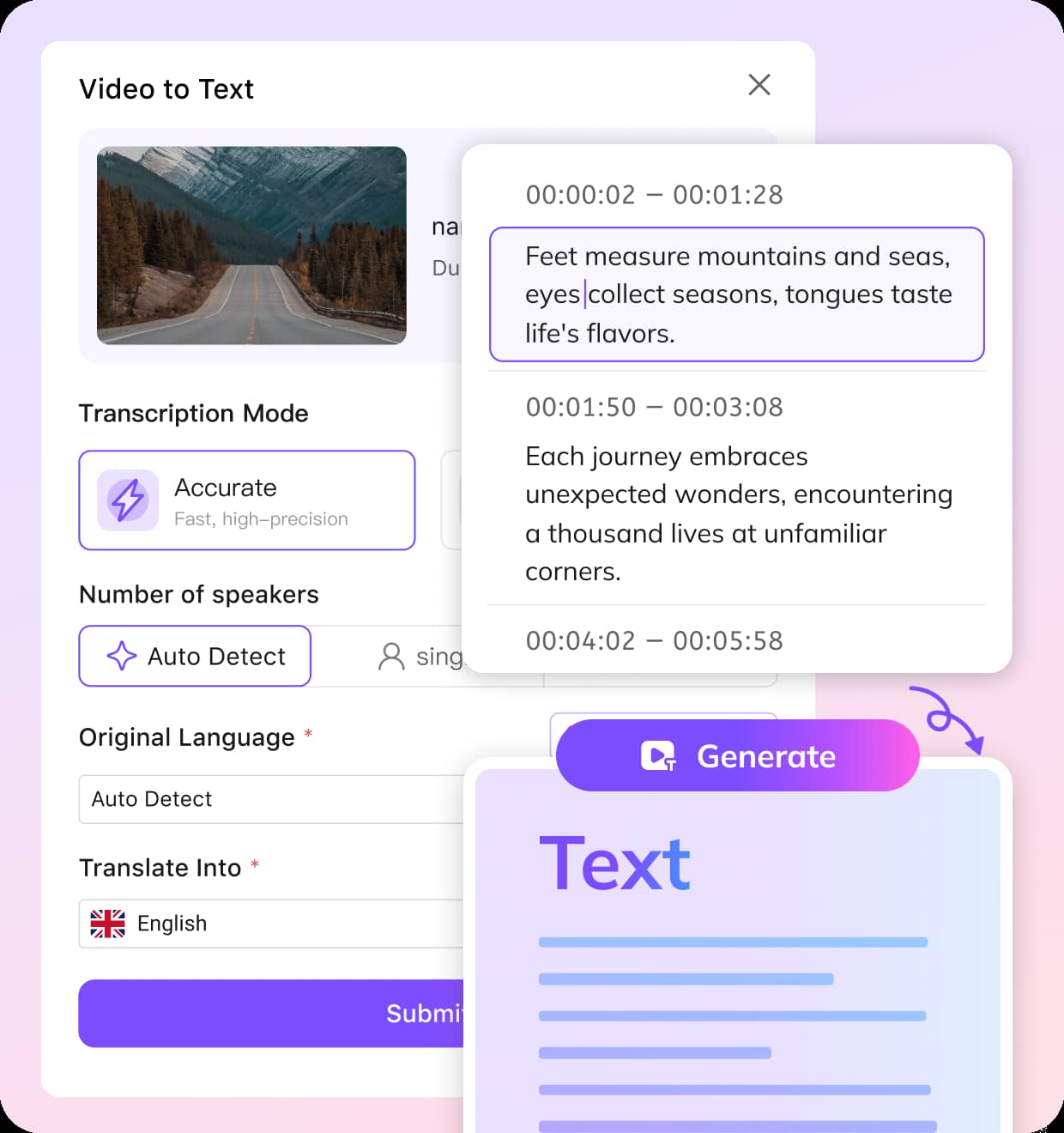
Upload Your Lecture Recording
Upload your lecture video or audio file, or paste a supported link to start the lecture transcription process. The tool supports common formats and is ideal for recorded classes, seminars, and academic presentations.
Generate Lecture Transcription Automatically
The system analyzes the speech and converts the lecture into accurate, structured text. Using advanced AI, it delivers reliable lecture transcription services suitable for educators and academic transcription needs.
Review and Export the Transcript
Open the transcript in the editor to review, adjust formatting, or correct terminology. Once finalized, export the lecture transcription for study notes, research documentation, or course materials.
Key Features of VMEG AI Lecture Transcription
Accurate Lecture Transcription for Academic Content
Lectures often include complex terminology, long explanations, and structured arguments. VMEG’s lecture transcription tool converts recorded lectures into clear and readable text while maintaining the meaning and flow of academic discussions.This makes it easier for educators, researchers, and students to review lessons, archive academic content, and create written resources from recorded classes. It also supports universities that need reliable lecture transcription services for teaching materials.
Transcribe Lecture to Text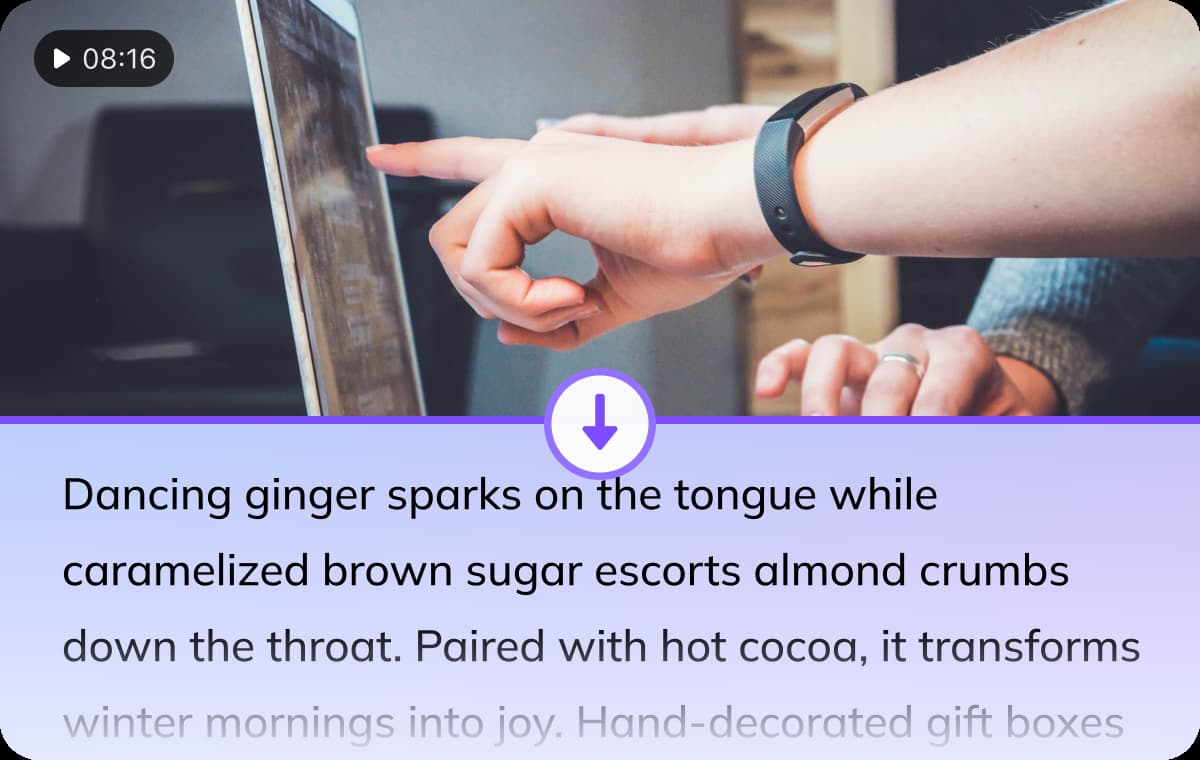
Multi-Language Recognition and Translation
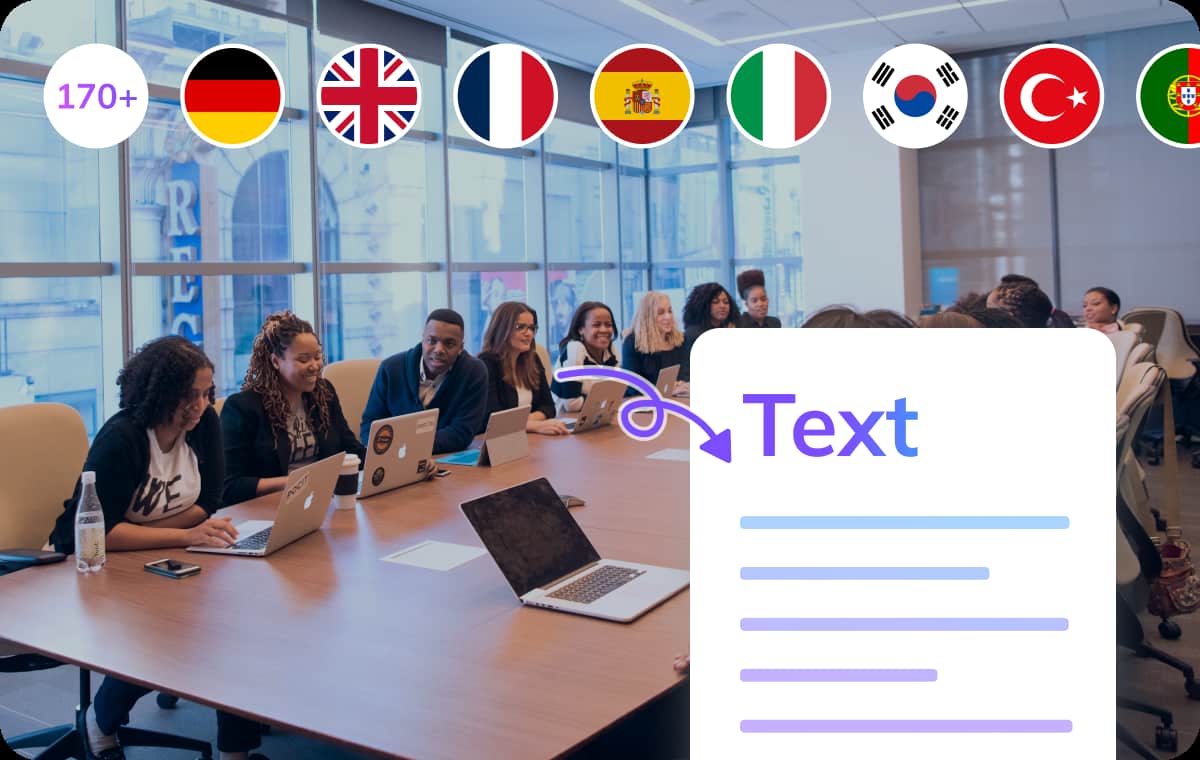
Universities and online learning platforms often serve international students. VMEG supports speech recognition and translation in 170+ languages, enabling lecture recordings to be converted into multilingual transcripts.This capability makes the platform ideal for academic transcription services for lecturers who want to make course materials accessible to global audiences or multilingual classrooms.
Transcribe Lecture to Text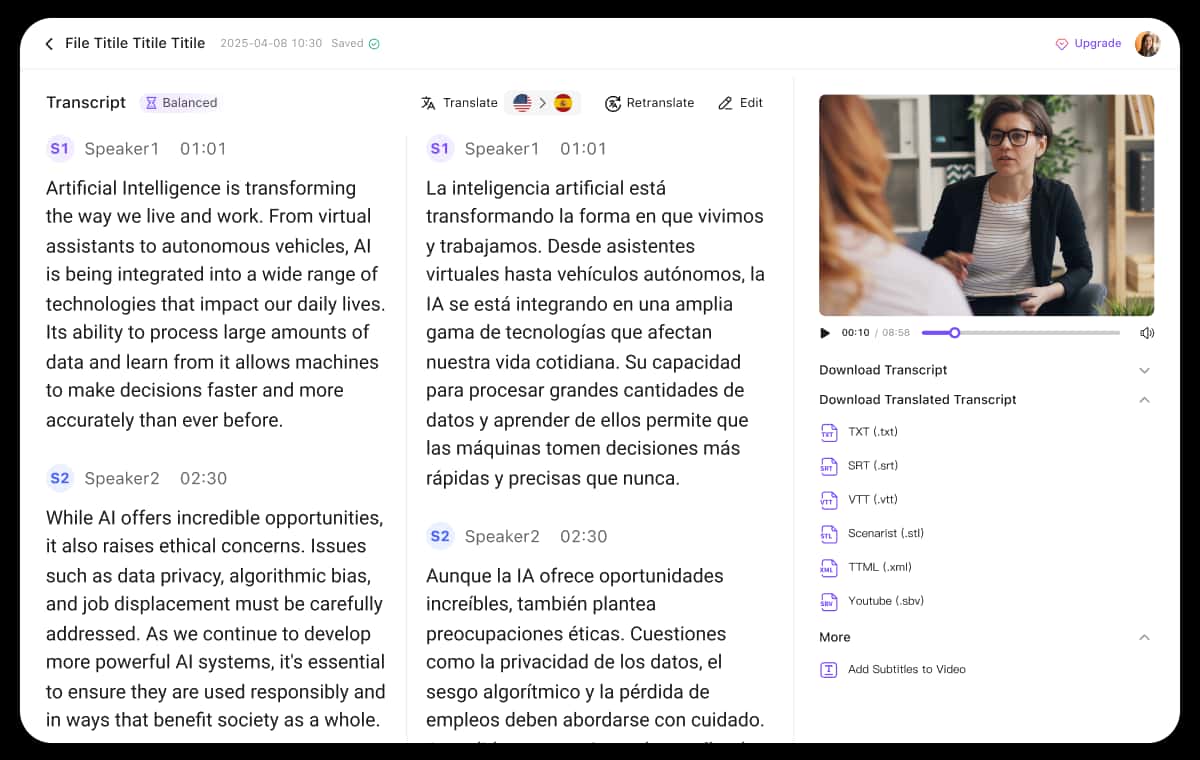
Built-in Editor for Review and Correction
Academic transcripts often require careful review and formatting. VMEG includes a built-in editor that allows users to modify text, correct terminology, and refine transcripts directly within the platform.This makes it easy for lecturers and research teams to polish their lecture transcription results before sharing them with students, publishing course materials, or archiving academic records.
Transcribe Lecture to TextWho Uses Lecture Transcription Tool
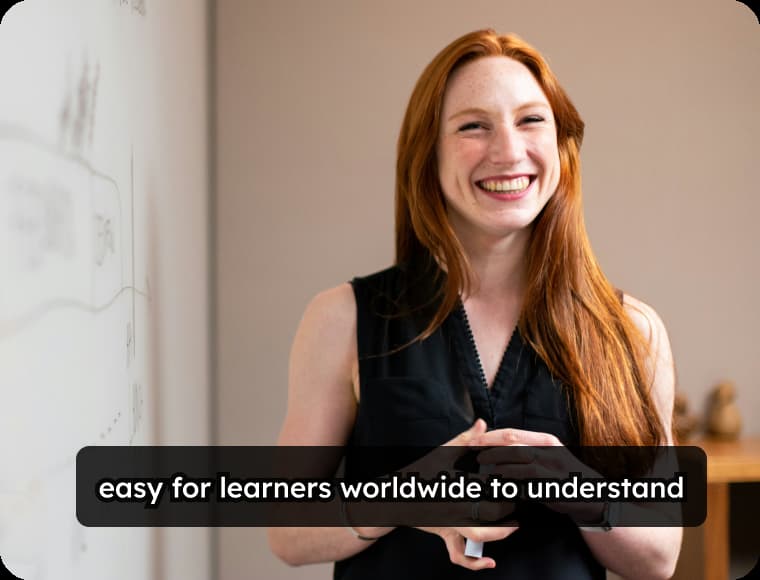
Educators and Academic Institutions
Turn recorded lectures into written transcripts for course materials, archives, and accessibility. This makes it easier for students to review key points after class and keeps academic content organized.

Students and Researchers
Convert lecture recordings into searchable text to highlight important ideas and quotes. Having a transcript helps with studying, note-taking, and referencing information in assignments or research papers.
Training Teams and Professional Organizations
Transcribe seminars, workshops, and internal training sessions to build clear documentation. Written records help teams revisit lessons, share knowledge, and keep training resources consistent.
FAQs about Lecture Transcription
What is lecture transcription?
Lecture transcription is the process of converting recorded lectures or spoken academic content into written text. With VMEG’s lecture transcription tool, educators can quickly turn class recordings, seminars, or academic presentations into clear and searchable transcripts.
Who can benefit from lecture transcription services?
Lecture transcription services are useful for lecturers, universities, researchers, and students. Transcripts make lectures easier to review, help students with note-taking, and improve accessibility for those who prefer reading or need written learning materials.
Can VMEG handle long academic lectures?
Yes. VMEG is designed to process long recordings such as university lectures, conference presentations, and online classes. The system can generate structured lecture transcription results that are easy to read and edit.
What file formats are supported for lecture transcription?
You can upload common audio or video formats used for recorded lectures. After processing, the transcript can be exported as text or subtitle files for further editing or sharing.
Is VMEG suitable for academic transcription services for lecturers?
Yes. VMEG provides fast and scalable academic transcription services for lecturers who need to convert multiple recorded classes into text without spending hours on manual transcription.
Discover More on VMEG
Related Searches
Academic Transcription Services for Lecturers
Convert lectures into accurate text with VMEG AI lecture transcription tool. Ideal for educators and universities needing reliable academic transcription services for lecturers and recorded classes.
Transcribe Lecture to Text