


Convert English Video to Urdu
Easily transform any English content into Urdu with VMEG, an all-in-one video converter that delivers accurate transcription, translation, lifelike dubbing, and ready-to-use subtitles.
Try the demo and experience all features for free
 English
 Spanish
 German
 Russian
 Turkish
 Italian
 Chinese
 French
 Portuguese
 Hindi
Hindi


How to Convert Video from English to Urdu
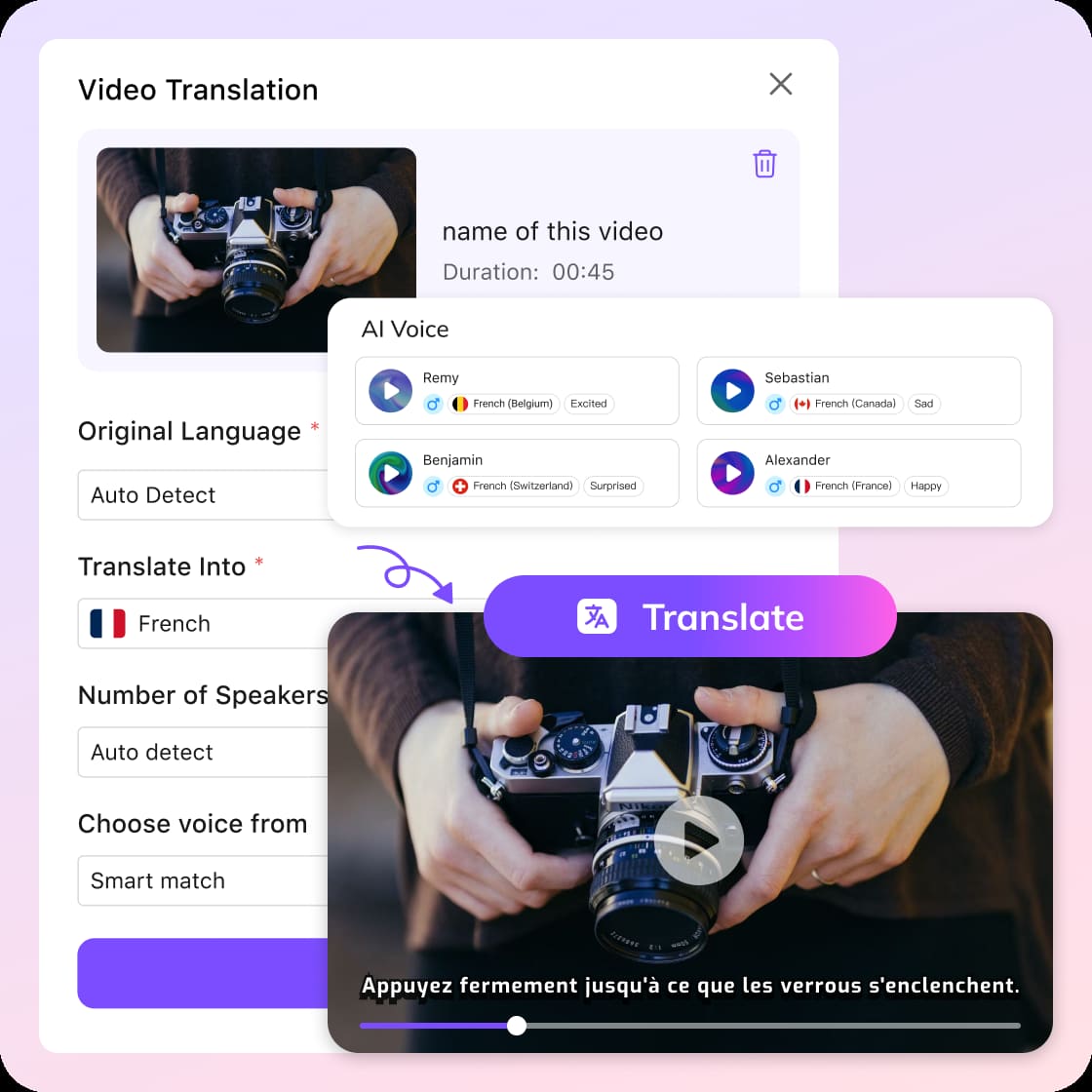
Bring in Your Source Content
Upload your English video or dropping in a URL from platforms like YouTube or Zoom. The system extracts speech and prepares it for processing automatically.
Define Language & Voice Output
Set Urdu as your target language. Then customize how your output sounds—choose voice styles and whether to fine-tune timing or playback speed. Click Submit to start.
Review, Refine, and Export
Once processing is complete, preview how your English video convert to Urdu result looks and sounds. You can tweak subtitles, adjust voice tone, or reprocess before downloading your final MP4, MP3, or SRT.
What Makes VMEG a Strong Choice
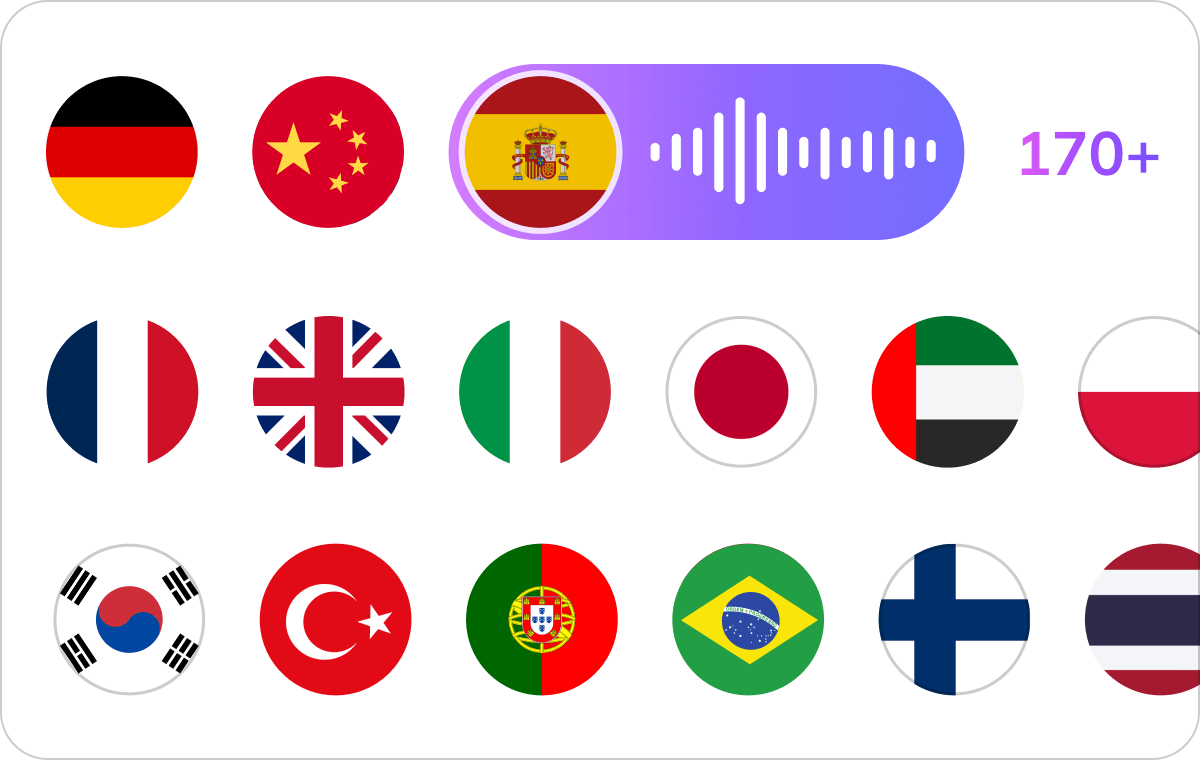
Context-Aware English to Urdu Conversion
VMEG recognizes the English content and translates — it understands context, tone, and sentence structure. English to Urdu conversion ensures your message feels natural and culturally appropriate.Whether you're working on tutorials, ads, or interviews, this level of accuracy helps audiences fully understand and connect. It’s especially important when you translate English video to Urdu online for professional use.
Translate English Video to Urdu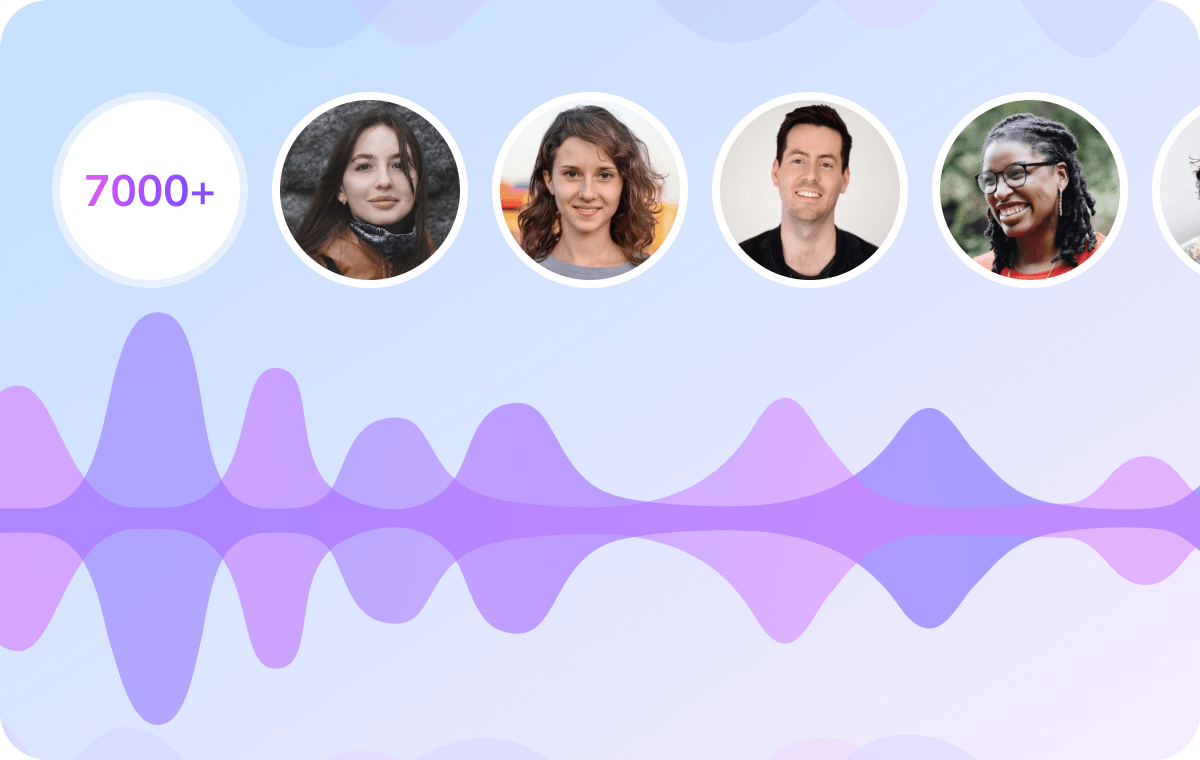
Natural Urdu Voice Cloning & Lip Sync
VMEG recreates your original voice in Urdu using advanced AI voice cloning. This allows your content to sound authentic rather than robotic, preserving personality and emotional tone.And you can choose from a wide range of male and female voices with different emotions. Combined with precise lip-sync alignment, your video looks like it was originally produced in Urdu.
Translate English Video to Urdu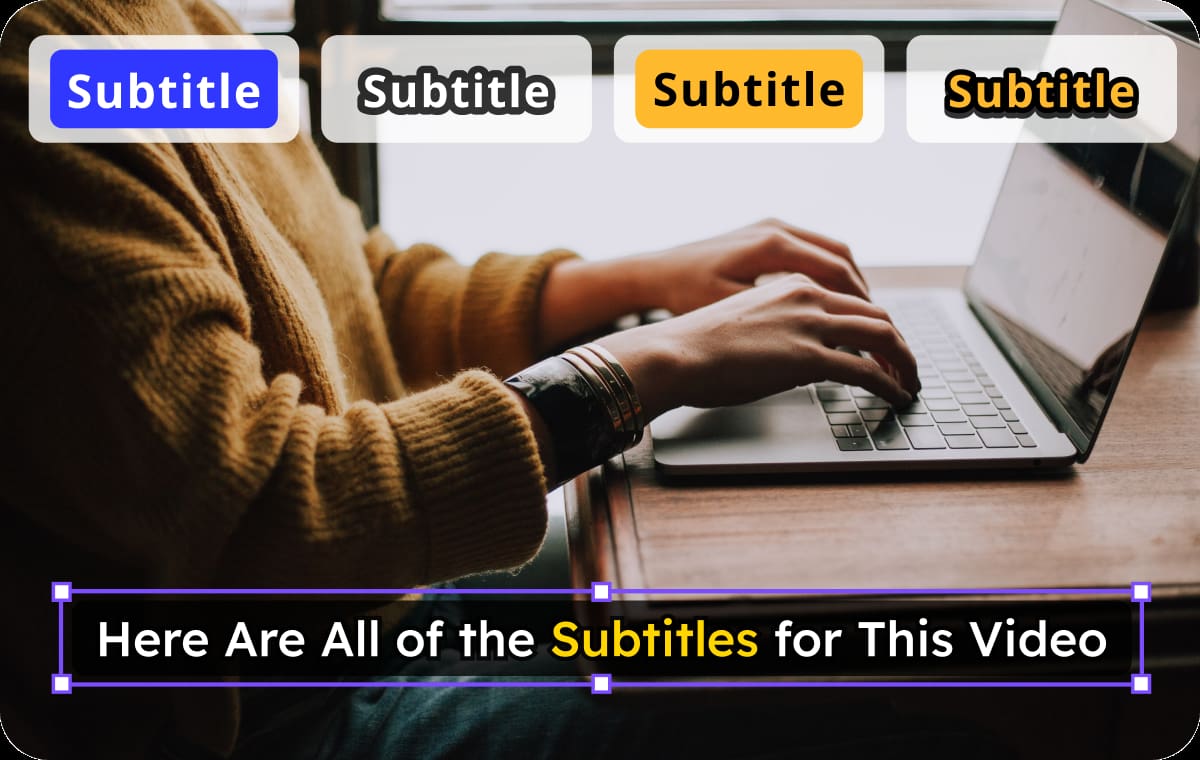
Subtitles, Dubbing, and Full Flexibility
VMEG automatically creates English transcriptions, Urdu subtitles alongside translated audio, giving you multiple ways to present your content. You can embed captions or export them separately depending on your needs.The tool also allows deep customization — edit text, adjust subtitle styles, or switch languages anytime. This flexibility makes it a practical solution for both quick edits and full localization workflows.
Translate English Video to UrduWho Needs an English to Urdu Video Converter

Content Creators Expanding to Urdu Audiences
An English to Urdu video converter helps creators quickly adapt content without manual translation. By adding Urdu subtitles or dubbing, creators can reach new viewers, increase watch time, and improve discoverability across multilingual platforms.

Educators Delivering Multilingual Learning
Teachers and online educators frequently work with English-based materials but teach Urdu-speaking audiences. Converting videos into Urdu makes lessons easier to understand, more inclusive, and improve learning outcomes.

Businesses Entering Urdu-Speaking Markets
Companies expanding into Pakistan or Urdu-speaking communities need localized video content. VMEG simplifies manual language conversion. This helps maintain consistent messaging while improving customer engagement and brand reach efficiently.
FAQs about English to Urdu Video Language Conversion
What is an AI English to Urdu video converter?
It’s an AI tool that converts English video content into Urdu by translating speech, generating subtitles, and creating dubbed audio with natural voices.
How can I translate English video to Urdu online?
Upload your video or paste a link into VMEG, select Urdu as the target language, and start the process.
Can I edit the translated video or subtitles?
Absolutely. You can adjust subtitle text, change voice settings, modify timing, or retranslate the video with different options.
Can I control how the Urdu voice sounds?
You can choose different voice styles, accents, and emotional tones, or clone the original speaker’s voice for consistency.
Will the subtitles match the audio timing?
Yes, subtitles are automatically synced with the audio, and you can fine-tune timing or formatting if needed.
What formats can I download after conversion?
You can export your content as translated MP4 video, MP3 audio, SRT subtitle file, or original English SRT file depending on your needs.
How accurate is English to Urdu translation?
VMEG uses advanced AI models to ensure high accuracy, maintaining context, tone, and meaning across translations.
Translate Videos into More Languages
Discover More on VMEG
Related Searches
Convert English Video to Urdu
VMEG English to Urdu video converter helps you convert and translate English video to Urdu online with accurate subtitles, natural-sounding dubbing, and perfectly synced visuals.
Translate English Video to Urdu